
Social MediaComparison
Creator Insights vs SocialBu: Idea Engine or Everyday Scheduler
Both are $49 social media lifetime deals on AppSumo. Creator Insights helps you research and repurpose. SocialBu schedules, reports and handles the inbox.
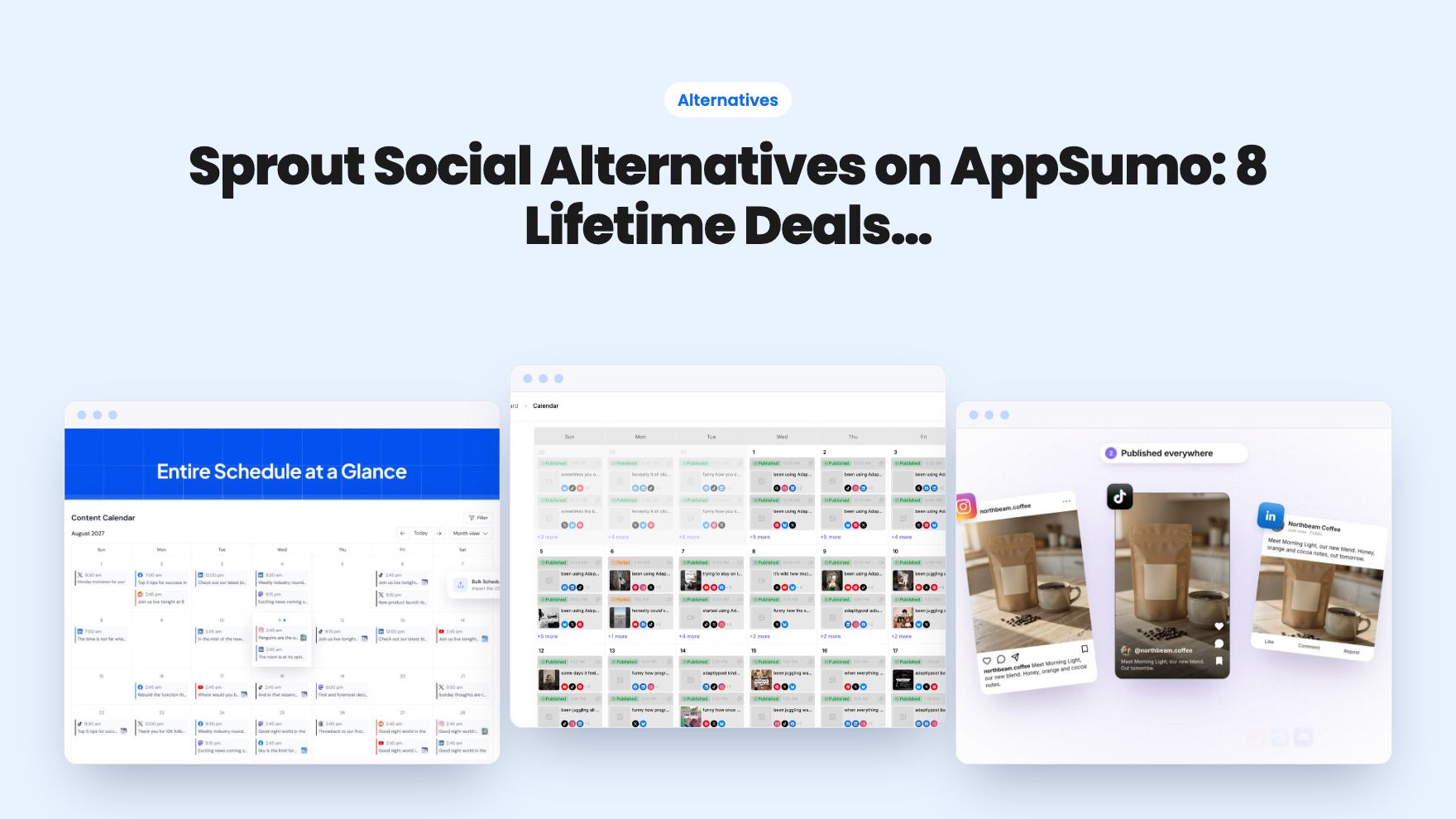
Eight AppSumo lifetime deals that replace a monthly Sprout Social bill for small teams, grouped by need, with the limits and tier quirks spelled out.
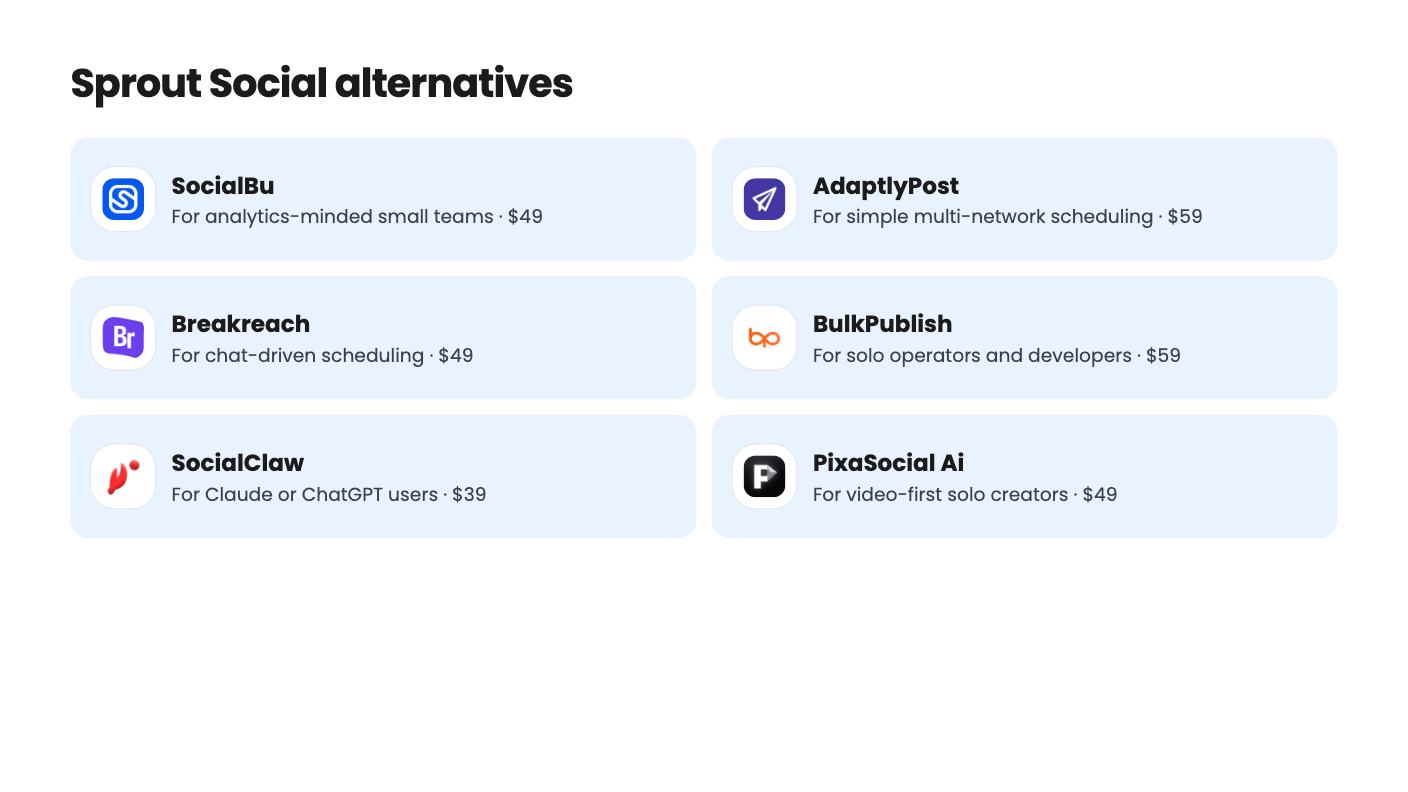
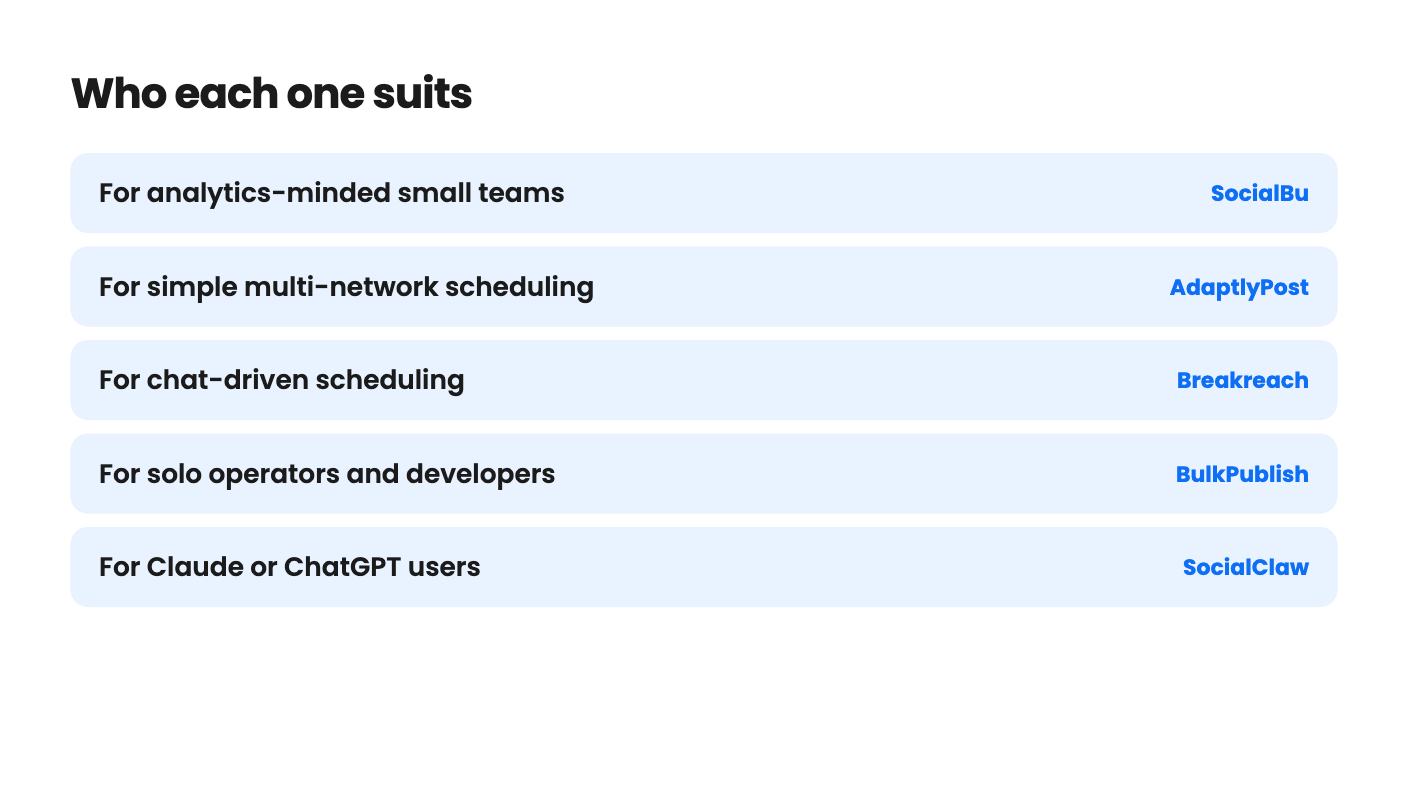
| Tool | Suits | Price |
|---|---|---|
| SocialBu | For analytics-minded small teams | $49 |
| AdaptlyPost | For simple multi-network scheduling | $59 |
| Breakreach | For chat-driven scheduling | $49 |
| BulkPublish | For solo operators and developers | $59 |
| SocialClaw | For Claude or ChatGPT users | $39 |
| PixaSocial Ai | For video-first solo creators | $49 |
| Design Instantly | For small online stores | $59 |
| Creator Insights | For research-led solo creators | $49 |
If you’re paying monthly for Sprout Social and wincing at the invoice, the decision in front of you is simple to state and harder to make. Do you keep a full suite you only half use, or pay once for a scheduler that does less but costs almost nothing to keep? All eight tools below are listed on AppSumo as Sprout alternatives, and none of them is a like-for-like replacement.
We haven’t tested any of them hands-on. What follows is what the listings show, including the parts they leave out.
Sprout is known for deep reporting, team approvals and a shared inbox. Those are the features lifetime-deal tools tend to skip or thin out. So before you look at prices, decide which of those three you actually use.
If the answer is none, you’re the target buyer here. Most small businesses we’d describe this way post a few times a week and glance at a number or two.
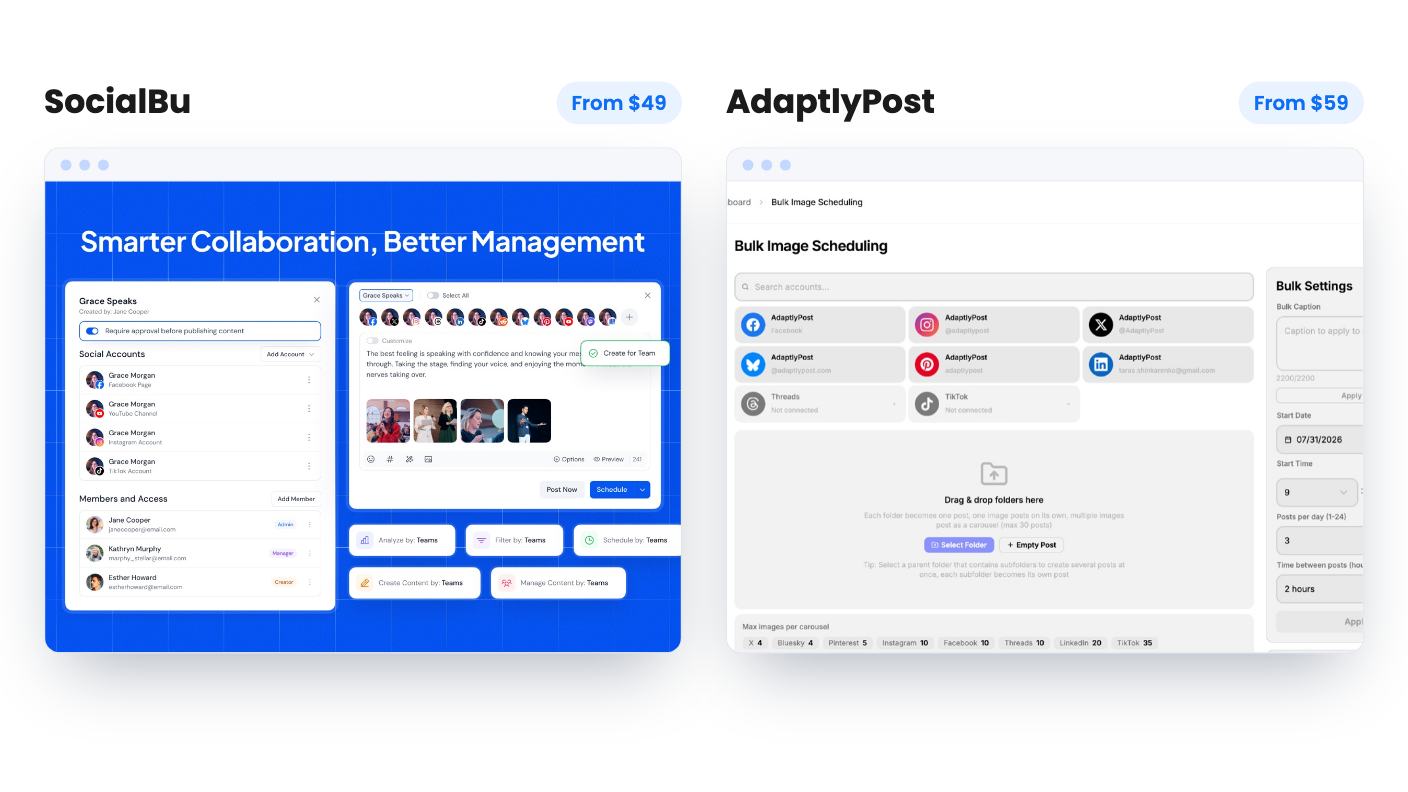
SocialBu is the closest in spirit. It’s $49, schedules to 12+ networks from one composer, and the demo shows network-specific analytics, including LinkedIn demographic reports. The catch is the first tier: no automations, no MCP server, no Listen, no Content Curation. The plan table is also unlabeled, and some numbers look inconsistent, so read it twice before paying for anything above the entry plan.
AdaptlyPost costs $59 and covers nine platforms, including Threads, Bluesky and Pinterest. Bulk upload handles up to 100 videos or 30 image posts per session, and there’s a 60-day refund. What bothers us is that the listing never says what a credit buys, and some higher tiers show fewer credits or accounts than lower ones. Analytics aren’t described as a feature at all.
Breakreach goes wider, with 20 networks including Instagram, TikTok, LinkedIn, YouTube and X, for $49. You can schedule by asking ChatGPT or Claude, no API key needed. The smallest tier has no DM automations, just 5 connected accounts and 50 AI messages a month. The listing also doesn’t say which price matches which column of limits, which is a real problem when you’re choosing a tier.
SocialClaw is built for people already working with Claude or ChatGPT. It’s $39, with a native MCP server, CLI and REST API next to a dashboard. Clients connect their accounts by link, so nobody shares passwords, which agencies will like. The limits are blunt, though: 3 accounts and 2,000 posts as a lifetime total, with only 200 for X. That’s a pool, not a monthly allowance, so a busy schedule will drain it. The listing says nothing about analytics or approvals, and it’s inconsistent on Reddit.
BulkPublish is $59 for 15 networks, with a REST API, SDKs and a hosted MCP server. CSV import, RSS auto-publish and recurring posts are built in. It’s a solo tool, though: one channel per platform, one organization, one user. Twenty posts a day and 1 GB of media storage get tight if you post video. X runs on pay-as-you-go credits and the listing doesn’t spell out the cost, so don’t assume X is covered.
Both of these only make sense if you’ll actually use the API or an agent. If you won’t, skip them.
Sprout doesn’t write your posts, and these three try to.
Creator Insights mixes viral-content research, AI scripting and posting to 14+ platforms, including Reddit, Quora, Medium and Substack, for $49. Competitor tracking comes with the first tier. But credits are one-time, the listing never says what an action costs, and content storage expires after 30 to 60 days. Viral discovery covers only Instagram and YouTube, and with two reviews it’s a young product.
PixaSocial Ai is $49 and pairs publishing to 12 networks with Reel Factory, which cuts long videos into captioned shorts and translates in 60+ languages. A Canva-style Media Studio is included. Two cautions: included usage lasts 12 months before you pay for top-ups, and there’s no Facebook or TikTok scheduling. Higher tiers also show fewer accounts and clips, which looks like a mistake in the table.
Design Instantly starts at $59 and is aimed squarely at stores. It imports products from Shopify, Etsy and WooCommerce and builds template-based posts for Instagram, Facebook and Pinterest. Template generations renew monthly, from 300 to 3,000 by tier. AI credits don’t renew, and Recreate costs 4 each, so treat AI images as a limited bonus. The $59 tier allows a single brand workspace.
Start with where your audience is. If you need Facebook or TikTok, PixaSocial is out. If you need X, look hard at BulkPublish’s costs and SocialClaw’s 200-post cap.
Then take advantage of the refund windows where they exist. AdaptlyPost, Breakreach and BulkPublish all list 60 days, which is enough time to connect your real accounts and see whether the limits fit. Several listings have confusing tier tables, so confirm the numbers with the seller before moving up a tier.
If you truly need approvals, a busy shared inbox or board-ready reports, none of these listings promises them. Keeping Sprout may be the honest answer.
Only partly. Sprout is a full suite, and the tools here mostly cover scheduling and some analytics. If you rely on approval workflows, a shared inbox or deep reporting, check each listing first, because several don't mention them.
Some are young products with only a couple of AppSumo reviews and no demo video. Several offer 60-day refund windows, so use that time to check the limits and the tier table before you commit.
SocialBu is the nearest on paper, since its listing describes analytics, an inbox and a calendar. The listing also flags that the inbox is unproven and the plan table is unlabeled, so verify before buying.
How this article was made: researched from each tool's official listing and our reviews of it, and written with help from AI. We have not tested these tools hands-on. Prices and deal terms change, so check AppSumo before you buy. See our affiliate disclosure.
Both are $49 social media lifetime deals on AppSumo. Creator Insights helps you research and repurpose. SocialBu schedules, reports and handles the inbox.
Ten AppSumo lifetime deals for small businesses, from booking and forms to SEO and outreach, with the limits and tier quirks each listing shows.
Both are $49 AppSumo deals for social media. Creator Insights is built for research and scripting, PixaSocial Ai for cutting long video into shorts.

