
Social MediaComparison
Creator Insights vs SocialBu: Idea Engine or Everyday Scheduler
Both are $49 social media lifetime deals on AppSumo. Creator Insights helps you research and repurpose. SocialBu schedules, reports and handles the inbox.
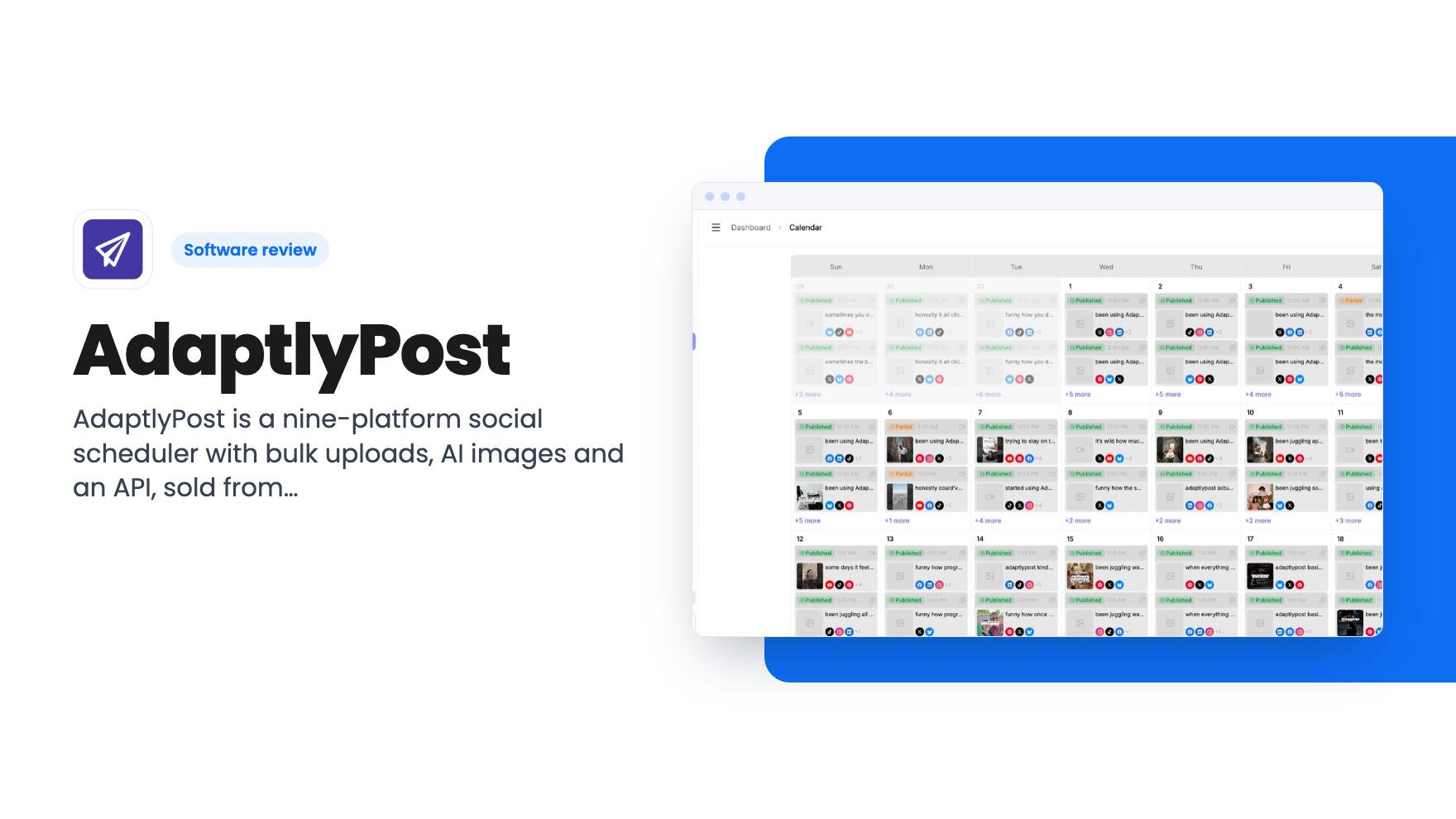
AdaptlyPost is a nine-platform social scheduler with bulk uploads, AI images and an API, sold from $59 on AppSumo. Here's what the listing leaves unclear.
Lifetime deal price
$59$19069% off
Lifetime Deal
Our take: Solo creators and small businesses that mostly need to schedule posts across several networks should find the $59 tier a low-risk bet, especially with the 60-day refund window. Skip it if you need serious analytics, approval workflows or a big team on the entry plan. The tier table in the listing also looks inconsistent, so confirm the numbers before you pay for a higher tier.
Picture Monday morning for a small business owner with a Facebook Page, an Instagram account, a LinkedIn profile and a TikTok that hasn’t been touched in weeks. That’s four logins, four composers and four sets of caption quirks before you’ve written a single useful post. AdaptlyPost is a scheduler built to fold all of that into one calendar, and it’s currently on AppSumo as a lifetime deal starting at $59.
We haven’t used it. What follows comes from the listing, so treat it as a buyer’s read of the claims rather than a field report.
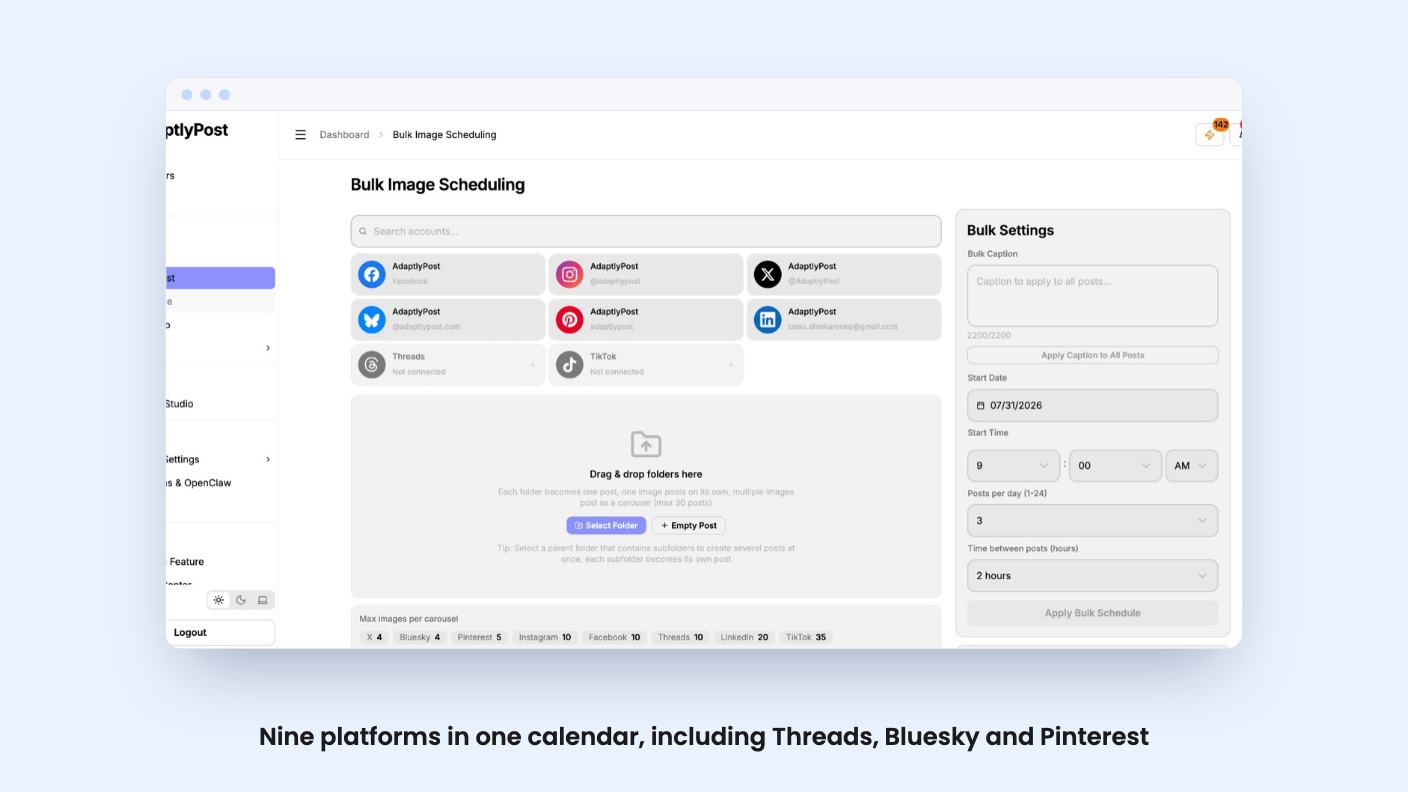
The listing’s FAQ says AdaptlyPost supports nine platforms: X, LinkedIn, Instagram, Facebook, TikTok, YouTube, Pinterest, Threads and Bluesky. The integration badges on the AppSumo page list only five of those, so don’t be thrown if the headline list looks shorter than the real one.
Accounts connect through OAuth. In plain terms, you log in on each platform’s own page and AdaptlyPost never sees your password. That’s standard, and it’s what you’d want.
AppSumo pitches it as an alternative to Buffer, Hootsuite and Sprout Social. Those are mature products with years of polish. The listing doesn’t say how old AdaptlyPost is or how big the team behind it is, and for a lifetime deal that’s the thing to wonder about first.
The core is a visual calendar where you map out weeks or months of content. You can preview and tailor each post per platform, so the LinkedIn version doesn’t have to carry the Instagram hashtag pile. There’s also an auto-schedule option that picks posting times based on your audience. The listing doesn’t explain how it decides, or whether it learns from your own account data. Take it as a convenience, not a strategy.
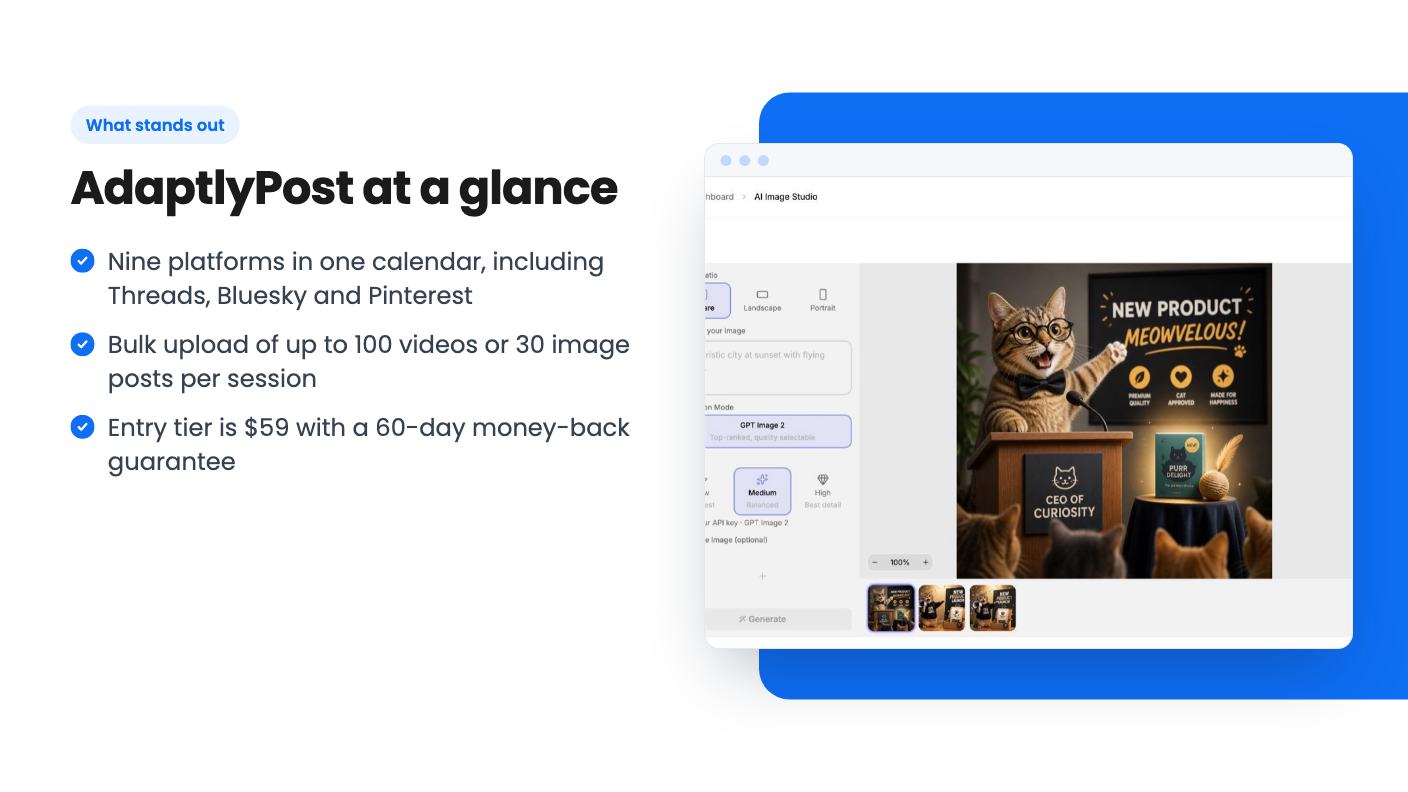
Bulk scheduling is the feature most likely to save real hours. Per the FAQ, you can upload up to 100 videos or 30 image posts per session, set platform-specific details for each, and schedule them all at once. If you batch-record content on one afternoon each month, that cap is generous.
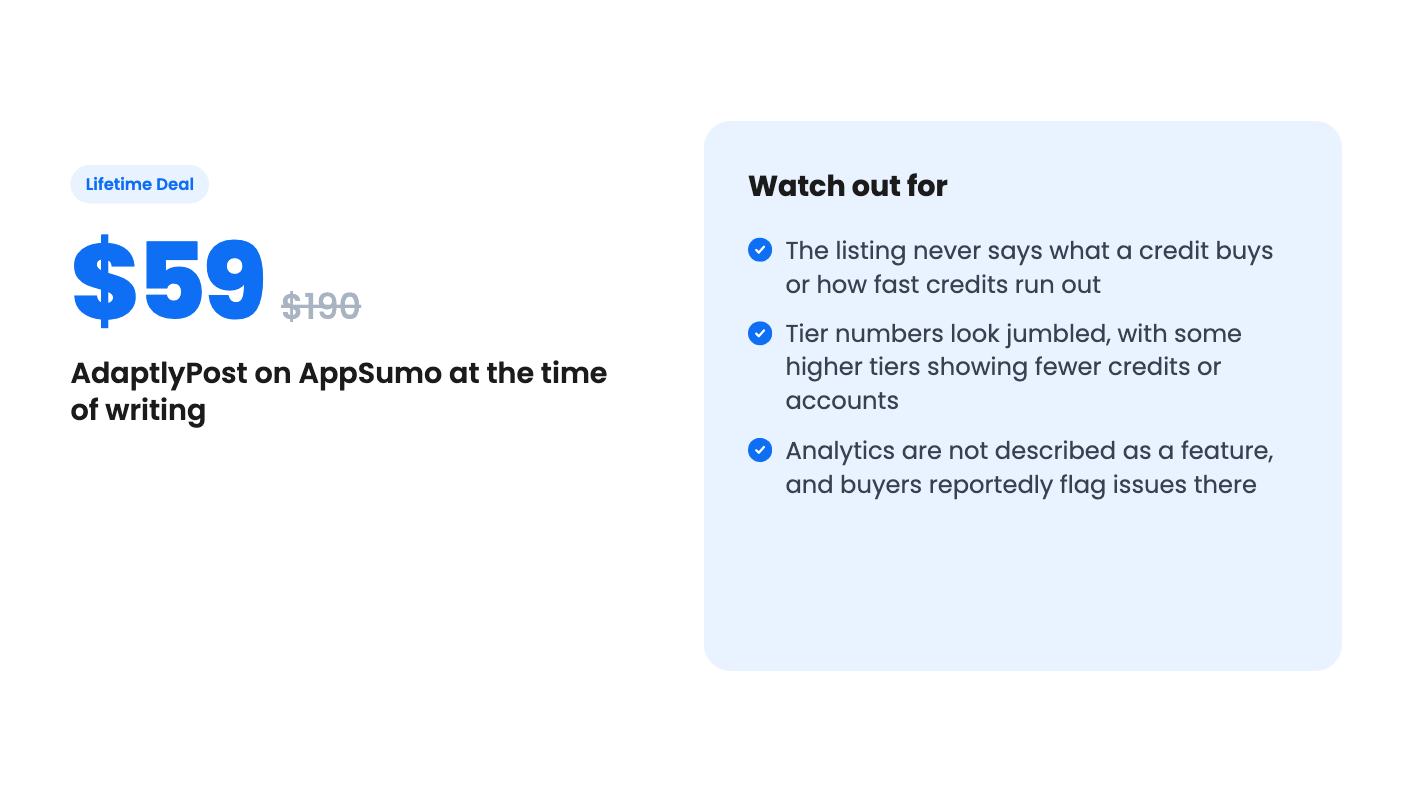
Now the gaps. Analytics aren’t listed as a feature at all, and AppSumo’s own summary of reviews admits some buyers had issues with analytics and formatting quirks. The listing also says nothing about approval workflows, a unified inbox for replies, or social listening. Those are the things Sprout Social charges for. If you need them, this isn’t the tool.
AdaptlyPost generates social images from a text prompt, lets you edit, resize or regenerate them, and exports in the right dimensions for each platform. AppSumo’s summary also mentions AI help for captions. Useful if you don’t have a designer, though the listing shows no sample output, so we can’t say how good the images look.
The credit system is where the listing gets vague. Every plan has a monthly credit allowance, from 200 to 5,000, but nothing explains what a credit buys. Does an image cost one credit or ten? Do captions draw from the same pool? Does scheduling itself cost anything? Until that’s spelled out, you can’t judge whether 600 credits is plenty or gone by the second week.
The API side is more concrete. You generate a token under Settings > API Tokens, and the listing says you can connect AI assistants such as Claude Code or Cursor, plus OpenClaw-powered agents, to schedule and publish with plain-English commands. If you already automate parts of your business, that’s a real hook. If you don’t, it’s a nice extra you’ll probably never touch.
All five tiers are lifetime access to the mapped plan (Creator for tier 1, Pro for tier 2, Enterprise for tiers 3 to 5) plus future updates to that plan. No stacking codes. Here’s what the listing shows:
Look closely and tier 2 has fewer credits than tier 1, while tier 3 has fewer accounts than tier 1. That could be a copy error in the listing or some odd packaging. Either way, ask the seller or check the plan page before paying for anything above $59.
The list prices are also worth ignoring. Nobody’s paying $190 for the entry plan, so the discount is a framing device. Judge the $59 on what it replaces in your monthly software bill.
The terms are friendly. You have 60 days to activate your license, a 60-day money-back guarantee, the option to upgrade between tiers while the deal runs, and the option to downgrade within 60 days of purchase. That makes tier 1 a low-risk way to find out whether it fits.
The FAQ spends a lot of space on connection trouble. Instagram needs a Business or Creator account linked to a Facebook Page. Facebook needs admin access to the Page, connected through the personal account that administers it. If Instagram posts fail, the suggested fix is hitting Refresh Instagram in the Accounts section.
That’s not unusual, since Meta’s rules make life hard for every scheduler. But it tells you where support questions pile up, and you should expect to babysit the Instagram connection now and then.
AppSumo shows 167 reviews at 4.90 out of 5, though AppSumo’s own summary says 164 in one place. Lifetime deal reviews tend to skew warm, because buyers often post early, before a tool has been through a full year of platform changes. A high score is encouraging, not proof.
Skip it if you run a team on the entry tier, because tier 1 has one seat. Skip it if reporting matters to your clients, or if you need approvals, an inbox or listening tools. And skip it if the idea of betting on a young company’s long-term survival makes you uneasy, since a lifetime deal only lasts as long as the product does.
If you’re a solo creator or a small shop that mainly needs to get posts out across several networks without opening six tabs, the $59 tier is a fair gamble. Connect your real accounts early, queue a week of posts, and test the AI features against your credit count while the 60-day refund window is still open.
According to the listing's FAQ, nine: X (Twitter), LinkedIn, Instagram, Facebook, TikTok, YouTube, Pinterest, Threads and Bluesky. The integration badges on the AppSumo page only show five, so the FAQ is the better guide.
The listing says you can upload up to 100 videos or 30 image posts per session. You can set platform-specific captions, hashtags and times for each post before scheduling the whole batch.
Yes. The listing mentions a 60-day money-back guarantee, and you must activate your license within 60 days of purchase. You can downgrade between tiers within 60 days and upgrade while the deal is available.
How this review was made: researched from AdaptlyPost's official listing, and written with help from AI. We have not tested AdaptlyPost hands-on yet. Prices and deal terms change, so check AppSumo before you buy. See our affiliate disclosure.
Both are $49 social media lifetime deals on AppSumo. Creator Insights helps you research and repurpose. SocialBu schedules, reports and handles the inbox.
Ten AppSumo lifetime deals for small businesses, from booking and forms to SEO and outreach, with the limits and tier quirks each listing shows.
Both are $49 AppSumo deals for social media. Creator Insights is built for research and scripting, PixaSocial Ai for cutting long video into shorts.

