Social MediaComparison
Creator Insights vs SocialBu: Idea Engine or Everyday Scheduler
Both are $49 social media lifetime deals on AppSumo. Creator Insights helps you research and repurpose. SocialBu schedules, reports and handles the inbox.
Both are $49 AppSumo deals for social media. Creator Insights is built for research and scripting, PixaSocial Ai for cutting long video into shorts.

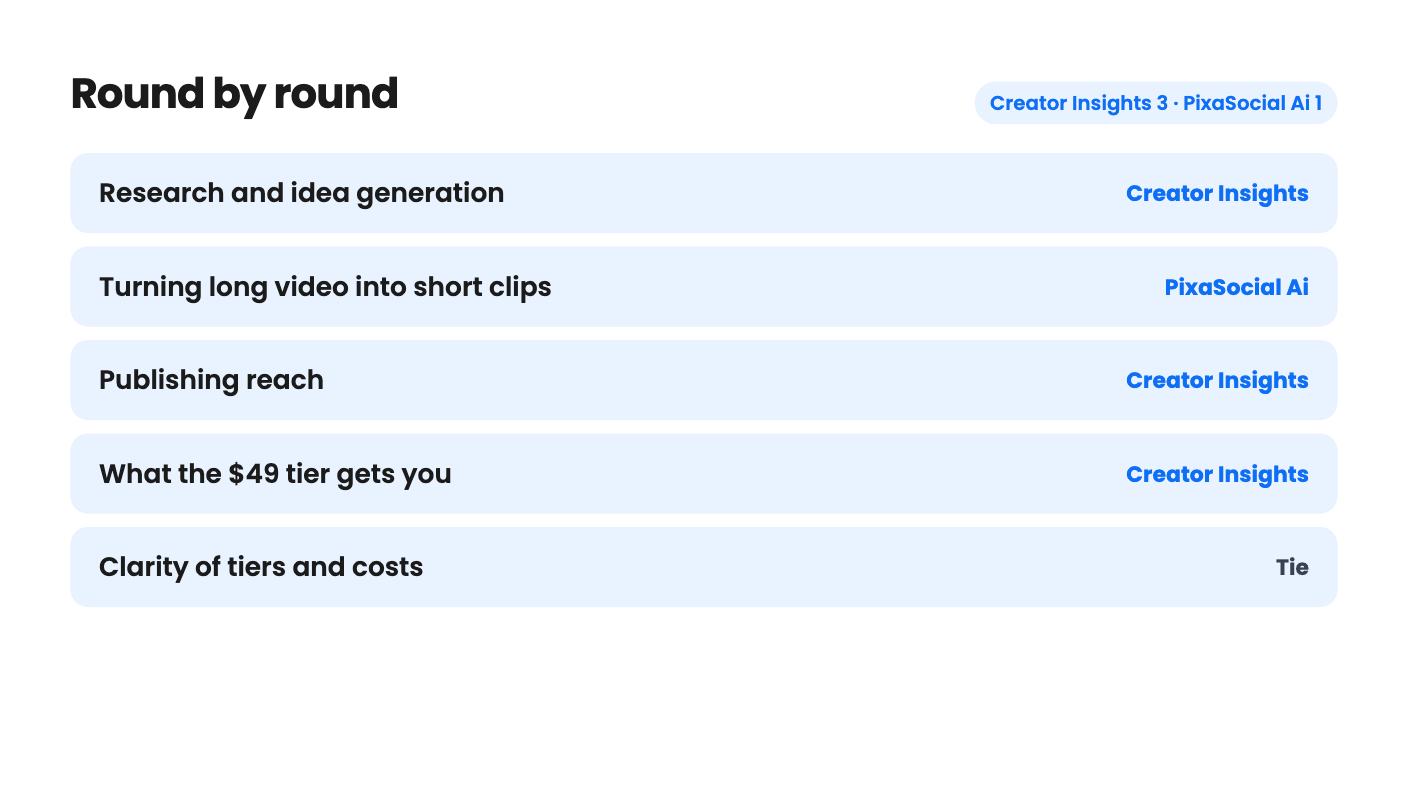
Creator Insights takes 3 rounds, PixaSocial Ai takes 1.
| Round | Winner | Why |
|---|---|---|
| Research and idea generation | Creator Insights | Creator Insights finds viral Instagram and YouTube videos, audits creators and tracks 10 to 60 competitors; PixaSocial's audience modules come with no examples. |
| Turning long video into short clips | PixaSocial Ai | Reel Factory makes captioned shorts with transcription and translation in 60+ languages, while Creator Insights lists no clip cutting. |
| Publishing reach | Creator Insights | Creator Insights names Facebook, TikTok, LinkedIn and X among 14+ platforms, but PixaSocial's 12 networks leave out Facebook and TikTok. |
| What the $49 tier gets you | Creator Insights | Creator Insights Tier 1 includes 15 social connections, whereas PixaSocial's $49 tier lists no connected accounts and no posts. |
| Clarity of tiers and costs | Tie | Creator Insights never says what a credit buys, and PixaSocial's tiers give you less as you pay more, with no top-up prices shown. |
| Creator Insights | PixaSocial Ai | |
|---|---|---|
| Starts at | $49 | $49 |
| List price | Not listed | $120 |
| Plan | Lifetime Deal | Lifetime Deal |
| Deal ends | Not listed | Not listed |
| Best for | Content creators, Marketing agencies, Social media marketers | Content creators, Social media managers, Social media marketers |
| Alternative to | Buffer, Hootsuite, Sprout Social, Buffer | Buffer, Hootsuite, Sprout Social, Buffer |
You’ve got one good video recorded and a week of posting to fill. Two AppSumo lifetime deals both start at $49 and both say they’ll help with that week. They start from opposite ends, though, and that difference decides which one you should buy.
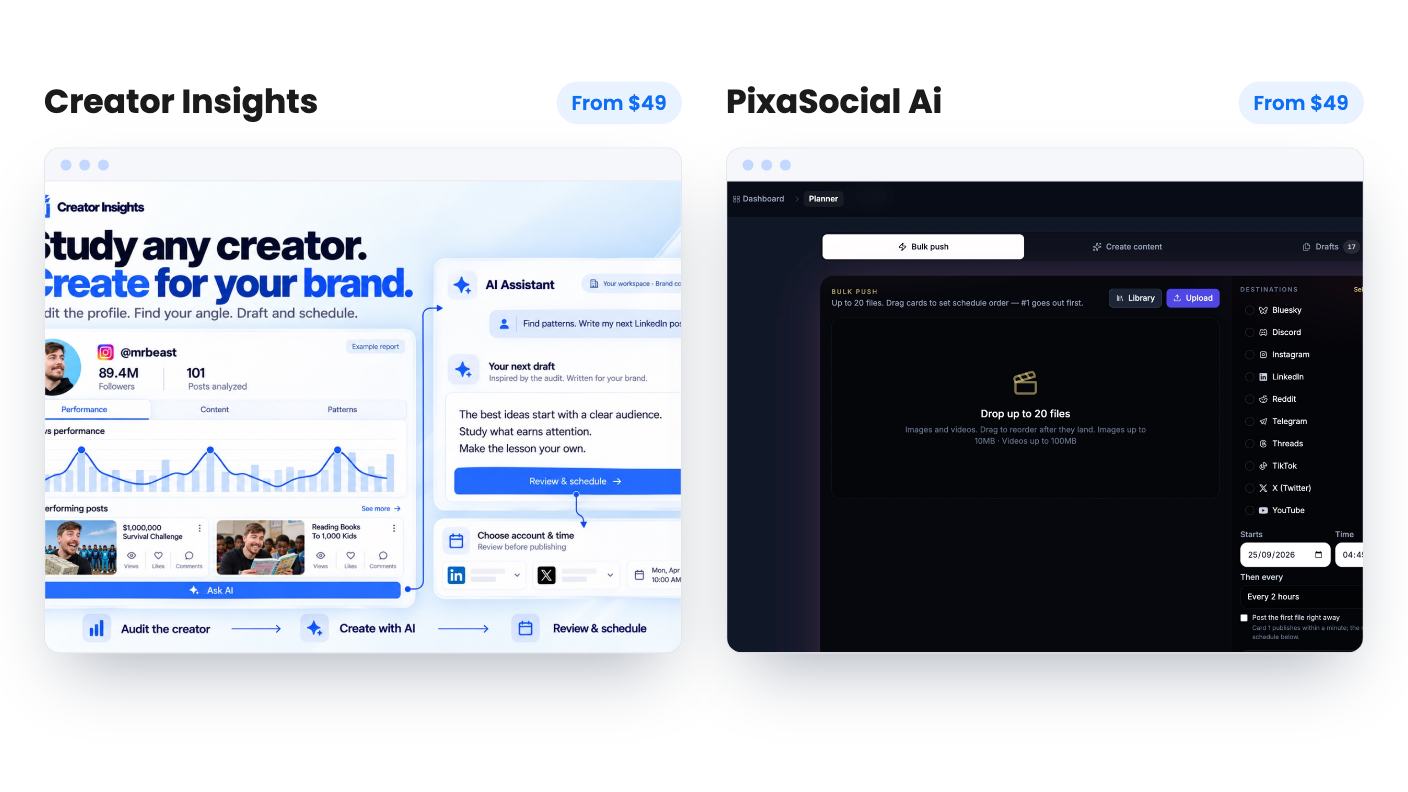
Creator Insights starts before you hit record. PixaSocial Ai starts after. We haven’t used either, so everything below comes from the listings and the sellers’ own descriptions.
Creator Insights is a research and repurposing tool. You search a niche or keyword, and it surfaces viral videos from Instagram and YouTube. You can audit a creator’s profile, save their best videos to a Canvas board, and ask the AI to break down hooks and structure. Then it helps you write scripts from those references and publishes the result.
PixaSocial Ai is closer to a production tool. Its clearest feature is Reel Factory, which turns a long video into captioned shorts. Add a Media Studio for editing images and video, plus publishing to 12 networks, and the pitch is one login for the whole post-recording routine.
So the real question is where your bottleneck sits. If you don’t know what to make, Creator Insights is aimed at you. If you have footage piling up and no time to cut it, PixaSocial is.
Creator Insights has a sensible idea at its center. Canvas lets you pile real examples into one board and then ask the AI questions about them, instead of prompting a chatbot from nothing. It also tracks creators as competitors, from 10 on Tier 1 up to 60 on Tier 3. The research side has a clear limit, though. Discovery covers Instagram and YouTube only, so a TikTok-heavy niche means researching elsewhere.
PixaSocial’s Reel Factory is the best described feature across both listings. It detects the spoken language, transcribes it and can translate into 60+ languages. If you record podcasts or webinars, that’s a real time saver. The listing is upfront that it isn’t prompt-to-video. You need footage first, and AI video generation uses top-up credits.
PixaSocial also lists audience modules: psychographics, personas, Operators, Blueprint and a Feedback Simulator. Operators and Blueprint are named and never explained. There’s no example output and no word on what data feeds them. We’d treat them as a possible bonus, not a reason to pay.
Creator Insights lists 14+ platforms: Instagram, YouTube, TikTok, Facebook, LinkedIn, X, Threads, Pinterest, Bluesky, Tumblr, Reddit, Medium, Substack and Quora. It can also reshape a video into a blog or Substack post and draft Reddit and Quora answers. Those drafts are risky if they exist mainly to push a link, because both communities tend to dislike obvious promotion. The listing doesn’t say how much control you get over them.
There’s a mismatch to check, too. The integrations line names only Facebook, Instagram, Pinterest and YouTube, while the FAQ lists far more. Ask which platforms publish directly.
PixaSocial’s 12 networks are X, Instagram, Threads, LinkedIn, YouTube, Reddit, Telegram, Pinterest, Mastodon, WordPress, Bluesky and Discord. That’s a good spread if you want Bluesky or WordPress in the same queue as LinkedIn. But Facebook and TikTok aren’t on it, and the integrations field names TikTok anyway. The listing contradicts itself, so confirm before buying if either network matters to you.
Here’s Creator Insights. Every tier is a one-time payment with lifetime access.
| Tier 1 | Tier 2 | Tier 3 | |
|---|---|---|---|
| Price | $49 | $139 | $319 |
| One-time credits | 2,000 | 6,000 | 15,000 |
| Social connections | 15 | 45 | 100 |
| Competitor tracking | 10 | 30 | 60 |
| Storage and expiry | 60 days | 60 days | 30 days |
The weak spot is the credits. The listing never says what a search, a transcript, a script or a published post costs. So 2,000 credits might last months or a weekend, and we can’t tell you which. Storage expiry of 30 to 60 days also matters if you want to keep research boards, and Tier 3 oddly gets the shorter window.
PixaSocial has four tiers at $49, $99, $199 and $349, and the table is strange. Tier 1 shows no connected accounts and no posts per month, and no Reel Factory. Tier 2 gets 15 accounts, 100 posts a month and 360 clips a year. Tier 3 drops to 12 accounts, 50 posts and 120 clips. Tier 4 drops to 10 accounts, 60 posts and no Reel Factory at all.
Paying more gets you less of the things most buyers want. The higher tiers do get bigger image generation limits, so it may be deliberate, or it may be a listing error. Either way, the $49 headline looks like an editor without publishing, which makes Tier 2 at $99 the practical entry point.
Both deals are lifetime in name and limited in practice. Creator Insights credits are described as one-time, and nothing says they renew. PixaSocial’s platform access and core modules are lifetime, but included usage covers 12 months, after which you top up or keep just the login and editors. Voice is a top-up on some tiers, and there are no top-up prices to work from.
So in year two, you may be paying for AI work on PixaSocial, or running low on credits on Creator Insights. Neither listing lets you work out the long-term cost.
Both products are also young. Each has two AppSumo reviews, 4.50 out of 5 for Creator Insights and 4.00 for PixaSocial Ai. That’s far too few to tell us anything. You’re betting that the company will still be around and keep its network connections working.
Pick Creator Insights if you’re a solo creator or small marketer who runs out of ideas, wants to study competitors and wants to push one piece of content to many places. At $49, with the ability to move between tiers, it’s a cheap way to try the idea. Get an answer on credit costs first.
Pick PixaSocial Ai if you already record podcasts, webinars or talking-head video, and you want shorts, translation and light editing without a separate clip tool. Plan on Tier 2 and check the live page, because the table in the listing doesn’t add up cleanly. Run one real video through Reel Factory inside the refund window, if AppSumo’s terms give you one.
Skip both if you need approval workflows, analytics or a proven scheduler. Neither listing mentions them, and for that job a dedicated scheduler is still the safer buy.
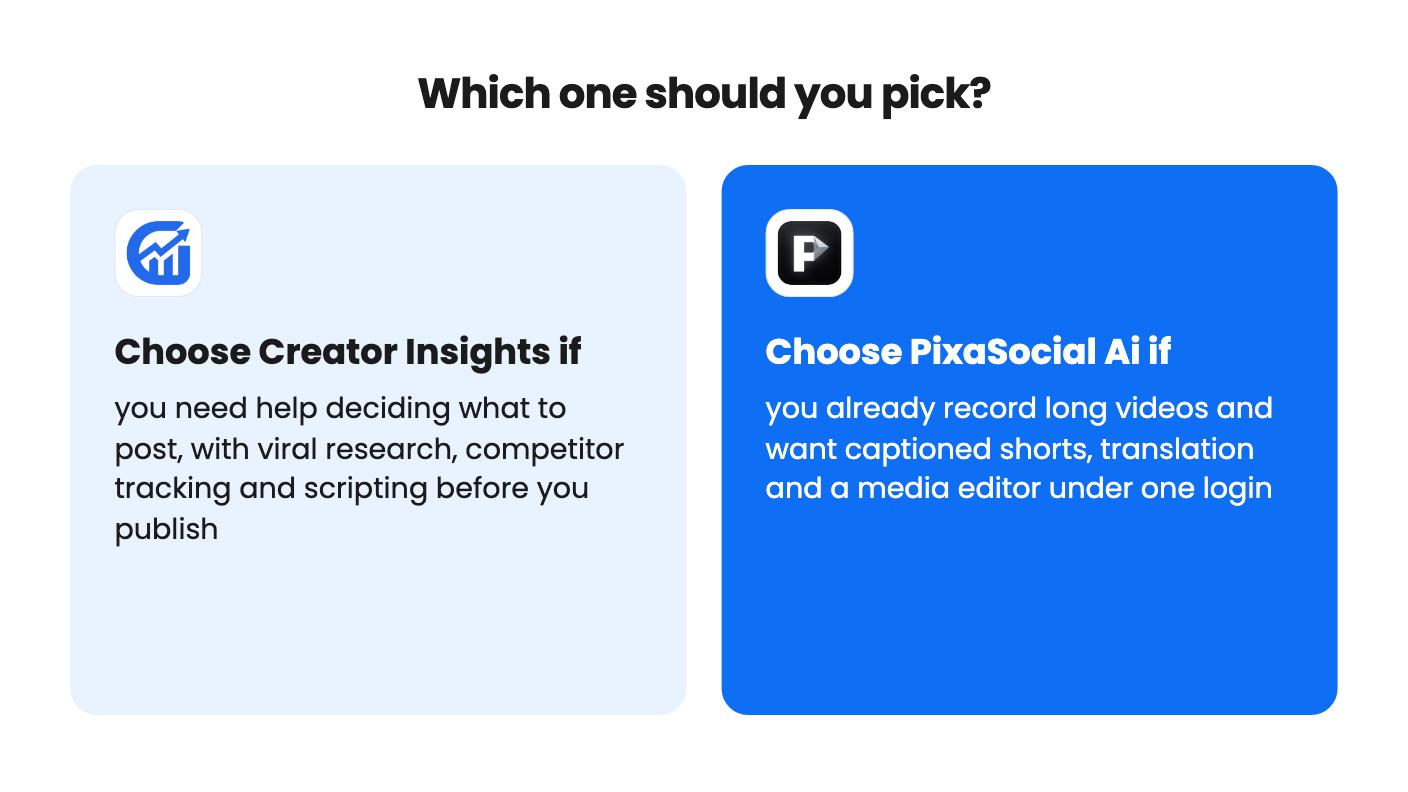
If you already record long videos, PixaSocial Ai's Reel Factory is the more direct fit, since it cuts captioned shorts and translates them. Creator Insights suits you better if you're short on ideas and want research before you record.
Neither listing mentions a content calendar, approval flows or analytics dashboards. Both are listed as alternatives to those schedulers, but they look closer to content creation tools that also publish.
The listings don't give top-up prices for either. Creator Insights credits are described as one-time, and PixaSocial Ai's included usage covers 12 months, after which you top up. Ask both sellers for numbers first.
How this comparison was made: researched from both tools' official listings and demo videos, and written with help from AI. We have not tested Creator Insights or PixaSocial Ai hands-on yet. Prices and deal terms change, so check AppSumo before you buy. See our affiliate disclosure.
Both are $49 social media lifetime deals on AppSumo. Creator Insights helps you research and repurpose. SocialBu schedules, reports and handles the inbox.
Ten AppSumo lifetime deals for small businesses, from booking and forms to SEO and outreach, with the limits and tier quirks each listing shows.
Eight AppSumo lifetime deals that replace a monthly Sprout Social bill for small teams, grouped by need, with the limits and tier quirks spelled out.