Forms & SchedulingReview
zcal Review: A Good-Looking Scheduler at a $59 Lifetime Price
zcal is a design-focused scheduling tool with team booking and custom domains. The lifetime deal runs $59 to $219, with user caps that matter.
AppSumo hasn't announced its Black Friday 2026 deals yet. Here's how to shortlist, check plan limits and which lifetime deals to watch.

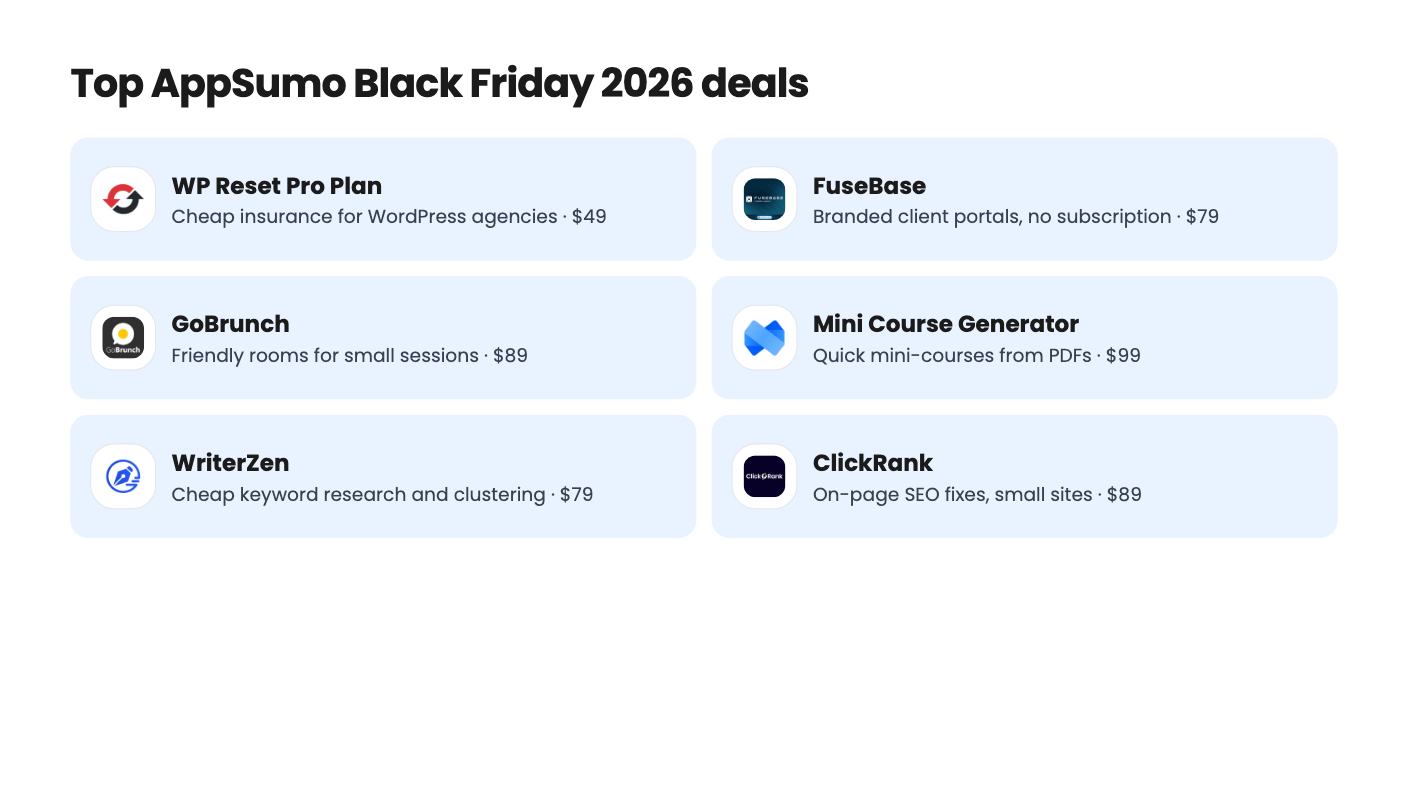
| Tool | Suits | Price |
|---|---|---|
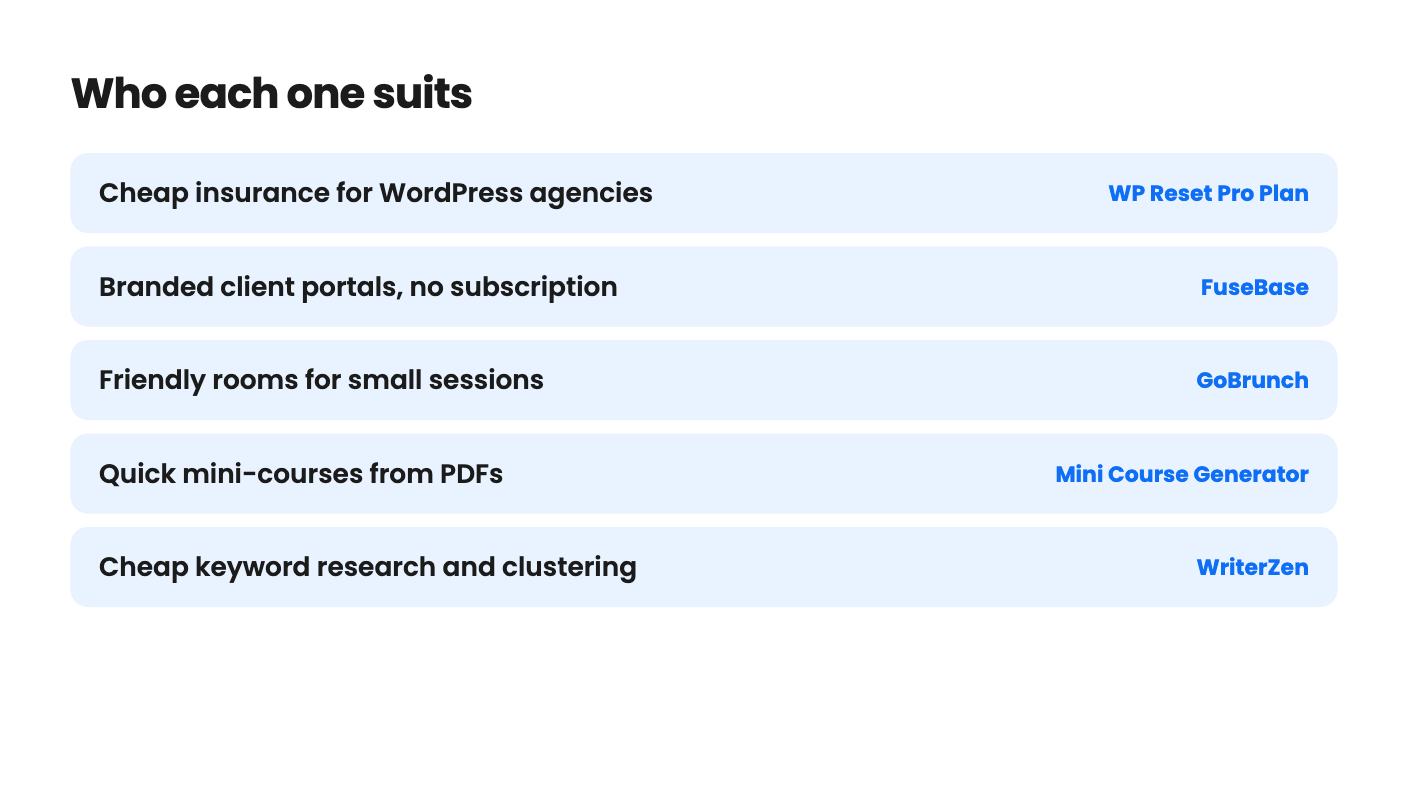
| WP Reset Pro Plan | Cheap insurance for WordPress agencies | $49 |
| FuseBase | Branded client portals, no subscription | $79 |
| GoBrunch | Friendly rooms for small sessions | $89 |
| Mini Course Generator | Quick mini-courses from PDFs | $99 |
| WriterZen | Cheap keyword research and clustering | $79 |
| ClickRank | On-page SEO fixes, small sites | $89 |
| TidyCal | Solo booking page for $29 | $29 |
| Formly - Forms, Surveys & Quizzes | Typeform-style forms without monthly fees | $99 |
| SalesBlink | Cold outreach in one login | $79 |
| SendFox | Cheap newsletters for creators | $29 |
It’s the morning of Friday, November 27. You’ve got a dozen tabs open, a coffee going cold, and a lifetime deal with a big struck-through price staring back at you. A countdown is ticking, and you can’t remember whether the tier you’re about to buy caps the one thing you need. That’s how most bad software purchases happen. The tool is rarely the problem. The tier bought in a hurry is. Today is November 4, so you’ve got a few weeks to avoid it.
The calendar part is easy. Black Friday 2026 lands on Friday, November 27, and Cyber Monday follows on Monday, November 30. AppSumo describes Black Friday as its biggest sale of the year, with lifetime software deals each November.
Here’s what we can’t tell you. As of today, the sale hasn’t started, and AppSumo hasn’t announced its dates, discounts or featured deals. We don’t know which tools will appear, what they’ll cost or how long anything stays live. Anyone who says otherwise is guessing, and we won’t join in.
The prices in this guide are current today and can change. Use them as a baseline for comparison, not as a forecast of what the sale will look like.
Start with jobs, not tools. Write down the three things in your business that are slow, manual or expensive right now. Booking calls, chasing client files, finding keywords. Then match tools to those jobs, rather than browsing a sale page and inventing jobs to fit what’s discounted.
For each candidate, ask yourself three things before the sale. Would you pay monthly for this if no lifetime option existed? Does it replace something you already pay for? Can you name the limit that would make you outgrow it? If you can’t answer the first one with a yes, skip the tool, however good the price looks.
A lifetime deal also means betting on the vendor sticking around. The listings we’ve reviewed don’t tell us anything about how long a company will keep supporting a product, so we can’t judge that for you. Buyer review counts and averages help a little. They’re not a guarantee.
This is the step that saves the most money, and it’s the one people skip. Several of the listings we’ve reviewed have tier tables that are hard to trust. FuseBase’s table is jumbled, so per-tier limits are unclear. GoBrunch’s cheapest tier appears to win on several limits. WriterZen’s tier 5 has lower limits than tier 4 in several rows, and Formly’s tier 5 shows fewer domains. SalesBlink’s feature table is ordered in a way that doesn’t match its prices.
Maybe each oddity has a sensible explanation. The listings don’t give one. So screenshot every table you care about before the sale, and ask the vendor or check the buyer questions if a row looks wrong.
Then pick out the numbers that would actually hurt. ClickRank allows 500 pages on its cheapest tier and 5,000 on the top one, with crawls running monthly. WriterZen’s first tier gives you 5,000 AI words a month. GoBrunch caps video storage at 40 to 120 GB. SendFox’s send limits per tier are unclear, and WP Reset’s tier limits are laid out confusingly. None of these is a dealbreaker. Each is something you want to know before you pay.
Also check the refund window. The FuseBase and SalesBlink listings both mention a 60-day guarantee, which lowers your risk. For the others, we don’t have refund details in front of us, so confirm at checkout.
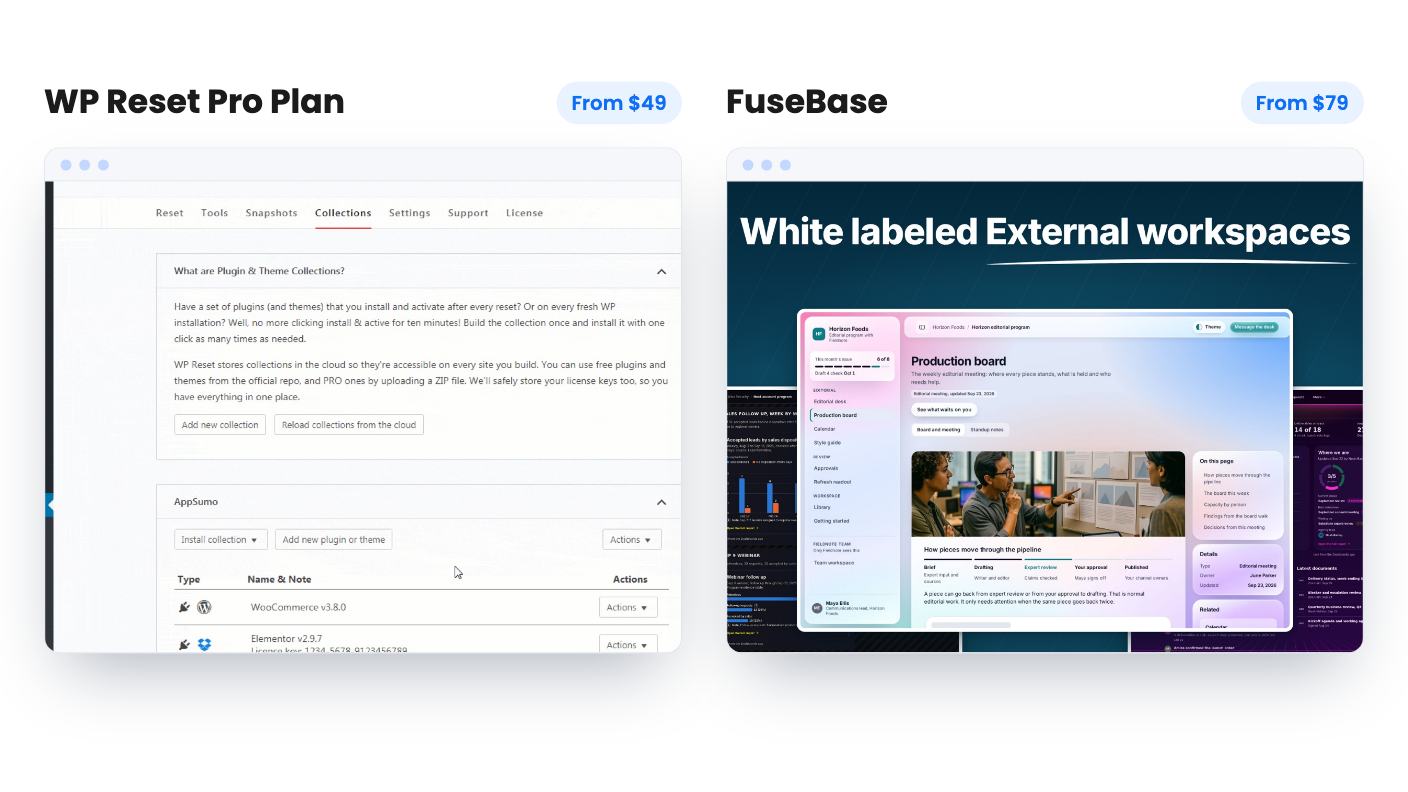
Start with the cheapest and clearest. TidyCal is $29 and suits a solo coach or consultant who wants unlimited booking types and paid bookings. The catches are real, though. Lifetime plans keep the Powered by TidyCal bar, there’s no custom domain on either lifetime tier, and there’s a 1% platform fee on paid bookings on top of Stripe or PayPal fees. WP Reset at $49 has 1,312 reviews averaging 4.93/5, a strong record. It’s built for people maintaining client WordPress sites, and the vendor says it doesn’t replace a full backup plugin.
For client-facing work, four tools are worth a look. FuseBase at $79 gives freelancers and small agencies branded client portals and shared docs, but it lacks real task-management detail. GoBrunch at $89 holds a 4.77/5 average and fits coaches running small to mid-size sessions, though only Zapier is listed as an integration. Formly at $99 covers forms, quizzes and drop-off tracking, and tier 1 lacks partial responses. Mini Course Generator at $99 turns topics, PDFs or YouTube videos into mini-courses, but AI credits are capped monthly and SCORM and certificates sit on higher tiers.
On the marketing side, WriterZen at $79 is a cheap keyword research tool, and ClickRank at $89 fixes titles, meta tags and schema on small sites. Neither replaces Ahrefs. The ClickRank listing says nothing about backlink data, and its AI visibility scoring is new, with no detail on how scores are calculated. SalesBlink at $79 packs sending, warmup, verification and a basic CRM into one login, but its prospect databases looked small in the demo video. SendFox at $29 suits creators with lists under 5,000. Double opt-in can’t be turned off on lifetime accounts, and there’s no Shopify integration.
One timing note. Mini Course Generator’s current deal lists an end date of November 5, 2026, which is before Black Friday. SalesBlink’s lists December 1, 2026. The rest don’t list an end date. None of that tells us whether any of these tools will be part of AppSumo’s sale.
Set a budget cap before you open the page, and decide how many tools you’ll buy. One or two is plenty for most small businesses. Software you don’t use is the most expensive kind, even at a one-time price.
If you need a tool this month, don’t hold out for a sale we can’t confirm. The current price is already a lifetime deal, and we have no way to say whether a Black Friday price will be better, worse or the same.
And if a tier table still looks wrong on sale day, trust that feeling. Email the vendor, wait an hour or pick the clearer tool. A deal that’s confusing to read is a deal you’ll struggle to use.
We will update this page when AppSumo opens the sale, with whatever dates, discounts and featured deals it announces.
Black Friday is Friday, November 27, and Cyber Monday is Monday, November 30. As of November 4, AppSumo hasn't announced its sale dates, discounts or featured deals, so exact timing isn't known yet.
Only if you can live without the tool until then. We don't know what AppSumo will discount or which tools will appear, so don't count on a specific price. Some current listings also carry end dates, such as November 5 and December 1.
Shortlist two or three tools now, screenshot each plan table and check the limits you actually need. Be wary of tier tables that look inconsistent, and confirm the refund window before you pay.
How this article was made: researched from each tool's official listing and our reviews of it, and written with help from AI. We have not tested these tools hands-on. Prices and deal terms change, so check AppSumo before you buy. See our affiliate disclosure.
zcal is a design-focused scheduling tool with team booking and custom domains. The lifetime deal runs $59 to $219, with user caps that matter.
Yoya swaps the booking form for an AI chat and sends you a pre-call brief. Here's what the $49, $129 and $249 AppSumo lifetime tiers really get you.
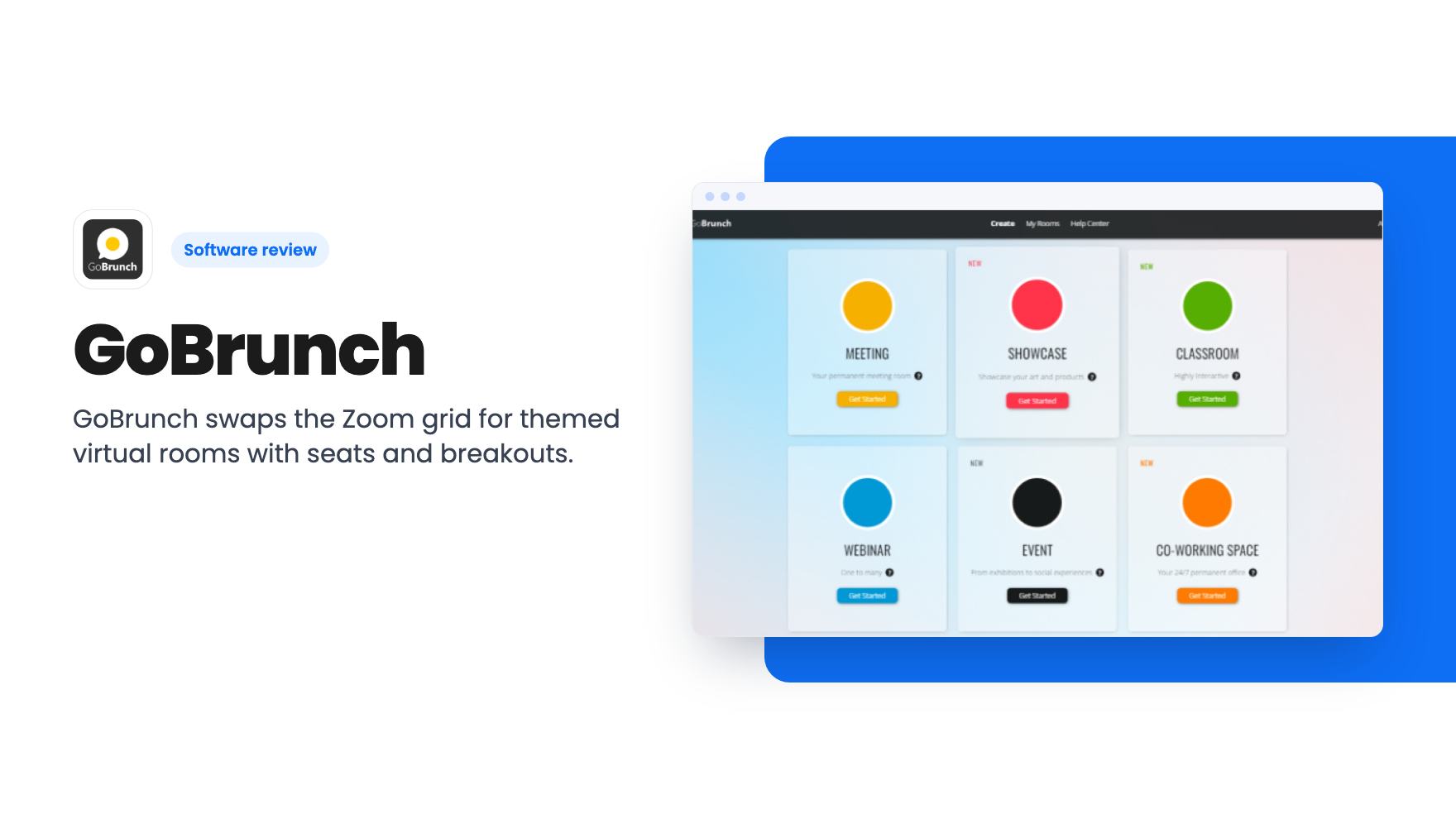
GoBrunch swaps the Zoom grid for themed virtual rooms with seats and breakouts. The AppSumo lifetime deal runs $89 to $269, but the tier table needs a close read.