Email MarketingReview
Million Dollar Email Templates 2.0 Review: Free Swipe File Deal
A look at AppSumo's own email template library, now listed at $0 as a lifetime deal. What you get, what's vague, and who should grab it.
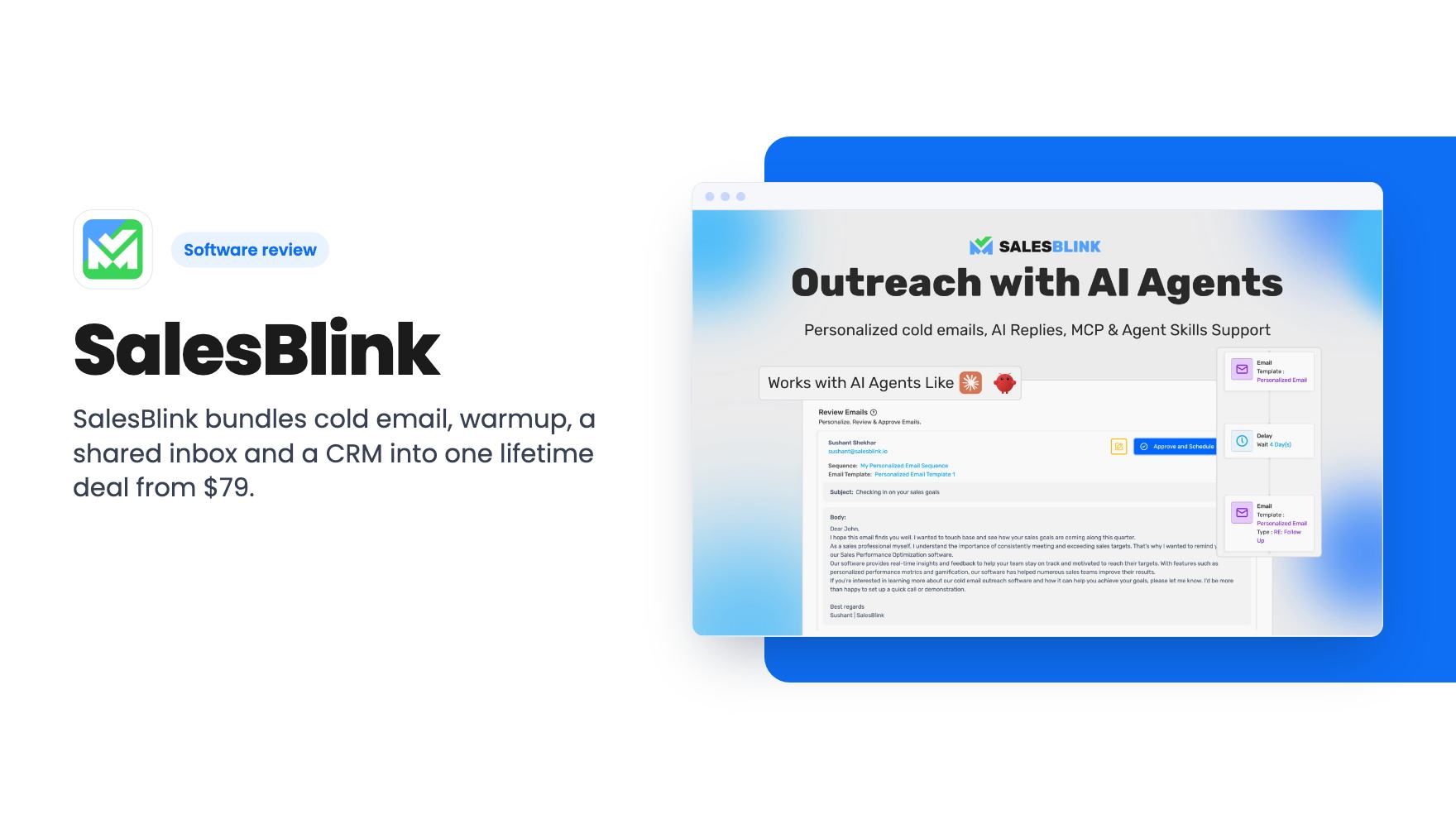
SalesBlink bundles cold email, warmup, a shared inbox and a CRM into one lifetime deal from $79. The tier table is confusing and the product is young.
Lifetime deal price
$79$60087% off
Lifetime Deal · ends Dec 1, 2026
Our take: Buy the $79 tier if you run cold outreach and want sending, warmup, verification and a basic CRM in one login, since the 60-day guarantee limits your risk. Skip it if you need a large prospect database today, or if you'd have to pay for a higher tier without being sure what it includes.
If you do outbound sales with a small team, your setup probably looks like a pile of parts. One tool finds email addresses, another checks them, a third sends the sequence, a warmup service runs on the side, and a spreadsheet holds it all together. SalesBlink wants to put that pile behind one login. AppSumo is selling it as a lifetime deal that starts at $79.
We haven’t used it ourselves. Everything below comes from the AppSumo listing and a third-party demo video, so treat it as a buyer’s read of the paperwork, not a field report.
The headline feature is BlinkGPT, the built-in AI writer. You describe your product or service, and it drafts a cold email sequence meant to fit your brand. It’s also supposed to personalize each message per lead and send automatic follow-ups. The listing doesn’t say what data it uses for that personalization, so “personalized” could mean a first name or something much smarter. Ask before you assume.
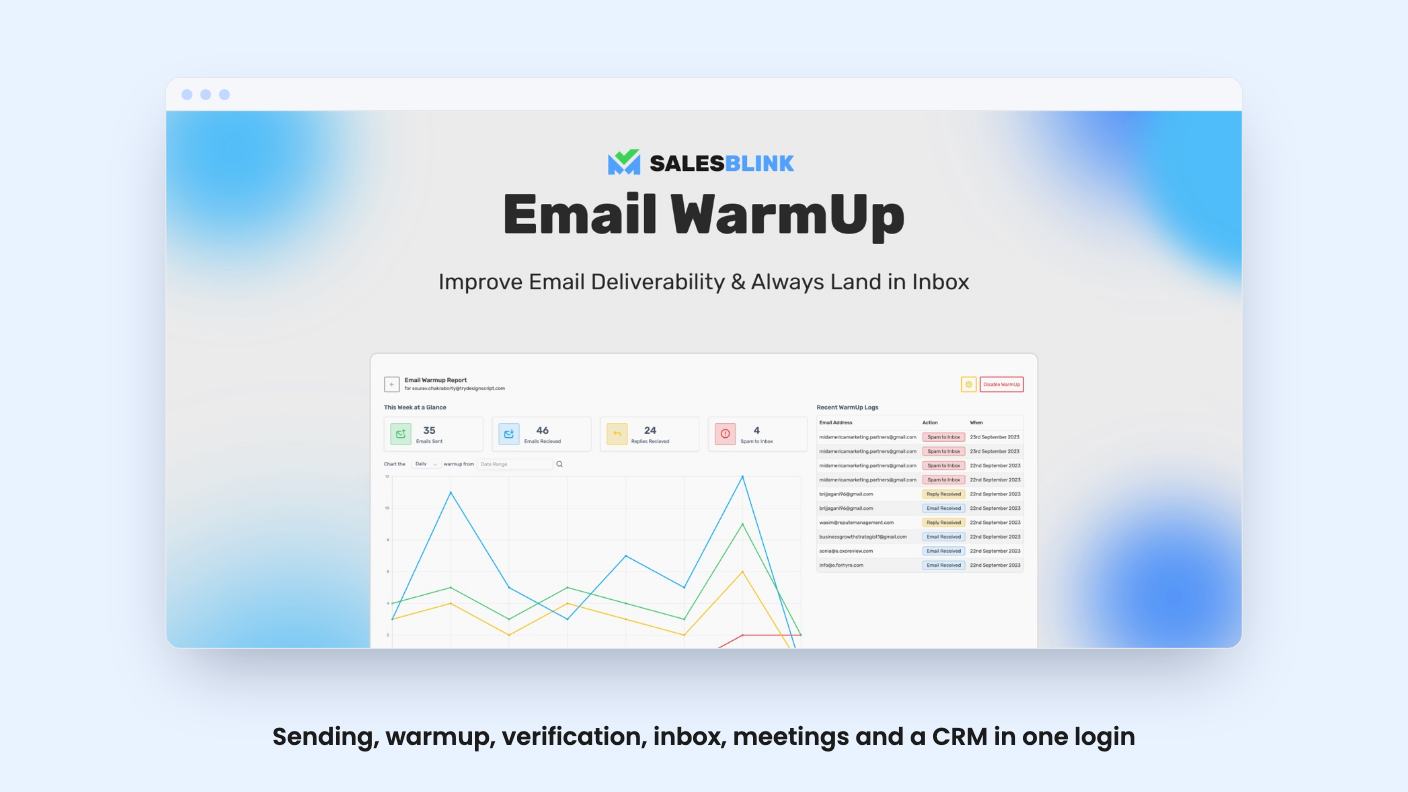
The second pillar is email warmup. The listing mentions a pool of 30,000 email addresses and a gradual rise in your sending limits, which is the standard way to avoid getting a fresh mailbox blocked.
Then there’s a unified inbox that collects replies from any connected address, with BlinkGPT drafting responses if you want. You can connect Google or Outlook calendars, hand out booking links, and drop anyone who books a meeting into another automated sequence.
Senders connect through native Google and Microsoft integrations, or SMTP/IMAP for providers like Zoho Mail. The listing FAQ confirms free Gmail accounts work. Integrations listed are HubSpot, Pipedrive, Make, Pabbly Connect and Integrately, plus an API with key creation.
Pricing runs from $79 for tier 1 up to $790 for tier 10, in steps of about $79. The listing says tiers 1 to 3 map to a Growth plan and tiers 4 to 10 to a Business plan, with future updates for both. You can stack up to 10 codes.
The feature table is where I’d slow down. Read literally, it gives the cheapest tier the biggest numbers: 5,000 AI replies a month, 100 inbox placement tests, 100 workspaces and 10,000 verification credits. The $790 tier gets no AI reply agent, no placement tests and one workspace. That can’t be the intent, so the columns are probably in reverse order from the prices. The listing doesn’t say so.
The AI credit row is no clearer. It reads 16,000, 14,000, 12,000, 10,000, 6,000, 4,000, 18,000, 2,000, 22,000, 20,000, which is not a sensible progression in either direction.
So, in plain terms: don’t pick a tier based on this table. Confirm the exact limits with AppSumo or SalesBlink before you spend more than $79.
A few things are consistent either way:
The listing also doesn’t explain what an AI credit buys, such as one email or one reply draft. That makes the monthly credit numbers hard to judge.
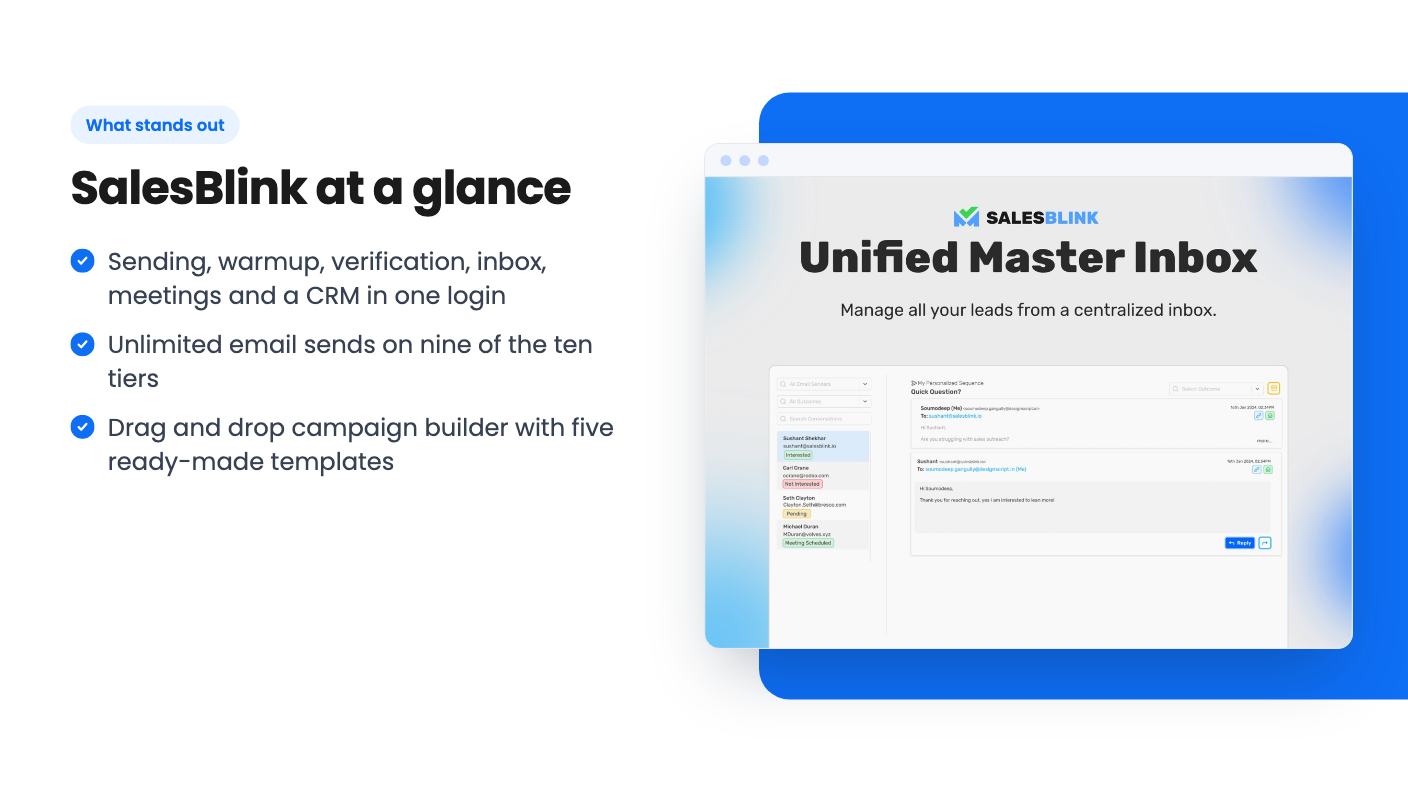
The video comes from a reviewer named Phil at legitmarketingreviews.com, and it’s useful mainly as a look at the interface. He walks through a left-hand menu covering campaigns, companies, email search, templates and schedules, phone, LinkedIn, meetings, sales pipelines, a CRM and email verification.
Campaigns use a drag and drop canvas. He creates one and loads an “email and LinkedIn” template out of five pre-built options: omnichannel, email follow-up forever, email and LinkedIn, SMB, and enterprise. The flow sends an email and a LinkedIn request together, checks for a reply, stops and notifies you if there is one, and otherwise carries on with another email, a call step and a final email. If the LinkedIn request is accepted, it can send an automated message.
He also runs a domain search on NASA and gets 16 pages of addresses. A single lookup for a contact at gohighlevel.com returned an email quickly. CSV import and bulk search are there. The CRM takes uploaded lists with field mapping. Email verification handles single checks or a list of up to 1,000.
What he doesn’t do matters too. He says outright that he isn’t giving a full start-to-finish campaign demo, and he never connects a sender. So we have no on-screen evidence about warmup, deliverability or the AI writer. The transcript is also garbled in places.
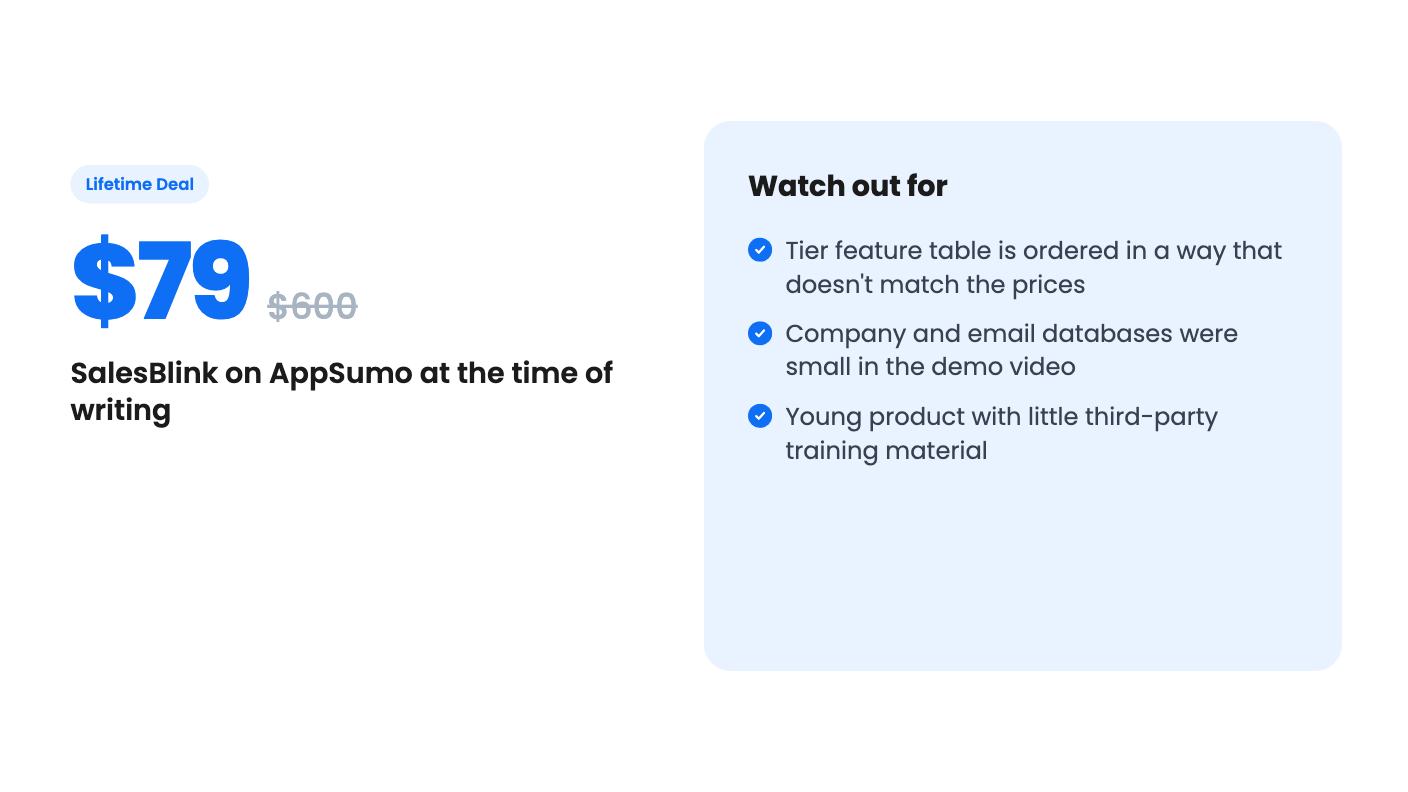
The reviewer says the product had just launched. He expects a few bugs and notes that the company and email databases “aren’t massive.” His advice is to use another tool for prospecting if that’s your main need. I agree. A cold email platform is only as good as the list you feed it, and finding contacts is the part you may still have to buy elsewhere.
He also found no YouTube tutorials. For a tool with this many modules, that’s a real cost to a small team without a sales ops person.
The video’s pricing also doesn’t line up with the AppSumo listing. He describes a $99 code with five users and five email senders, on a different deal platform. The current AppSumo price is $79 for tier 1, and the listing mentions workspaces, not users. Treat his numbers as history, not as what you’d get today.
Finally, AppSumo’s review summary is marketing copy. It says there are no significant deliverability issues and calls the tool “definitely worth giving it a try.” The 4.41 average across 509 reviews is a decent sign. But deliverability depends mostly on your domain, your list quality and how you write, and no tool can promise that.
This suits a freelancer, agency or small sales team that already has leads and wants sending, warmup, verification, a shared inbox and a light CRM in one place. At $79, with a 60-day money-back guarantee mentioned in AppSumo’s summary, the downside is small. Remember that you have to redeem your code within 60 days of purchase.
Pass if you need a deep contact database from day one, if you depend on a specific CRM beyond HubSpot and Pipedrive, or if you’d be paying for a higher tier based on that confusing table. The deal ends on 2026-11-30, but a deadline isn’t a reason to buy the top tier blind.
My suggestion is to start with one code, connect a real sender, run a small campaign and check where the emails land. If the limits you see don’t match what you expected from the listing, use the guarantee. If they do, you can stack more codes later, since the listing allows up to 10.
The listing has ten tiers. Tier 1 is $79 (list $600) and tier 10 is $790 (list $5,500). You can stack up to 10 codes, and you must redeem within 60 days of purchase. The deal ends on 2026-11-30.
According to the listing, nine of the ten tiers have unlimited email sends and tier 10 is capped at up to 50,000. The listing doesn't say anything about daily per-mailbox limits, so ask the seller before relying on high volume.
Yes. The listing FAQ says you can connect free Gmail accounts or Gmail aliases. Google and Microsoft accounts connect natively, and other providers can connect over SMTP/IMAP.
How this review was made: researched from SalesBlink's official listing and a transcript of its demo video, and written with help from AI. We have not tested SalesBlink hands-on yet. Prices and deal terms change, so check AppSumo before you buy. See our affiliate disclosure.
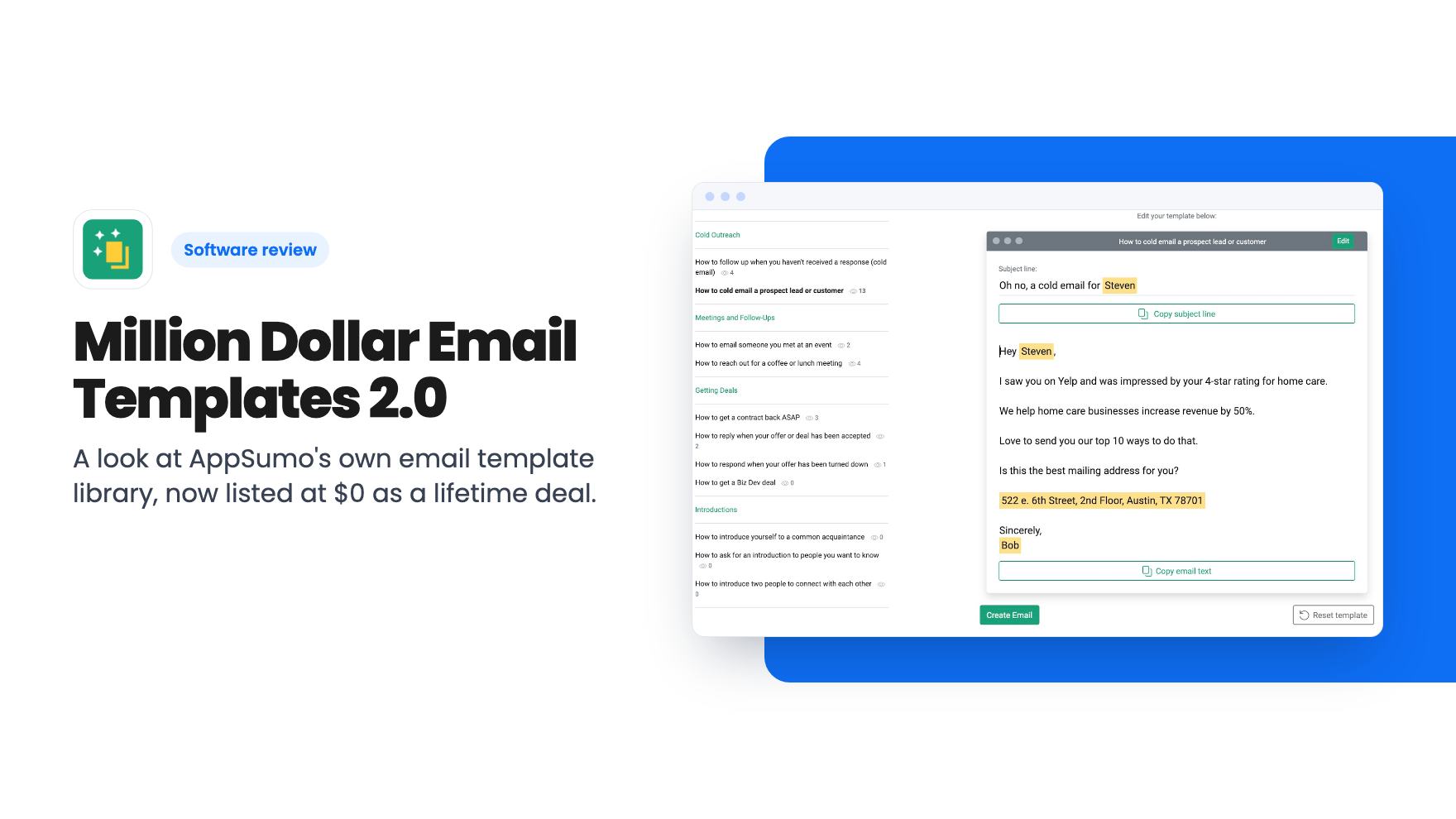
A look at AppSumo's own email template library, now listed at $0 as a lifetime deal. What you get, what's vague, and who should grab it.
Five AppSumo lifetime deals named as Mailchimp alternatives, grouped by what you send, with the caps and catches in each listing.
Ten email marketing lifetime deals from $29 to $79, grouped by job: sending, list cleaning, and the odd extras. Caps, catches and who should skip each one.