Email MarketingAlternatives
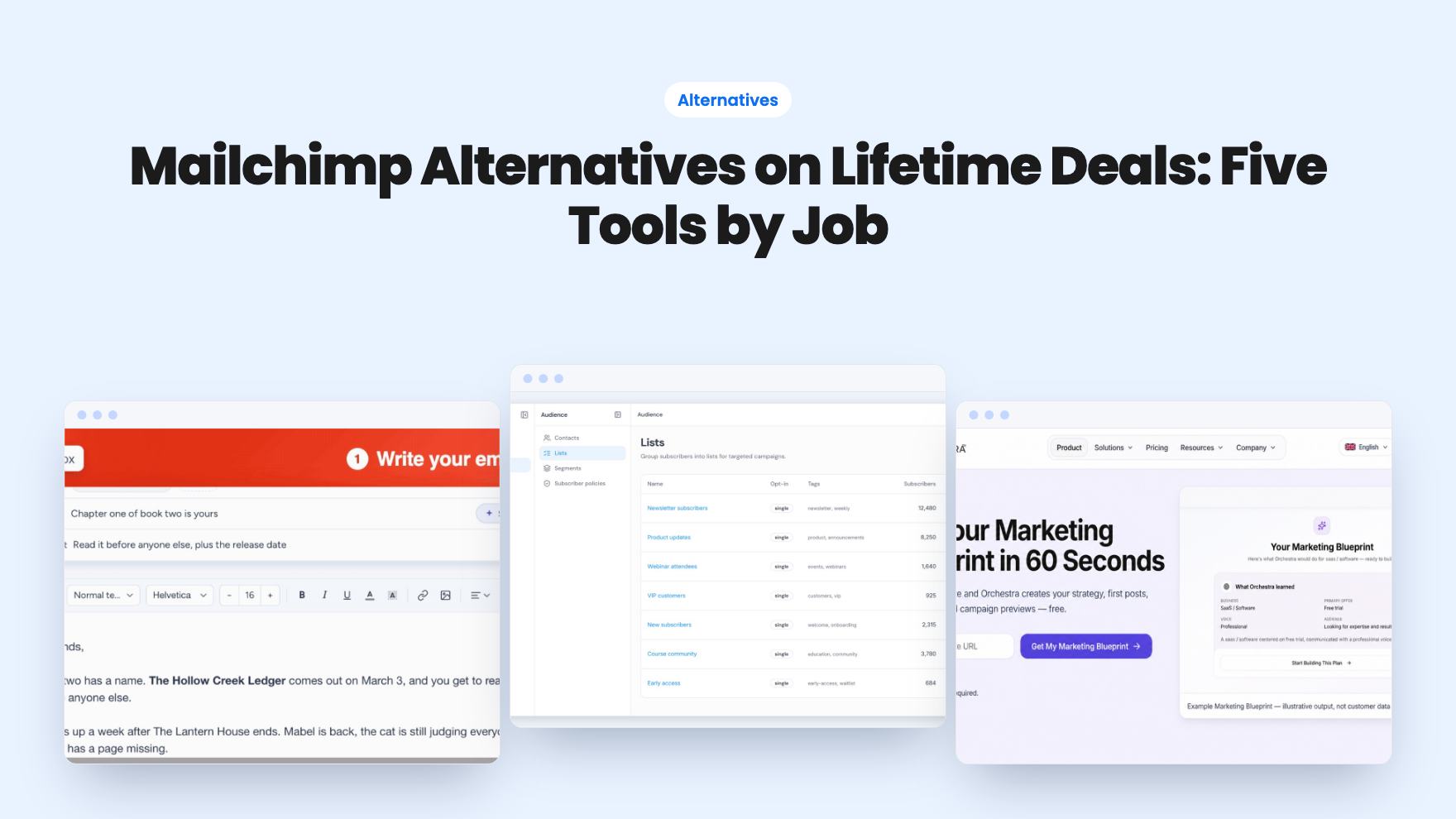
Mailchimp Alternatives on Lifetime Deals: Five Tools by Job
Five AppSumo lifetime deals named as Mailchimp alternatives, grouped by what you send, with the caps and catches in each listing.
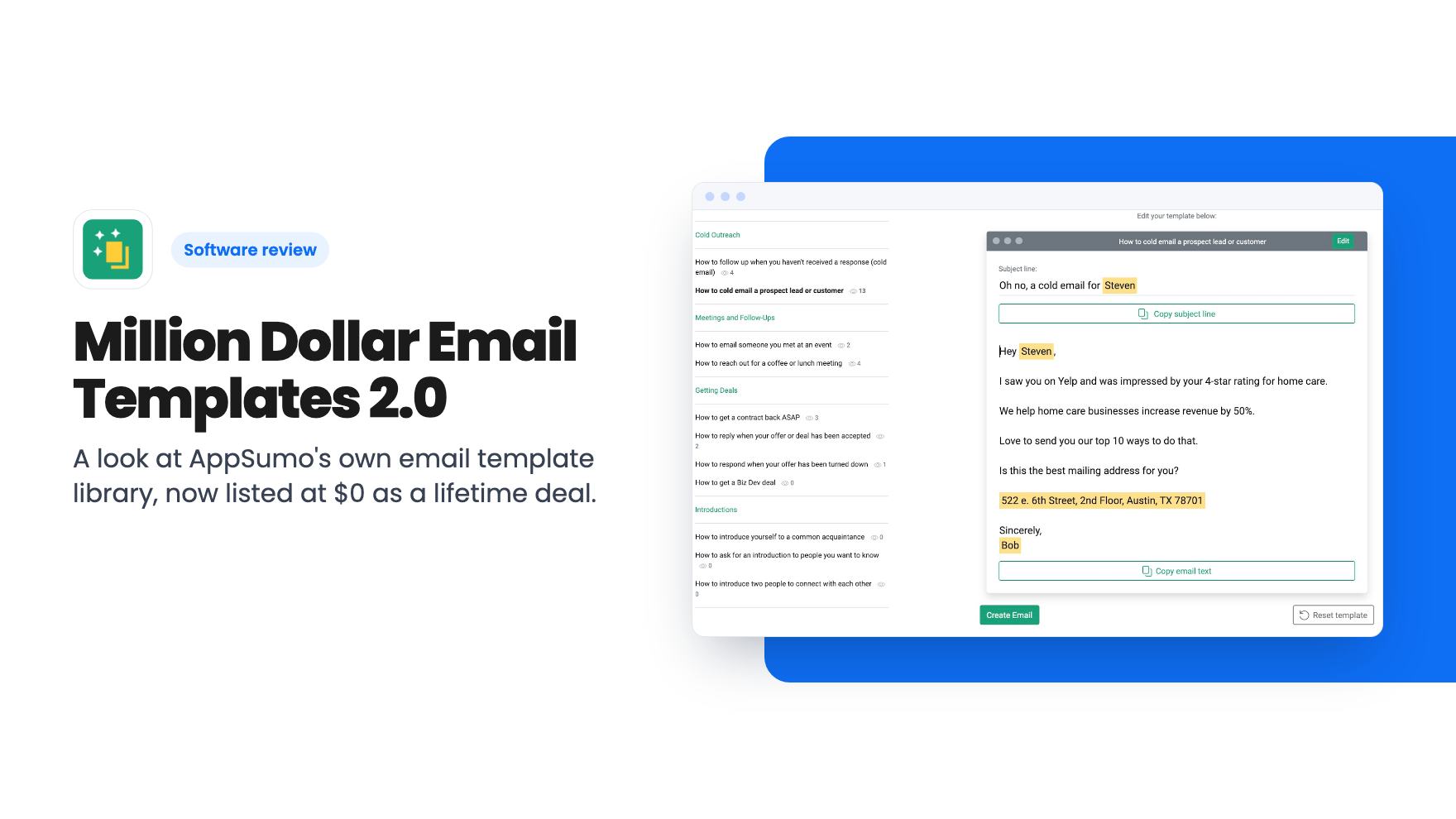
A look at AppSumo's own email template library, now listed at $0 as a lifetime deal. What you get, what's vague, and who should grab it.
Lifetime deal price
$0$84100% off
Lifetime Deal
Our take: Grab it if you write cold outreach, launch emails or partnership pitches and want proven examples with the reasoning explained. Skip it if you need an email builder, automation, or a big library of designed templates, because this is a copy-and-paste swipe file, not a sending tool.
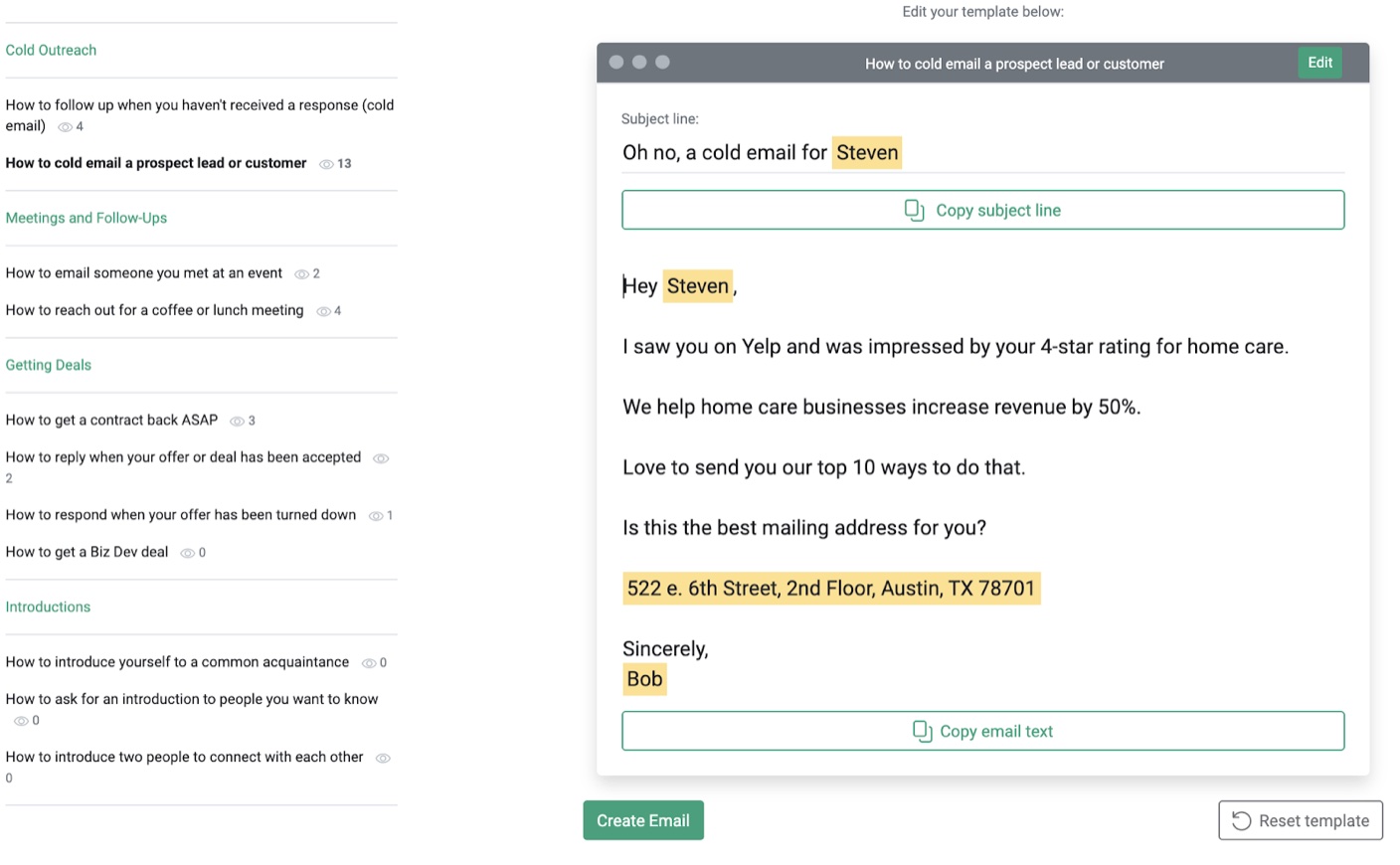
You’re about to send a pitch to a potential partner, or a cold note to a prospect, and you’ve rewritten the first line four times. Nothing sounds wrong exactly. It just doesn’t sound like something that works.
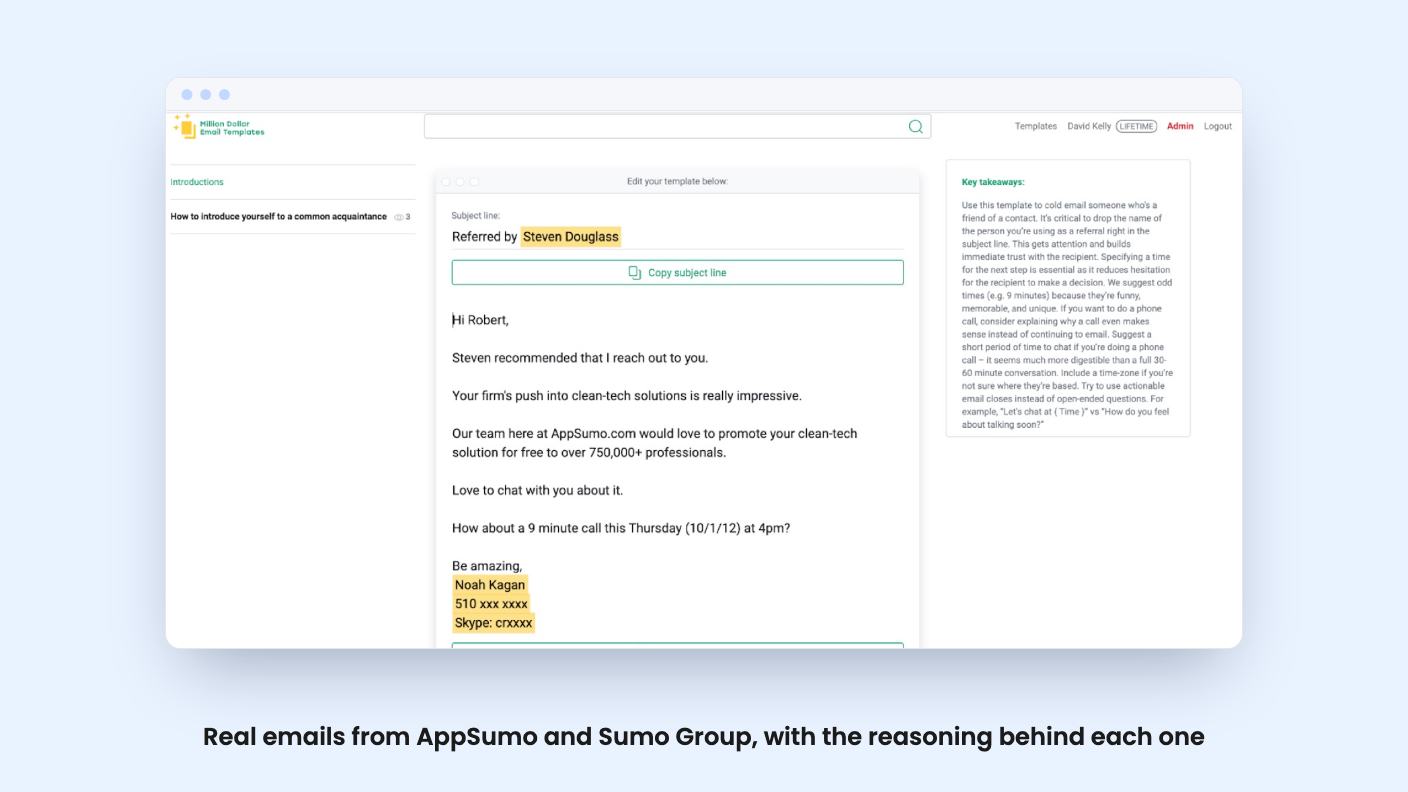
That’s the gap Million Dollar Email Templates 2.0 is aimed at. It’s an app from AppSumo’s own team that collects dozens of emails used by AppSumo, Sumo Group and other businesses, so you can borrow structure and phrasing from messages that were actually sent. It’s listed as an AppSumo Original, which means this is the company selling its own material, not a third-party product.
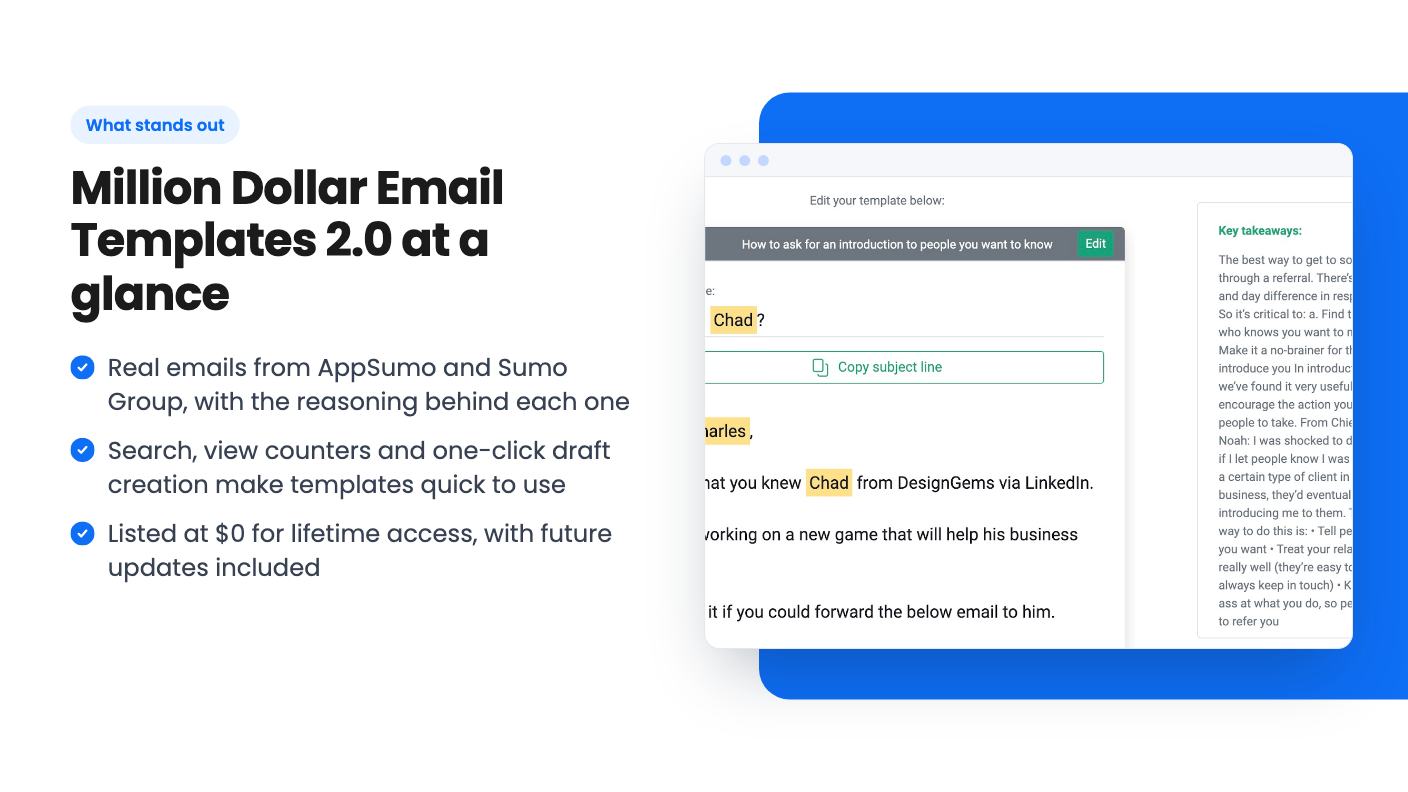
Think of it as a searchable swipe file. You browse or search the templates, pick one, and copy it into Gmail or whatever outreach tool you use. The listing also says you can turn any template into a draft with one click and edit key fields to personalize it.
There’s a second layer, and it’s the part I find most useful on paper. Each email comes with the reasoning behind it: why certain words, phrases and strategies were used. A template alone teaches you very little. A template with an explanation teaches you why you’d change line three for a different audience.
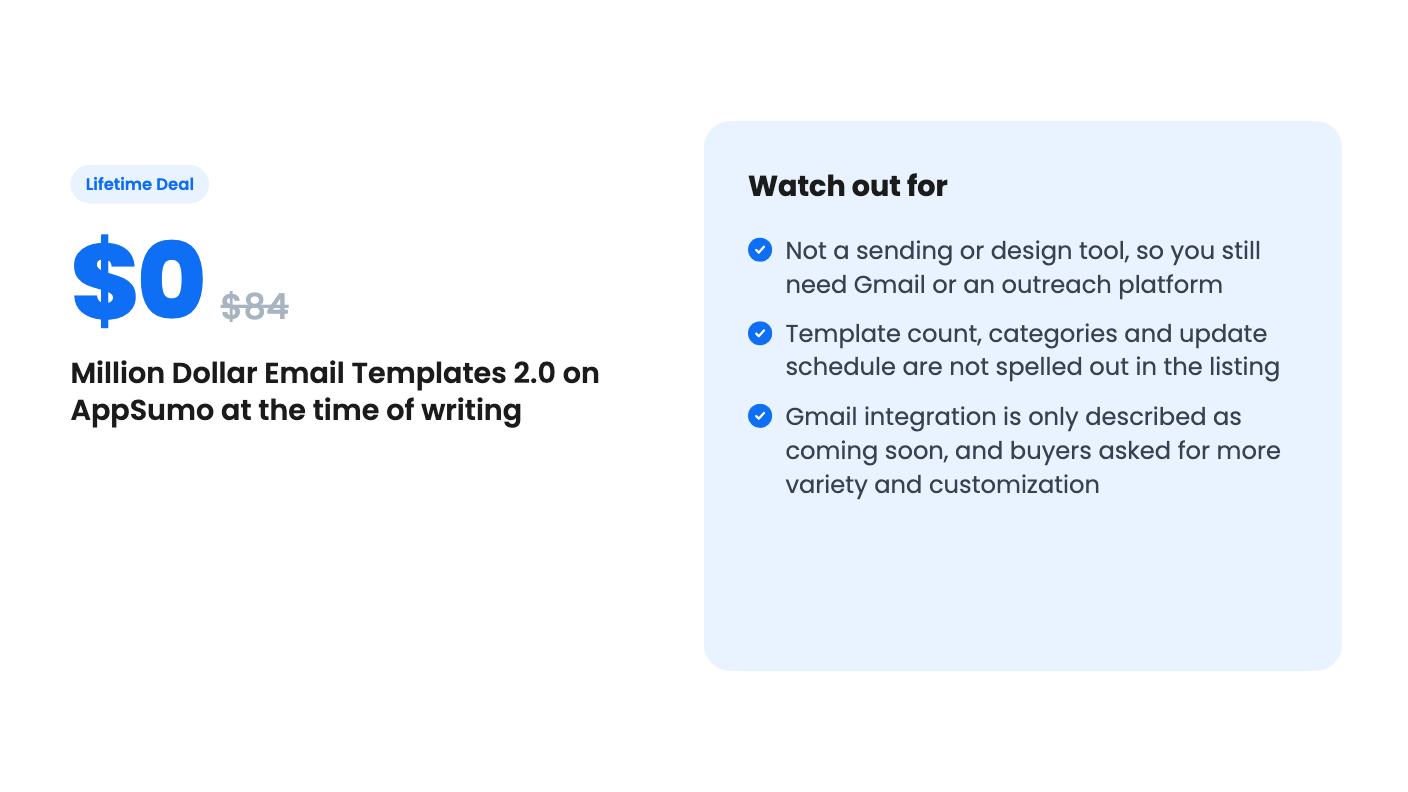
It isn’t a sending platform. There’s no list management, no scheduling, no analytics on your own campaigns. The listing doesn’t mention any of that, and I’d assume it isn’t there.
Every template shows a view count, so you can see which ones other buyers have been opening the most. The listing frames this as a way to spot what’s working best for everyone.
Be careful with that framing. A view count tells you what’s popular, not what converts. A template can be popular because the subject line is intriguing or because it’s near the top of the list. The listing doesn’t say how views are counted or whether anyone is tracking replies or results.
Still, as a way to decide where to start when you’re staring at dozens of options, it’s useful. Just treat it as a signal of interest.
The workflow is simple enough that there’s not much to learn. Search for the situation you’re in, read the template and the explanation, edit the fields, send. For a solo founder or a small team without a dedicated copywriter, that cuts down the blank-page time.
If you already own the Million Dollar Templates ebook, the listing says 2.0 is still worth it. It adds more templates, easier search and simple copy and paste, plus a Gmail integration that’s described as coming soon. That last item is worth treating cautiously. “Coming soon” in a listing is a promise, and the listing gives no date.
The seller also says new templates will be added regularly, and that this is the only way to see the latest emails from the business. That’s a nice claim, but there’s no stated schedule and no template count beyond “dozens.” We don’t know how many categories exist, whether they cover support, onboarding or sales sequences, or how often new ones land.
This is a single tier. The listing shows $0.00, down from an $84 list price, for lifetime access and all future lifetime plan updates. There’s no code stacking, no choice of plans, and the license can’t be upgraded or downgraded. You do have to activate within 60 days of purchase, so don’t claim it and forget it.
At $0 the financial risk is basically nil. Even at the $84 list price, the question would have been whether a swipe file is worth that, and I think it’s a closer call. At free, it’s easy to say yes if you write business emails at all.
The reviews are more lukewarm than the marketing. AppSumo shows 17 reviews averaging 3.71 out of 5. AppSumo’s own summary says buyers like the content, the professional templates and the insights, but some wanted more variety and more customization options. That matches what I’d worry about with a collection built from one company’s emails.
Some limits to keep in mind:
One more thing the listing doesn’t tell us: how it handles access long term. It says lifetime, and that’s all it says.
If you want to design newsletters, build automations or manage subscribers, this isn’t that. You’d still need a proper email platform, and this would only be a reference you keep open in another tab.
It’s also a weaker fit if you already have a strong copywriter or a library of emails that perform well for your audience. The value here is borrowing proven structure, and if you’ve got that, the gain shrinks.
And if you want hundreds of templates across every industry, the “dozens” in the listing should temper expectations.
For everyone else, especially founders and small agencies who write outreach and launch emails by hand and want to understand why an email works, claiming it at $0 is a sensible small bet. Activate it inside the 60-day window, read a handful of the explanations, and see whether the style matches how you sell.
No. According to the listing, it's a library of emails you copy and paste into Gmail or any outreach tool, or turn into a draft with one click. It doesn't send campaigns or manage lists.
The listing shows a single lifetime tier at $0 (list price $84). You must activate your license within 60 days of purchase, and the tier can't be upgraded or downgraded.
The listing says a Gmail integration is coming soon, so don't count on it. Copy and paste from the app and the one-click draft feature are what it describes as working now.
How this review was made: researched from Million Dollar Email Templates 2.0's official listing, and written with help from AI. We have not tested Million Dollar Email Templates 2.0 hands-on yet. Prices and deal terms change, so check AppSumo before you buy. See our affiliate disclosure.
Five AppSumo lifetime deals named as Mailchimp alternatives, grouped by what you send, with the caps and catches in each listing.
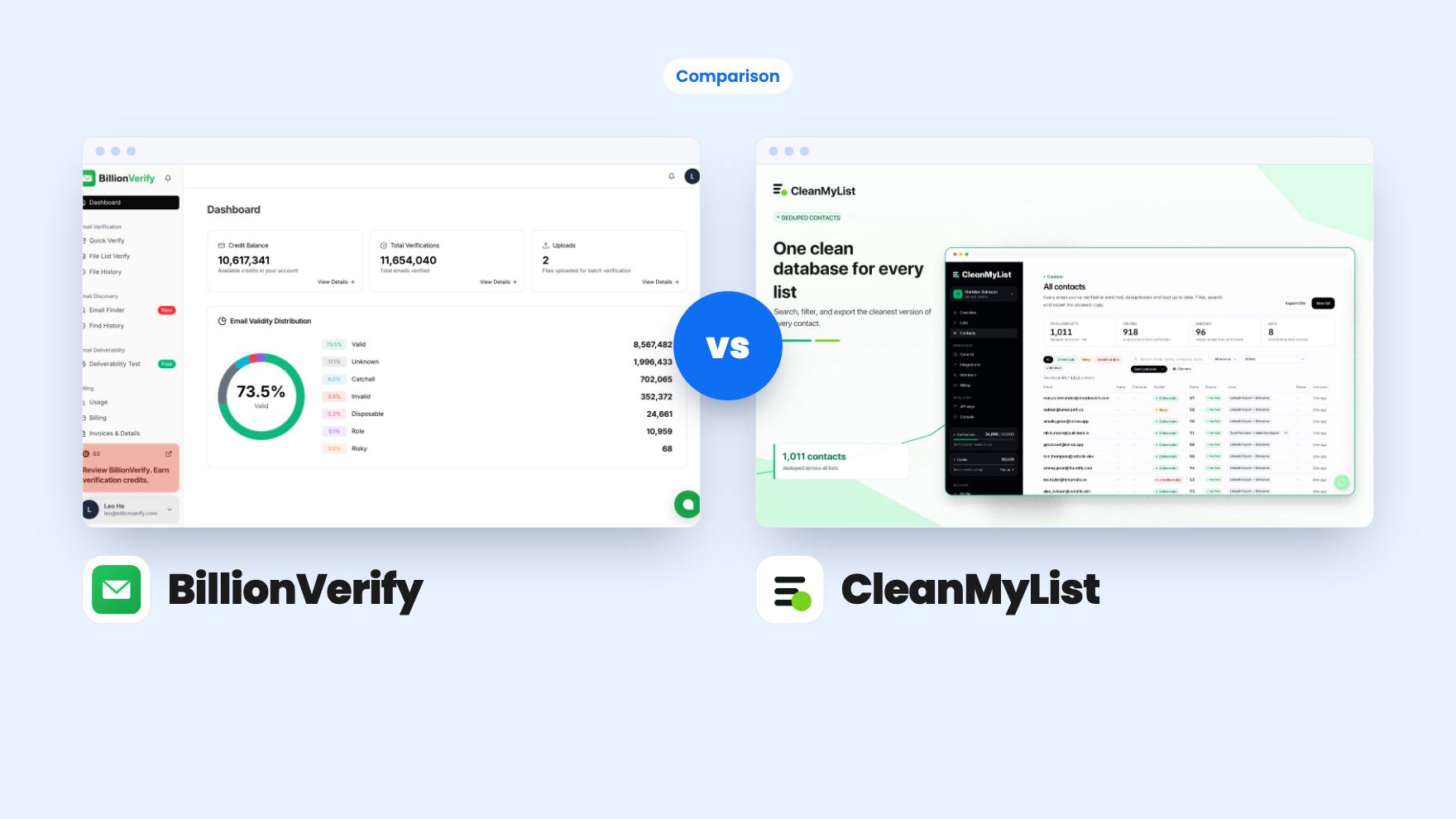
Ten email marketing lifetime deals from $29 to $79, grouped by job: sending, list cleaning, and the odd extras. Caps, catches and who should skip each one.
Two email verifier lifetime deals. BillionVerify is cheaper and API-first but hides its credits. CleanMyList states 20,000 checks a month.