You finish a job on Tuesday and send a PDF on Wednesday. Eleven days later you are still chasing it, with no idea whether the client ever opened the email. If that sounds familiar, you already know the problem Billbooks is aimed at: getting invoices out quickly, getting them paid, and knowing where each one stands.
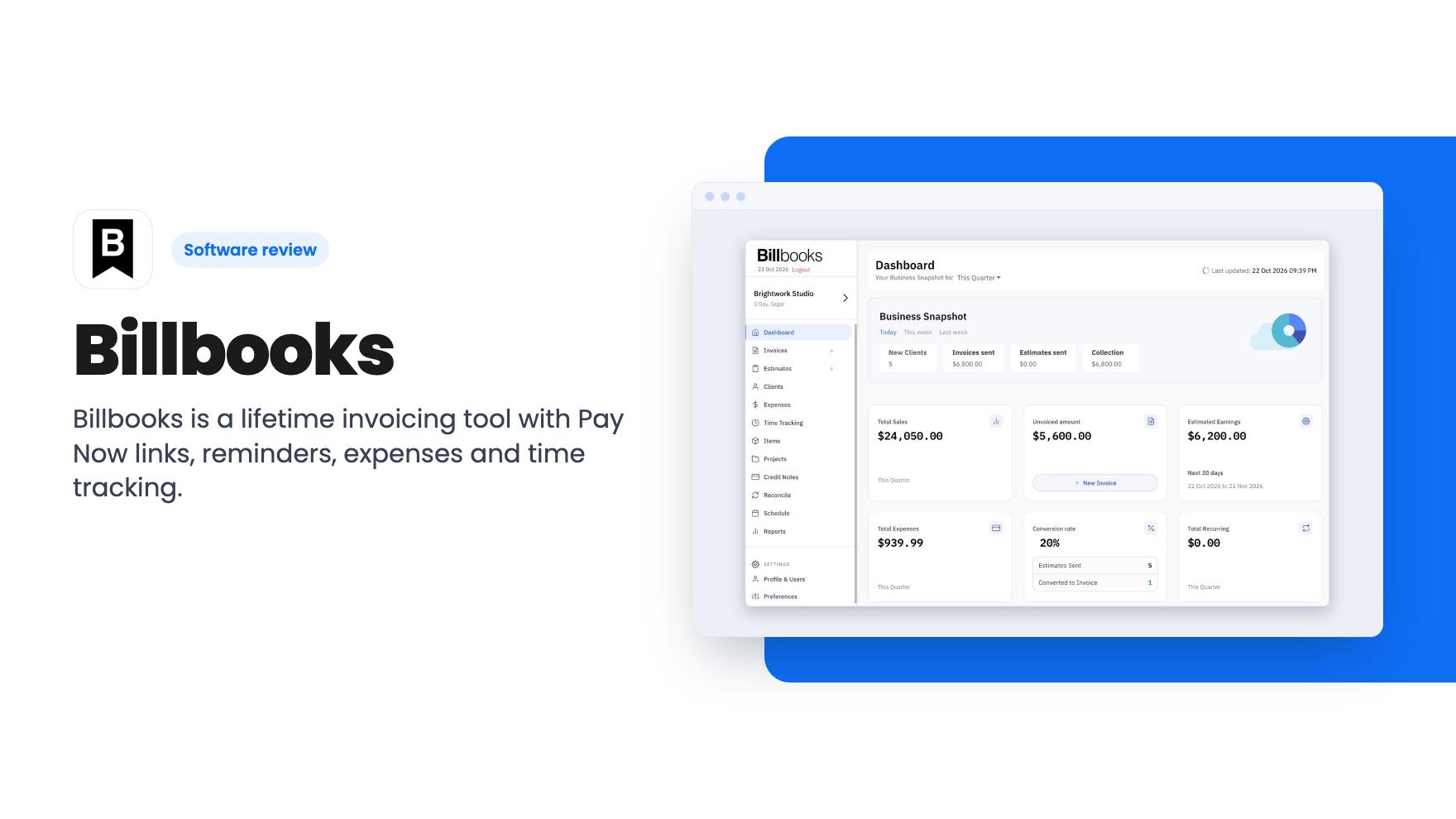
Billbooks is an invoicing and light bookkeeping app. We haven’t used it ourselves, so everything here comes from the AppSumo listing and the demo video. Treat it as a read of the claims, not a verdict from daily use.
What you actually get
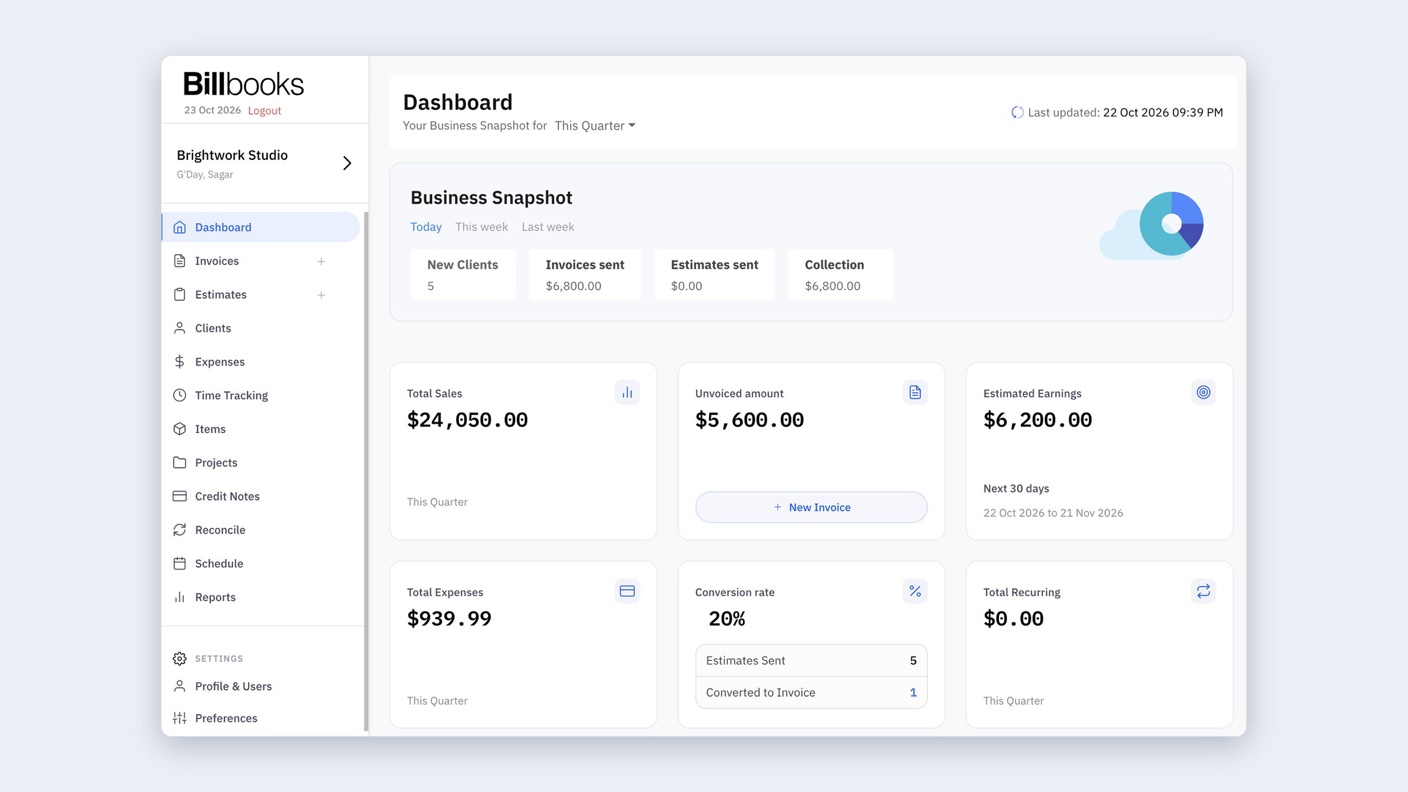
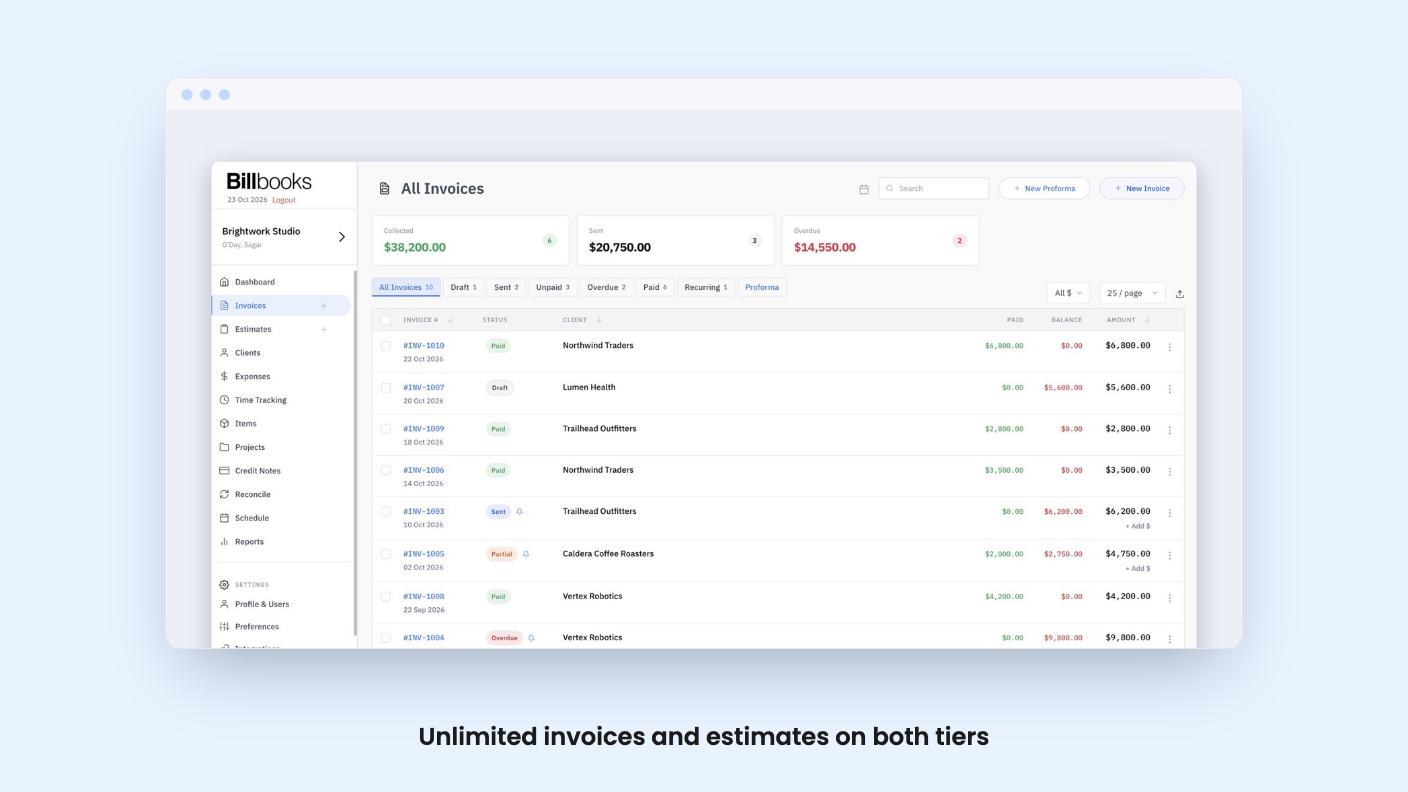
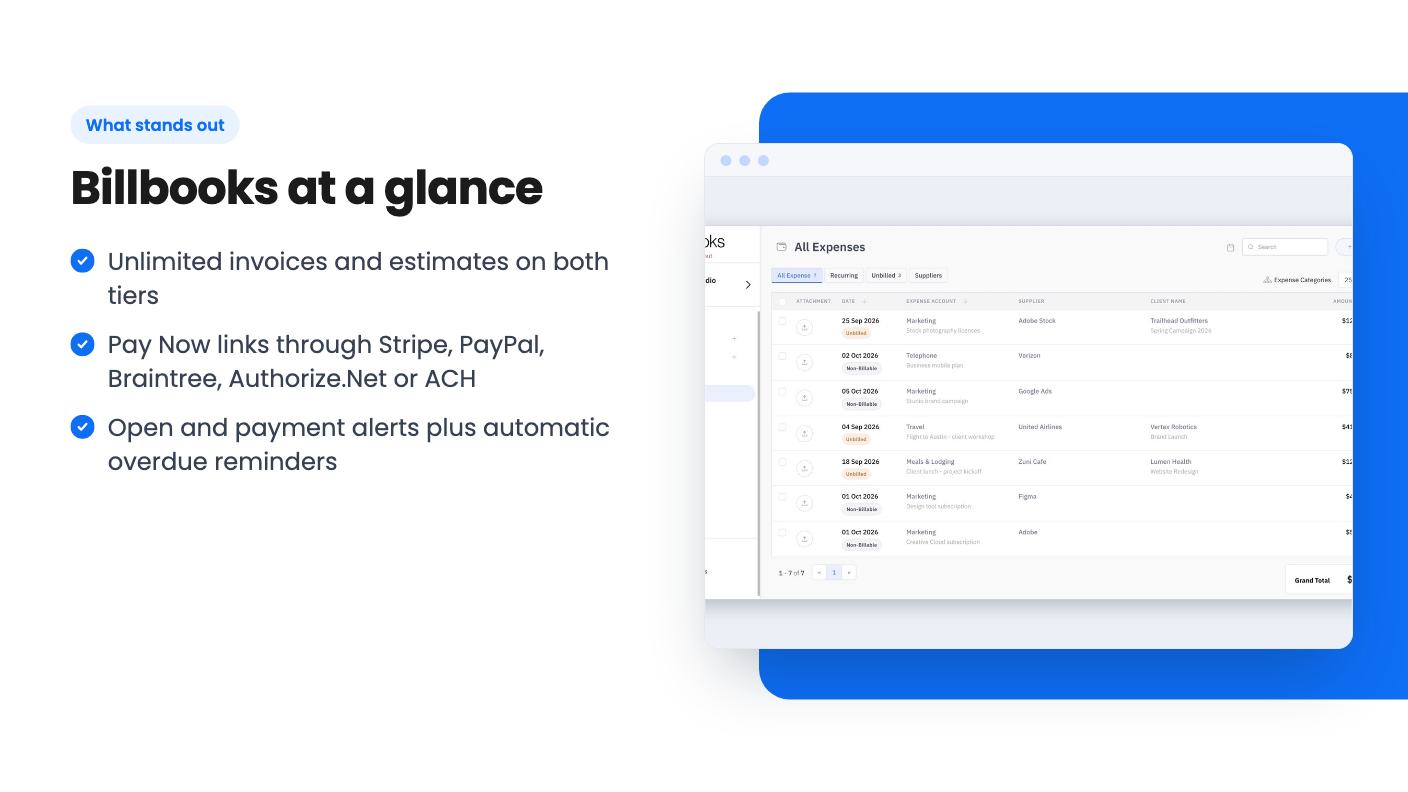
The core is invoices and quotes. According to the listing, you can send digitally signed documents by email, WhatsApp or a QR code the client scans to pay. Every invoice can carry a Pay Now link that works with Stripe, PayPal, Braintree, Authorize.Net or ACH. That is a wider spread of payment options than many small invoicing tools offer.
Then there’s the chasing. Billbooks sends alerts when a client opens or pays an invoice, and it runs automatic reminders on anything overdue. Recurring invoices handle repeat clients, and an accepted quote turns into an invoice in one click.
Beyond billing, there’s a goods and services catalogue with SKUs and stock levels, billable and recurring expenses with receipts attached, and bank reconciliation that matches statement lines to invoices and expenses. Item sales reports show your movers and your dead stock.
It also does projects and time. You group invoices, quotes and expenses by job, track time against a project, and turn unbilled hours into invoice lines. Reports cover profit and loss, sales, tax summaries and outstanding balances you can export.
On top of that, you get multi-currency and multilingual invoices, custom taxes and discounts, and iOS and Android apps that sync with the web app. Integrations listed are Stripe, PayPal and Zapier.
What the demo video shows
The video is a sales pitch, and it plays that way. It opens with a freelancer waiting on a $2,400 invoice, then promises a branded invoice with a payment link in about 10 seconds. The idea is that you pick a client and Billbooks pre-fills the contact, staff details, item description, price, custom columns, branding and terms.
The video doesn’t walk through the interface in any way we can verify from the transcript. It’s narration over a story, so we can’t tell you how the screens look or how many clicks that 10-second claim really takes. Take it as a goal, not a measurement.
Two details are useful, though. For businesses sending more than 20 quotes a month, the video says Billbooks follows up on each one automatically. And for owners running more than one company, it describes separate dashboards and separate staff under a single owner login.
That multi-company point is interesting, but the listing’s plan limits don’t say how many companies each tier allows. If you run several businesses, ask before you buy.
The deal, and where the limits bite
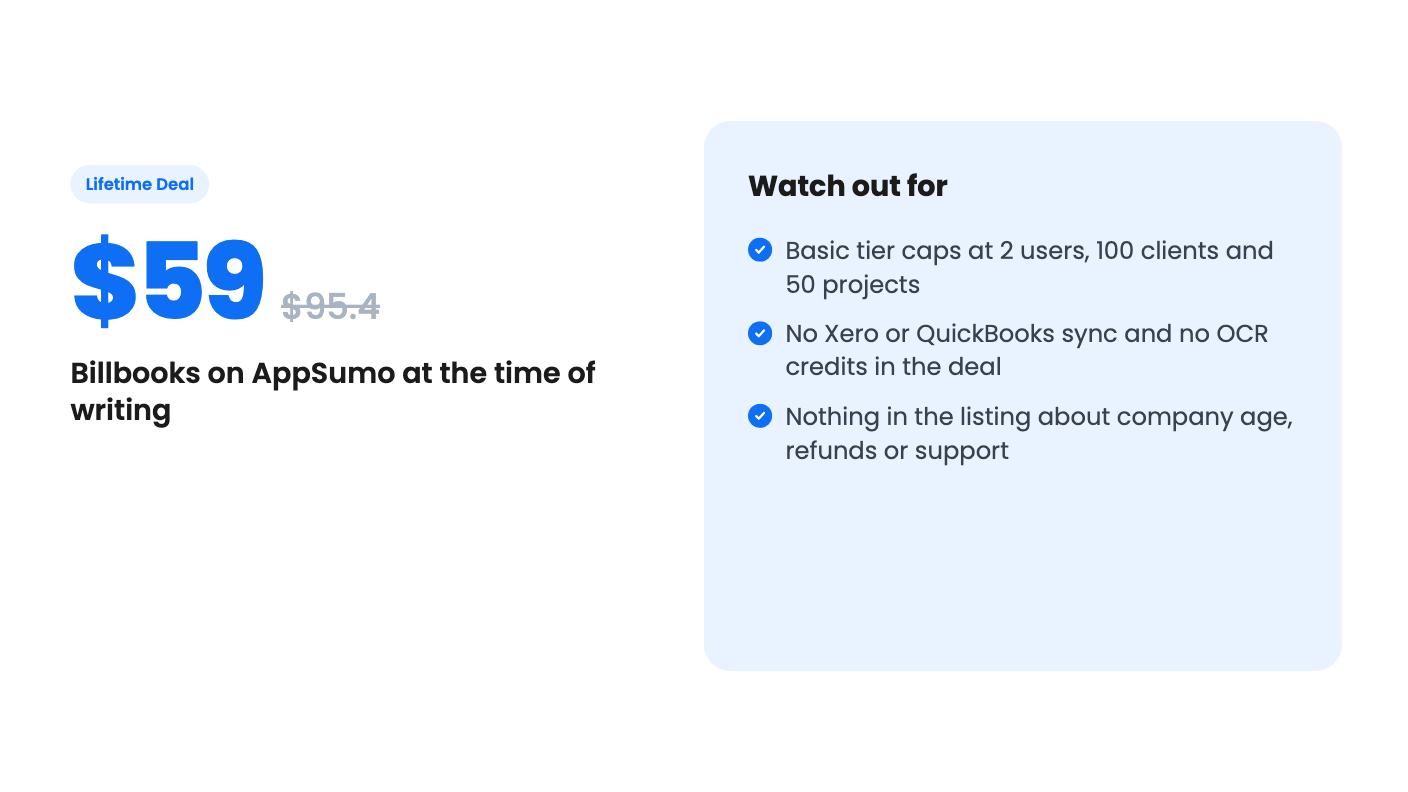
There are two tiers. One code costs $59 (listed at $95.40) and gives Lifetime Basic. Stack a second code for $118 total (listed at $190.80) and you get Lifetime Standard. Both are one-time payments with all future plan updates, and you must redeem within 60 days of purchase.
Here are the limits that matter:
- Basic: 2 users, 100 clients, 650 items, 50 projects.
- Standard: 5 users, 500 clients, 1,000 items, 500 projects.
- Invoices and estimates are unlimited on both.
The listing’s plan table prints those numbers in a confusing order, so we’re relying on the FAQ’s description of Standard to read them. Check the numbers on the checkout page before you pay.
The unlimited invoices are the headline, and they’re real value. The ceilings that will pinch are clients and projects. A freelancer with 100 active and past clients can hit the Basic cap in a couple of years. And 50 projects is tight if you create one per job.
The jump from Basic to Standard is large for $59 more. Projects go from 50 to 500 and clients from 100 to 500. If you have any growth in mind, Standard looks like the more sensible buy, because you can’t see yourself wanting to prune clients to stay under a cap.
What’s missing
The listing is upfront about a few gaps. OCR scanning credits aren’t included, though you can buy them separately. If you hoped to photograph receipts and have them read automatically, that costs extra, and the listing doesn’t say how much.
Xero and QuickBooks sync are also excluded. This matters more. If your accountant lives in one of those, Billbooks becomes a second system to reconcile by hand. Zapier is included and might fill some gaps, but you’d be building that bridge yourself.
The listing also tells us nothing about how long Billbooks has been around, how many customers it has, or what the refund terms are. There’s no listing text beyond the feature list. A 30-day free trial with no credit card is a good way to look, and we’d use it before spending anything. But the trial is of the regular plans, and the lifetime terms are what you’re really buying.
One more caution on the video’s closing line that the cost is less than a cup of coffee a month. That’s about regular subscription pricing, which the listing doesn’t state. It’s marketing, so don’t read it as a price.
Moving from Harvest, and who this fits
The Harvest import is a nice touch. You connect with a read token and Billbooks brings over clients, contacts, projects, expenses, time entries and invoices. You see a preview before anything is written, and one button undoes the whole import. It’s a one-off migration, so you shouldn’t expect it to keep two systems in step.
For a Harvest user paying monthly, that makes switching low risk. The listing names Freshbooks and Invoice2go as alternatives, but only Harvest gets a stated import path.
Who should buy? A solo freelancer or two-person shop who bills clients, wants payment links and reminders, and keeps simple books will find a lot here for $59. A small agency with a handful of staff and a few hundred clients should look at the $118 Standard tier.
Who should skip it? Anyone who needs Xero or QuickBooks sync, depends on OCR receipt capture, or wants a vendor with a visible history. If you want that reassurance, the free trial plus a look at the company’s own site is the minimum homework.
Billbooks reads as a capable, fairly broad invoicing tool at a low lifetime price, with a Basic tier that’s tighter than it first looks. We’d lean toward Standard if you plan to grow, and we’d run the 30-day trial before the 60-day redemption window closes.
How this review was made: researched from Billbooks's official listing and a transcript of its demo video, and written with help from AI. We have not tested Billbooks hands-on yet. Prices and deal terms change, so check AppSumo before you buy. See our affiliate disclosure.