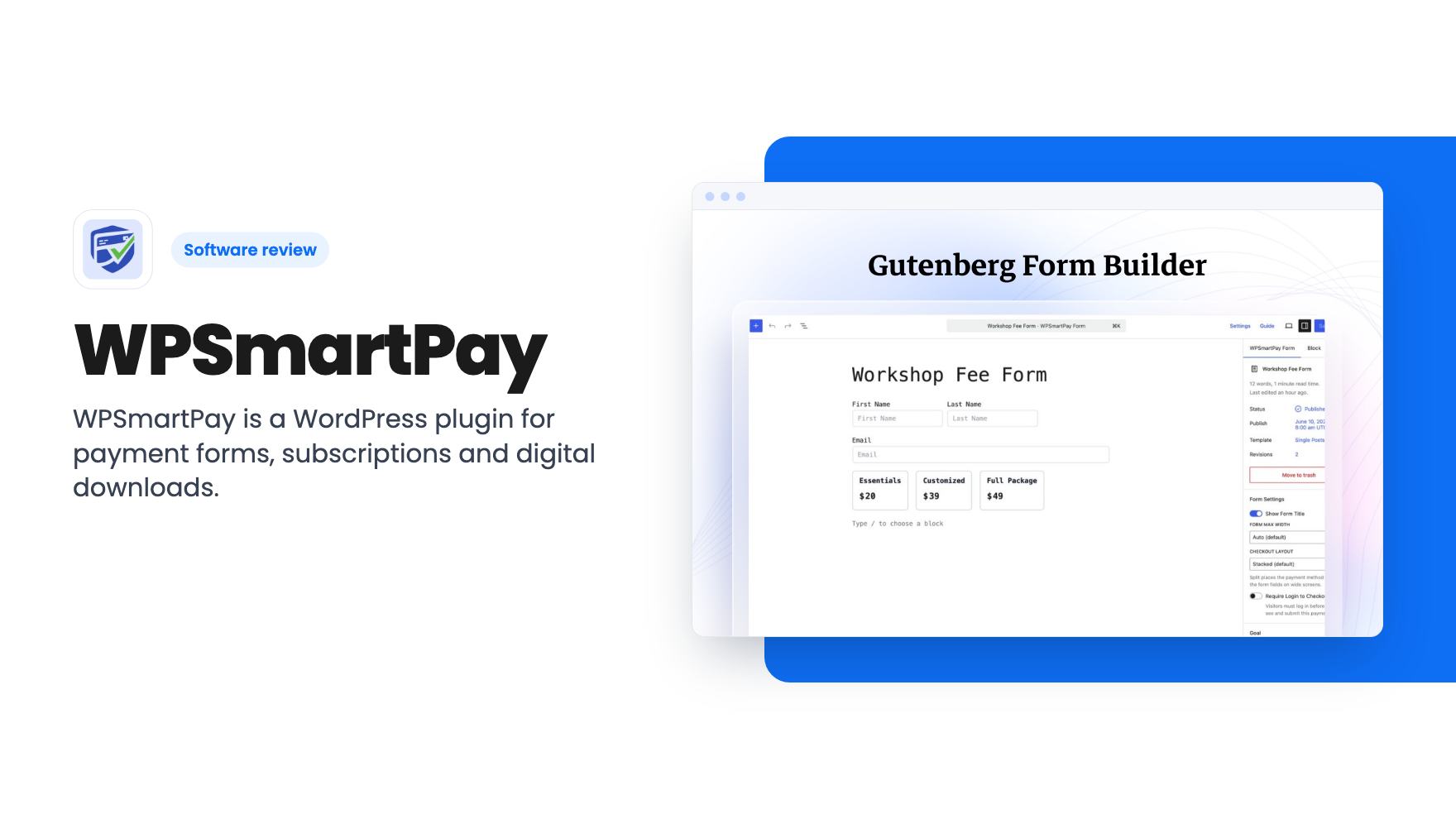
You’ve got a WordPress site, a PDF guide or a consulting retainer to sell, and you’d rather not send customers off to another platform that takes a slice of every sale. That’s the gap WPSmartPay is aiming at. It’s a WordPress plugin that adds payment forms, subscriptions, donations and digital downloads directly to the site you already run.

AppSumo lists it as an alternative to Gumroad. That comparison is fair for the digital product side, though the listing doesn’t claim to match everything Gumroad does. We haven’t used the plugin ourselves, so what follows comes from the listing, and we’ll flag where it’s silent.
What it actually does
The core is a payment form builder that lives inside the Gutenberg block editor. You drag and drop fields, then embed the form on any page, post or widget area using a block or a shortcode. The listing says you can build donation forms, simple payment forms, one-time forms and recurring forms without code.
You can also let buyers choose what they pay, or set a fixed amount. That’s useful for nonprofits and for anyone running a pay-what-you-want download.
There’s a product side too. Under Smartpay > Products in the WordPress admin, you add a title, cover image, description and files, then pick One Time or Subscription billing. You set a base price, an optional sale price and variations.
Payments, checkout and gateways
The feature copy names Stripe, PayPal, Mollie and Paddle, and the FAQ adds bKash. The listing says payments route straight to your own account, which matters. You aren’t pooling money through a middleman.
There’s a one-click checkout you can drop into any page, so a buyer picks a plan and pays. Subscriptions and one-time purchases can sit side by side.
One catch with Paddle: the listing says you need a verified Paddle account first. That’s Paddle’s rule, not the plugin’s, but plan for the wait if you want it.
The listing also doesn’t say how tax, VAT or invoicing rules are handled per gateway. If you sell to the EU, ask before buying.
Dashboard, coupons and integrations
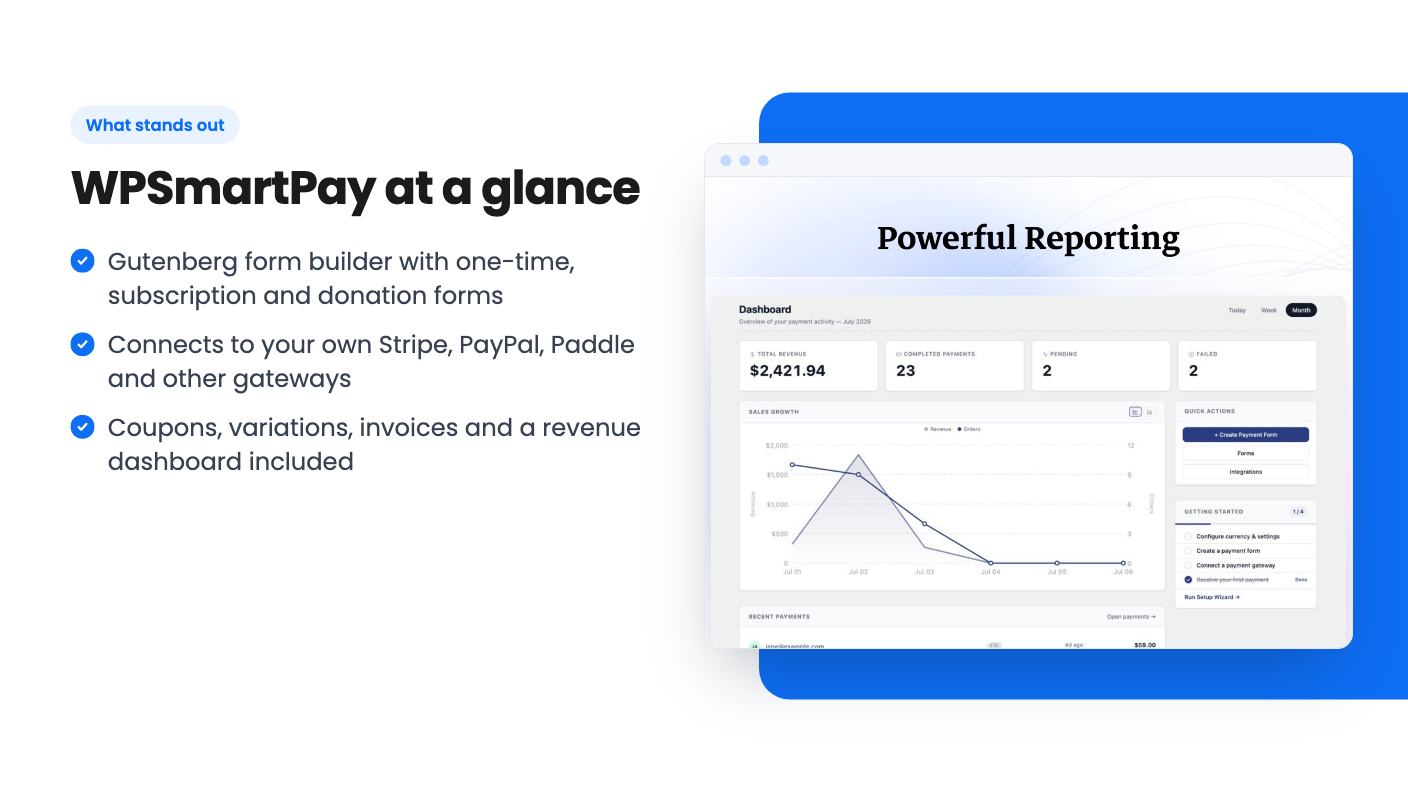
The dashboard shows total revenue, completed payments and active subscriptions, with day-wise sales charts. You can manage customers, invoices and payment access from the same place. Branded email notifications and receipts go out after each transaction.
For store housekeeping you get coupons, product variations and anti-spam controls. Those are the basics any small seller needs, and it’s good to see them included.
On integrations, the listing says you can connect a CRM, trigger Zapier workflows or ping Slack when a payment lands. It doesn’t name which CRMs. The only integrations tagged on the AppSumo page are Gutenberg, PayPal, Stripe, WooCommerce and WordPress, so treat the rest as something to verify.
On speed, the listing claims the plugin stores products, forms and transactions in custom database tables and is built with ReactJS. That’s a sensible design claim, but we can’t confirm the performance results. Take it as the vendor’s description.
The deal and where it gets muddy
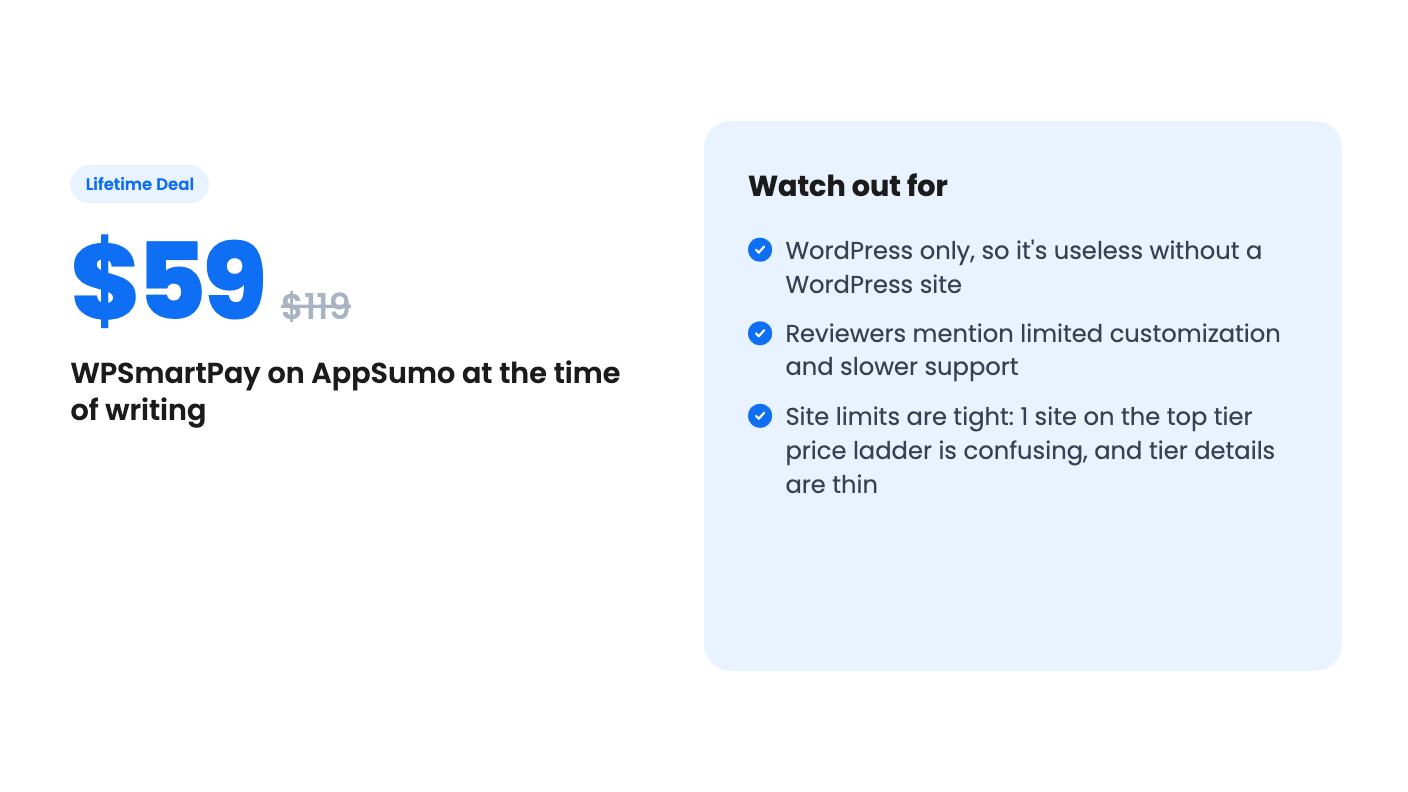
There are three lifetime tiers: $59 (list $119), $99 (list $199) and $199 (list $399). All include future updates to the Essential, Business and Agency plans, and your license moves to a new plan automatically if the plan name changes.
The site limits are listed as 50 / 5 / 1. The listing doesn’t label which number belongs to which tier. By price order it looks like 50 sites on the $199 tier and 1 site on the $59 tier, but that’s our reading, not something the listing states. Check that before paying.
There are timing rules too. You need to activate your license within 60 days. You can upgrade while the deal is live, but you can only downgrade within 60 days of purchase. A 60-day money-back guarantee backs the purchase.
The AI line is odd. The listing says access to future AI models may come at a discounted rate or may require an add-on. It doesn’t say what AI features exist, so don’t buy for anything AI related.
AppSumo’s review summary praises ease of use, multiple gateways and a focused dashboard. It also mentions limited customization and slower support. With only 6 reviews averaging 4.67, that’s a small sample, so we wouldn’t lean on the score.
Who should skip it
If you’re not on WordPress, this does nothing for you. It’s a plugin, full stop.
Skip it too if you want heavy design control over checkout pages. Reviewers flagged limited customization, and the listing shows no template library or styling options.
And if you need dependable support, hold off or use the refund window as your test. Slower support responses were mentioned, and the listing gives no support hours or channels.
Freelancers and consultants who just need a clean way to take payments and sell a few files on their own site are the best fit. The $59 tier is a modest bet, and you have 60 days to find out if it holds up.
How this review was made: researched from WPSmartPay's official listing, and written with help from AI. We have not tested WPSmartPay hands-on yet. Prices and deal terms change, so check AppSumo before you buy. See our affiliate disclosure.