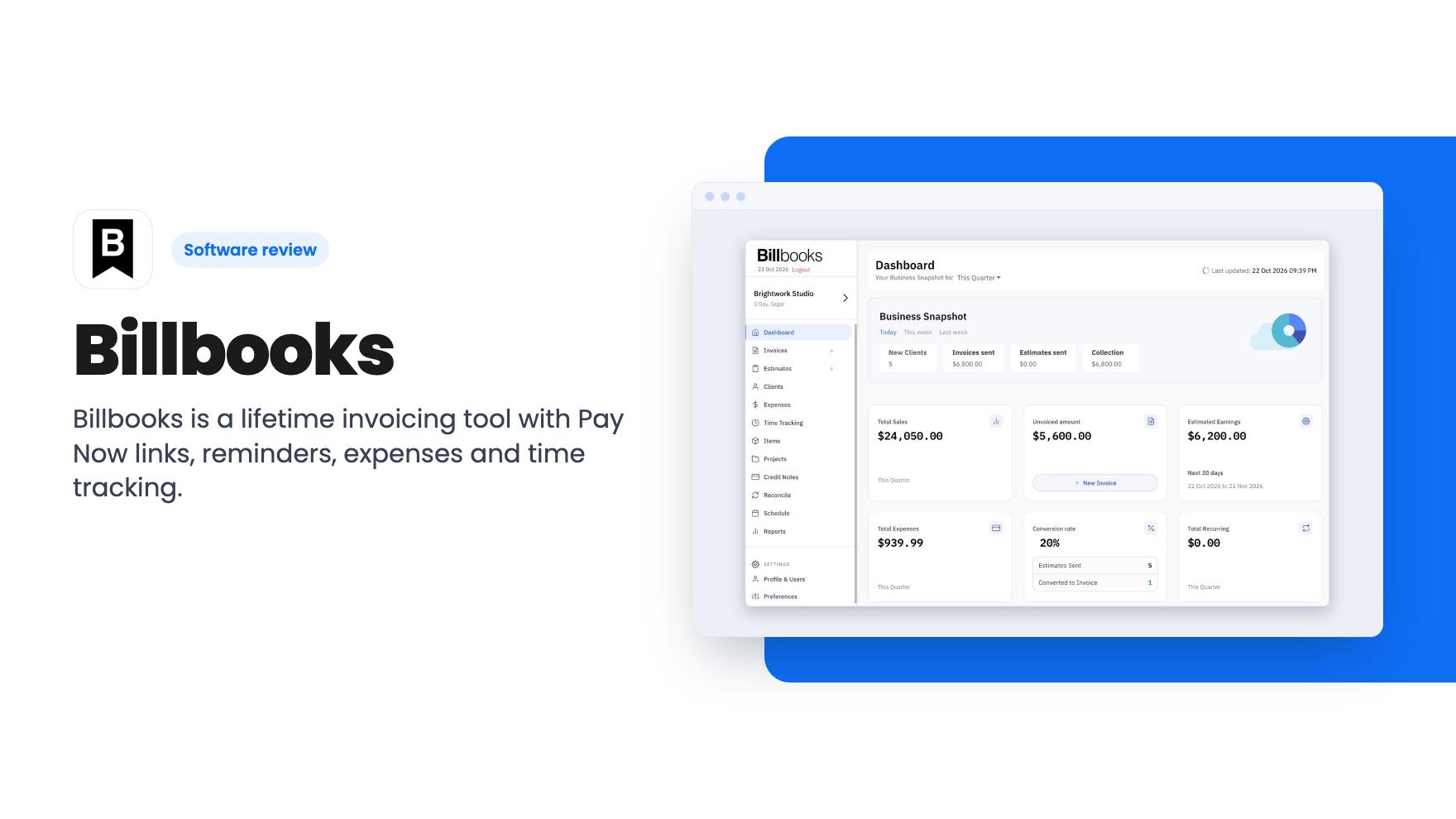
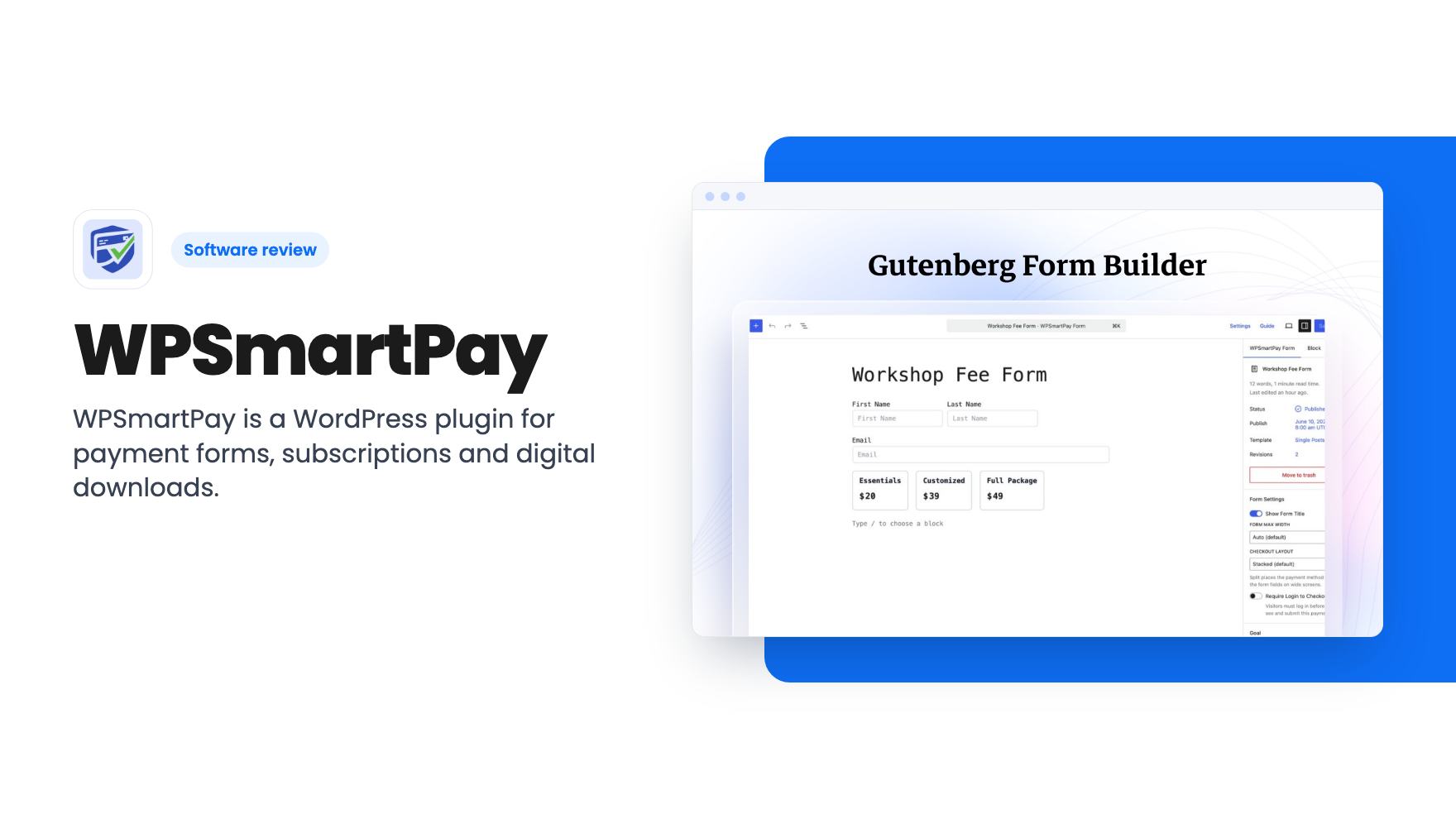
Lifetime deals in accounting are tempting because the monthly bills for small tools add up. The catch is that none of the three tools here is full accounting software. Each covers one slice of the job: sending invoices, matching receipts, or taking payments on a WordPress site. So the real decision is which slice is eating your time, and whether a one-off payment makes sense for it. We haven’t tested any of these hands-on, so everything below comes from what the listings show.
If you mostly need to send invoices
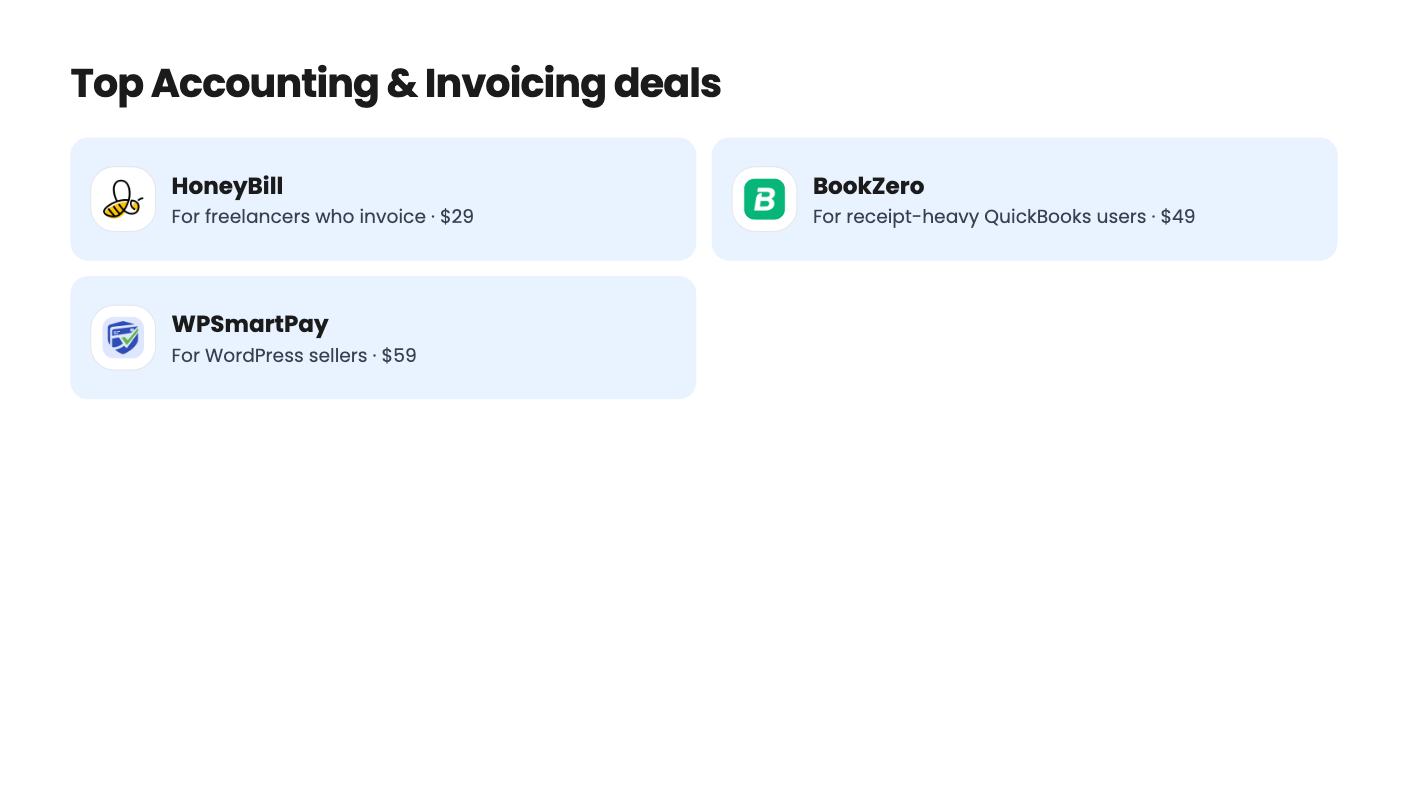
HoneyBill is the cheapest way in at $29, down from a $77 list price. Invoices go out from your own Gmail or Outlook address, so clients see your name rather than a platform’s. You can describe the job in plain English or by voice and the AI drafts the invoice. Clients pay through hosted checkout with card, bank transfer or Pay by Bank.
That suits a freelancer or solo consultant who wants fast, branded invoices and doesn’t need much else. The 60-day money-back guarantee takes most of the risk out of the low price.
Here’s our hesitation. The plan feature table in the listing is confusing and seems to contradict the tier prices, so you can’t tell for sure which tier gets which feature. Until that’s cleared up, we’d ask before paying for anything above the entry level.
The listing also says nothing about expenses, tax or bookkeeping. Don’t picture this as a Xero replacement. Reviewers ask for more advanced reporting, and custom domain setup takes some effort.
If receipts and bank lines are the headache
BookZero goes after a different problem: the pile of receipts that never quite lines up with the bank statement. It scans receipts and statements with AI, matches them, categorizes them and exports the result. It accepts JPG, PNG, PDF, HEIC and CSV, and you can send photos through Telegram. Exports come as CSV or as tax-ready reports for the CRA and IRS (T2125 and Schedule C), which helps if you file as a sole proprietor.
There are three lifetime tiers, from $49 to $279. New accounts get free signup credits, and you should use them on a real month of receipts before paying anything.
Read the tier table slowly. Every tier has a monthly scan cap, from 125 to 1000. Count your receipts first.
The bigger snag is that the $49 tier appears to lack Drive import and QuickBooks or Xero export. For many buyers that export is the whole point, so budget for a higher tier if you already live in one of those tools. The product is also young, and the demo shows no hands-on accuracy test. We can’t tell you how often the matching gets it wrong.
It fits freelancers, small business owners and bookkeepers who already use QuickBooks or Xero. It doesn’t fit anyone hoping for a full accounting suite.
If you sell through WordPress
WPSmartPay only makes sense on a WordPress site. If you’re on Shopify, Squarespace or anything else, skip ahead.
It costs $59 (list $119) and adds payment forms through the Gutenberg editor: one-time payments, subscriptions and donations. It connects to your own Stripe, PayPal, Paddle and other gateways. Coupons, variations, invoices and a revenue dashboard come included.
The appeal is selling a few digital downloads, taking donations or collecting simple payments without Gumroad’s cut or a monthly plugin fee. That’s a sensible trade if your volume is modest.
The weak spots are worth weighing. Reviewers mention limited customization and slower support. The listing’s site limits are tight, and the price ladder is confusing with thin tier details. If you run more than one site, confirm the limit before you buy. The 60-day refund window makes a trial low risk.
Choosing between them
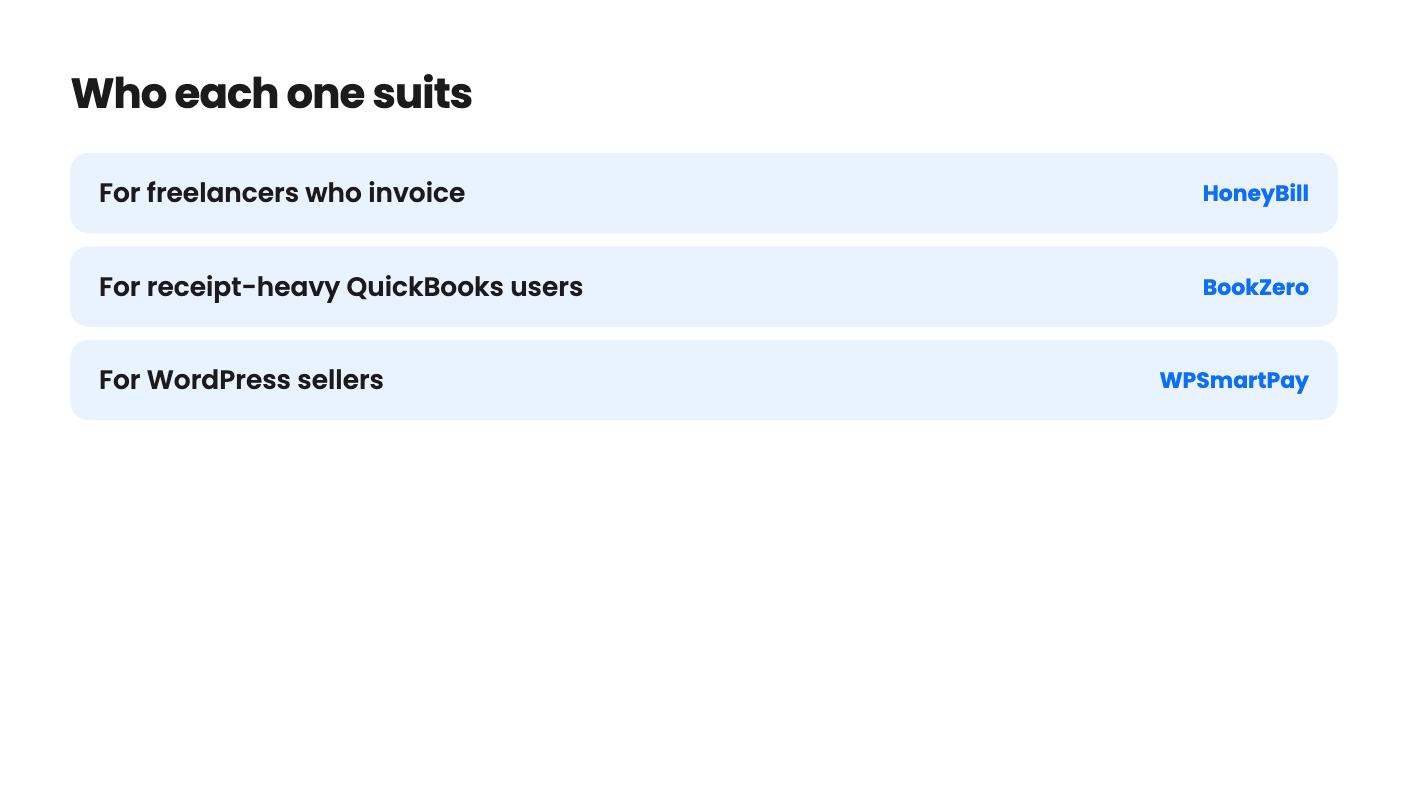
These three barely compete, so the choice is mostly about where your week goes. Chasing clients for payment points to HoneyBill. Sorting receipts at tax time points to BookZero. Selling downloads or taking donations on WordPress points to WPSmartPay.
None of them replaces the accounting tool you already use, and two of the listings are unclear enough that we’d want answers first. HoneyBill’s tier table needs explaining, and WPSmartPay’s site limits need confirming. Buy the one that matches your actual bottleneck, use the refund window or free credits straight away, and let a real month of work decide whether it stays.
How this article was made: researched from each tool's official listing and our reviews of it, and written with help from AI. We have not tested these tools hands-on. Prices and deal terms change, so check AppSumo before you buy. See our affiliate disclosure.