Our take: BookZero suits freelancers, small business owners and bookkeepers who lose hours matching receipts to bank transactions and already use QuickBooks or Xero. Skip it if you need a full accounting suite, or if you plan to buy the $49 tier for the integrations, because the listing puts Drive import and QuickBooks/Xero export on the higher tiers. The monthly scan caps and the product's youth deserve a close look before you commit.
BookZero, from its AppSumo listing.
What we like
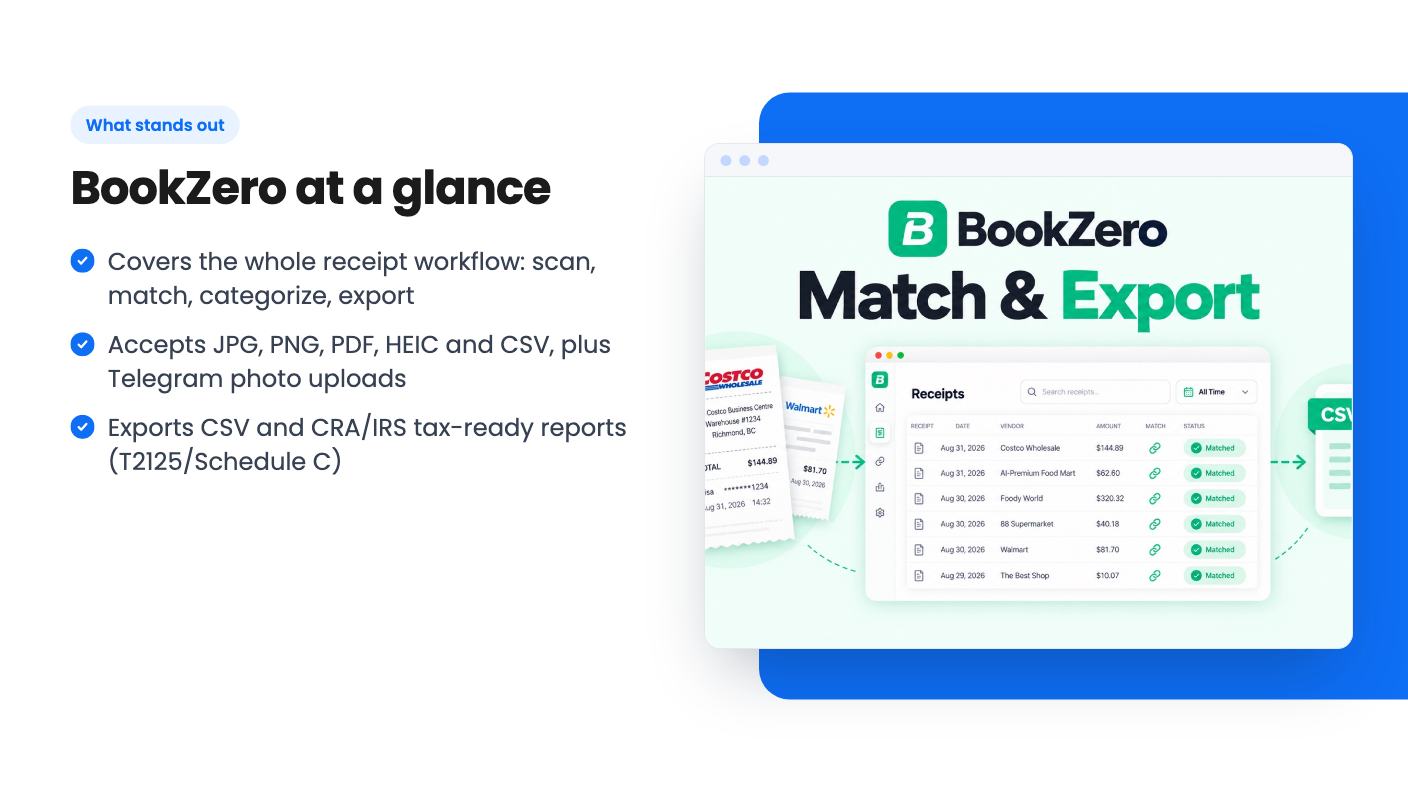
Covers the whole receipt workflow: scan, match, categorize, export
Accepts JPG, PNG, PDF, HEIC and CSV, plus Telegram photo uploads
Exports CSV and CRA/IRS tax-ready reports (T2125/Schedule C)
Three lifetime tiers starting at $49, with free signup credits to try it
Watch out for
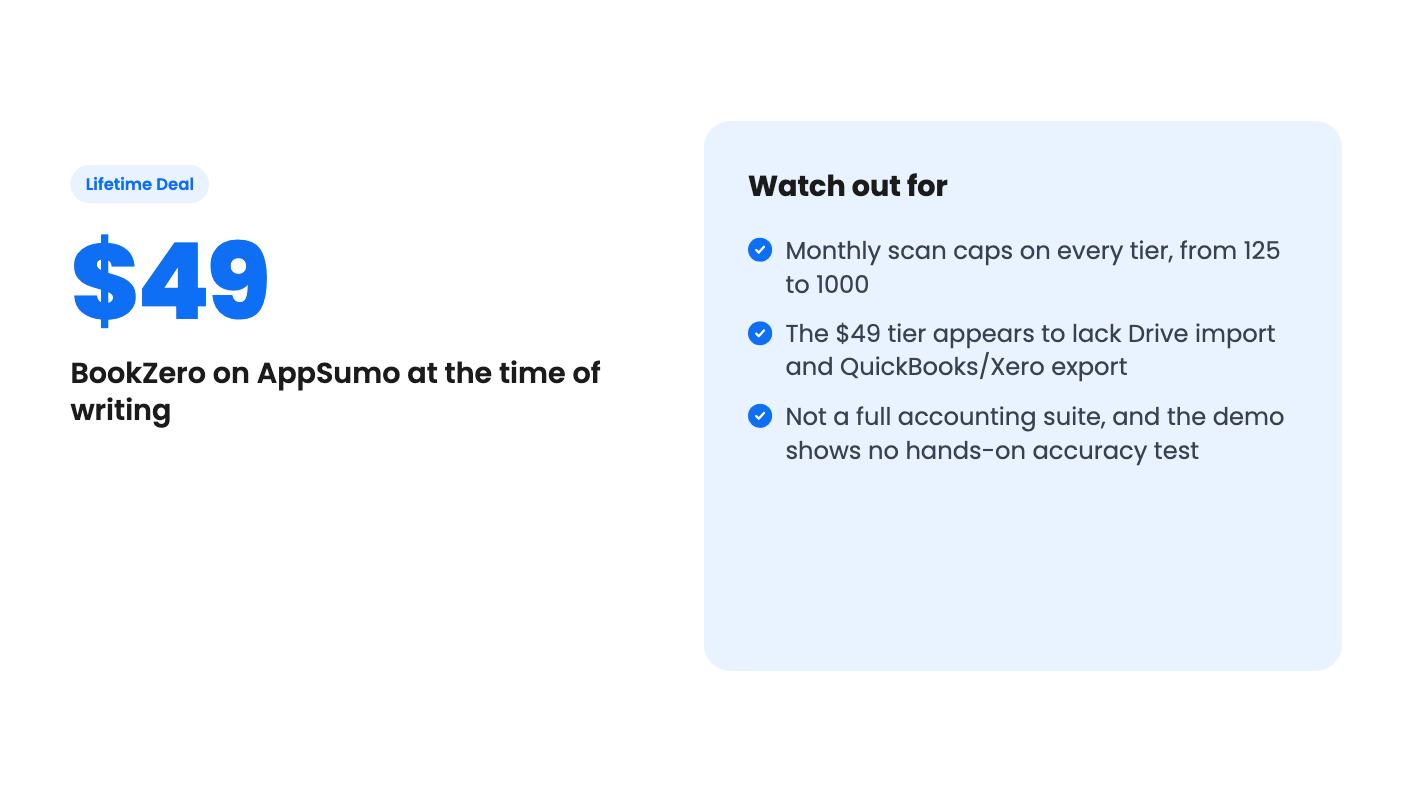
Monthly scan caps on every tier, from 125 to 1000
The $49 tier appears to lack Drive import and QuickBooks/Xero export
Not a full accounting suite, and the demo shows no hands-on accuracy test
What BookZero is
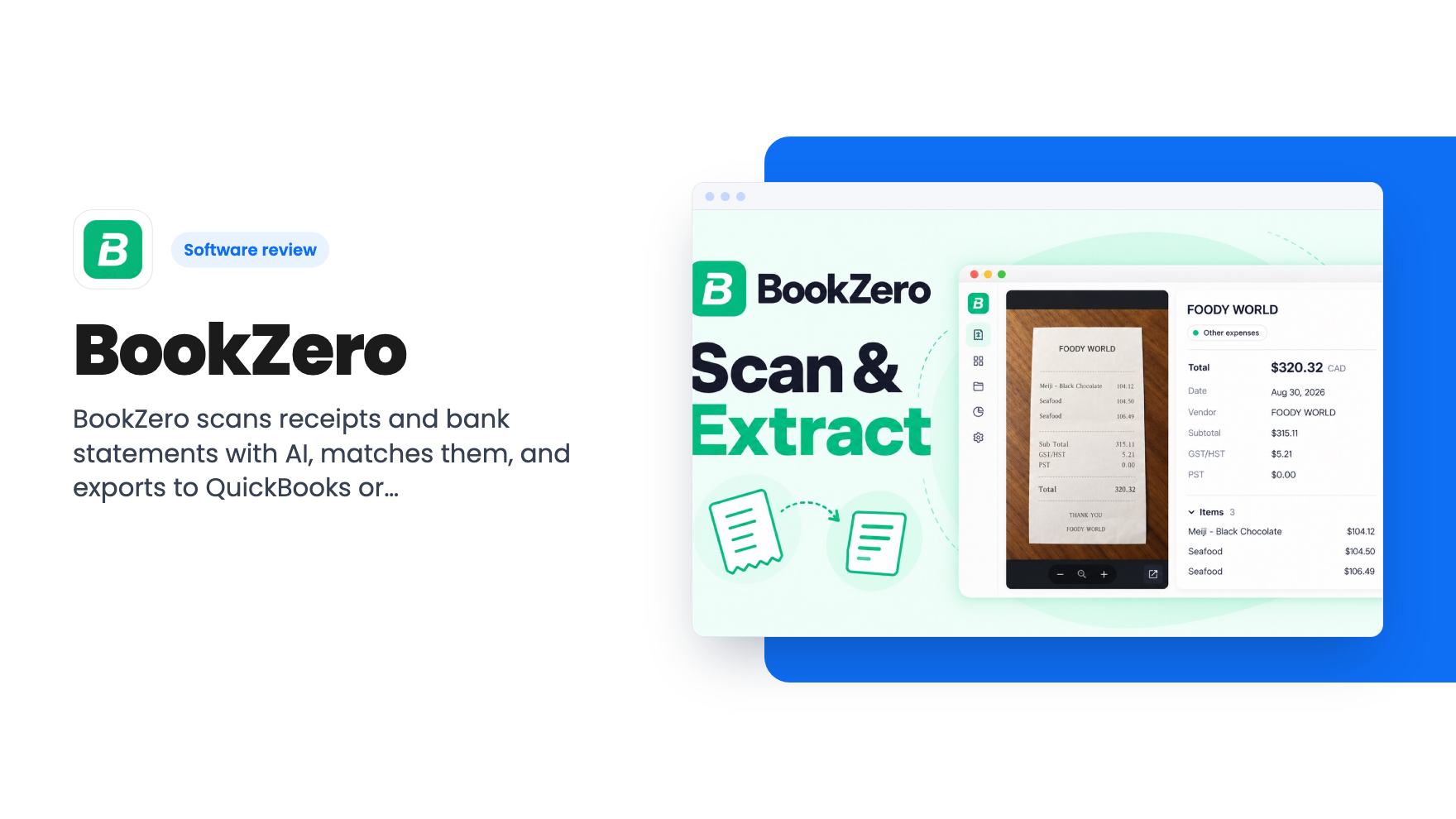
BookZero is an AI bookkeeping assistant built around receipts and bank statements. According to the listing, it reads receipts and statements, pulls out key details, matches receipts to bank transactions, and sends clean records to your accounting software.
It is not a full accounting suite. The listing says it focuses on the scanning and matching step, then syncs the results into QuickBooks or Xero as expenses. In the demo video, the founder, Eric, says it is meant for business owners, freelancers and accountants.
Key features
Here is what the listing and video describe:
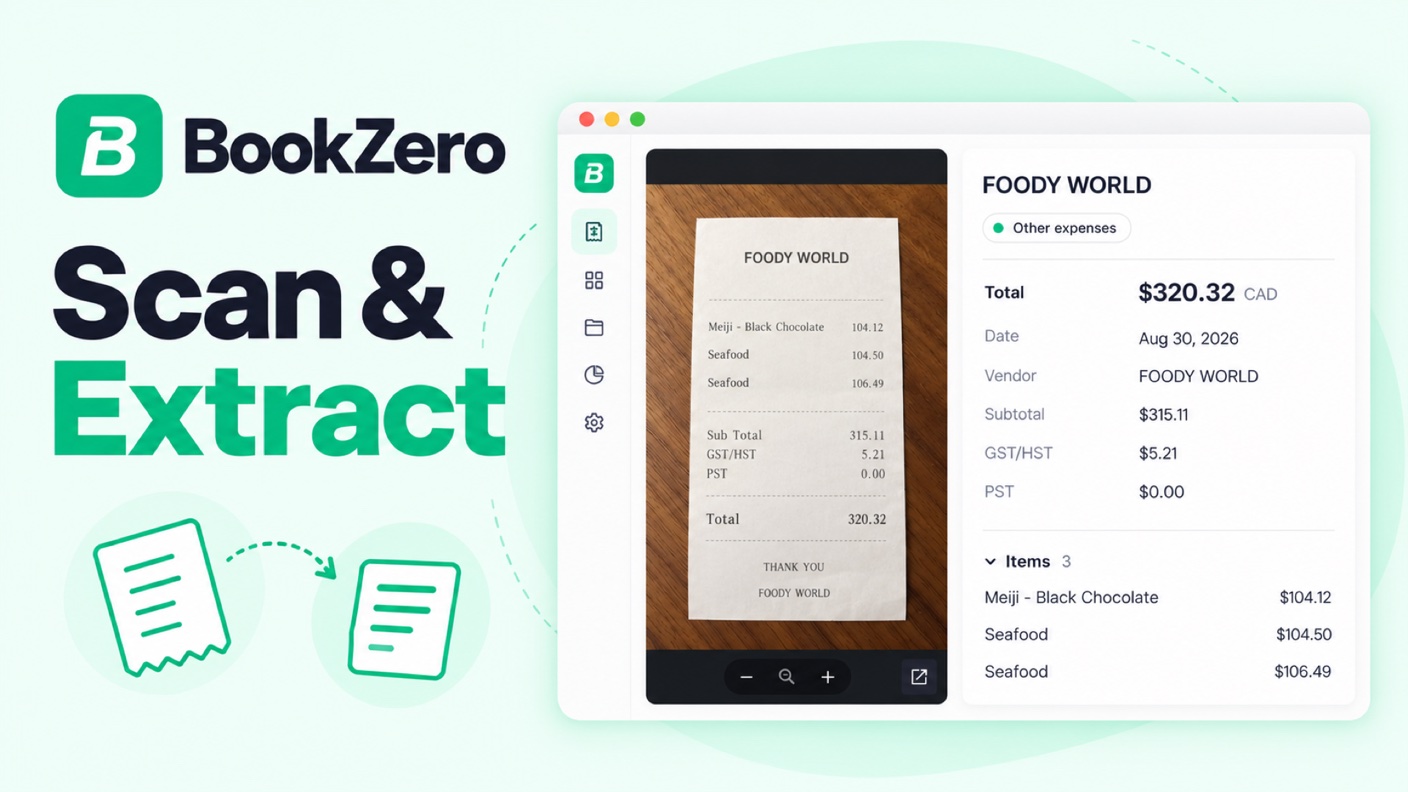
AI receipt extraction. The listing says the engine is built on a leading OCR model and fine-tuned on millions of receipt data points. It pulls vendor, date, tax and total in under 5 seconds. These are the company’s claims, and we have not verified them.
Many input routes. Supported formats are JPG, PNG, PDF, HEIC and CSV. You can also send a receipt photo to a Telegram bot, and the listing says it lands in your dashboard.
Bank statement import. The demo shows statements loaded from a Google Drive folder link.
Receipt-to-transaction matching. An auto-match function pairs receipts and transactions by time, vendor and amount.
Review tools. Receipts that fail extraction or need attention go to a “needs approval” list. You can edit fields by hand or retry processing.
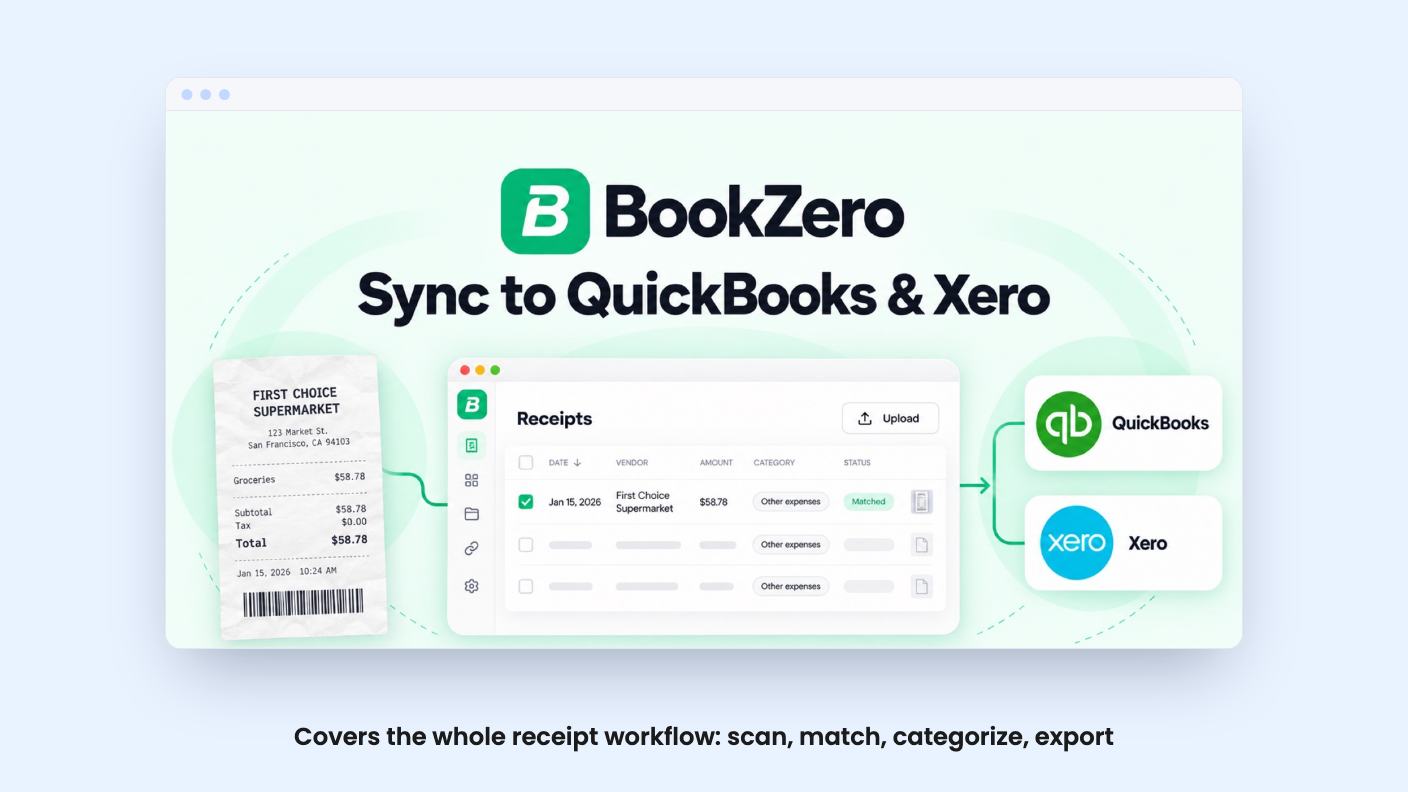
Exports. The listing mentions QuickBooks and Xero sync with the receipt file attached, clean CSV files, and CRA and IRS tax-ready reports (T2125/Schedule C).
AI financial analyzer. The listing includes it on the top tier only.
What the demo video shows
The video is a walkthrough by the founder, so treat it as a best-case showing. The transcript is also partly garbled and repetitive, so some details are unclear.
Here is what it does show:
An in-app chat where an AI agent can navigate the app. Eric asks it to open the receipts page, and it does.
A receipts page showing 374 processed receipts, with previews, payment details and the last four digits of the card used.
A “needs approval” view with manual entry and a retry option. Eric notes that entering more detail, such as the card used, improves matching accuracy.
A bank statement import of 28 statements from a Google Drive link, which produced roughly 801 records. Eric says each credit equals one page, and PDFs often have several pages.
Transaction filters by card, with descriptions, logos and categories that you can edit.
A matching page with roughly 544 receipts and 560 transactions, where an auto-match button pairs the high-confidence ones.
The video does not show an accuracy rate, how many matches needed fixing, or an actual QuickBooks or Xero sync. The transcript ends partway through the matching demo.
Pricing and the AppSumo deal
The deal has three lifetime tiers, all with future plan updates and the option to switch between tiers. You must activate your license within 60 days of purchase. The listing says the deal ends on October 31, 2026.
Tier
Price
Scans per month
Drive import, QuickBooks and Xero export
AI financial analyzer
Tier 1
$49
125
No
No
Tier 2
$119
400
Yes
No
Tier 3
$279
1000
Yes
Yes
The listing’s feature table shows scans as “1000 / 400 / 125”, which looks like highest tier first. We matched those numbers to the tiers by price and by the listing’s FAQ, which says Drive is on Tier 2 and Tier 3. Check the AppSumo page to confirm the split.
The listing does not say whether “scans” and the “credits” mentioned in the demo are the same thing. The demo says one credit equals one page. If scans work the same way, a multi-page bank statement could use up a small cap fast. Importing 28 statements, as in the demo, may be a heavy month on the $49 tier.
Who it’s for (and who should skip it)
A good fit if you:
Collect lots of receipts and spend hours matching them to card and bank transactions.
Already use QuickBooks or Xero and want cleaner expense entries with receipts attached.
Are a freelancer or sole proprietor who needs T2125 or Schedule C style reports.
Are an accountant or bookkeeper who handles receipt volume for clients.
Consider skipping if you:
Need invoicing, payroll, reporting or full double-entry bookkeeping. BookZero is not built for that.
Want the QuickBooks or Xero sync on the cheapest tier. The listing appears to reserve it for Tier 2 and above.
Process more pages per month than your tier’s cap allows.
Want a long-proven product. The listing gives no customer numbers, and we have not tested accuracy, so the extraction claims remain unverified.
A sensible approach is to use the free 50 credits on your own receipts and statements first. If extraction and matching hold up on your real paperwork, pick the lowest tier that includes the integrations you need. With the deal ending October 31, 2026, that decision needs to happen quickly.
No. According to the listing, BookZero focuses on scanning and matching receipts and bank statements, then syncing categorized data into QuickBooks or Xero as expenses. It is not a full accounting suite.
Which lifetime tier includes QuickBooks and Xero export?
The listing's feature table appears to list tiers from highest to lowest. On that reading, the $119 and $279 tiers include Google Drive import and QuickBooks/Xero export, and the $49 tier does not. Confirm this on the AppSumo page before buying.
Can I try BookZero before buying?
According to the listing, you can sign up for a free account and get 50 credits. You can upload a receipt or bank statement to see the AI extraction. If you buy, you must activate your license within 60 days.
How this review was made: researched from BookZero's official listing and a transcript of its demo video, and written with help from AI. We have not tested BookZero hands-on yet. Prices and deal terms change, so check AppSumo before you buy. See our affiliate disclosure.
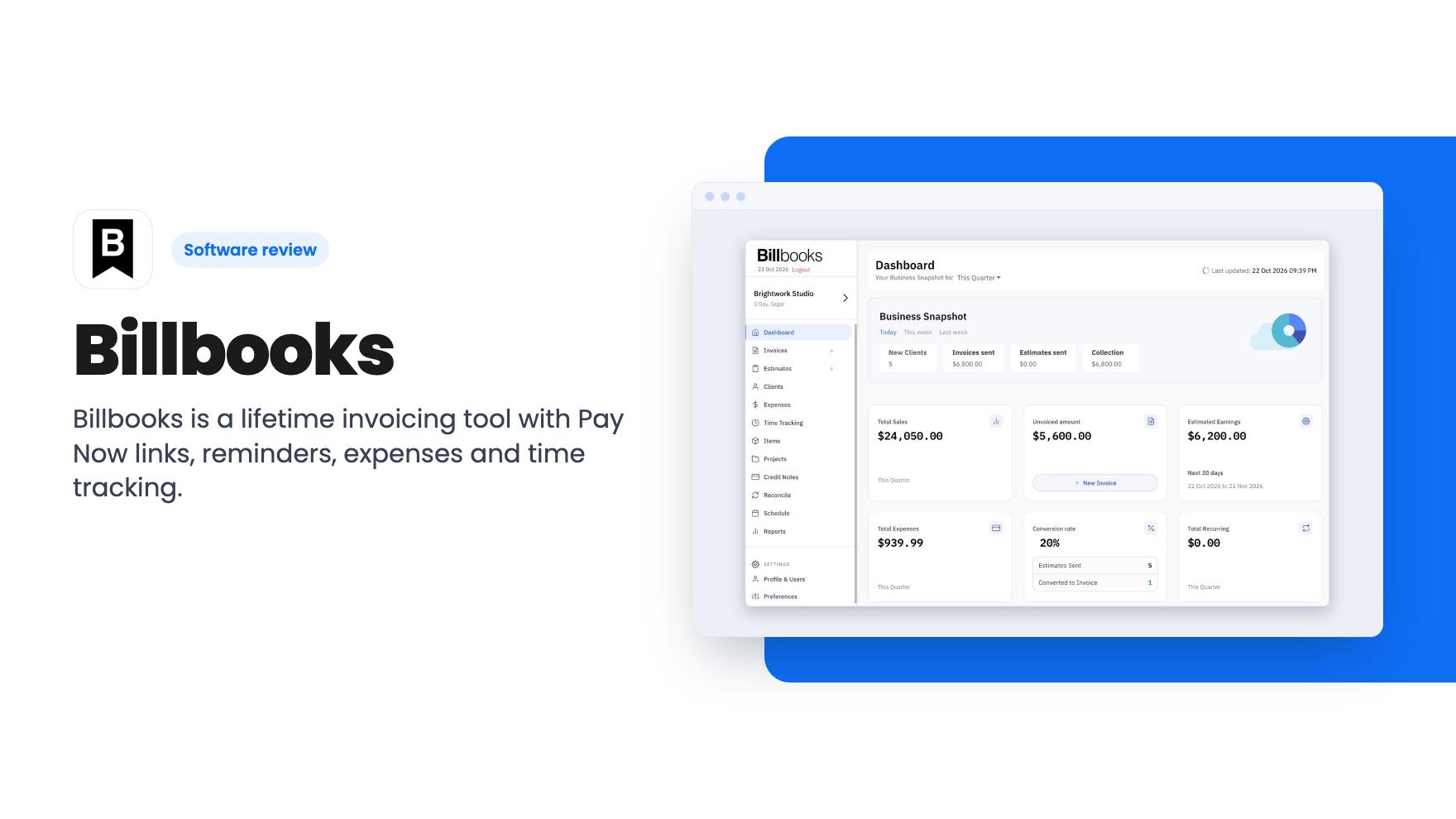
Billbooks is a lifetime invoicing tool with Pay Now links, reminders, expenses and time tracking. The $59 tier is tight on limits and has no accounting sync.
Three accounting and invoicing lifetime deals compared: HoneyBill at $29, BookZero from $49 and WPSmartPay at $59. Who each suits and what the listings leave out.
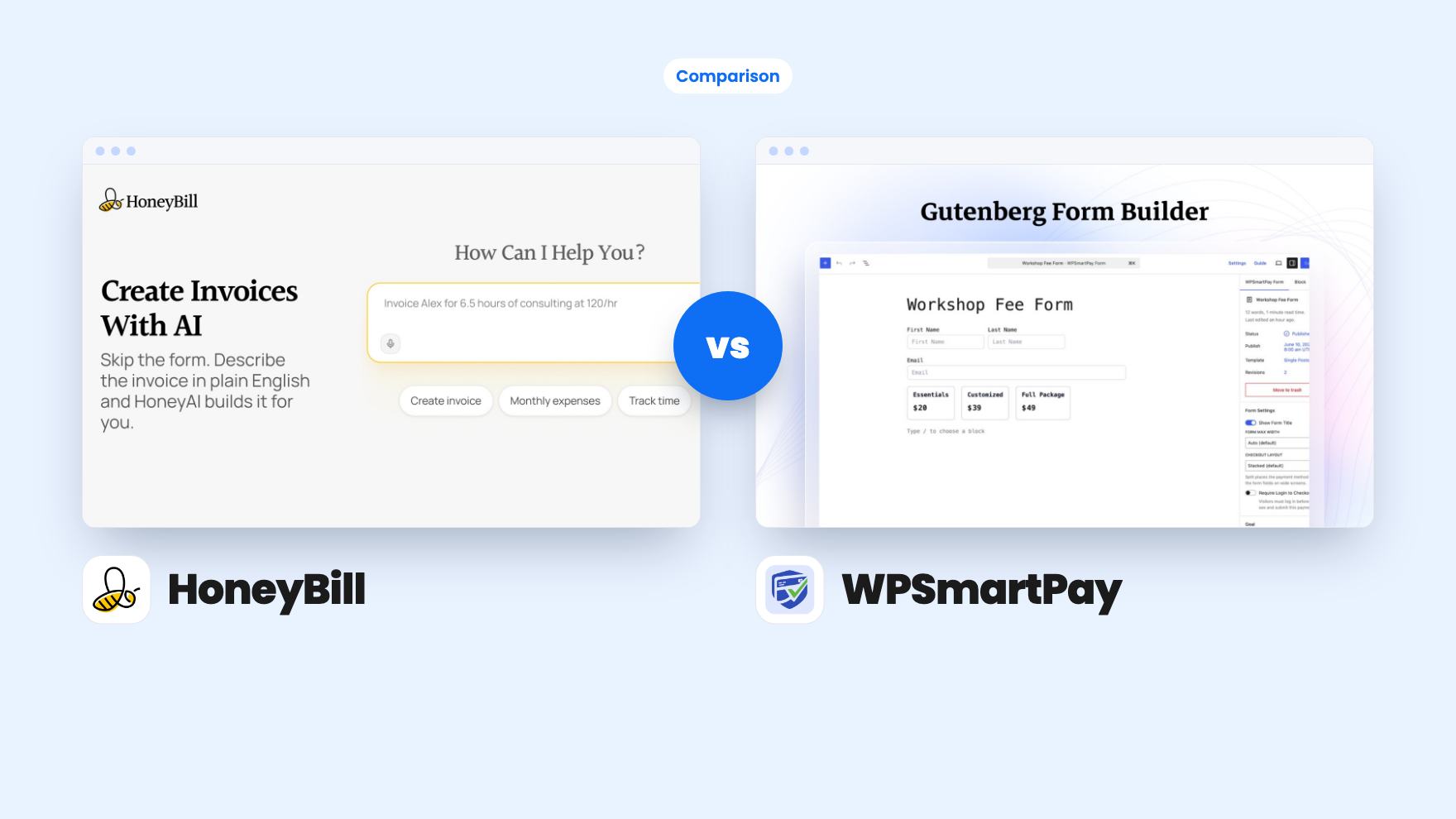
HoneyBill sends AI-drafted invoices from your inbox. WPSmartPay adds payment forms and downloads to WordPress. Here's which lifetime deal fits your billing.