You finish a job on Friday afternoon. The work took a few hours, the invoice takes another half hour of copying client details, retyping line items and fixing the totals. Then it lands in a promotions tab, and two weeks later you’re writing a polite nudge you’d rather not write.
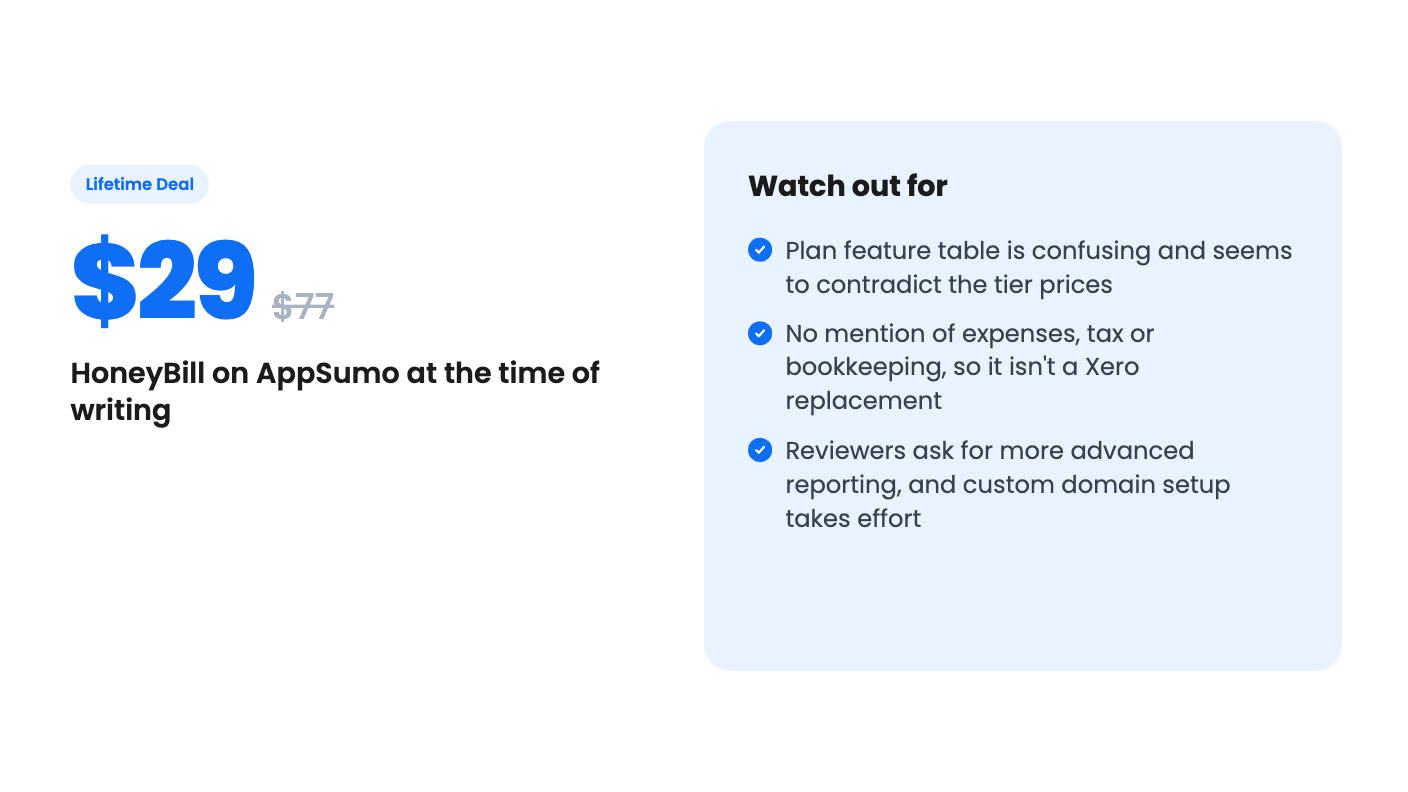
HoneyBill is built around that exact slog. It’s a lifetime-deal invoicing tool aimed at freelancers, consultants and small businesses, and it’s priced at $29 on AppSumo (list price $77) for the entry tier.
What you actually get for the money
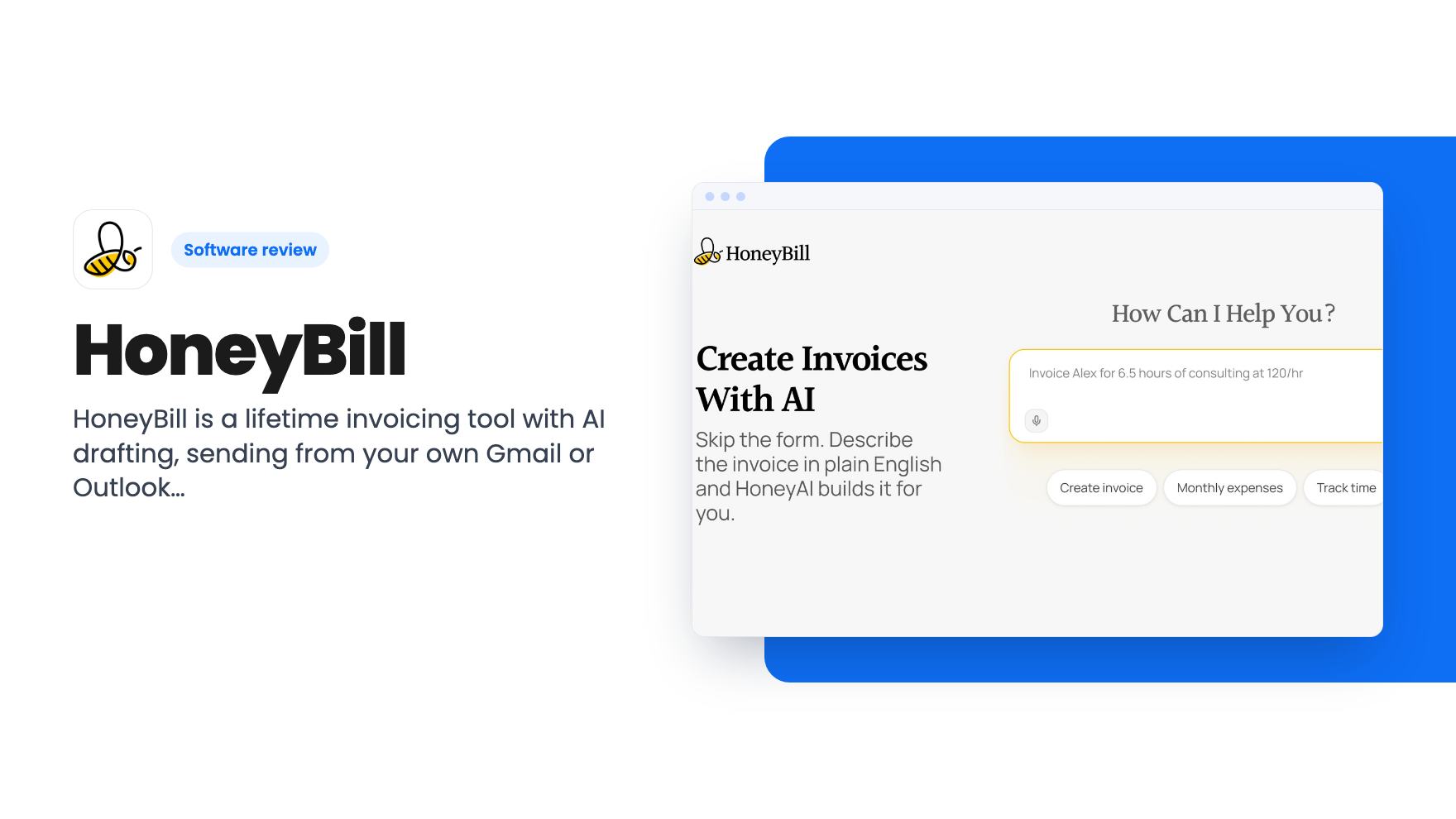
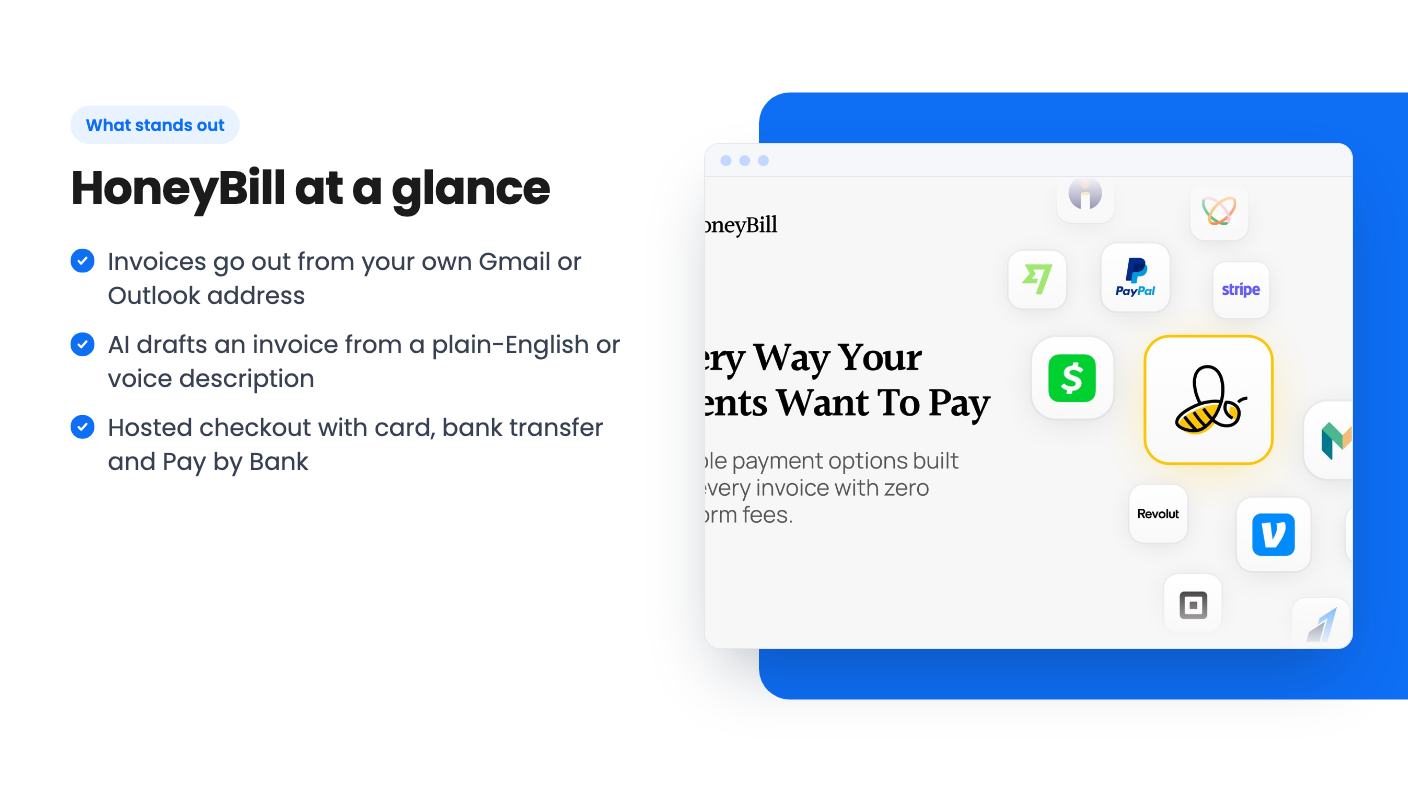
The headline feature is AI invoice creation. According to the listing, you describe the job in plain English or record a voice note, and HoneyBill builds the invoice with client details, line items and totals. You then get a branded version using your logo and colors.
That’s useful if you bill in small, frequent chunks. It’s less impressive if you send four invoices a month, because typing them by hand was never the real bottleneck. The listing doesn’t say how well the AI handles messy descriptions, so we can’t promise it gets line items right. You’ll want to check every draft before it goes out.
Beyond that, there’s a dashboard for client work, logged hours and invoices, plus time and project tracking. You can see when a client has viewed an invoice, and there are built-in reports with a unified payment status across clients.
Sending from your own inbox
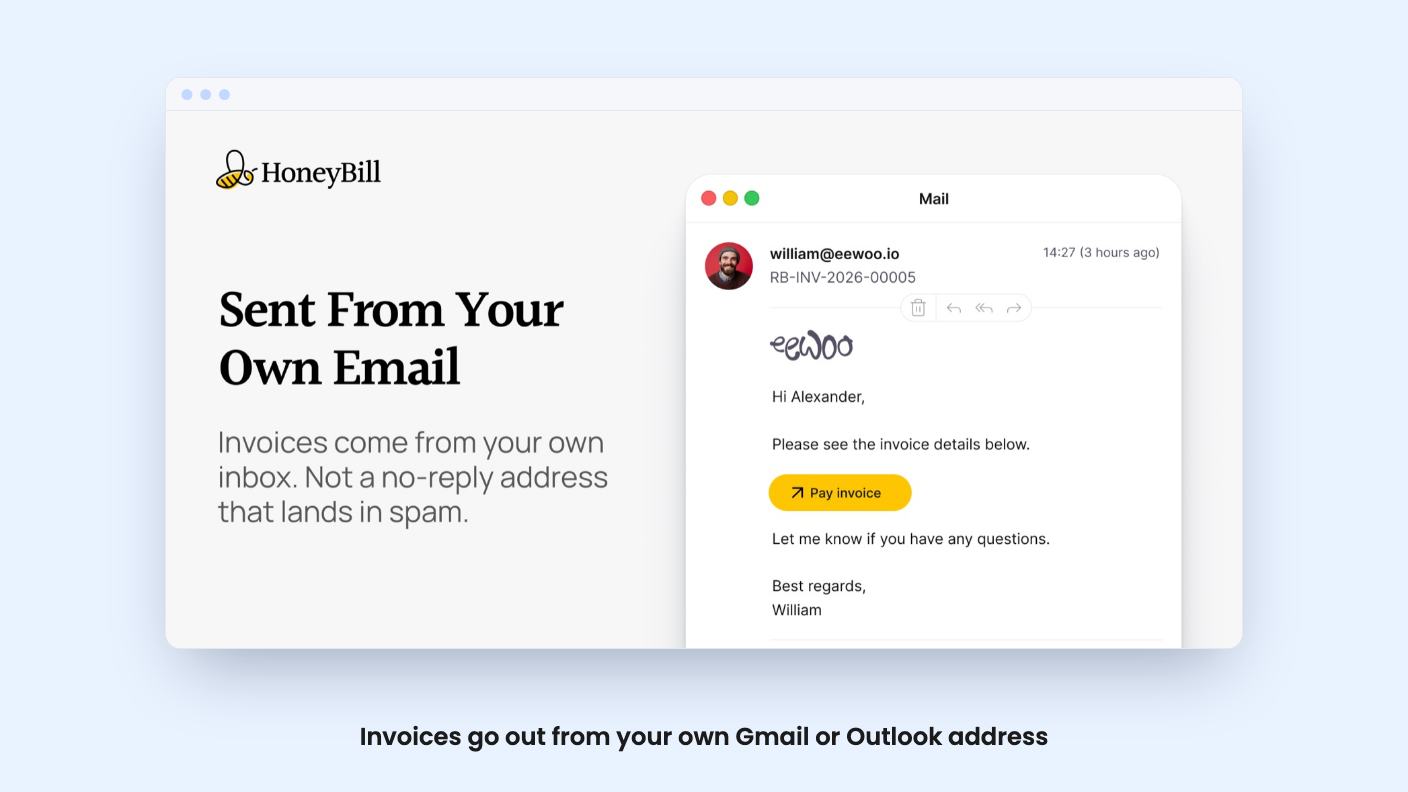
This is the part I like most. You connect Gmail or Outlook, and invoices arrive from your own address instead of a generic billing server. The PDF is attached automatically.
For a one-person business, that matters more than it sounds. A client is far more likely to open a message from a name they know. The listing claims this keeps invoices in the primary inbox rather than promotions or spam. That’s a reasonable expectation when mail goes through your real account, but no tool can guarantee placement, so read it as a better chance, not a promise.
AppSumo’s review summary flags one catch: the initial setup of custom domains is a sticking point for some buyers. If you aren’t comfortable editing DNS records, budget some time or ask for help.
Getting paid is the other half
Clients get a hosted checkout page. Reviewers quoted in AppSumo’s summary say they can pay in two clicks. The listing mentions card, bank transfer and Pay by Bank, and says you can connect Stripe, PayPal, Revolut, Venmo and Payoneer.
That provider list is wider than AppSumo’s own integration line, which only shows Gmail, Outlook and Stripe. The plan table also mentions “Stripe-hosted checkout” specifically. So before you count on Venmo or Payoneer, confirm they work on the tier you buy.
Automatic payment reminders are included too. They’re the feature that saves the most awkward emails, and for many freelancers they’re reason enough to try the tool.
The tier table needs a second look
Here’s where the listing gets muddy. There are two lifetime tiers: $29 (was $77) and $79 (was $144). The feature table lists values as pairs, but they don’t line up neatly with the prices.
Read in order, the first column shows 5 invoices a month, unlimited projects, unlimited connected email accounts, custom domains, AI generation, branding removal and team members, but no recurring invoices. The second column shows unlimited invoices, 5 projects, 1 email account, no custom domains, no AI generation, no team members, and recurring invoices.
That’s odd. A cheaper tier with a 5-invoice monthly cap but most of the headline features is plausible. A pricier tier that drops AI and custom domains is not. Either the columns are swapped or the table is wrong.
We can’t tell which. If you’re buying for AI drafting, branded sending or recurring retainers, ask the seller in the Q&A before you pay. You can upgrade between the two tiers while the deal is live, which softens the risk a little.
The deal terms and the fine print
Both tiers are lifetime access with all future Standard Plan updates. If the plan name changes, the deal maps to the new name. There’s no code stacking.
You must activate your license within 60 days of purchase. You can downgrade between tiers within 60 days, and upgrade as long as the deal is available. AppSumo’s summary also cites a 60-day money-back guarantee.
The score looks healthy: 4.42 out of 5 across 19 reviews. That’s a small sample, and the summary is marketing copy. Still, the complaints it lists are mild. Buyers want more advanced reporting, and some found custom domain setup fiddly.
The bigger unknown is age. Lifetime deals depend on the company surviving and keeping the product maintained. The listing gives no founding date, team size or roadmap, so you’re betting on a young product. At $29 that’s a modest bet. At $79 I’d want the tier table sorted first.
Who should skip it
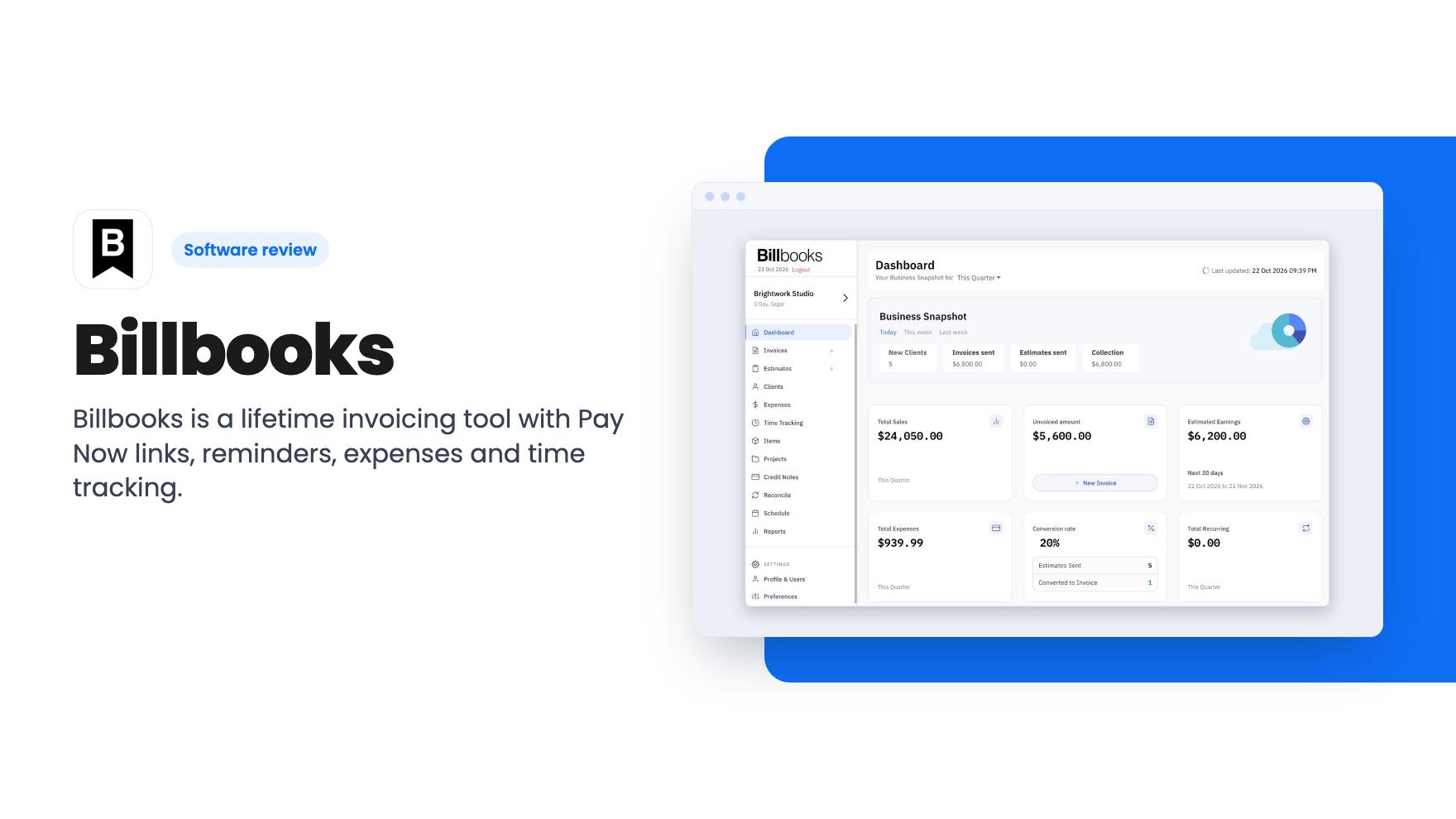
If you want a full accounting system, skip it. AppSumo lists Xero and FreshBooks as alternatives, but nothing in the listing mentions expenses, bank feeds, tax or bookkeeping. This is an invoicing and payment-collection tool with time tracking attached.
Skip it too if reporting is central to how you run things. The built-in reports exist, but reviewers themselves ask for more advanced options.
And if you only send a handful of invoices each quarter, a free template might do the job. The people who gain most are solo consultants and freelancers who bill often, chase late payers, and want invoices that look like they came from a person, not a platform.
For that group, the low entry price and the 60-day guarantee make this an easy one to try. Just get an answer on the tier question first.
How this review was made: researched from HoneyBill's official listing, and written with help from AI. We have not tested HoneyBill hands-on yet. Prices and deal terms change, so check AppSumo before you buy. See our affiliate disclosure.