Forms & SchedulingReview
zcal Review: A Good-Looking Scheduler at a $59 Lifetime Price
zcal is a design-focused scheduling tool with team booking and custom domains. The lifetime deal runs $59 to $219, with user caps that matter.
Yoya swaps the booking form for an AI chat and sends you a pre-call brief. Here's what the $49, $129 and $249 AppSumo lifetime tiers really get you.

Lifetime deal price
$49$58892% off
Lifetime Deal
Our take: Yoya suits consultants, coaches and sales people who run discovery calls and want a briefing before each one. Skip it if you just need a fast, plain booking link, or if you'll outgrow 100 bookings a month on Tier 1, where the useful extras are also locked.
You send a Calendly link to a prospect. They pick a slot, type their name, and show up on the call. You know nothing about them. Ten minutes in, you’re still asking what they actually wanted to talk about.
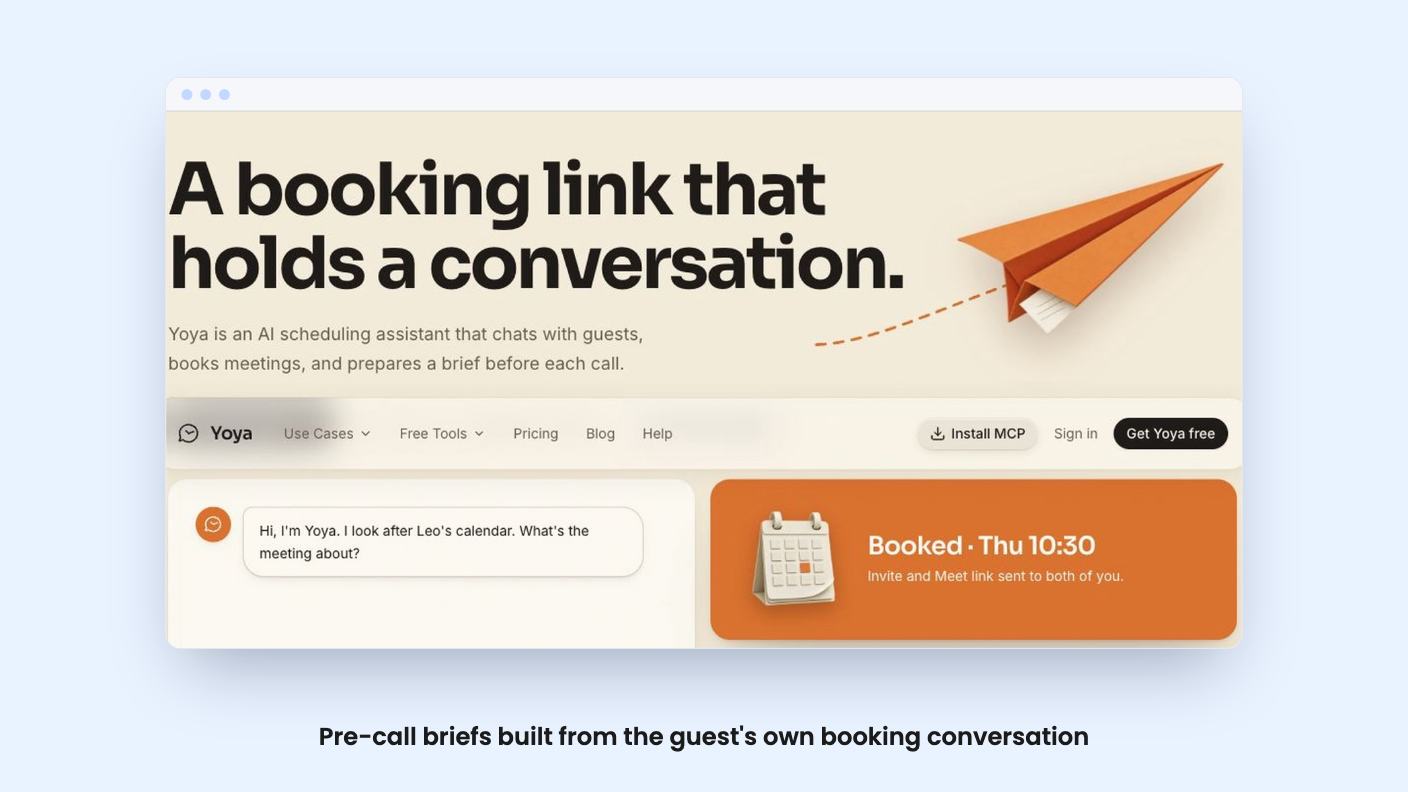
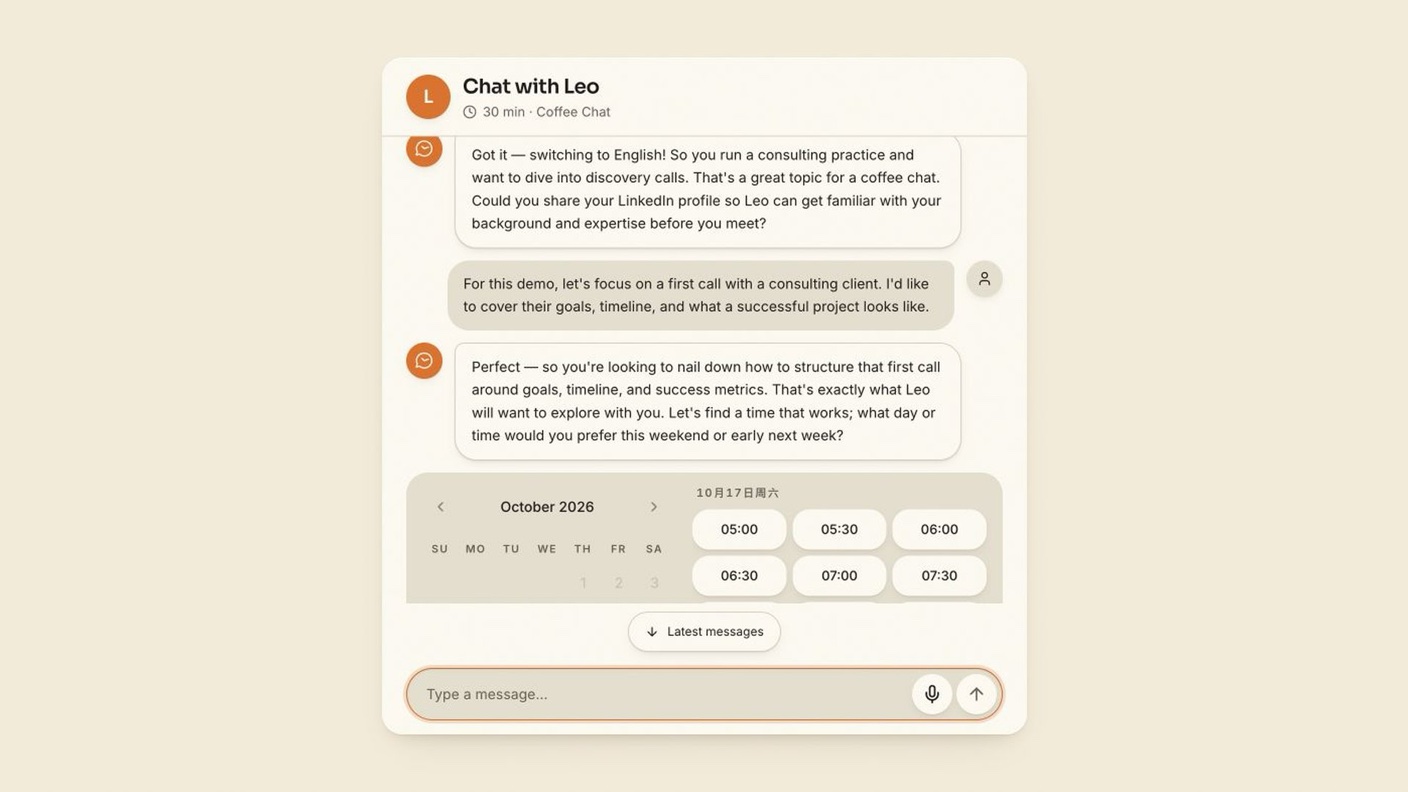
That gap is what Yoya goes after. Instead of a form, the guest has a short conversation with an AI on your booking page. They explain what they need, pick a time, and confirm. Before the meeting, you get a brief built from that chat.
It’s a neat idea for a specific kind of seller. Whether it’s worth a lifetime deal depends heavily on which tier you’d need, so let’s go through it.
According to the listing, guests can describe their request in text, choose from your available times, and confirm their details without creating an account. If they’d rather talk, there’s voice booking too, drawn from a monthly pool of minutes that depends on your tier. Text chat doesn’t use those minutes.
The target audience is clear: consultants, online coaches and sales managers. These are people whose first call is a discovery call, where context matters more than speed.
The listing positions Yoya as an alternative to Acuity Scheduling, Calendly and Doodle. That’s fair on the basic job of getting a time on the calendar. It’s less fair on everything else those tools do, and the listing doesn’t say much about payments, team scheduling or round-robin routing. Where the source doesn’t say, assume it isn’t there until you’ve asked.
The brief covers the guest’s purpose, background and questions, all drawn from the booking conversation. You read it before the call instead of improvising.
One clarification from the listing’s FAQ matters. This is not a meeting transcript. Yoya isn’t recording or transcribing the call itself. The brief summarises what the guest said while booking, and the transcript history just refers to that booking chat.
So if you were hoping for an AI note-taker, this isn’t one. It’s a prep tool.
Tier 2 and above add LinkedIn background summaries, but only when the guest shares their profile. That’s a sensible limit, though it means the summary depends on the guest volunteering a link. The listing doesn’t say how detailed these summaries are, and there’s no demo video to show a sample brief.
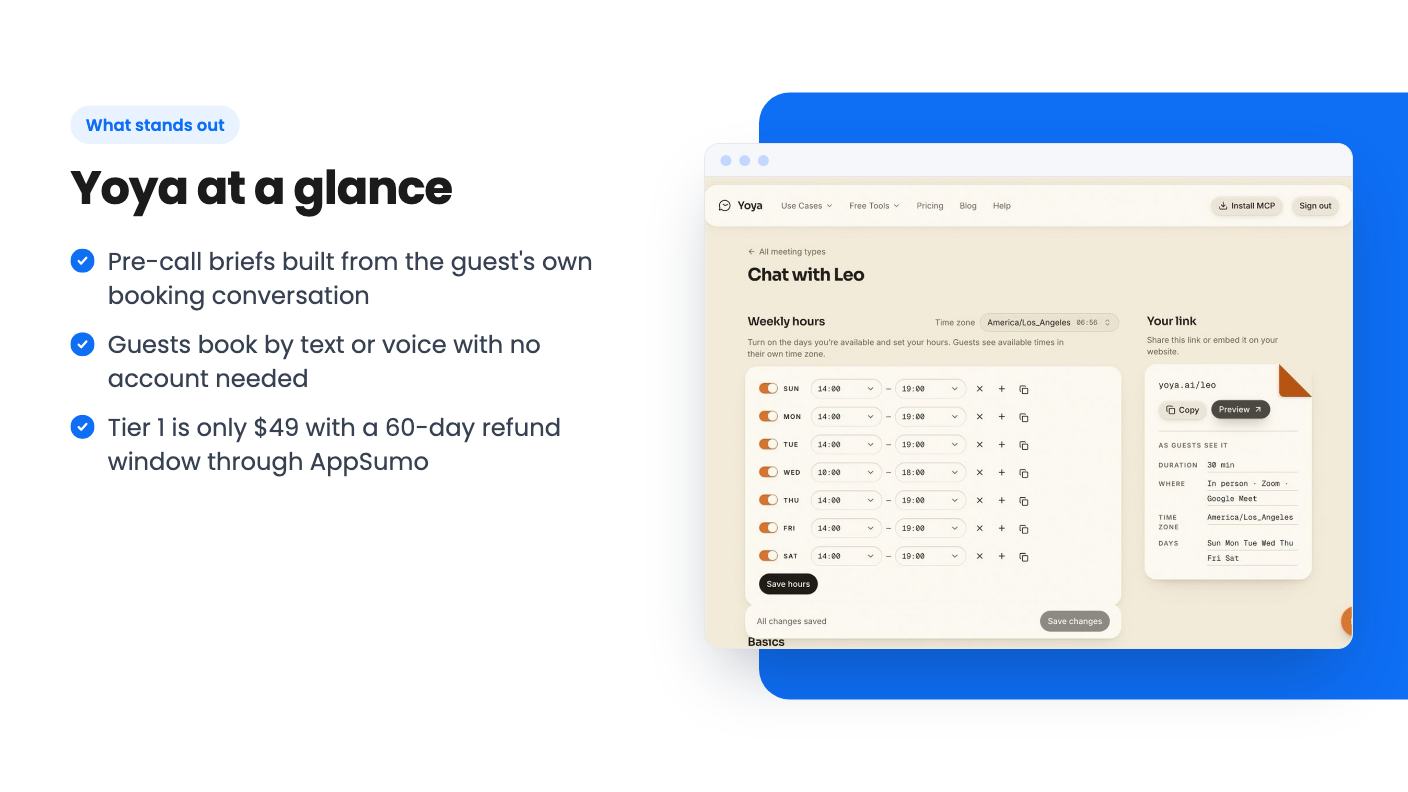
The scheduling basics are covered. Yoya checks Google Calendar for conflicts, lets you set separate hours and durations for different meeting types, and shows times in the guest’s time zone. It sends invites, reminders, and reschedule or cancel links.
For video, you can create Google Meet or Zoom links through your connected accounts. Putting both options on one booking page requires Tier 2 or above. So does letting people join Meet without waiting for admission.
Google Calendar is the only calendar the listing names. If you live in Outlook, the source doesn’t say Yoya works for you, and I wouldn’t buy on a guess.
This is the odd and interesting part. Yoya has a public MCP connection, so a guest’s AI assistant can look up your page, check availability and book a time. Your tier’s booking limits still apply.
On the host side, you can connect an MCP-compatible assistant such as Claude Code or Cursor to manage your own meeting types, availability and bookings.
Is that useful today? For most small business owners, probably not yet. Few of your prospects are sending an AI agent to book calls with you. But if you already work inside Claude or Cursor all day, managing your schedule from there is a real convenience. I’d treat it as a bonus, not a reason to buy.
AppSumo lists three lifetime tiers, and you can move between them. You must activate your license within 60 days of purchase, and refunds go through AppSumo’s 60-day money-back guarantee.
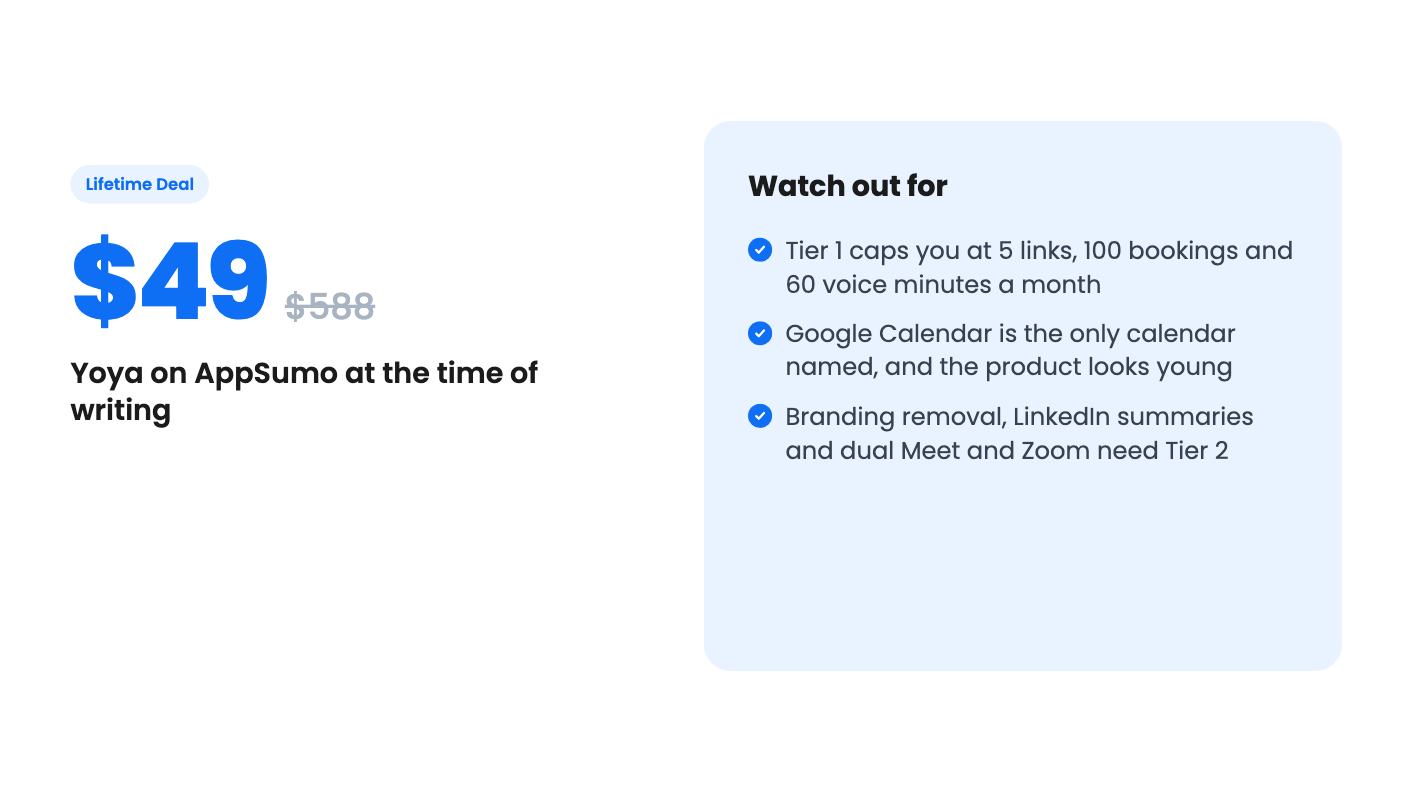
The “list prices” are heavily inflated and I’d ignore them. What matters is the feature split. Tier 1 doesn’t remove Yoya branding, and it doesn’t include LinkedIn summaries or Meet plus Zoom on one link. Tier 2 and Tier 3 get all of those.
If you want a client-ready page without someone else’s logo on it, you’re realistically buying Tier 2 at $129. Tier 1 is more of a cheap trial.
Also note that the voice minute pools are small. At 60 minutes a month, a handful of chatty guests could use up Tier 1’s allowance. The listing doesn’t say what happens when you run out.
The product looks young. AppSumo shows one review at 4.00 out of 5, which tells you almost nothing. There’s no product video in the source either, so we can’t describe how the interface looks or how smooth the chat feels. We haven’t tested it.
There’s also a basic question of guest behaviour. Some people will find a chat more friendly than a form. Others will find it slower, especially if the AI asks more than they want to answer. The listing doesn’t give conversion data, and I wouldn’t expect it to.
Support is a single email address, leo@yoya.ai, which suggests a small team. That’s not a deal breaker for a $49 gamble, but it’s a reason not to put a mission-critical sales pipeline on it on day one.
Buy if you run discovery calls, intro sessions or sales conversations, and you genuinely lose time figuring out what the other person wants. Consultants and coaches with modest volume fit best. Start with Tier 1 if you’re curious, and use the refund window to decide.
Skip if you need plain, fast booking for lots of people, team scheduling, or anything beyond Google Calendar. Skip it too if your volume would push past 100 bookings a month but you can’t justify Tier 2 or 3.
For those people, an established scheduler will be less interesting and a lot less risky.
No. According to the listing, guests use your public booking page without an account and can type or use voice booking, within your tier's voice minutes.
No. The listing says the brief summarises what the guest shared during booking. Yoya isn't recording or transcribing the meeting itself.
Tier 1 ($49) works as a cheap trial for light use. Tier 2 ($129) is where branding removal, LinkedIn summaries, unlimited transcript history and Meet plus Zoom on one link appear. Tier 3 ($249) adds unlimited links and bookings and 400 voice minutes.
How this review was made: researched from Yoya's official listing, and written with help from AI. We have not tested Yoya hands-on yet. Prices and deal terms change, so check AppSumo before you buy. See our affiliate disclosure.
zcal is a design-focused scheduling tool with team booking and custom domains. The lifetime deal runs $59 to $219, with user caps that matter.
AppSumo hasn't announced its Black Friday 2026 deals yet. Here's how to shortlist, check plan limits and which lifetime deals to watch.
GoBrunch swaps the Zoom grid for themed virtual rooms with seats and breakouts. The AppSumo lifetime deal runs $89 to $269, but the tier table needs a close read.