
Forms & SchedulingReview
zcal Review: A Good-Looking Scheduler at a $59 Lifetime Price
zcal is a design-focused scheduling tool with team booking and custom domains. The lifetime deal runs $59 to $219, with user caps that matter.
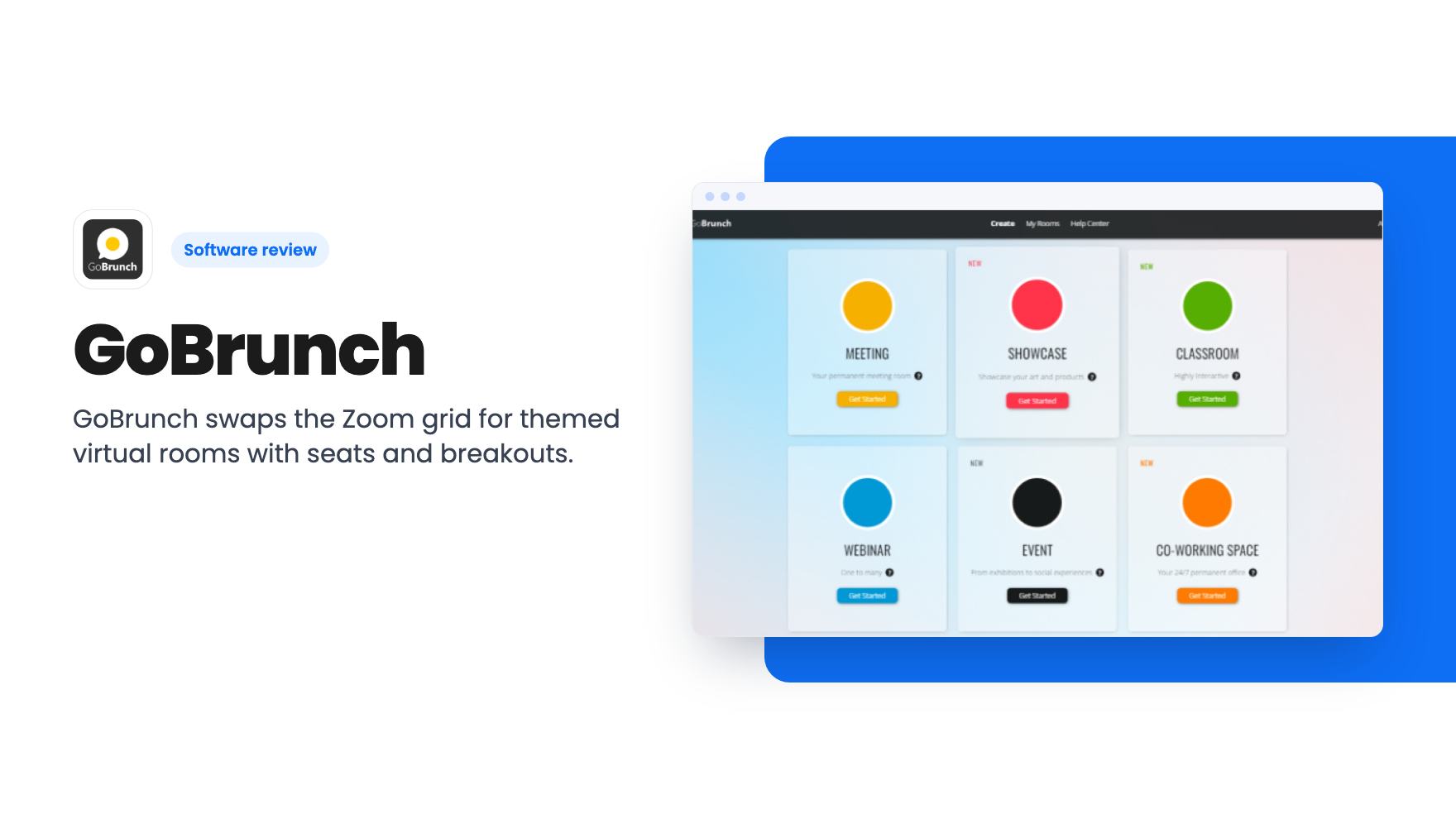
GoBrunch swaps the Zoom grid for themed virtual rooms with seats and breakouts. The AppSumo lifetime deal runs $89 to $269, but the tier table needs a close read.
Lifetime deal price
$89$87090% off
Lifetime Deal
Our take: Buy if you're a coach, course creator or community host who runs small to mid-size sessions and wants a room people actually enjoy joining. Skip it if you need big-event polish, deep integrations or a plan structure that is clearly explained, because the tier table in the listing is hard to trust at first glance.
Picture your monthly workshop. Thirty people join, twenty switch their cameras off, and you spend an hour talking to a grid of grey rectangles. The content might be good. The room just isn’t helping.
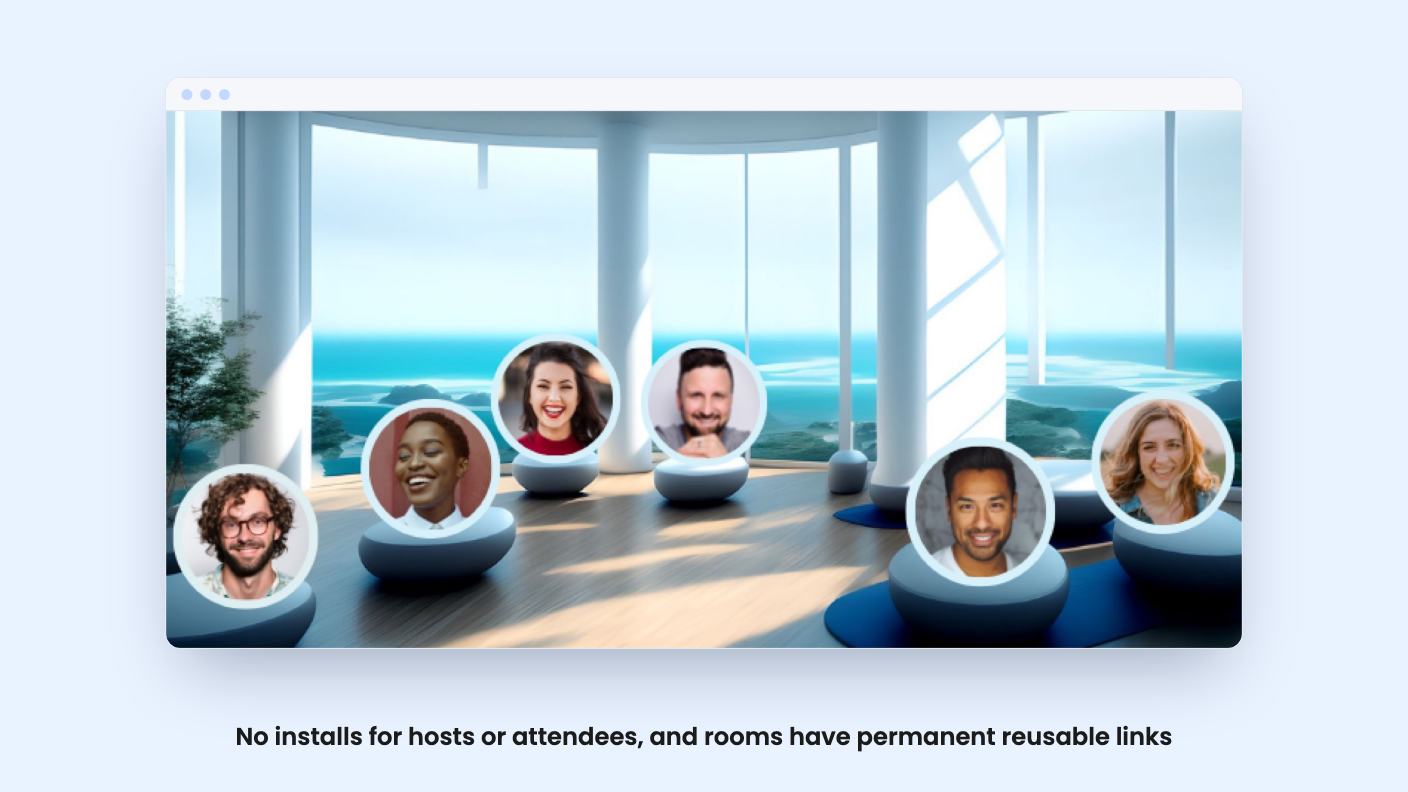
GoBrunch is built around that problem. Instead of a flat video grid, you get a virtual space with seats, a lobby, breakout rooms and a look you can brand. It’s sold on AppSumo as a lifetime deal, and the pitch is that people will stay more engaged when a session feels a bit like being in a place. We haven’t used it ourselves, so what follows comes from the listing and a demo video, and we’ll flag where those leave gaps.
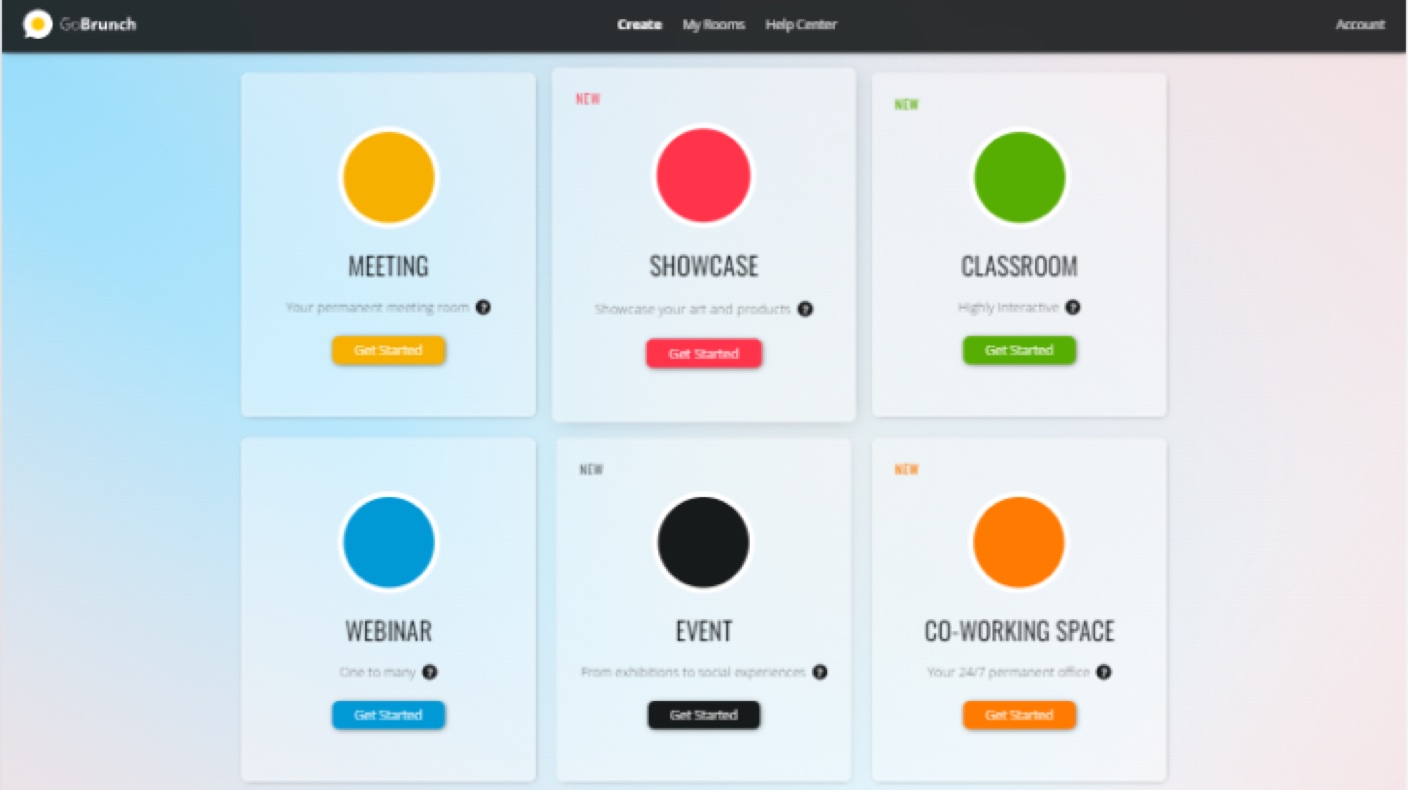
The basics are covered. Everything runs in the browser, so there’s nothing for you or your attendees to install. Attendees click a link, enter a name or log in with Gmail or LinkedIn, pick an avatar and allow their mic and camera. That’s the whole joining process, according to the listing.
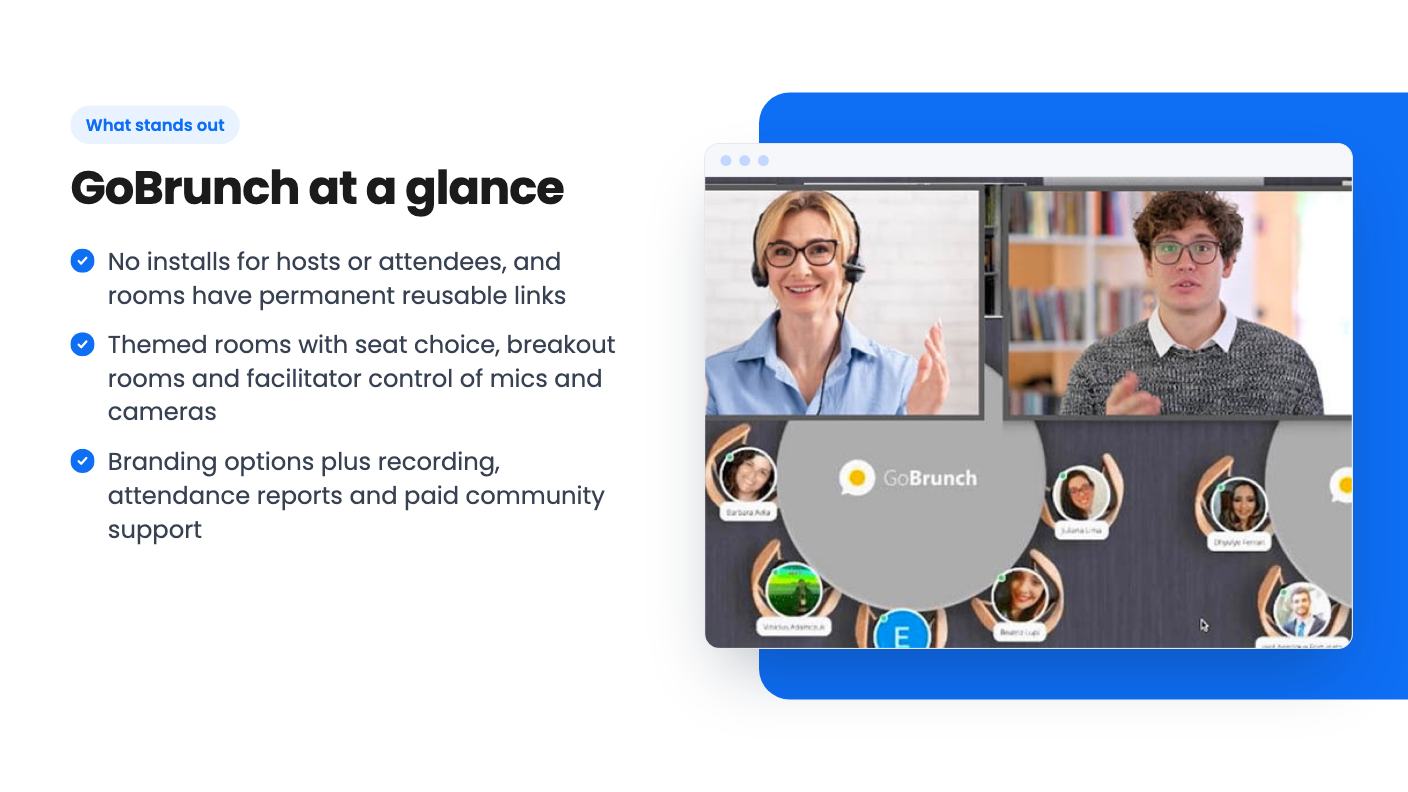
Inside, attendees can choose a seat and see other people’s profiles, which is the main difference from Zoom. They can raise a hand, vote or hold up a sign. You can screen share with sound, play video, present uploaded slides, record the session and download the files.
The facilitator controls are where this gets practical. You can manage every attendee’s mic and camera, control the screen and moderate chat. If you’ve ever had someone’s dishwasher drown out your keynote, you’ll see the appeal.
You can run several breakout rooms and simultaneous sessions, each with its own organizer. Share one event link, and attendees browse the sessions and pick the ones they want. For a small conference or a multi-track training day, that’s a sensible setup.
Branding is covered too. The listing’s FAQ says you can use your logo, brand colors, your own domain and embeddable elements. Rooms also have permanent links, so you can paste one into a calendar invite and reuse it.
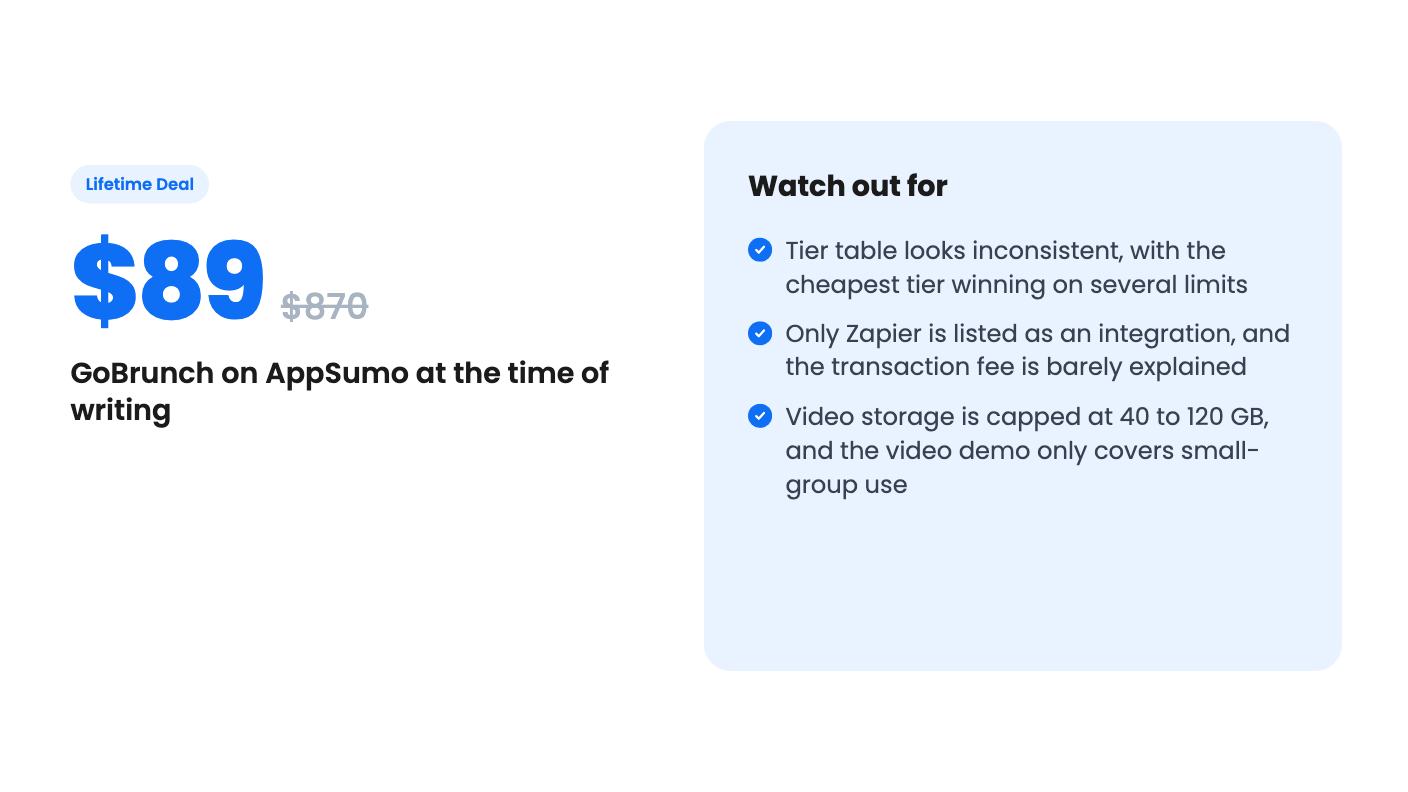
There’s a paid-community feature as well, listed on every tier. The listing mentions a transactional fee of 1%, 2% or 4% depending on tier but never explains what it applies to. We’d assume it’s a cut of paid community or ticket sales, but that is a guess, and you should ask before you build a business on it.
The video comes from a coach who says she bought tier three and uses an affiliate link, so treat it as a friendly endorsement. She says she’ll share pros and cons. The transcript we have is badly garbled and cuts off before any downsides appear, so we can only report what she showed.
She walks through themed rooms she built: a pink lobby, a cafe for her membership community, a structure planning room and a theater room. Seats appear as circles, and attendees can pick one or be auto-seated. Her avatar is swapped for a circle cam when she goes live. She embeds boards inside rooms, including one with a downloadable PDF planner, and links between rooms so people can move around. She mentions an optional password for extra security.
That’s a useful picture of a small membership or coaching setup. It doesn’t show a large event, a long breakout session or audio quality under load. She also mentions a deal price of $79 for tier one and a July 28 end date, which doesn’t match the $89 on the current listing. The video is clearly older.
The lifetime deal has three tiers: $89, $199 and $269. The listing shows crossed-out list prices of $870, $3,599 and $7,000, which we’d ignore. All three promise lifetime access, future updates to the Prime Chef Plan, GDPR compliance and the ability to switch between tiers. You have 60 days to activate your license. AppSumo’s summary also mentions a 60-day money-back guarantee.
Here’s the odd part. Participants per live webinar rise with the price: 200, 400, then 600. But most other limits seem to fall as you pay more:
Taken at face value, the $89 tier beats the $269 tier on nearly everything except audience size. That could be a real tradeoff, or it could be a column mix-up in the listing. The listing doesn’t say which, so check the live plan details before you pick. Sub-accounts also appear only on the two higher columns, at 50 and 35.
Storage splits the same way. Video storage is 40, 80 and 120 GB, while presentation storage is 10, 5 and 2 GB. If you record every session, 40 GB won’t last forever, and the listing doesn’t say what happens when you fill it.
The 4.77 average from 333 AppSumo reviews is strong, but AppSumo’s own summary admits occasional glitches and some audio reliability problems. Audio is the one thing a webinar tool can’t get wrong, so test it with a real group before you commit.
The listing also says the free version supports 25 participants per room, and that higher plans reach 600. Be aware that 600 is only the top tier’s number, and a room built around seat selection may feel different at that size than the demo’s small lobby.
Integrations are thin. Zapier is the only one listed, so there’s no named email, CRM or payment connection. If your webinar funnel depends on tight links to other tools, plan on building them yourself through Zapier.
This fits coaches, course creators and community owners who run recurring sessions with a few dozen to a couple hundred people, and who want a branded space with permanent links. At $89 for the entry tier, with a 60-day refund window, trying it is a low-risk bet, as long as you read the tier table carefully and pick the limits that match how you work.
Skip it if you run large, formal webinars where reliability matters more than atmosphere, if you need deep integrations, or if you want clear answers about fees and storage before paying. The idea is appealing, but the listing leaves enough unexplained that we’d treat the refund window as part of the plan and use it to test audio and your real attendee count.
No. According to the listing, GoBrunch runs in the browser. Attendees click the link, enter a name or log in with Gmail or LinkedIn, pick an avatar and allow mic and camera access. Chrome and Firefox are recommended on desktop, Safari on iOS and Chrome on Android.
The listing doesn't make this easy. Participants per webinar rise from 200 to 400 to 600 across tiers, but organizers, members, breakout rooms and transaction fees appear to run the other way. Check the live plan table before paying, and remember you can switch between the three license tiers and have 60 days to activate.
Yes. The listing says recordings are saved in the cloud and can be shared with one click, and you can download the video files. Total video storage is capped at 40, 80 or 120 GB depending on tier.
How this review was made: researched from GoBrunch's official listing and a transcript of its demo video, and written with help from AI. We have not tested GoBrunch hands-on yet. Prices and deal terms change, so check AppSumo before you buy. See our affiliate disclosure.
zcal is a design-focused scheduling tool with team booking and custom domains. The lifetime deal runs $59 to $219, with user caps that matter.
AppSumo hasn't announced its Black Friday 2026 deals yet. Here's how to shortlist, check plan limits and which lifetime deals to watch.
Yoya swaps the booking form for an AI chat and sends you a pre-call brief. Here's what the $49, $129 and $249 AppSumo lifetime tiers really get you.

