Email MarketingReview
Million Dollar Email Templates 2.0 Review: Free Swipe File Deal
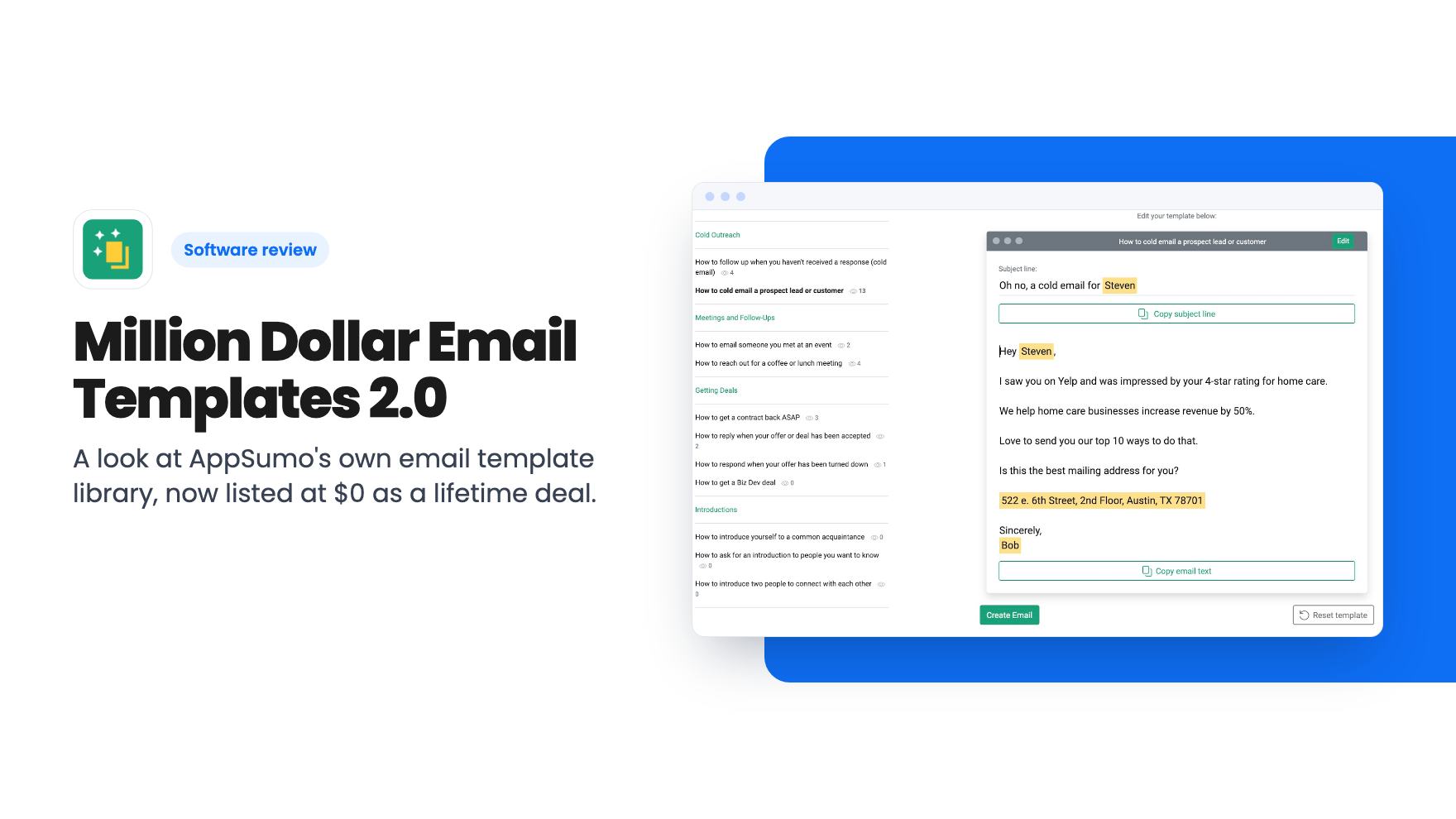
A look at AppSumo's own email template library, now listed at $0 as a lifetime deal. What you get, what's vague, and who should grab it.
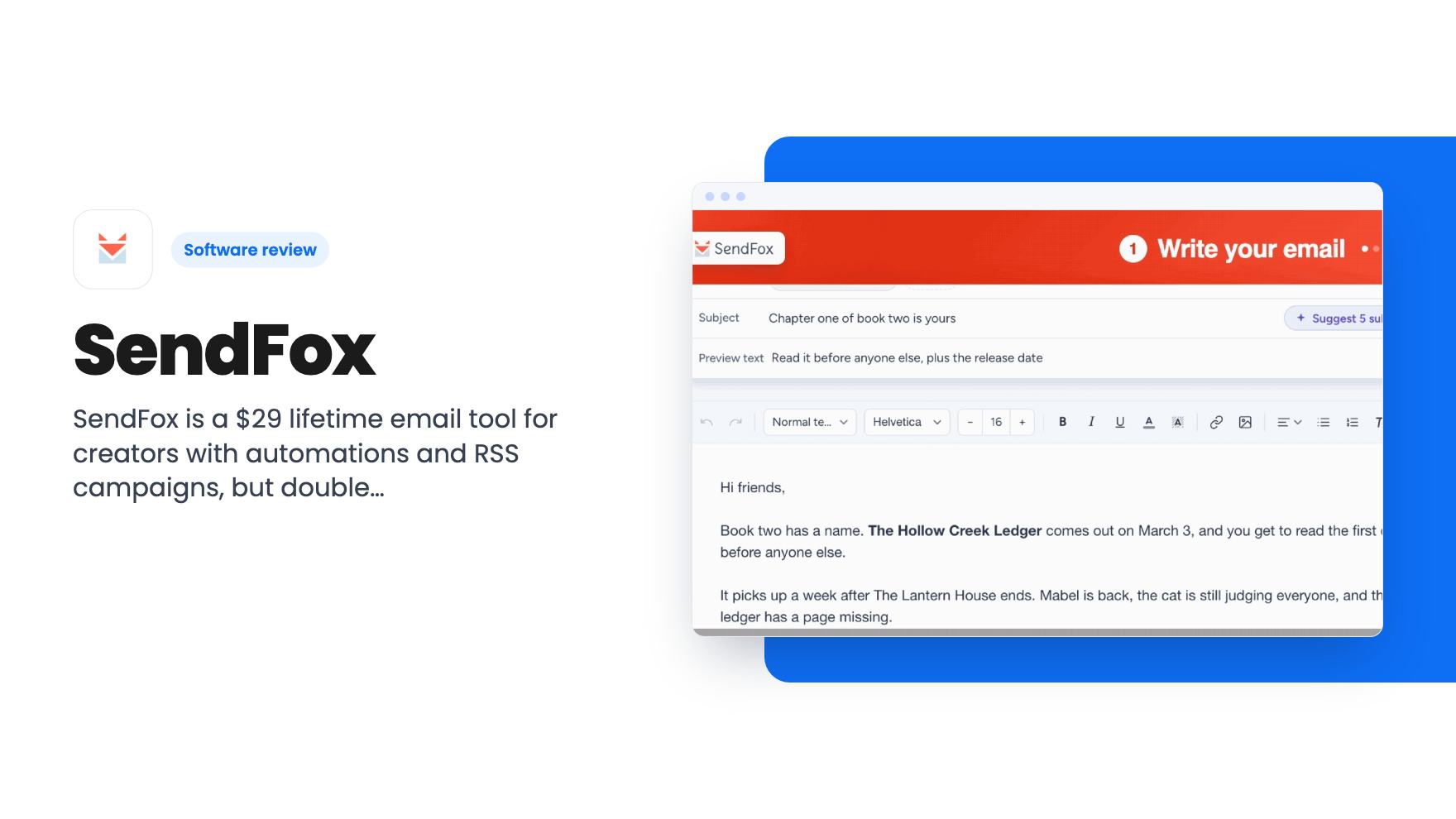
SendFox is a $29 lifetime email tool for creators with automations and RSS campaigns, but double opt-in, a basic HTML editor and no Shopify sync limit it.
Lifetime deal price
$29$48094% off
Lifetime Deal
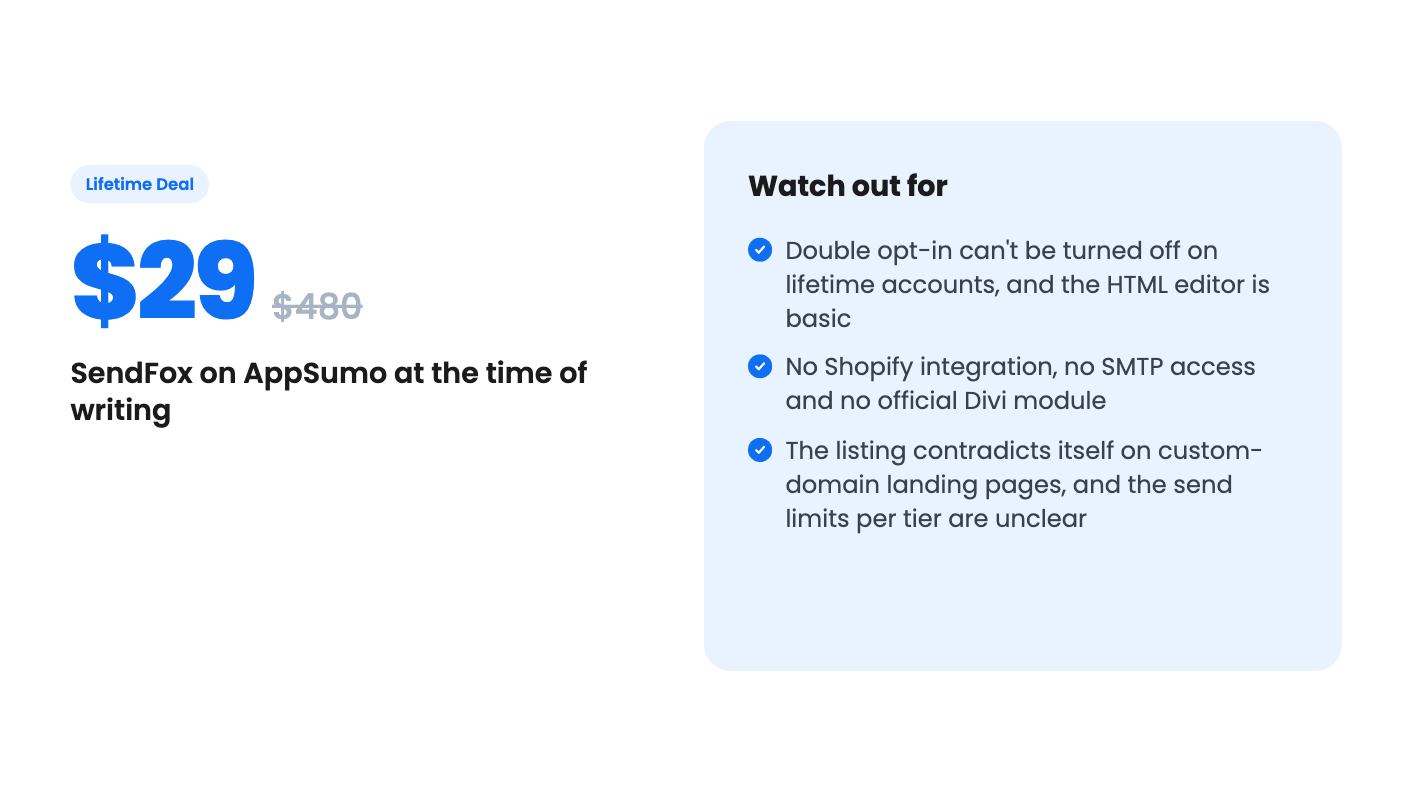
Our take: Buy it if you're a creator with a blog, podcast or YouTube channel and a list under 5,000 who wants cheap sequences, RSS newsletters and a referral widget. Skip it if you run a Shopify store, need full HTML control, or need to import contacts without double opt-in, because those all sit behind a $10 monthly add-on or aren't offered at all.
If you run a YouTube channel or a podcast, you probably have an audience you don’t actually own. One account suspension or algorithm change and those followers are gone. A newsletter is the usual fix, but most email tools charge monthly, and they charge more as your list grows. SendFox is AppSumo’s attempt at a cheaper answer: $29 once, down from a listed $480, for an email tool aimed at creators.
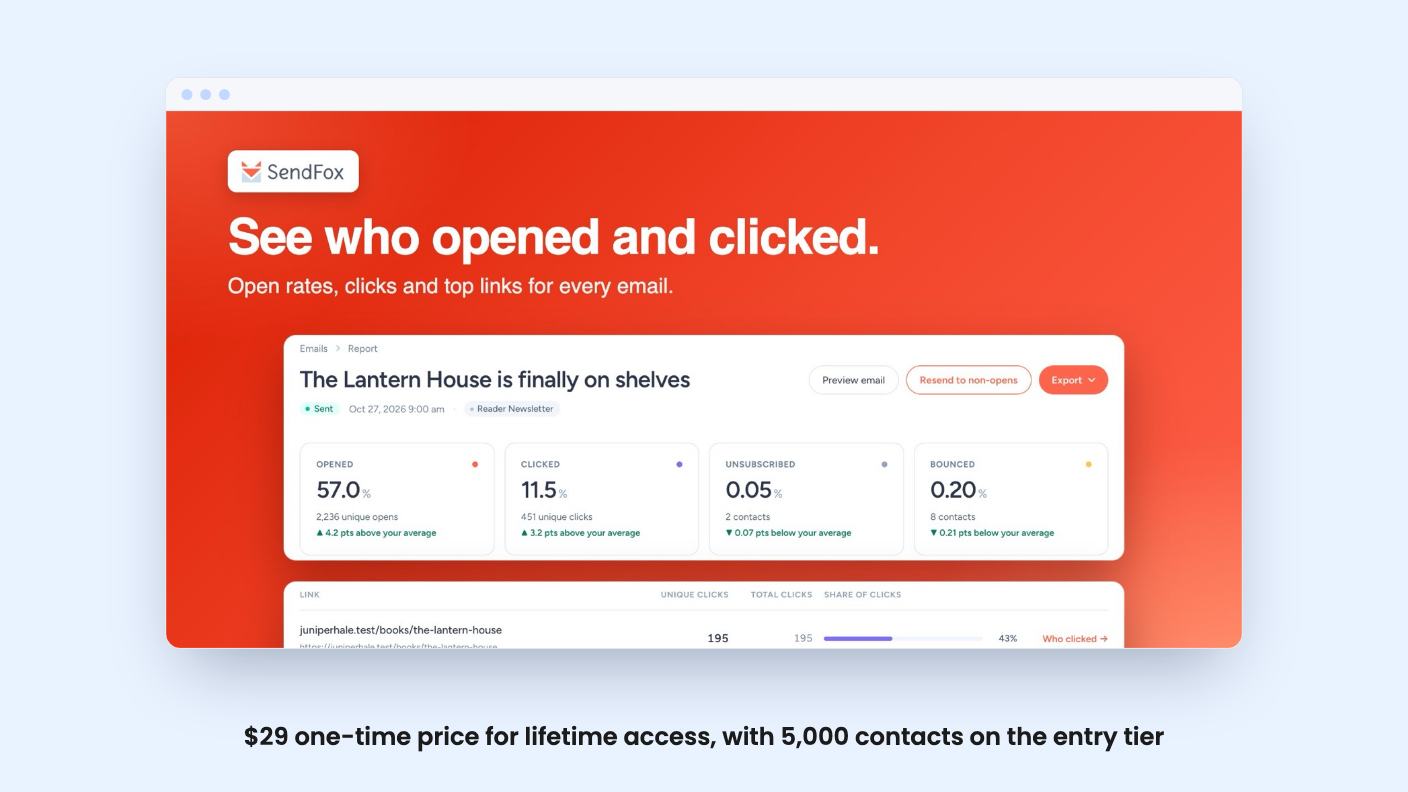
AppSumo lists SendFox as best for content creators, podcasters and YouTubers. The feature set backs that up. It’s an AppSumo Original, made by the AppSumo team, and it’s pitched as an alternative to ConvertKit, Mailchimp and MailerLite.
The editor is block based. Type a slash to drop in images, buttons, columns or dividers. You can save templates and reusable sections, so you’re not cloning old campaigns every week. One click also generates five subject line and preview-text pairs from your draft. It’s a small feature, but it saves a few minutes on every send.
The one I’d care about most as a creator is the RSS-to-email Smart Campaign. It turns new blog or podcast posts into newsletters automatically. There’s a catch, though. The listing FAQ says the default layout is fixed. You can edit the generated email before sending, but only in the HTML editor, and on the lifetime plan that’s the basic one.
The automation side is where the listing gets specific. You can build multi-step welcome, onboarding or launch sequences that run on their own. You can also A/B test the emails inside an automation by splitting traffic between two variants and letting SendFox pick the winner.
AppSumo’s review summary calls the automations unlimited. The listing itself doesn’t state a cap, so that’s probably right, but I’d confirm it before paying.
Reporting is more basic than the language suggests. There’s a health score that flags list growth, opens and clicks, trend views over time, and a contact timeline showing every send, open, click and list change. That’s useful for spotting a list that’s going cold. The listing doesn’t say whether you get click maps, revenue tracking or segment-level reports, so assume you don’t.
For growing a list, there’s a referral widget that rewards subscribers for spreading the word. Integrations are listed as API, KingSumo, Sumo.com and Zapier, with the listing also mentioning AI assistants like ChatGPT and Claude.
The video is a creator walking through his own newsletter setup. It’s older than the current listing, and the captions are rough in places, so treat it as a sketch of the product rather than a tour of today’s version.
He shows a Smart Page: a simple signup page with first name and email fields that also pulls together his tweets, videos, podcast episodes and Instagram posts. He opens the email dashboard and the editor, with a subject line, a list picker and a test email. He also shows Smart Campaigns, which draft a weekly roundup from connected podcast, YouTube, Instagram and Twitter accounts.
The most practical part is multiple Smart Pages, each tied to its own list. One page could feed a five-email podcasting course while another feeds a weekly update. He also mentions referral campaigns, with a PDF download as the reward.
The numbers in the video don’t match the listing. He quotes $49 for the lifetime plan with 5,000 subscribers, $18 a month for the Empire add-on, and a free plan up to 1,000 contacts. The listing today says $29 and $10 a month. Go by the listing. The transcript also doesn’t mention A/B testing, the health score or the subject line generator, so those rest on the listing’s word alone.
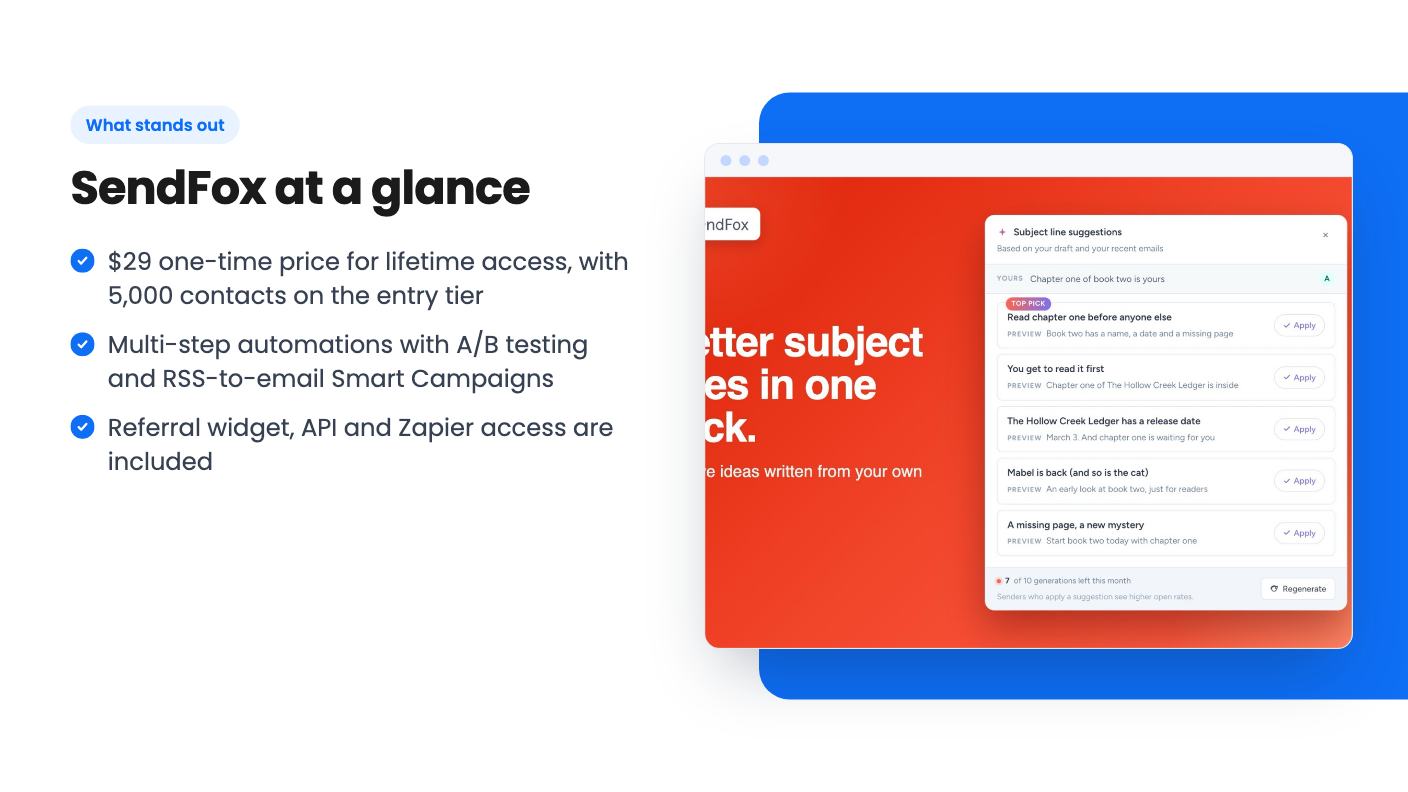
The listing shows a single $29 purchase, labelled tier 1. You get lifetime access, future Lifetime Plan updates and GDPR compliance. You must activate your license within 60 days of purchase. There are no codes and no stacking. You can move between five license tiers.
The plan table is where I’d slow down. Contacts climb from 5,000 to 10,000, 15,000, 20,000 and 25,000. Lifetime email sends read 300,000, 100,000, 150,000, 200,000 and 250,000. That first number looks out of order, and the listing doesn’t say which send cap belongs to which tier. It also only gives a price for tier 1. Ask before you buy, because a 5,000-contact list that emails twice a week uses sends faster than you’d think.
AppSumo’s own summary mentions a 60-day money-back guarantee. That’s marketing copy, so check the refund terms on the actual checkout page. The 4.02 average from 341 reviews is decent. It reads as a good-value tool with some gripes, not a favourite.
The FAQ answers are more honest than the headline features. Here’s what they say.
There’s also a contradiction. The feature section promises branded landing pages on your own custom domain. The FAQ says Smart Pages can’t use a custom domain, and that it’s on the roadmap. The FAQ is the more specific statement, so I’d trust it over the headline.
That makes the lifetime plan something like a base layer with a monthly upsell sitting next to it. The upsell is cheap, but it’s not nothing.
Skip it if you sell products through Shopify and want purchases flowing into your email tool. Skip it if you’re an agency or developer who wants full HTML control or SMTP credentials. Skip it if you import contacts through the API and can’t live with a confirmation email, or if your whole plan depends on landing pages at your own domain.
It also doesn’t suit anyone who needs deep segmentation or revenue reporting. The listing doesn’t promise either.
If you’re a creator with a list under 5,000 and a content feed to turn into newsletters, the price is low enough to be a small gamble. Before you pay, email SendFox support and ask three things: which send cap goes with each tier, whether custom domains work for landing pages, and whether the branding appears on lifetime emails.
No. According to the listing FAQ, all Lifetime accounts require double opt-in by default. To skip confirmation for contacts added through the API or forms, you need the Empire Add-On, which the listing prices at $10 per month.
The listing shows contacts of 5,000, 10,000, 15,000, 20,000 and 25,000 across five license tiers, and lifetime email sends of 300,000, 100,000, 150,000, 200,000 and 250,000. It only gives the $29 price for tier 1, and the send figures aren't in an obvious order, so confirm the exact caps before you buy.
There's no Shopify integration yet. The company points to the API or Zapier and Pabbly webhooks as workarounds. For Divi on WordPress there's no official module, only a community-built plugin called SendFox for Divi.
How this review was made: researched from SendFox's official listing and a transcript of its demo video, and written with help from AI. We have not tested SendFox hands-on yet. Prices and deal terms change, so check AppSumo before you buy. See our affiliate disclosure.
A look at AppSumo's own email template library, now listed at $0 as a lifetime deal. What you get, what's vague, and who should grab it.
Five AppSumo lifetime deals named as Mailchimp alternatives, grouped by what you send, with the caps and catches in each listing.
Ten email marketing lifetime deals from $29 to $79, grouped by job: sending, list cleaning, and the odd extras. Caps, catches and who should skip each one.