
Forms & SchedulingReview
zcal Review: A Good-Looking Scheduler at a $59 Lifetime Price
zcal is a design-focused scheduling tool with team booking and custom domains. The lifetime deal runs $59 to $219, with user caps that matter.
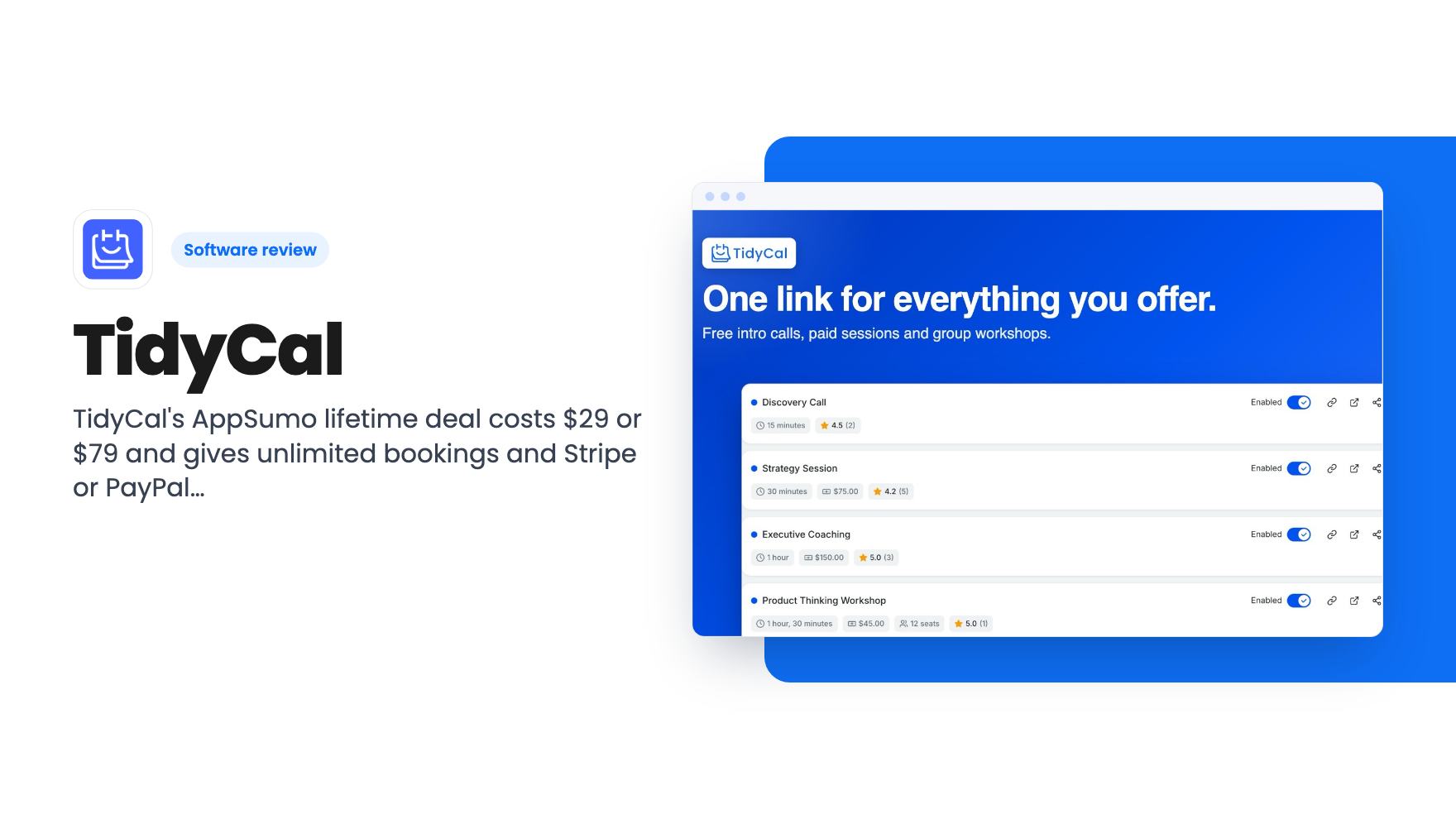
TidyCal's AppSumo lifetime deal costs $29 or $79 and gives unlimited bookings and Stripe or PayPal payments. Branding and custom domain removal need the paid Pro plan.
Lifetime deal price
$29$14480% off
Lifetime Deal
Our take: Buy the $29 tier if you're a solo coach or consultant who wants unlimited booking types and paid bookings without a monthly bill, and you can live with a Powered by TidyCal bar. Skip it if you need a custom domain, white-label pages, or a team of more than four people.
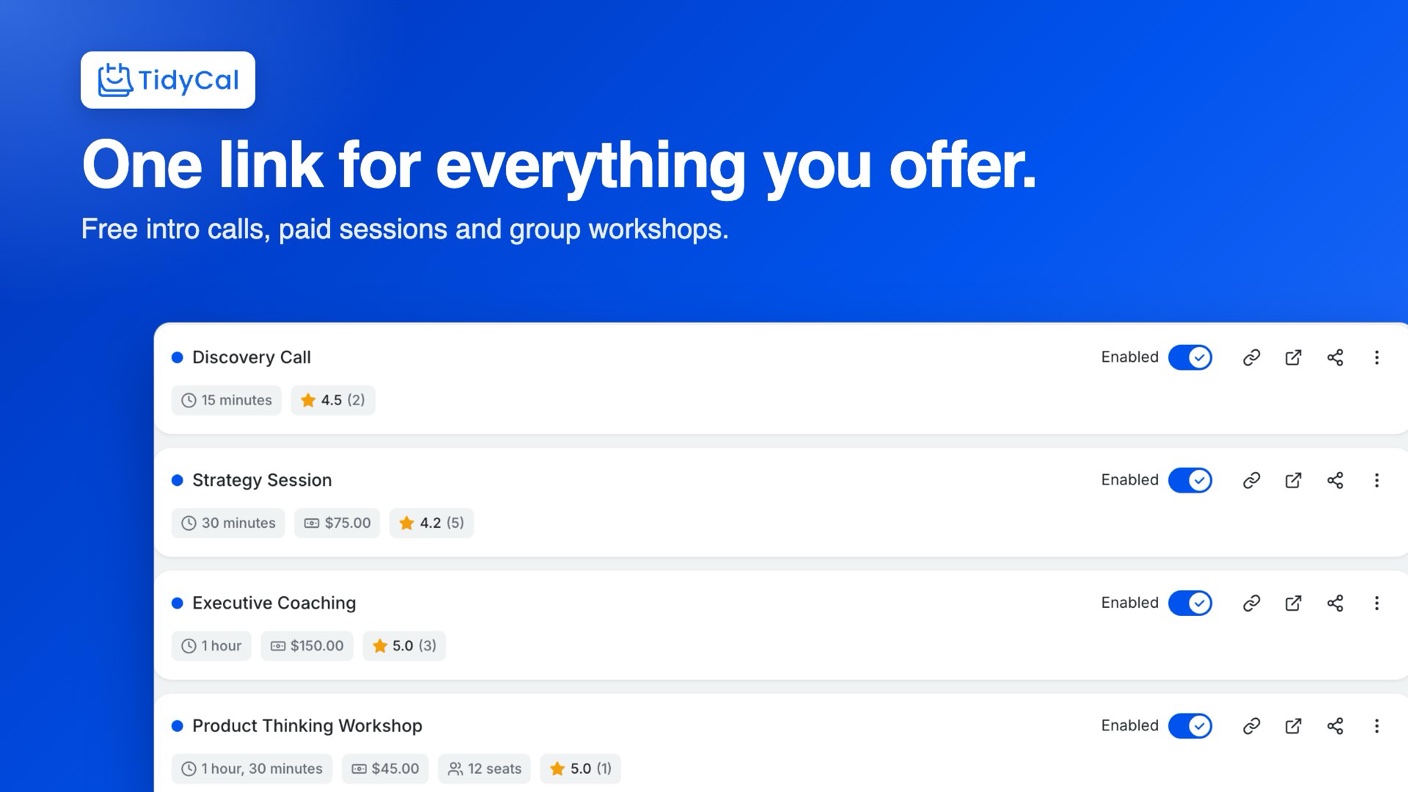
You know the email thread. Does Tuesday at 2 work? No, how about Wednesday morning? Three messages later you’ve agreed on a time, and then somebody has to reschedule. A booking link ends that thread, and TidyCal is the one AppSumo is selling for a one-time payment right now.
It’s listed as an AppSumo Original, meaning the AppSumo team built it as what they call a simple, affordable solution. That’s a point in its favour if you worry about small vendors disappearing. It also means the low price is the company’s own choice, so there’s less reason to fear a bait-and-switch than with a stranger’s side project.
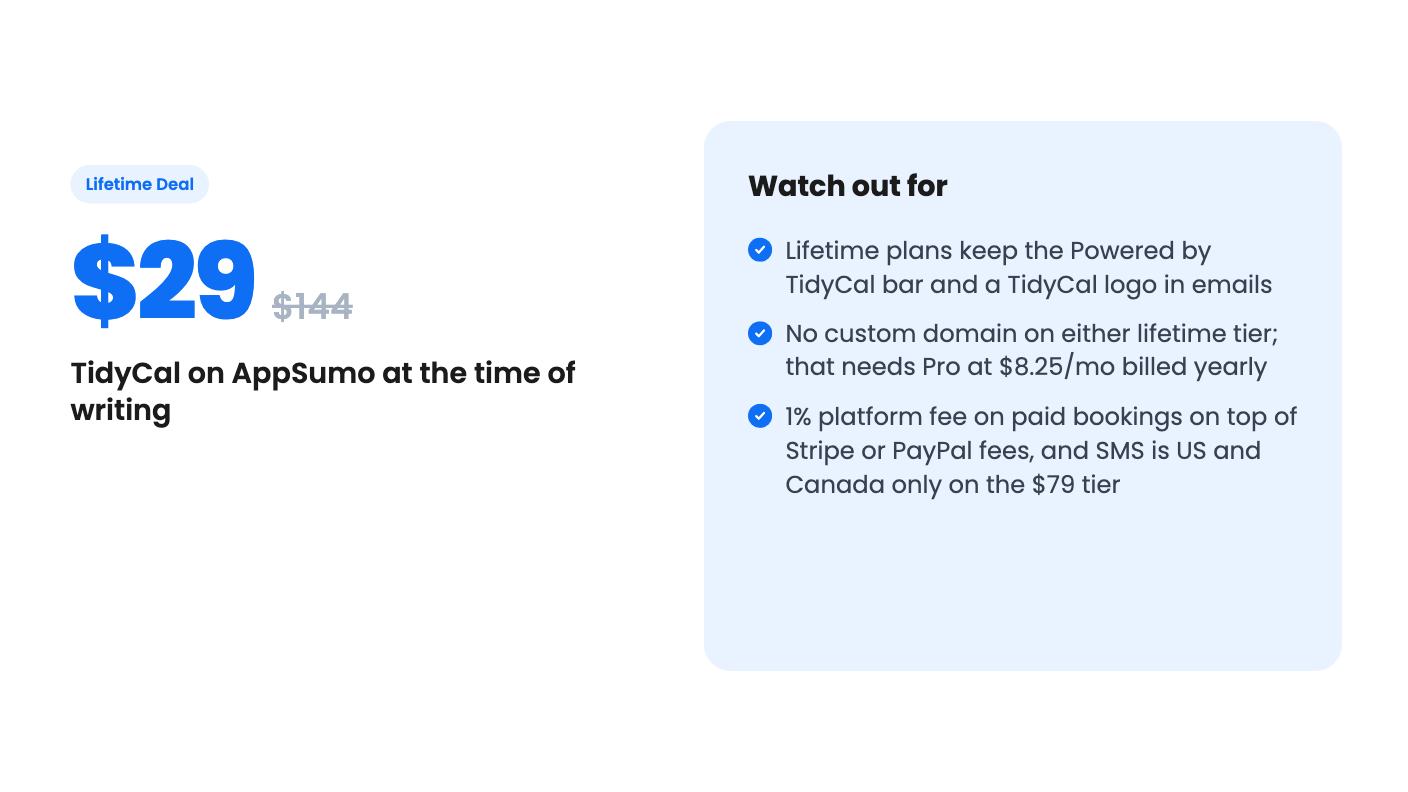
There are two prices. The $29 tier (list price $144) is for one person. The $79 tier (list price $240) is called Agency, and it’s the one with team features.
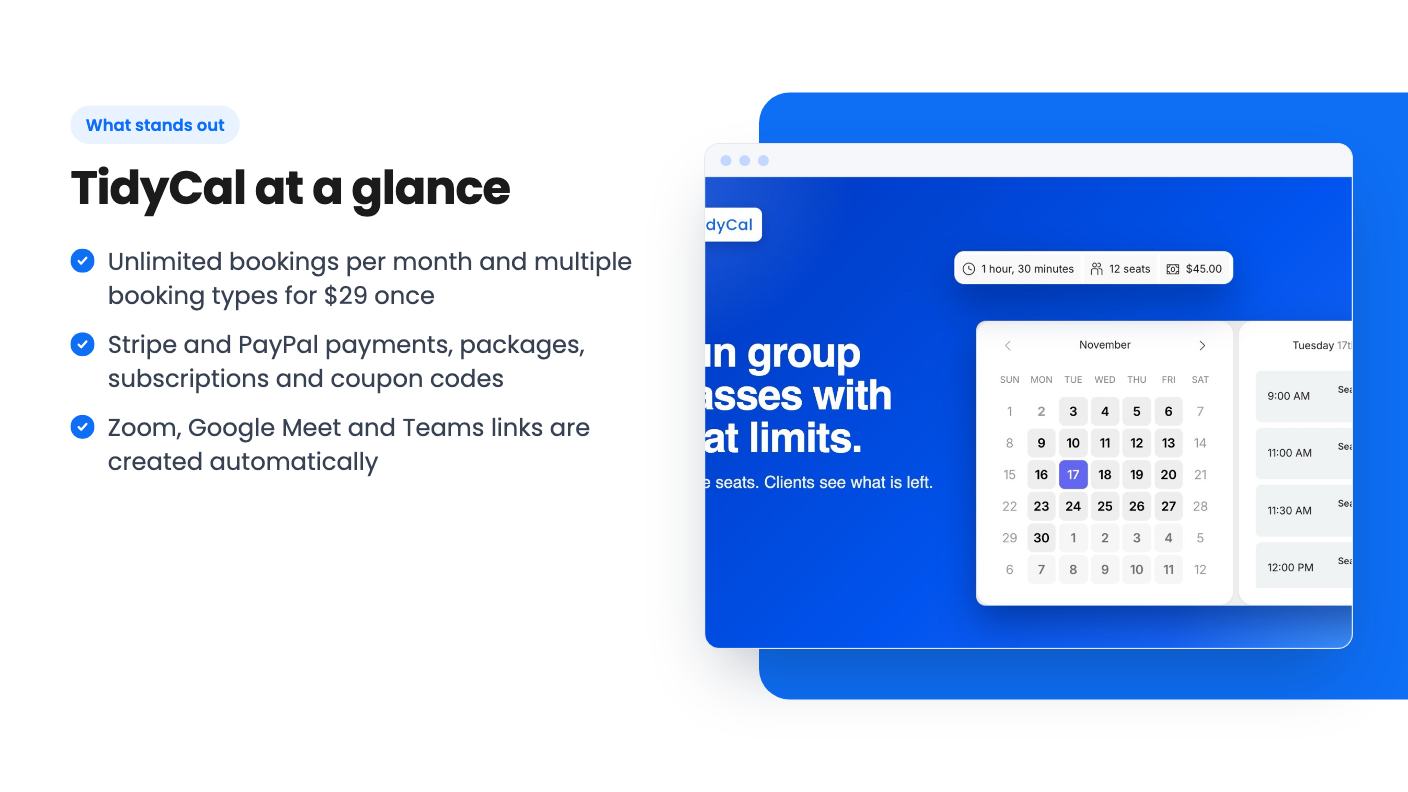
Both tiers share the basics. According to the listing, you get unlimited bookings per month, up to 10 connected calendars, and automatic Zoom, Google Meet and Microsoft Teams links. Calendars supported are Google, Outlook/Office 365 and Apple. Both also include future lifetime plan updates.
Agency adds three team members, so four seats including you. It also adds a team booking page, round-robin meetings, collective meetings, a custom reply-to address, and 10 SMS reminders a month. The $29 tier gets email reminders only.
That SMS allowance is thin. Ten texts a month won’t cover a busy diary, and the listing says SMS works only in the US and Canada for now. If most of your clients are elsewhere, treat the $79 tier’s SMS as close to zero value.
The team side has a quirk worth knowing. Your teammates don’t buy a plan. Each one signs up for a free TidyCal account and accepts your invite, and only you or an admin you pick can edit team booking types. On a free account, each teammate can connect just one calendar.
The video is a creator walking through their own account, and it’s clearly promotional, with an affiliate-style link and a plug for another product at the end. Take the enthusiasm with a pinch of salt. The screen share does show real settings, though.
In it, the presenter opens a booking type and edits the link slug and duration. They set how far ahead people can book, remove certain days, and limit availability to a window such as 2 p.m. to 4 p.m. Anything already on the connected calendar is blocked automatically.
They also show intake questions that visitors answer before booking, a redirect to a page of your choice after booking, and a paid option through Stripe or PayPal. The Zoom link is sent to the booker when they book. All of that matches the listing.
The video’s pitch is that Calendly’s free plan limits you to one meeting type and Acuity starts around $14 a month for one staff member and one location. Those are the presenter’s claims, and they may be out of date, so check both vendors’ current pricing before you lean on them. The video also mentions 164 reviews while the listing shows 937, which suggests it was recorded a while ago.
What the video doesn’t show is the branding bar, the team features, reviews, or packages. So it tells you the core booking flow works for this person. It doesn’t tell you much about the edges.
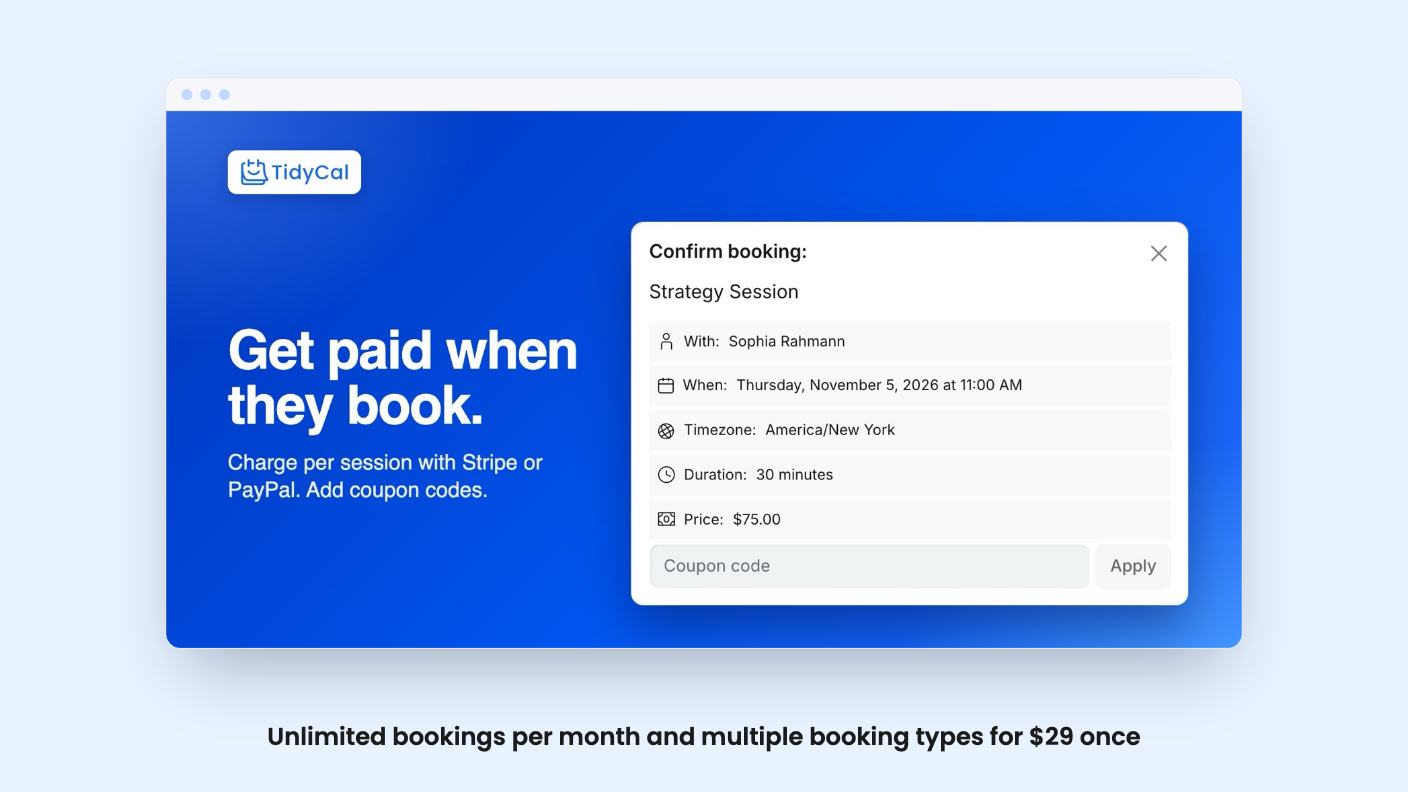
This is where TidyCal tries to go beyond a plain scheduler. You can take payment at the time of booking through Stripe or PayPal, sell packages and subscriptions so a client pays upfront for several sessions, and create coupon codes.
For a coach selling a six-session block, that’s useful. You send one link, the client pays, and the sessions are theirs to book. You don’t need a separate invoicing step.
The cost is a 1% platform fee on paid bookings, on top of the Stripe or PayPal fees. One percent is small. On a $200 session that’s $2. But it never goes away on a lifetime plan, and the listing says only Pro has no platform fee. If you plan to run serious volume through it, do the sum.
The listing also describes automatic review collection after completed bookings, shown on your booking page. It sounds handy for social proof. The listing gives no detail on how reviews are requested, moderated, or exported, so I’d treat it as a nice extra until you see it in a free account.
Here’s the part the headline price glosses over. Lifetime plans keep a Powered by TidyCal bar at the bottom of your booking page, plus a TidyCal logo in emails. Neither tier includes a custom domain or removal of that branding.
To get rid of it you need Pro, listed at $8.25 a month billed yearly. That’s about $99 a year, which is the very recurring cost you were trying to avoid. Pro is optional, but if you’re a consultant who wants a clean page on your own domain, the real price is the lifetime deal plus a subscription. At that point you should compare it against other tools honestly.
You can customise a fair amount without paying. According to the listing, you can pick a page style, add your logo and colours, and write your own confirmation and reminder emails. AppSumo’s review summary also mentions a newer booking type theme editor and a Calendly import. Those come from the sales copy, so verify them in the free plan.
The summary itself admits occasional branding grumbles. Believe that part. A buyer who expected a white-label tool will feel misled, so decide before you pay whether a small bar is acceptable.
The $29 tier suits solo coaches, consultants and freelancers who need several booking types, a Zoom link, and perhaps a paid call or two. The price is low enough that the refund window is almost a formality. You have 60 days to request a refund, and there’s a free plan at tidycal.com to try first. Use both.
The $79 tier is harder to justify. Four seats, round-robin and a team page are fine for a tiny team, but the SMS cap and US and Canada limit weaken the extra cost. It also supports running more than one business, since each extra business can be set up as a team with its own name, logo and page URL. On the $29 tier, a second business needs a second account.
Skip this deal if you need a custom domain, a fully white-labelled experience, or a team larger than four. Skip it if you need SMS reminders outside North America. Also skip it if you’re already a paying TidyCal user, since the deal is only for people without an existing paid account.
Support is by email at support@tidycal.com, and the listing says a person answers. It doesn’t state response times, so don’t assume anything about speed.
One more caution. We haven’t used TidyCal ourselves, and this review rests on the listing and the demo video. Run your own real booking through the free plan, with your calendar and your payment setup, before the 60 days are up.
No. According to the listing, lifetime plans show a Powered by TidyCal bar on the booking page and a TidyCal logo in emails. Removing them and using your own domain are part of Pro, which is $8.25/mo billed yearly.
The $29 tier is for one person with email reminders. The $79 Agency tier adds three team members (four seats including you), a team booking page, round-robin and collective meetings, a custom reply-to, and 10 SMS reminders a month in the US and Canada.
Yes. Free and lifetime plans pay a 1% platform fee on paid bookings, on top of whatever Stripe or PayPal charge. Pro has no platform fee.
How this review was made: researched from TidyCal's official listing and a transcript of its demo video, and written with help from AI. We have not tested TidyCal hands-on yet. Prices and deal terms change, so check AppSumo before you buy. See our affiliate disclosure.
zcal is a design-focused scheduling tool with team booking and custom domains. The lifetime deal runs $59 to $219, with user caps that matter.
AppSumo hasn't announced its Black Friday 2026 deals yet. Here's how to shortlist, check plan limits and which lifetime deals to watch.
Yoya swaps the booking form for an AI chat and sends you a pre-call brief. Here's what the $49, $129 and $249 AppSumo lifetime tiers really get you.

