Website BuildersReview
Consently Review: Cheap Cookie Consent, Odd Tier Math
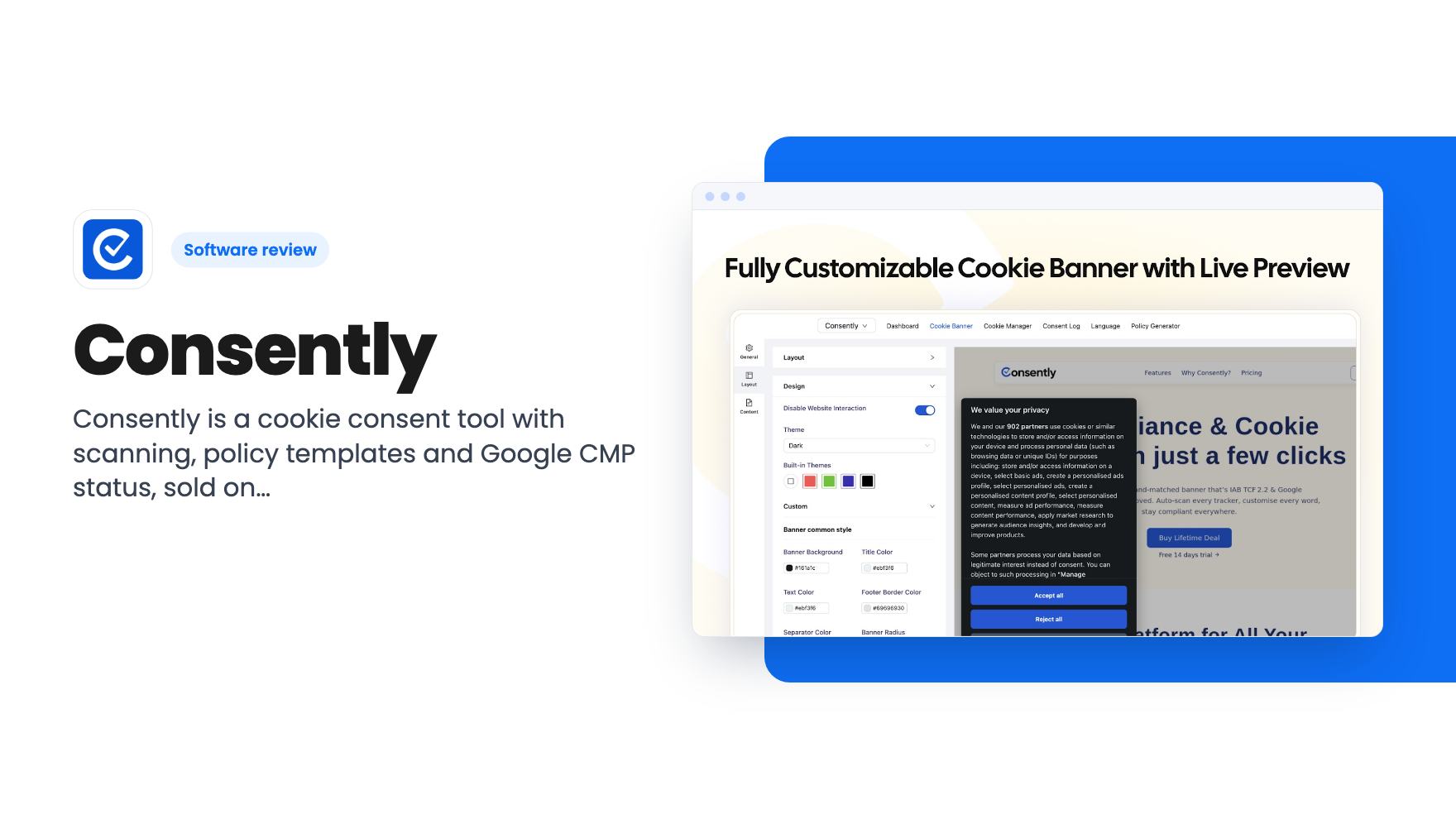
Consently is a cookie consent tool with scanning, policy templates and Google CMP status, sold on AppSumo from $39. Here's what the listing covers and where it's thin.
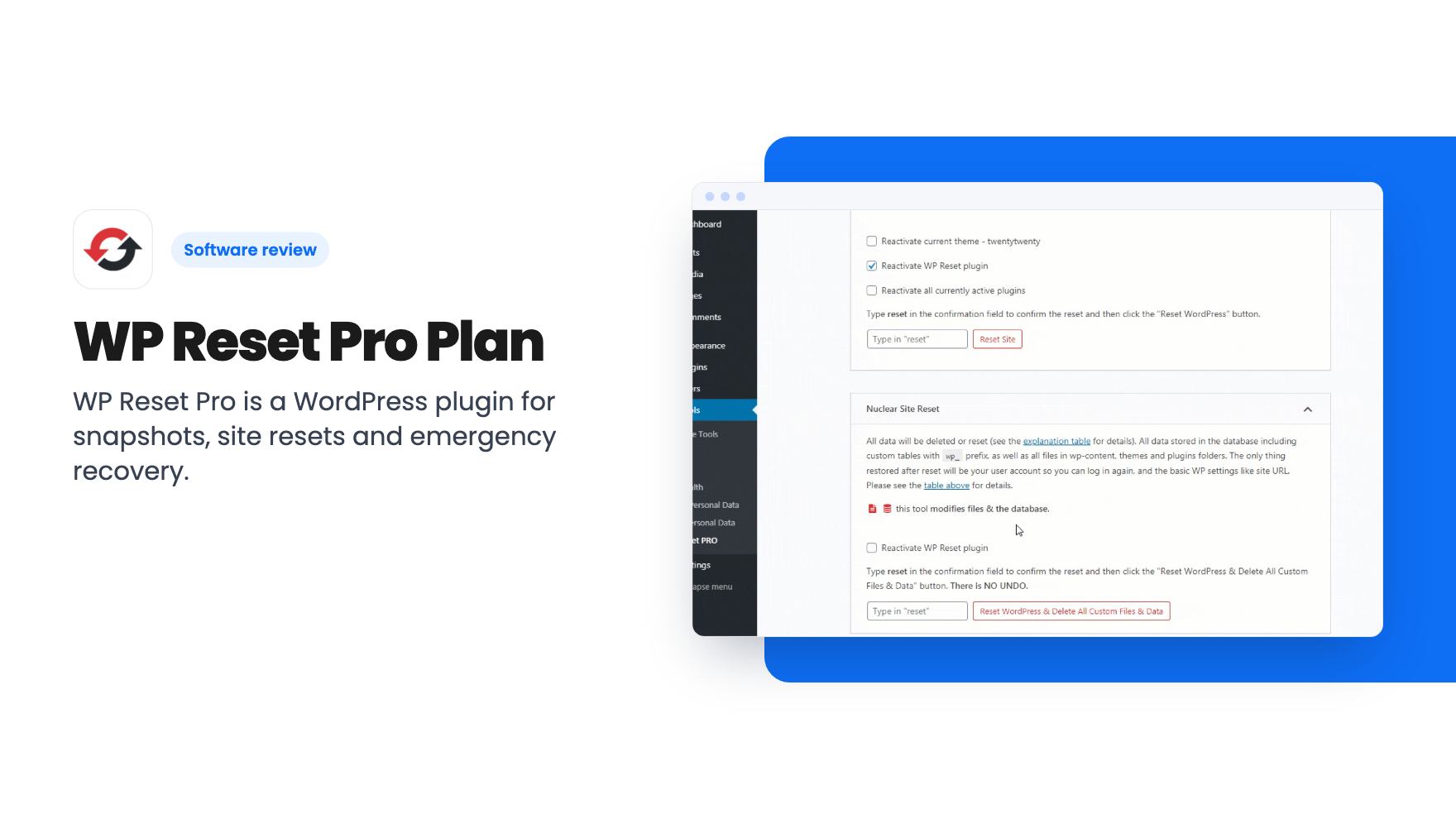
WP Reset Pro is a WordPress plugin for snapshots, site resets and emergency recovery. Here's what the $49 AppSumo lifetime deal gets you and where it falls short.
Lifetime deal price
$49$15869% off
Lifetime Deal
Our take: If you build or maintain WordPress sites for clients, the $49 tier looks like cheap insurance with a long public track record on AppSumo. Skip it if you run a single site with solid host backups, or if you expect it to replace a full backup plugin, because the vendor says it doesn't.
Every WordPress freelancer knows the sinking feeling. You update one plugin on a client site, the screen goes white, and you can’t even get into wp-admin to undo it. Or a client wants a rebuild and you spend an afternoon deleting demo posts, unused widgets and theme leftovers by hand.
WP Reset Pro is a plugin built for exactly those moments. It’s currently on AppSumo as a lifetime deal starting at $49, down from a listed $158. We haven’t used it ourselves, so what follows comes from the listing and the product demo video, plus our read on how the pieces fit together.
There are three jobs here. It resets or cleans parts of a WordPress site, it takes snapshots you can roll back to, and it installs sets of plugins and themes in bulk.
The reset side is the bluntest. The listing talks about restoring everything to default values without reinstalling WordPress, or deleting only selected portions of a site. The plan table mentions over 35 tools, including bulk deletion of revisions, drafts and trash, orphaned database object cleanup, inactive user removal, orphaned media cleanup and database table optimization.
The demo video says each tool comes with an explanation and asks for confirmation before it runs. That matters, because a tool that can wipe a site should be annoying to trigger by accident.
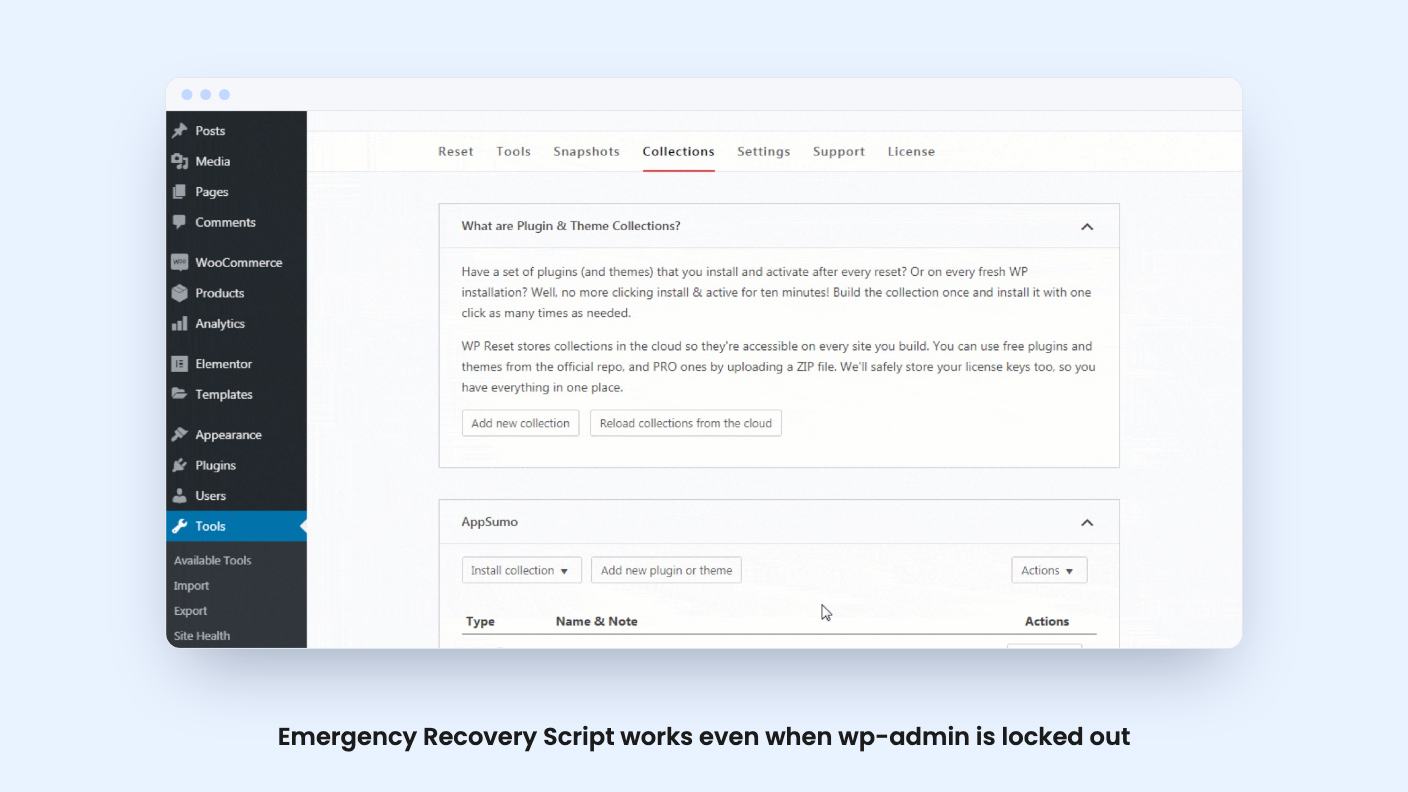
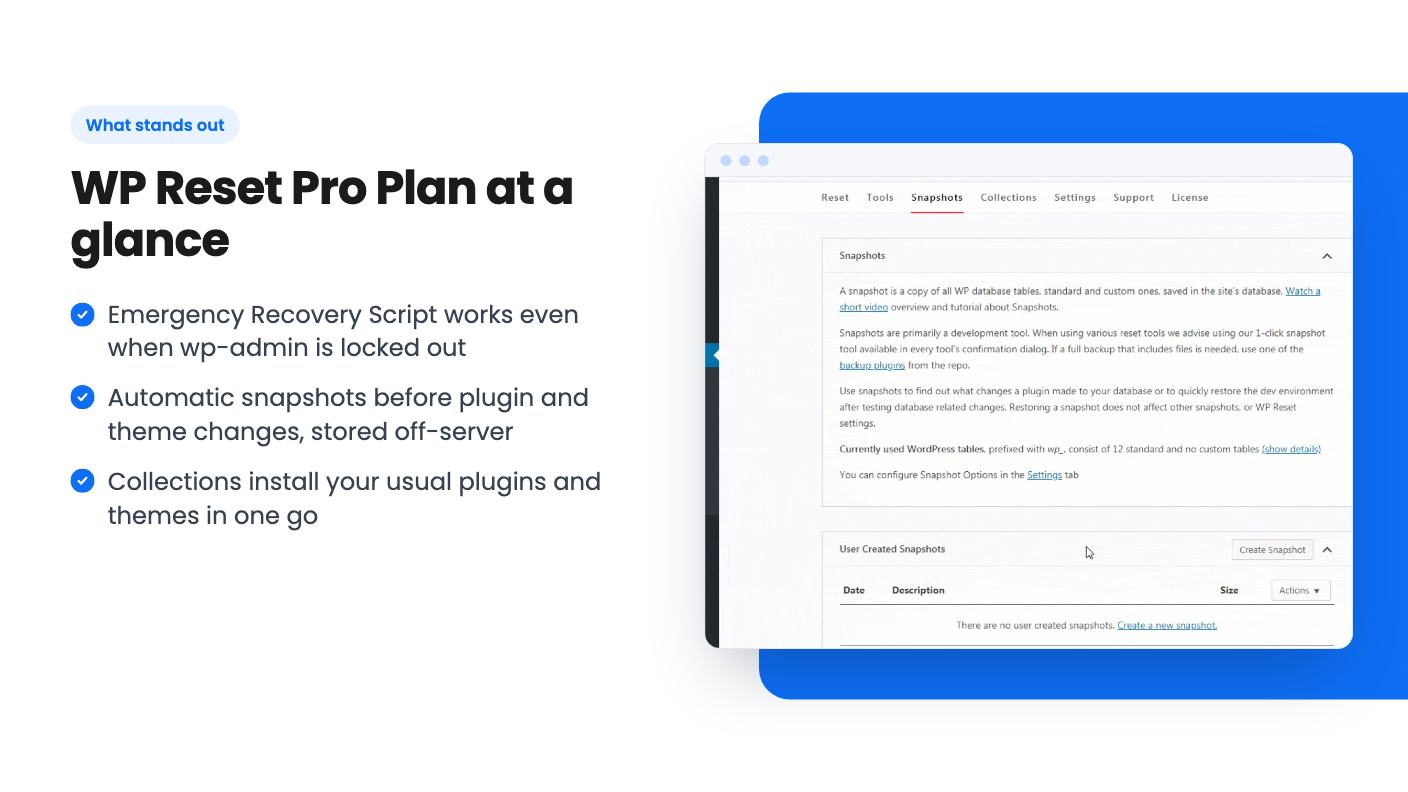
Plenty of plugins can clean a database. Fewer help when you can’t log in. The Emergency Recovery Script is meant for that case, and it’s the feature the video leads with.
According to the demo, you upload the script to your WordPress folder and run it. It doesn’t depend on other WordPress files. It scans core files for added and modified ones and makes changes on its own, and it lets you deactivate a problem plugin. The listing says it includes over 12 tools and works with snapshots.
The listing also says you can use it to recover a client site that doesn’t have the plugin installed yet. If true, that’s a useful trick for agency work, since you often inherit broken sites rather than build them. We’d want to see that claim tested on a genuinely hacked site, and the listing gives no detail on how much malware cleanup it can really do.
Snapshots are the second half of the safety story. You can take one manually, or let the plugin take them automatically. The video says auto snapshots happen before major events such as a plugin or theme being activated, updated or deactivated. That’s the sensible trigger, because those are the actions that usually break things.
Storage is flexible on paper: WP Reset Cloud, Dropbox, Google Drive or pCloud. Each cloud site licence comes with 3 GB of storage, according to the plan table.
Snapshot bloat is a known worry. AppSumo’s review summary says recent updates let users cap space usage and the number of snapshots kept, and the listing’s FAQ describes uploading to the cloud and deleting local copies. The same summary admits you need individual logins for cloud uploads, which sounds like a chore if you manage many sites.
Collections are simpler. You build a named set of plugins and themes, then install and activate the lot on a new site from the cloud. If you set up the same stack on every project, that’s a real time saver. There’s also a MainWP extension for people who already manage sites there.
This is where the agency pitch gets specific. A central dashboard handles client licences, sites, Collections, Snapshots and Brands. You can add sites, block a site from using the plugin, or turn on white-labeling for one client and not another.
Remote actions cover snapshot stats, access to the Emergency Recovery Script and licence sync. The demo also shows full rebranding of the plugin, with your own logo, colours and name and no code. The listing adds that the licence key stays hidden in the plugin even without white-labeling.
Whether clients care that their reset tool carries your brand is up to you. It’s a nice touch, not a reason to buy on its own.
There are four lifetime tiers: $49, $129, $299 and $499. All include lifetime access, future Pro Plan updates, and the ability to switch between licence tiers. You must activate your licence within 60 days of purchase. AppSumo’s summary mentions a 60-day money-back guarantee.
The feature table is where I’d slow down. It gives four values per row but doesn’t label which value belongs to which tier. Site licences read Unlimited, Unlimited, 50, 5. Cloud site licences read 60, 5, 15, 30. Remote actions and stats are true for the first three values and false for the last. Full rebranding and staging environments are true only for the first two.
That pattern suggests the cheapest tier is the one with 5 site licences and no remote actions, rebranding or staging. But the cloud licence numbers don’t rise or fall in any tidy order, so we can’t map them with confidence. The listing also says you can switch between 3 licence tiers while showing four. Check the live page before you pick a tier.
So here’s our read. If the $49 plan is the 5-site one, it suits a freelancer with a handful of sites. Agencies that want remote actions or white-labeling will probably need to step up. The listing doesn’t tell you what a plan costs after the deal ends, so the lifetime value is hard to judge.
The 4.93 average across 1,312 AppSumo reviews is strong, but it’s still AppSumo’s own storefront, and the summary reads like marketing copy. Take the high score as a sign of broad satisfaction, not proof it fits your setup.
Skip it if you run one site and your host already offers one-click restores. Skip it if you’re hoping for a full backup system, because the listing says outright that this doesn’t replace one. And skip it if you need deep security scanning, since the listing says little about that beyond recovery tools.
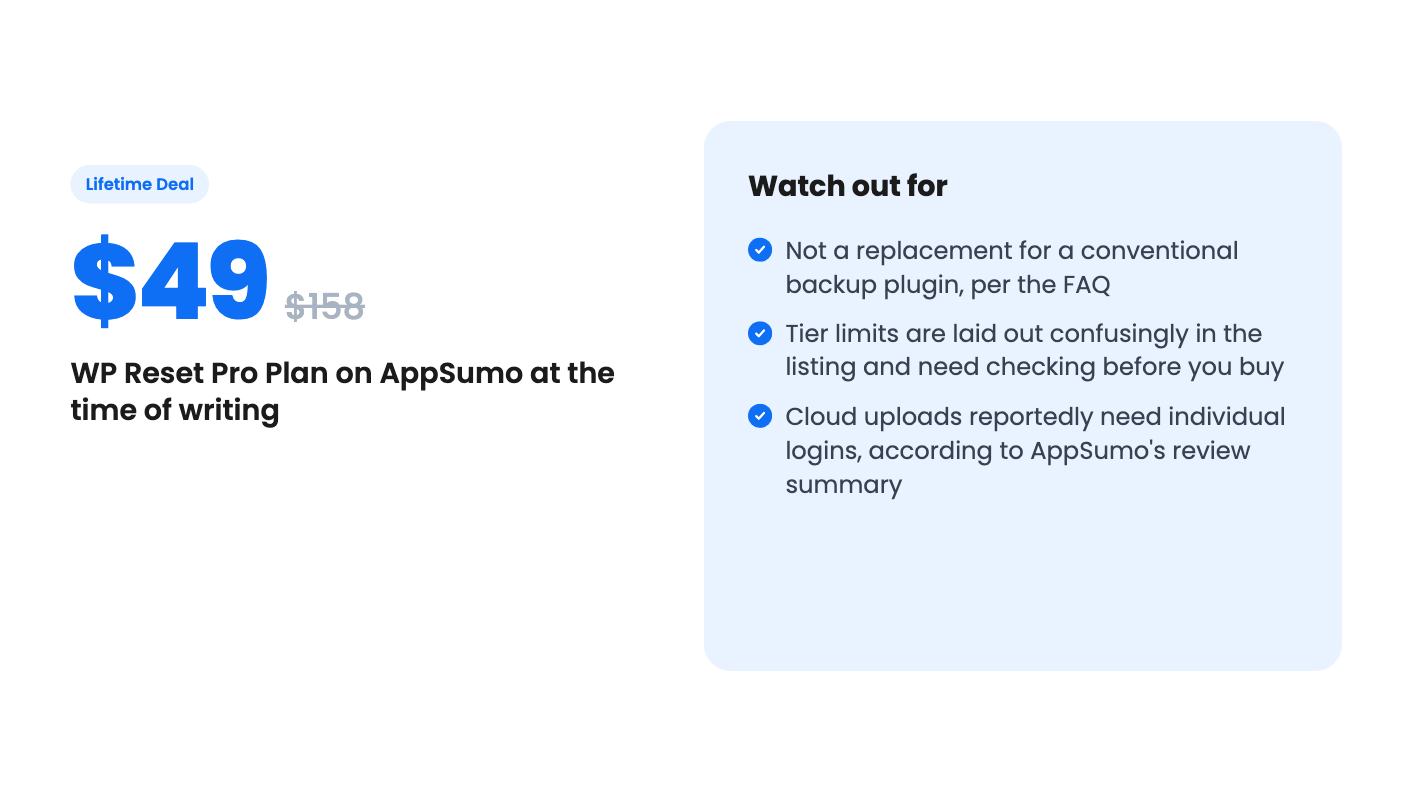
If you touch client WordPress sites often, though, $49 for a rollback button and a lockout rescue script is a small bet. Check the tier table first, then use the refund window if it doesn’t suit you.
No. The listing's own FAQ says it works alongside conventional backup plugins and doesn't replace them. Treat snapshots as a quick rollback point, not your only backup.
According to the listing, snapshots can go to WP Reset Cloud, Dropbox, Google Drive or pCloud. The listing also says you can upload them to the cloud and delete the local copy to save server space.
Yes, per the listing. Deactivate the plugin on one site and the licence returns to your pool, so you can activate it elsewhere. You must activate your licence within 60 days of purchase.
How this review was made: researched from WP Reset Pro Plan's official listing and a transcript of its demo video, and written with help from AI. We have not tested WP Reset Pro Plan hands-on yet. Prices and deal terms change, so check AppSumo before you buy. See our affiliate disclosure.
Consently is a cookie consent tool with scanning, policy templates and Google CMP status, sold on AppSumo from $39. Here's what the listing covers and where it's thin.
Five AppSumo lifetime deals listed as Webflow alternatives, from a $69 all-in-one site builder to AI app generators, with who each suits and what's missing.
Eight AppSumo lifetime deals named as Squarespace alternatives, grouped by need, with the limits and gaps each listing shows and who each one suits.