
Social MediaComparison
Creator Insights vs SocialBu: Idea Engine or Everyday Scheduler
Both are $49 social media lifetime deals on AppSumo. Creator Insights helps you research and repurpose. SocialBu schedules, reports and handles the inbox.
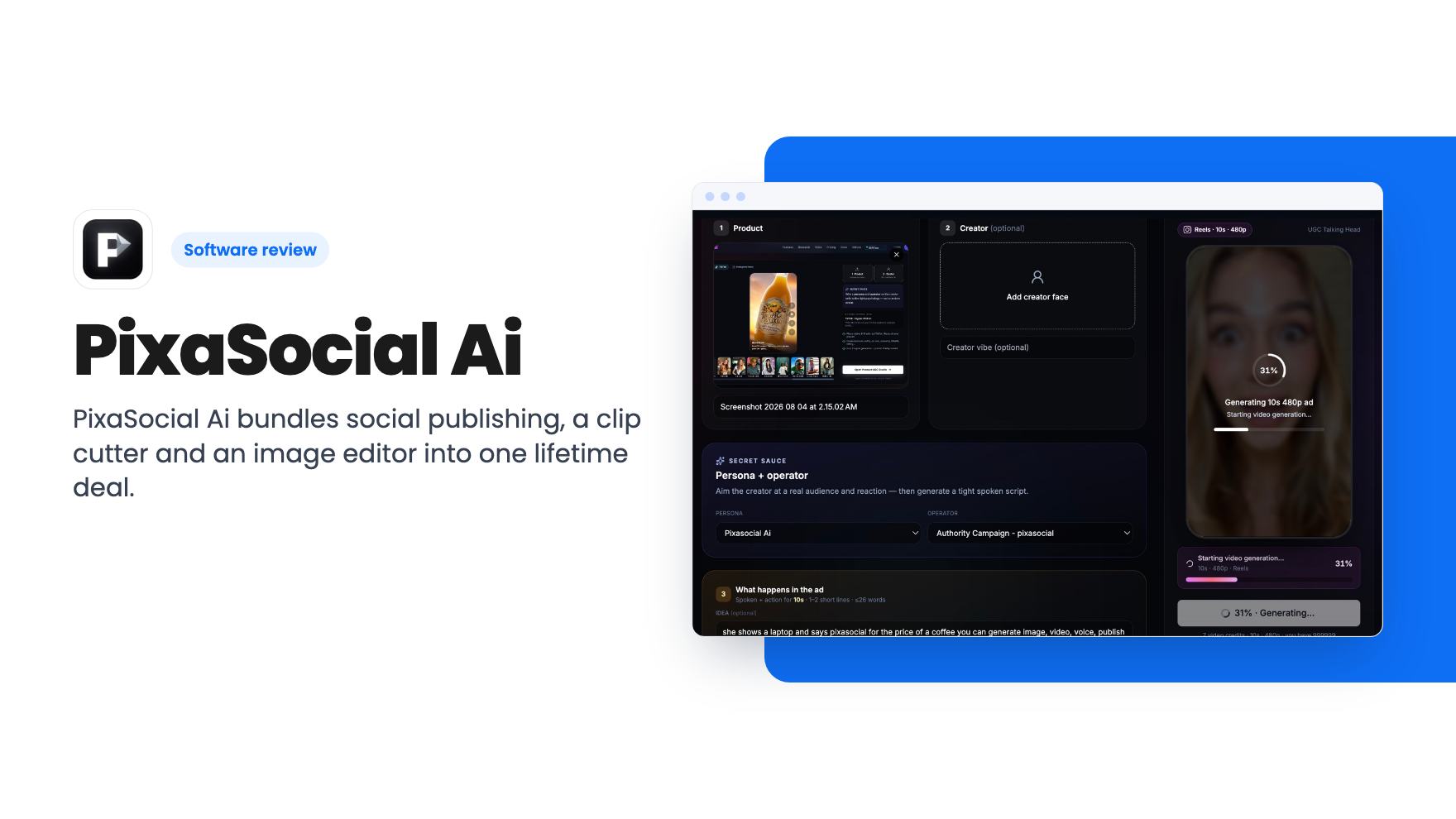
PixaSocial Ai bundles social publishing, a clip cutter and an image editor into one lifetime deal. The tier limits and 12-month usage window need a close look.
Lifetime deal price
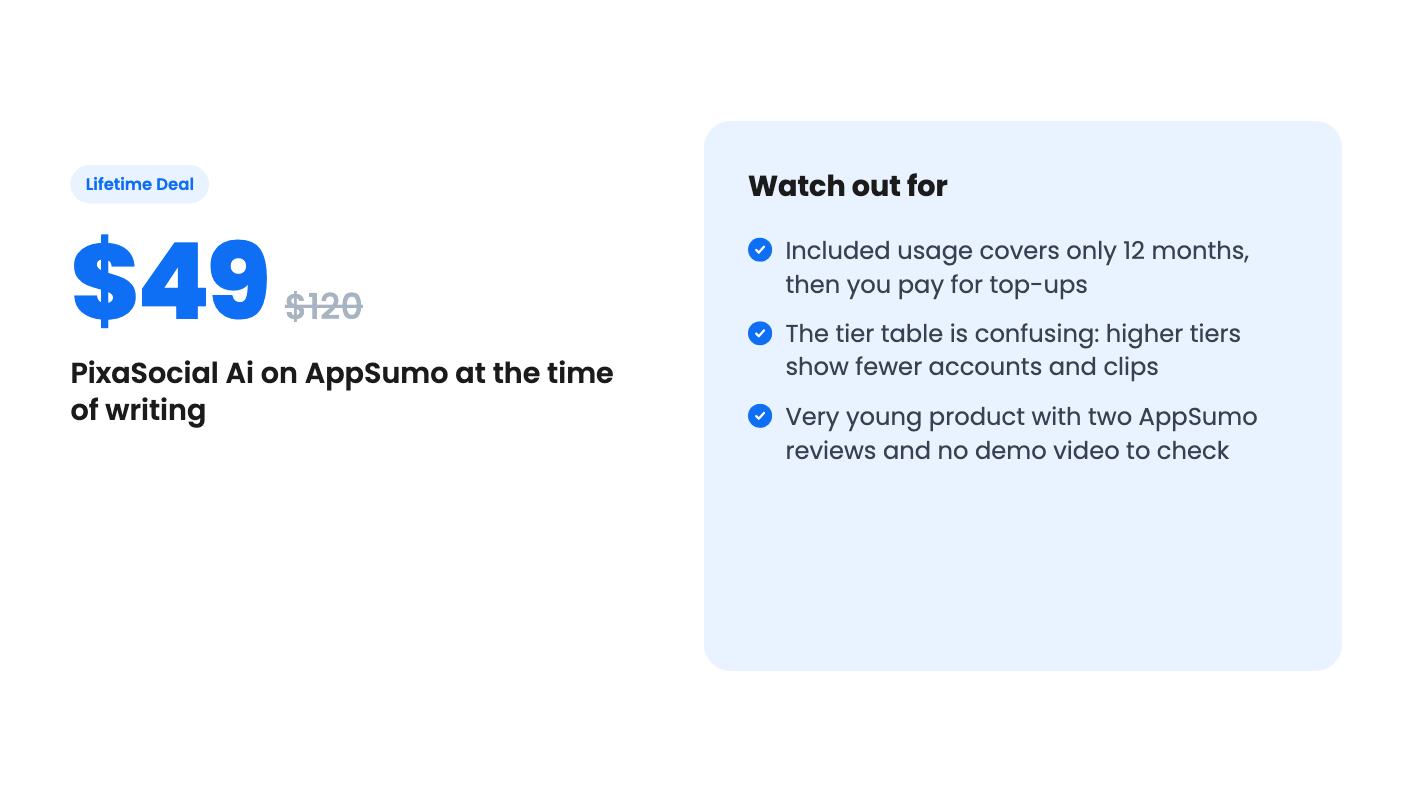
$49$12059% off
Lifetime Deal
Our take: Worth a look if you're a solo creator or small team who wants one login for clip cutting, light editing and posting to X, LinkedIn, Bluesky and similar networks. Skip it if you need Facebook or TikTok scheduling, want predictable unlimited AI output, or can't make sense of the tier table before the refund window closes.
If you run a small business, your social media routine probably involves four or five apps. One to schedule posts, one to chop a webinar into short clips, one to resize images, and a notes file where you guess what your audience wants to hear. PixaSocial Ai wants to put those jobs under one login, and AppSumo is selling it as a lifetime deal starting at $49.
That’s an appealing pitch. It’s also a young product, and the listing leaves some important things vague, so let’s go through what’s actually stated.
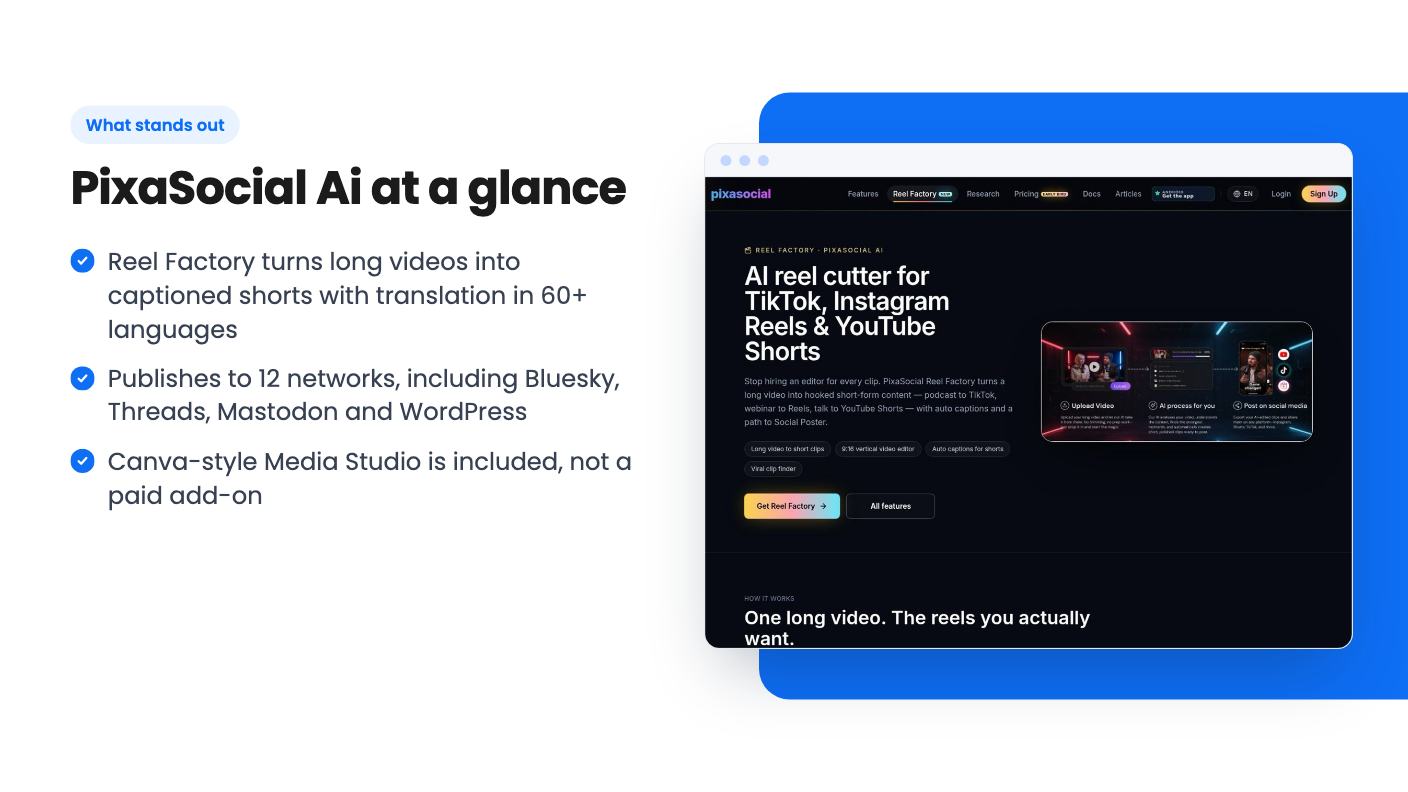
According to the listing, there are four pieces. First, a set of audience modules: psychographics, personas, Operators, Blueprint and a Feedback Simulator, meant to help you model your audience before you create anything. Second, Reel Factory for cutting long video into captioned shorts. Third, publishing to 12 networks. Fourth, a Media Studio for editing images and video.
The listing positions it against Buffer, Hootsuite and Sprout Social. That comparison is generous. Those tools have years of scheduling polish, analytics and team workflows behind them, and the listing says nothing about analytics, approval flows or a content calendar. Treat PixaSocial as a different kind of tool that happens to post for you.
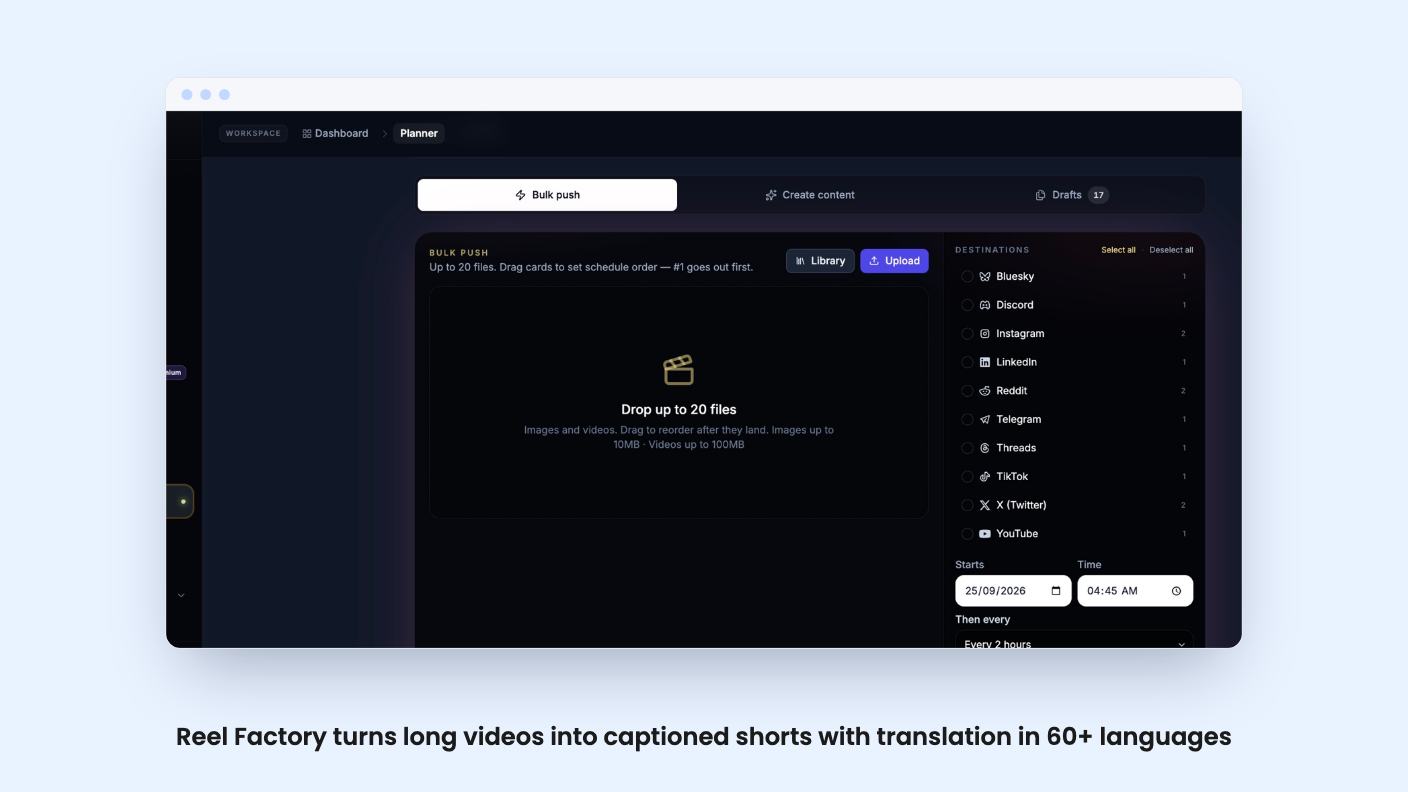
This is the feature with the clearest description. You give it a long video, and it produces captioned short clips. It detects the spoken language automatically, transcribes it, and can translate into 60+ languages.
If you record podcasts, webinars or talking-head videos, that’s a real time saver. One recording becomes a week of shorts, and the translation option could help if you serve customers in more than one language.
The listing is also honest about the limit. Reel Factory is not prompt-to-video generation. You can’t type an idea and get a finished video back. You need footage first. Anyone expecting an AI video generator should stop reading here, because the listing says AI video uses top-up credits and is not unlimited.
The 12 supported networks are X, Instagram, Threads, LinkedIn, YouTube, Reddit, Telegram, Pinterest, Mastodon, WordPress, Bluesky and Discord. That’s a good spread, especially if you want Bluesky, Mastodon or WordPress in the same queue as LinkedIn.
Now the gap. Facebook isn’t in that list. TikTok isn’t either, yet the integrations field on the listing names TikTok. The two statements don’t match. If either network matters to your business, ask the seller or check the product before buying, because the listing doesn’t settle it.
The Feedback Simulator is described as a way to model your audience before you publish. Operators and Blueprint are named but never explained. There’s no example output, no description of what data feeds them, and no way to judge how useful they are.
Simulated audience feedback can only be as good as what it’s built on, and the listing doesn’t say what that is. We’d treat this as a possible bonus rather than a reason to buy. The Media Studio gets similarly light treatment: it’s called Canva-like and included for life, but there’s no mention of template counts or stock assets.
There are four lifetime tiers, and the plan table is where you need to slow down. Here’s what the listing shows:
Read that again. Paying more gets you fewer accounts, fewer clips, and in tier 4 no Reel Factory at all. Higher tiers do get bigger image generation limits, but the pattern is strange enough that it may be a listing error. It might also be deliberate, with the top tiers aimed at people who only want image generation. The listing doesn’t explain either way.
As written, tier 1 at $49 looks like an editor and media library with no publishing. If you want to post to your networks, tier 2 appears to be the entry point. That makes the real price $99, not the $49 headline.
The listing text we have also cuts off mid-FAQ, so we can’t see the redemption details or any refund terms beyond what AppSumo normally offers.
The wording matters here. Platform access and core modules are lifetime. Included usage, though, covers 12 months. After that you top up for more, or you keep the login and the editors.
So in year two, the scheduler and Media Studio are presumably still yours, but the AI-powered work costs extra. The listing gives no top-up prices, so you can’t work out your long-term cost. Voice is a top-up on tiers 1 and 4 and isn’t included at all beyond what the table says for the middle tiers.
The other risk is age. AppSumo shows two reviews averaging 4.00 out of 5, which is too few to tell us anything. There’s no product video attached to the listing either, so we haven’t seen the interface in action. Lifetime deals on young products can work out, but you’re betting on the company still being around and still updating the connections to each network.
It suits a solo creator or a small team that records long-form video, wants shorts and translated captions without paying for a separate clip tool, and posts mostly to networks like LinkedIn, X, Bluesky or Instagram. For that person, tier 2 looks like the sensible place to start, assuming the numbers on the AppSumo page match the table.
It doesn’t suit teams that need Facebook or TikTok scheduling, detailed analytics, or client approval workflows. It also doesn’t suit anyone who wants unlimited AI output for life.
Before you redeem, check the tier numbers on the live page, ask which networks really work today, and use the refund window to run one real video through Reel Factory. If the clips come out usable, you’ll know quickly.
Partly. The listing says platform access and core modules are lifetime, with no monthly bill. But included usage covers 12 months, and after that you top up for more usage. Voice is a top-up, and AI video uses top-up credits. Top-up prices aren't stated in the listing.
No. The listing says Reel Factory cuts long videos into captioned shorts and is not prompt-to-video generation. You need existing footage to feed it.
The listing's tier table is hard to read and the text we have is cut off. Tier 1 shows None for connected accounts and posts per month, so it looks like an editor-only entry point. Tier 2 at $99 shows the most connected accounts (15), the most posts (100 per month), and the largest Reel Factory allowance. Confirm the exact limits on the AppSumo page before paying.
How this review was made: researched from PixaSocial Ai's official listing, and written with help from AI. We have not tested PixaSocial Ai hands-on yet. Prices and deal terms change, so check AppSumo before you buy. See our affiliate disclosure.
Both are $49 social media lifetime deals on AppSumo. Creator Insights helps you research and repurpose. SocialBu schedules, reports and handles the inbox.
Ten AppSumo lifetime deals for small businesses, from booking and forms to SEO and outreach, with the limits and tier quirks each listing shows.
Both are $49 AppSumo deals for social media. Creator Insights is built for research and scripting, PixaSocial Ai for cutting long video into shorts.

