
Social MediaComparison
Creator Insights vs SocialBu: Idea Engine or Everyday Scheduler
Both are $49 social media lifetime deals on AppSumo. Creator Insights helps you research and repurpose. SocialBu schedules, reports and handles the inbox.
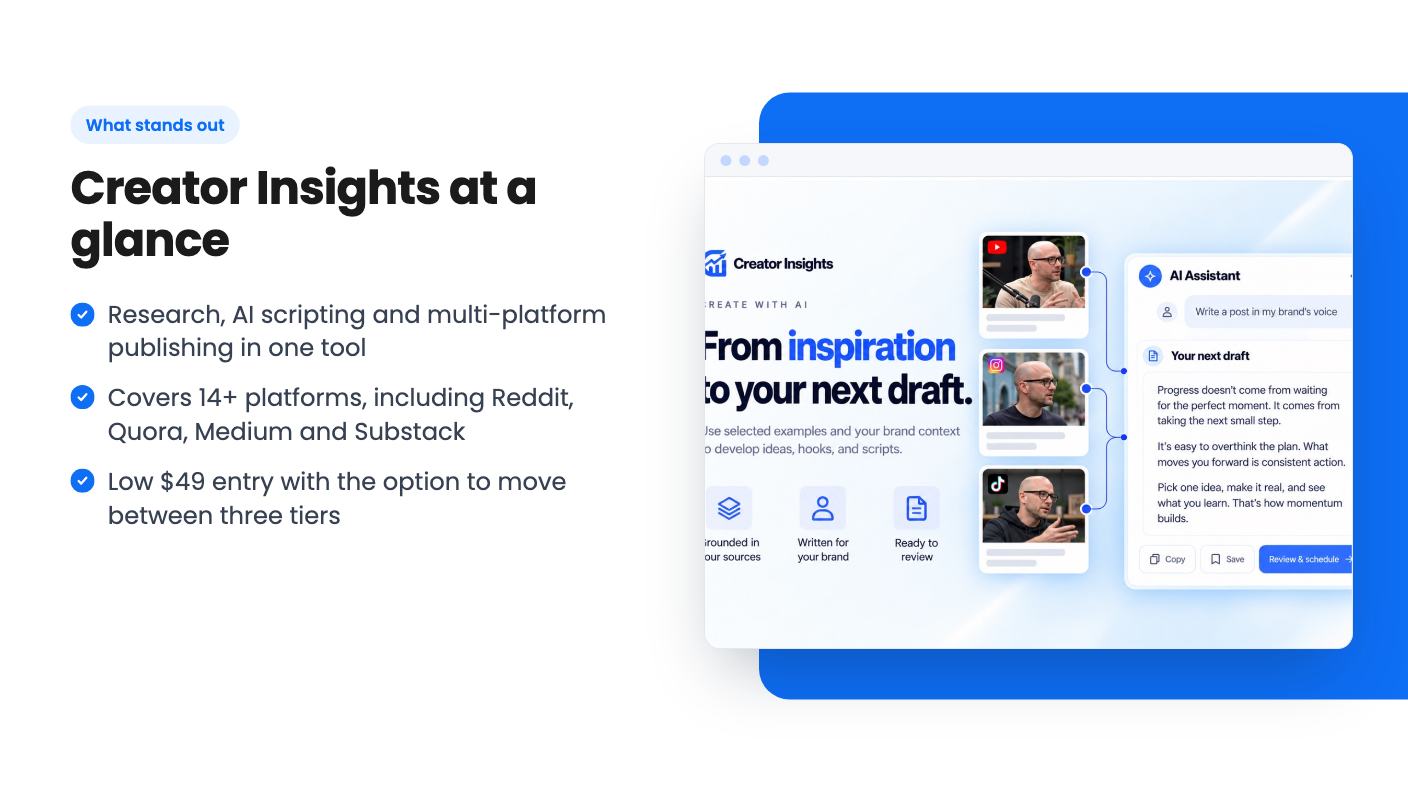
Creator Insights mixes viral-content research, AI scripting and posting to 14+ platforms. The $49 lifetime deal is cheap, but credit caps and 30-60 day storage limit it.

Lifetime deal price
$490
Lifetime Deal
Our take: Worth a look at $49 if you're a solo creator or small marketer who wants research, scripting and cross-posting in one place and can live with a young product. Skip it if you need a proven scheduler, long content storage, or clear answers on what a credit buys, because the listing doesn't say.
Picture a Tuesday morning. You’ve got a blank content calendar, a competitor who seems to post a hit every other day, and a vague plan to turn last week’s video into something for LinkedIn, Pinterest and a blog. Normally that’s three tools and a lot of copying and pasting. Creator Insights is trying to put all of it in one place.
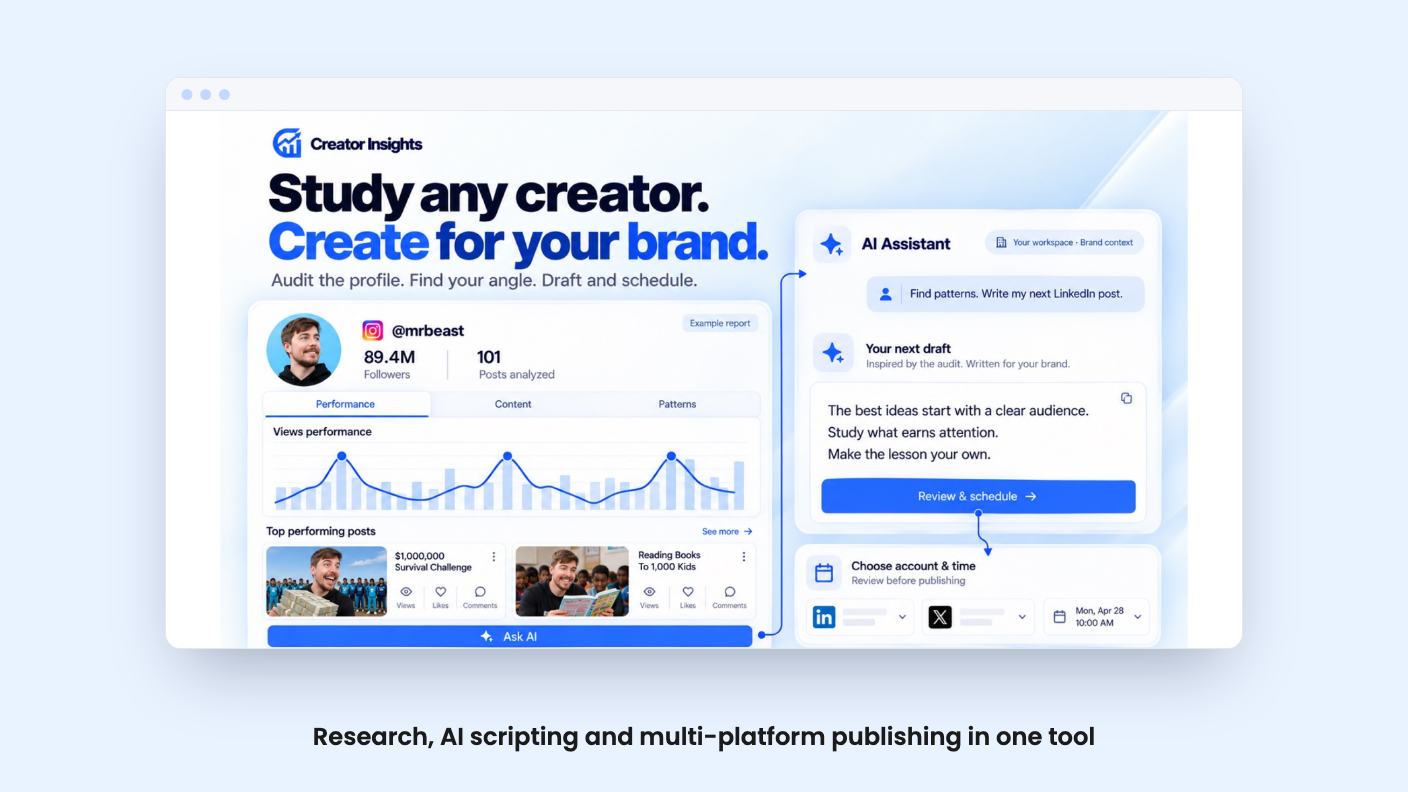
The pitch, according to the listing, runs in four steps: find what’s working, study it, write your own version, then push it out everywhere. It’s on AppSumo as a lifetime deal starting at $49. We haven’t used it, so what follows is based on the listing and nothing else. There’s no demo video to lean on either.
Start with discovery. You search by niche or keyword and the tool surfaces viral videos from Instagram and YouTube. It also promises daily idea suggestions based on what worked for other creators in your niche.
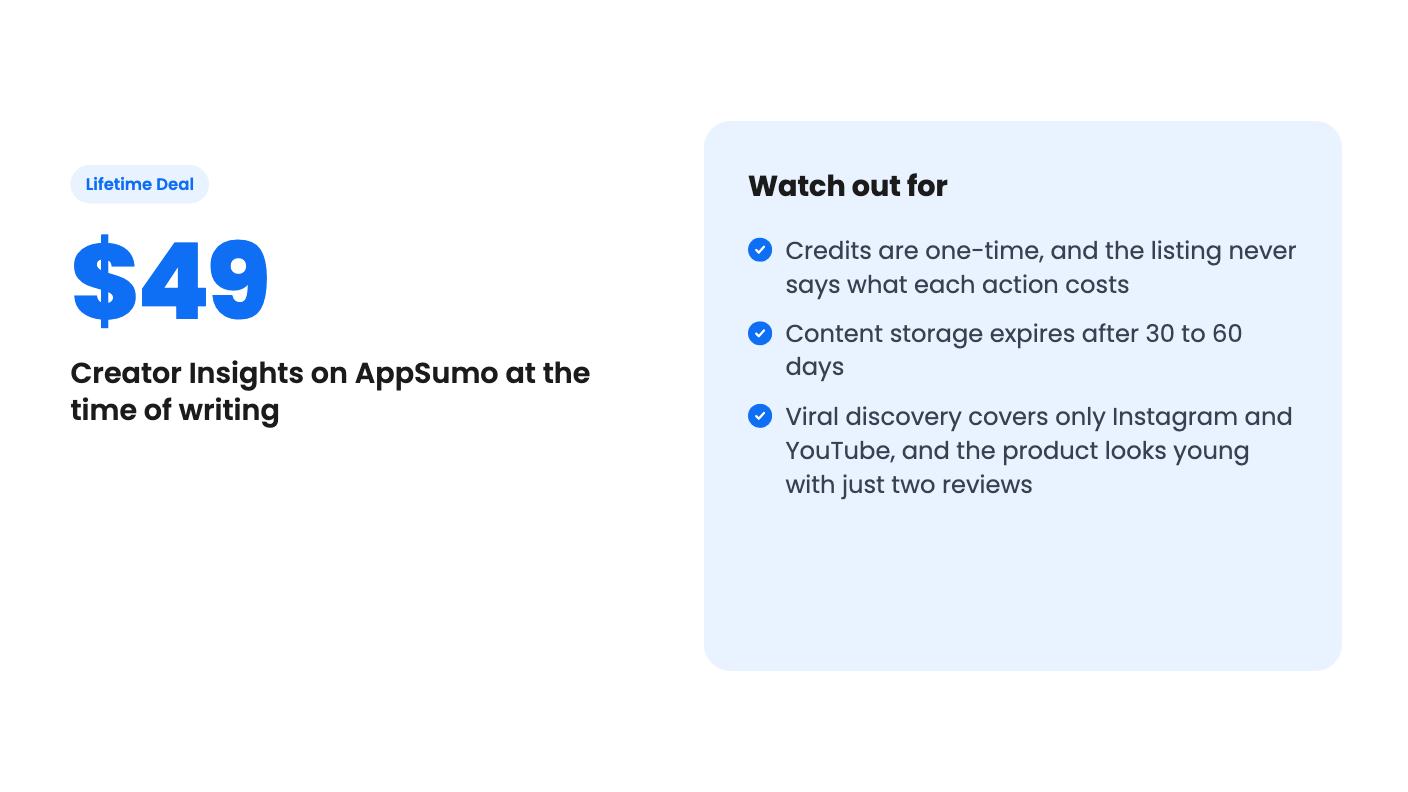
Note the limit there. Discovery covers Instagram and YouTube only. TikTok is on the publishing list but not in the research list, so if your niche lives on TikTok, you’ll be researching somewhere else.
The second piece is creator auditing. Point it at a profile and it picks out the top-performing videos. You can save those to Canvas, ask the AI to break them down, or track the creator as a competitor and watch what they post.
The third is scripting. The AI looks at hooks, structure and style from your saved references and helps you brainstorm and write scripts. The listing says the aim is to build from proven patterns while making original content. That’s a sensible line, though how well it holds in practice is something we can’t judge from here.
Canvas is where you collect videos, creator profiles and documents into one research board. Then you connect the AI to that board and ask it questions. It’s a reasonable idea: instead of prompting a chatbot from scratch every time, you hand it a pile of real examples first.
The listing also says you can transcribe videos to see their hooks and structure. That’s useful if you learn by taking apart other people’s work. It’s also the part where you should be careful. Studying what works is fine. Copying a competitor’s script with the nouns swapped is a quick way to look generic, and the tool can’t stop you.
The distribution side is the broadest part of the listing. It names Instagram, YouTube, TikTok, Facebook, LinkedIn, X, Threads, Pinterest, Bluesky, Tumblr, Reddit, Medium, Substack and Quora.
The claim is that one video gets reshaped into platform-specific posts, with the right format, aspect ratio and captions for each. It can also turn a video into a blog post or Substack piece, and draft answers to relevant Reddit and Quora questions to send traffic to your site.
That last one deserves some caution. Reddit and Quora both dislike obvious promotion, and an AI-drafted answer that exists to push a link can get removed or earn you a ban. The listing doesn’t say how much control you have over those drafts. Read them before posting.
Also worth noting, the listing’s integrations line only names Facebook, Instagram, Pinterest and YouTube, while the FAQ lists far more. The listing doesn’t explain the gap, so it’s worth asking which platforms publish directly and which need manual steps.
There are three one-time payments. Every tier gets lifetime access and future plan updates, and you can move between tiers.
| Tier 1 | Tier 2 | Tier 3 | |
|---|---|---|---|
| Price | $49 | $139 | $319 |
| One-time credits | 2,000 | 6,000 | 15,000 |
| Social connections | 15 | 45 | 100 |
| Competitor tracking | 10 | 30 | 60 |
| Storage and expiry | 60 days | 60 days | 30 days |
The word to focus on is “one-time.” The credits don’t appear to renew. The listing never says what a search, a transcript, an AI script or a published post costs in credits. Without that, 2,000 credits could be a few months of work or a weekend. That’s the biggest unclear point in the whole listing, and we’d want an answer before paying.
The storage line is odd too. Tier 3 has the shortest expiry, 30 days against 60 on the other two. The listing doesn’t explain why, or whether expiry means your Canvas items, your generated content, or both. If you build research boards you want to keep, a 30 to 60 day window is a real constraint.
On the plus side, the activation window is 60 days, and the AppSumo terms allow upgrading or downgrading between the three tiers. That gives you some room to start small.
AppSumo lists Buffer, Hootsuite and Sprout Social as alternatives. That’s a stretch. Those tools are built around scheduling, team workflows and reporting. The listing mentions none of a content calendar, approval flows or analytics dashboards.
Creator Insights is closer to a research and repurposing tool that also publishes. If scheduling discipline is your main need, you probably still want a proper scheduler. If your bottleneck is knowing what to make and getting more mileage out of each piece, the pitch fits better.
Avoid it if you need a mature, proven product. AppSumo shows only two reviews, averaging 4.50 out of 5. That’s a tiny sample, and the listing itself is marketing copy.
Skip it if you run a team that needs approvals and shared calendars, if you need long-term content storage, or if your research happens mostly on TikTok, LinkedIn or X.
For a solo creator or a small marketer who wants to test the idea cheaply, $49 is a low-risk way in, especially with the tier flexibility. Ask about credit costs first, and keep your expectations modest for a product this young.
Per the listing, Tier 1 is $49 for 2,000 one-time credits, 15 social connections and 10 tracked competitors. Tier 2 is $139 for 6,000 credits, 45 connections and 30 competitors. Tier 3 is $319 for 15,000 credits, 100 connections and 60 competitors. Storage is 60 days on the first two tiers and 30 days on Tier 3.
The listing calls them one-time credits, which suggests they don't refresh monthly. It doesn't say what happens when they run out, whether you can buy more, or how many credits each action uses. Ask the seller before buying.
Maybe for basic cross-posting, but the listing doesn't mention a content calendar, team approvals or analytics reporting, which are the usual reasons people pay for those tools. Treat it as a research and repurposing tool that also publishes, not a like-for-like swap.
How this review was made: researched from Creator Insights's official listing, and written with help from AI. We have not tested Creator Insights hands-on yet. Prices and deal terms change, so check AppSumo before you buy. See our affiliate disclosure.
Both are $49 social media lifetime deals on AppSumo. Creator Insights helps you research and repurpose. SocialBu schedules, reports and handles the inbox.
Ten AppSumo lifetime deals for small businesses, from booking and forms to SEO and outreach, with the limits and tier quirks each listing shows.
Both are $49 AppSumo deals for social media. Creator Insights is built for research and scripting, PixaSocial Ai for cutting long video into shorts.

