
Social MediaComparison
Creator Insights vs SocialBu: Idea Engine or Everyday Scheduler
Both are $49 social media lifetime deals on AppSumo. Creator Insights helps you research and repurpose. SocialBu schedules, reports and handles the inbox.
Design Instantly is a social content and scheduling tool for ecommerce, sold from $59 on AppSumo. Here's what the tiers include and where the limits sit.
Lifetime deal price
$590
Lifetime Deal
Our take: Buy if you run a small Shopify, Etsy or WooCommerce store and want template-based posts for Instagram, Facebook and Pinterest on a schedule, ideally at the $59 or $149 tier. Skip it if you need X, LinkedIn or TikTok, or if you plan to lean on AI image generation for years, because the AI credits are a one-time pool.
Picture a shop owner with forty products in Shopify, a Pinterest account that hasn’t had a new pin in two months, and an Instagram feed that goes quiet whenever orders get busy. Posting isn’t hard. Doing it every week, in a consistent voice, with decent images, is what slips. That’s the gap Design Instantly is aiming at.
It’s a social media tool that creates posts and schedules them, rather than only scheduling posts you’ve already made. It’s on AppSumo as a lifetime deal at $59, $149 and $299, and it’s clearly built for ecommerce sellers first and general marketers second.
The core idea is Autopilot. You pick how often you want to post, and the tool creates and publishes content in your brand voice to Instagram, Facebook and Pinterest. You can turn it off whenever you like and go back to doing everything by hand.
That last part matters. Plenty of people don’t want a machine publishing under their business name without a look first, and the listing says you can generate, edit, schedule or publish manually at any time.
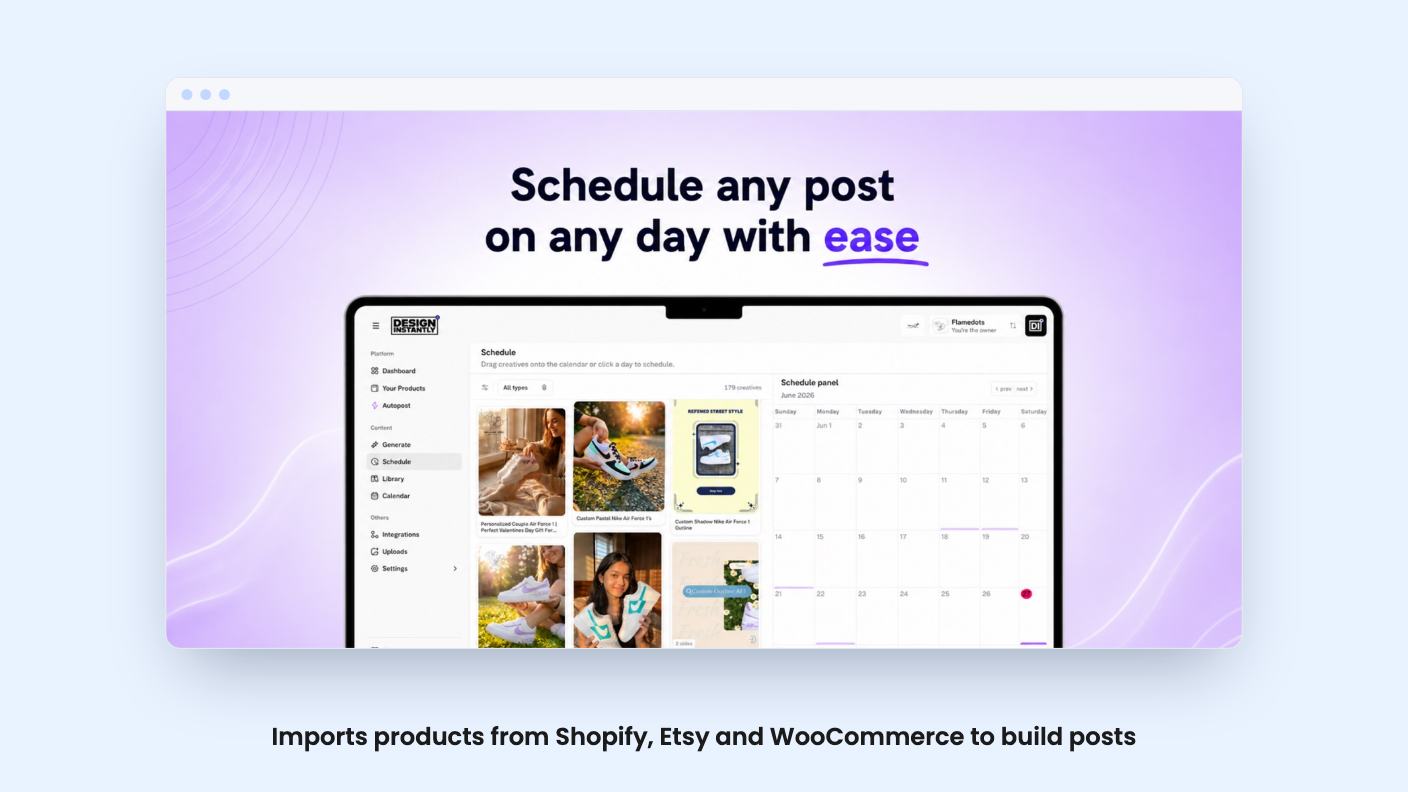
The scheduling side is what you’d expect. Drag a post onto the calendar, or open a modal and choose an exact date and time. You can edit and reschedule later. Nothing here is unusual, but it means you aren’t forced to pay for a separate scheduler alongside it.
Brand voice is the other piece. You define tone, writing style and guidelines once, and you can customise captions separately for each of the three networks. The listing promises posts that never sound generic. That’s marketing language, and with no demo video available we can’t tell you how well it holds up. Treat it as a claim to test.
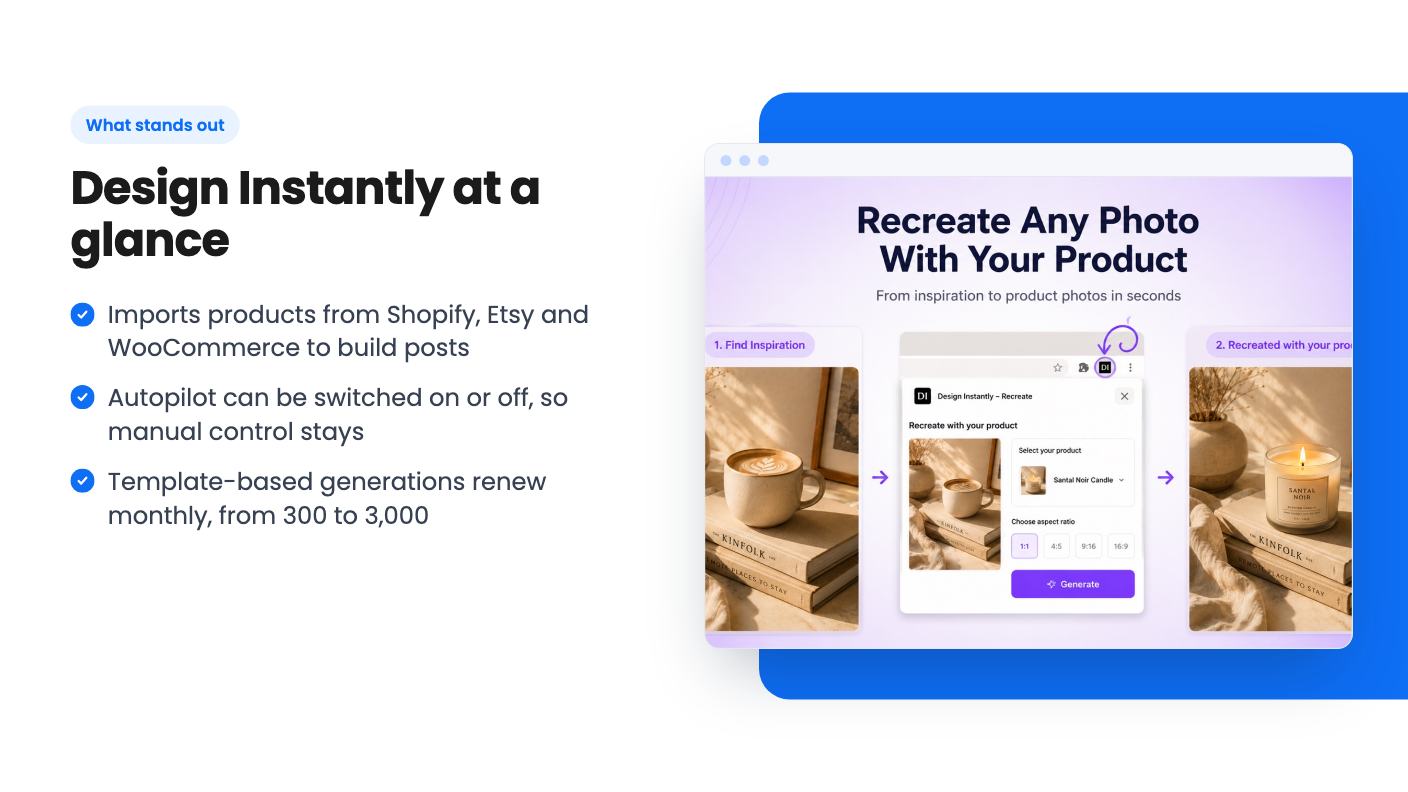
The store connections are the practical heart of it. According to the listing, Design Instantly connects with Shopify, Etsy and WooCommerce, imports your products, and generates social content from them. The integrations line on the listing only names Shopify and WooCommerce, while the FAQ adds Etsy, so check that Etsy works the way you expect before relying on it.
For a seller with a catalogue, this is the sensible way to build a tool like this. Your products already have photos, titles and descriptions. Starting from those beats typing a prompt into a blank box every time.
The flashiest feature is a Chrome extension. Hover over an image on Pinterest, Instagram, the Meta Ad Library or almost any website, click Recreate, pick your product, and it generates a similar style with your item in it. The listing pitches this for viral ads, product photos, UGC and lifestyle shots.
It’s an appealing idea. It’s also where the limits show up fastest. Each recreated image costs 4 AI credits.
Here’s what that means in practice:
Those credits are one-time, not monthly. Once they’re gone, the listing doesn’t say whether you can buy more or what that would cost. That’s a real gap. A store that recreates ten images a week would use up the smallest pool in about three months.
There’s also a copyright question that the listing doesn’t touch. Recreating someone else’s ad or viral photo style with your own product is a grey area, and you’d be responsible for what you publish.
All three tiers get lifetime access and future plan updates. The differences are in volume:
Standard generations are template-based, not AI, and they renew monthly. For most single-store owners, 300 a month is probably plenty, since that’s about ten a day. The workspace count is the better reason to move up. If you manage social for client stores or run several brands, the $59 tier’s single workspace will box you in quickly.
The listing says you can move between the three tiers, which takes some of the guesswork out of picking. You also need to activate your license within 60 days of buying, so don’t let the email sit.
The listing shows a list price of $0, which tells us nothing about what the subscription would cost without the deal. Without that number, we can’t say how much you’re saving, so judge the price against what you’d pay for a scheduler and a design tool today.
There’s no product video, so we haven’t seen the editor, the quality of the template output, or how Autopilot’s captions read. The listing names Buffer, Canva and Sprout Social as alternatives. That’s a wide claim. A tool that covers scheduling, templates and some AI image work can overlap with all three, but it won’t match Sprout Social’s reporting or Canva’s design range, and the listing mentions neither analytics nor a template library size.
It also supports only three networks. No X, LinkedIn or TikTok. If your customers live there, this isn’t your tool.
The MCP support is a curious extra. The listing says you can manage posts from Claude using natural language: create posts, schedule content, check what’s coming up. If you already work in Claude, that could save clicks. It’s a minor point next to the core product.
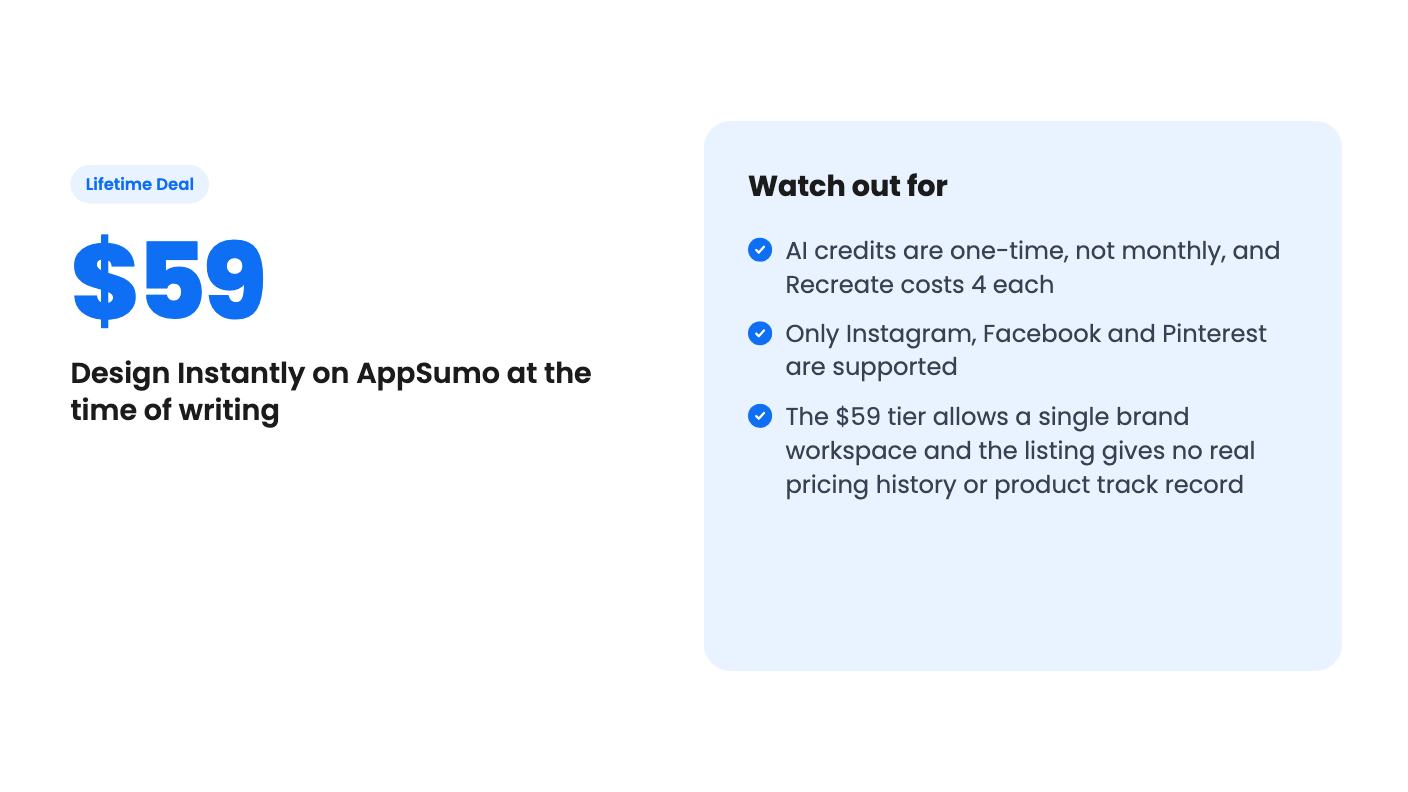
The $59 tier makes sense as a low-risk bet for a small store owner who wants Instagram, Facebook and Pinterest covered without thinking about it. Agencies and multi-brand sellers should look at $149 or $299 for the workspaces. Anyone who wants a deep analytics suite, wide network coverage, or a long-running AI image allowance should look elsewhere. A new product with a one-time credit pool is best bought for what it does now, not for what it might add later.
No. The listing calls them one-time AI credits: 500, 1,500 or 3,000 depending on tier. The monthly allowance is for standard, template-based generations, which are not AI.
The listing names Instagram, Facebook and Pinterest for publishing, and Shopify, Etsy and WooCommerce for importing products. Nothing is said about X, LinkedIn or TikTok.
According to the listing, you can upgrade or downgrade between the three license tiers. You also have to activate your license within 60 days of purchase.
How this review was made: researched from Design Instantly's official listing, and written with help from AI. We have not tested Design Instantly hands-on yet. Prices and deal terms change, so check AppSumo before you buy. See our affiliate disclosure.
Both are $49 social media lifetime deals on AppSumo. Creator Insights helps you research and repurpose. SocialBu schedules, reports and handles the inbox.
Ten AppSumo lifetime deals for small businesses, from booking and forms to SEO and outreach, with the limits and tier quirks each listing shows.
Both are $49 AppSumo deals for social media. Creator Insights is built for research and scripting, PixaSocial Ai for cutting long video into shorts.

