
Social MediaComparison
Creator Insights vs SocialBu: Idea Engine or Everyday Scheduler
Both are $49 social media lifetime deals on AppSumo. Creator Insights helps you research and repurpose. SocialBu schedules, reports and handles the inbox.
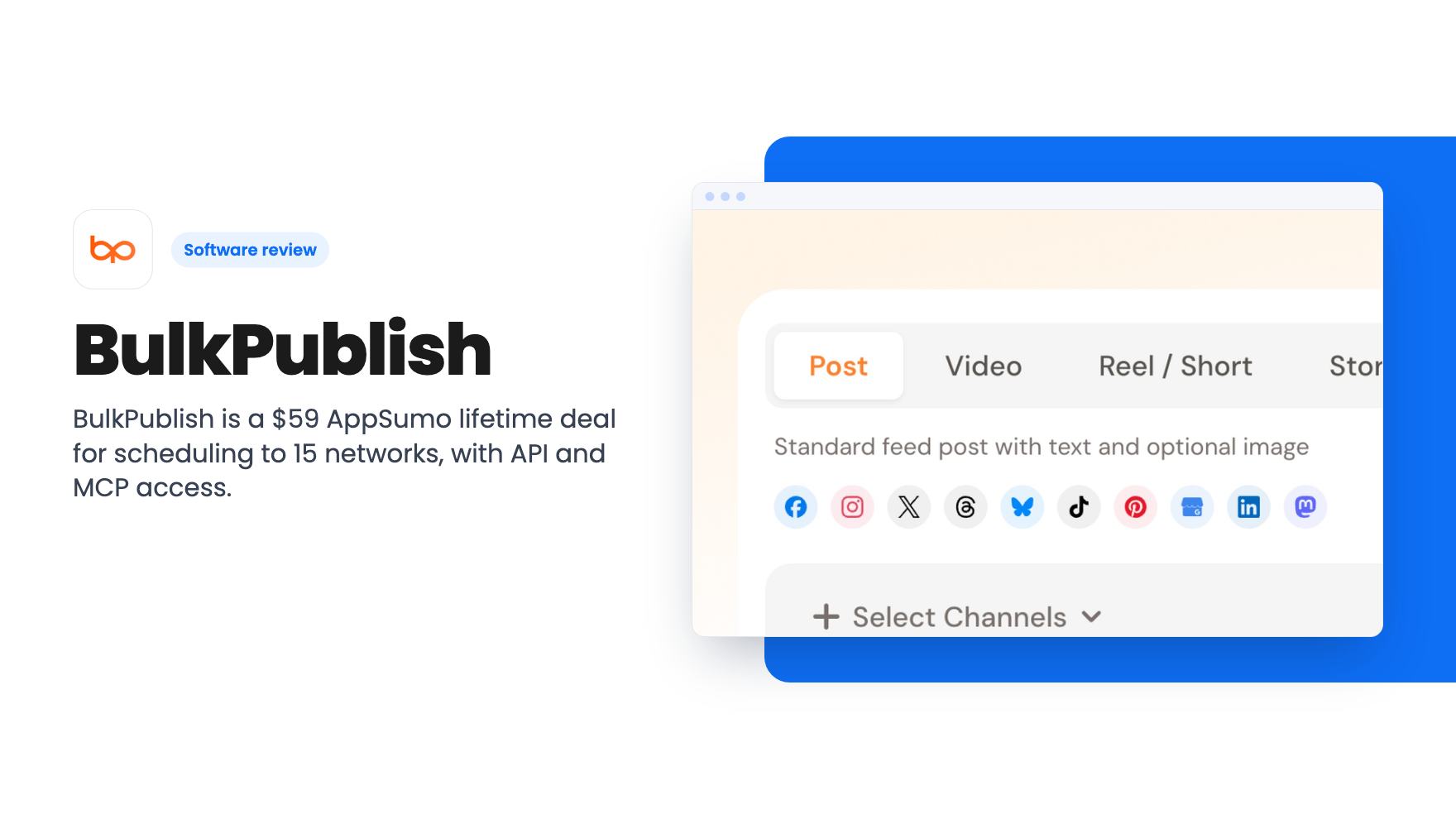
BulkPublish is a $59 AppSumo lifetime deal for scheduling to 15 networks, with API and MCP access. Caps on posts, storage and users are tight.
Lifetime deal price
$59$26478% off
Lifetime Deal
Our take: Buy it if you're a solo operator or developer with one account per network who wants cheap scheduling plus an API and MCP server you can script against. Skip it if you manage clients, need a team seat, post lots of video, or rely on X, since those hit the caps or extra costs quickly.
Picture a Monday where one announcement has to go out on LinkedIn, Facebook, Instagram and Google Business. You write it once, paste it three more times, resize an image, and forget the Google post entirely. BulkPublish is aimed at that routine. It’s a social scheduler with a long list of supported networks and a clear lean toward developers, and right now it’s $59 on AppSumo, down from a $264 list price.
We haven’t used it, so everything here comes from the AppSumo listing. That matters, because the listing is marketing copy and leaves some questions open. I’ll flag those as we go.
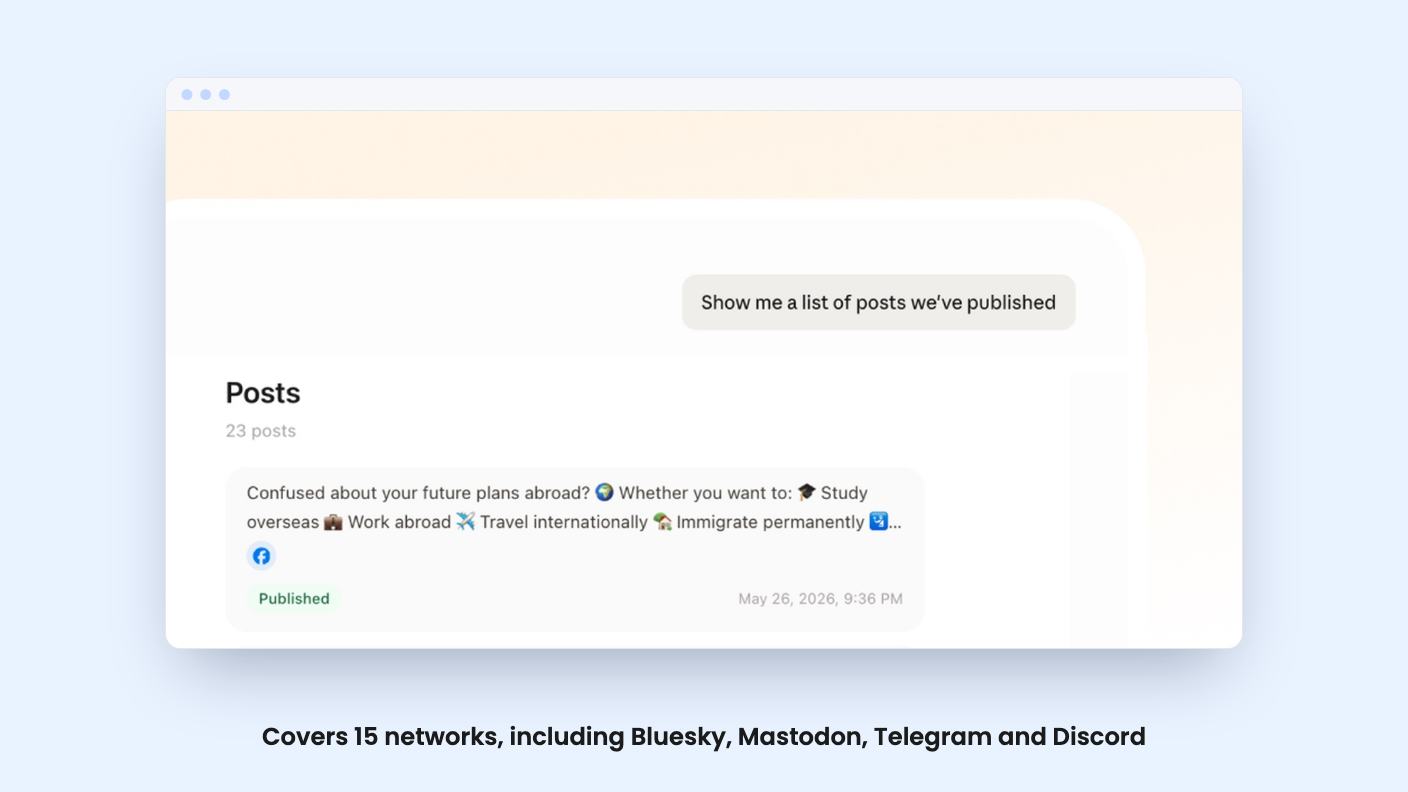
According to the listing, you compose once and publish to Facebook, Instagram, X, TikTok, YouTube, Threads, Bluesky, Pinterest, Google Business, LinkedIn, Mastodon, Discord, Telegram, Tumblr and Snapchat. If your audience sits on the smaller networks, seeing Bluesky, Mastodon, Telegram and Discord on that list is a real plus.
Format support is listed too: Instagram Reels, Stories and carousels, threads on platforms that have them, and Snapchat Stories and Spotlight. There’s a visual calendar for the whole schedule, plus repeat posts and recurring schedules.
What the listing doesn’t say is how the editor handles per-platform differences. Can you tweak a caption for LinkedIn but not for Threads? Can you crop an image differently per network? That’s the day-to-day friction in any cross-poster, and it’s the first thing I’d check during the refund window.
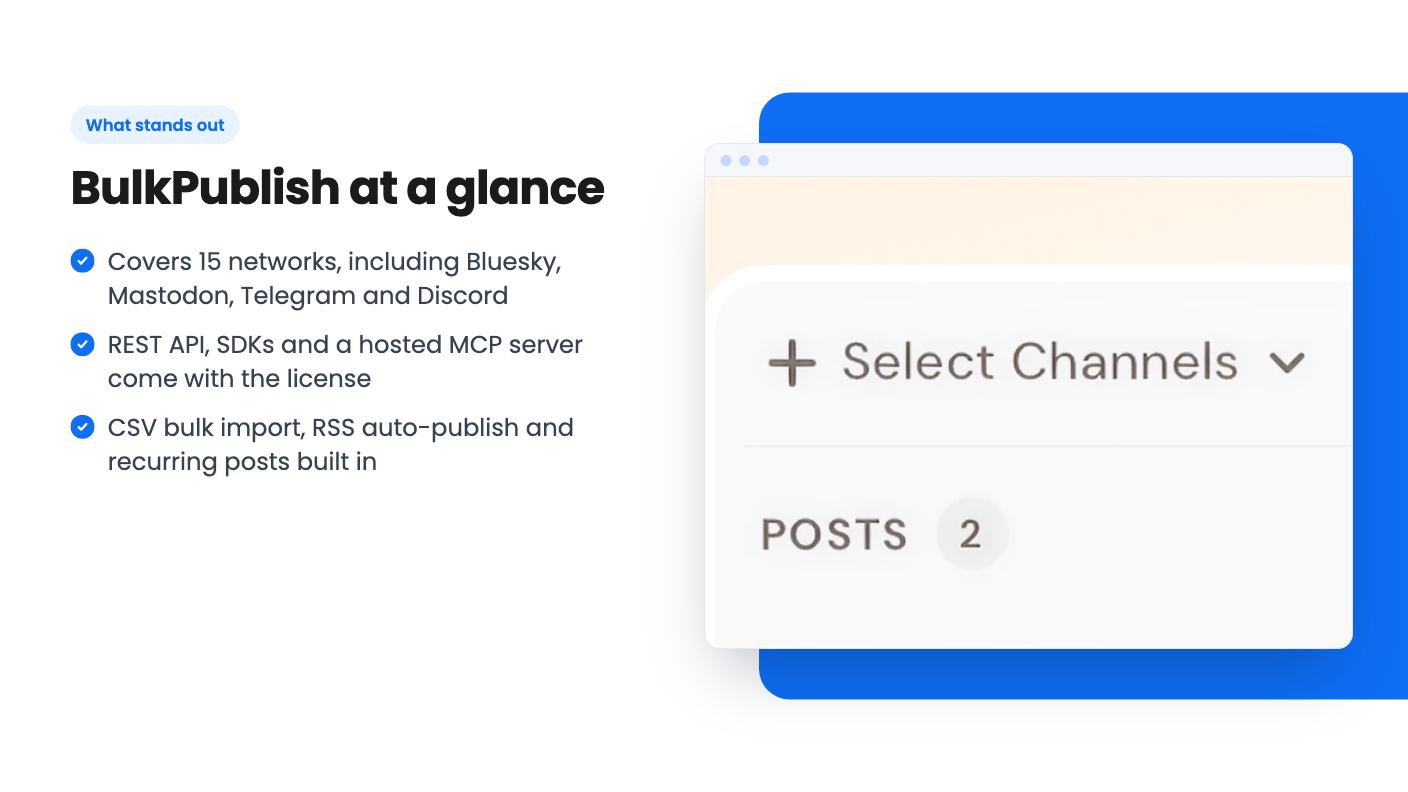
The bulk side is straightforward. You can bulk create posts and import them from a CSV, which suits anyone who plans a month of content in a spreadsheet. Hashtag groups, reusable templates, calendar notes and a media library round out the planning tools.
RSS-to-social autoposting is included with auto-publish, so a new blog post can go out without you touching it. The plan allows three feeds. That’s enough for one blog and a couple of extras, not enough for a news-style operation.
The part that sets this deal apart is the automation story. A documented REST API with an OpenAPI 3.1 spec is available on every plan, free included, along with Node.js and Python SDKs. There’s also an MCP server with 70+ tools for Claude, ChatGPT and Cursor. The catch is that only 20 of those tools are on the hosted endpoint. You get the full set only if you run the server yourself.
No-code folks are covered as well. The listing names Make, Zapier and n8n, and one FAQ answer adds IFTTT. If you already build workflows in those tools, you can trigger posts from webhooks or other apps without writing code.
For this plan, the API allows 2 keys and 1,000 requests per day. That’s fine for personal automation. It won’t carry anything that looks like a product built on top of BulkPublish.
Here’s what the $59 license actually includes:
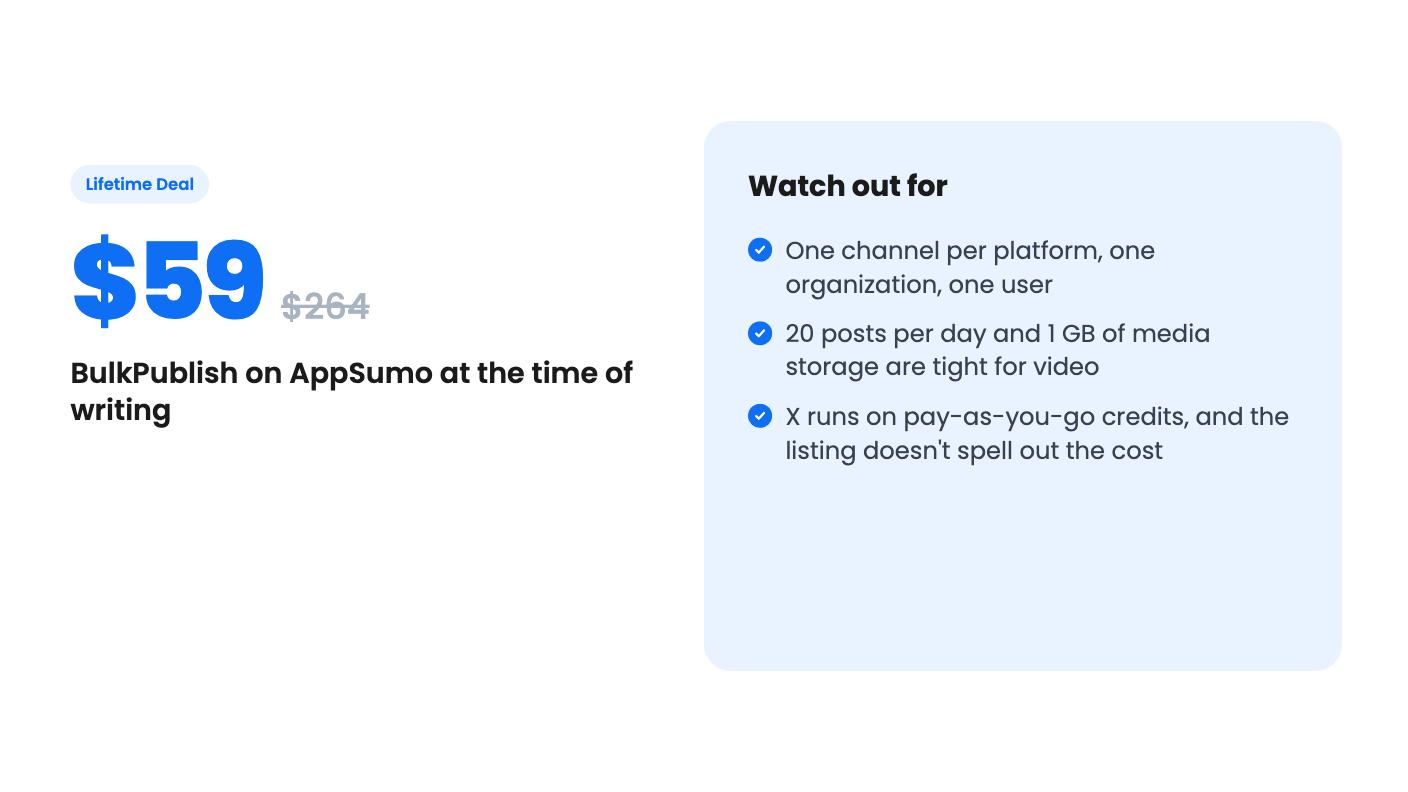
The one-channel-per-platform rule is the big one. If you run two Instagram accounts or a personal and a company LinkedIn page, you only get one of them. Additional channel slots cost $2.99 per month each, which slowly undermines the whole point of a lifetime deal.
The daily post cap is easy to misread. Twenty a day sounds generous for a small business. But the listing doesn’t say whether one post sent to five networks counts as one post or five. If it counts as five, 20 a day shrinks to a handful of cross-posted updates. Ask support before you buy, or test it early.
Then there’s storage. One gigabyte is fine for images. If you’re pushing Reels, TikToks or YouTube uploads, it fills up faster than you’d like, and the listing doesn’t say what happens when you hit it.
The listing says X is supported on every plan, but through pay-as-you-go credits. The answer cuts off right there, so we can’t tell you the per-post price or how credits are bought.
My read is simple. If X is a core channel for you, treat it as a running cost on top of the license, and get the numbers in writing before you commit.
Analytics and comment replies get the same thin treatment. The listing mentions analytics on published content, replies to comments on your posts, and alerts for failed posts, each in a single line. There’s no detail on what metrics you see or how far back they go. If reporting matters to you, this isn’t a Sprout Social replacement on the evidence we have.
It’s a single tier at $59, with lifetime access and all future plan updates. You must activate your license within 60 days of purchase. Activation happens from your AppSumo products page and attaches to the workspace you own, so there’s no code to paste.
Stacking doesn’t work. A second license doesn’t raise your limits, so you can’t buy your way up to more channels. If you outgrow the plan, you can move to a paid monthly plan and keep your setup. If that paid plan later lapses, you fall back to this lifetime license rather than the free plan, which is a decent safety net.
AppSumo’s standard 60-day money-back guarantee applies. Given the open questions above, that window is your friend.
What the listing doesn’t tell us is how long BulkPublish has been around, how big the team is, or what’s on the roadmap. For a lifetime deal, that matters. You’re betting the product sticks around, and the listing gives you no way to judge that.
Agencies and freelancers managing client accounts should pass. One organization and one user means no client separation and no teammate access, and the upgrade to Pro or Business has no prices in the listing.
Heavy video publishers should be wary of the 1 GB limit. Anyone who needs several accounts on the same network will pay $2.99 a month per extra slot. And if X is central to your strategy, the credit system adds a cost the headline price hides.
A good fit is a solopreneur or small shop with one account per network that wants a cheap scheduler, or a developer who’ll actually use the API and MCP server. If that’s you, connect your two or three most important accounts first, schedule a cross-posted batch, and see how the daily cap counts it before the 60-day window closes.
No. The plan gives you 15 channels with one per platform. Extra channel slots cost $2.99 per month each, and stacking a second license doesn't raise your limits.
X is supported on every plan, but through pay-as-you-go credits. The listing's answer cuts off before giving the rate, so check the pricing before you count on it.
Not comfortably. This plan has 1 organization and 1 user. The listing points to Pro (3 organizations) and Business (10 organizations) as paid upgrades, without giving their prices.
How this review was made: researched from BulkPublish's official listing, and written with help from AI. We have not tested BulkPublish hands-on yet. Prices and deal terms change, so check AppSumo before you buy. See our affiliate disclosure.
Both are $49 social media lifetime deals on AppSumo. Creator Insights helps you research and repurpose. SocialBu schedules, reports and handles the inbox.
Ten AppSumo lifetime deals for small businesses, from booking and forms to SEO and outreach, with the limits and tier quirks each listing shows.
Both are $49 AppSumo deals for social media. Creator Insights is built for research and scripting, PixaSocial Ai for cutting long video into shorts.

