
Social MediaComparison
Creator Insights vs SocialBu: Idea Engine or Everyday Scheduler
Both are $49 social media lifetime deals on AppSumo. Creator Insights helps you research and repurpose. SocialBu schedules, reports and handles the inbox.
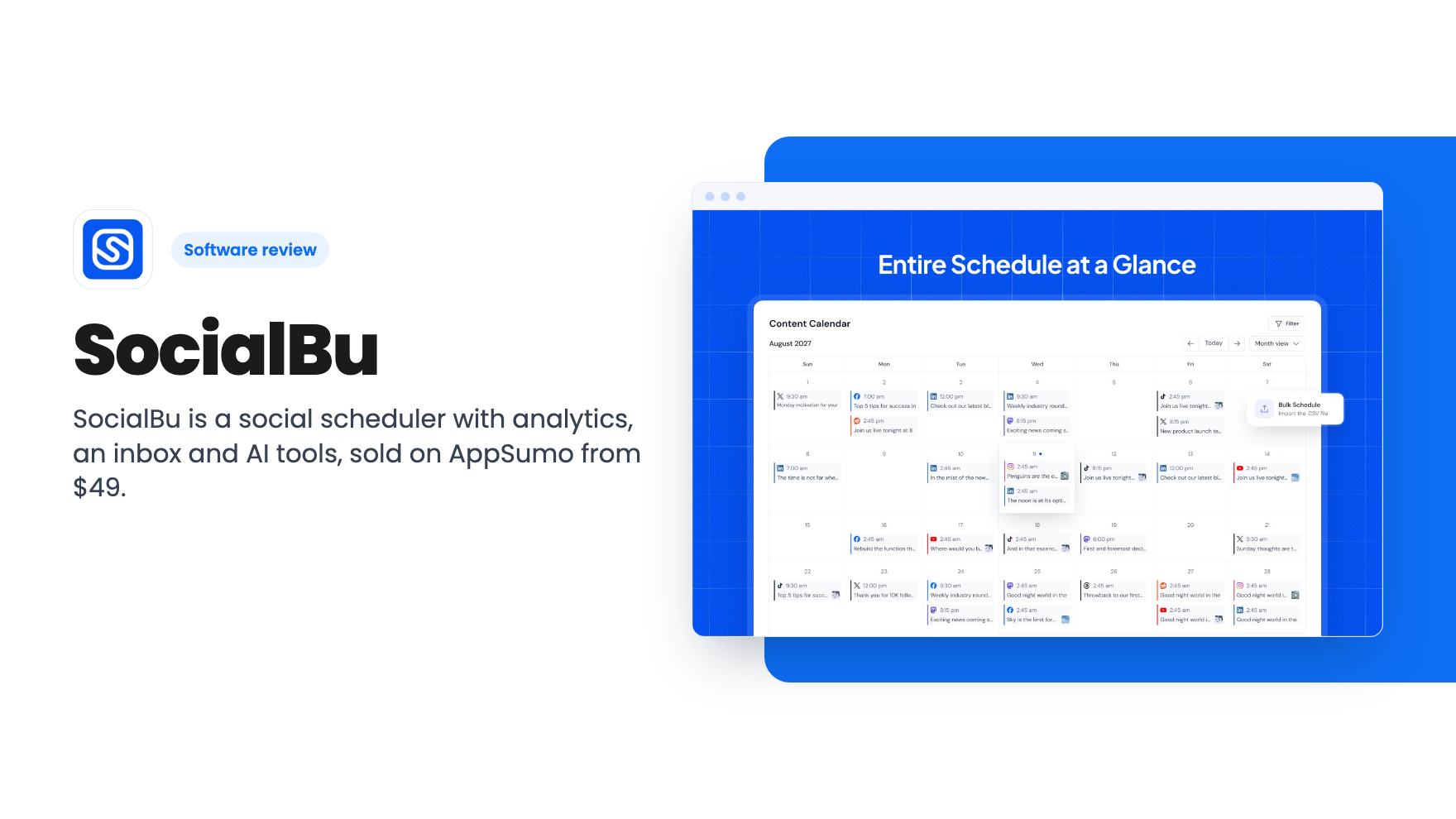
SocialBu is a social scheduler with analytics, an inbox and AI tools, sold on AppSumo from $49. Here's what the listing and demo show, and where the limits are.
Lifetime deal price
$49$19074% off
Lifetime Deal
Our take: The $49 tier is a low-risk way to replace a monthly scheduler if you post to a handful of accounts and want analytics and a calendar in one place. Skip it if you need a proven inbox, heavy automation or a tool with a long track record, and read the tier table carefully before paying for anything above the first plan.
Most small businesses hit the same wall with social media. You post to Facebook, LinkedIn and Instagram, maybe YouTube too, and every platform has its own tab, its own scheduler and its own idea of what a good week looks like. You pay for a Buffer or Hootsuite plan, or you do it by hand and forget on Thursdays.
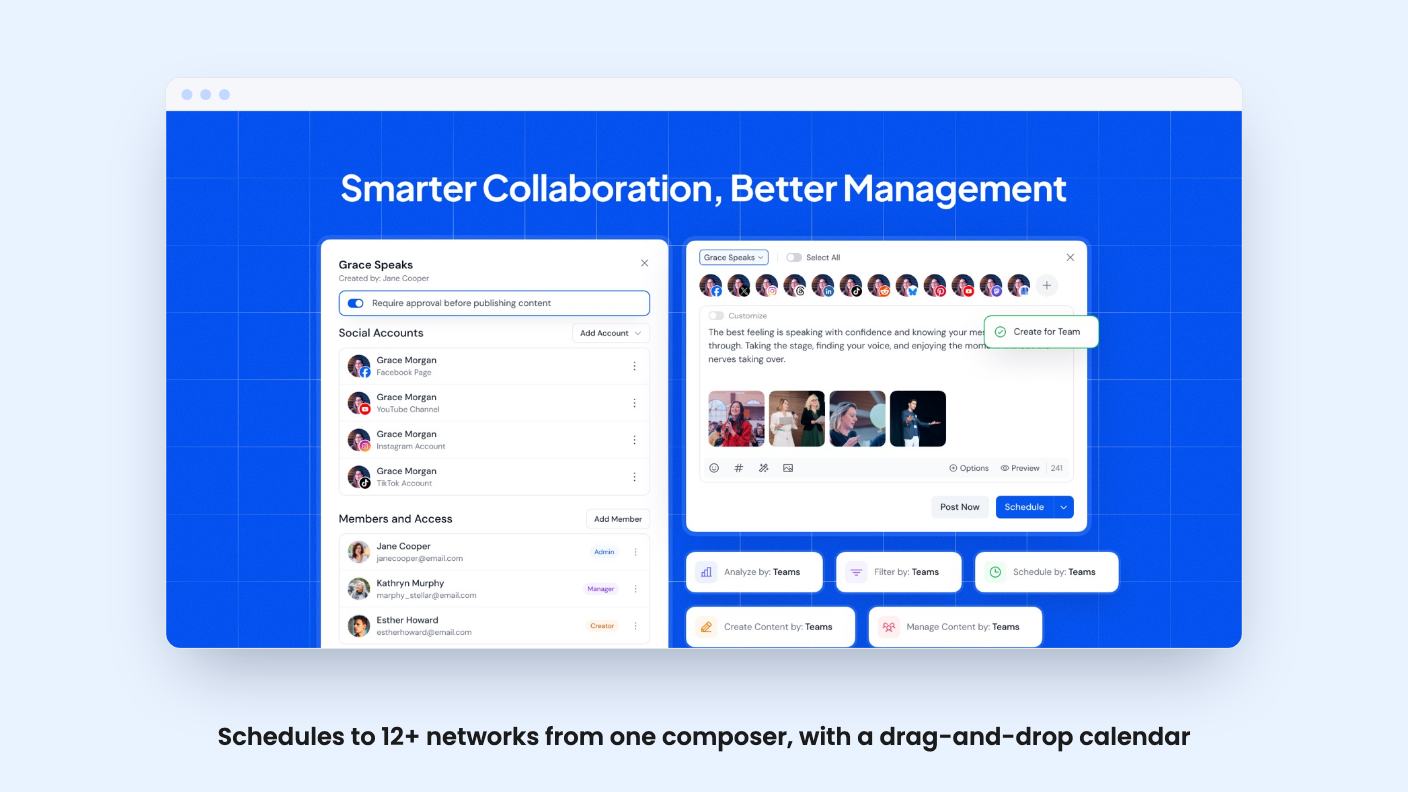
SocialBu is trying to be the one tab. It’s a scheduler, a calendar, a comment inbox, an analytics dashboard and an AI writing helper, and AppSumo sells it as a lifetime deal from $49 (list price $190). We haven’t used it ourselves. What follows comes from the listing and the founder’s demo video, so treat it as a read of the pitch, not a verdict from daily use.
The core is a post composer that covers 12+ networks, with LinkedIn, Instagram, TikTok, Facebook, YouTube and X named in the listing. Integrations listed are Facebook, Instagram, LinkedIn, YouTube and Webhooks. The composer shows different options depending on which platforms you’ve connected.
Two things in the scheduling side are useful for a small team. The first is queues, which let you add a batch of posts and have them repeat on a schedule. That’s how you keep evergreen content circulating without rewriting it. The second is CSV bulk import, so you can load weeks of posts in one go.
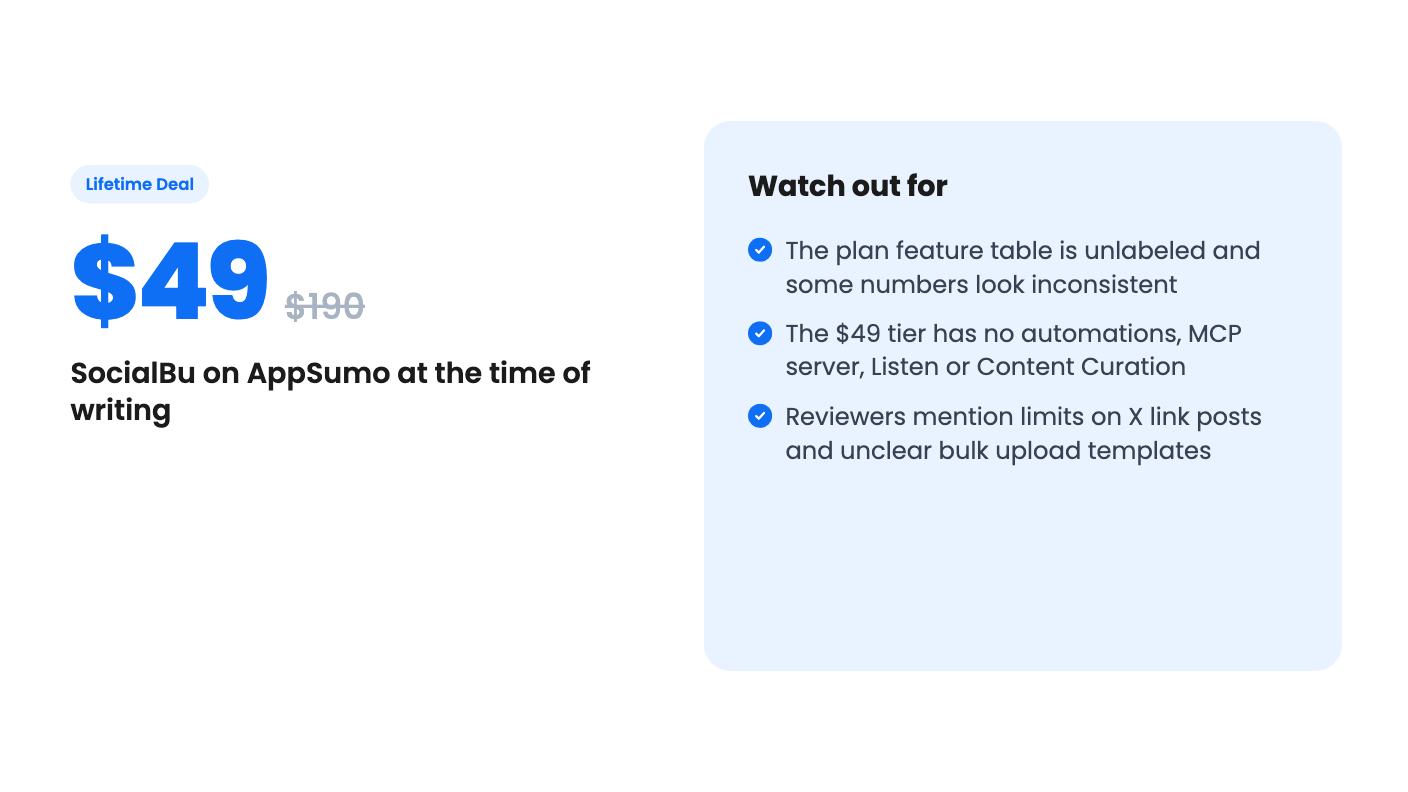
There’s a catch on that second one. AppSumo’s own review summary says buyers want clearer bulk upload templates, and that X link posts have some limitations. If you plan to run most of your publishing through CSV, or you lean on X, ask about both before you commit.
The calendar is drag and drop. In the demo you grab a post and move it to another date, which is exactly what you want when a promotion slips by two days.
The video is a walkthrough by one of the co-founders, and it’s a screen tour more than a test. It starts with connecting accounts. You can have clients or colleagues connect their accounts for you without handing over a password, which the listing’s FAQ backs up with a shareable connection link.
Next comes grouping. He puts all the company’s accounts into one team so a single post goes to every account at once. That’s handy for agencies and for multi-brand owners, and it also makes it easier to post something to the wrong place if your groups are sloppy.
The dashboard shows quick stats, upcoming posts, team activity and running automations. Then the Respond area collects incoming messages, comments and reviews, including Google Business and Facebook Page reviews, and lets you reply from inside the tool. The video only glances at the AI writing tools, saying they go deep and are worth a look. That’s not much to go on, and we’d want to see sample output before counting it as a selling point.
The longest stretch is analytics. It shows best post types, best times to post, a chart comparing publishing volume with engagement, and account-level drilldowns. The strongest part is network-specific reporting. For LinkedIn, the founder says you get follower demographics broken down by company size, industry and job function, and he claims you won’t find that elsewhere in the analytics area.
That’s a real point of difference if you sell to other businesses. The demo doesn’t show any of it with real data at scale, though.

Here’s where we’d slow down. The lifetime prices are $49, $129, $279, $499 and $799, with list prices from $190 up to $3,880. Every tier includes future AppSumo plan updates. You can upgrade between the five tiers while the deal runs, and downgrade within 60 days of purchase. You have to activate your license within 60 days.
The feature table, however, has no column labels. It gives five values per row, for example 25,000 / 12,000 / 5,000 / 1,500 / 600 posts per month. Reading it in reverse order, so that the last value belongs to the $49 tier, lines up with the posts, teams, queues and AI credits. The summary’s mention of 150 social accounts also fits the $49 tier.
So our best reading of the entry tier is this:
But the social accounts row doesn’t behave. It reads 300 / 75 / 25 / 10 / 150, and the 10 in the second-cheapest position would be fewer accounts than the $49 tier. The inbox row also shows the inbox as false for one middle tier and true for the rest. Those may be typos or real quirks. The listing doesn’t explain either, so check the plan details on AppSumo and ask the team if you’re considering anything above tier 1.
The feature gating matters more than the headline price. If you want Listen (keyword and topic tracking), Content Curation or the MCP connection to an assistant like Claude, the cheapest tier doesn’t have them. You’d be looking at the $129 plan or higher, based on our reading.
For a local business with one brand, probably yes. Say you post to four accounts, five days a week. That’s roughly 80 posts a month, and 600 gives you plenty of room. Add queue recycling and it stretches further.
The math changes quickly for an agency. Ten clients with three accounts each and a daily post would blow through the cap in the first week. That’s what the higher tiers are for, and the upgrade path is generous in principle. But you’re paying up to $799 at that point, and you should weigh it against a monthly tool you can cancel.
Also, the AI credits are limited. The $49 tier has 500 per month by our reading. The listing doesn’t say what a credit costs per draft or per image, so we can’t tell you how far 500 goes.
The $49 tier makes sense for a solo owner or a small team that wants a calendar, a queue for evergreen posts and decent analytics, and doesn’t want a monthly bill. At that price the downside is small, and AppSumo’s refund window gives you time to try it.
It’s a poorer fit if your plan depends on automations, since the entry tier has none. It also doesn’t suit anyone who needs deep inbox management on day one, because the demo only shows the basics of replying to comments and reviews. And if you want a vendor with years of history, remember that SocialBu is selling lifetime access to a product that’s still adding features, with the usual risk that a small company changes direction.
The AppSumo score of 4.62 from 52 reviews is encouraging, but that summary is marketing copy, and 52 is a modest sample. Before you buy, connect the two or three networks you actually use, schedule a week of real posts, and see whether X links and CSV import behave the way you need. If they do, $49 is easy to justify.
Going by the listing's feature table, read in reverse order, the $49 tier gets 600 posts per month, 8 custom queues, 500 AI writer credits, 1 team and a social inbox. It has no automations, no AI plus MCP server, no SocialBu Listen and no Content Curation. The table has no column labels, so confirm this on the AppSumo page before you buy.
Yes. The listing says you can upgrade between the 5 tiers while the deal is available. You can downgrade within 60 days of purchase. You also have to activate your license within 60 days.
The listing's FAQ says you can connect it through an MCP server at socialbu.com/mcp by adding a custom connector. According to the plan table, the cheapest tier doesn't include the AI plus MCP server.
How this review was made: researched from SocialBu's official listing and a transcript of its demo video, and written with help from AI. We have not tested SocialBu hands-on yet. Prices and deal terms change, so check AppSumo before you buy. See our affiliate disclosure.
Both are $49 social media lifetime deals on AppSumo. Creator Insights helps you research and repurpose. SocialBu schedules, reports and handles the inbox.
Ten AppSumo lifetime deals for small businesses, from booking and forms to SEO and outreach, with the limits and tier quirks each listing shows.
Both are $49 AppSumo deals for social media. Creator Insights is built for research and scripting, PixaSocial Ai for cutting long video into shorts.

