
Social MediaComparison
Creator Insights vs SocialBu: Idea Engine or Everyday Scheduler
Both are $49 social media lifetime deals on AppSumo. Creator Insights helps you research and repurpose. SocialBu schedules, reports and handles the inbox.
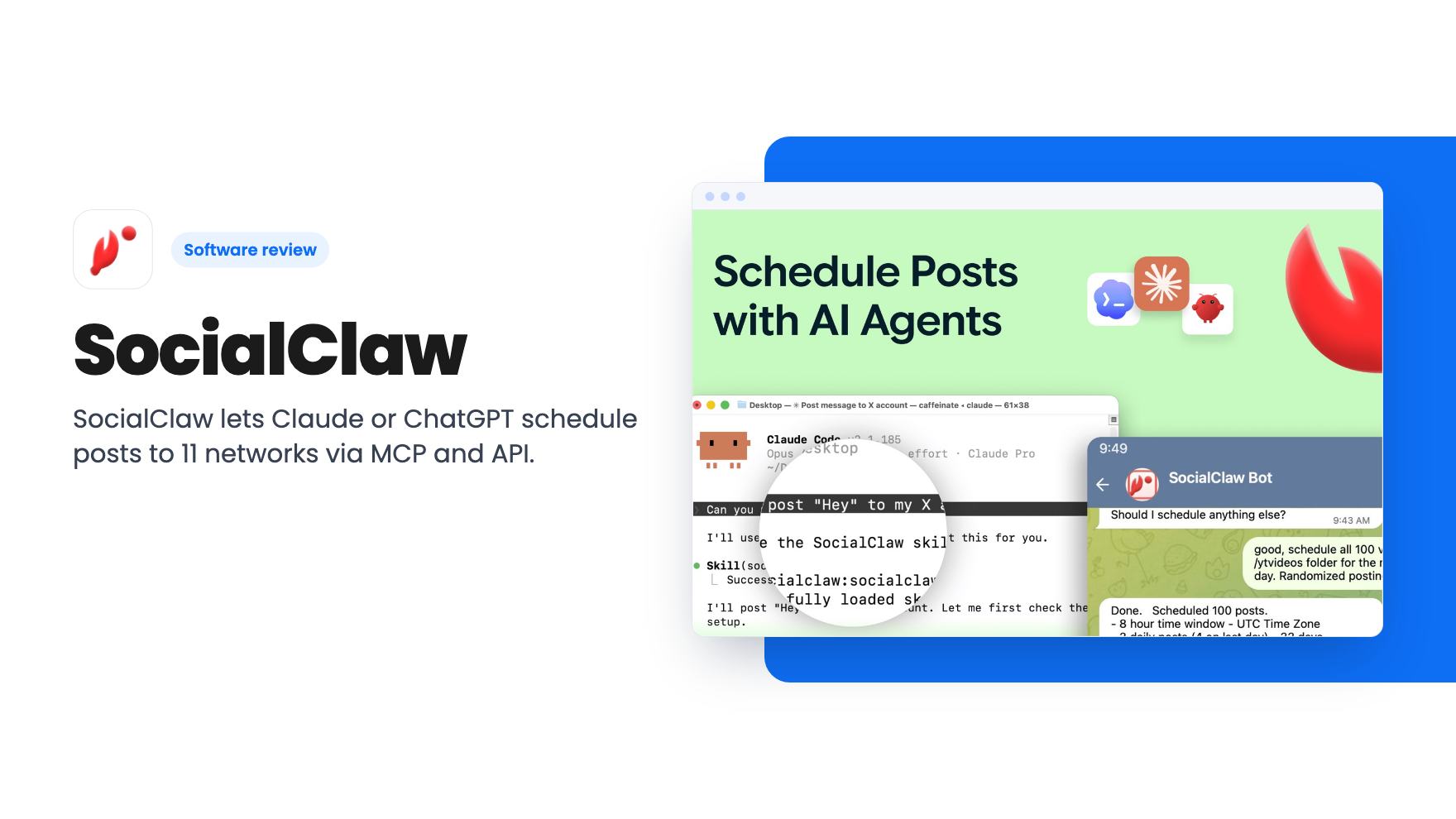
SocialClaw lets Claude or ChatGPT schedule posts to 11 networks via MCP and API. The $39 lifetime deal caps you at 3 accounts and 2,000 posts.
Lifetime deal price
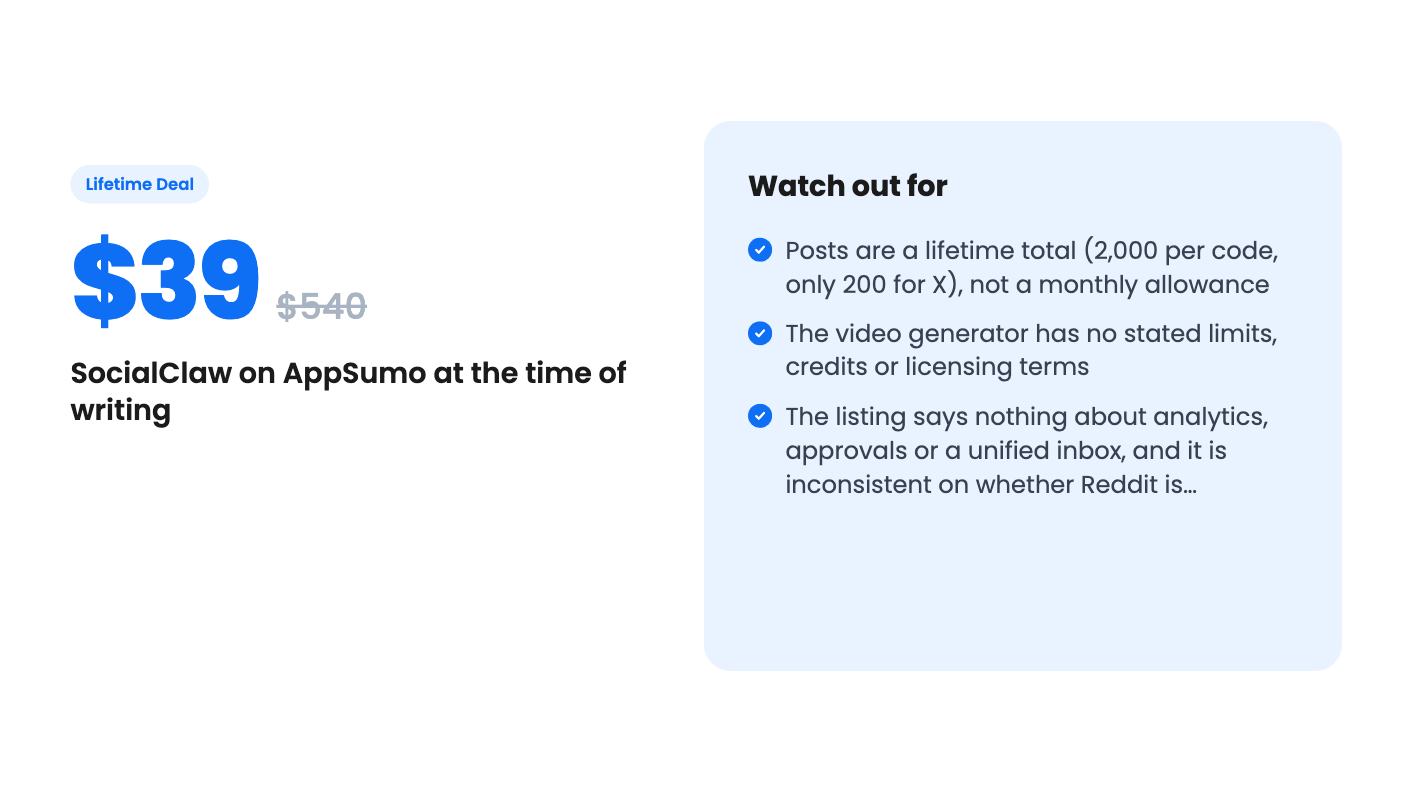
$39$54093% off
Lifetime Deal
Our take: SocialClaw suits solo creators and small businesses who already work with Claude or ChatGPT and want an agent to run a modest posting schedule cheaply. Skip it if you post at high volume, need analytics, approvals or a shared inbox, or don't plan to use AI assistants. The lifetime post caps and the vague video tool are the main risks.
Picture Monday morning. You’ve got a week of posts to write for LinkedIn, X and Instagram, and the thought of filling in a scheduling calendar slot by slot makes you want to close the laptop. SocialClaw is built for that moment, with a twist: it expects an AI agent to do the clicking for you. It’s on AppSumo as a lifetime deal starting at $39, and it’s an interesting idea with some tight limits attached.
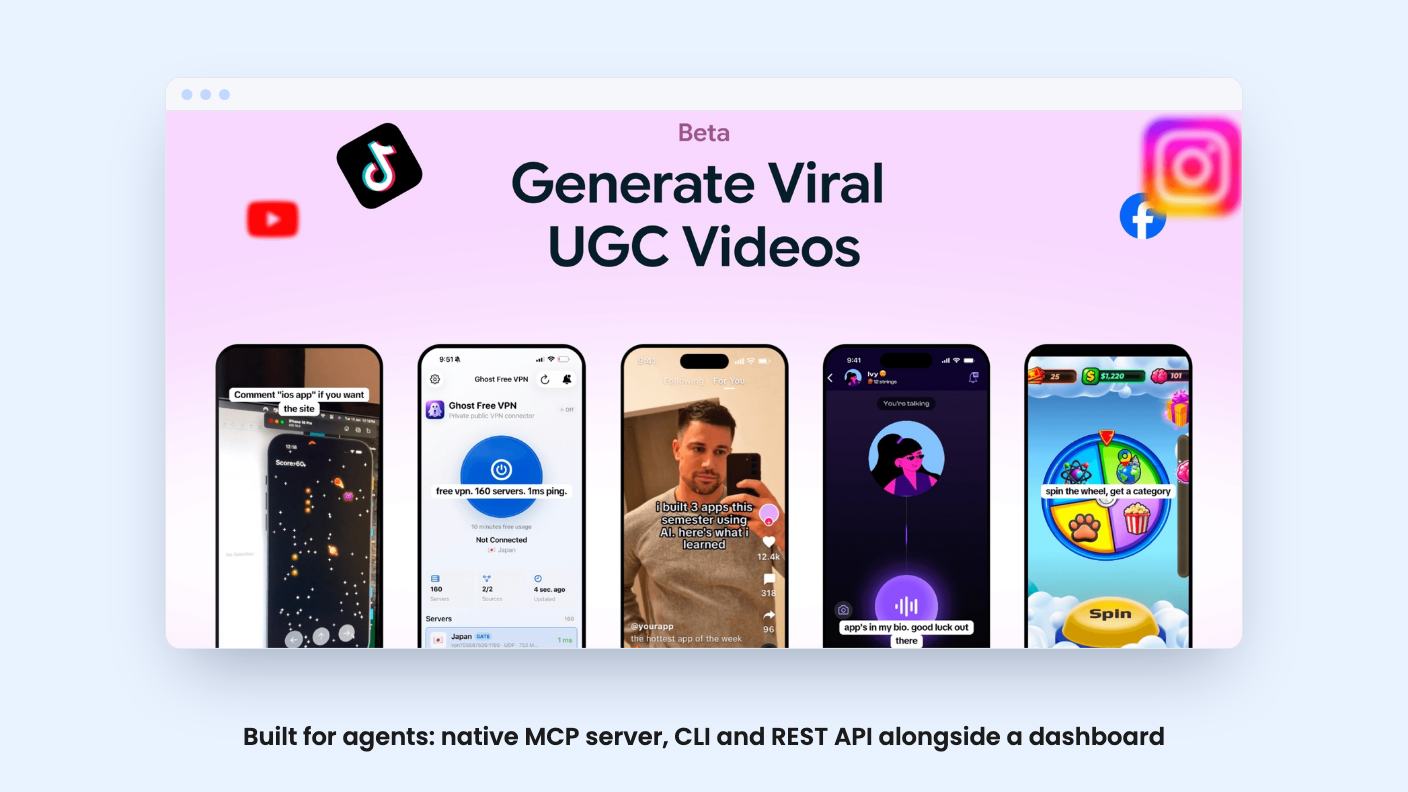
SocialClaw is a social media scheduler you can drive three ways: a native MCP server, a command-line tool, and a REST API. In plain terms, Claude, ChatGPT or your own code can plan and queue posts without you opening a dashboard. The listing’s pitch is scheduling a week of posts inside one agent conversation.
That’s a real difference from Buffer or Hootsuite, which the listing names as alternatives. Those tools were designed around a person clicking in a browser. SocialClaw treats the agent as the main user and the dashboard as the place you check in.
If you already draft with Claude or ChatGPT, the appeal is obvious. You stop copying text from a chat window into a scheduler. The listing says the same agent can also report status, retries and failures, so the whole loop stays in one place.
The gap is detail. The listing doesn’t say how much setup the MCP or CLI route needs, or which ChatGPT plans can connect. It does say you don’t need to code, because the dashboard handles everything. That’s reassuring, but it also means the agent angle is optional. Check how it works for your setup before you assume it’s painless.
The feature list names X, LinkedIn, Instagram, Facebook Pages, TikTok, YouTube, Reddit, Pinterest, Discord, Telegram and WordPress. That’s eleven. The FAQ answer lists ten and leaves Reddit out. It’s a small inconsistency, but if Reddit matters to you, ask before you buy.
You write a post once and adjust it per network where the rules differ. The listing’s examples are X’s length limits and TikTok’s photo formats. That’s the right instinct, since pasting identical text everywhere is how accounts start to look lazy.
We like the reconciliation claim on paper. The listing says each post is matched to a real published state, and failures show up with retries instead of the tool assuming everything worked. Anyone who’s had a scheduler quietly drop a post knows why that matters. It’s still a claim from the listing, and we haven’t seen it work.
Agencies and freelancers get something too. Each brand lives in its own workspace, and clients can attach their own accounts through a connect link instead of sharing passwords. The listing doesn’t say how many workspaces you can have, so that cap is unclear.
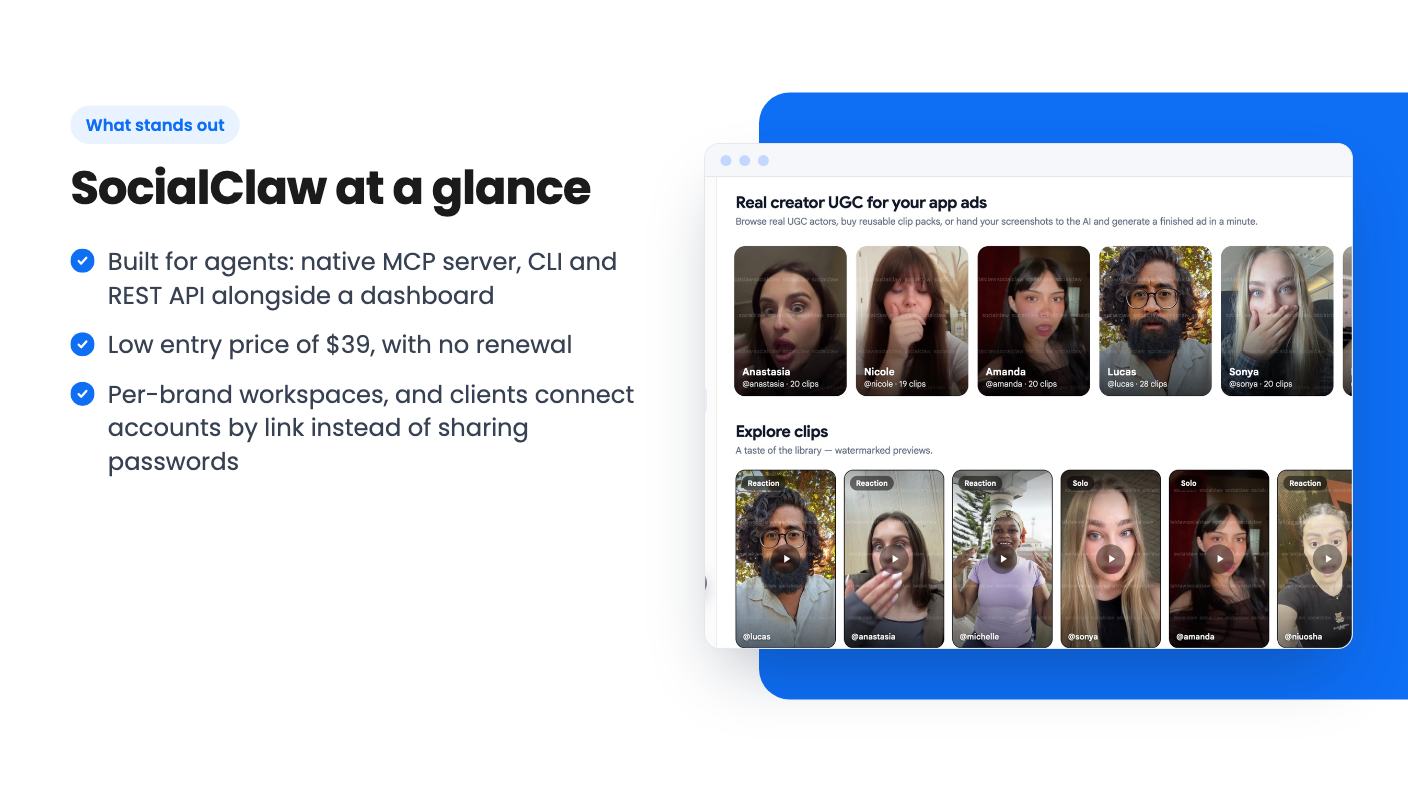
Alongside scheduling, the listing describes a UGC marketplace and video generator. You supply your own screenshots, pick from a roster of real UGC actors, and get a creator-style promo video. There’s also a remix option for viral videos, and publishing goes straight to your connected networks.
This is where the listing gets thin. It gives no video limits, no credits, no length or resolution, and no word on whether using actors costs extra. Remixing other people’s viral videos also raises a rights question that the listing doesn’t touch. There’s no product video either, so we have nothing to judge quality from.
Treat it as a possible bonus, not a reason to buy. If the scheduler doesn’t earn $39 on its own, the video tool probably won’t rescue it.
Read this part slowly. One code gives you 3 connected accounts and 2,000 posts in total, with up to 200 of those going to X. That’s a lifetime total, not a monthly allowance. Spread out, 2,000 posts is about one a day for roughly five and a half years across everything you connect, and far less if you post to several networks at once. The listing doesn’t say whether one post sent to three networks counts as one or three. That detail changes the math a lot.
The four tiers are really just stacked codes:
Each step costs another $39 and adds the same amount, so there’s no volume discount for going bigger. You have to redeem codes within 60 days of purchase. The listing says all future plan updates are included, and that the deal is one-time with no renewal.
Take the $540 list price with a pinch of salt. It’s marketing, and we’ve seen nothing showing anyone actually pays it. AppSumo shows one review, a 5.00, which tells you almost nothing. The listing also doesn’t say how long SocialClaw has existed, and the thin feature detail suggests a young product.
Skip it if you post heavily. Two hundred lifetime X posts on the entry code is not much, and a busy brand could burn through 2,000 posts well inside a year or two. You could stack codes, but then you’re paying more for a capped product.
Skip it if you need what bigger tools like Sprout Social are known for. The listing doesn’t mention analytics, reporting, approval workflows, a unified inbox or social listening. Maybe some exist, but nothing in the listing says so, and we wouldn’t assume it.
Skip it too if you don’t use AI assistants. Without the agent side you’re paying for a scheduler with strict caps and an unproven track record.
The best fit is a solo creator or a small business with a few accounts that already works in Claude or ChatGPT and wants posting handled in that same conversation. At $39 the downside is small. Before you buy, get answers to three things: whether a cross-posted item counts once or per network, whether Reddit is actually supported, and what the video tool costs to use.
According to the listing, one code gives you 3 connected accounts and 2,000 lifetime posts, with up to 200 of those going to X. You can stack up to 4 codes on one workspace, which raises the caps in equal steps.
The listing says no. The dashboard handles everything, and the MCP server, CLI and API are there if you want an agent like Claude or ChatGPT to take over. The listing doesn't detail how hard the agent setup is.
Yes, according to the listing. It is a one-time purchase with no subscription or renewal, applied to the workspace where you redeem it. You must redeem your code within 60 days of purchase, and the listing says future plan updates are included.
How this review was made: researched from SocialClaw's official listing, and written with help from AI. We have not tested SocialClaw hands-on yet. Prices and deal terms change, so check AppSumo before you buy. See our affiliate disclosure.
Both are $49 social media lifetime deals on AppSumo. Creator Insights helps you research and repurpose. SocialBu schedules, reports and handles the inbox.
Ten AppSumo lifetime deals for small businesses, from booking and forms to SEO and outreach, with the limits and tier quirks each listing shows.
Both are $49 AppSumo deals for social media. Creator Insights is built for research and scripting, PixaSocial Ai for cutting long video into shorts.

