
Social MediaComparison
Creator Insights vs SocialBu: Idea Engine or Everyday Scheduler
Both are $49 social media lifetime deals on AppSumo. Creator Insights helps you research and repurpose. SocialBu schedules, reports and handles the inbox.
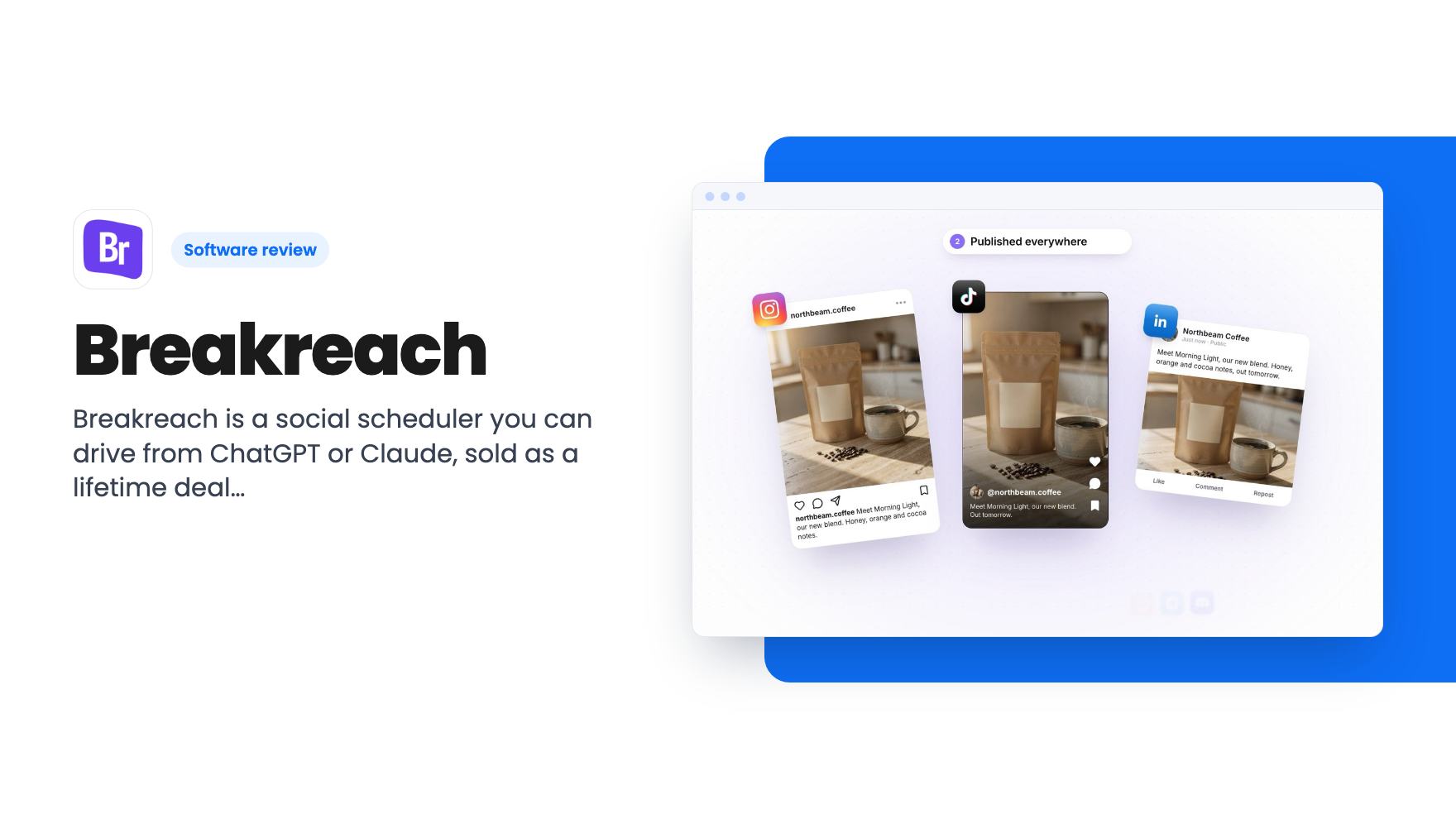
Breakreach is a social scheduler you can drive from ChatGPT or Claude, sold as a lifetime deal from $49 on AppSumo. Here's what the tiers allow and where it's thin.
Lifetime deal price
$49$27682% off
Lifetime Deal
Our take: Buy the deal if you're a solo creator or small agency who wants one calendar across many networks and likes the idea of scheduling by chat. Skip it if you need proven analytics depth, a long track record, or a clear picture of which price maps to which tier, because the listing leaves that vague.
You’ve got three client accounts, a launch video that needs to go out on Instagram, TikTok and LinkedIn at 9 AM, and a habit of opening four tabs to do it. Each network wants a different caption length, a different aspect ratio, a different upload flow. By Thursday you’ve forgotten which post went where.
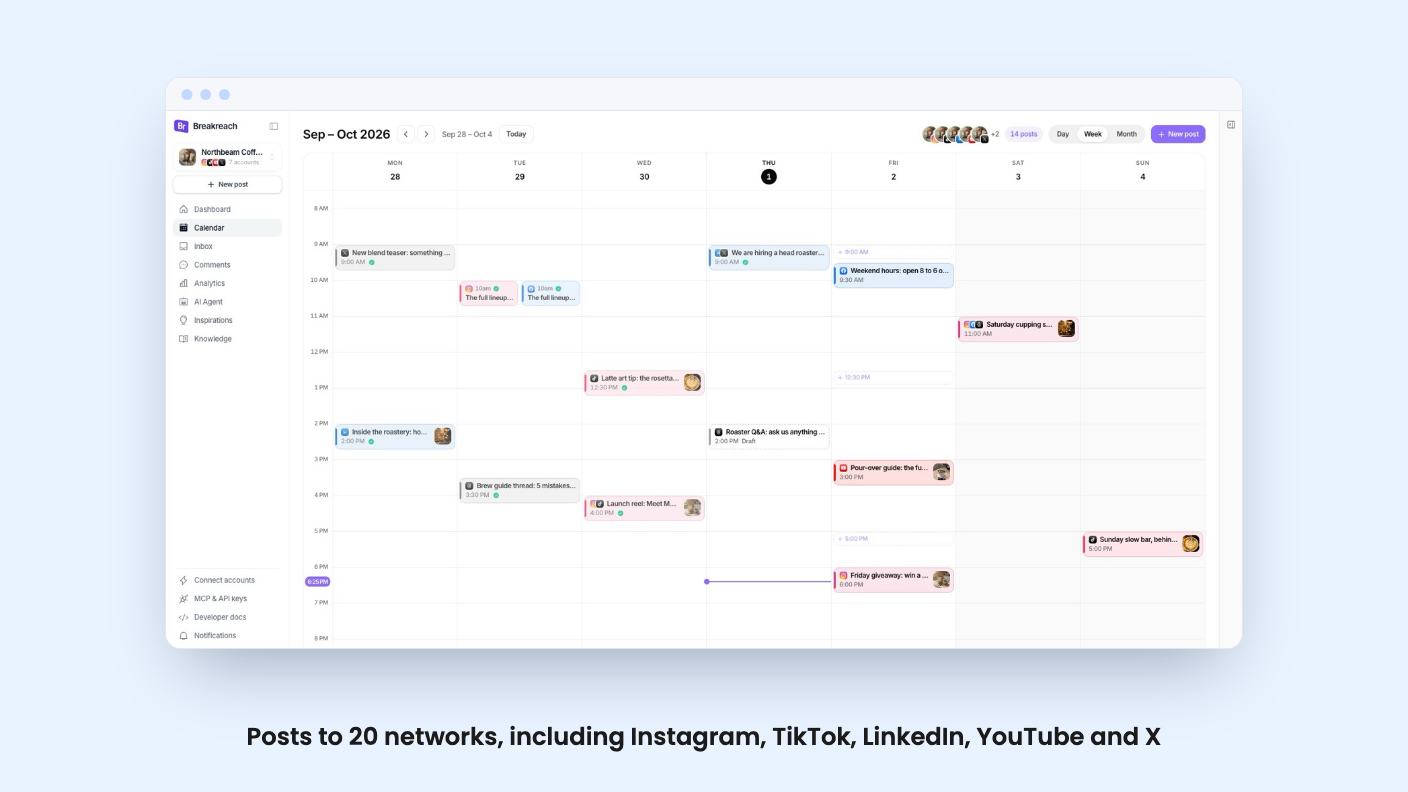
Breakreach is a social media scheduler aimed at that mess. It’s on AppSumo as a lifetime deal starting at $49, and its main hook is that you can run much of it by talking to ChatGPT or Claude. We haven’t used it, so what follows comes from the listing, and the listing is marketing copy. I’ll flag where it’s vague.
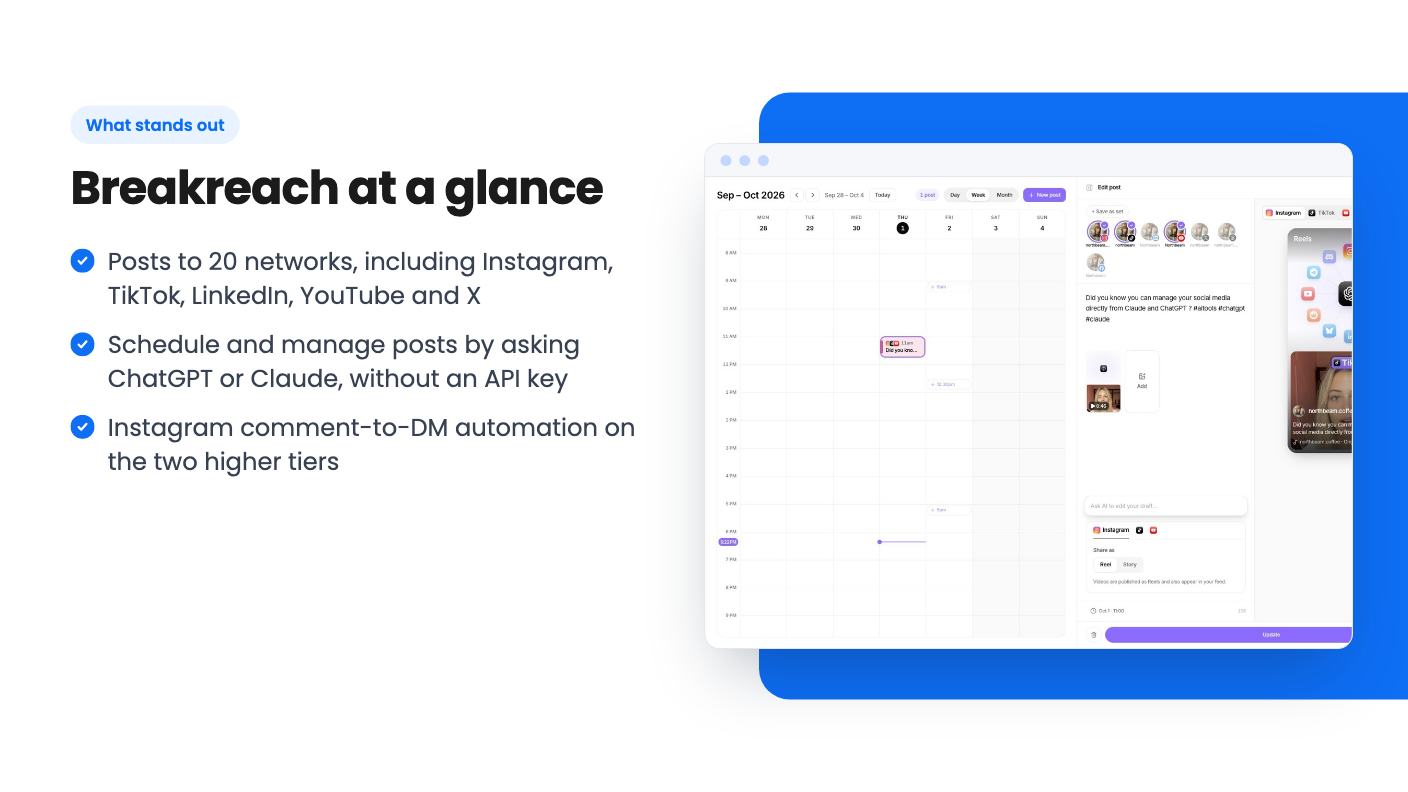
The headline feature is the connector. You add Breakreach from the ChatGPT or Claude connector directory, sign in, and there’s no API key to copy around. Then you type something like “post our launch video on Instagram, TikTok and LinkedIn tomorrow at 9 AM” and it gets scheduled on each network.
The same chat can check, move or delete posts, and the listing says you can ask for your latest comments or how last week’s posts did. That’s a sensible set of requests. It’s also the kind of thing that sounds smoother in a feature list than it often feels in practice, since you still have to trust the assistant to pick the right account and time. There’s no demo video, so we can’t tell you how forgiving it is when your wording is sloppy.
Two details matter. Your ChatGPT or Claude plan has to support connectors, so a free chatbot account may not get you there. And posts made this way don’t eat into the monthly AI message quota, which only counts messages to Breakreach’s own built-in assistant.
If the chat angle doesn’t appeal, the web app stands on its own. The calendar shows every network in one place, and each post carries its platform icons, time and status. Drag a post to another day or time and it reschedules on every network it targets. That one is genuinely handy when a client changes their mind about Tuesday.
You can also set queue slots for your usual posting times, so a new post drops into the next free one. If you post on a rhythm rather than by gut, this saves a lot of fiddly time-picking.
The composer is where the formats get sorted out. You write once, then preview how it looks on each network: Reels, TikToks and Shorts in 9:16, feed posts at the photo’s own ratio. Carousels are supported, with up to 10 photos on Instagram and Facebook, up to 35 on TikTok, and LinkedIn carousels as a swipeable PDF. Per-network options cover things like the YouTube title and visibility, Instagram Reel or Story, and TikTok privacy.
There’s a built-in AI that reworks your caption, and you accept or reject the edit. Fine, and not a reason to buy on its own.
Breakreach also tries to replace the tab where you answer people. You can reply to comments from Instagram, Facebook and X, and answer Instagram and Facebook DMs, from one inbox.
The DM automation is the feature that separates the tiers. On Pro and Agency, it can send a DM when someone comments a keyword under your Instagram post, replies to your story or messages you a keyword. You can step in and take over the conversation whenever you want. The listing is careful to say Instagram requires that it only replies to people who contacted you first, so this is a lead-magnet tool, not a cold outreach tool. If you’ve seen “comment GUIDE and I’ll send it” posts, that’s the use case.
Analytics are described in one line: compare reach and engagement across networks, then open any post to see its own numbers and comments. The listing doesn’t say how far back the data goes, whether you can export reports, or whether there’s anything client-ready. If you send monthly reports to clients, find that out before you pay.
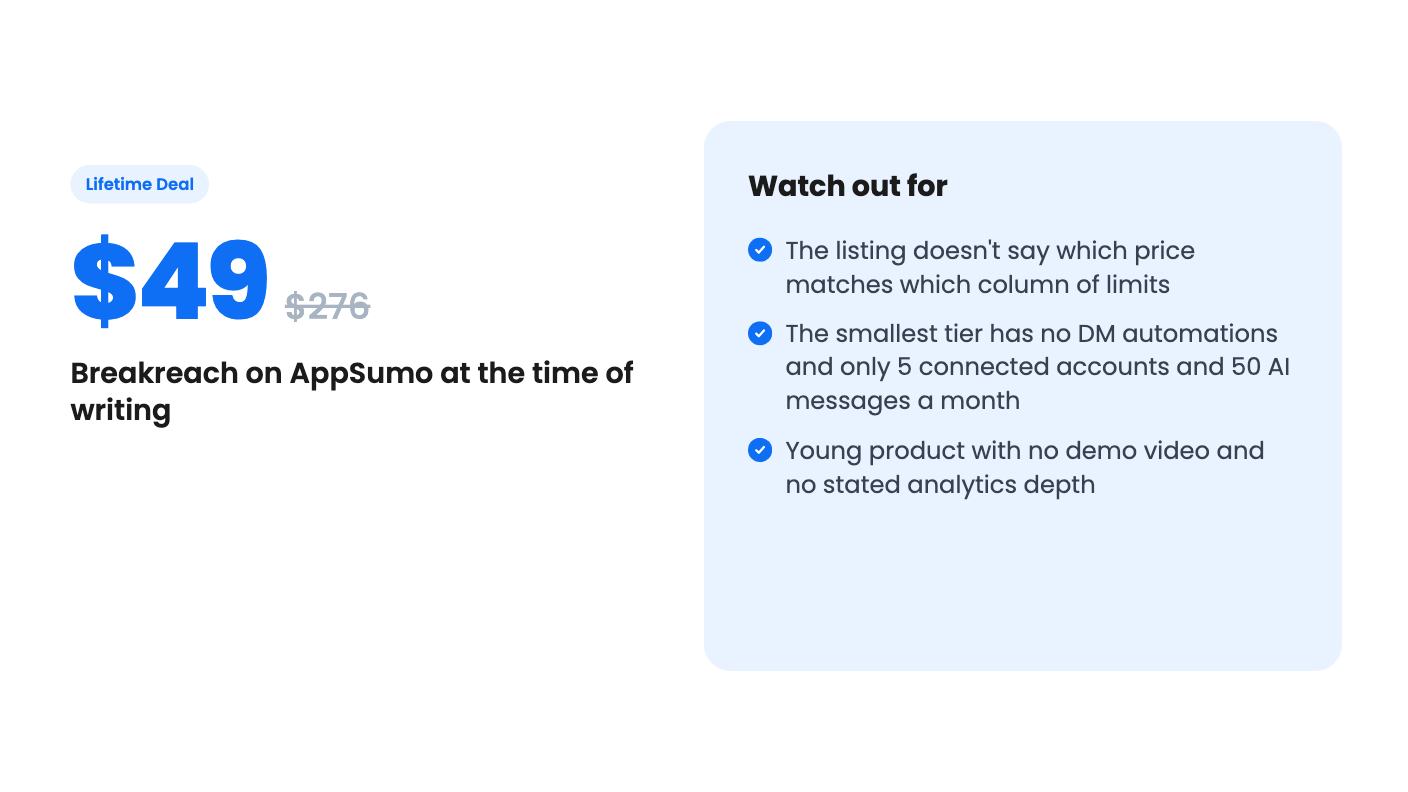
There are three lifetime tiers, and you can upgrade or downgrade between them. The listing gives limits in a three-column list but doesn’t label which price goes with which column. The natural reading is that $49 gets the smallest column and $199 the largest, but check the checkout page before you assume.
| Price | List price | Reading of limits |
|---|---|---|
| $49 | $276 | Smallest column |
| $119 | $468 | Middle column |
| $199 | $828 | Largest column |
The limits themselves, from largest to smallest column:
One “social account” is one profile, page or channel, so an Instagram account and a LinkedIn page count as two. That adds up faster than it sounds. A single brand on Instagram, TikTok, LinkedIn and Facebook is four accounts, which leaves almost nothing on a five-account plan.
Those list prices are the seller’s numbers. Treat the “was $276” figure as decoration and judge the deal on whether you’d pay for the tool monthly.
This is a young product, and the listing says little about the company behind it. Social APIs change often, and a scheduler lives or dies on whether it keeps up with Instagram, TikTok and LinkedIn. Lifetime access covers “updates we ship to those features,” which is a narrower promise than keeping every integration working forever.
The list of 20 networks is long, including Bluesky, Reddit, Telegram, Discord, Slack, Mastodon, WordPress, Ghost, Dev.to, Hashnode, Tumblr and Google Business Profile. A long list says nothing about depth, though. The listing doesn’t say what each network supports beyond the big ones, so don’t assume every integration handles video, carousels and first comments equally well.
The terms are fairly friendly. You must activate your license within 60 days, and AppSumo’s 60-day money-back guarantee lets you try every feature in your tier. Use that window properly. Connect your real accounts, schedule a real week, and see whether the previews match what actually posts.
Buy it if you’re a creator or a small agency posting to several networks, you’re tired of switching tabs, and you like the idea of scheduling by chat. The agency-sized column has real room for client work, and the middle one suits a small team. Skip it if you need deep reporting, if you want DM automation on the cheapest tier, or if you’d rather wait for a longer track record before putting client calendars in a new tool. If you do buy, pick the tier by counting your accounts first, then add two for growth.
No. According to the listing, the calendar, composer, previews, inbox and analytics all work in the web app on their own. The chat connector is an extra way in, and your ChatGPT or Claude plan has to support connectors to use it.
No. The listing says the monthly quota only counts messages to the assistant built into Breakreach. Posts made through the ChatGPT or Claude connector don't count against it.
Yes, but only on the Pro and Agency tiers. It replies when someone comments a keyword, replies to your story or messages you a keyword. As Instagram requires, it only answers people who wrote to you first.
How this review was made: researched from Breakreach's official listing, and written with help from AI. We have not tested Breakreach hands-on yet. Prices and deal terms change, so check AppSumo before you buy. See our affiliate disclosure.
Both are $49 social media lifetime deals on AppSumo. Creator Insights helps you research and repurpose. SocialBu schedules, reports and handles the inbox.
Ten AppSumo lifetime deals for small businesses, from booking and forms to SEO and outreach, with the limits and tier quirks each listing shows.
Both are $49 AppSumo deals for social media. Creator Insights is built for research and scripting, PixaSocial Ai for cutting long video into shorts.

