
Social MediaComparison
Creator Insights vs SocialBu: Idea Engine or Everyday Scheduler
Both are $49 social media lifetime deals on AppSumo. Creator Insights helps you research and repurpose. SocialBu schedules, reports and handles the inbox.
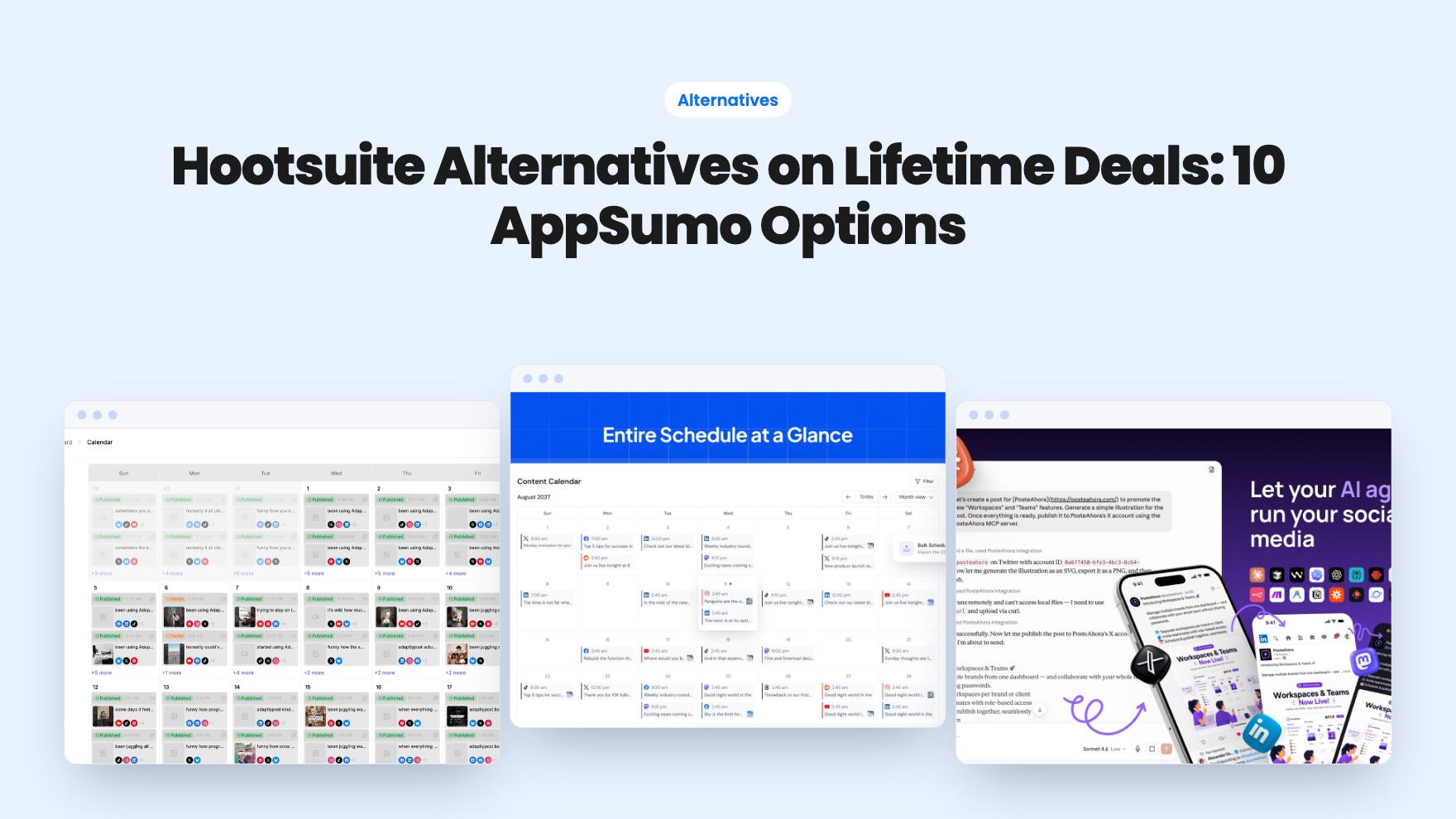
Ten AppSumo lifetime deals that could replace a Hootsuite subscription, grouped by what you post and where. Includes tier caps, prices and what each listing leaves unclear.
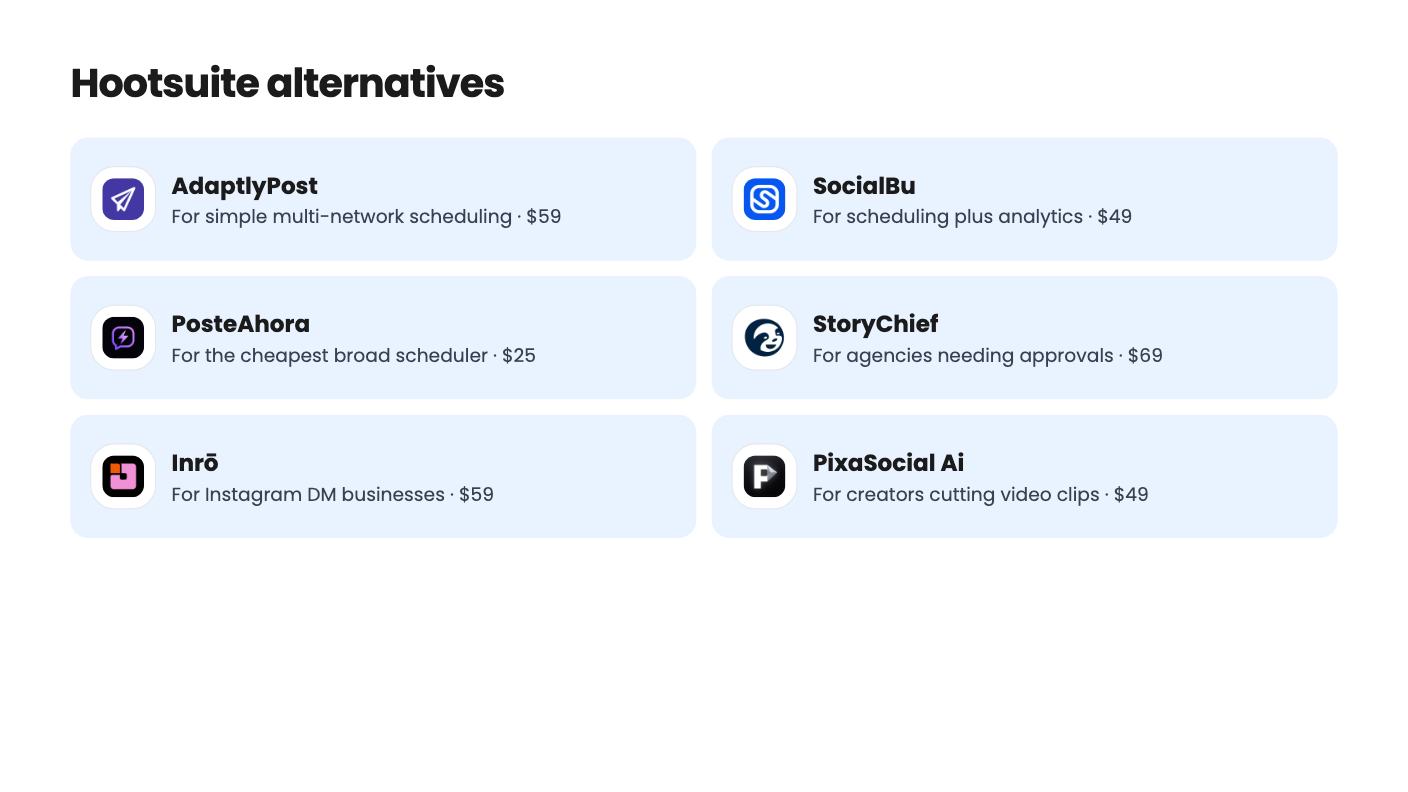
| Tool | Suits | Price |
|---|---|---|
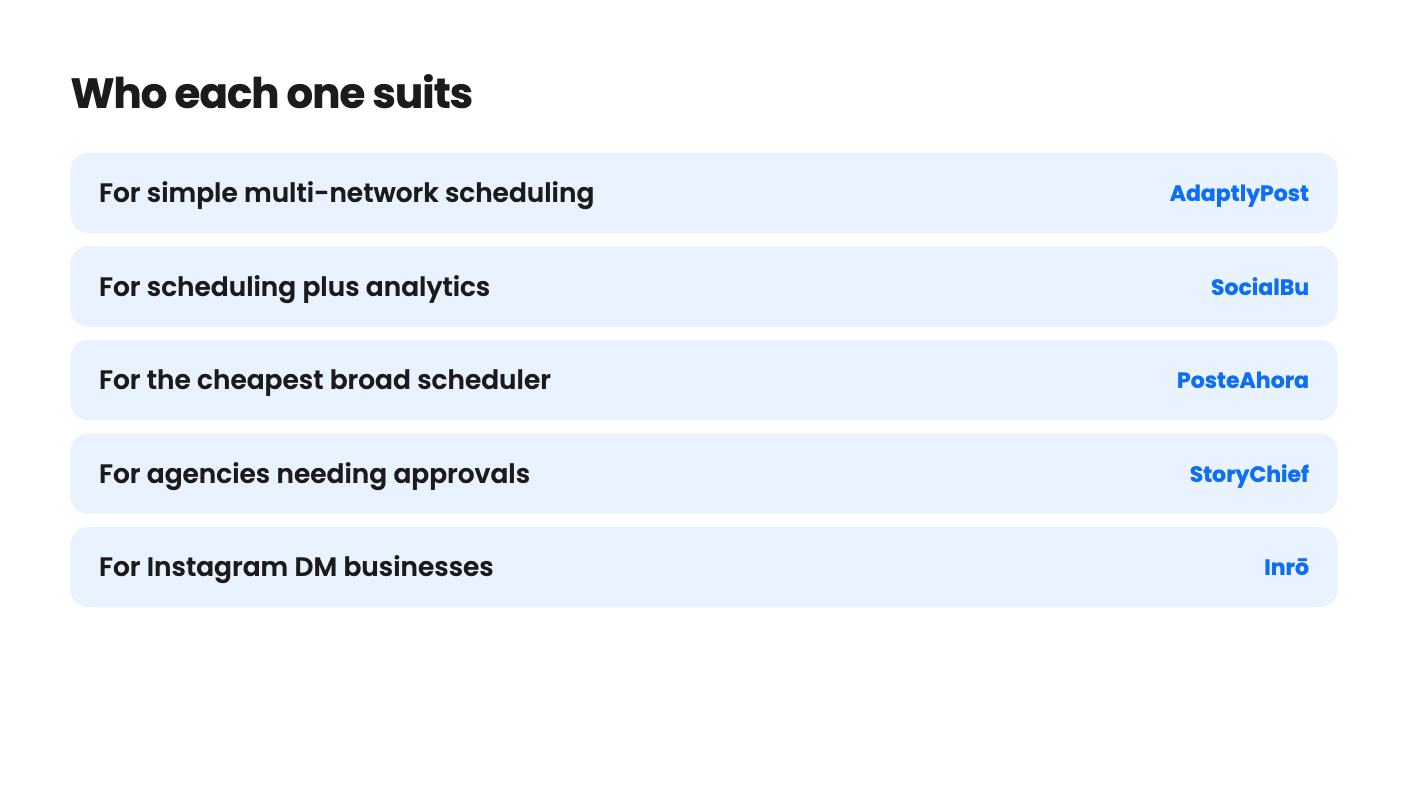
| AdaptlyPost | For simple multi-network scheduling | $59 |
| SocialBu | For scheduling plus analytics | $49 |
| PosteAhora | For the cheapest broad scheduler | $25 |
| StoryChief | For agencies needing approvals | $69 |
| Inrō | For Instagram DM businesses | $59 |
| PixaSocial Ai | For creators cutting video clips | $49 |
| Komently | For comment keyword automations | $69 |
| SocialClaw | For Claude or ChatGPT users | $39 |
| Creator Insights | For research-led solo creators | $49 |
| ai-biz.dev | For approving AI-drafted marketing | $49 |
Hootsuite bills you every month, and most small businesses use a fraction of what they pay for. That’s the appeal of a lifetime deal: pay once and keep posting. The real decision isn’t which tool looks most like Hootsuite. It’s which parts of Hootsuite you actually use, because none of these ten tools replaces all of it.
Every tool here is named on AppSumo as an alternative. We haven’t used any of them hands-on, so what follows is what the listings show, including where they go quiet.
This is the biggest group, and the one most Hootsuite users should start with.
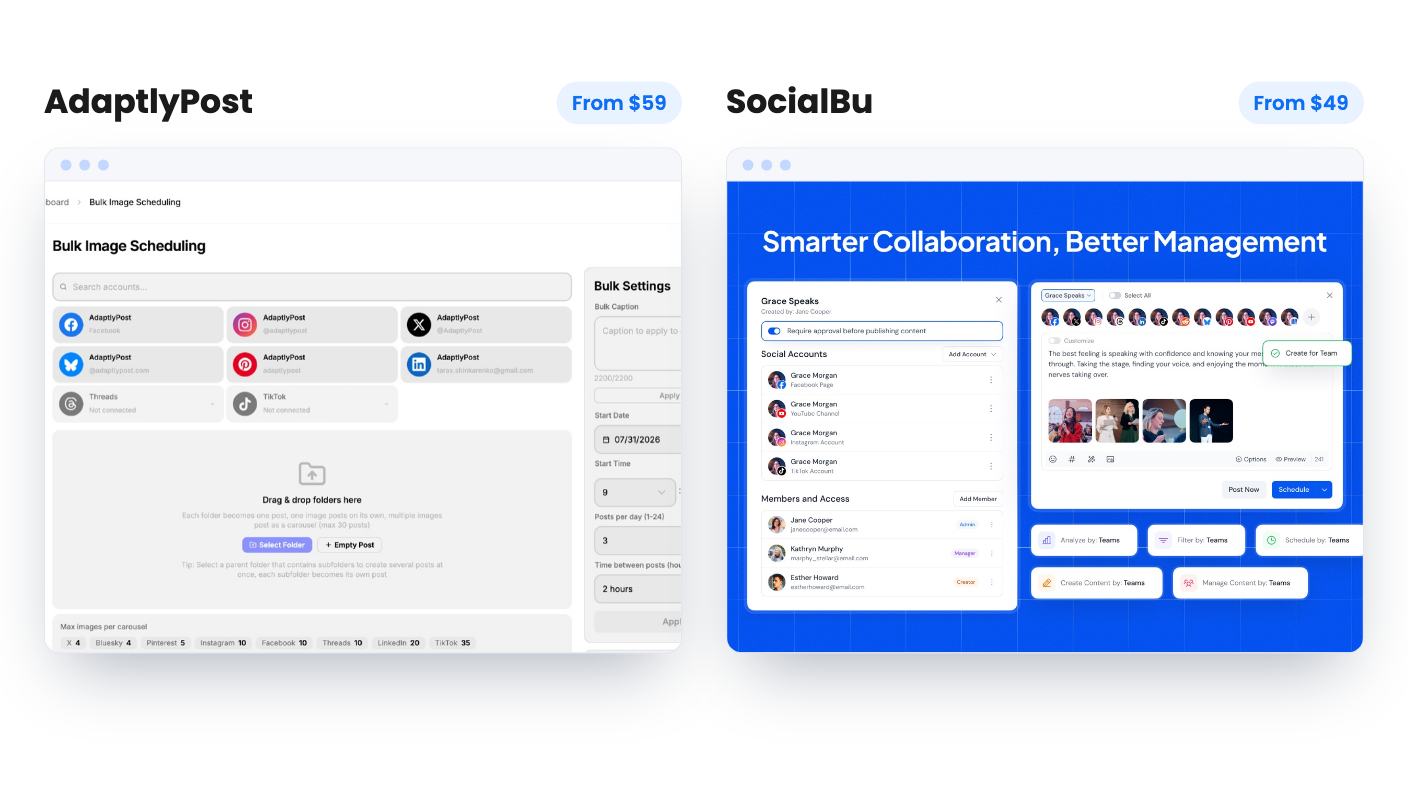
AdaptlyPost starts at $59 and puts nine platforms, including Threads, Bluesky and Pinterest, in one calendar. You can bulk upload up to 100 videos or 30 image posts per session, and there’s a 60-day money-back guarantee. The weak spots are real, though. The listing never says what a credit buys, the higher tiers look jumbled, and analytics aren’t described as a feature.
SocialBu costs $49 and reaches 12+ networks from one composer. It recycles evergreen posts through queues and CSV import, and the demo shows LinkedIn demographic reports, which is more analytics evidence than most of its rivals offer. Note that the $49 tier has no automations, MCP server, Listen or Content Curation, and the plan table is unlabeled.
PosteAhora is the cheapest at $25 and covers 16 networks, including Mastodon and Google Business Profile. Starter caps you at 5 connected accounts and 10 GB, with no X accounts at all. X on higher tiers is limited to 100 posts a month per account. The listing also contradicts itself on stacking codes and states no track record, so go in with modest expectations.
PixaSocial Ai costs $49 and is the odd one here. It publishes to 12 networks, but it also includes a clip cutter and an image editor. Included usage covers only 12 months, and it can’t schedule Facebook or TikTok. With two AppSumo reviews and no demo video, it’s a gamble for anyone who needs a scheduler they can trust tomorrow.
Some businesses don’t need a calendar. They need someone to answer “send me the link” in the comments.
Inrō is built for that. Comment, story reply, story mention, DM and ad lead triggers all feed a light CRM with custom fields. It’s an official Meta Tech Provider, tiers run from $59 to $799, and there’s a 60-day refund window. Tier 1 is tight, with 200 AI credits and 500 contacts a month, so if this is your main sales channel, plan on Tier 2 or above.
Komently does a narrower version for $69, limited to Instagram and Facebook. Its 7-Day Rewind can message people who commented before you built the automation, which is a clever way to catch missed leads. The tier table is hard to read, the FAQ text is cut off, and there are only 6 AppSumo reviews.
Neither replaces a scheduler. Pair one with a cheap scheduler from above if you want both jobs covered.
StoryChief is the one with a team workflow. The $69 tier gives you a content calendar, drafting, approvals and native publishing to 30+ channels, including WordPress, Webflow and LinkedIn. Workspaces keep client brands and voices apart.
The catch is Tier 1: one workspace, one user and 6 social channels. AI image and video generation is a paid add-on, and reviewers call the SEO tool basic and the social integrations limited. It suits an agency that publishes articles as much as posts. It’s a poor fit if social scheduling is your whole day.
Three tools lean on AI, and all three are young.
SocialClaw costs $39 and lets Claude or ChatGPT schedule to 11 networks through MCP and API. That only makes sense if you already work with an assistant. The caps are the story: 3 accounts, and posts are a lifetime total of 2,000 per code, with only 200 for X. The video generator has no stated limits or licensing terms.
Creator Insights is $49 and mixes viral-content research, AI scripting and posting to 14+ platforms, including Reddit, Quora, Medium and Substack. Credits are one-time, the listing doesn’t say what an action costs, and content storage expires after 30 to 60 days. Viral discovery covers only Instagram and YouTube.
ai-biz.dev is $49 for an AI marketing and sales team that drafts posts and outreach, with everything waiting for your approval. Thirty credits a month are shared across all your companies, autonomous mode isn’t in the $49 tier, and AppSumo reviews average 3.5 out of 5. There’s no demo video or proof of results. Treat it as a cheap experiment, not a Hootsuite replacement.
Before you buy any of these, use the refund window as a working trial. AdaptlyPost and Inrō both list 60 days. Connect your real accounts in the first week, schedule a month of actual posts, and check the tier numbers against what the dashboard shows. If the table in the listing still doesn’t make sense to you by then, that’s your answer.
For most small businesses, a scheduler such as AdaptlyPost, SocialBu or PosteAhora covers the everyday job of planning and publishing posts. If you rely on deep analytics, approval chains or a big team seat count, check the tier limits carefully, because several listings are vague on those points.
Read the tier table line by line. AdaptlyPost, SocialBu, Komently and PixaSocial Ai all have tables that look inconsistent or hard to match to the tiers, and in some cases higher tiers appear to show fewer accounts or credits. Confirm the numbers before you pay more.
Yes, in several. SocialClaw counts posts as a lifetime total, PixaSocial Ai includes 12 months of usage before top-ups, and Creator Insights credits are one-time. A lifetime price doesn't always mean unlimited use.
How this article was made: researched from each tool's official listing and our reviews of it, and written with help from AI. We have not tested these tools hands-on. Prices and deal terms change, so check AppSumo before you buy. See our affiliate disclosure.
Both are $49 social media lifetime deals on AppSumo. Creator Insights helps you research and repurpose. SocialBu schedules, reports and handles the inbox.
Ten AppSumo lifetime deals for small businesses, from booking and forms to SEO and outreach, with the limits and tier quirks each listing shows.
Both are $49 AppSumo deals for social media. Creator Insights is built for research and scripting, PixaSocial Ai for cutting long video into shorts.

