
Social MediaComparison
Creator Insights vs SocialBu: Idea Engine or Everyday Scheduler
Both are $49 social media lifetime deals on AppSumo. Creator Insights helps you research and repurpose. SocialBu schedules, reports and handles the inbox.
PosteAhora is a lifetime-deal social scheduler covering 16 networks, DM automation and AI agent access. Plan caps and X limits matter, so check the tiers.

Lifetime deal price
$25$20188% off
Lifetime Deal
Our take: Buy the $25 tier if you manage a handful of profiles, skip X, and want cheap scheduling plus Instagram comment-to-DM automation. Go up a tier if you run client work or need X. Skip it if you need a long-proven product, deep analytics filtering, or heavy X publishing.
Picture a Monday where you write one caption, then spend forty minutes pasting it into Instagram, LinkedIn, Pinterest and a Google Business Profile, resizing a video for TikTok along the way. That’s the chore PosteAhora is built to remove, and AppSumo is selling it as a lifetime deal starting at $25.

We haven’t tested it hands-on, so everything here comes from the listing. There’s no demo video for this one either. Read what follows as a buyer’s analysis of the claims, not a verdict from the dashboard.
The core is a scheduler that publishes to 16 networks through their official APIs. Those are Instagram, TikTok, YouTube, X, Facebook Pages, LinkedIn, Threads, Pinterest, Bluesky, Mastodon, Discord, Telegram, WordPress, Dev.to, Tumblr and Google Business Profile. That’s a wider list than you’d expect at this price, and the WordPress, Dev.to and Mastodon support is handy if you publish written content as well as short posts.
You write once, pick accounts across networks, and see a live preview for each. You can also swap the media per network. A vertical cut for TikTok and a square image for LinkedIn can go out in the same batch, and the listing says media validation checks specs so posts don’t get rejected.
Two extras are aimed at people who hate manual loading. RSS feeds turn a blog or news feed into scheduled posts, and bulk CSV import lets you load a month of content in one go. If you batch your content on one afternoon, the CSV import is probably the feature you’ll use most.
This is the part of the listing I’d look at hardest. Comment-to-DM works like this: someone comments a keyword such as GUIDE on your Instagram or Facebook post and gets your link in a private message. There are also multi-step DM flows with answer buttons and keyword auto-replies for DMs, Story replies and mentions.
A single Inbox covers Instagram and Facebook DMs with an unread count. Public auto-replies and spam hiding work on Instagram, Facebook and Threads. You can also set a first comment with hashtags or a link to go out right after a post, and build Threads chains.
According to the FAQ, all of this runs on every tier, through Meta’s official API, but only for Instagram professional accounts and Facebook Pages. Personal profiles are out. Many people buy social tools mostly for this kind of automation, and having it in the $25 tier is a real point in the deal’s favour.
The listing doesn’t say how many DMs you can send, or what happens if Meta changes its API rules. Those aren’t small questions for a feature that depends entirely on a third party.
PosteAhora gives you one connector URL that links Claude, ChatGPT, Cursor, Windsurf, n8n, Make and other MCP-compatible agents to your account. The listing says an agent can collect ideas, draft posts, schedule them and read analytics, all from plain-language instructions. Full API access is included on all three tiers.
This is a genuine difference from Buffer and Hootsuite, which the listing frames as traditional, monthly-billed tools. If you already use an AI assistant to plan content, scheduling straight from chat saves a copy-paste step.
I’d keep expectations modest. The listing describes a toolkit of actions but doesn’t list them, so we can’t say how much control an agent really gets. Check that before you build a workflow around it.

Each brand or client gets a separate workspace with its own connected accounts, and you switch between them in one click. You can invite team members with view, create or manage roles. Every brand also gets a link in bio page at posteahora.com/@yourname, with click stats.
Analytics show views, likes, comments and engagement rate from each platform’s official API, with 30 or 90-day trends. That’s useful for a quick client check, but it isn’t a reporting suite. The listing doesn’t mention exportable reports, white-labelling or approval workflows, so agencies with strict sign-off processes should ask first. AppSumo’s own review summary mentions a wish for more filtering in the UI, which fits.
All tiers include lifetime access and future plan updates, and you must activate your license within 60 days. The tiers differ like this:
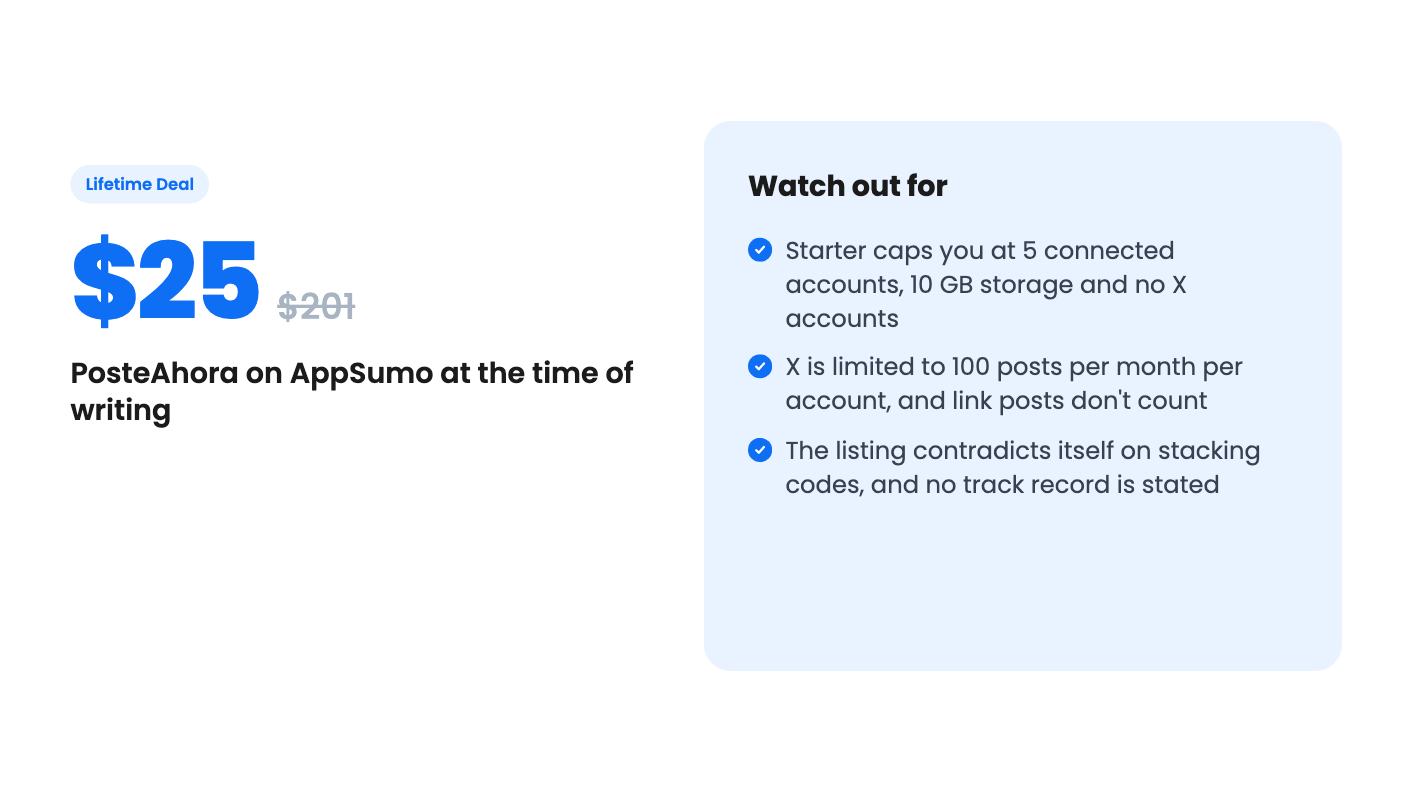
Do the sums and the cost per account is about $5 on Starter, about $5 on Growth and about $3 on Agency. Starter is the cheapest way in, but the cap bites fast. Five accounts disappears if you run two brands with three networks each.
X is the awkward one. It’s excluded from Starter, and even on higher tiers each X account gets 100 posts a month, with link posts not included. The listing explains that X charges per post, which is fair, but it means PosteAhora isn’t the tool for someone who lives on X.
Then there’s the stacking question. The FAQ says you can stack codes to add accounts, while the plan terms say no codes and no stacking. One of those is wrong, and I’d get it answered in writing before buying more than one code.
The shutdown promise is a minimum of 60 days notice to export your data. It’s better than nothing, but it’s a promise, not a guarantee the product survives. The listing doesn’t say when PosteAhora launched or who runs it. With 7 AppSumo reviews averaging 4.43, there’s early goodwill and not much more.
Starter at $25 makes sense for a solo creator or small shop with a few profiles, no need for X, and an interest in Instagram comment-to-DM. It costs about what you’d pay for one month of a mainstream scheduler, so the risk is low.
Growth fits a freelancer handling a few small clients. Agency is the one to consider only if you really need dozens of accounts, and even then, I’d want to see the product handle your real workload before committing $449.
Skip it if you need heavy X publishing, deep reporting, or a vendor with a long public record. Also skip it if your DM automation would run on personal Instagram profiles, since the listing only covers professional accounts and Facebook Pages.
No. According to the listing, X accounts are 0 on the $25 Starter tier, 3 on the $149 Growth tier and 10 on the $449 Agency tier. Each connected X account can publish up to 100 posts a month, with text and media. Posts with links aren't included.
The listing says posts are unlimited on every network except X, with no monthly caps and no resets. The limits that apply elsewhere are the number of connected accounts, media storage and the RSS feed count for your tier.
The FAQ says you can upgrade and pay only the difference, and it also mentions stacking codes. The plan terms say no codes and no stacking. Ask the seller which is correct before you buy several codes.
How this review was made: researched from PosteAhora's official listing, and written with help from AI. We have not tested PosteAhora hands-on yet. Prices and deal terms change, so check AppSumo before you buy. See our affiliate disclosure.
Both are $49 social media lifetime deals on AppSumo. Creator Insights helps you research and repurpose. SocialBu schedules, reports and handles the inbox.
Ten AppSumo lifetime deals for small businesses, from booking and forms to SEO and outreach, with the limits and tier quirks each listing shows.
Both are $49 AppSumo deals for social media. Creator Insights is built for research and scripting, PixaSocial Ai for cutting long video into shorts.

