
Social MediaComparison
Creator Insights vs SocialBu: Idea Engine or Everyday Scheduler
Both are $49 social media lifetime deals on AppSumo. Creator Insights helps you research and repurpose. SocialBu schedules, reports and handles the inbox.
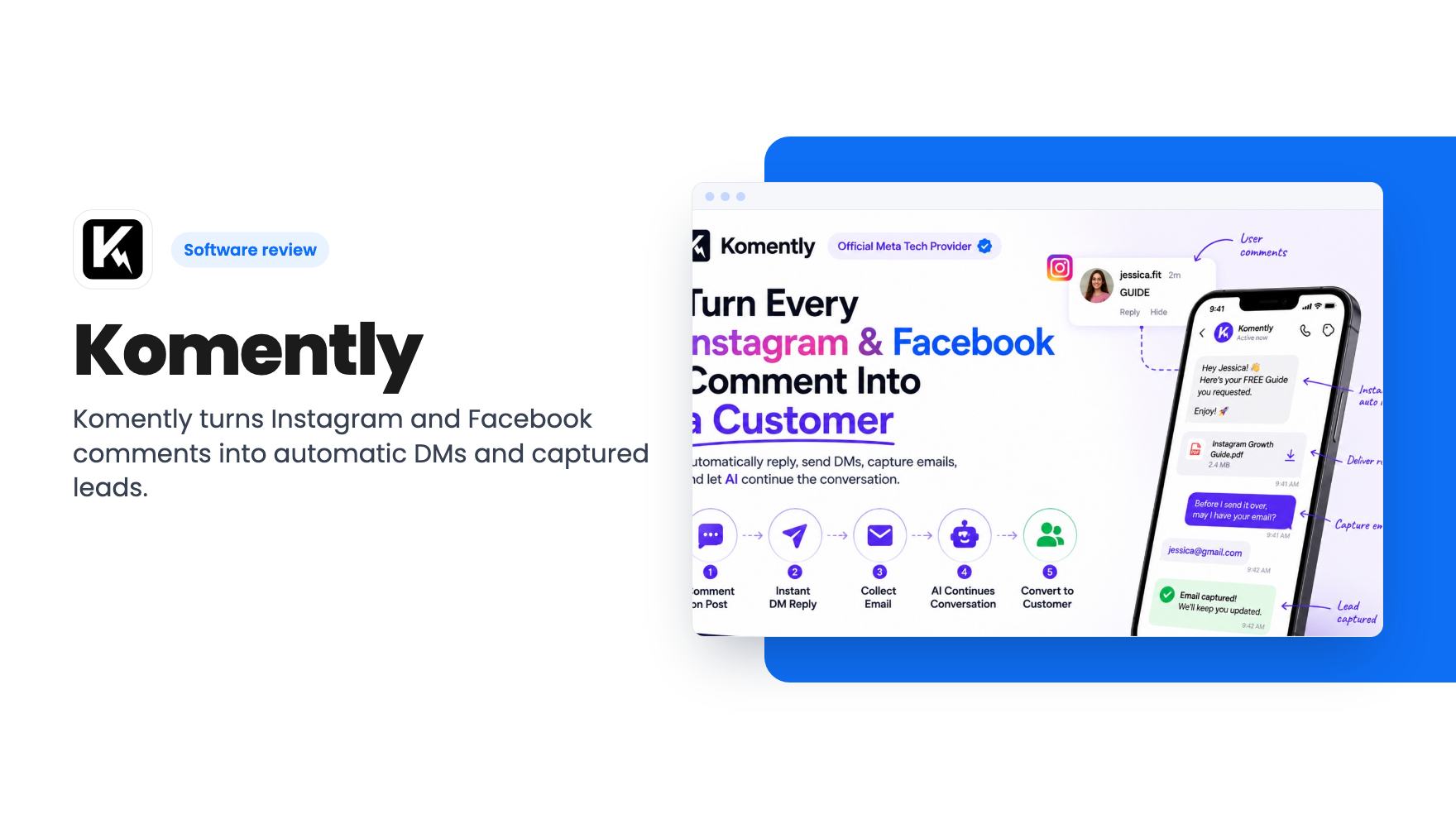
Komently turns Instagram and Facebook comments into automatic DMs and captured leads. Lifetime deal from $69, but the tier table is confusing and platforms are limited.
Lifetime deal price
$69$178.9961% off
Lifetime Deal
Our take: Buy the $69 tier if you run a few Instagram or Facebook accounts and already get keyword comments that you answer by hand. Skip it if you need other networks, post scheduling, or a tier table you can read without guessing.
Picture a Reel that does well. Under it, forty people have written “GUIDE” or “PRICE” and are waiting for you to send something. You reply to six of them over lunch, lose track, and the rest never hear from you. That’s the gap Komently is built for.
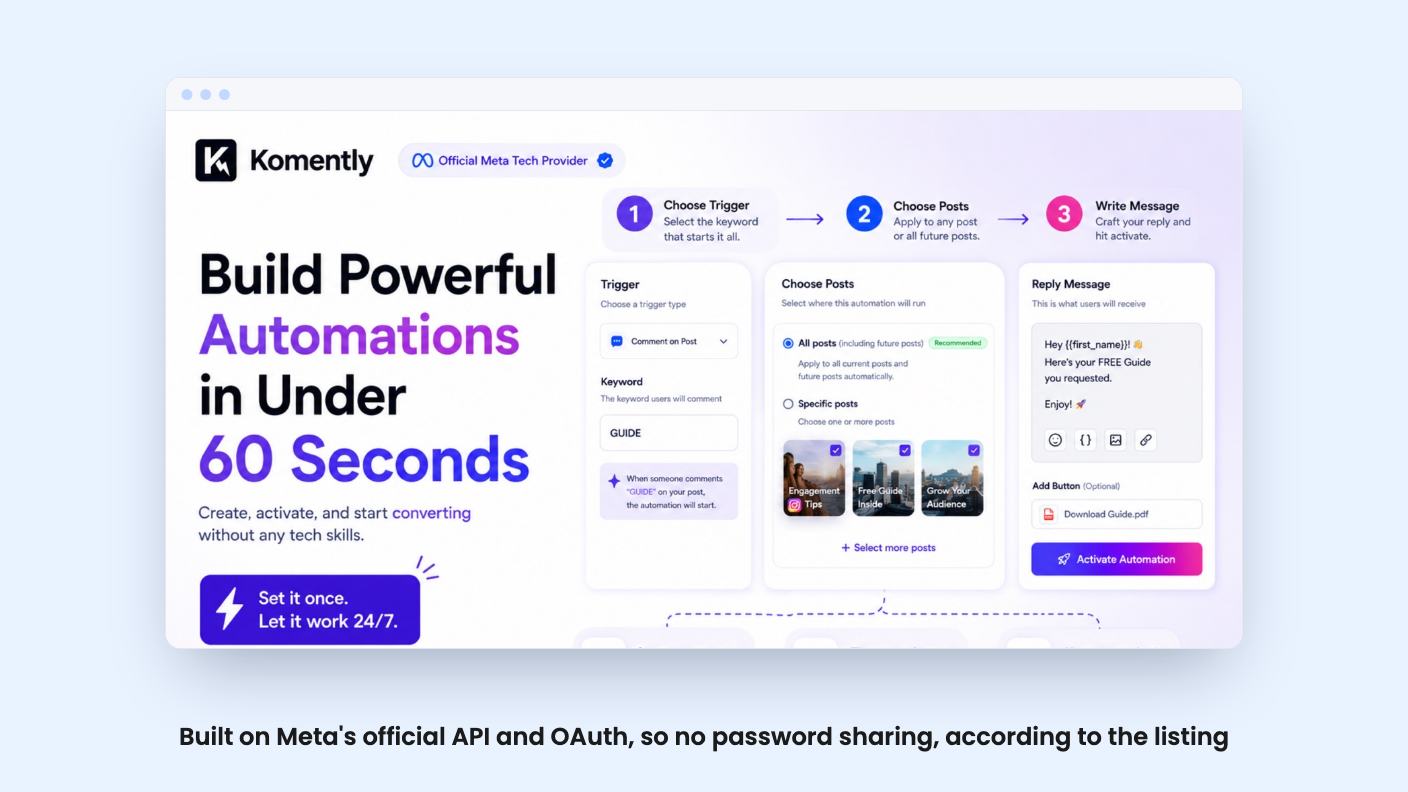
It’s a tool for Instagram and Facebook that watches for keyword comments and sends the commenter a direct message automatically. AppSumo sells it as a lifetime deal starting at $69, down from a listed $178.99.
We haven’t used it ourselves, and there’s no demo video to lean on either. Everything below comes from the AppSumo listing, so treat this as a close read of the claims, not a verdict from hands-on use.
The core feature is comment-to-DM. Someone comments a keyword, Komently sends them a message. The listing names four other automation types:
The FAQ text in the listing cuts off mid-sentence while describing how these combine with Lead Capture and Action Cards. So we can’t tell you everything it says about stacking them.
Action Cards are button-based DMs. Instead of a wall of text, the person taps an option. That’s a sensible design for a DM sequence, though we can’t judge how polished it looks.
Most comment automation has a flaw. It only works on comments that arrive after you switch it on. If a post takes off before you’ve built the automation, you’ve already missed people.
Komently’s answer is 7-Day Rewind. It sends DMs to people who commented in the last 7 days, and it can pick out commenters who never got a message. For a small business that posts first and sets up the funnel later, that’s a real fix. It’s the one feature in the listing I’d call a genuine differentiator.
There’s a catch. The listing says Rewind is exclusive to paid plans, and it doesn’t say clearly how that maps to each lifetime tier. Check that before you pay.
The lead side is simple. The listing says you can collect emails and phone numbers inside the conversation, and require an email before someone gets your content. Analytics cover messages sent, engagement and clicks, with link tracking so you can see which campaign produced conversations.
That’s useful if you’re running three or four keyword offers and want to know which one earns its place. But the listing gives no detail on exporting leads or connecting them to an email tool. Its only listed integrations are Facebook and Instagram. If you want captured emails to land in a CRM or newsletter list automatically, ask the seller, or expect to copy them over by hand.
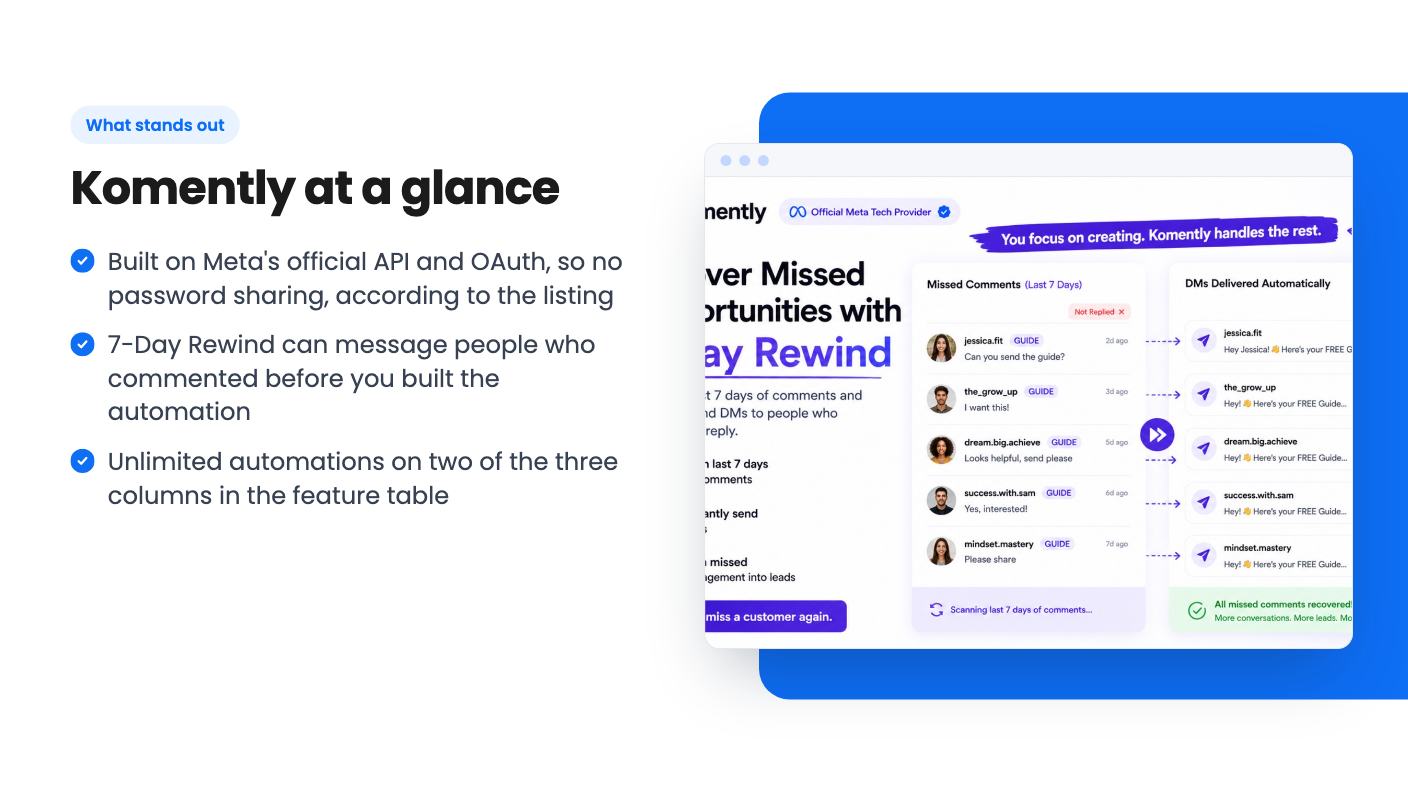
The listing claims setup takes under two minutes. You connect through Meta’s official OAuth, so there’s no password involved, and a visual wizard walks you through the first automation. Komently says it uses Meta’s official API with no browser automation or scraping, and describes shadow-ban risk as zero.
The official-API part is the meaningful claim. Tools that automate Instagram through unofficial means have a bad track record, and being on the sanctioned route counts in its favour. I’d still read “zero risk” as marketing. Meta sets the rules and can change them, and no vendor controls that.
AppSumo’s review summary mentions some initial setup confusion. That’s a single line in a summary written to sell the deal, so weigh it lightly. It’s still a reminder that two minutes is the best case.
Here are the prices:
All three include lifetime access and future plan updates. You must activate your license within 60 days of purchase, and you can move between the tiers. There’s no code stacking.
The feature table is where I get stuck. It shows connected accounts as 15 / 1 / 3, AI Conversation Assistant allowances of 450 / 90 / 0 conversations, and automations as Unlimited / Unlimited / 20. The columns don’t line up with the price order in any obvious way. A $650 tier with one account and a $69 tier with fifteen would be strange.
The columns look like they’re in a different order from the tiers, but the listing doesn’t say so. I won’t guess which tier gets what. Open the page and check the table against the tier selector before you pay.
The FAQ adds to the confusion by describing a Pro plan with 5 accounts, a name that doesn’t appear among the lifetime tiers. It does say account limits are shared across Instagram and Facebook, so one Page and one Instagram profile use two slots. The table also marks bring-your-own-key support for Gemini as true on two of the three columns, which is presumably how you’d pay for AI use beyond the included conversations.
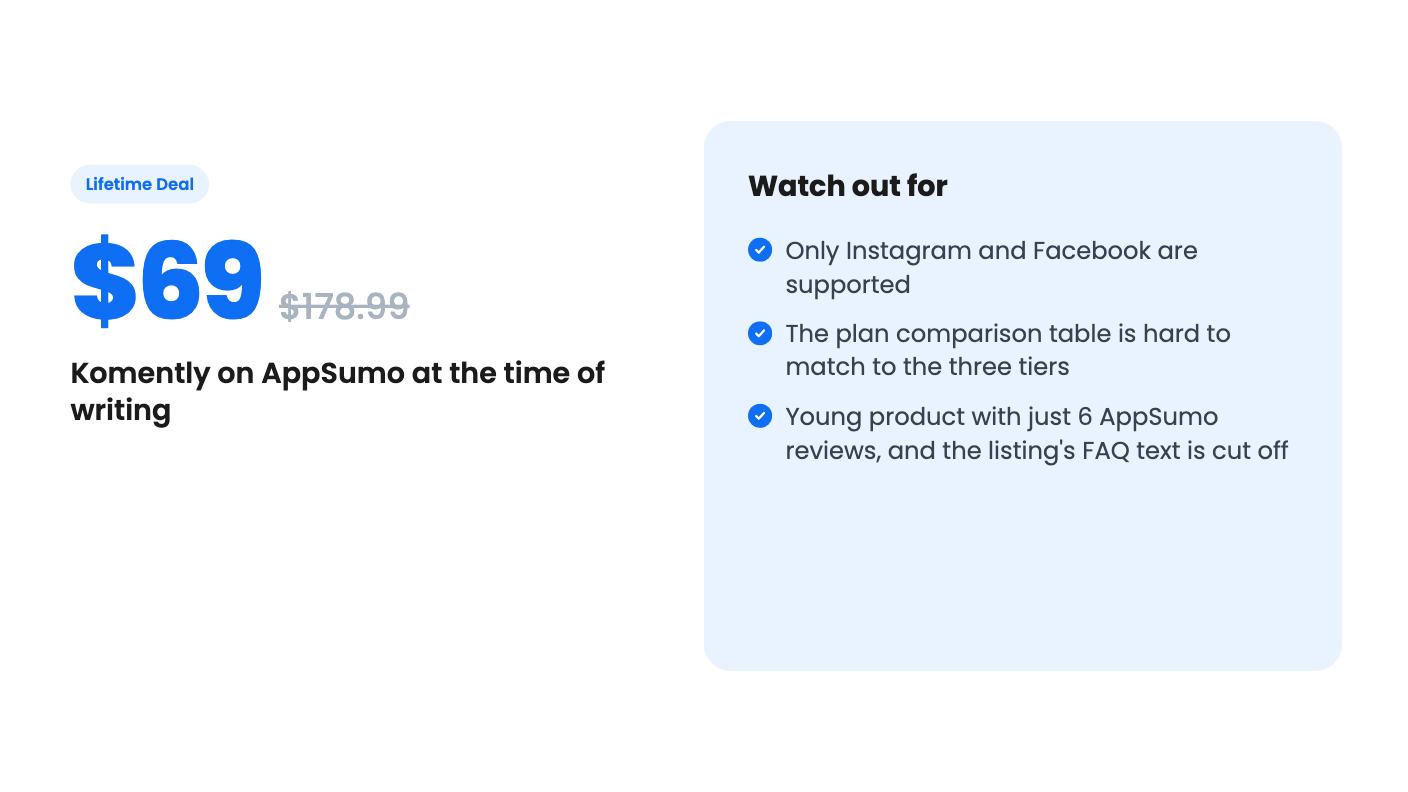
The obvious one is scope. Komently covers Instagram and Facebook, full stop. AppSumo lists Buffer and Hootsuite as alternatives, but nothing in the feature list mentions scheduling posts, a content calendar or other networks. If you want one tool for everything social, this isn’t it.
The second is age. Six reviews at a perfect 5.00 average is encouraging but a small sample. AppSumo’s own summary praises customer service and continuous improvement, and also flags limited platform integration. A lifetime deal on a young product depends on the company surviving and the Meta relationship holding.
You do get the 60-day money-back guarantee the summary mentions. For a tool you can try against a real account in an afternoon, that’s what makes the $69 tier a low-risk bet.
The $69 tier makes sense for a creator, coach or small shop that already gets keyword comments and answers them by hand. It also suits an agency with a client or two who want a lead-magnet funnel on Instagram. If that’s you, use the refund window to confirm the account limit and Rewind access on your tier, and run one real post through it.
Skip it if you need scheduling, other networks, or a deep CRM connection. And hold off on the bigger tiers until the pricing table is explained in plain terms, because paying $650 on a guess about which column is yours would be a poor way to spend it.
No. According to the listing, you need an Instagram Business or Creator account, or a Facebook Page. Switching a personal account over is a setting change, but you have to do it first.
The listing says 7-Day Rewind is exclusive to paid plans. It doesn't spell out how that applies to each lifetime tier, so confirm on the AppSumo page before you buy.
Probably not. AppSumo lists those as alternatives, but the feature list covers comment and DM automation, lead capture and analytics. It doesn't mention post scheduling or other networks.
How this review was made: researched from Komently's official listing, and written with help from AI. We have not tested Komently hands-on yet. Prices and deal terms change, so check AppSumo before you buy. See our affiliate disclosure.
Both are $49 social media lifetime deals on AppSumo. Creator Insights helps you research and repurpose. SocialBu schedules, reports and handles the inbox.
Ten AppSumo lifetime deals for small businesses, from booking and forms to SEO and outreach, with the limits and tier quirks each listing shows.
Both are $49 AppSumo deals for social media. Creator Insights is built for research and scripting, PixaSocial Ai for cutting long video into shorts.

