Design & MediaAlternatives
Kapwing Lifetime Deal Alternatives for Small Businesses
Five AppSumo lifetime deals that cover parts of what Kapwing does, from clip cutting to captions and dubbing. Each has caps worth knowing before you pay.
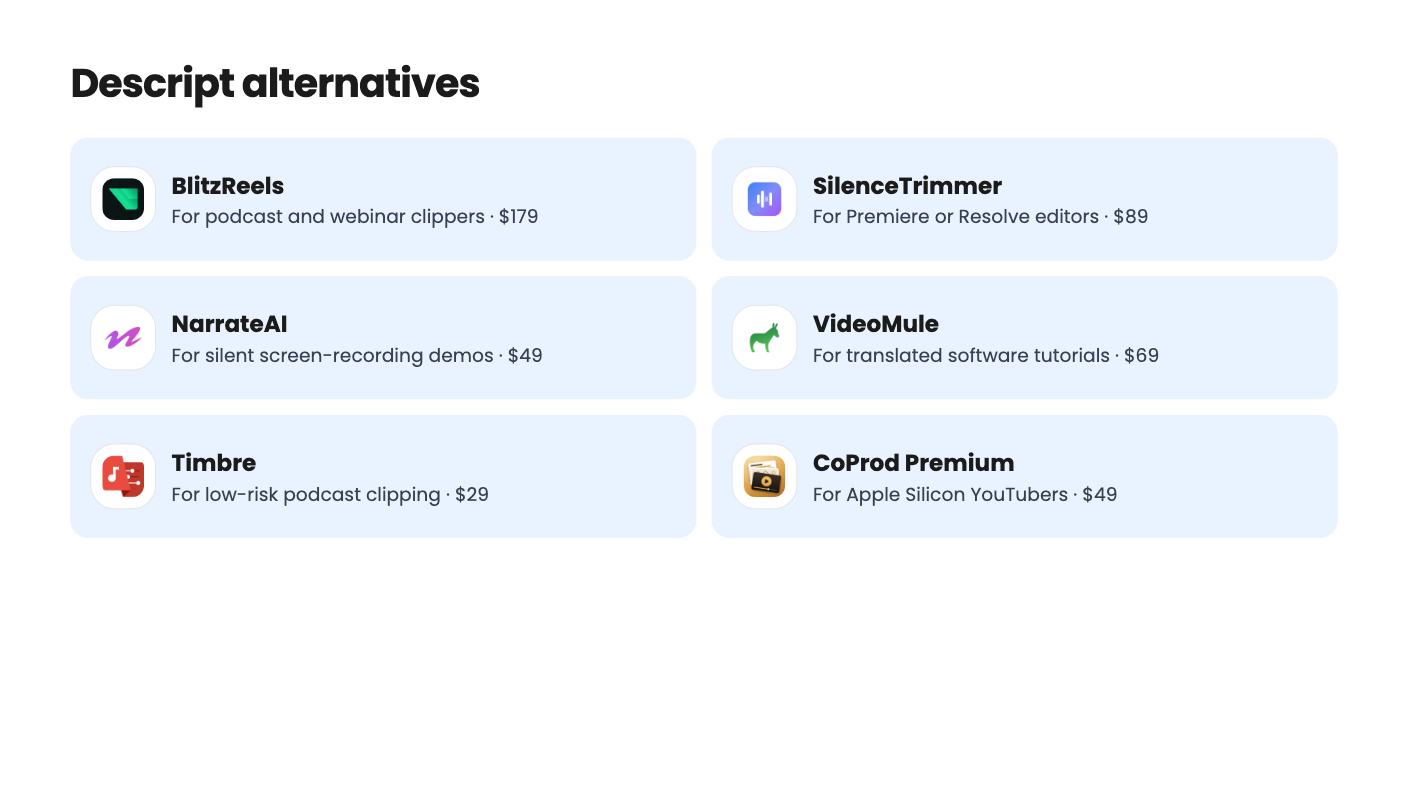
Eight AppSumo lifetime deals named as Descript alternatives, grouped by the job you need done, with the caps and gaps each listing shows.

| Tool | Suits | Price |
|---|---|---|
| BlitzReels | For podcast and webinar clippers | $179 |
| SilenceTrimmer | For Premiere or Resolve editors | $89 |
| NarrateAI | For silent screen-recording demos | $49 |
| VideoMule | For translated software tutorials | $69 |
| Timbre | For low-risk podcast clipping | $29 |
| CoProd Premium | For Apple Silicon YouTubers | $49 |
| Cursor for Video Editing: AI Video Editor | For Mac users with AI subscriptions | $99 |
| CaptionBolt | For solo short-clip creators | $39 |
Descript does a lot inside one app, which is exactly why replacing it is awkward. None of the eight lifetime deals below is a full swap. Each one copies a slice of the job for a one-time fee, so the real decision is which slice you actually use every week. We haven’t tested any of them. Everything here comes from the AppSumo listings, including what they leave out.
This is the most crowded group, and the three tools differ more in scope than in price.
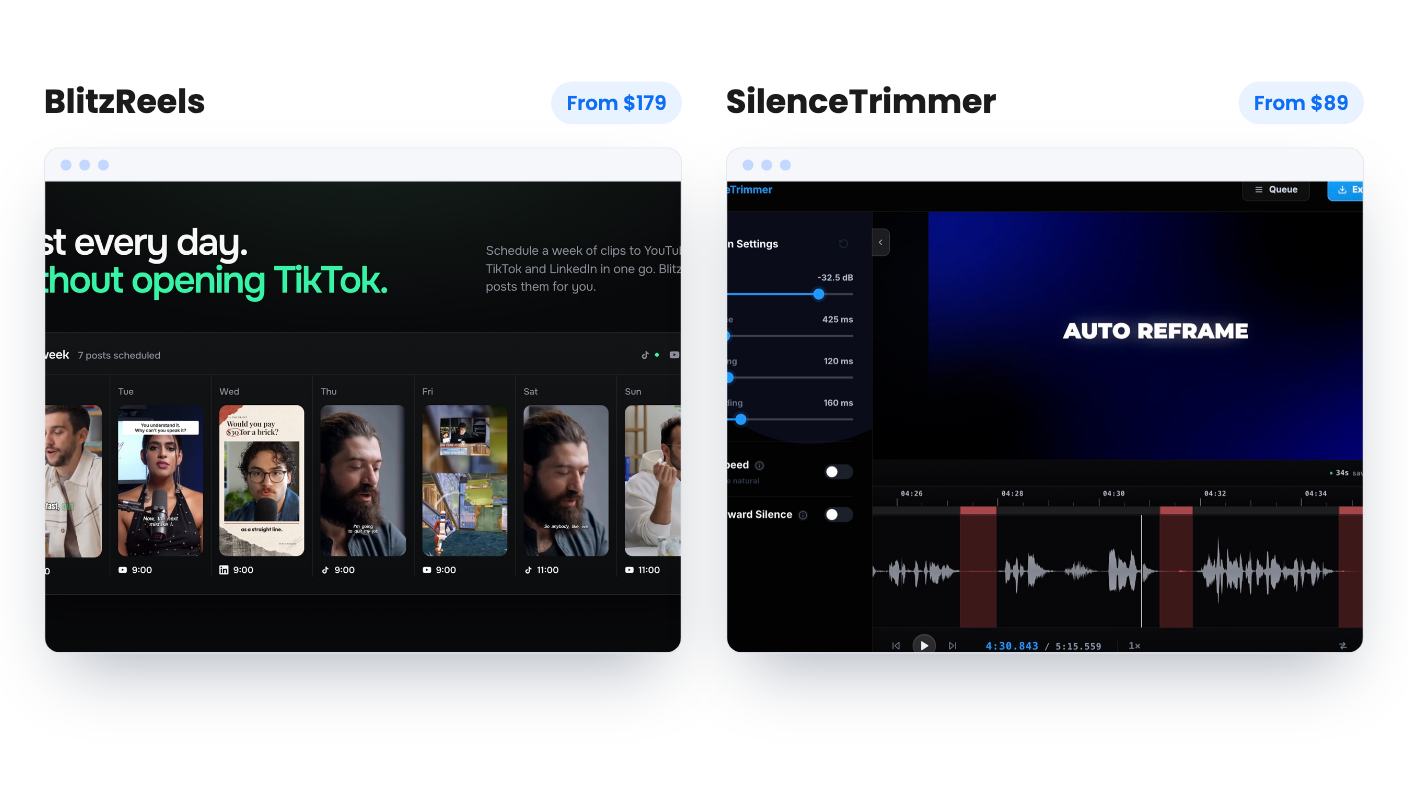
BlitzReels is the fullest option at $179. It covers import, finding moments, reframing, captions and export, and it pulls from YouTube, TikTok, Instagram, Facebook, X, Google Drive and direct URLs. You get reusable brand presets for word-level captions, three team members and 150 export jobs a month. The catch is only 20 permanent AI credits that never renew. The listing also has no demo video and no clip examples, and it doesn’t state upload size, resolution or caption languages. Ask about those before you commit.
Timbre is the cheap gamble at $29. It turns one long video into 4 to 12 clips and bundles noise removal, captions, transcripts, chapters and post copy, with no watermark. But the listing never explains what one credit buys, and there’s a 500-credit cap. It’s a single seat and not stackable, so you can’t add codes for more room. Run a real video through the free trial first.
CaptionBolt is narrower. It adds captions, resizing and export to videos you’ve already picked, with watermark-free MP4 up to 4K per the listing. At $39 you get 60 processing minutes a month with no rollover, and videos are capped at 5 minutes. There’s no clip finding, translation or dubbing, and projects are listed for only 14 days, so don’t treat it as storage.
Here the pitch is that you never have to record narration yourself.
NarrateAI writes a timed script from a silent screen recording. You can edit segments before the voiceover is final, and an SRT file comes with it. It also makes docs from video using 5 templates. At $49 you get 45 processing minutes a month, with overage at $0.40 per minute. That’s tight if you publish often. The listing has no demo video, so you can’t judge voice quality, and it doesn’t say what counts as a processing minute. It also doesn’t explain why tier 3 lists fewer dubbing jobs than tier 2.
VideoMule costs $69 and leans on language reach. You can record in Chrome or upload a recording, edit the script, and regenerate the voiceover from 100+ voices in 35+ languages. Translation covers 70+ languages. Watch the allowances, though. Analysis minutes, avatars and translations are one-time, not monthly. The entry tier means 15 minute videos, 5 cloud renders a month and 5 translations. The tier table in the listing is partly garbled, which is a poor sign for a page meant to sell you something.
If you want a monthly allowance, NarrateAI fits better. If translation matters, VideoMule is the one to look at.
Some people don’t want Descript’s editor at all. They want a better first draft that lands in the editor they already use.
SilenceTrimmer is the plainest of the lot, and that’s a compliment. It’s a desktop app, so nothing uploads and there are no per-minute caps. Every cut is editable on the waveform, and it exports EDL, FCPXML and Premiere XML. One license covers two computers, Mac or Windows, and works offline after activation. It does silence only, with no transcript editing or filler-word removal. It has just one AppSumo review so far, so it’s a young product. At $89 it’s also the priciest relative to its list price of $149. The code isn’t stackable and must be redeemed within 60 days.
CoProd Premium is $49 and works on unscripted talking-head footage, drafting chapters from what you said. It exports footage, graphics, captions and audio as separate clips for Final Cut Pro or DaVinci Resolve. Local transcription and rendering need no paid AI credits, but cloud AI features use your own API keys and are billed separately. It’s Apple Silicon only, for one creator on one Mac. Updates last 2 years, and the local MOSS sound generation needs 32 GB of memory. Skip it if you need more than a 1080p master.
Subclip sits closest to Descript in spirit. It’s a Mac editor at $99 with prompt-based AI editing on top of a normal timeline, so you can fix the draft by hand. Screen and camera recording and styled captions live in the same app, and all three tiers have the same features. The sticking point is that no tier includes AI credits, so you need a separate compatible AI subscription. The listing gives few details on export limits or languages, has no demo video, and the plan table is jumbled.
Most of these caps only matter once you’ve used the tool on your own footage. Where a listing offers the 60-day money-back guarantee through AppSumo, as CaptionBolt and NarrateAI do, put a real project through it early. The other listings in this set don’t mention a guarantee in what we have, so check the AppSumo page before you pay.
Not from what the listings show. Each tool copies one slice, such as clipping, silence cutting, narration or captioning. None lists transcript-based editing, recording, captions and AI voice in a single app, so pick the slice you use most.
SilenceTrimmer. The listing says it runs on your own machine with no uploads and no per-minute caps. It only removes silence, though, so there is no transcript editing or filler-word removal.
Yes. CoProd Premium needs an Apple Silicon Mac, and Subclip is listed as a Mac editor. Both list Windows as a reason to skip. SilenceTrimmer works on Mac or Windows.
How this article was made: researched from each tool's official listing and our reviews of it, and written with help from AI. We have not tested these tools hands-on. Prices and deal terms change, so check AppSumo before you buy. See our affiliate disclosure.
Five AppSumo lifetime deals that cover parts of what Kapwing does, from clip cutting to captions and dubbing. Each has caps worth knowing before you pay.
Seven AppSumo lifetime deals named as Loom alternatives, grouped by job: narrated tutorials, plain recording, interactive demos and personalized outreach video.
Ten AppSumo lifetime-deal alternatives to Canva, grouped by job: social posts, ads, brand kits, books, images and music. Limits and gaps included.