
Design & MediaAlternatives
Kapwing Lifetime Deal Alternatives for Small Businesses
Five AppSumo lifetime deals that cover parts of what Kapwing does, from clip cutting to captions and dubbing. Each has caps worth knowing before you pay.
Subclip is a Mac video editor with an AI assistant and a timeline. The AppSumo lifetime deal starts at $99, but no AI credits are included.

Lifetime deal price
$990
Lifetime Deal
Our take: Worth a look if you're a Mac user making demos, tutorials or social clips and you already pay for a compatible AI subscription. Skip it if you're on Windows, want AI included in the price, or need a proven editor with a track record, since the product looks young and the listing has no demo video.
You’ve recorded a long screen walkthrough of your product, and now it needs trimming, captioning and exporting as a vertical clip for social. None of that is hard. It just eats an afternoon every time. Subclip is a Mac video editor built around a different routine: you describe those edits to an AI assistant, then tidy the result by hand. It’s on AppSumo as a lifetime deal from $99, and how that price is structured matters more than the feature list.
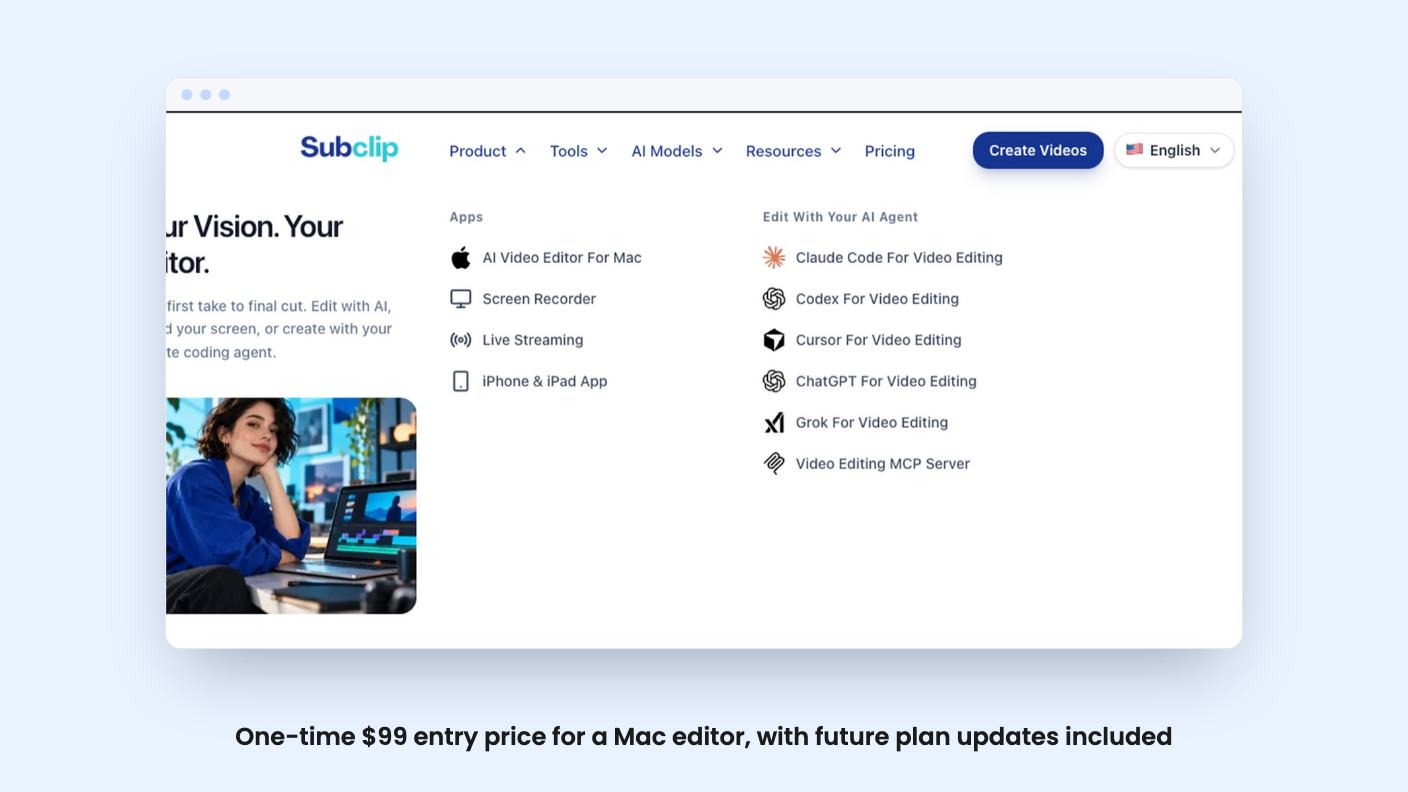
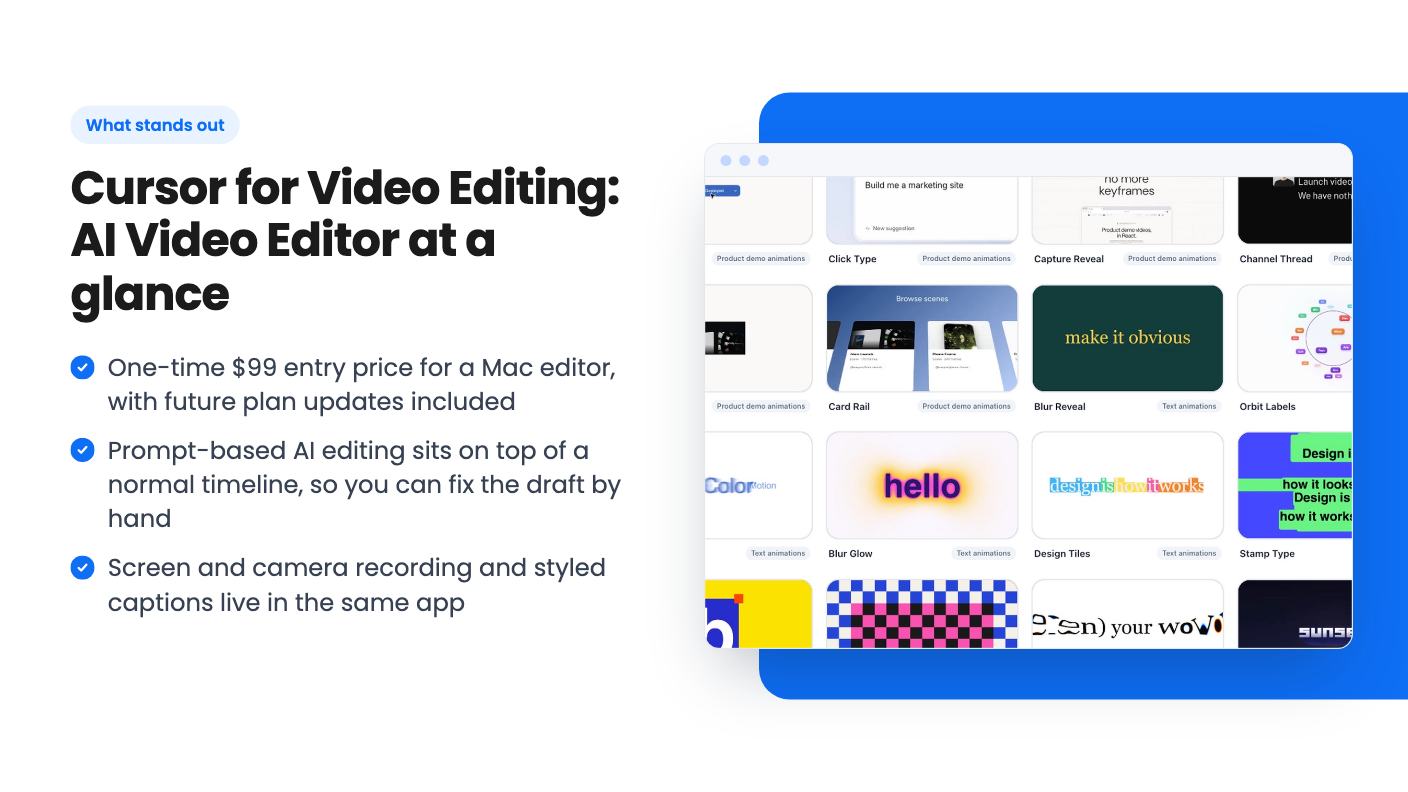
Subclip pairs a conventional timeline with an AI editing assistant. According to the listing, you import footage, tell the assistant in plain language what you want, review what comes back, and refine it manually before export. You can also record your screen and camera inside the same workspace and style your captions there.
The listing points it at people making tutorials, product demos, lessons and social videos on macOS. AppSumo tags it as best for content creators, YouTubers and small business owners, and names Adobe Premiere, Descript and CapCut as alternatives. That’s a big set of names to stand next to. There’s no product video attached to this listing, so everything below comes from the written description.
The template gallery is clearly aimed at product demos. Scene examples include Button Press, Click Type, Capture Reveal and Card Rail. Animated text styles include Blur Reveal, Word Carousel, Blur Glow and Stamp Type. The listing doesn’t say how many templates exist, so read those as samples, not a count.
The timeline is the safety net. You arrange clips, adjust timing and change whatever the AI drafted before you export. Both wide and vertical video formats are supported. Square video isn’t mentioned, so if you need it, ask first.
Captions get their own block. You generate them, read the text, pick a style and adjust placement. Reviewing before publishing is the right instinct, because auto captions always need a read. What the listing doesn’t say is how accurate they are, which languages they cover, or whether there are length limits. If you publish in anything other than English, that’s a question for the seller.
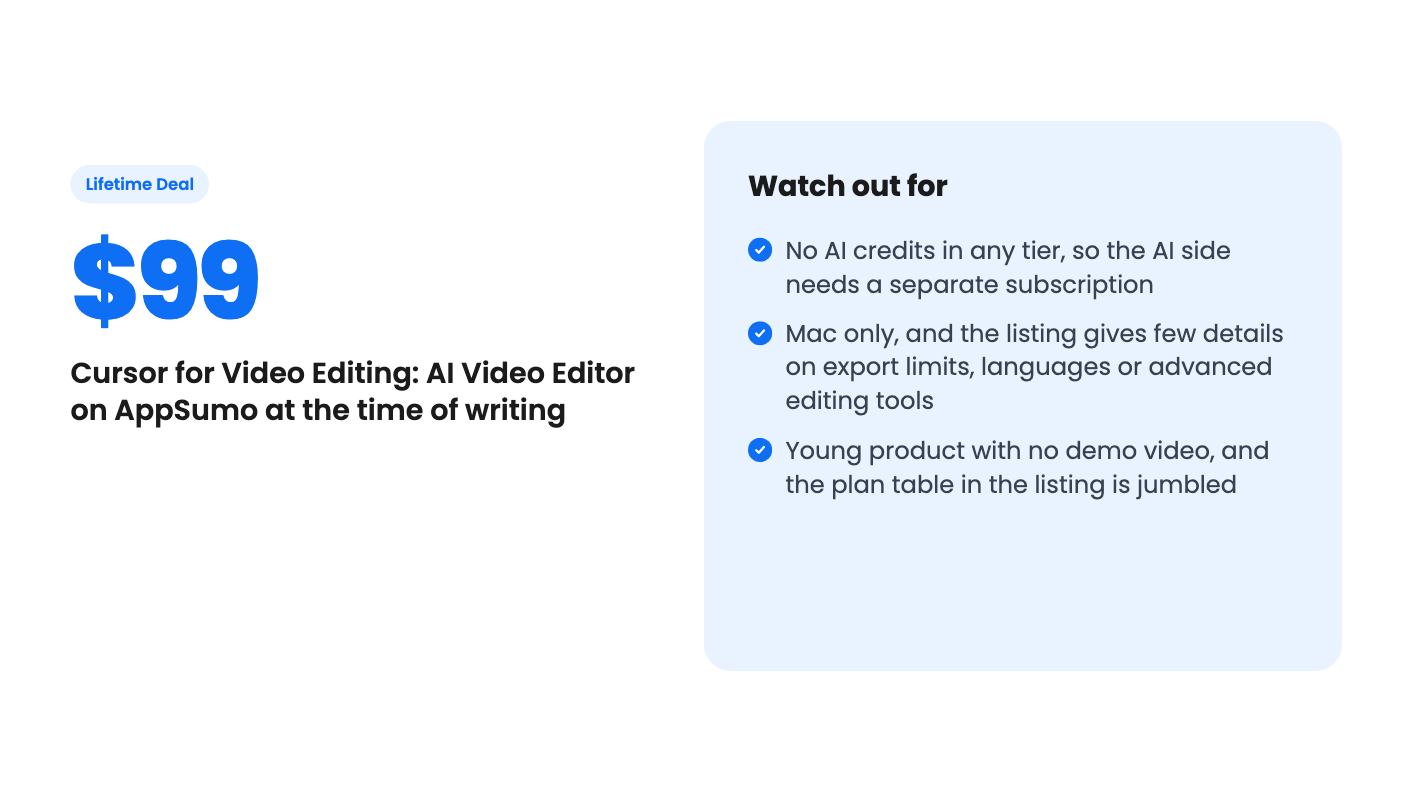
Read this section twice. No AI credits come with any tier. The listing says AI usage is separate from the app purchase. Subclip works with compatible existing AI subscriptions and has a built-in MCP client for compatible MCP servers. The workflows it names include Claude Code, Codex, Cursor, ChatGPT, Grok and a video editing MCP server.
In practice, your $99 buys the editor and you bring the brain. If you already pay for one of those services, this could fit nicely. If you don’t, the real cost of the headline feature is a monthly subscription somewhere else. The listing says access, charges and usage limits depend on whichever service you connect. It doesn’t say which subscriptions work, on which plans, or how the AI copes with long footage.
There’s also a setup question. The FAQ says you configure the services you want to use. For a developer who already lives in Cursor or Claude Code, that’s normal. For a florist who just wants a Reel, it may feel like homework.
All three plans are one-time purchases with identical editor features. Only the number of Macs changes. The listing’s FAQ gives the clearest breakdown:
The plan table in the listing is jumbled. It shows prices in the order $99, $299, $199 but device counts in the order 3, Unlimited, 1. Go by the FAQ, and double-check the checkout page before paying.
Other terms: you must activate your license within 60 days of purchase, you can upgrade or downgrade between the three tiers, and all future plan updates are included. There’s no code stacking. The listing shows a list price of $0, which tells us nothing, so we can’t say how big the discount is. It also doesn’t mention refund terms, so check AppSumo’s own policy page.
For most readers the $99 tier is the sensible pick. The $199 tier only makes sense if you have a few Macs, say a desktop and a laptop plus a team member. The $299 tier is for agencies.
The product menu also mentions a screen recorder, live streaming, and iPhone and iPad apps. The listing is clear that this deal covers the Mac editor. Don’t assume the rest comes along.
If you’re on Windows, stop here. It’s Mac only.
Skip it if you want AI editing with nothing extra to pay. The deal sells the app, and the AI bill sits elsewhere.
Skip it if you need a battle-tested editor. This looks like a young product with a short feature list in the listing. Colour grading, multi-camera editing, audio cleanup and export presets aren’t mentioned either way, so we can’t tell you they’re missing, only that the listing doesn’t say. If your videos rely on that kind of work, a mature editor is safer.
It’s a better fit if you make product demos, tutorials or short social clips on a Mac, already pay for a compatible AI service, and like the idea of correcting an AI draft instead of starting from a blank timeline. At $99 the risk is modest. If you buy, take the single Mac tier, activate the license early, and try a real project from your own backlog before the 60 day window closes.
No. According to the listing, none of the three tiers include AI credits. You pay once for the Mac editor, and AI usage depends on the compatible AI subscription or MCP server you connect, with its own charges and limits.
All tiers have the same features and differ only by device count. Per the listing's FAQ, Single Mac is $99 for one device, Three Macs is $199, and Unlimited Macs is $299. Most solo owners only need the $99 tier.
Yes. The listing says the AI turns your instructions into edits, and you can then adjust clips, timing and captions on the timeline before exporting.
How this review was made: researched from Cursor for Video Editing: AI Video Editor 's official listing, and written with help from AI. We have not tested Cursor for Video Editing: AI Video Editor hands-on yet. Prices and deal terms change, so check AppSumo before you buy. See our affiliate disclosure.
Five AppSumo lifetime deals that cover parts of what Kapwing does, from clip cutting to captions and dubbing. Each has caps worth knowing before you pay.
Seven AppSumo lifetime deals named as Loom alternatives, grouped by job: narrated tutorials, plain recording, interactive demos and personalized outreach video.
Eight AppSumo lifetime deals named as Descript alternatives, grouped by the job you need done, with the caps and gaps each listing shows.

