Design & MediaAlternatives
Kapwing Lifetime Deal Alternatives for Small Businesses
Five AppSumo lifetime deals that cover parts of what Kapwing does, from clip cutting to captions and dubbing. Each has caps worth knowing before you pay.
Seven AppSumo lifetime deals named as Loom alternatives, grouped by job: narrated tutorials, plain recording, interactive demos and personalized outreach video.

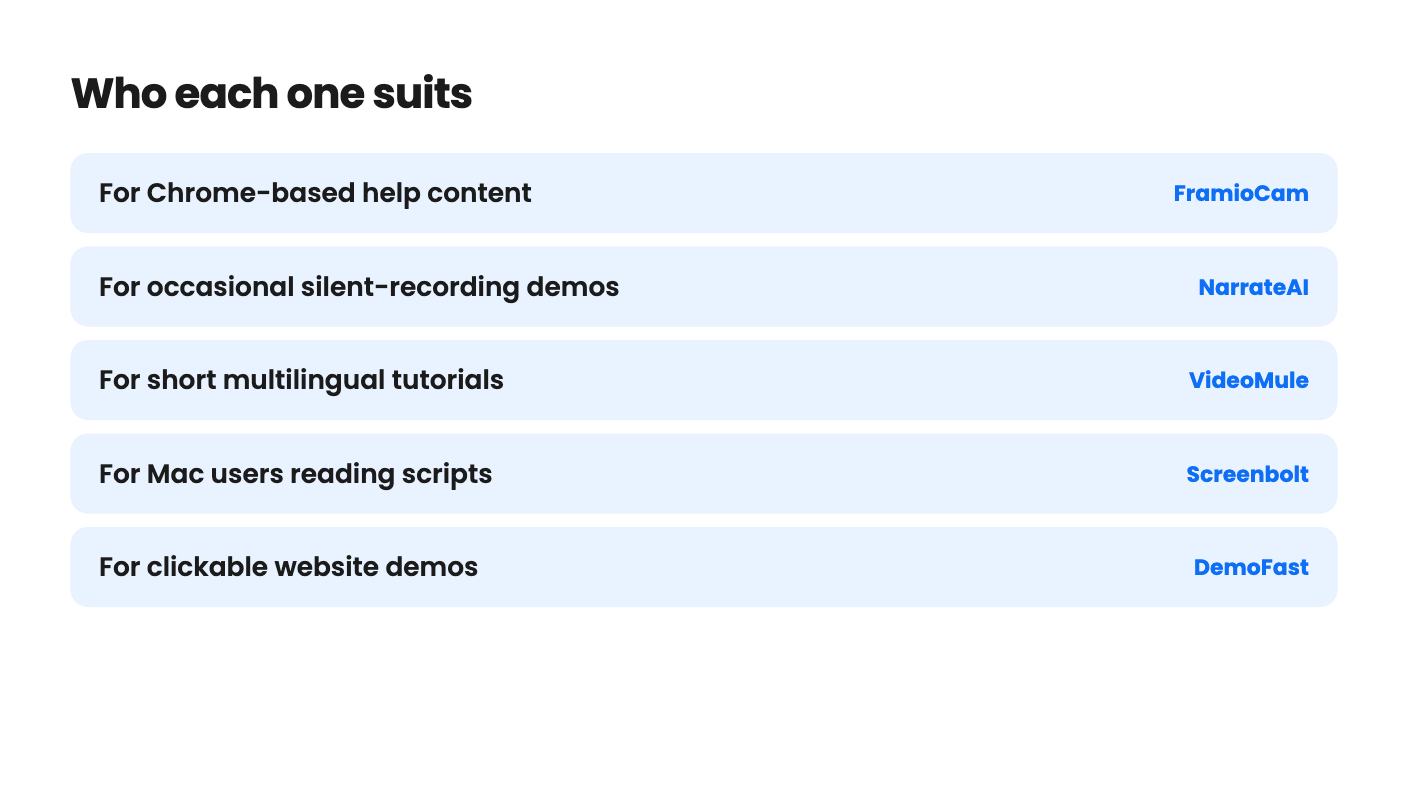
The real question with a Loom replacement isn’t which recorder is best. It’s what you were using Loom for in the first place. If you recorded quick walkthroughs for your team, you need something different from the person making polished tutorials, and both differ from the person trying to book sales calls.
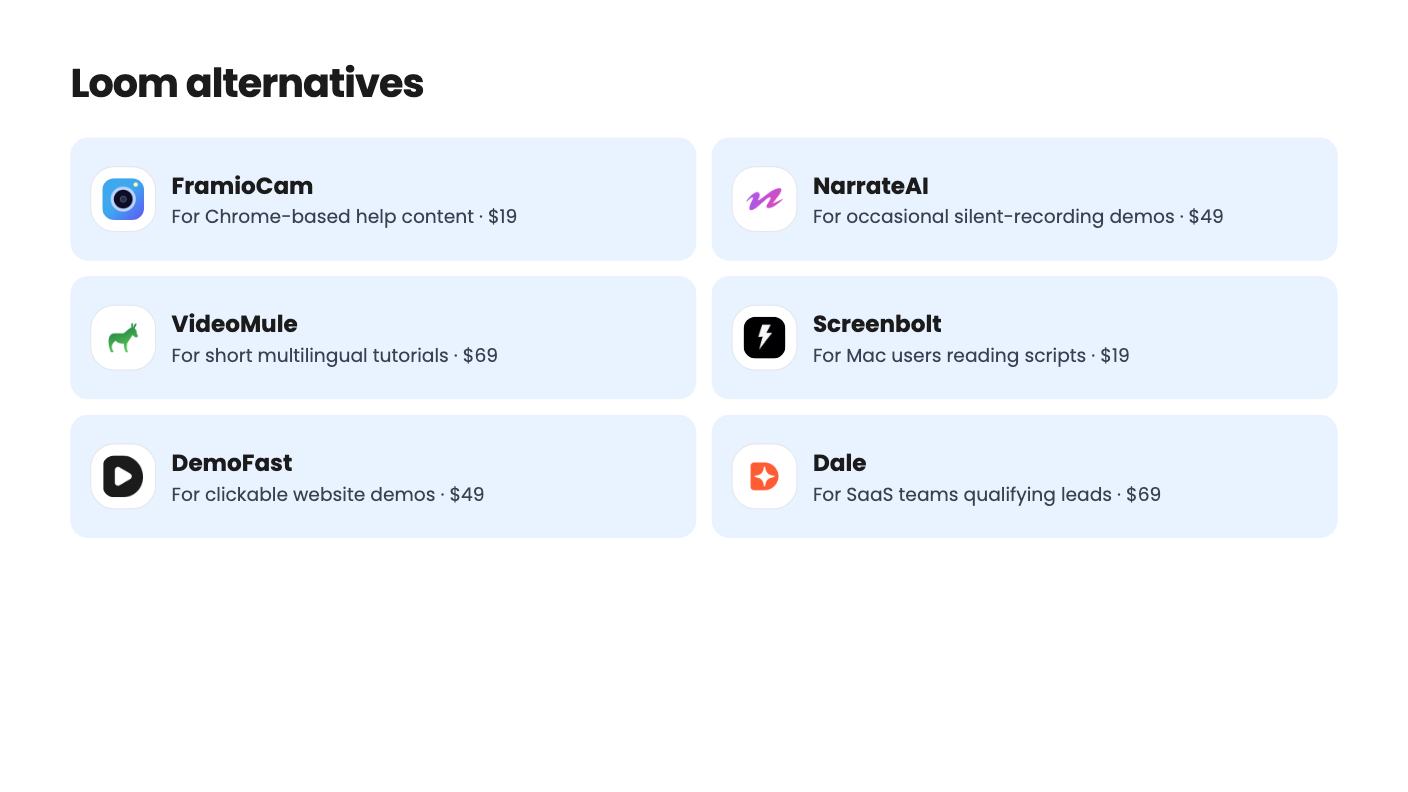
That matters because the seven tools below, all named on AppSumo as Loom alternatives, solve quite different problems. A few are recorders. Others are narration tools, demo builders or outreach tools that happen to involve video. We haven’t tested any of them, so everything here comes from what the listings say, including what they leave out.
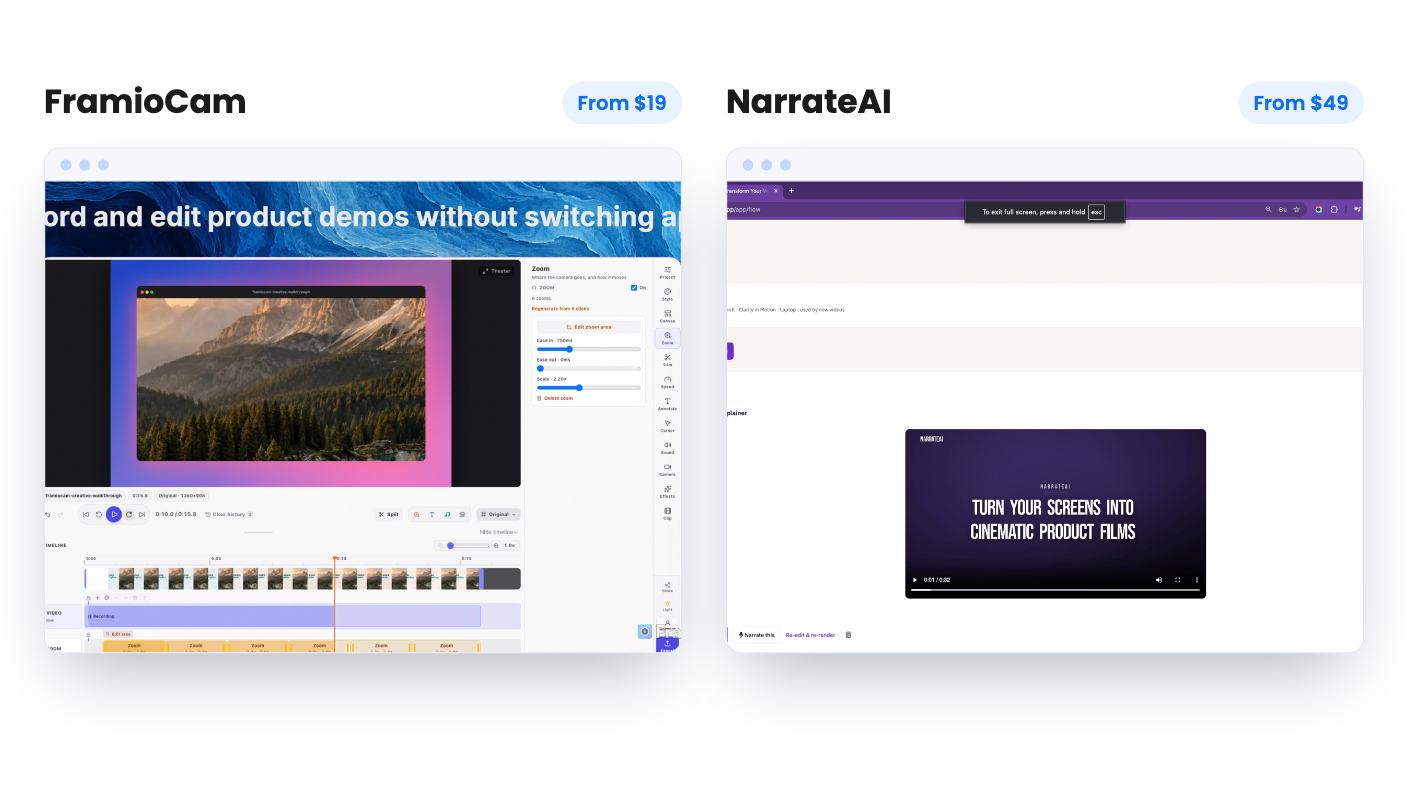
NarrateAI is the cleanest answer to that. You record the screen silently and it writes a timed script and a voiceover. You can edit segments before the voiceover is final, and an SRT file comes with it. The entry price is $49.
The catch is volume. The $49 tier gives you 45 processing minutes a month, and overage runs $0.40 per minute. That’s fine for the occasional demo. It’s tight if you publish weekly. The listing also has no demo video, so you can’t judge voice quality or script accuracy before paying. It doesn’t explain what counts as a processing minute either.
VideoMule goes after the same job at $69, with more range. It records in Chrome or takes uploads, offers 100+ voices in 35+ languages, and translates into 70+ languages. If your customers speak several languages, that is the draw.
Read the limits first, though. Analysis minutes, avatars and translations are one-time allowances, not monthly ones. The entry tier means 15 minute videos, 5 cloud renders a month and 5 translations. The tier table in the listing is partly garbled, and there’s no demo video. There are five tiers you can move between, so start small.
FramioCam is the nearest thing here to a general-purpose tool, at $19. It’s a Chrome extension for screenshots, recordings and basic editing, with click-driven zooms and canvas resizing for social formats. Files stay in browser storage, with optional sync to your own Google Drive.
That storage choice cuts both ways. Clearing browser data or removing the extension can wipe your files. Seats are counted per browser, and it’s Chrome only. There’s no hosted sharing with viewer analytics, so it won’t replace the link-and-watch-stats habit if that’s what you valued.
Screenbolt is $19 as well, but Mac only, and it needs macOS 14 Sonoma or later. Its hook is a teleprompter with director cues, speed control and auto-pace, plus system audio and microphone recording at once. Everything is processed locally and nothing is uploaded.
If you read scripts on camera, that’s a sensible fit. The listing says nothing about export formats, resolution or editing tools, though, and it has only 3 reviews. The deal isn’t stackable either.
DemoFast turns Chrome recordings or uploaded screenshots into clickable demos for $49. Views are unlimited, and lead capture with CSV export, an end-of-demo call to action and white-label branding are all included. It also exports MP4 and GIF for places that can’t embed a demo.
The limits are 50 live demos, 3 creator seats and 100 steps per demo. The listing mentions no CRM or email integrations, so leads live in a CSV. The code must be redeemed within 60 days.
Dale is the heavier option, from $69. It builds self-serve demos that adapt to the viewer’s role, use case or industry, then scores engagement and can push leads to HubSpot, Salesforce or Slack. You can send demos from your own domain over SMTP.
I’d be careful with the listing. The plan feature table is confusing, and some tiers apparently lack core features such as custom CTAs. Future AI models may cost extra, and the wording on that is vague. It has only 9 reviews, and it doesn’t say how mature the product is. Confirm exactly what your tier includes before you pay.
Outvid is the odd one out. You record one 90-second clip, and it produces a researched video per prospect, sent over email, LinkedIn, WhatsApp and Instagram with stop-on-reply. There are video landing pages with booking links and watch tracking, and CSV export to 40+ outreach tools.
Pricing runs from $99 to $469, and monthly credits are small, from 50 to 300. The listing never says how many credits one video uses, so you can’t work out real capacity. The $99 tier keeps Outvid branding and is tightly capped at one clone and one sending account. With 4 reviews and no demo video, treat it as a small bet.
Start with the job, then the limits. If the tool you want has a monthly cap, do the arithmetic against your real output before buying. Where a listing is silent on exports, sharing or credits, ask the seller, and use the refund window.
Not cleanly. The listings for FramioCam and Screenbolt point away from hosted sharing: FramioCam keeps files in your browser, and Screenbolt never uploads recordings. If hosted links with viewer stats are your main use, check that before you buy.
There's some risk. Several of these products are young, with 3 to 9 AppSumo reviews. All the listings mention a 60-day money-back guarantee or a similar window, so use it. Test your real workflow early.
DemoFast, Dale and Outvid. They build clickable demos, qualify leads or send personalized video outreach. None of them is a straight screen-recording replacement.
How this article was made: researched from each tool's official listing and our reviews of it, and written with help from AI. We have not tested these tools hands-on. Prices and deal terms change, so check AppSumo before you buy. See our affiliate disclosure.
Five AppSumo lifetime deals that cover parts of what Kapwing does, from clip cutting to captions and dubbing. Each has caps worth knowing before you pay.
Eight AppSumo lifetime deals named as Descript alternatives, grouped by the job you need done, with the caps and gaps each listing shows.
Ten AppSumo lifetime-deal alternatives to Canva, grouped by job: social posts, ads, brand kits, books, images and music. Limits and gaps included.