
Design & MediaAlternatives
Kapwing Lifetime Deal Alternatives for Small Businesses
Five AppSumo lifetime deals that cover parts of what Kapwing does, from clip cutting to captions and dubbing. Each has caps worth knowing before you pay.
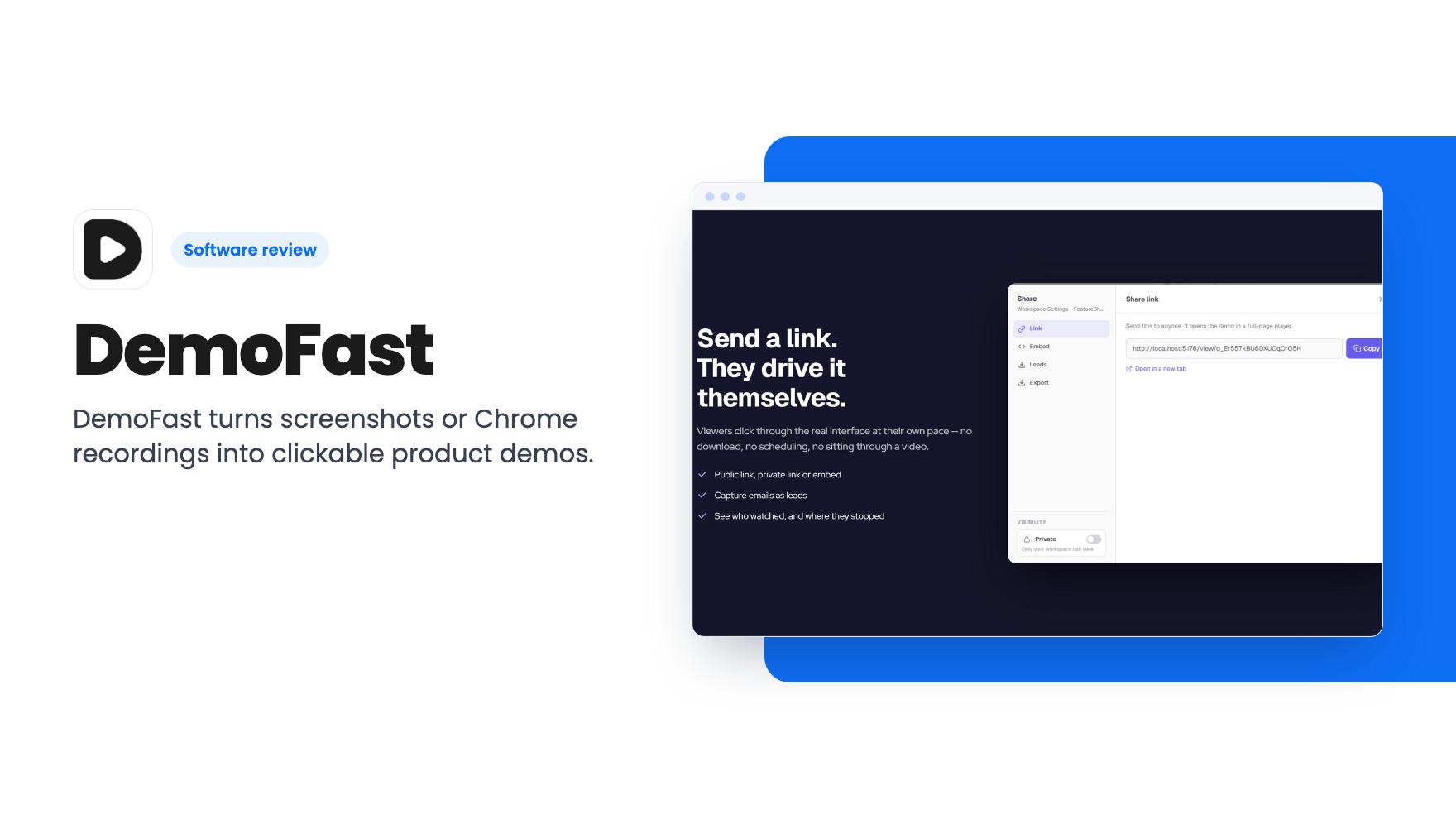
DemoFast turns screenshots or Chrome recordings into clickable product demos. The AppSumo lifetime deal is $49 with 50 demos and 3 creator seats.
Lifetime deal price
$49$54091% off
Lifetime Deal
Our take: Worth considering at $49 if you sell software and want clickable demos on your site without paying monthly. Skip it if you only need quick screen recordings, need CRM integrations, or want proof of how well it works before buying. We haven't tested it, and the listing is thin on detail.
A prospect lands on your pricing page and wants to see what the product looks like before they talk to anyone. You could book a call. You could send a screen recording that runs twelve minutes. Or you could give them something they can click through at their own pace and tell you afterwards what they cared about. That third option is what DemoFast is selling.
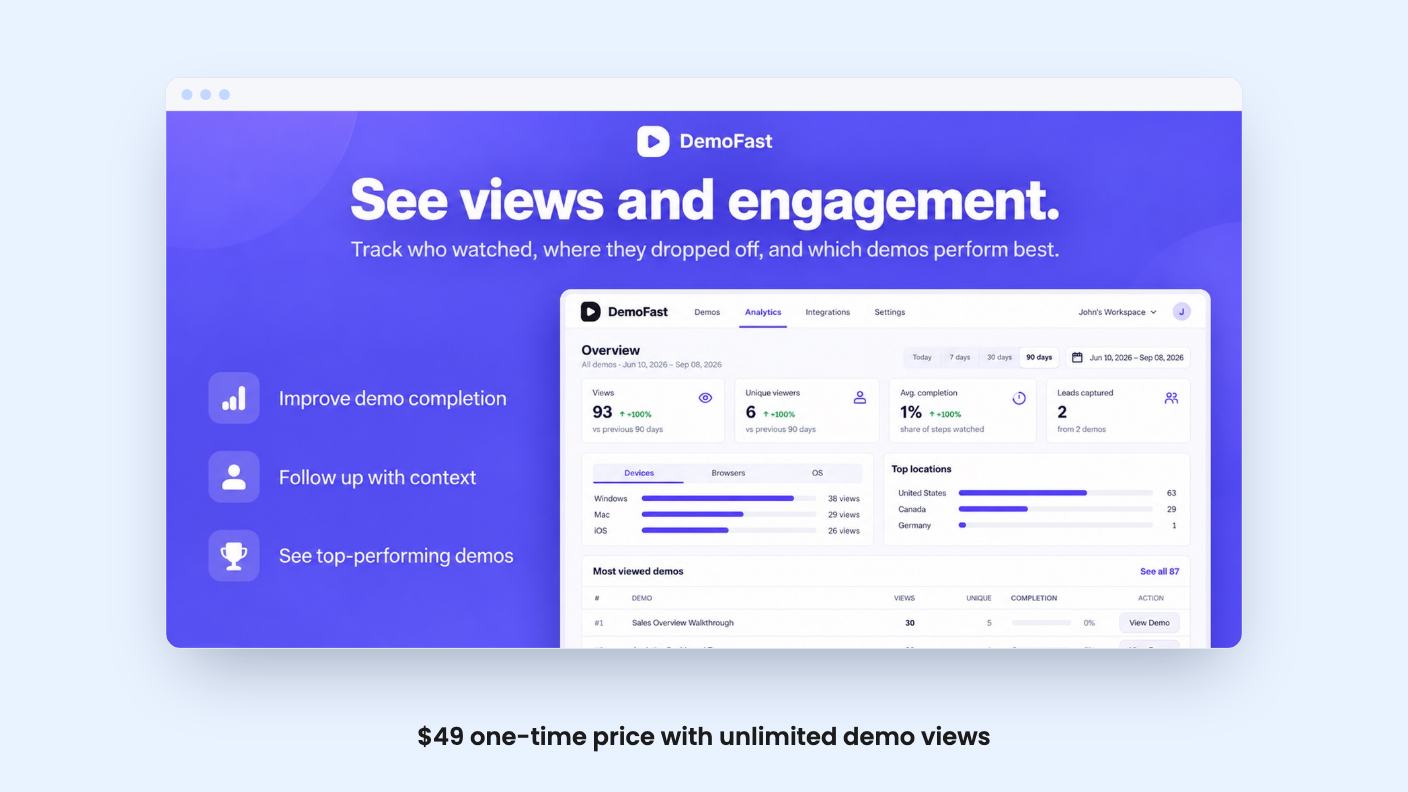
It’s a lifetime deal on AppSumo for $49, down from a listed $540. The listing pitches it as an alternative to Camtasia, Loom and Vidyard, and aims it at product managers, SaaS teams and sales managers. We haven’t used it, so everything below comes from the listing and what it claims.
DemoFast builds interactive product demos. Instead of one continuous video, a demo is a sequence of steps. Each step shows a screen of your product with annotations on top, and the viewer clicks along to move forward.
The annotation toolkit is simple. You get textboxes to explain a step, click markers that point to the next click, custom areas to frame the part of the screen that matters, and zoom areas to bring small details closer. That’s a sensible set. It covers most of what a walkthrough needs and nothing exotic.
Sharing works two ways. You can send a link, or you can embed the demo on a landing page, help doc or onboarding flow. The listing specifically suggests placing demos beside landing page copy, which is where most small SaaS teams would want them.
There are two routes in. The first is a Chrome extension that records your actual flow in the browser, and every click becomes a step. The second is uploading screenshots, which means you can build a demo without recording a live session at all.
The screenshot route matters more than it sounds. If your product has a messy staging environment, or you want to show a feature that’s still being built, you can mock up the flow from images. It also helps if your demo data is ugly and you’d rather prepare clean screens first.
You can also re-record individual steps without starting over. Anyone who has redone a whole screen recording because one dropdown was mislabeled will see why that’s useful. When your interface changes next month, you fix one step, not the entire demo.
The listing doesn’t say how the editor feels in practice, how long a typical demo takes to build, or whether the recorded steps are real HTML or flat screenshots. Those details decide how much cleanup you’ll do. There was no demo video available to check either.
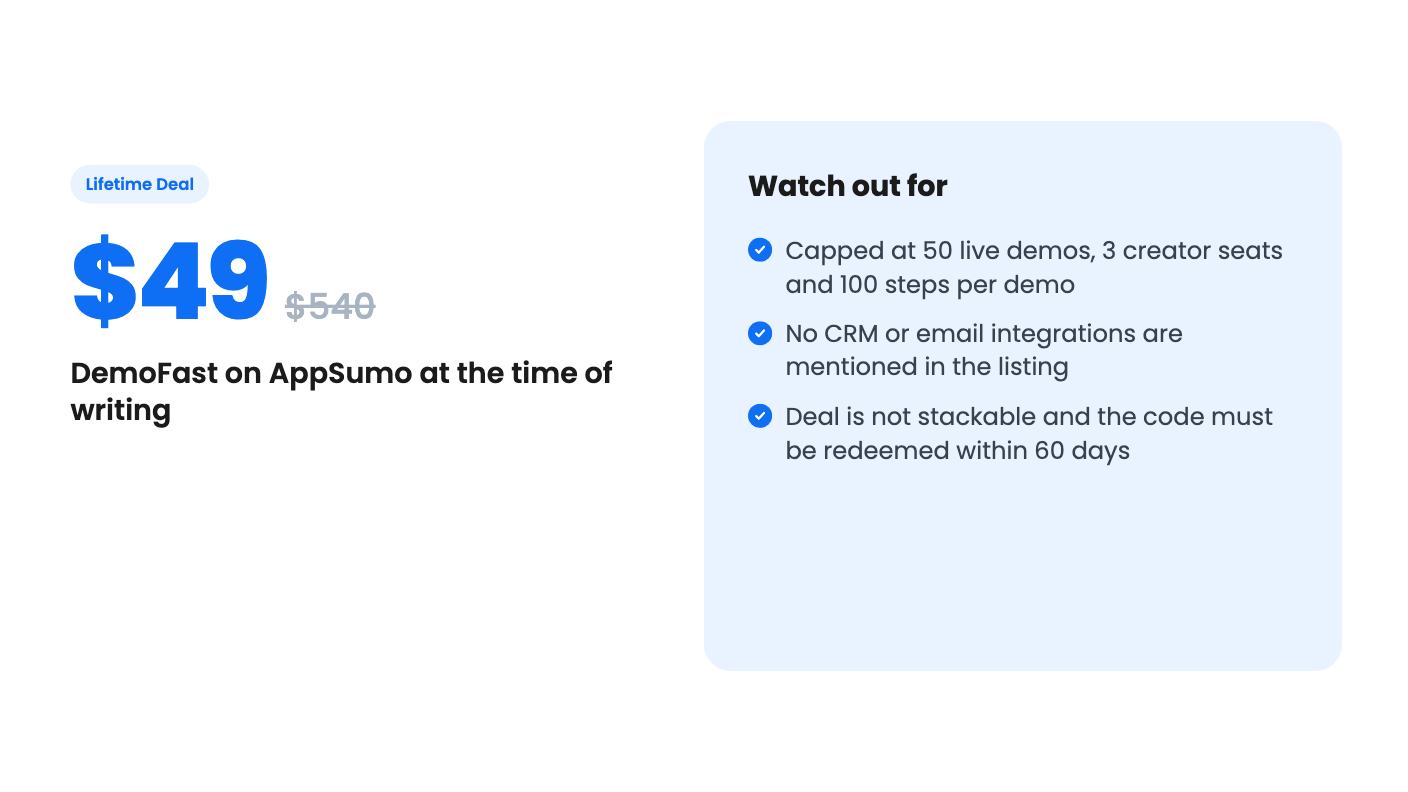
There’s a single tier, and the limits are specific:
For a small company, 50 live demos is plenty. Most teams need a handful of core demos, then a few per feature or per audience. Three creator seats covers a founder, a marketer and a sales lead. A hundred steps per demo is far more than anyone should put in front of a prospect, so I wouldn’t worry about that cap.
Unlimited views is the line that makes a lifetime deal sensible here. Subscription demo tools often charge by viewers or capture volume, and a demo on a busy landing page can rack up traffic fast. Here, the listing says views aren’t capped.
White-label branding is included, which is not always the case at this price. If you want your demos to look like yours and not carry the vendor’s mark, that’s a real plus.
The terms are plain. You must redeem your code within 60 days, you get all future plan updates, and the deal is not stackable. Not stackable means that if you hit 50 demos or 3 seats, you can’t buy a second code to expand. Check that against how fast you expect to grow.
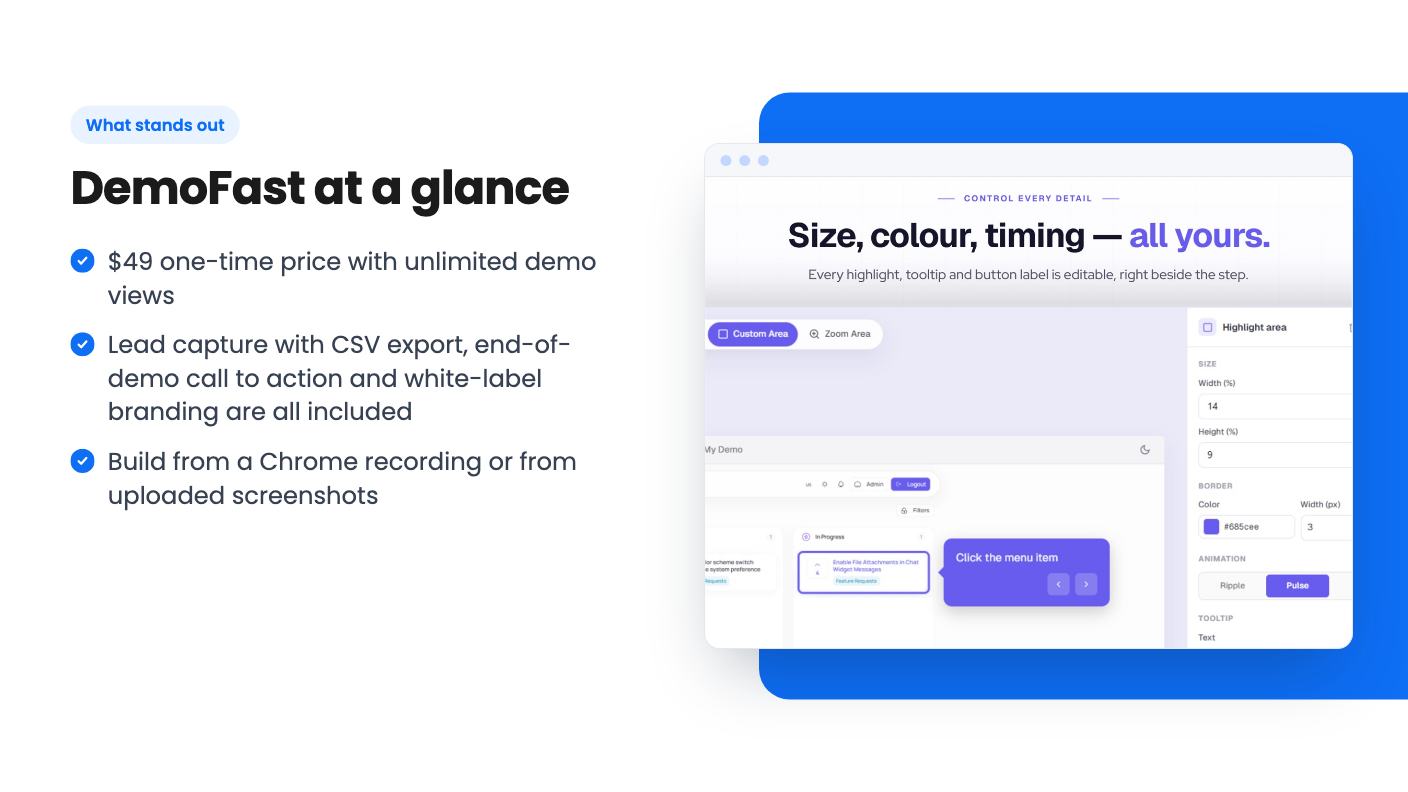
The plan includes an analytics dashboard showing views and engagement. The listing’s FAQ says that with the Pro plan you also get drop-off points. It doesn’t say whether the lifetime tier is the same as Pro, so confirm that before you count on drop-off data.
Lead capture with CSV export is the other thing worth looking at. You can collect contact details from viewers and download them as a spreadsheet. The listing doesn’t mention a CRM or email tool connection, so the CSV is the hand-off. For a small team that’s workable, but it’s manual.
The end-of-demo call to action lets you point viewers somewhere once they finish, like a booking page or a trial signup. This is where the demo turns into a sales step instead of a product tour.
Export to MP4 or GIF is a quiet but useful feature. Social channels don’t embed interactive demos, so a GIF or video version lets you reuse the same work in posts and presentations. You lose the clicking, but you keep the content.
The listing text is mostly marketing copy, and several things are missing. It doesn’t say how long DemoFast has existed, how large its customer base is, or what the roadmap looks like. For a lifetime deal, that matters, because you’re betting the company stays around.
It also doesn’t cover custom domains, language support, how embeds behave on mobile, or any integration list. The Loom comparison in the FAQ is fair as far as it goes, since interactive demos and passive recordings do different jobs, but it’s a sales answer, not a comparison.
At $49 the downside is small, and AppSumo deals generally come with a refund window, though you should check the current terms on the page. That lowers the risk, but it doesn’t replace trying the editor yourself in the first few days.
If you mainly need quick screen recordings with your face and voice, for support replies or internal updates, this isn’t that tool. Loom-style recording is a different job, and the listing itself draws that line.
Skip it if you need tight CRM or marketing automation connections, since none are listed. Also skip it if you expect to run well past 50 demos or 3 creators and can’t stack codes to cover the gap.
If you run a small SaaS or sell software services, and a handful of clean, embeddable walkthroughs would help your site or onboarding, the price is low enough to try. Redeem the code early, build one real demo from your own product, and decide inside the refund window.
According to the listing, the $49 tier gives you 50 live demos, 3 creator seats, 5 read-only viewers and up to 100 steps per demo. Demo views are unlimited. The deal is not stackable, so you can't buy more codes to raise those caps.
Only partly. The listing positions it as an alternative to Loom, but it builds step-by-step clickable walkthroughs, not free-form recordings with a camera and voice. For quick internal updates, Loom-style recording is still the better fit.
The listing says the deal includes lead capture with CSV export, an end-of-demo call to action and an analytics dashboard. It doesn't mention direct CRM or email tool integrations, so expect to move leads over by hand.
How this review was made: researched from DemoFast's official listing, and written with help from AI. We have not tested DemoFast hands-on yet. Prices and deal terms change, so check AppSumo before you buy. See our affiliate disclosure.
Five AppSumo lifetime deals that cover parts of what Kapwing does, from clip cutting to captions and dubbing. Each has caps worth knowing before you pay.
Seven AppSumo lifetime deals named as Loom alternatives, grouped by job: narrated tutorials, plain recording, interactive demos and personalized outreach video.
Eight AppSumo lifetime deals named as Descript alternatives, grouped by the job you need done, with the caps and gaps each listing shows.

