Design & MediaAlternatives
Loom alternatives with lifetime deals: 7 tools compared
Seven AppSumo lifetime deals named as Loom alternatives, grouped by job: narrated tutorials, plain recording, interactive demos and personalized outreach video.
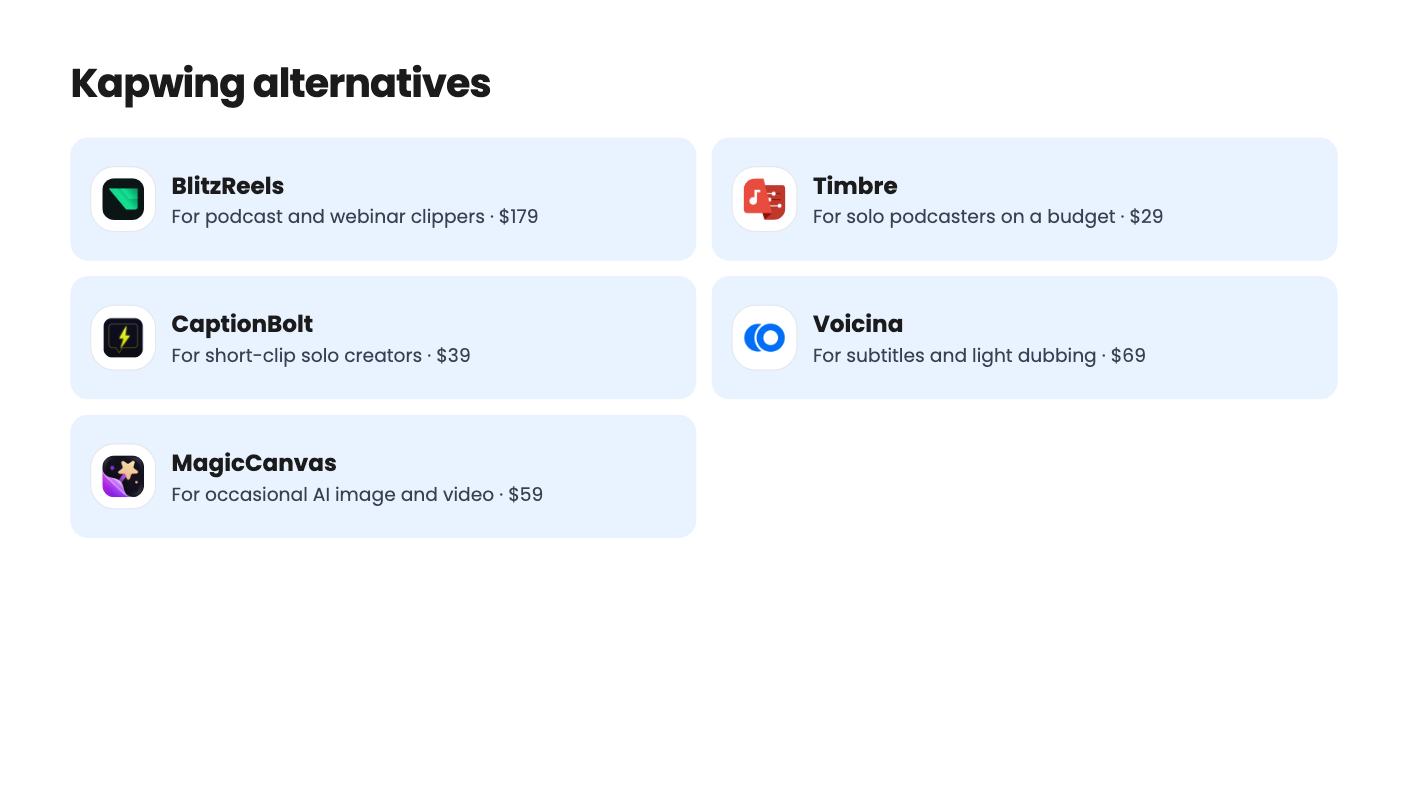
Five AppSumo lifetime deals that cover parts of what Kapwing does, from clip cutting to captions and dubbing. Each has caps worth knowing before you pay.

| Tool | Suits | Price |
|---|---|---|
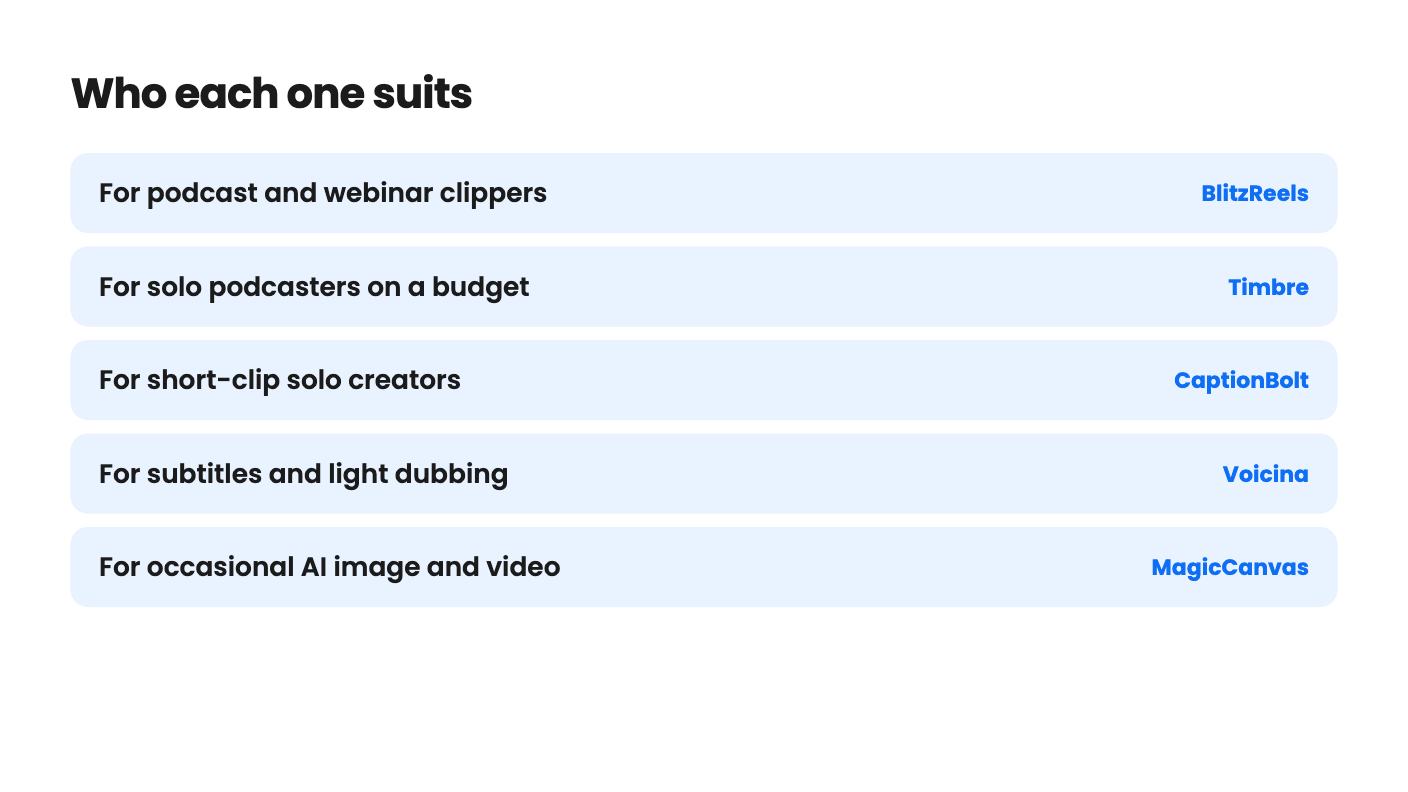
| BlitzReels | For podcast and webinar clippers | $179 |
| Timbre | For solo podcasters on a budget | $29 |
| CaptionBolt | For short-clip solo creators | $39 |
| Voicina | For subtitles and light dubbing | $69 |
| MagicCanvas | For occasional AI image and video | $59 |
Kapwing is the kind of browser editor you open for a quick subtitled clip, and then you keep paying for it every month. That’s the pull of a lifetime deal: one payment, no renewal. The catch is that the tools on AppSumo that get named as alternatives are narrower. Each does one slice of the job, and each puts a monthly cap on how much of that slice you get. So the real decision is which slice you actually use.
We haven’t used any of these. Everything below comes from the listings, including the gaps.
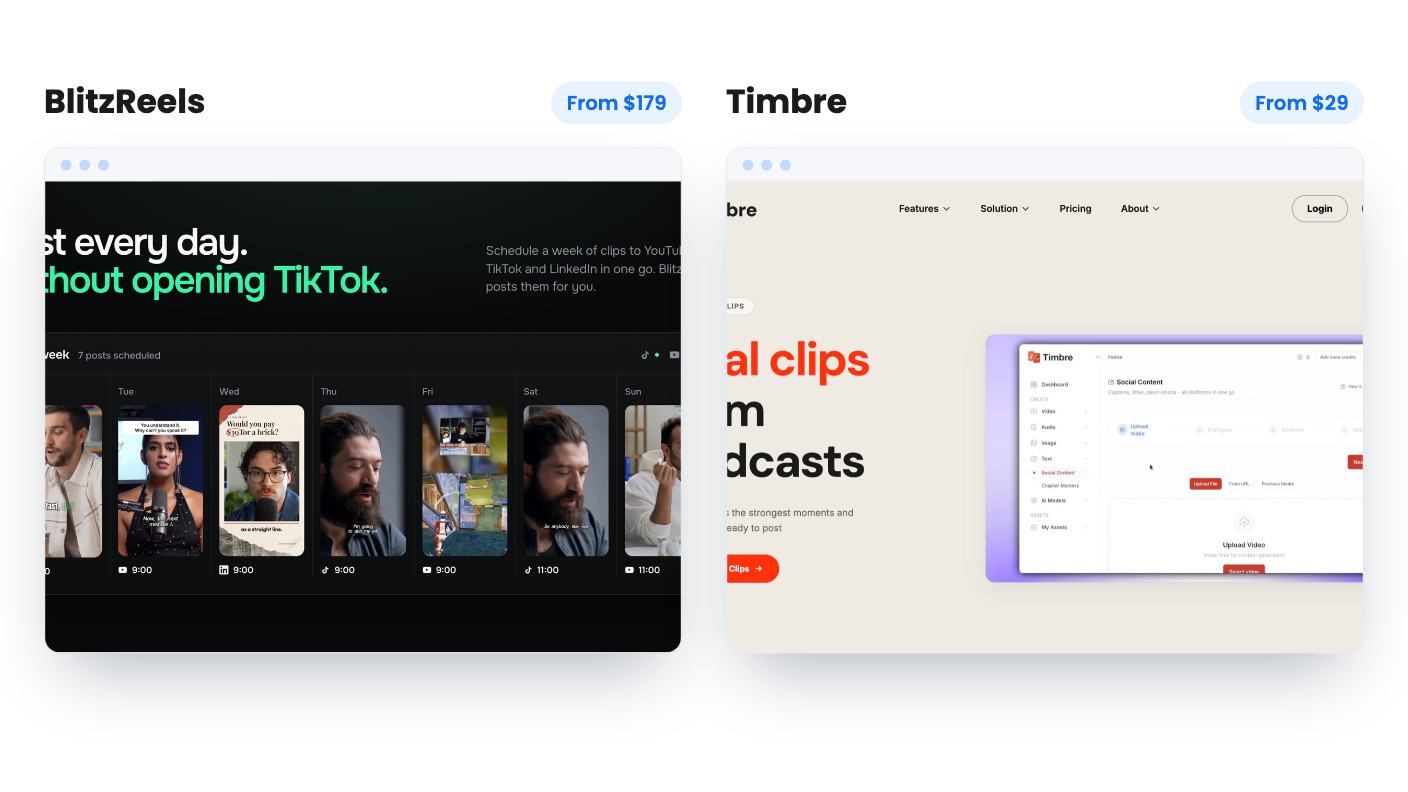
This is where the strongest case sits. BlitzReels costs $179 (list $468) and covers the whole clip chain: import, find moments, reframe to vertical, caption, export. It pulls from YouTube, TikTok, Instagram, Facebook, X, Google Drive and direct URLs. You can save brand presets for word-level captions, and the deal includes three team members and 150 export jobs a month.
Now the weak spots. You get only 20 AI credits, they’re permanent, and they don’t renew. There’s no demo video and no examples of clip quality. Upload size, resolution and caption languages aren’t stated. At $179, that’s a lot of faith to place in a listing that shows so little.
Timbre is the cheap version of the same idea. It’s $29 (list $240) and turns one long video into 4 to 12 clips, with noise removal, captions, transcripts, chapters and post copy in the same browser tool. Exports have no watermark.
The problem is the 500-credit cap. The listing never says what one credit buys, so you can’t work out how many videos that covers. It’s also a single seat that can’t be stacked, so there’s no buying a second code for more room. Run a real video through the free trial first.
CaptionBolt does one thing: it adds captions, resizing and export to a video you’ve already picked. You can edit and reposition captions and preview them, then export MP4 up to 4K without a watermark, per the listing. It costs $39 (list $468).
Read the entry tier closely. It’s 60 processing minutes a month with no rollover, and videos are limited to 5 minutes. That’s fine for a creator posting short clips. It’s tight for anyone else. There’s no clip finding, translation or dubbing, and licenses are single-user. Projects also stay listed for only 14 days, so don’t treat it as storage.
Voicina starts at $69 (list $588) and goes much further: subtitles, transcription, translation, dubbing, voice cloning and live sessions in one workspace. Live captions and translation are on every tier.
The credit math decides it. Subtitles and transcription cost 2 credits per minute. A full dub costs 75 credits per minute per language. So a plan that happily subtitles an hour of video might dub only a few minutes of it. The listing’s credit figures also aren’t in a sensible tier order, which makes comparing the four tiers harder than it should be. API access is limited to Pro and higher accounts, and the listing doesn’t say how that maps to the lifetime tiers.
If you mostly need subtitles, Voicina looks like good value. If you want to dub long videos into several languages, the lower tiers will run dry.
MagicCanvas is a different kind of replacement. It puts 16+ image, video and audio models in a browser canvas for $49 (list $199). You can build node-based workflows and save them as templates. The edit tools include Magic Eraser, background replace, lip sync and upscaling. Commercial use rights come with every tier, along with a 60-day refund window.
What’s missing is the part that matters. Credits are capped monthly, the listing doesn’t say what a credit buys, and the plan table doesn’t clearly label which amount belongs to which tier. The demo video is a quick highlight reel with no look at limits or output quality. Video is the hungry part of any credit system, so don’t assume the $49 tier gives you much of it. Nothing in the listing confirms a full timeline editor or team seats either.
A podcast or webinar that needs to become a dozen clips points to BlitzReels, or Timbre if you want to spend less and can test it first. Short clips you’ve already chosen point to CaptionBolt. Subtitles and the occasional translated video point to Voicina. A handful of AI visuals a month points to MagicCanvas.
The refund terms matter here too. CaptionBolt, Voicina and MagicCanvas list 60-day windows. The listings we reviewed don’t give refund terms for BlitzReels or Timbre, so check the AppSumo page before you pay. Use whatever window you get on real work, not a demo file, and keep your Kapwing plan until a tool has handled a full month of your actual videos.
Not from what the listings show. Each tool covers a slice: clip cutting, captions, dubbing or AI generation. If you need a general timeline editor, none of these claims to be one, so you may need to keep a Kapwing plan or pair two tools.
Look at the monthly caps first. Timbre's credits, MagicCanvas's credits and CaptionBolt's 60 minutes a month all limit real use. Then check the refund window: CaptionBolt, Voicina and MagicCanvas list 60 days.
BlitzReels is the only one here that lists team members, with three included. Timbre is single seat and not stackable, and CaptionBolt is single-user licenses only. MagicCanvas and Voicina don't confirm seats in the listings.
How this article was made: researched from each tool's official listing and our reviews of it, and written with help from AI. We have not tested these tools hands-on. Prices and deal terms change, so check AppSumo before you buy. See our affiliate disclosure.
Seven AppSumo lifetime deals named as Loom alternatives, grouped by job: narrated tutorials, plain recording, interactive demos and personalized outreach video.
Eight AppSumo lifetime deals named as Descript alternatives, grouped by the job you need done, with the caps and gaps each listing shows.
Ten AppSumo lifetime-deal alternatives to Canva, grouped by job: social posts, ads, brand kits, books, images and music. Limits and gaps included.