AI Writing & VideoTop deals
AppSumo Deals Ending Before Black Friday 2026: Buy or Wait?
Fourteen AppSumo lifetime deals end before Black Friday on November 27, 2026. Here are the seven worth a look now, and who should skip them.
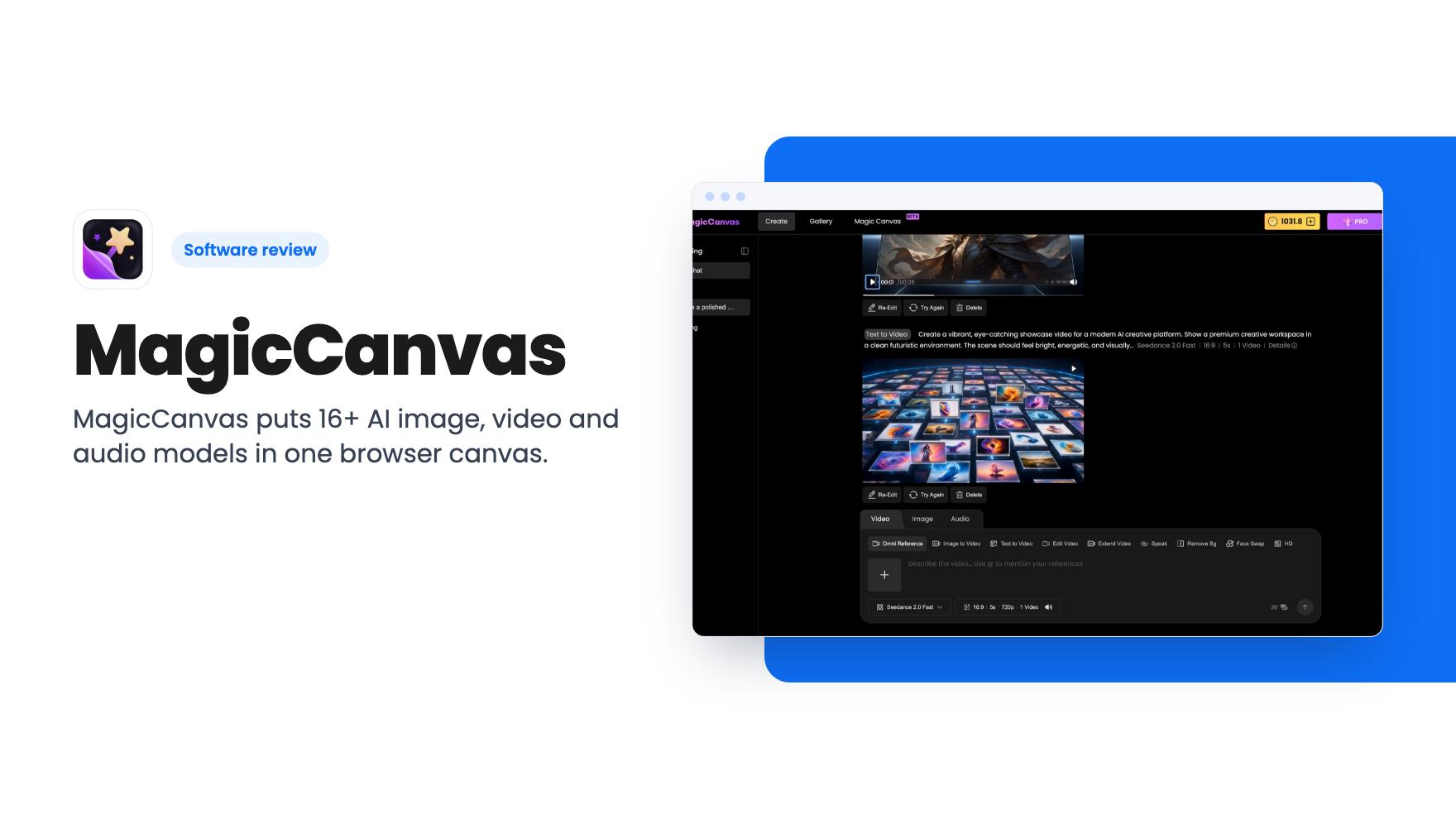
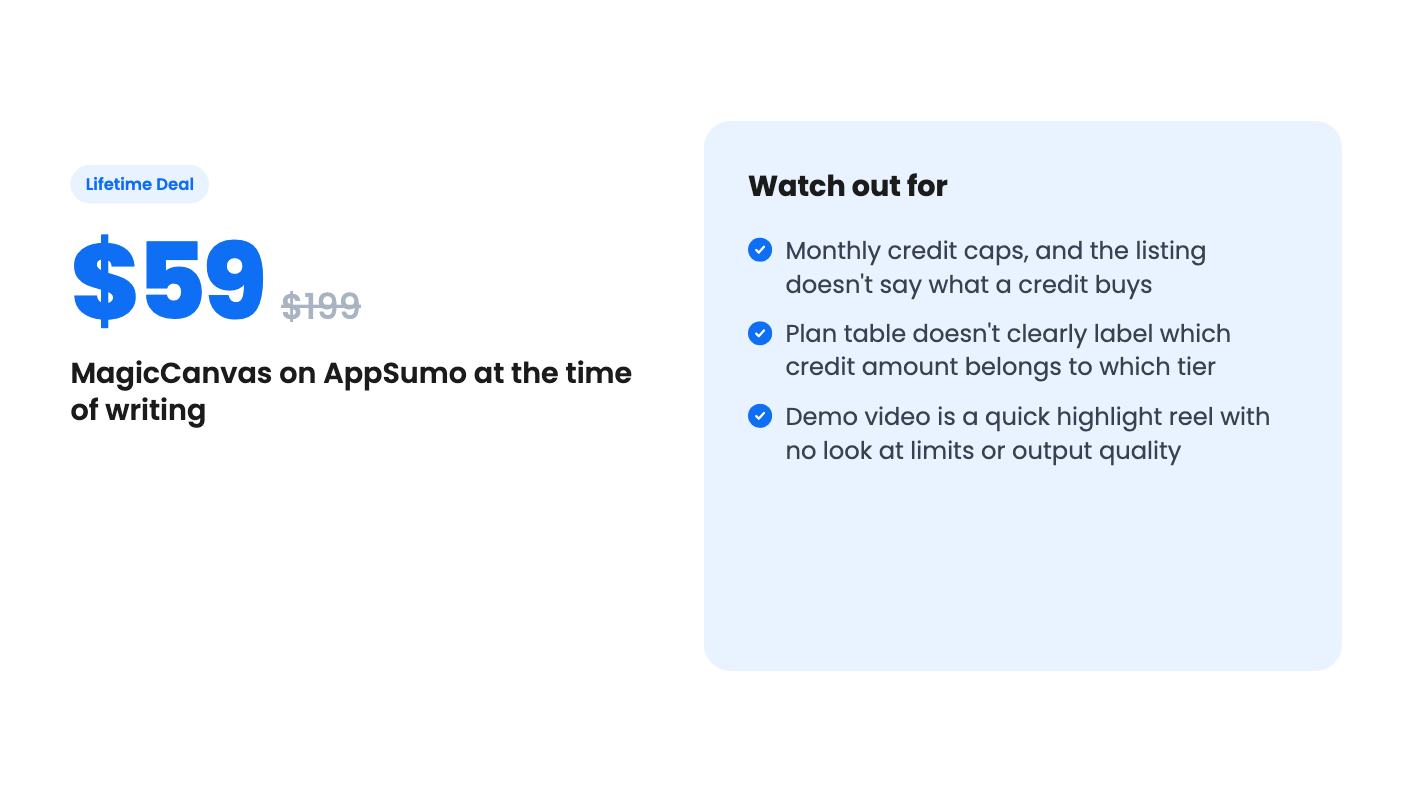
MagicCanvas puts 16+ AI image, video and audio models in one browser canvas. The $59 lifetime deal looks cheap, but the monthly credit caps matter most.
Lifetime deal price
$59$19970% off
Lifetime Deal
Our take: Buy it if you're a solo creator or small marketer who makes a handful of AI images and short clips a month and wants one login instead of several. Skip it if you need high video volume at the $59 tier, a full timeline editor, or team seats, since the listing doesn't confirm any of those.
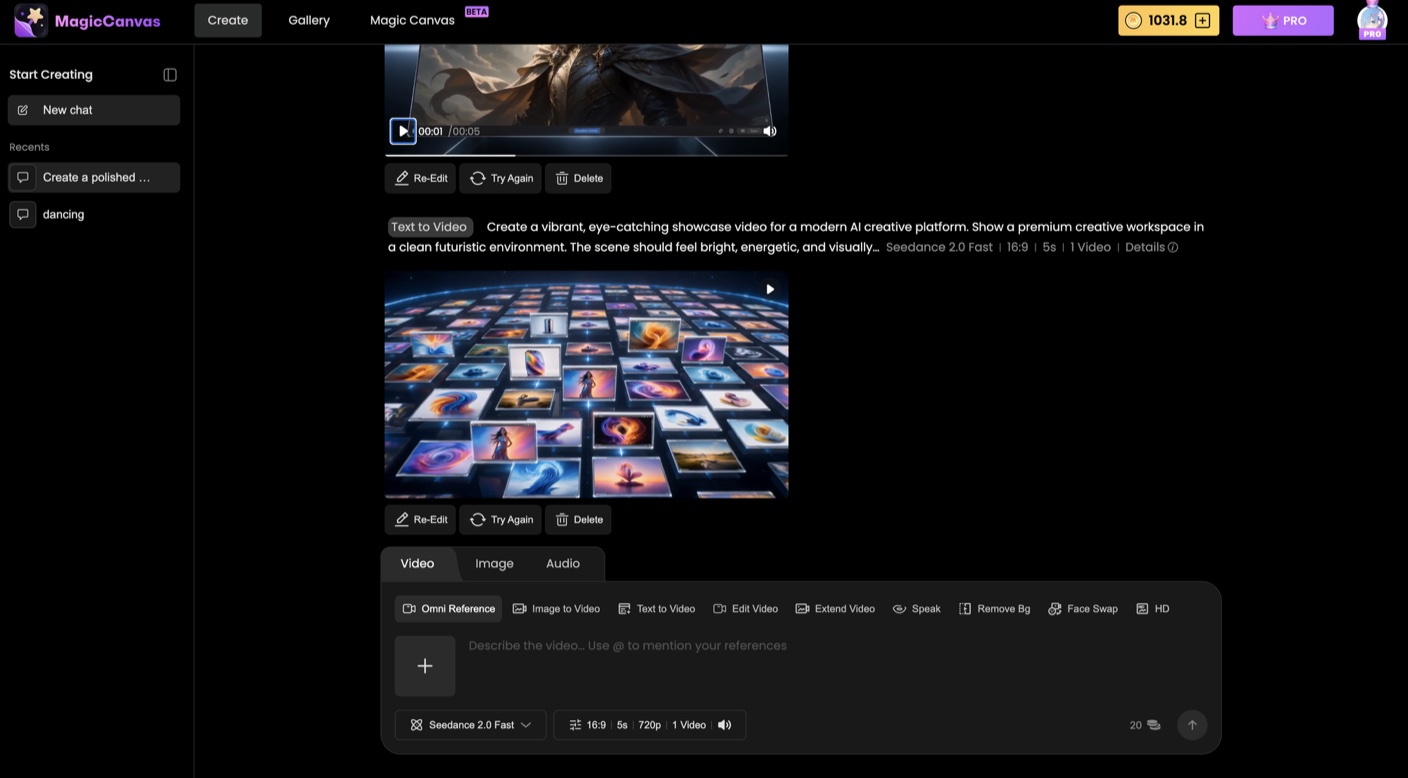
You’ve got a product photo with a messy background, a short promo clip to put together, and a voiceover to record. That usually means three apps, three logins, three subscriptions and a folder of exports you’ll never find again. That’s the situation MagicCanvas is built around, and it’s why this lifetime deal caught our eye.
We haven’t used it ourselves, so everything below comes from the AppSumo listing and the founder’s demo video. Read it as a buyer’s briefing, not a field report.
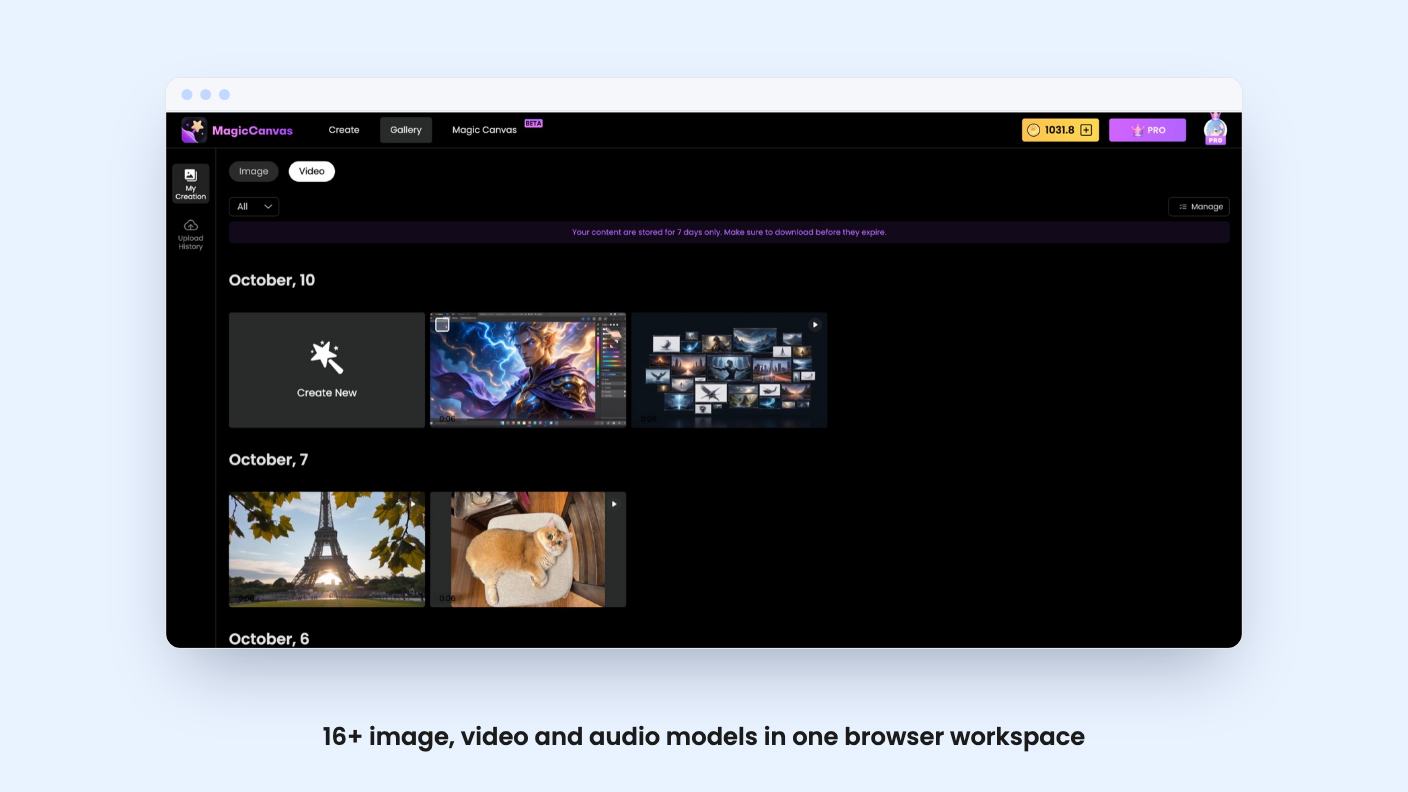
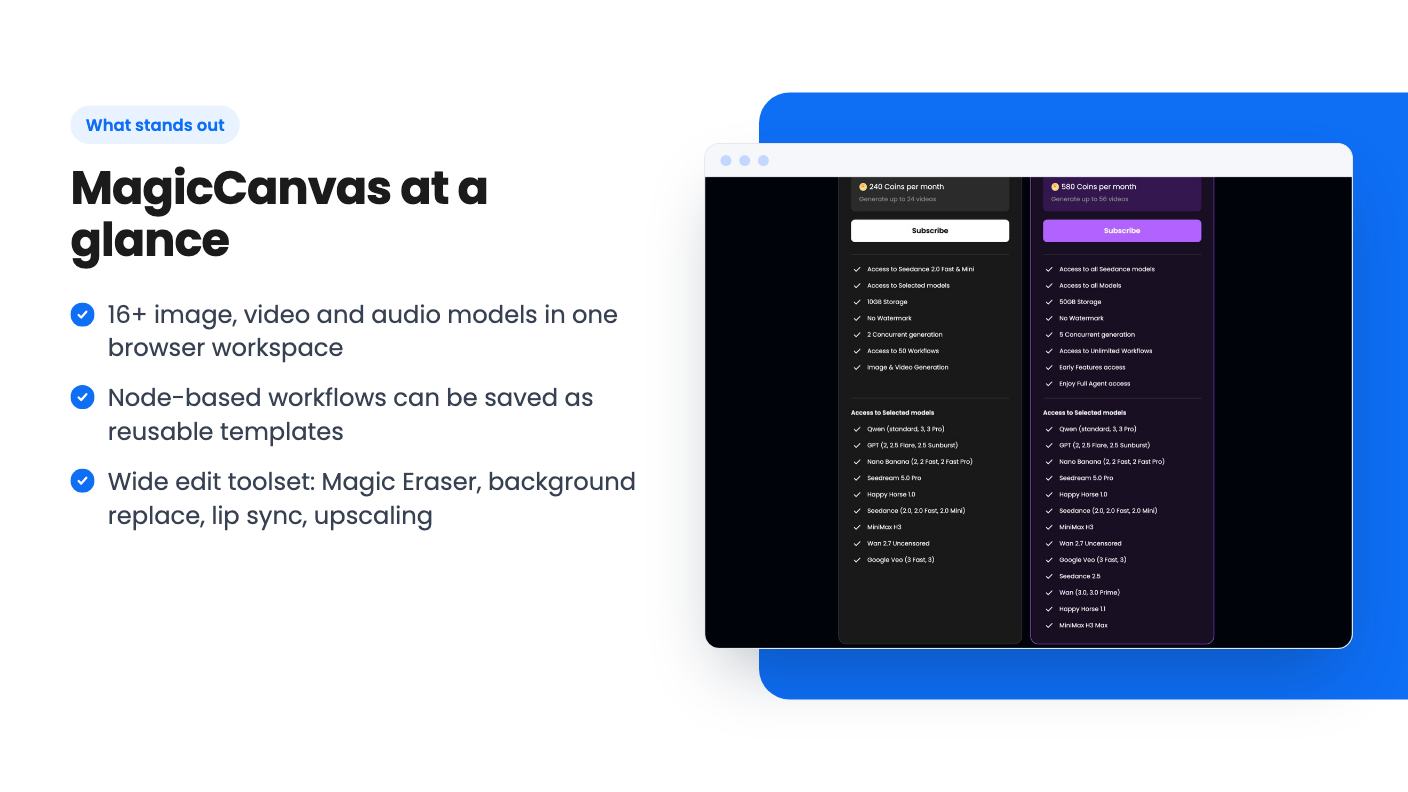
MagicCanvas runs in the browser, with nothing to install. According to the listing, it gathers 16+ AI models for images, video and audio. Image generation uses Qwen, Seedream, GPT image and Nano Banana. Video generation uses Seedance, Wan, HappyHorse, MiniMax, Kling and Gemini, and the feature list also names Google Veo.
The basic flow is simple. Pick Image, Video or Audio, choose a feature, choose a model, write a prompt, and upload a reference image if the model supports one. Then set duration, aspect ratio or resolution and click Generate. Results show up in a Conversation view, and the listing mentions built-in asset management and version history so you can find things later.
The idea is that you switch models per task instead of committing to one. That’s sensible, because the models differ in what they’re good at, and you rarely know in advance which will handle your particular shot.
The listing claims 30+ tools on top of the models. The ones a small business will actually care about are the edit tools: Magic Eraser, Background Replace, AI Replace, AI Expansion, Smart Up for prompt-based photo fixes, and HD upscaling.
For video, you get motion transfer, style transform, face swap, lip sync, background removal and video extension. There are also narrower tools for storyboards, outfit try-ons, self-portraits, character redesigns and interior staging. Voiceovers and music are covered too, so a rough social clip doesn’t need a separate audio app.
The outfit try-on and interior staging tools are the most obviously commercial. A clothing seller or a property marketer can picture using them straight away. The rest is the usual AI toolbox, useful but not unusual.
The feature we’d pay most attention to is the node-based workflow canvas. You connect prompts, references and AI tools into a pipeline, save it as a template, and rerun the same edit on new photos or videos. There are workflow templates to start from, and a Copilot assistant to help you move from idea to finished piece.
If you edit the same way every week, say the same background swap and cleanup on forty product shots, this is where a tool like this earns its keep. Repeatable beats clever.
The listing leaves gaps, though. It doesn’t say whether a workflow run burns credits for every node, whether you can batch many files at once, or how big a pipeline can get. Those details decide whether the canvas is a time saver or a credit drain.
The video is a short, jokey tour from Chen, who introduces himself as the founder. It runs through an outfit changer, a background swap, Magic Eraser removing photobombers, clutter and a trash can, and a lip-sync clip with a French line. Then it shows face swap combined with lip sync, which Chen himself calls mildly terrifying.
He closes by saying everything shown was made on one canvas, and pitches the workflow-as-template idea.
It’s an entertaining highlight reel, and that’s the problem. It doesn’t show the node canvas being built, a credit counter, how long generations take, or how the results look at full resolution. We also don’t see the Copilot assistant or MovieStudio at all. So the video tells you the tools exist, not how well they perform on a Tuesday afternoon with a deadline.
A word on face swap and lip sync. They’re handy for localizing a spokesperson video, but only with the consent of the person on screen. The listing says commercial use is included and says nothing about likeness rights, so that part is on you.
There are four lifetime tiers, and you can move between them:
Every tier includes lifetime access, future plan updates, commercial use rights and AppSumo’s 60-day refund window. You must activate your license within 60 days, and there’s no code stacking.
Here’s where we’d slow down. The plan table lists monthly credits as 1,600, 900, 440 and 125, and shows MovieStudio access as true for only the first value. It doesn’t label which number belongs to which tier. If credits scale with price, which is the sensible reading, the $59 tier gets 125 credits a month and the $689 tier gets 1,600 plus MovieStudio. Confirm that on the AppSumo page before paying.
The bigger gap is that the listing never says what a credit buys. We don’t know how many credits a Kling video costs compared with a Seedream image, or whether unused credits roll over. It also doesn’t say what happens when you run out mid-month. Without that, 125 credits could be a comfortable month of social images or an afternoon of video tests.
The listing does say your license covers your tier’s features and monthly credit allowance, including future updates to those features. That’s an allowance, not unlimited use. And because the models come from outside providers, it’s reasonable to ask what happens to your credit math if one of them changes its pricing. The listing doesn’t address that.
Skip it if you plan to generate a lot of video on the $59 tier. Video is the expensive part of any AI workflow, and a small monthly pool will go quickly.
Skip it if you need a proper timeline editor for long-form video. MovieStudio is named in the plan table, but the listing never explains it. Skip it if you need team seats or shared workspaces, because none are mentioned. The listing also gives no company history or roadmap, so treat it as a young product and don’t plan your business around features that aren’t described yet.
It’s a fair fit for a solo creator, a small agency or a marketer who makes a modest number of images and short clips each month and is tired of juggling subscriptions. The named alternatives, Higgsfield, Kapwing and Freepik, are worth a quick look so you can compare what each charges for the same kind of output.
If you do buy, use the 60-day refund window on purpose. Spend a full month of credits on real work, count how many finished assets you got, and decide with that number in hand.
Yes. The listing says commercial use rights are included in every plan tier. It doesn't say anything about the likeness of real people in face swap or lip sync, so get consent for that kind of work.
The listing shows monthly credits of 1,600, 900, 440 and 125 across the four tiers, and MovieStudio access on only one of them. It doesn't label which amount goes with which tier, so confirm on the AppSumo page before you buy.
AppSumo's standard 60-day money-back guarantee applies. You also have to activate your license within 60 days of purchase.
How this review was made: researched from MagicCanvas's official listing and a transcript of its demo video, and written with help from AI. We have not tested MagicCanvas hands-on yet. Prices and deal terms change, so check AppSumo before you buy. See our affiliate disclosure.
Fourteen AppSumo lifetime deals end before Black Friday on November 27, 2026. Here are the seven worth a look now, and who should skip them.
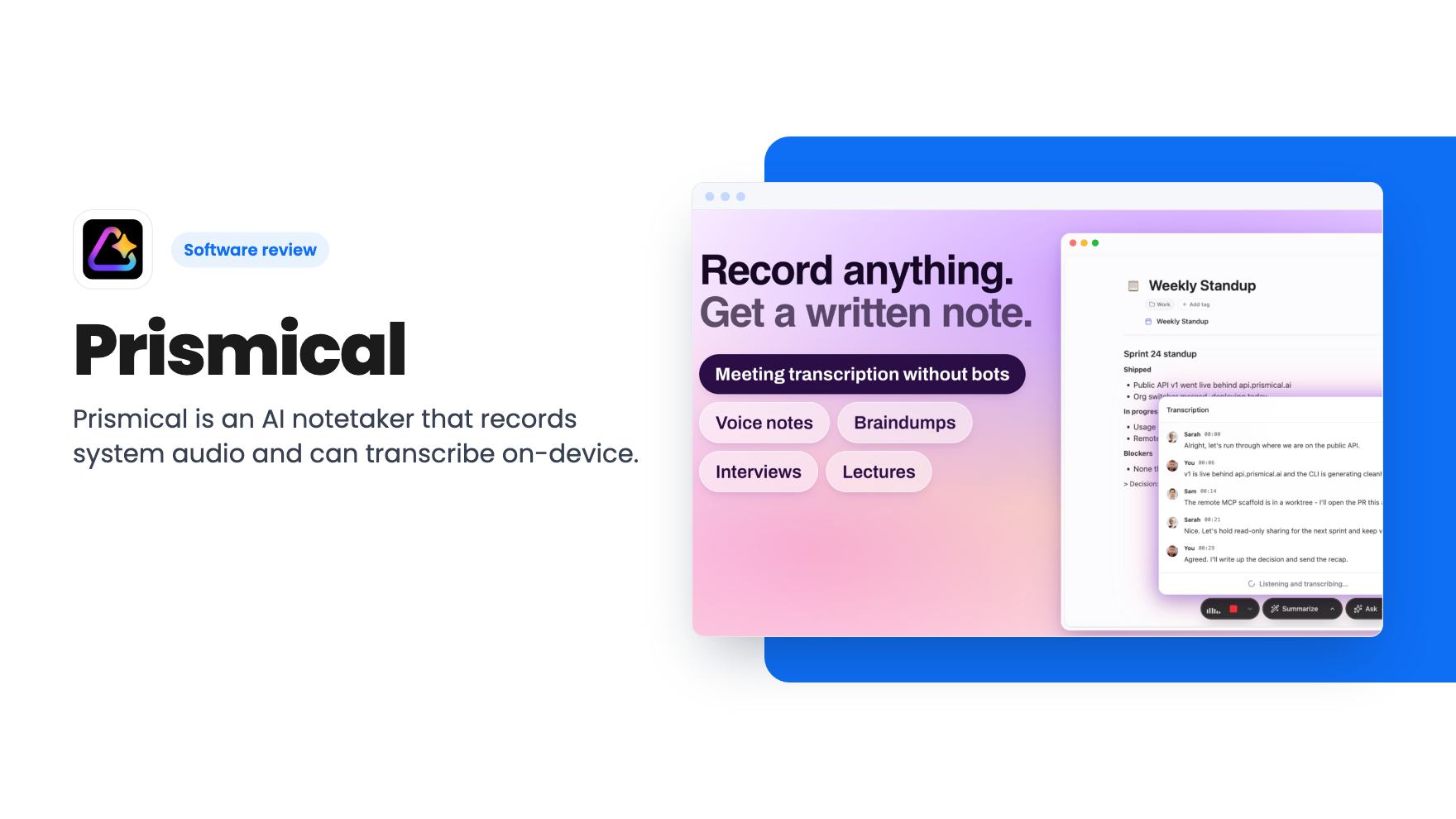
Prismical is an AI notetaker that records system audio and can transcribe on-device. The AppSumo lifetime deal runs $59 to $749, and the tier limits matter.
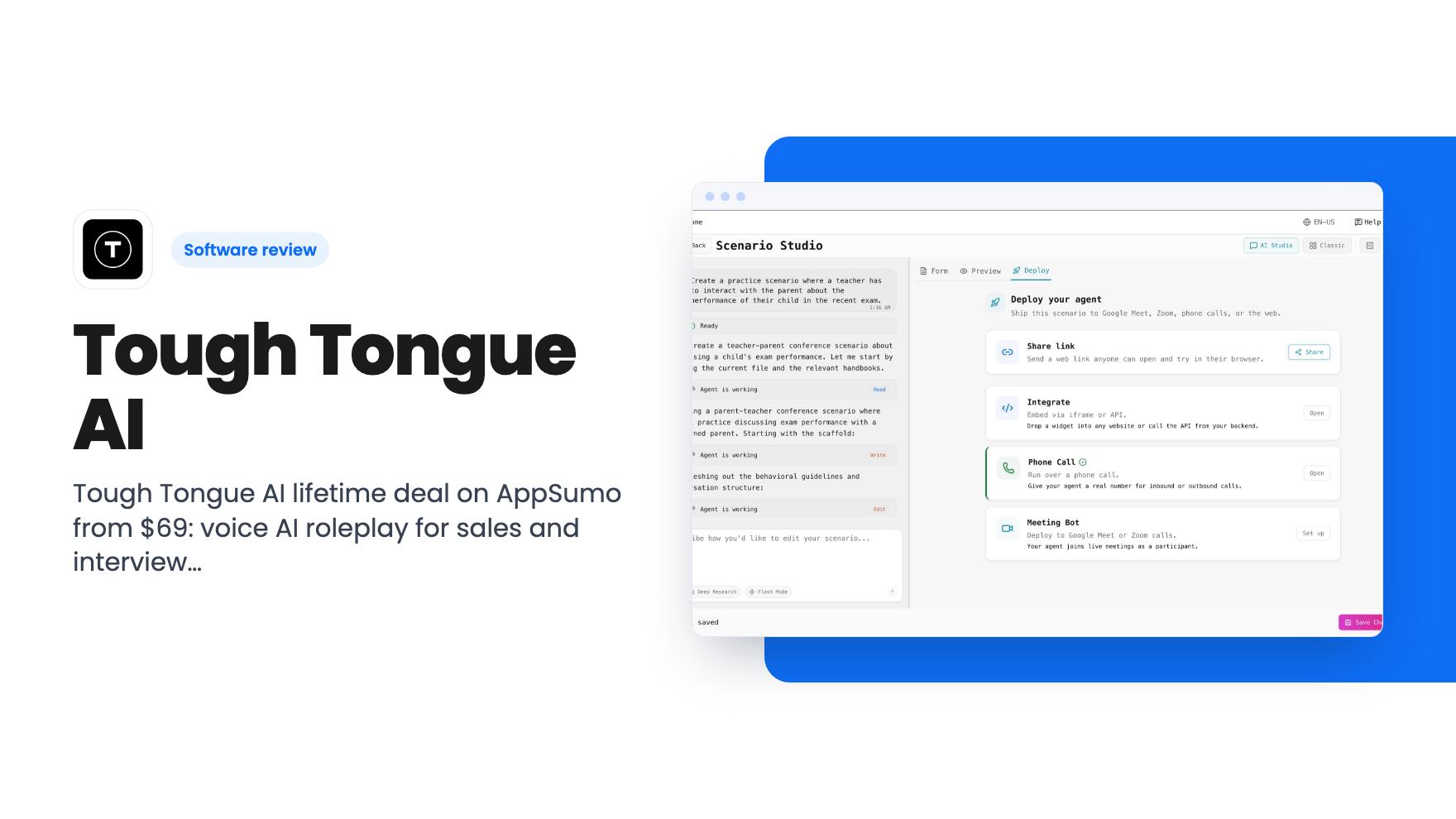
Tough Tongue AI lifetime deal on AppSumo from $69: voice AI roleplay for sales and interview practice, with monthly minute caps and some unclear tier details.