AI Writing & VideoTop deals
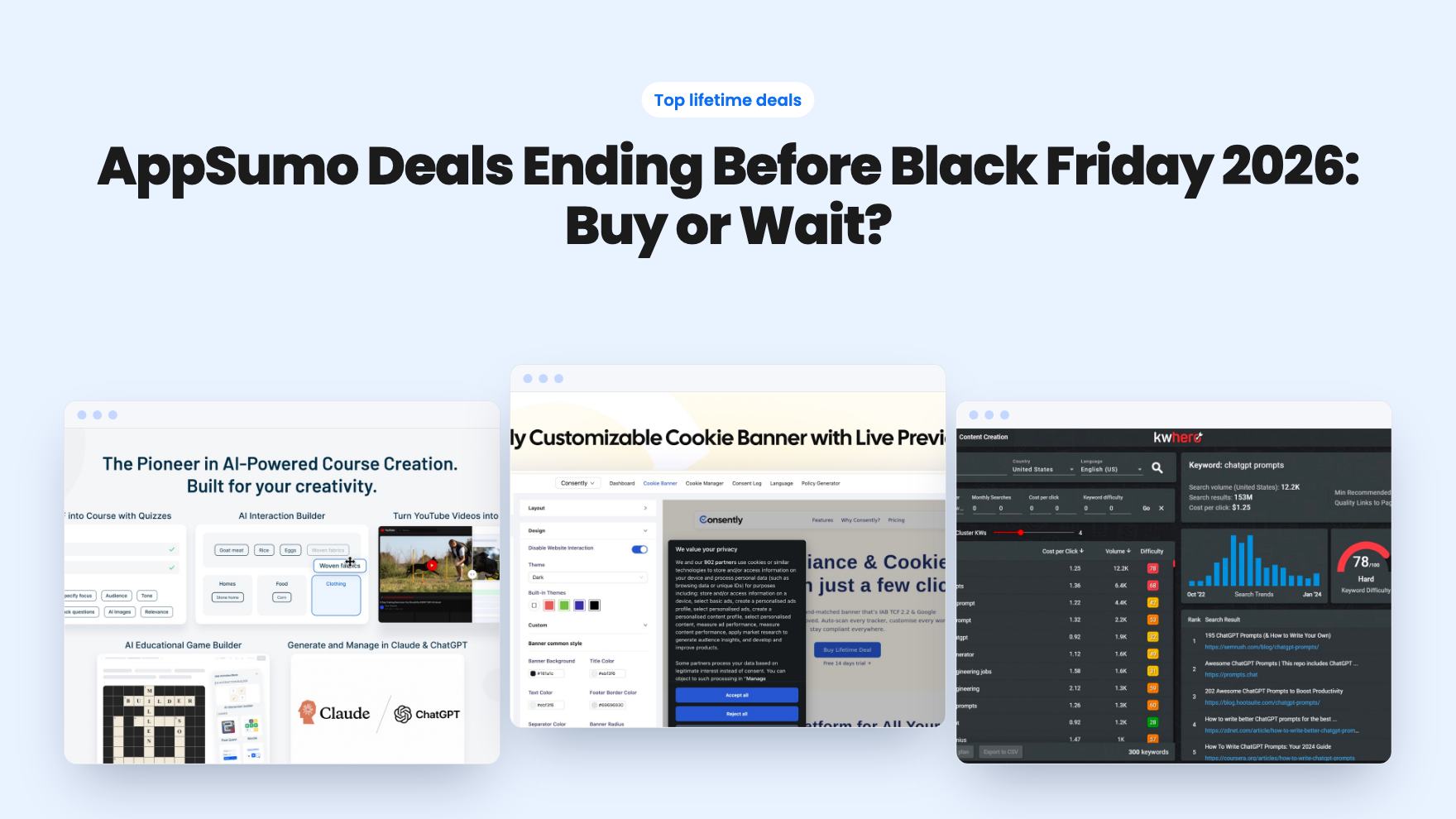
AppSumo Deals Ending Before Black Friday 2026: Buy or Wait?
Fourteen AppSumo lifetime deals end before Black Friday on November 27, 2026. Here are the seven worth a look now, and who should skip them.
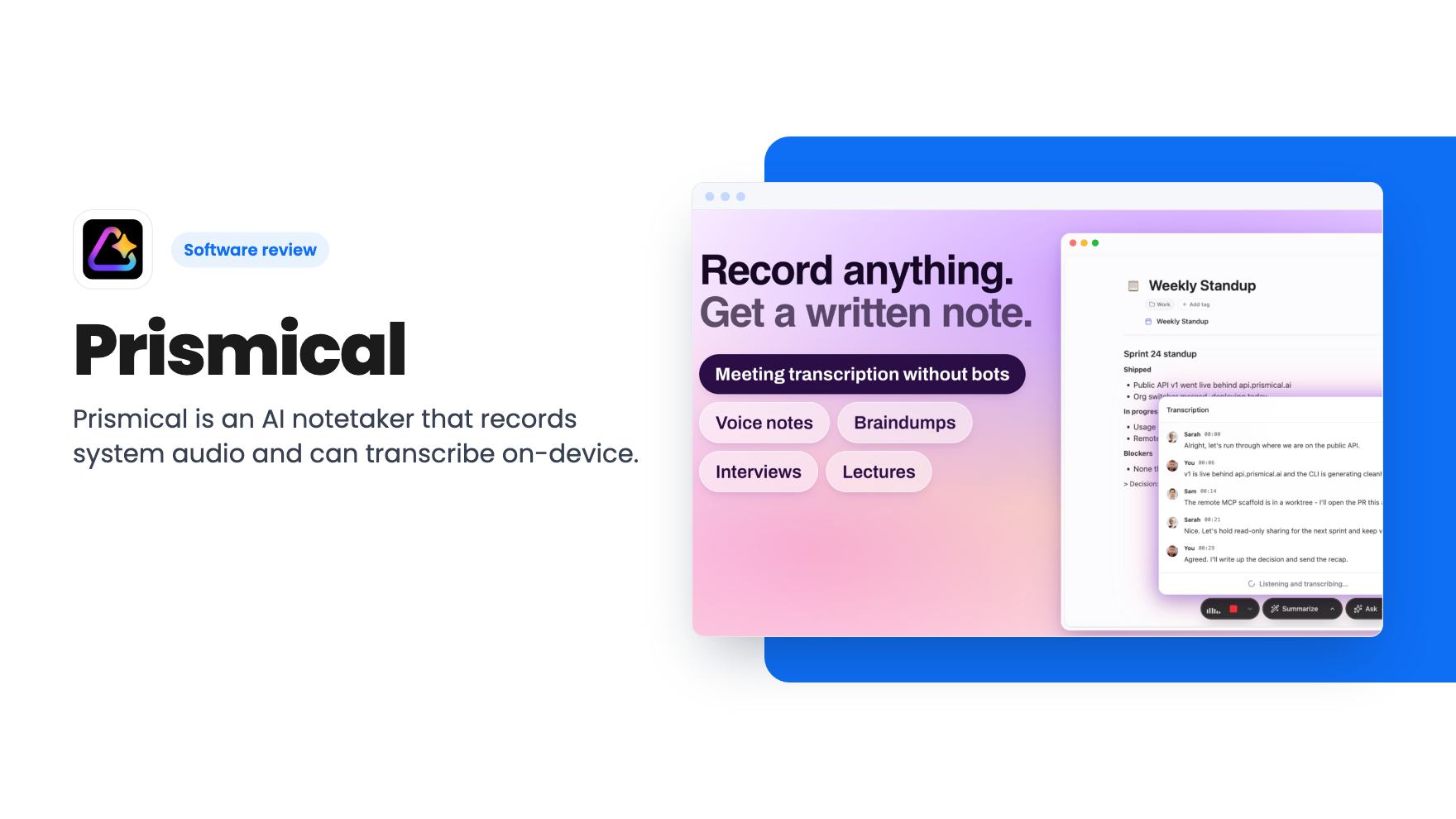
Prismical is an AI notetaker that records system audio and can transcribe on-device. The AppSumo lifetime deal runs $59 to $749, and the tier limits matter.
Lifetime deal price
$59$12051% off
Lifetime Deal · ends Nov 7, 2026
Our take: Prismical suits solo consultants and small teams who want a notetaker without a bot joining the call, and who like keeping transcription on their own machine. Skip it if you need a proven, mature product, or if you'd be on the $59 tier and want team features, BYOK or automations. Those only start at $149.
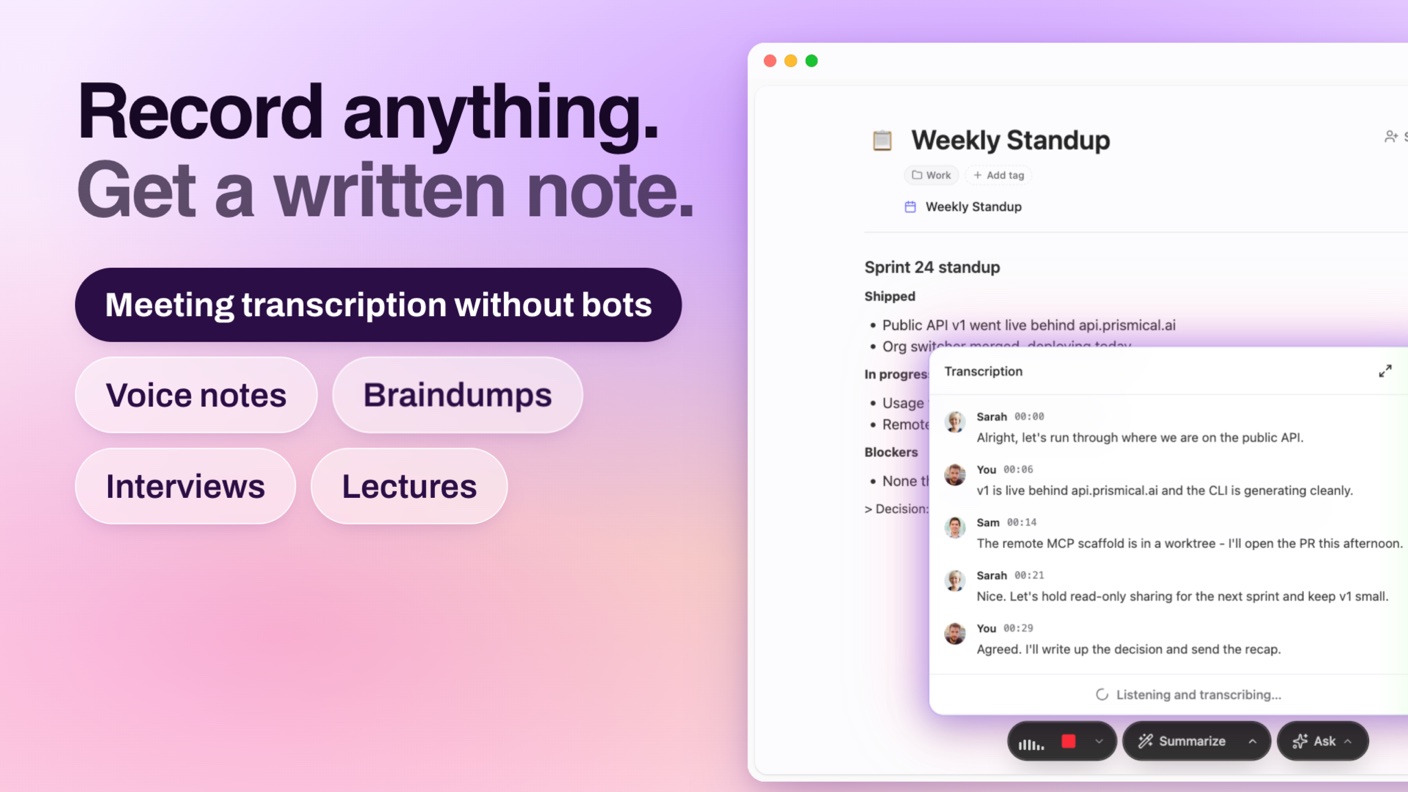
You finish a client call, and you have forty minutes of conversation, three half-remembered promises and a notes document with two bullet points in it. Someone said they’d send the revised quote by Friday. Was that you or them?
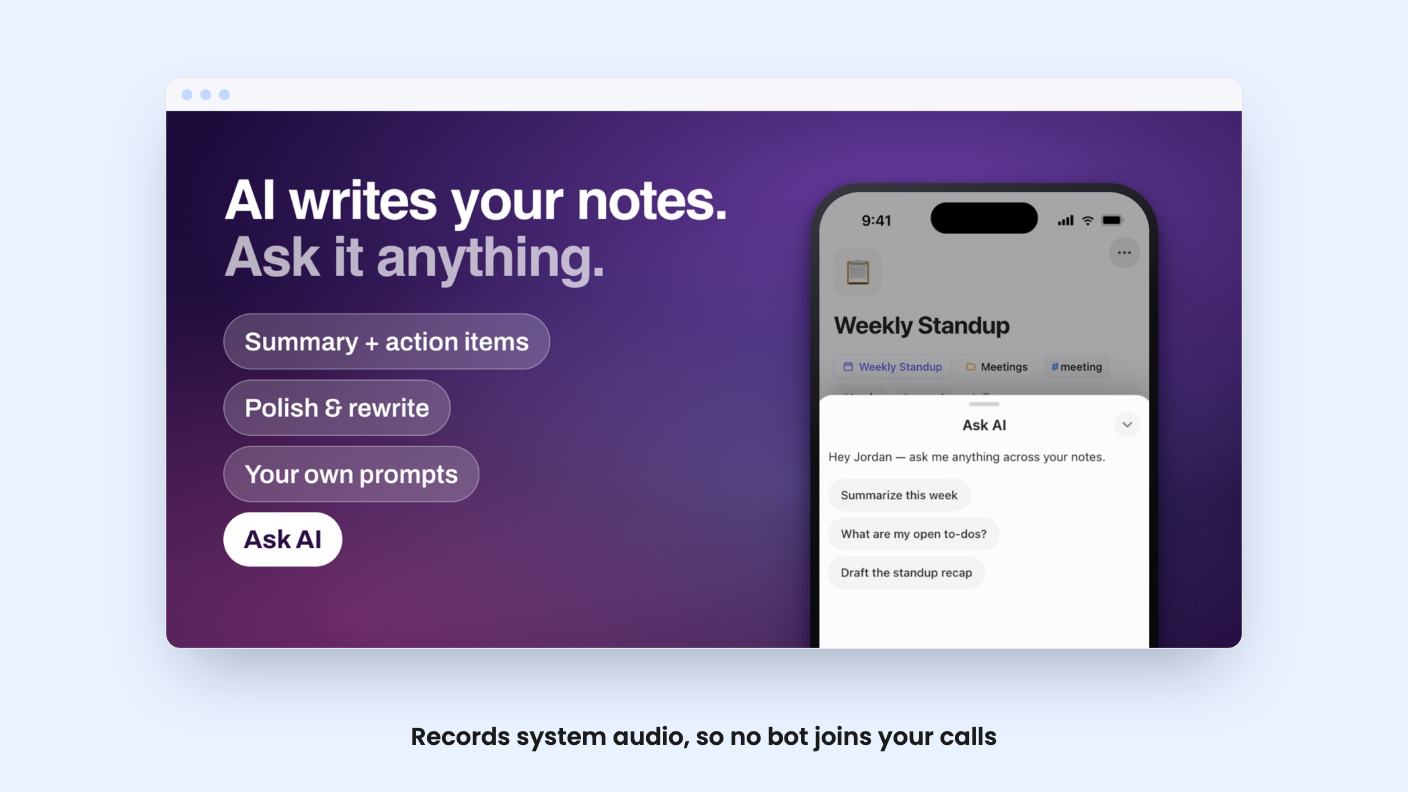
That’s the situation Prismical is built for. It’s an AI notetaker that records your meetings, voice notes and lectures, transcribes them, and turns the transcript into structured notes. It’s listed on AppSumo as a lifetime deal, and the listing positions it against Granola and Otter.ai.
Most meeting assistants join the call as a visible participant. Some clients hate that, and some won’t allow it at all. Prismical takes a different route. According to the listing, it captures system audio alongside your microphone, so it works with Zoom, Google Meet, Microsoft Teams, Slack and Webex, or anything else that plays sound through your computer.
That’s a real advantage for consultants and anyone who talks to people outside their own company. Nobody has to approve a guest in the lobby.
The flip side is that you’re the one who has to hit record. There’s no mention of a bot that attends meetings for you while you’re away. If you want a tool that shows up to calls on your behalf, this isn’t that.
The listing leans hard on privacy. On desktop you can transcribe with open-source Whisper on your own hardware, with no account required, and nothing is stored after transcription unless you choose otherwise. You can also pick cloud models if you want them, so you aren’t tied to a single provider.
Local model transcription is listed as unlimited on all four tiers. That matters, because it means the monthly cloud-hour caps only bite if you choose cloud transcription. It also means speed and accuracy will depend on your computer, and the listing doesn’t say what hardware you need. Check that before you assume a five-year-old laptop will keep up with a live transcript.
Live transcripts come with speaker identification as the conversation runs. AppSumo’s review summary praises the speaker labels, but it also says some buyers hit transcription reliability problems. It doesn’t say what kind. That’s the line I’d read most carefully in the whole listing.
When you stop recording, Prismical auto-enhances the transcript into a summary with key decisions and action items, and pulls out action items with owners attached. The part I like is the review step. You see the AI’s changes as a diff and can accept, refine or reject them before they land in your notes. Plenty of notetakers just overwrite things and hope.
The listing also mentions customizable AI prompts for formatting, which reviewers on AppSumo seem to like. If you write client updates in a particular shape, that’s worth having. It doesn’t give any examples of templates, though, so you’d be building your own.
There’s an Ask AI feature too, and here the listing gets odd. Ask AI shows as included on three tiers but not on the top $749 tier. The same table says tier 3 uses Standard models for auto summaries while the others use Pro models. These could be typos in the table or real quirks, and the listing doesn’t explain either. Ask before you pay for the top tier.
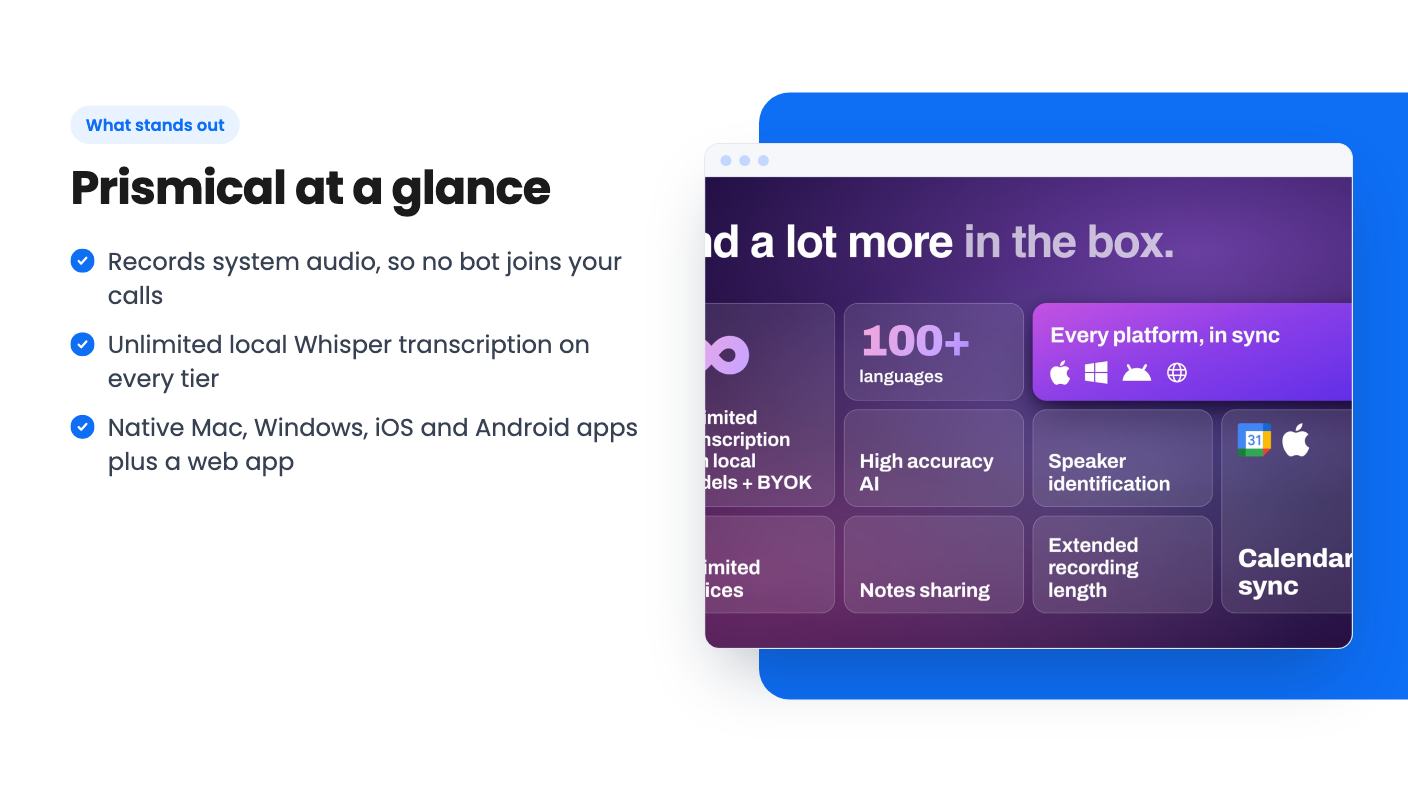
The integrations list is short: Webex, Google Meet, Teams, Slack and Zoom. Those are really the places audio comes from, not deep connections.
More interesting is MCP support. The listing says ChatGPT, Claude and Gemini can read and write your notes through it, so your meeting context can feed other AI work. The FAQ spells MCP out as Model Control Protocol, while the listing text says Model Context Protocol. A small slip, but it’s the kind of thing that makes you wonder how closely the page was proofread. Calendar sync links meetings to notes, and you can share notes with your team from inside the app.
It has native Mac, Windows, iOS and Android apps plus a web app. Notes and transcripts are stored locally, with optional cloud sync if you want them on several devices. Export is supported, though the listing doesn’t name the formats.
The deal has four lifetime tiers, and the difference between them is bigger than the prices suggest.
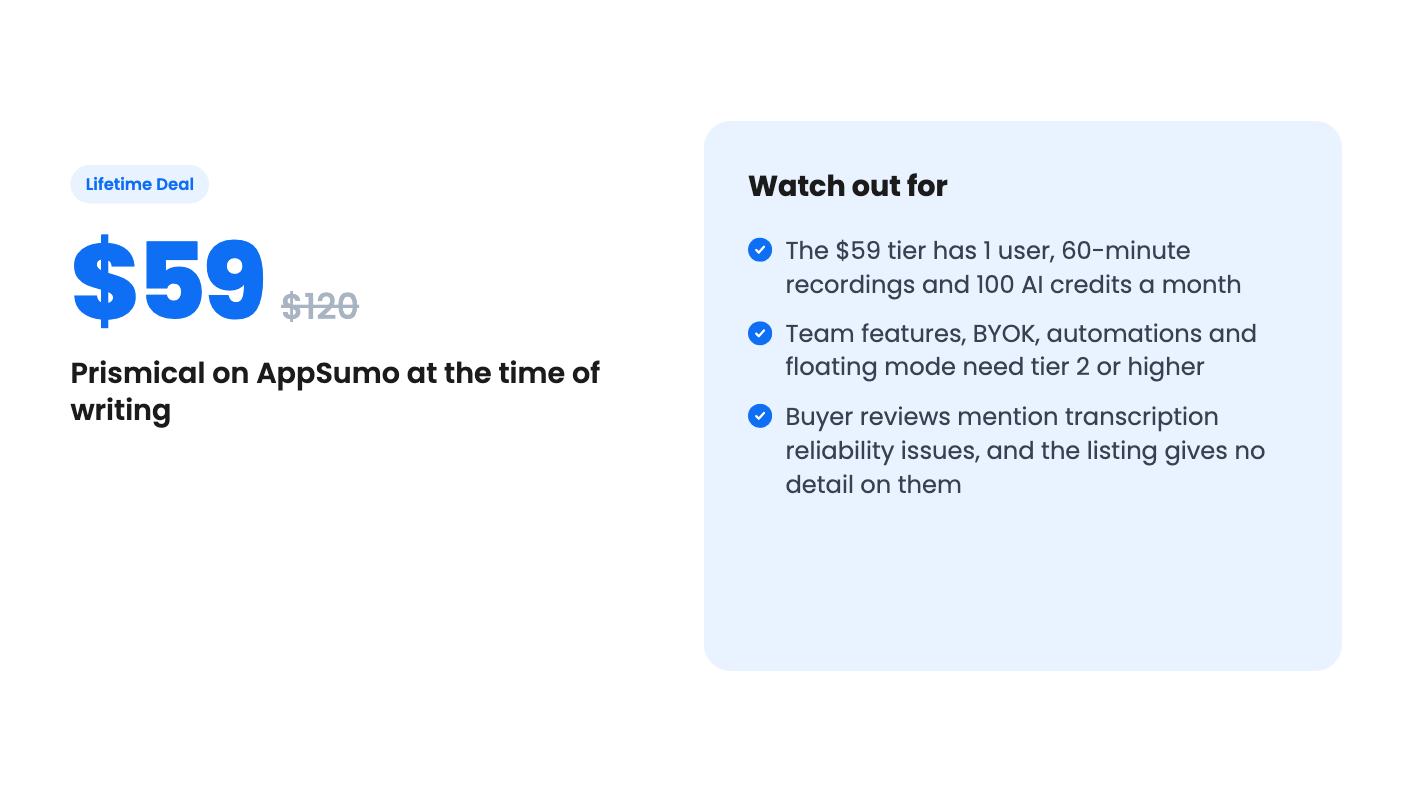
The 60-minute cap on tier 1 is the thing to notice. A lot of client calls and workshops run longer than an hour, and you’d have to split them. If you’re a solo user who has long meetings, tier 2 is the realistic starting point. If you’d rather bring your own API key, that’s BYOK, and it also starts at tier 2.
All tiers include future updates to the Premium plan, and you can upgrade between tiers while the deal is live. You can downgrade within 60 days. The listing says you must activate your license within 60 days of purchase. AppSumo’s summary also mentions a 60-day money-back guarantee. The deal ends November 6, 2026, so the window is short.
Skip this if you want something proven. Prismical is a young product, and 18 AppSumo reviews averaging 4.39 out of 5 is a small sample, with the transcription reliability comments sitting in the middle of it. Lifetime deals depend on the company surviving and the plan staying generous, and the listing can’t promise either.
Skip it if your meetings are mostly Zoom calls where a visible bot is fine and you want the tool to attend for you. Skip it if you need deep CRM or project tool connections, because the listing doesn’t show any. And skip tier 1 if you’re running a team, since team features start at $149.
For a solo consultant or founder who values keeping audio on their own machine, the cheapest tier is a low-risk way to try it, helped by the refund window. Run a real meeting through it in the first week. If the transcript holds up, upgrade while the deal is still open. If it doesn’t, ask for your money back.
Not by default. According to the listing, desktop transcription runs locally with open-source Whisper, and audio only leaves your machine if you choose a cloud provider. Cloud transcription is capped by hours per month on each tier.
Tier 1 at $59 suits one person with short meetings. Tier 2 at $149 is the first to add team features, BYOK, automations and floating mode, plus 120-minute recordings. Tiers 3 and 4 only make sense for larger teams.
Yes. AppSumo's listing mentions a 60-day money-back guarantee. You also have to activate your license within 60 days of purchase, so don't let the code sit.
How this review was made: researched from Prismical's official listing, and written with help from AI. We have not tested Prismical hands-on yet. Prices and deal terms change, so check AppSumo before you buy. See our affiliate disclosure.
Fourteen AppSumo lifetime deals end before Black Friday on November 27, 2026. Here are the seven worth a look now, and who should skip them.
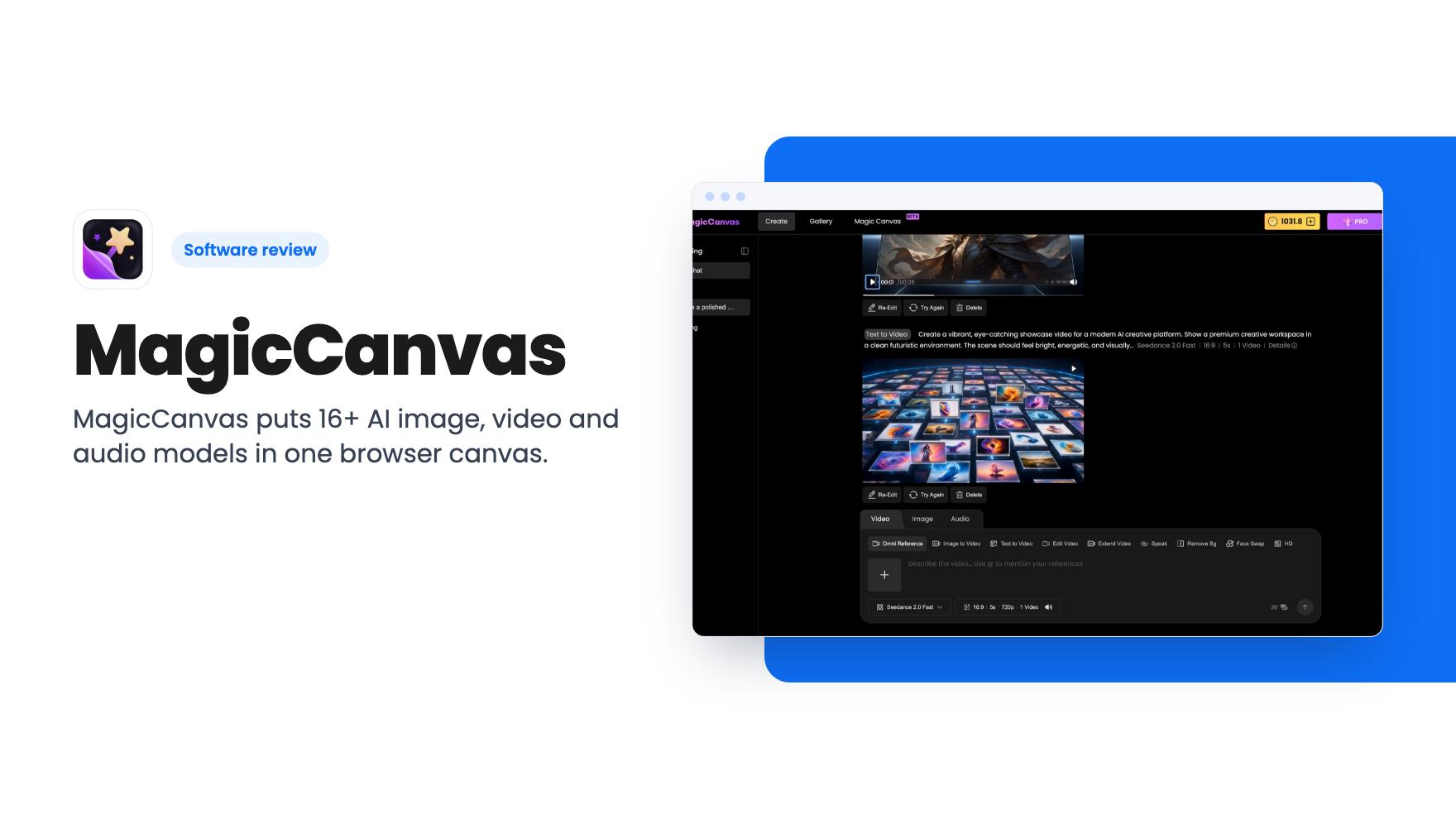
MagicCanvas puts 16+ AI image, video and audio models in one browser canvas. The $59 lifetime deal looks cheap, but the monthly credit caps matter most.
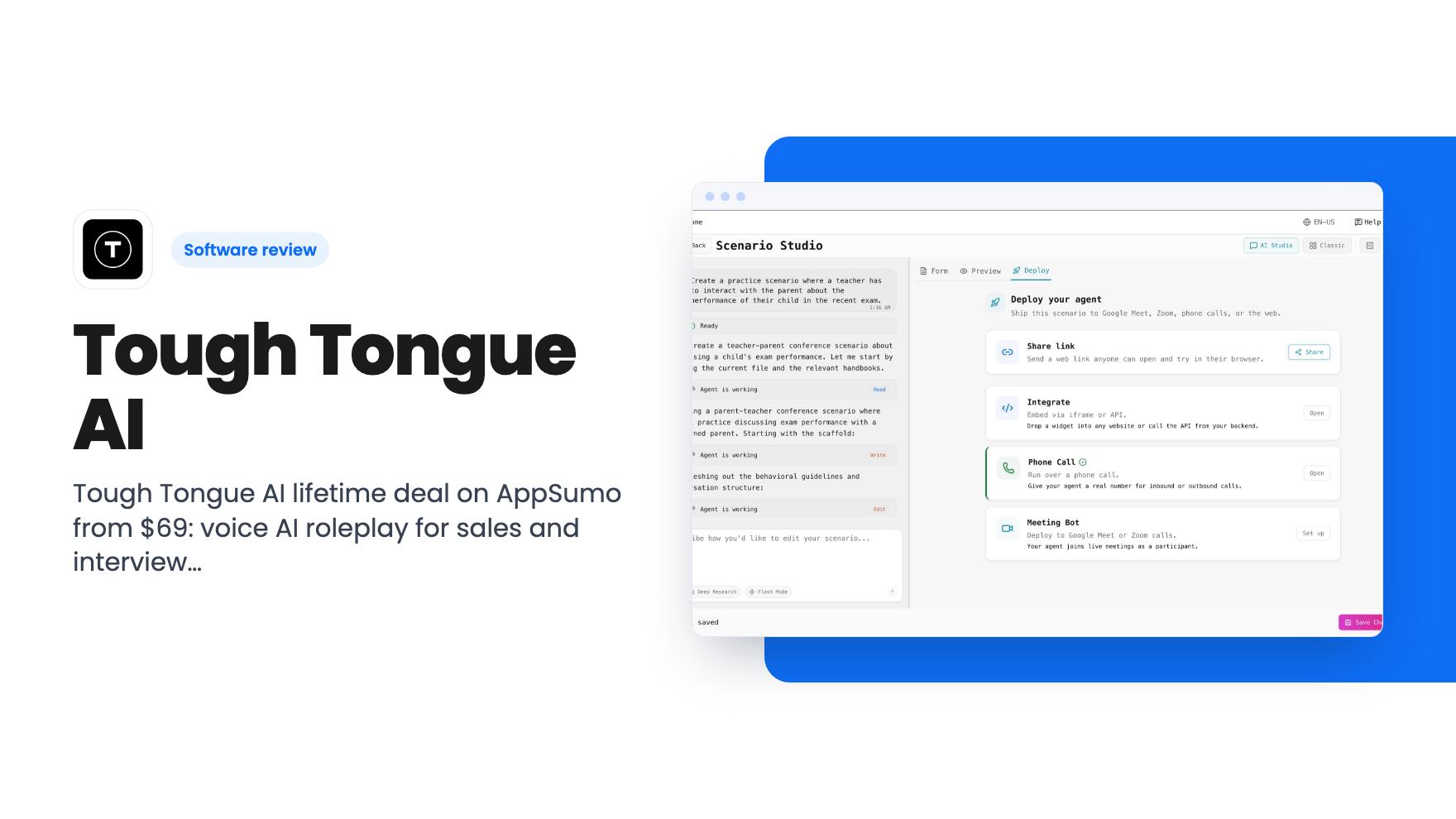
Tough Tongue AI lifetime deal on AppSumo from $69: voice AI roleplay for sales and interview practice, with monthly minute caps and some unclear tier details.