AI Writing & VideoTop deals
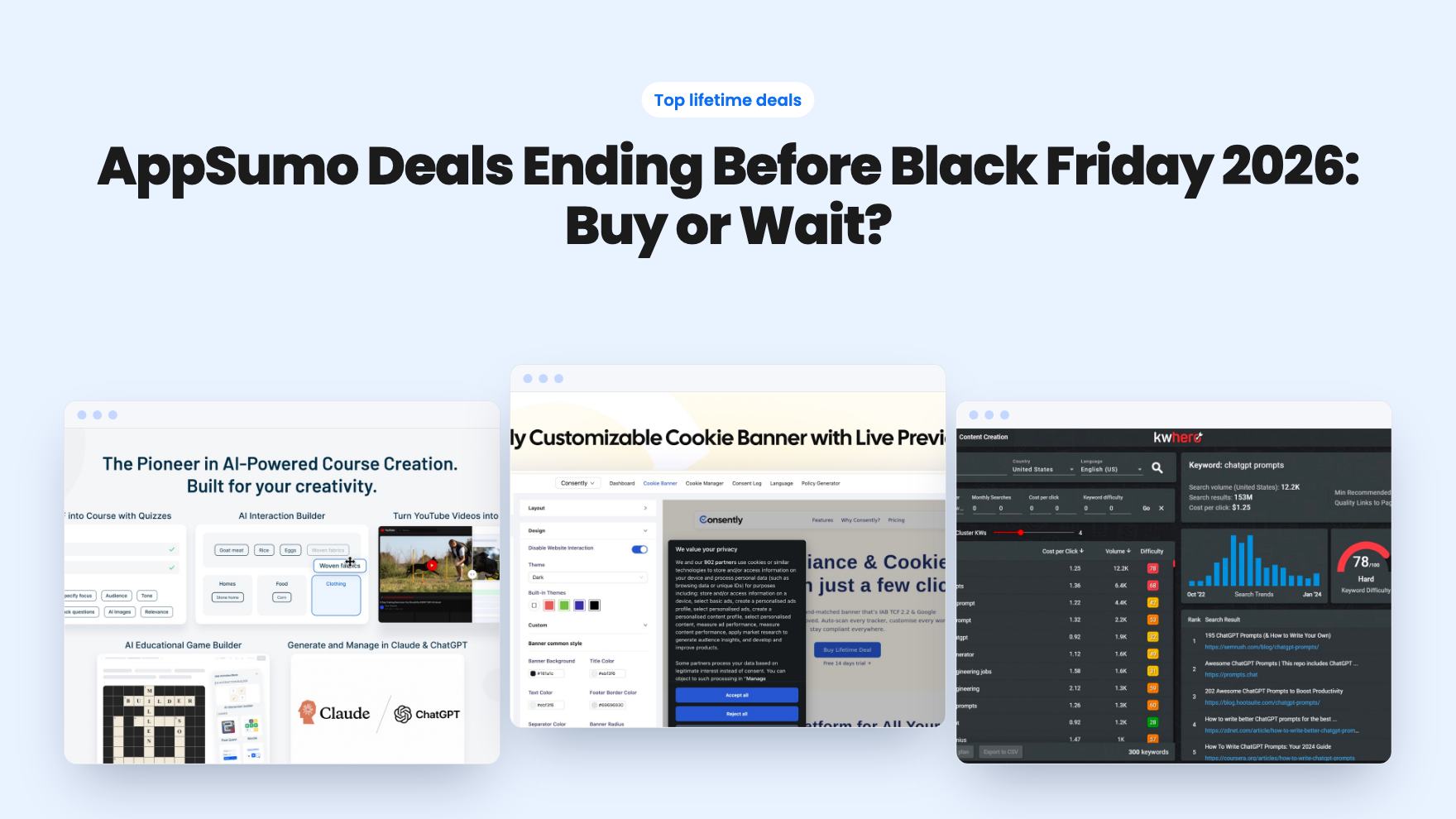
AppSumo Deals Ending Before Black Friday 2026: Buy or Wait?
Fourteen AppSumo lifetime deals end before Black Friday on November 27, 2026. Here are the seven worth a look now, and who should skip them.
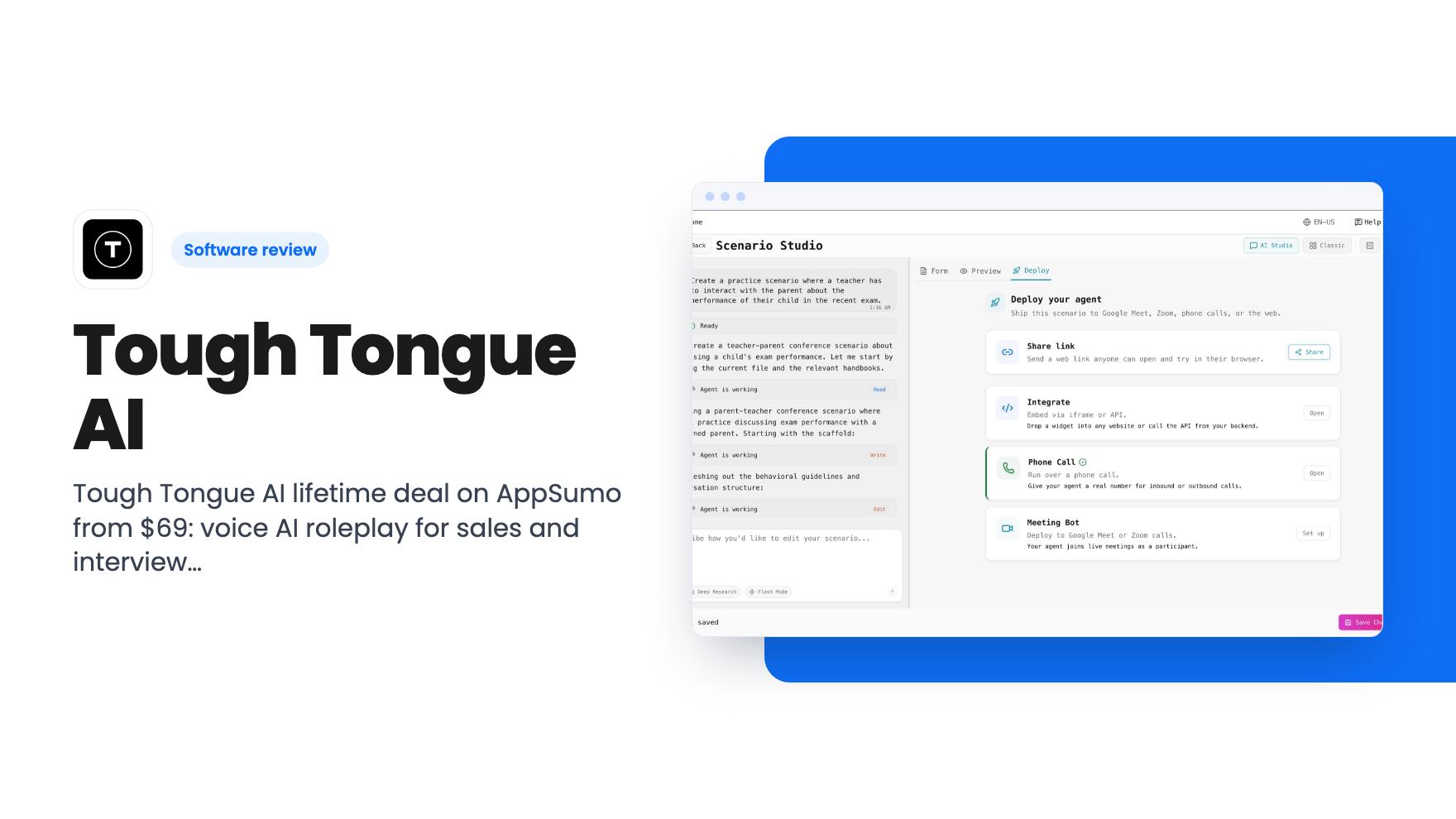
Tough Tongue AI lifetime deal on AppSumo from $69: voice AI roleplay for sales and interview practice, with monthly minute caps and some unclear tier details.
Lifetime deal price
$69$14452% off
Lifetime Deal
Our take: Tier 1 or 2 suits a solo founder, recruiter or small sales team that wants cheap call and interview practice and can live with monthly minute caps. Skip it if you need heavy volume, guaranteed future AI models, or clear answers on phone deployment before paying. Tier 4 looks like the weakest value for its price.
A new rep has a discovery call on Thursday. The only practice they’ve had is reading a script out loud to the mirror, and the first time they hear an objection will be from a real prospect. Or you’re hiring, and your interviewers are winging every conversation. Both problems come down to the same thing: people get better by rehearsing under pressure, and small teams rarely have anyone with the time to play the difficult customer.
That’s the gap Tough Tongue AI is aimed at. It lets you build AI agents that play a counterpart in a conversation, then scores how you handled it. The AppSumo lifetime deal starts at $69, down from a $144 list price, which makes it an easy impulse buy. It deserves a closer look before you click, though, because the tiers are fiddly and a few details don’t line up.
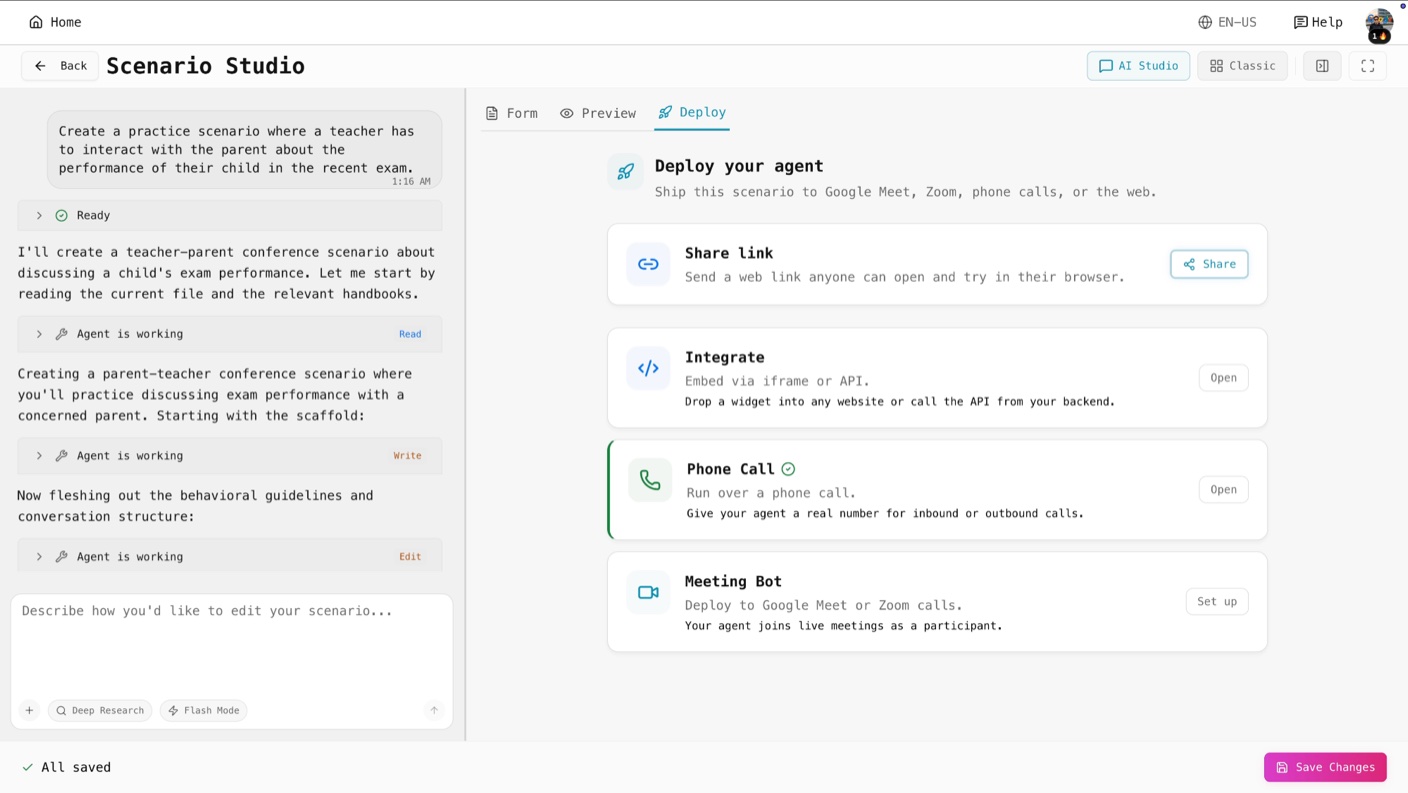
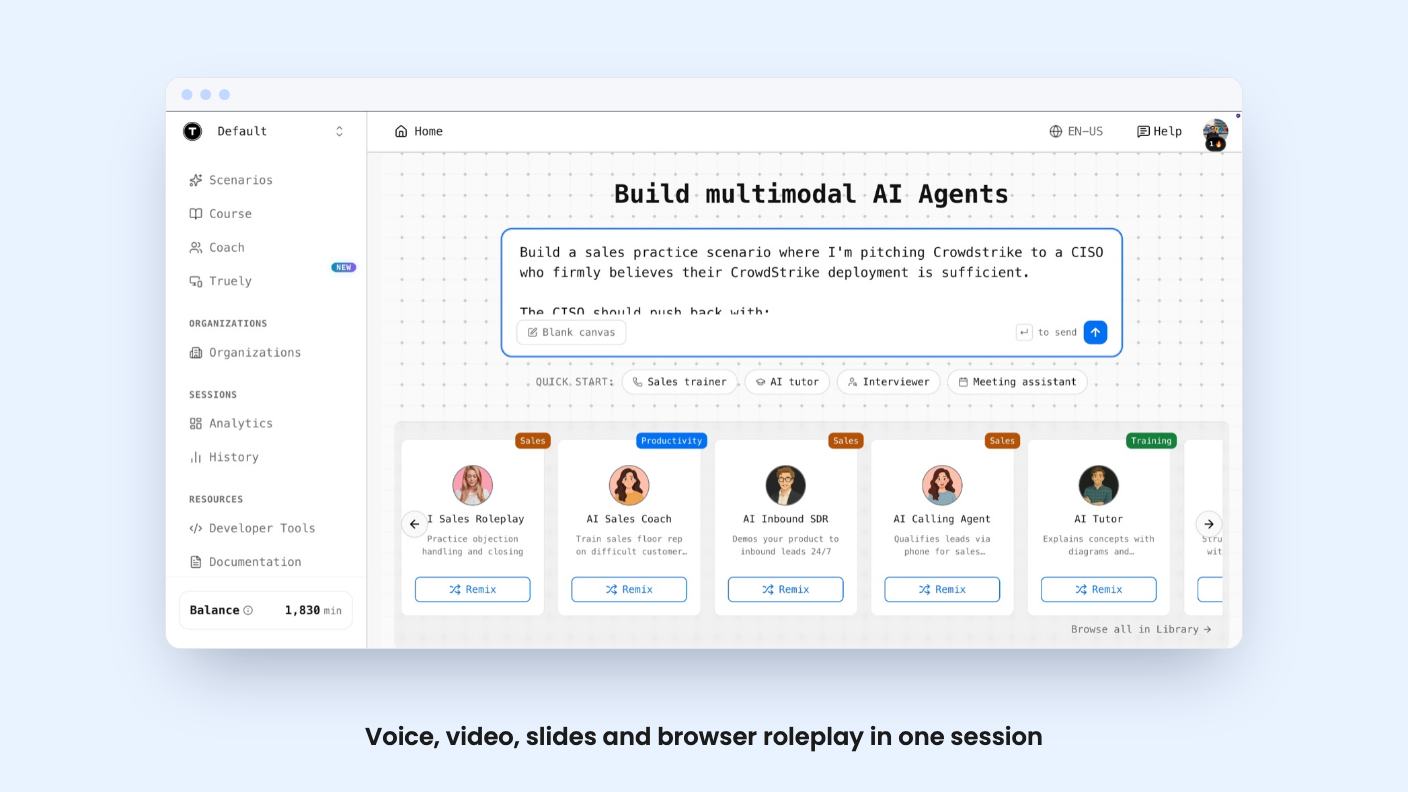
The core tool is called Scenario Studio. You feed it recordings, decks and documents, and it builds an agent meant to behave like the real person you’re practising against. The listing says you can configure memory, tools and multimodal prompts, and that no engineering is required.
That last claim is marketing, and the listing gives no example of how long setup takes. AppSumo’s own review summary mentions “some initial confusion around setting up agents.” Take that seriously. A tool that depends on you writing a good scenario will only be as useful as the scenarios you put in.
You can also set your own scorecards and rubrics, so the feedback follows your team’s sales method rather than a generic one. If you already have a call framework you train people on, that’s the feature that matters most.
A single session can mix voice, video, slides, multiple-choice questions and a browser. In practice, that means a mock sales demo can include a slide deck, or an interview can include a question screen. The listing says agents can also work with whiteboards, images and code editors.
There are coaching agents for sales, interviews and leadership scenarios. Persistent memory is meant to carry progress between sessions, so the coach knows what you struggled with last week. The listing doesn’t say how much it remembers or how you review that memory, which I’d want to know before relying on it.
For the recruiter, the interview prep angle is the easiest to picture. The listing’s FAQ confirms mock interviews with personalised feedback are supported, and courses are part of the plan features too. Tier 1 gets course access only. Creating courses starts at Tier 2.
Each session gets scored against criteria such as vocal authority, pacing, clarity and presence. Scores come with transcript citations, so you can see which line earned a mark rather than just trusting a number. Debriefs include drills and talk tracks, and you can watch skill trends over time.
Here’s the limit. Analytics are per-session on Tiers 1 to 3. Only Tier 4 adds aggregate analytics. If you’re a manager hoping to see how a whole team is improving, the cheaper tiers will have you opening sessions one at a time.
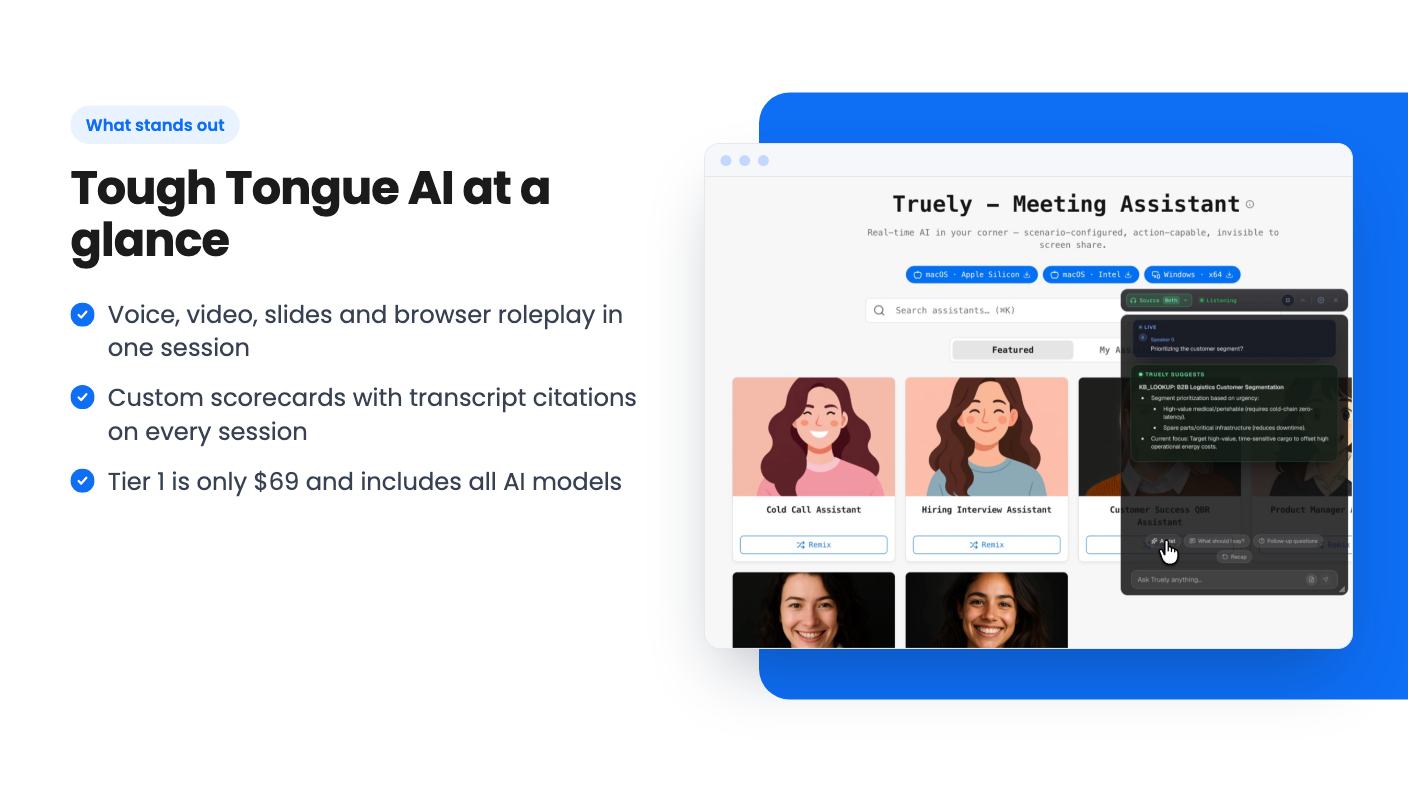
There’s also Truely, a meeting assistant that gives real-time tips, citations and suggested questions during live calls, and that the listing says is invisible during screen sharing. Think about that before you use it. Some prospects and interviewers would object to being coached by a hidden assistant, and the listing says nothing about disclosure or consent. That’s your call to make, and your legal and ethical exposure.
The more ambitious pitch is autonomous agents that dial out, pick up, or join Google Meet, Zoom and phone calls, run product demos and book follow-up meetings. You can also embed an agent through a link, iframe or widget.
For phone use, the FAQ says you need your own SIP trunking account with a telephony provider and phone numbers in E.164 format. So there’s an ongoing cost outside the lifetime deal. The listing doesn’t say how well an unattended agent handles a real prospect who goes off script, and the review summary notes “occasional lag in responses.” On a live call, lag is awkward in a way it isn’t during practice.
My view: use the practice side first. Let the autonomous calling prove itself before you put it in front of a paying customer.
Listed integrations are Calendly, Gmail, Google Sheets, HubSpot and Zoom. The FAQ also adds Cal.com and Google Meet.
Here’s how the four tiers compare, according to the listing:
BYOK means bring your own key, so you connect your own AI provider account for extra minutes. That’s useful, but you pay the provider separately.
Some of this looks odd. Tier 2 is limited to Standard models while Tier 1 gets all of them, which makes the $100 step up less attractive unless you need the extra minutes, scenarios or course creation. Tier 4 has fewer concurrent sessions and fewer BYOK minutes than Tier 3. And the feature text says phone and Meet deployment is on Tiers 2 and up, yet the plan table marks it available on Tiers 1 to 3 and unavailable on Tier 4. White-labeling shows only on Tiers 1 and 2. I’d ask the seller to clarify all of this before buying.
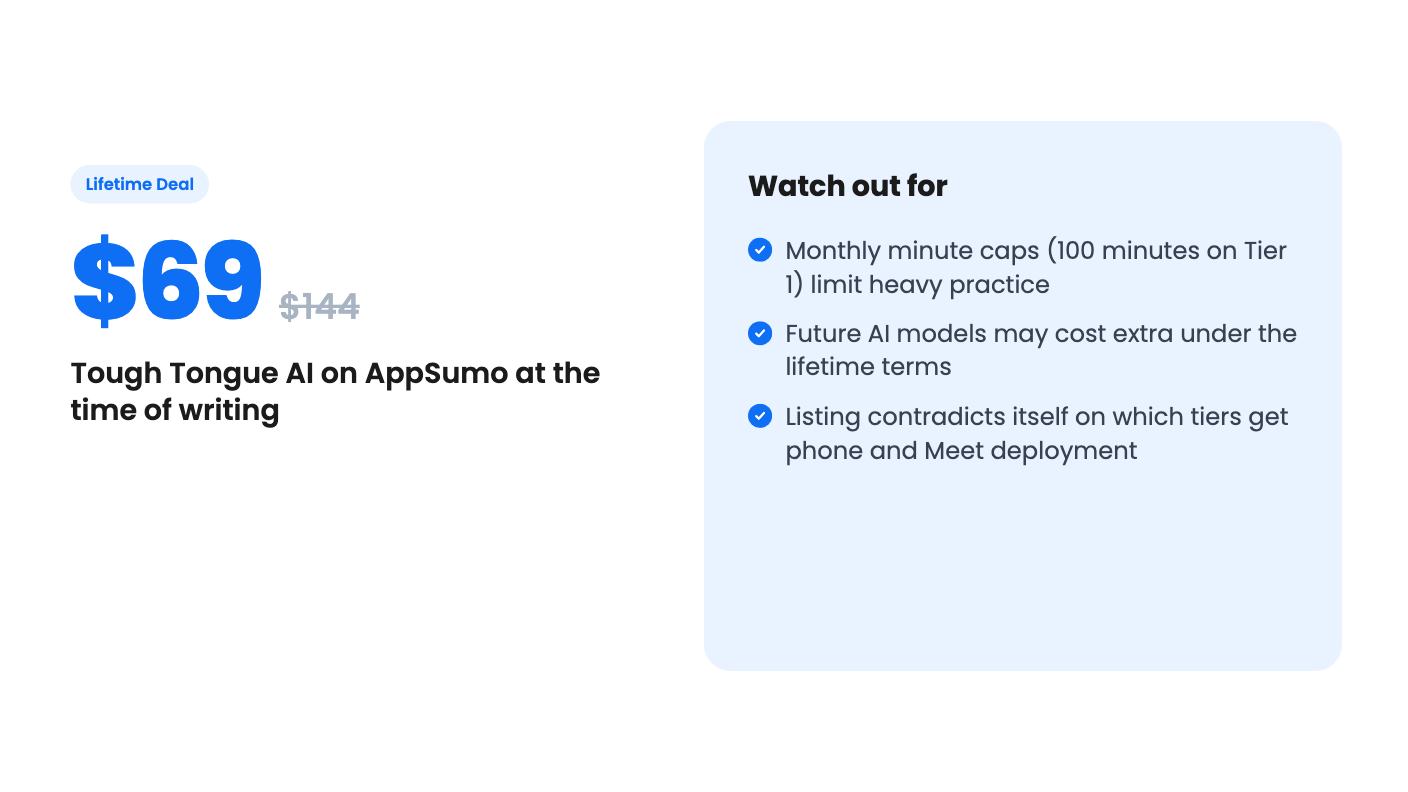
The minute caps are the big one. A hundred minutes a month sounds fine until you do the maths: that’s a few dozen short practice sessions, shared with anyone else using that seat. The listing doesn’t say what happens when you run out, or whether minutes roll over.
Then there’s the model clause. Lifetime access covers future plan updates, but the listing says access to future AI models may be discounted or may need an add-on. AI model costs drive this kind of product, so I’d assume add-ons are likely.
Also, Tier 3 and Tier 4 are team accounts. The FAQ says the paid plan lives on the organisation, so after sign-in you may see the Free plan and need to switch to the team account. A small thing, but a confusing first impression.
The protection is decent. You must activate your license within 60 days, you can downgrade only within 60 days of purchase, and AppSumo’s summary cites a 60-day money-back guarantee. Use that window properly.
Skip it if you want a polished, proven sales-call platform with a long track record. The listing gives no company history, customer names or uptime figures, and AppSumo has 20 reviews averaging 4.50. That’s encouraging, but it’s a small sample.
Also skip it if you need the autonomous calling to work reliably on day one, or if you’d be buying Tier 4 mainly for the headline seat count. At $579 with unclear deployment access, I’d want answers first.
But if you’re a solo founder, a recruiter or a small sales team that wants a cheap place to rehearse hard conversations, Tier 1 is a low-risk way to find out, especially with the refund window behind you.
Tier 1 at $69 includes 100 minutes per month, 1 seat, 3 concurrent sessions and 5 custom scenarios. Tier 2 at $169 raises that to 250 minutes and 10 scenarios.
According to the listing, yes, but you need a SIP trunking account with a provider such as Twilio, Plivo or Vonage, plus phone numbers in E.164 format. That is an extra cost and setup step on top of the deal.
Not guaranteed. The listing says access to future AI models may come at a discounted rate or may need an add-on, so budget for that possibility.
How this review was made: researched from Tough Tongue AI's official listing, and written with help from AI. We have not tested Tough Tongue AI hands-on yet. Prices and deal terms change, so check AppSumo before you buy. See our affiliate disclosure.
Fourteen AppSumo lifetime deals end before Black Friday on November 27, 2026. Here are the seven worth a look now, and who should skip them.
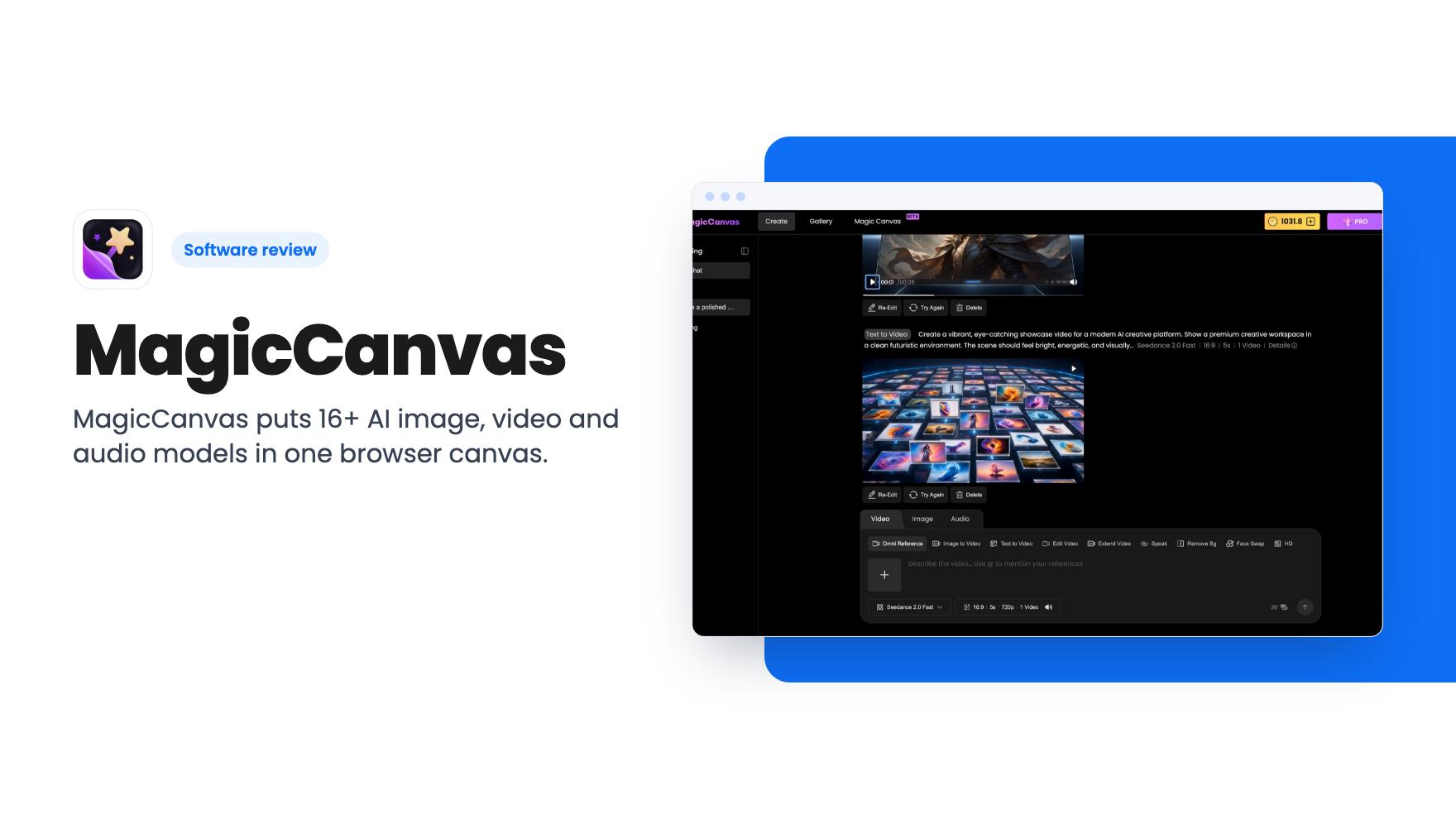
MagicCanvas puts 16+ AI image, video and audio models in one browser canvas. The $59 lifetime deal looks cheap, but the monthly credit caps matter most.
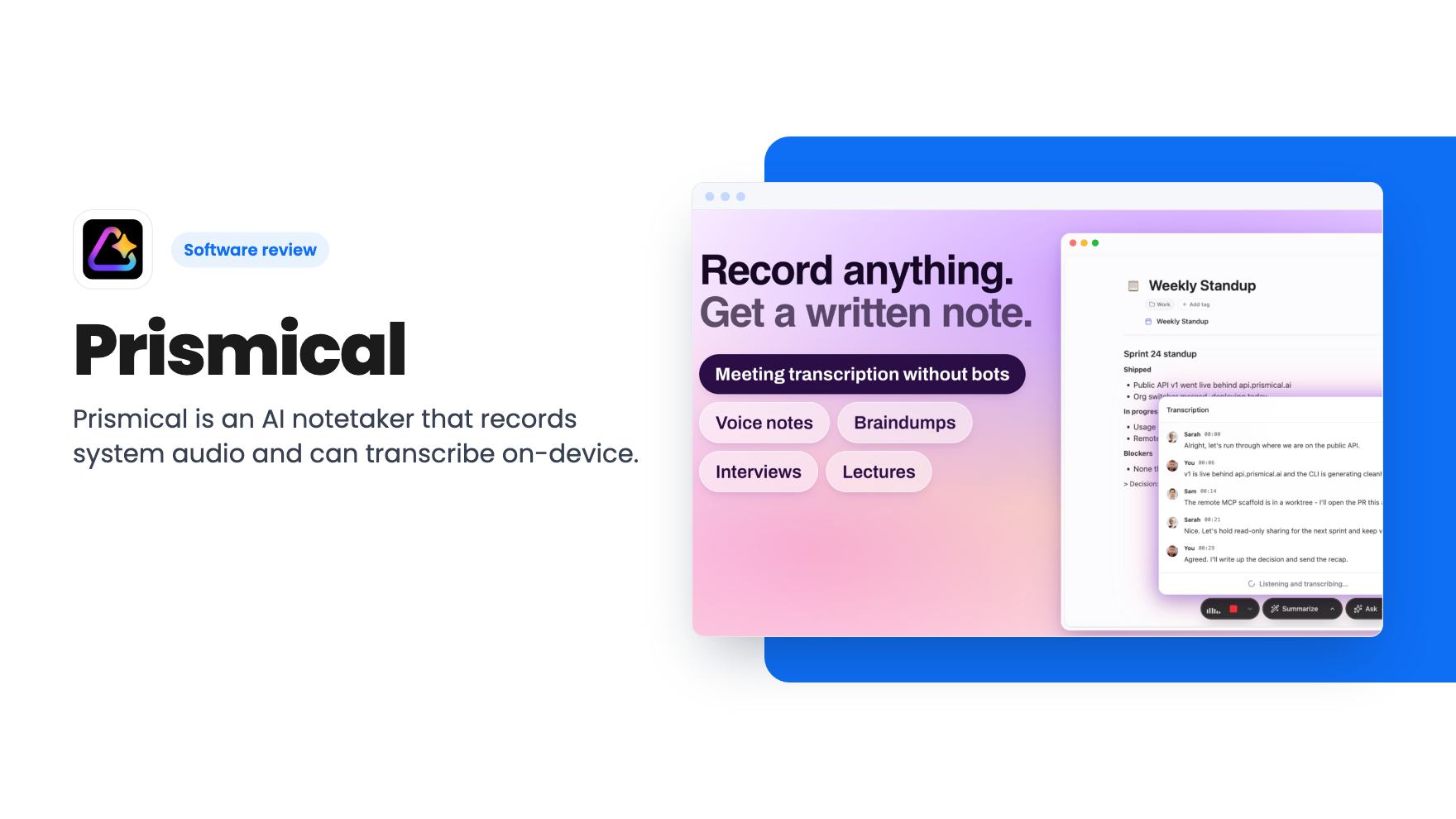
Prismical is an AI notetaker that records system audio and can transcribe on-device. The AppSumo lifetime deal runs $59 to $749, and the tier limits matter.