
Design & MediaAlternatives
Kapwing Lifetime Deal Alternatives for Small Businesses
Five AppSumo lifetime deals that cover parts of what Kapwing does, from clip cutting to captions and dubbing. Each has caps worth knowing before you pay.
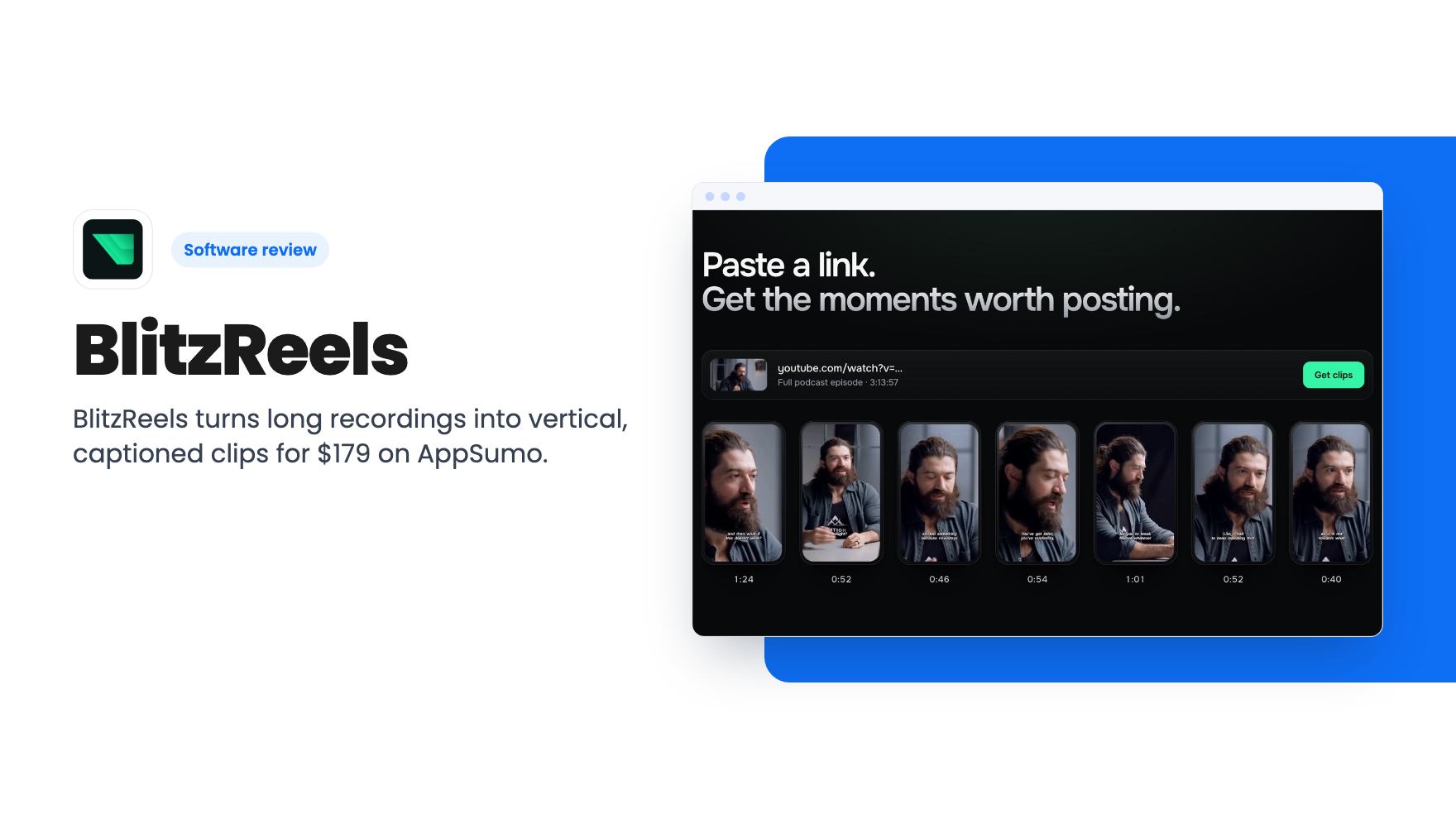
BlitzReels turns long recordings into vertical, captioned clips for $179 on AppSumo. Here's what the listing covers, plus the caps and gaps to know first.
Lifetime deal price
$179$46862% off
Lifetime Deal
Our take: Buy it if you regularly cut podcasts, webinars or interviews into Reels, Shorts and TikToks and want one cheap tool for the whole job. Skip it if you need deep timeline editing or lots of AI video. Also skip it if you want proof of clip quality before paying, since the listing offers none and includes only 20 AI credits.
Say you recorded a 50-minute webinar last week. Somewhere inside it are four or five moments worth posting. Finding them means scrubbing the whole thing, cropping to vertical, fixing the framing each time the speaker leans out of shot, and then typing captions. BlitzReels is built around that chore, which is why its lifetime deal deserves a look.
One caveat first. We haven’t tested it, and the listing has no demo video. Everything below comes from AppSumo’s description, so read it as an assessment of the claims, not of the output.
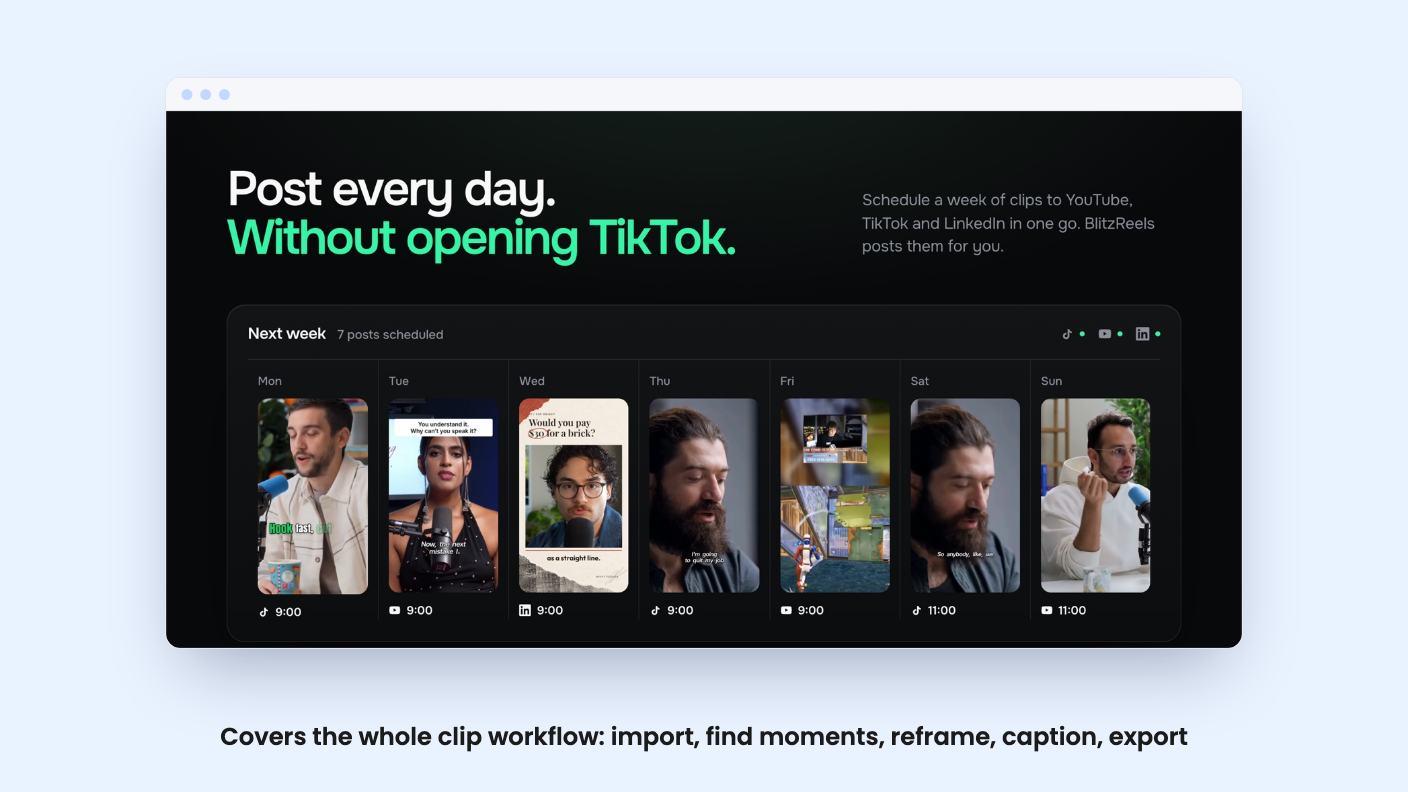
The listing describes a short pipeline. You upload a file or paste a link, the software finds usable moments, and every clip lands in an editor. From there you reframe for vertical, style captions and export.
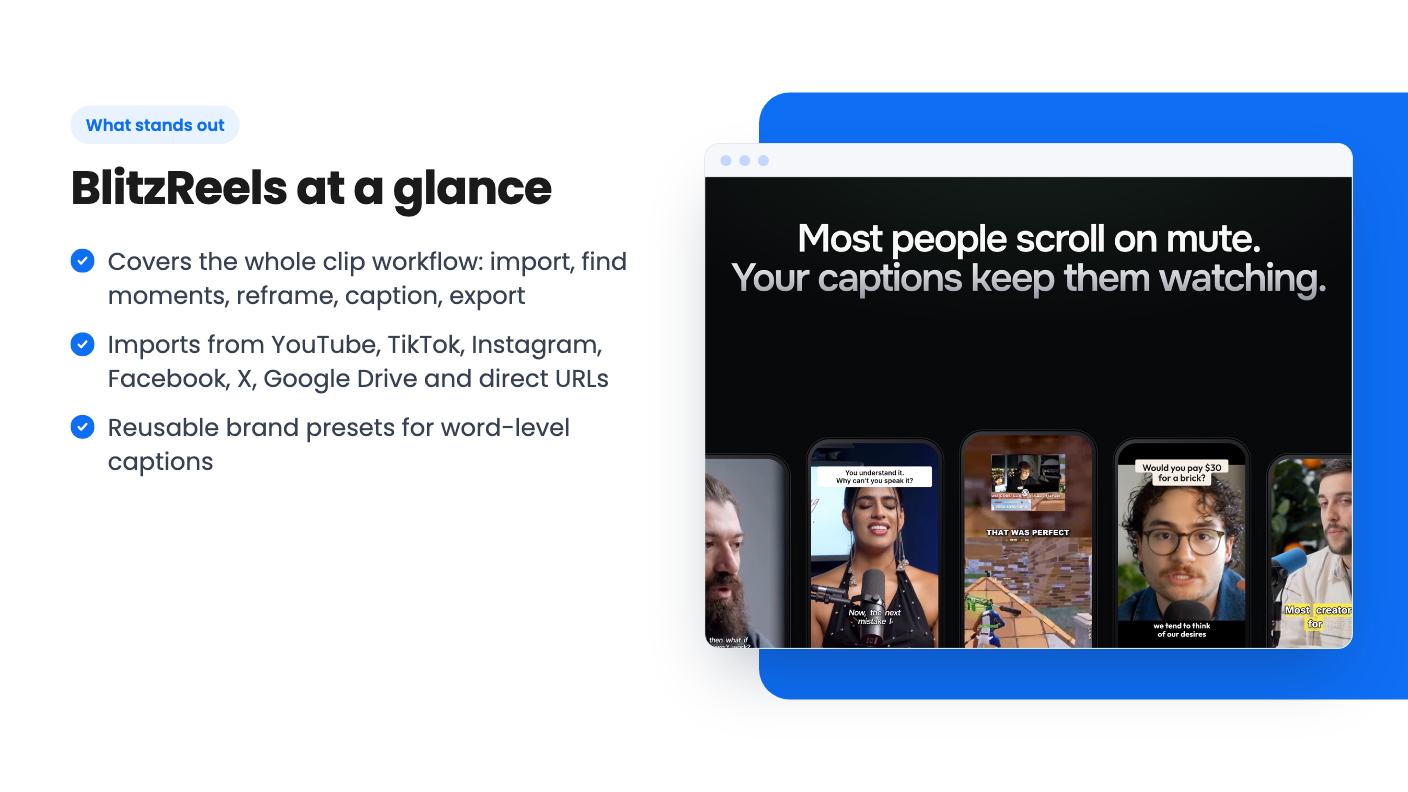
The import list is generous. The FAQ names YouTube, TikTok, Instagram, Facebook, X, Google Drive and direct video URLs, plus plain uploads. If your raw material is scattered across several places, that saves some downloading.
What the listing doesn’t explain is how the moment-finding works. It doesn’t say whether clips are ranked, how long they run, or whether you can steer the search with a topic. That’s the step that decides whether you get five good clips or fifty forgettable ones, and we can’t judge it from a sales page.
Two features do most of the selling.
The first is automatic speaker tracking. The tool follows people as they move across the frame, so a wide horizontal recording becomes a vertical clip without you hand-adjusting the crop. Exports are aimed at Reels, Shorts and TikTok, and the listing says you don’t have to rebuild the edit for each.
The second is captions. You get word-level styling and reusable brand presets. If you post for several clients, or just want every clip to look like it came from one account, presets save more time than they sound like they would. Set the font, colours and placement once and stop redoing them.
The listing says nothing about caption languages or transcription accuracy. Check that early with your own audio, especially if you have accents or technical vocabulary.
BlitzReels can also generate AI images and video inside a project. The listing says to add them only when a project needs them, which is a sensible way to frame it.
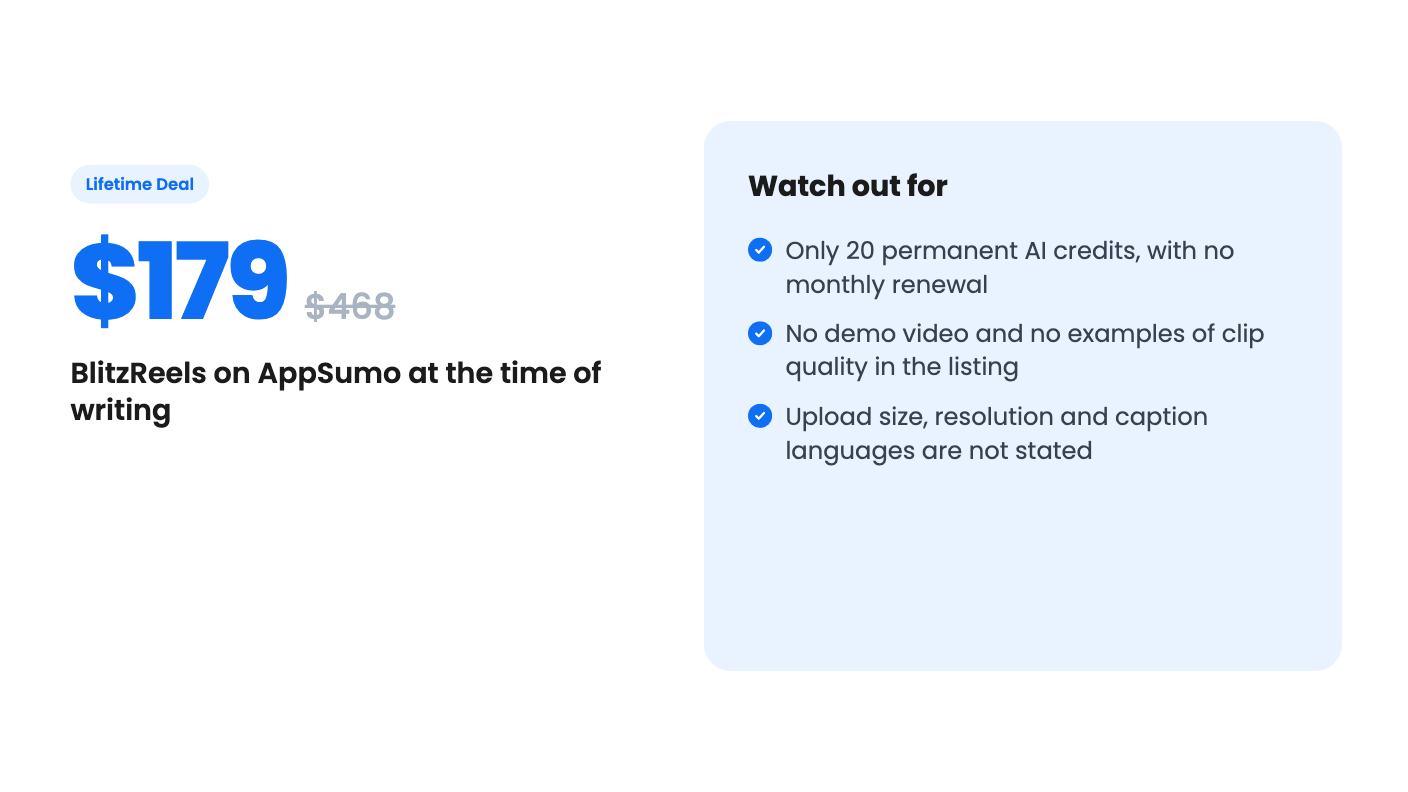
It’s also where the deal gets thin. You get 20 permanent AI generation credits. They never expire, but they never refill either. Extra credits are sold as paid top-ups, and the listing gives no top-up price and no per-image or per-video credit cost.
So don’t plan on AI footage as a regular part of your output. Treat the 20 credits as a trial allowance. If you want generated B-roll in every post, your real cost will be the top-ups, and we can’t tell you what those run.
There’s one lifetime tier at $179, down from a listed $468. Here are the limits:
You must redeem within 60 days of purchase, and the deal isn’t stackable. That means you can’t buy a second code to raise any of those numbers. The listing also promises all future plan updates without saying which plan it means. I’d treat that line as softer than it sounds.
Here’s how the numbers play out. 150 exports a month works out to about five a day, which is plenty for one creator posting daily. It goes faster if you export several versions of each clip, or if an agency runs many client accounts through one workspace.
The 25 GB of storage worries me more. Long source recordings are big files, and keeping originals in the tool could fill that space sooner than you’d expect.
Three seats is a handy detail. A creator, an editor and a manager or client fit neatly.
AppSumo lists Adobe Premiere, Descript and Kapwing as alternatives. That framing flatters BlitzReels. Premiere is a full editor, and Descript is built around editing through the transcript.
The listing’s own answer on Descript is more candid. BlitzReels is built around turning recordings into social clips, with speaker reframing, branded captions, short-form presets and social-ready exports in one workflow. That’s a narrower job, and a clearer one.
The listed integrations are Google Drive, Instagram, TikTok and YouTube. The listing doesn’t say whether you can publish straight to those platforms or only import from them. If scheduling and posting matter to you, find that out before you pay.
Skip it if you need precise timeline editing, multi-track audio or motion graphics. Nothing in the listing points that way, and a clip-focused tool is unlikely to replace a full editor.
Skip it if you want heavy AI video generation without ongoing costs. The credit model works against you there.
Be careful, too, if you can’t afford a gamble. The listing gives no example clips, no output specs and no sign of how long the product has been around. Check AppSumo’s current refund terms before you buy, then run a real recording through it as soon as you can. Look at the clip picks, the speaker tracking on someone who moves around, and the caption accuracy.
If those three hold up, $179 buys a clip workflow with team seats and a monthly export allowance, a fair bet for anyone posting short video every week. If they don’t, you’ll know within a few days.
No. The deal includes 20 permanent AI generation credits that don't expire but also don't renew each month. More can be bought as paid top-ups. Core editing and exports run on the separate plan limits.
According to the listing: 100 projects, 3 team members in one workspace, 25 GB of storage and 150 export jobs per month. The code covers one account, must be redeemed within 60 days, and can't be stacked.
You can upload video files or import links from YouTube, Instagram, TikTok, Facebook, X, Google Drive and direct video URLs. The listing doesn't state a maximum file length or size.
How this review was made: researched from BlitzReels's official listing, and written with help from AI. We have not tested BlitzReels hands-on yet. Prices and deal terms change, so check AppSumo before you buy. See our affiliate disclosure.
Five AppSumo lifetime deals that cover parts of what Kapwing does, from clip cutting to captions and dubbing. Each has caps worth knowing before you pay.
Seven AppSumo lifetime deals named as Loom alternatives, grouped by job: narrated tutorials, plain recording, interactive demos and personalized outreach video.
Eight AppSumo lifetime deals named as Descript alternatives, grouped by the job you need done, with the caps and gaps each listing shows.

