AI Writing & VideoTop deals
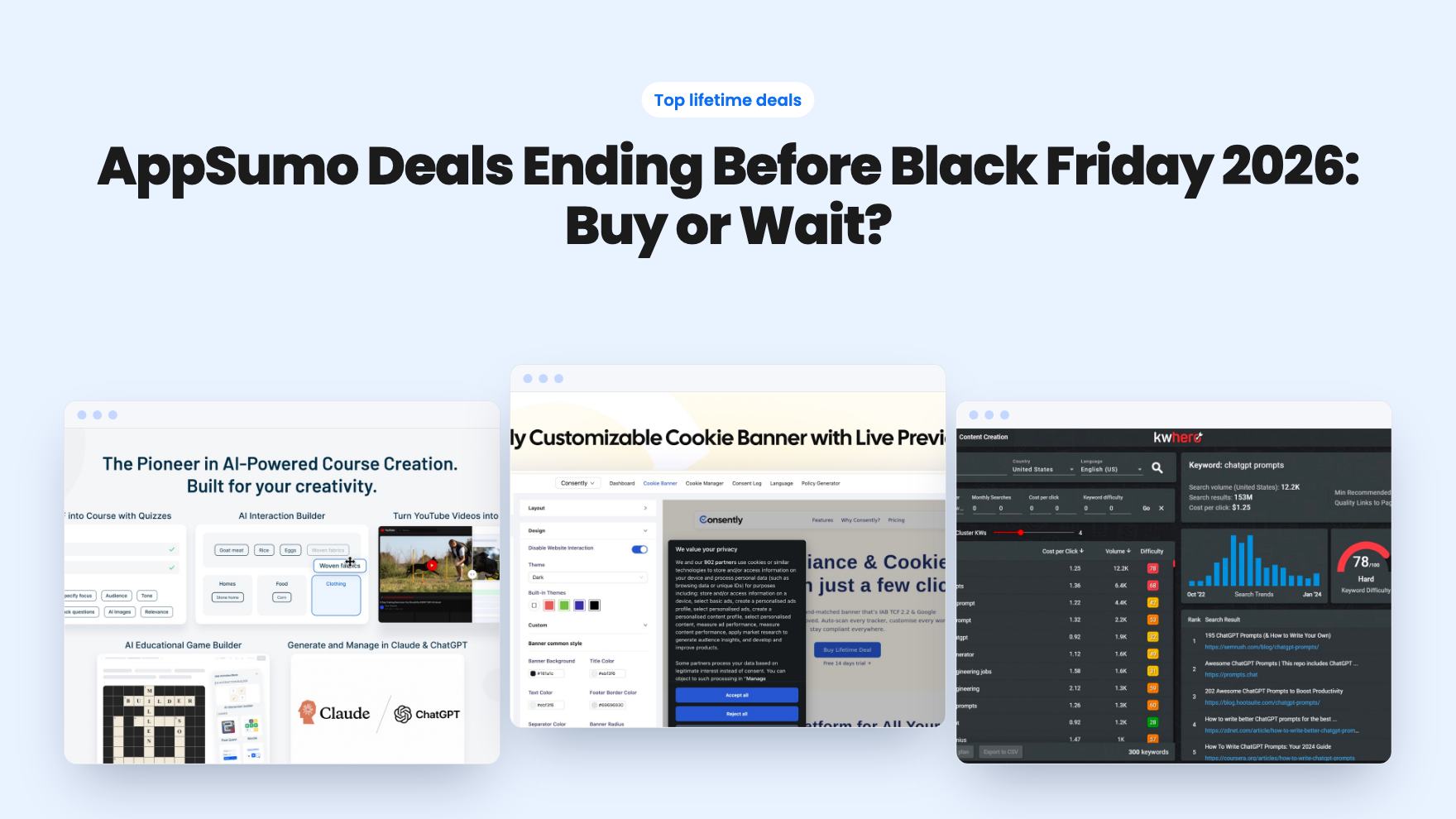
AppSumo Deals Ending Before Black Friday 2026: Buy or Wait?
Fourteen AppSumo lifetime deals end before Black Friday on November 27, 2026. Here are the seven worth a look now, and who should skip them.
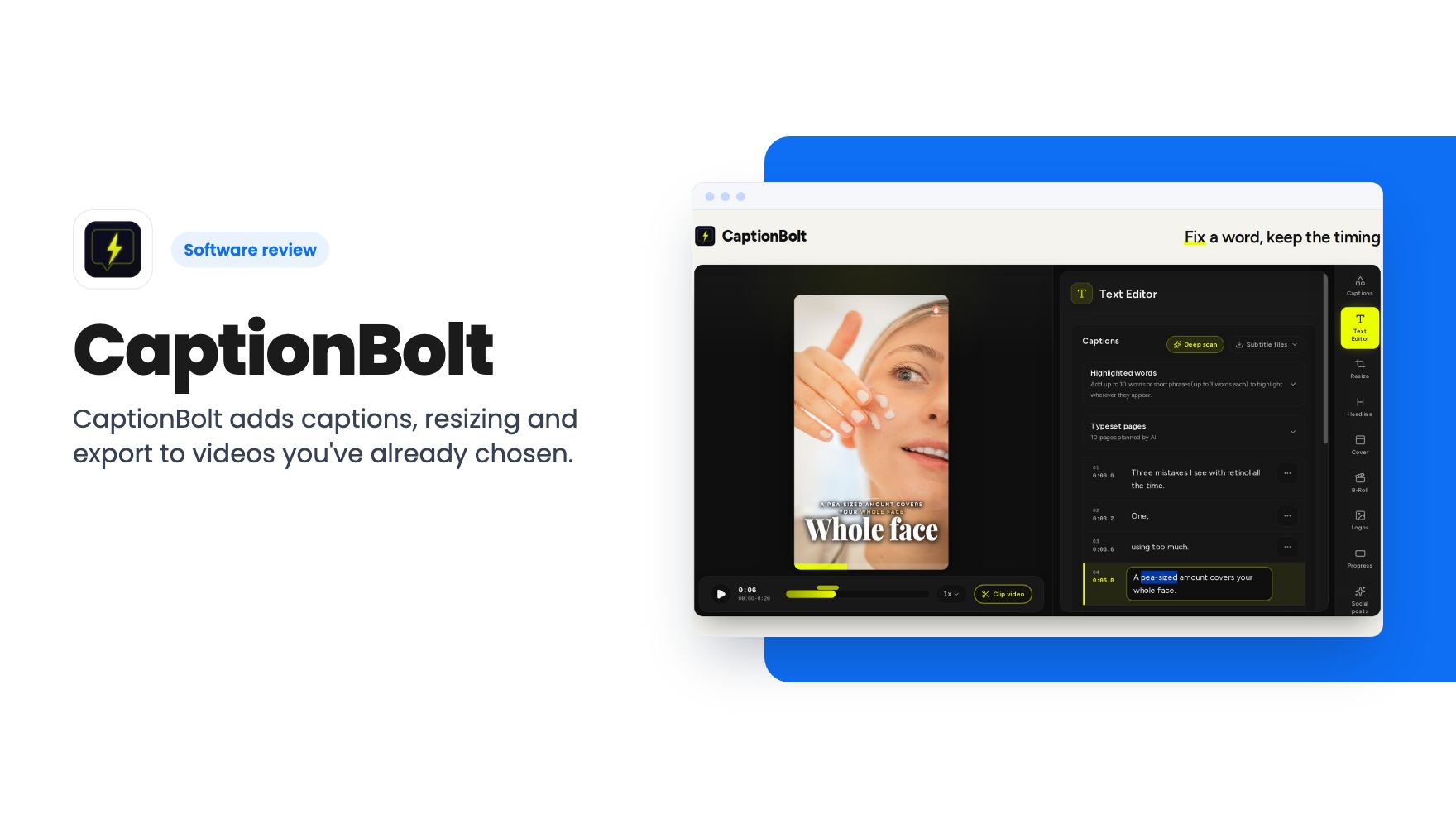
CaptionBolt adds captions, resizing and export to videos you've already chosen. The AppSumo lifetime deal starts at $39, but each tier has tight monthly minute caps.
Lifetime deal price
$39$46892% off
Lifetime Deal
Our take: CaptionBolt suits solo creators who publish short clips and want simple captioning and export without a full editor. Skip it if you need clip-finding, translation, team seats or long videos. The $39 tier is very limited at 60 minutes a month and 5-minute videos.
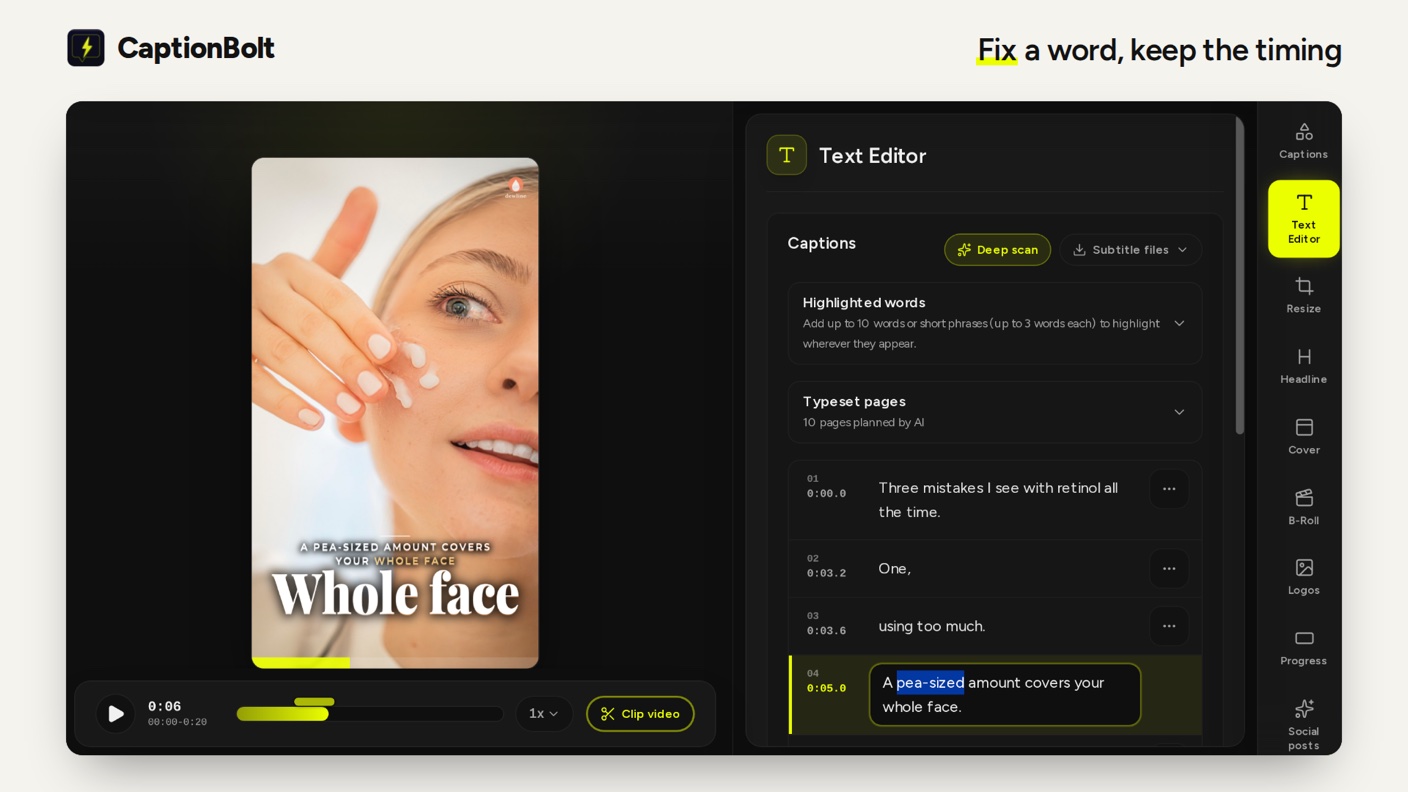
CaptionBolt is a captioning and video-finishing tool for creators. According to the listing, it is built for people who want to finish footage without learning a full editing suite. You upload a video you have already chosen, and the tool transcribes it, lets you correct and position the captions, and exports the result.
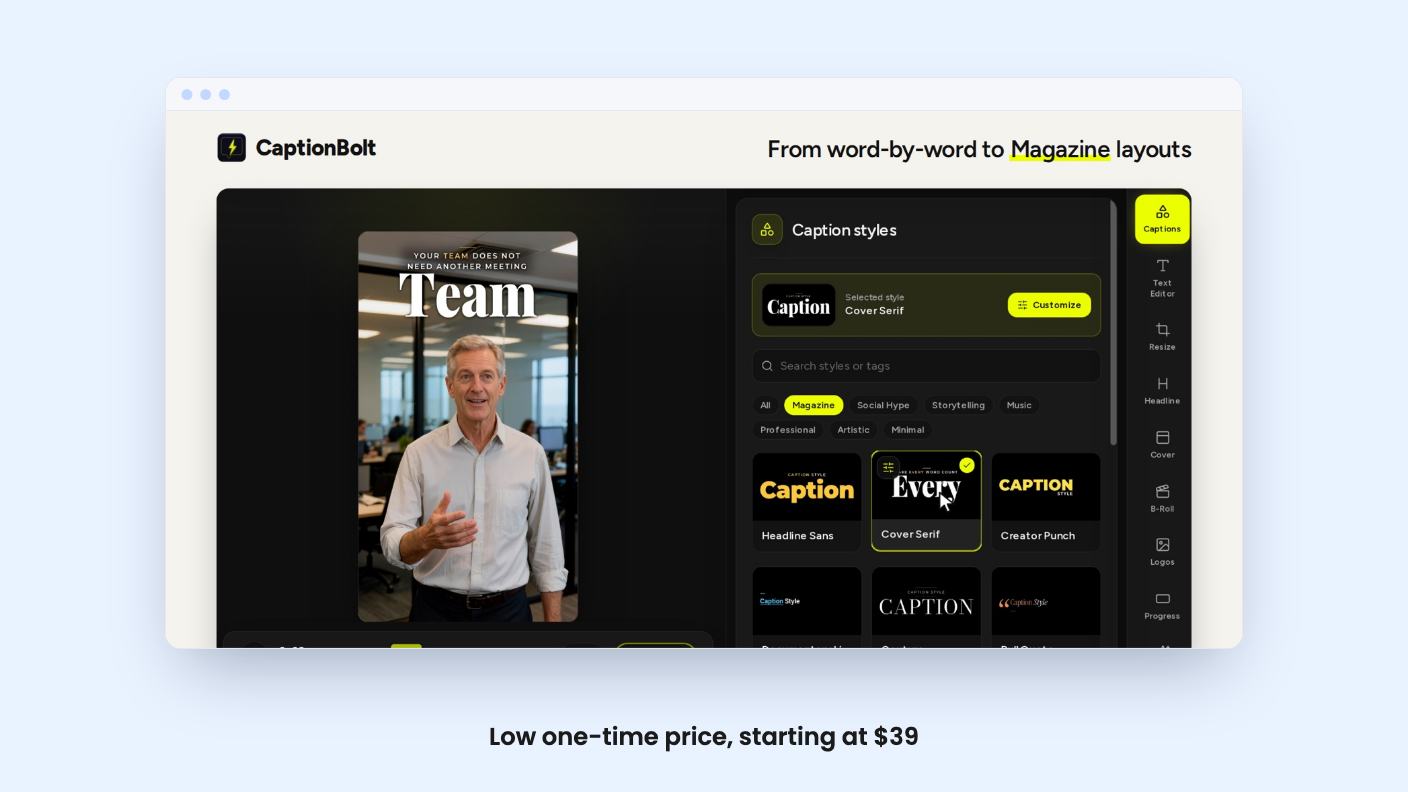
The listing is clear about what it does not do. It does not find clips inside long recordings, translate captions or dub audio. Think of it as a finishing step, not a content-repurposing engine.
There was no product demo video for this review, so everything below comes from the AppSumo listing. We have not tested the tool hands-on.
Based on the listing, the main capabilities are:
One caveat from the listing: you need to check each platform’s on-screen buttons yourself. The tool won’t stop captions from landing under a platform’s interface elements.
The listing describes a simple default path that keeps captions, resize and export close to the surface:
Projects stay in your list for only 14 days after creation. The listing says CaptionBolt isn’t a permanent backup, so download your files promptly.
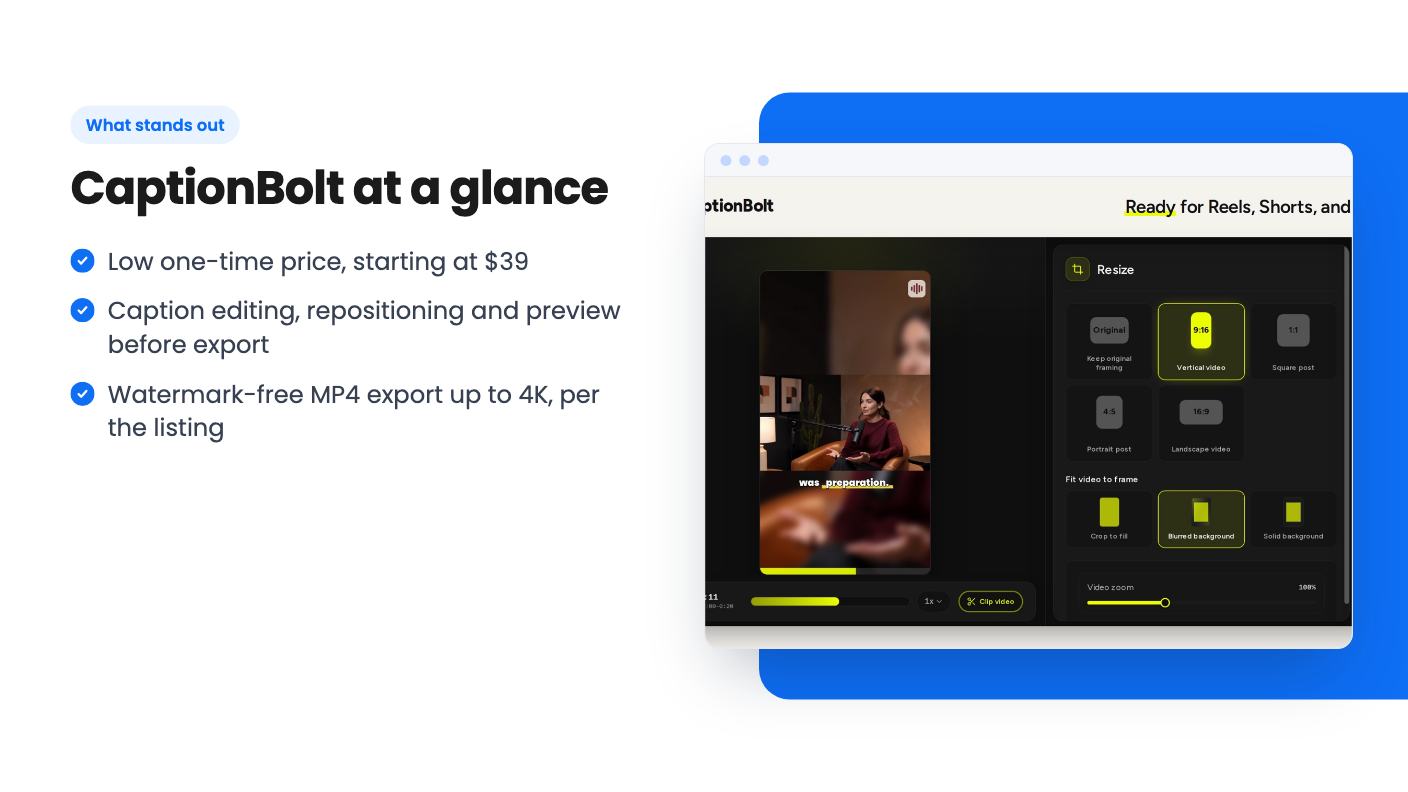
The deal is a lifetime license with three tiers. Each includes all future plan updates, and you must activate your license within 60 days of purchase. AppSumo’s 60-day money-back guarantee applies. The deal ends on 27 October 2026.
| $39 (list $468) | $119 (list $1,548) | $219 (list $2,748) | |
|---|---|---|---|
| Minutes per month | 60 | 400 | 1,200 |
| Max video length | 5 min | 10 min | 20 min |
| Upload limit | 500MB | 1GB | 3GB |
| Concurrent jobs | 1 | 2 | 3 |
| Exports | MP4, TXT | MP4, SRT, ASS, TXT | MP4, SRT, ASS, VTT, TXT |
| API, webhook, MCP | No | No | Yes |
The listing’s plan table runs from largest to smallest. We matched the columns to tiers using the export FAQ, which says Tier 1 has MP4 and TXT and Tier 3 adds VTT. Check the checkout page to confirm.
Keep the limits in mind:
A good fit:
Consider skipping if:
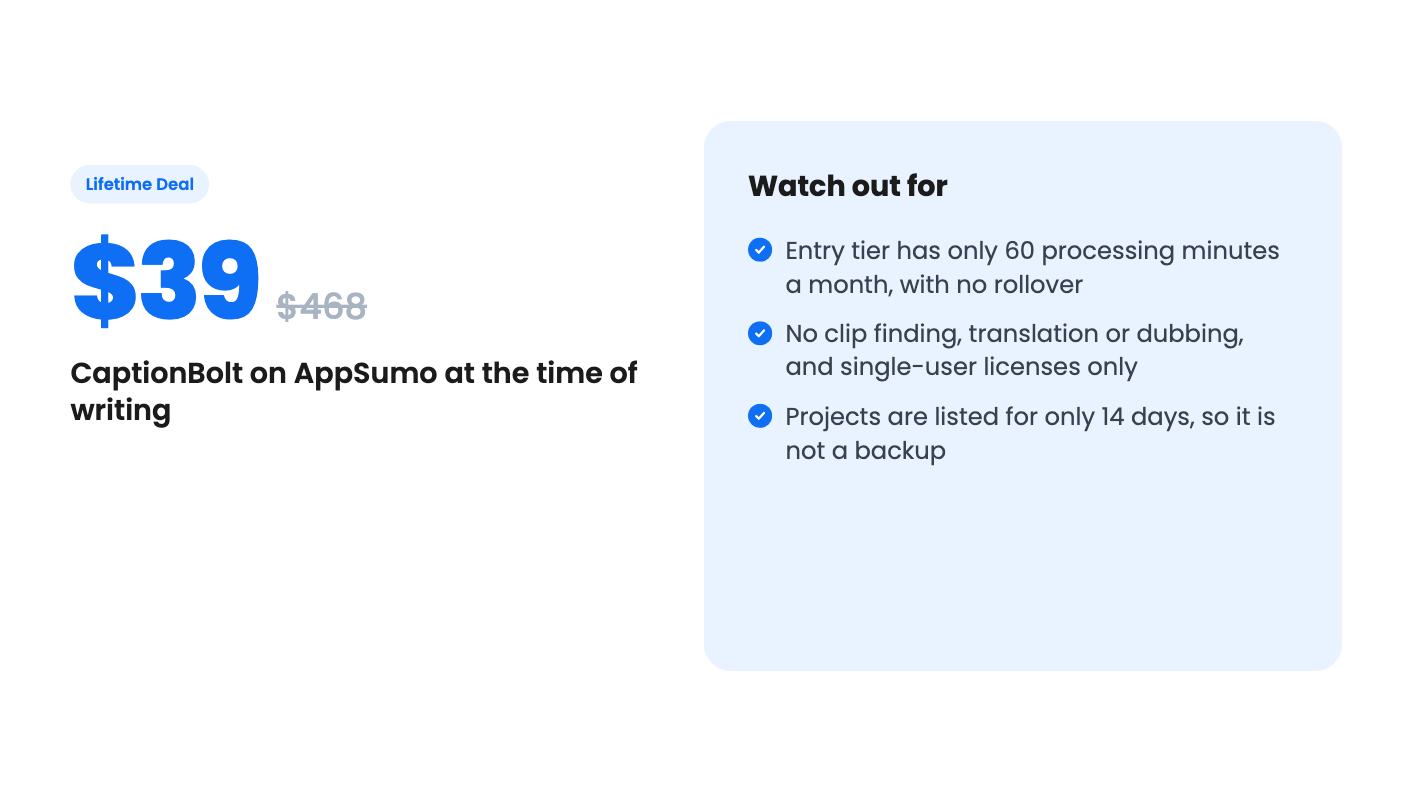
The $39 tier gives you 60 minutes a month, or roughly a dozen 5-minute videos if you use every minute. That is enough for light use. Heavier posting schedules will need a higher tier, and the price rises quickly.
Because this is a young product category with many caption tools, the 60-day guarantee matters. Use it to confirm that caption accuracy, styling and platform framing meet your needs before the refund window closes.
Going by the listing's FAQ on export formats, the $39 tier appears to be the smallest one: 60 processing minutes a month, 5-minute videos, 500MB uploads and one job at a time. Minutes reset monthly with no rollover. The plan table lists columns from largest to smallest, so confirm your tier's limits on the checkout page before buying.
No. According to the listing, it helps finish a video you have already chosen. It does not select clips from long recordings, translate captions or dub audio.
No. Each tier is for one user, and codes cannot be stacked on this deal. You can upgrade or downgrade between the three license tiers.
How this review was made: researched from CaptionBolt's official listing, and written with help from AI. We have not tested CaptionBolt hands-on yet. Prices and deal terms change, so check AppSumo before you buy. See our affiliate disclosure.
Fourteen AppSumo lifetime deals end before Black Friday on November 27, 2026. Here are the seven worth a look now, and who should skip them.
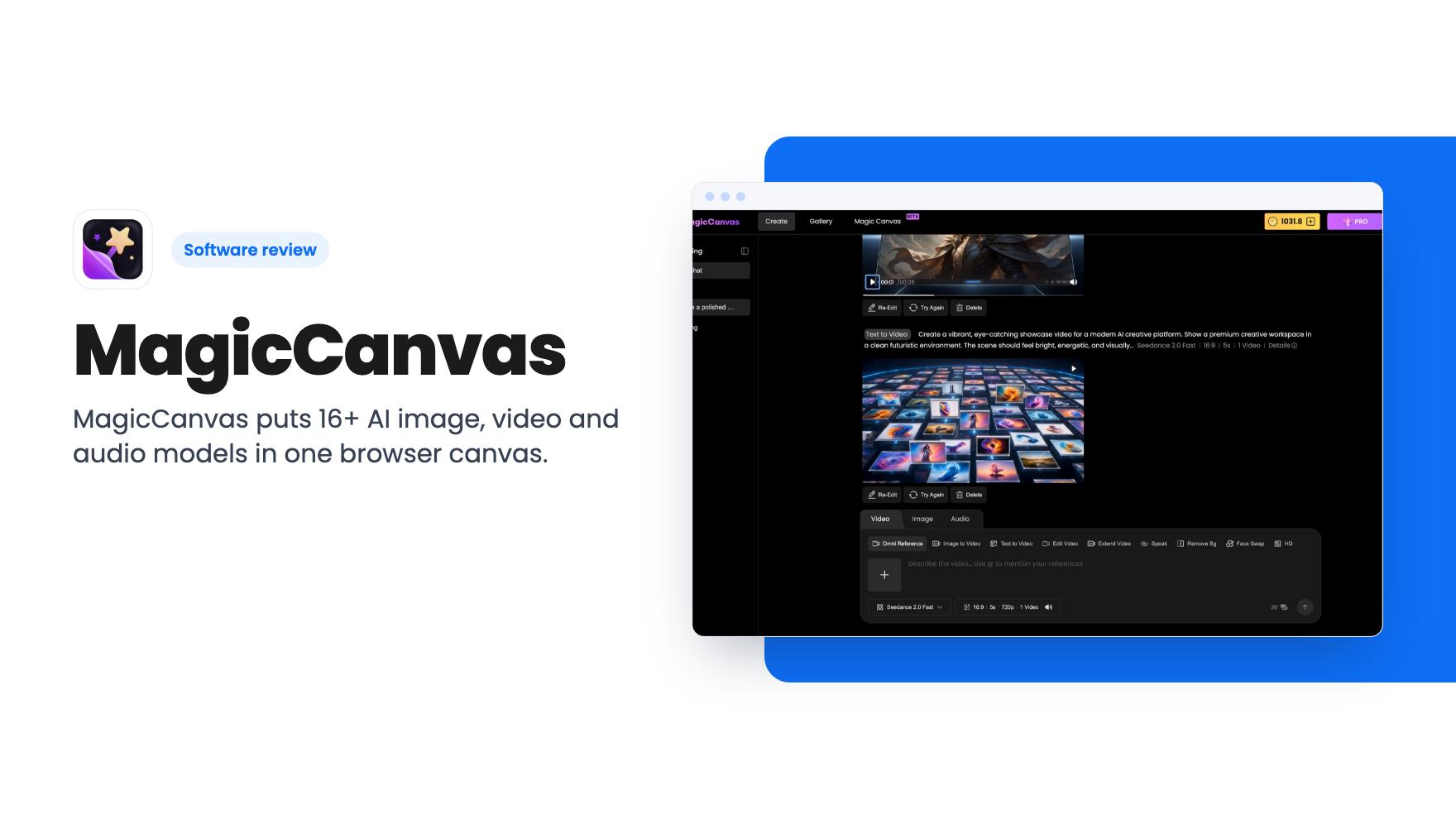
MagicCanvas puts 16+ AI image, video and audio models in one browser canvas. The $59 lifetime deal looks cheap, but the monthly credit caps matter most.
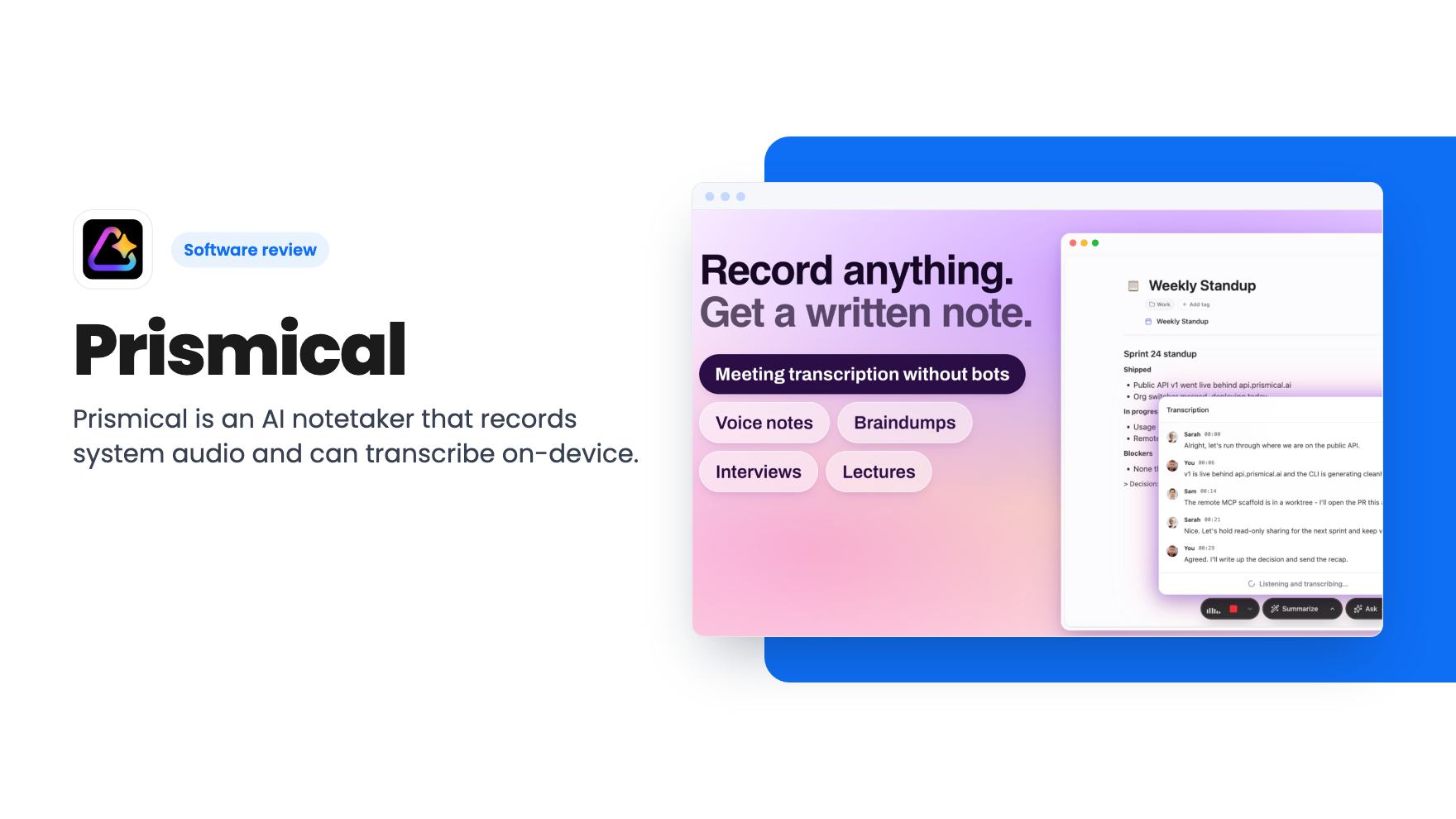
Prismical is an AI notetaker that records system audio and can transcribe on-device. The AppSumo lifetime deal runs $59 to $749, and the tier limits matter.