Lead GenerationReview
KingSumo Review: Free Giveaway Tool With a $49 Pro Upgrade
KingSumo runs viral email giveaways. Free tier has unlimited contests, and a one-time $49 Pro adds branding removal, tracking and Mailchimp, Kit and Klaviyo.
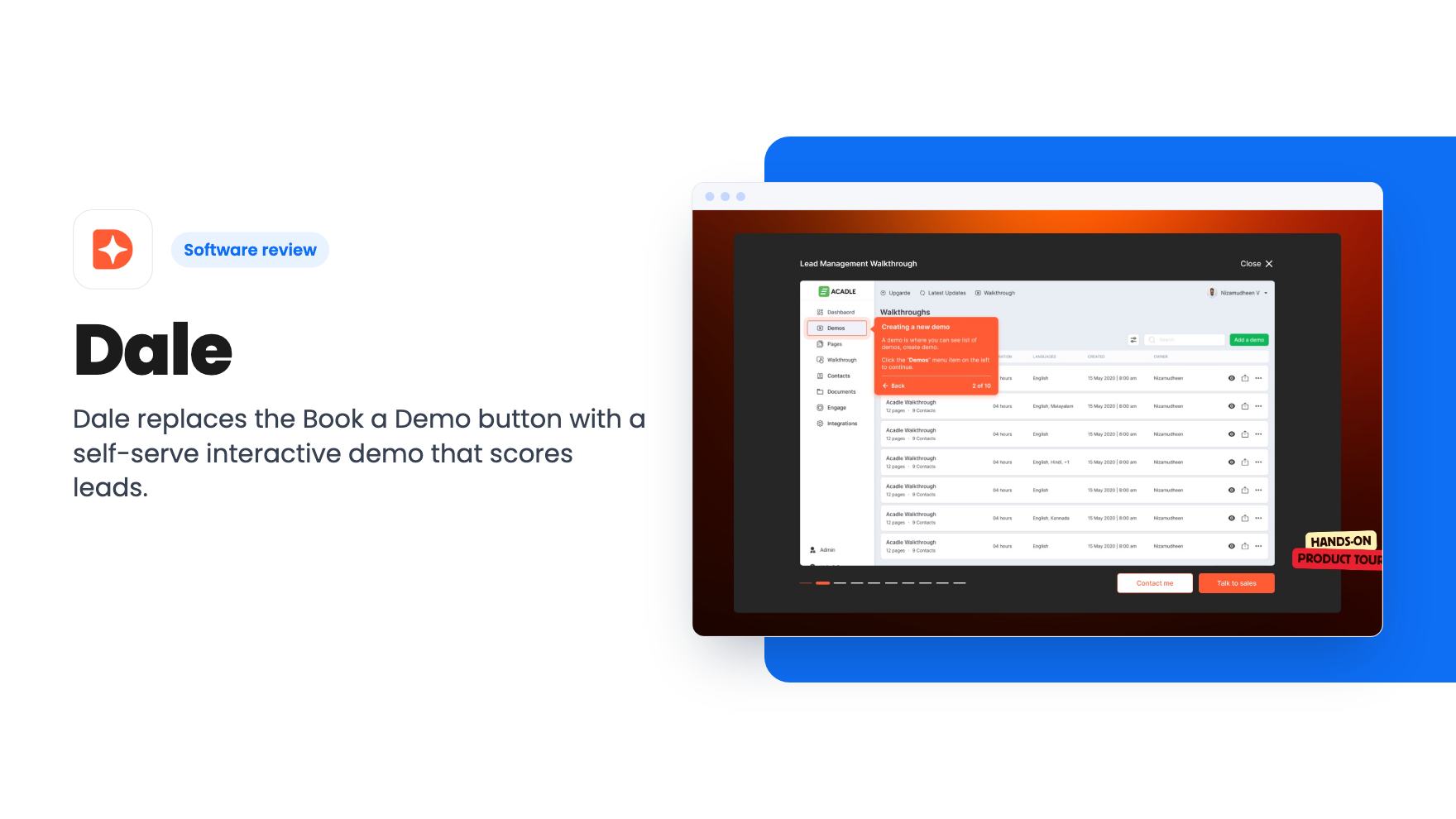
Dale replaces the Book a Demo button with a self-serve interactive demo that scores leads. Here's what the AppSumo lifetime deal covers and where it's unclear.
Lifetime deal price
$69$118894% off
Lifetime Deal
Our take: Dale suits a small SaaS team that wastes calls on unqualified demo requests and uses HubSpot or Salesforce. Skip it if you only need screen recordings, have no sales pipeline, or can't confirm which tier limits apply, because the plan table in the listing is confusing.
Someone lands on your pricing page at nine in the evening, mildly curious. The only thing you offer is a ‘Book a Demo’ button. They either close the tab or book a slot three days away, by which point the interest has cooled. If you sell software and that sounds familiar, Dale is built for exactly that gap.
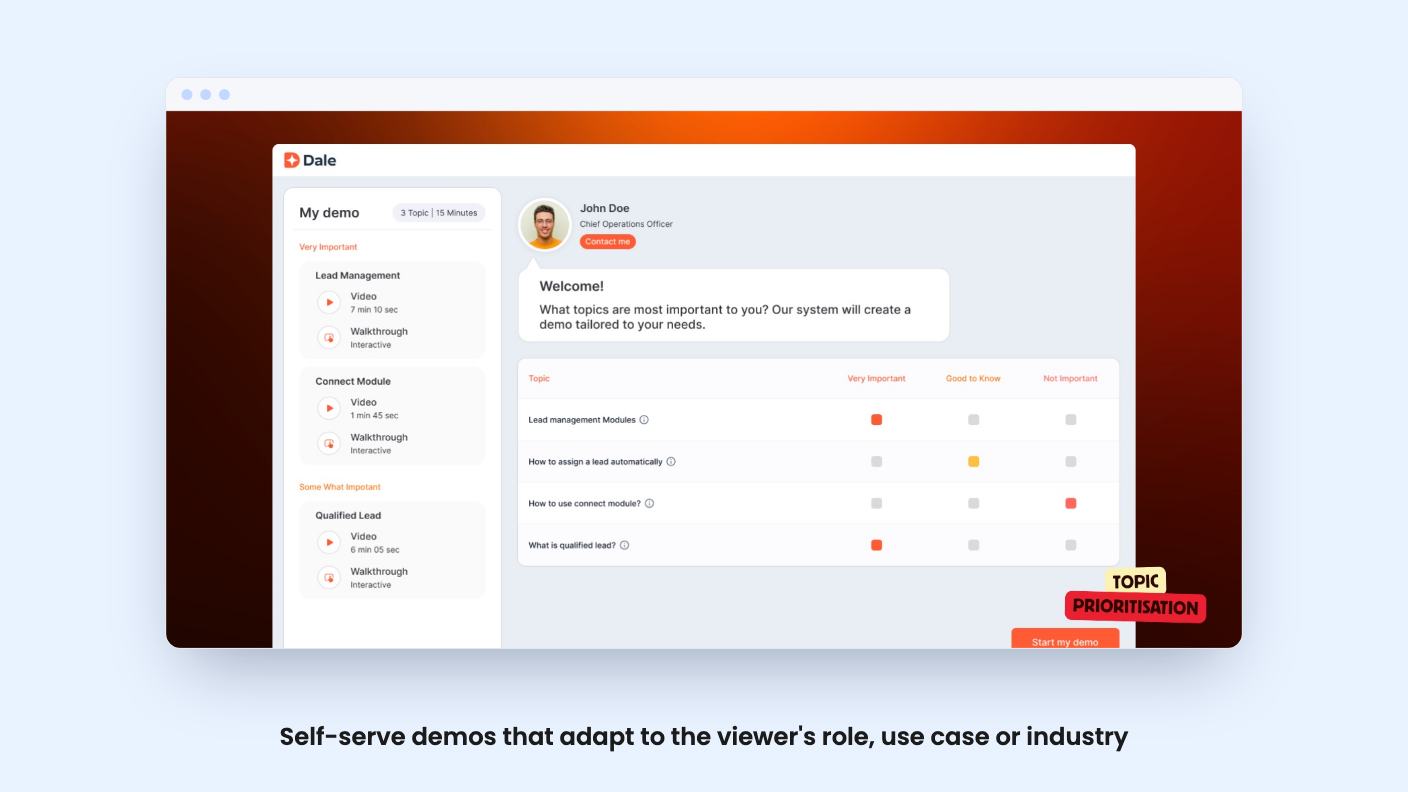
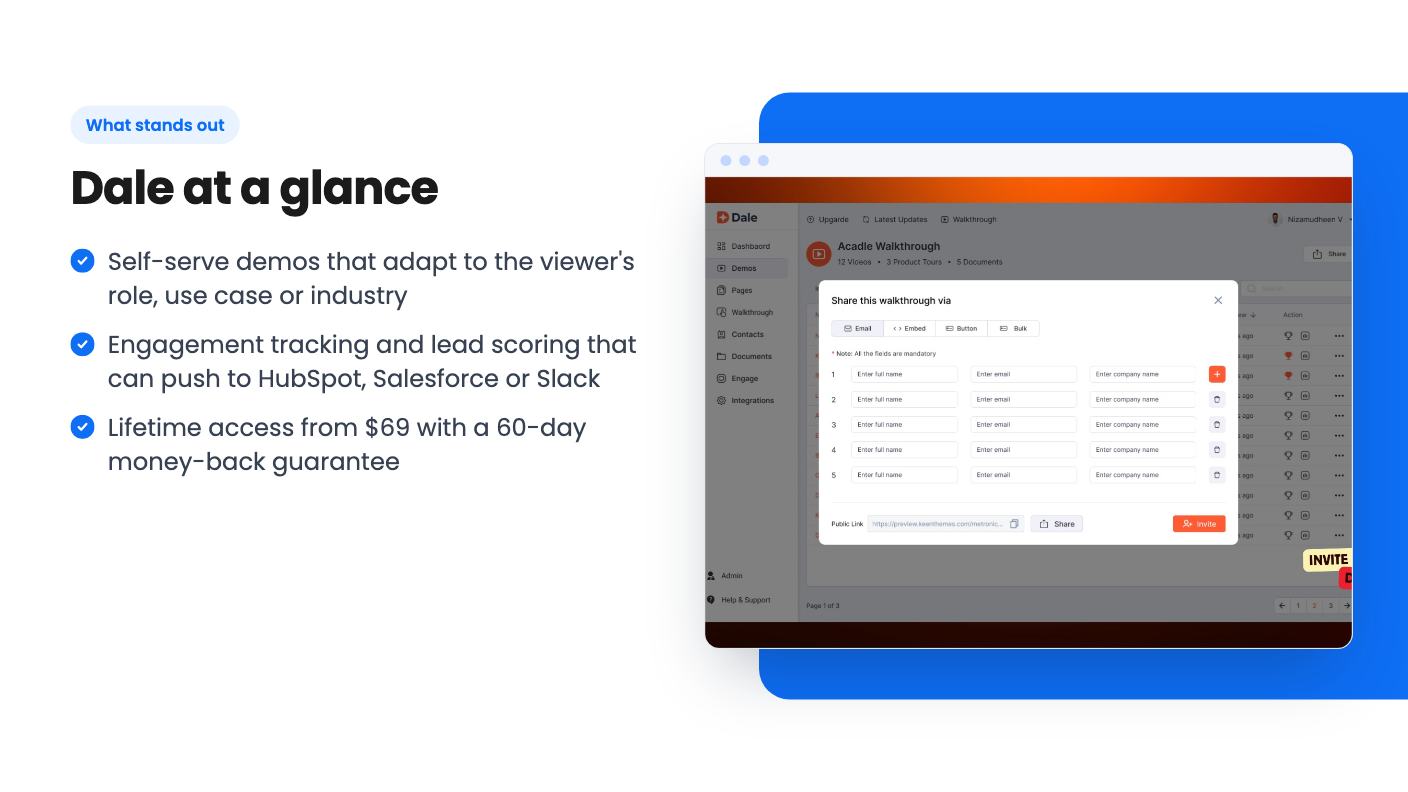
Dale lets you build interactive product demos that prospects click through on their own. You capture your product screens and flows with a no-code builder, then share the result as a link, embed it on a page, or send it by email. According to the listing, you can make single-experience demos, video demos and multi-language demos, and keep them all in one library so reps know what to send.
The pitch is to swap your ‘Book a Demo’ button for that link. The viewer picks the topics they care about, and the demo routes them by role, use case or industry. You can attach resources inside the flow and capture contact details in the demo itself, so there’s no separate form or landing page.
AppSumo lists Loom and Vidyard as alternatives. I think that’s a stretch. Those are video tools. Dale is closer to an interactive demo platform with lead scoring attached.
Most of the value sits in a handful of things:
The FAQ section also says demos can be used for onboarding and training, not only sales. That’s plausible for a tool that builds guided walkthroughs, but the listing offers no detail on it, so treat it as a side benefit.
The video is the founder’s origin story, and the transcript is a pitch, not a product tour. He says he spent over a decade selling enterprise software and got tired of the same call repeating. Prospects wait days for a 45-minute walkthrough when they care about two or three features, and the sales team often goes in blind.
His answer is to remove the demo button and put Dale there. He says every demo is interactive and every second is tracked: which features a viewer marked as important, what they watched and replayed, and which call to action they clicked. He also describes scoring leads, pushing signals to a CRM, segmenting viewers by behavior and adding them to sequences. The demo of Dale is, as he puts it, built with Dale.
That’s a reasonable story, and it’s a real problem. But the transcript tells us nothing about how the builder feels to use, how long a first demo takes, or what the reports look like. The claim that ‘nobody else gives you that’ is marketing, and we haven’t checked it against other interactive demo tools.
There are four lifetime tiers: $69, $169, $279 and $599. The struck-through list prices run from $1,188 to $17,988, which tells you little. Ignore them.
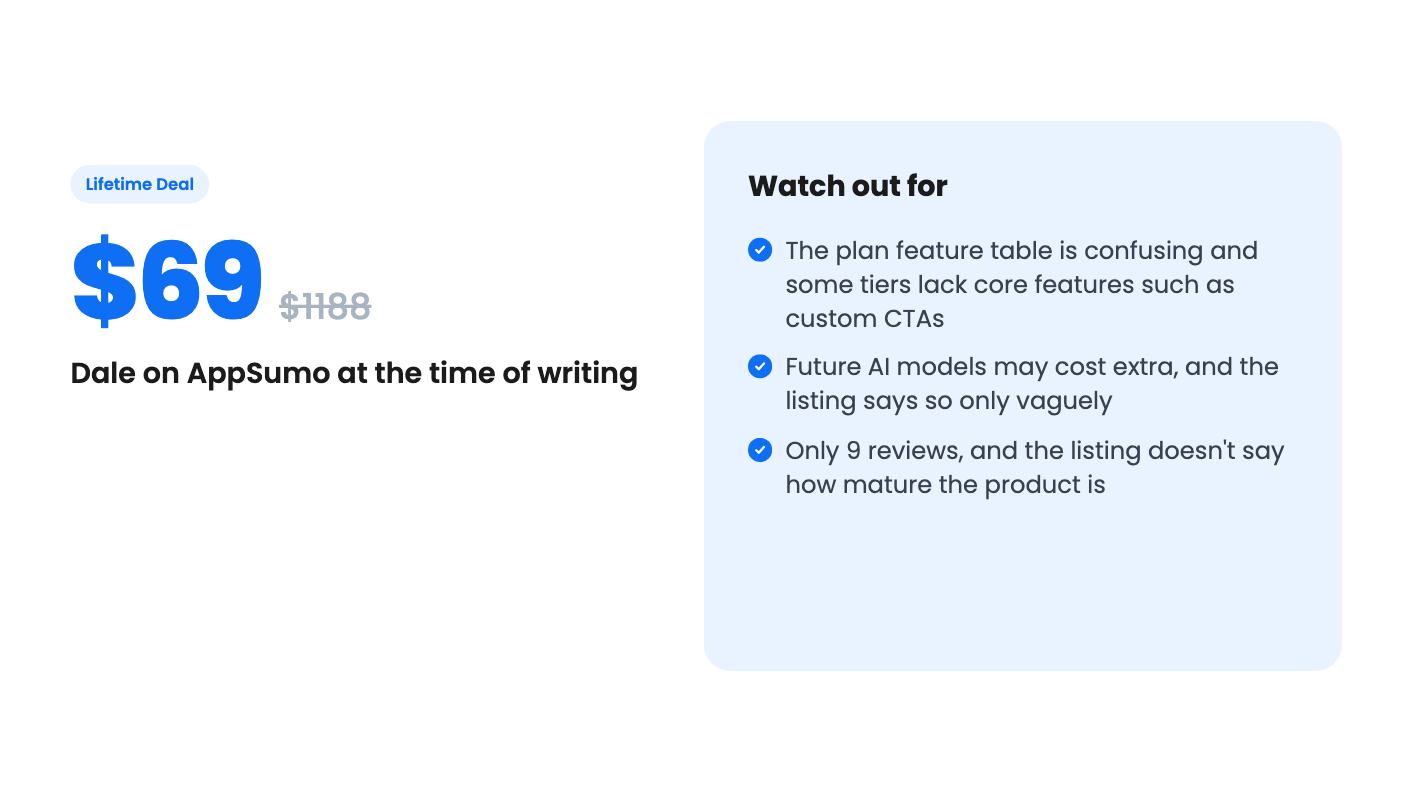
The feature table is where I’d slow down. As printed, the numbers don’t line up with the prices. Read in the order the listing gives them, the $69 tier gets 1 user seat, 100 published demos, 30,000 contacts and 50GB of storage. The $599 tier gets 5 seats, 5 published demos and 1,000 contacts, though with 250GB of storage. That’s backwards from how tiers normally work. Either the columns are in a different order than the prices, or the listing has errors. I’d confirm the numbers on the live AppSumo page before you pick a tier.
The feature flags have the same problem. Some tiers are shown without linear demos, custom CTAs, interactive walkthroughs or contact heat maps. One tier has no embed option, and one has no API or webhooks. The first column also carries light Dale branding, while the others show none. If you plan to put demos on your website, check embed support for your specific tier first.
The plan terms promise all future updates for your tier. They also say access to future AI models may come at a discounted rate or may require an add-on. That’s vague, and it means the lifetime price might not cover everything the product adds later.
Two timing rules apply. You must activate your license within 60 days. You can upgrade while the deal is live, but you can only downgrade within 60 days of purchase. AppSumo’s summary also mentions a 60-day money-back guarantee, which is your safety net if the tool disappoints.
The nine reviews average 5.00, which is encouraging but a small sample. AppSumo’s own summary admits some buyers found setup time-consuming and the pricing steep. Steep is a strange word for $69, so it may refer to the regular subscription price or the higher tiers. The listing doesn’t say how long Dale has been around or what its roadmap looks like, so assume it’s a fairly young product.
Skip Dale if you don’t have a sales pipeline. Interactive demos and lead scoring only pay off when people are actually evaluating your product and someone follows up. If your business sells services or low-priced items with no demo step, there’s nothing here for you.
Skip it if you just want to record a quick walkthrough and send it. A simple screen recorder will do that with far less setup.
Also hold off if you don’t use HubSpot or Salesforce. The scoring story depends on pushing signals to a CRM, and the listing names only those two.
If you do run a small SaaS with a demo button that underperforms, the entry price is low and the refund window is generous. Pick a tier only after you’ve checked the table against the live page, then build one real demo in the first week. If you can’t get it live and tracking by day 60, request the refund.
Not really. AppSumo lists Loom and Vidyard as alternatives, but Dale builds interactive demos that viewers click through and that track engagement. If you just need to record your screen and send a video, it's more tool than you need.
The listing names HubSpot and Salesforce, and says signals can also go to Slack. API and webhook access depends on the tier, and the listing shows it as unavailable on one of the four.
AppSumo's summary mentions a 60-day money-back guarantee. The plan terms also say you must activate your license within 60 days, and you can only downgrade within 60 days of purchase.
How this review was made: researched from Dale's official listing and a transcript of its demo video, and written with help from AI. We have not tested Dale hands-on yet. Prices and deal terms change, so check AppSumo before you buy. See our affiliate disclosure.
KingSumo runs viral email giveaways. Free tier has unlimited contests, and a one-time $49 Pro adds branding removal, tracking and Mailchimp, Kit and Klaviyo.
XMagnet bundles prospecting, warm-up, sequences and newsletters. The $59 to $539 AppSumo deal has one-time credits and mailbox caps worth checking first.
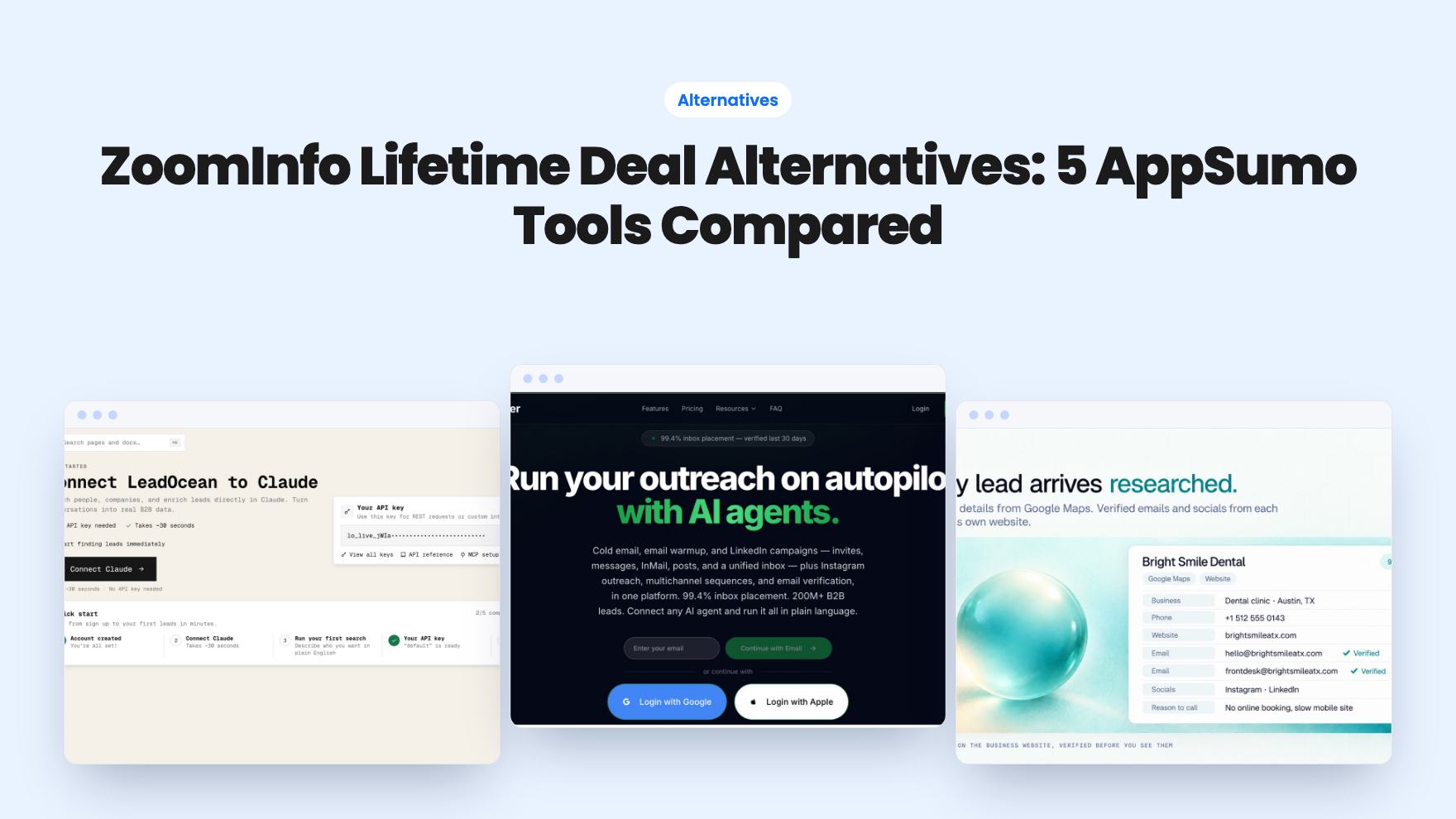
Five AppSumo lifetime deals that cover parts of what ZoomInfo does, from contact data to cold email and local prospecting, and who each suits.