
Design & MediaAlternatives
Kapwing Lifetime Deal Alternatives for Small Businesses
Five AppSumo lifetime deals that cover parts of what Kapwing does, from clip cutting to captions and dubbing. Each has caps worth knowing before you pay.
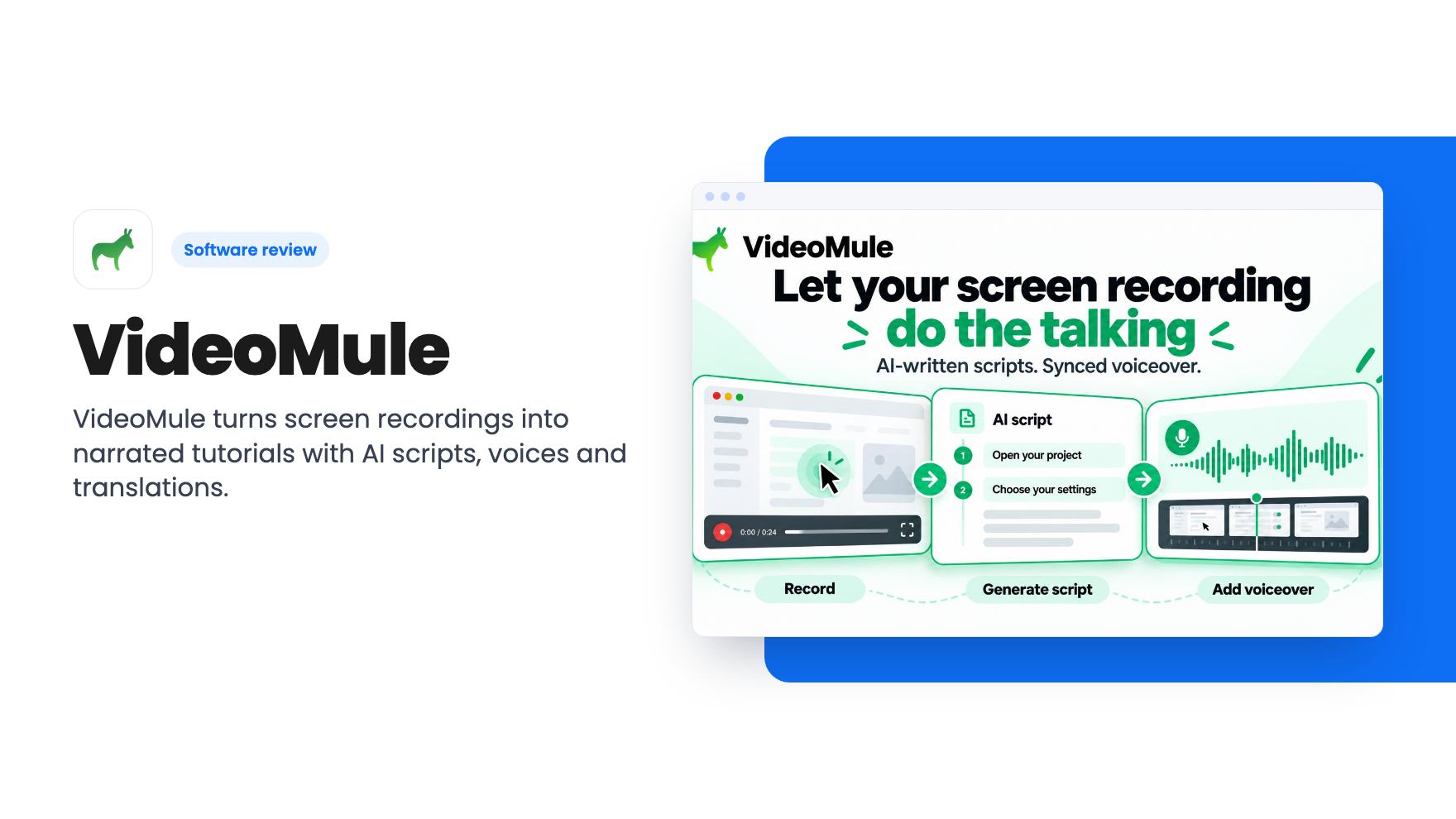
VideoMule turns screen recordings into narrated tutorials with AI scripts, voices and translations. The $69 AppSumo deal has tight one-time allowances.
Lifetime deal price
$69$24972% off
Lifetime Deal
Our take: Buy the entry tier if you make a handful of short software tutorials and want cheap AI narration and translation. Skip it if you produce video weekly, need long videos, or want proof of output quality first, because the one-time caps and the lack of a demo video leave real gaps.
You record yourself clicking through a settings page, then lose an hour writing what to say, recording the voice and fixing the bits where you stumbled. That’s why so many small businesses never get around to tutorial videos. VideoMule is built to shorten that chain, and the $69 AppSumo deal is a cheap way to see whether it works for you.
We haven’t used it, and the listing came without a demo video, so what follows is based on the listing alone.
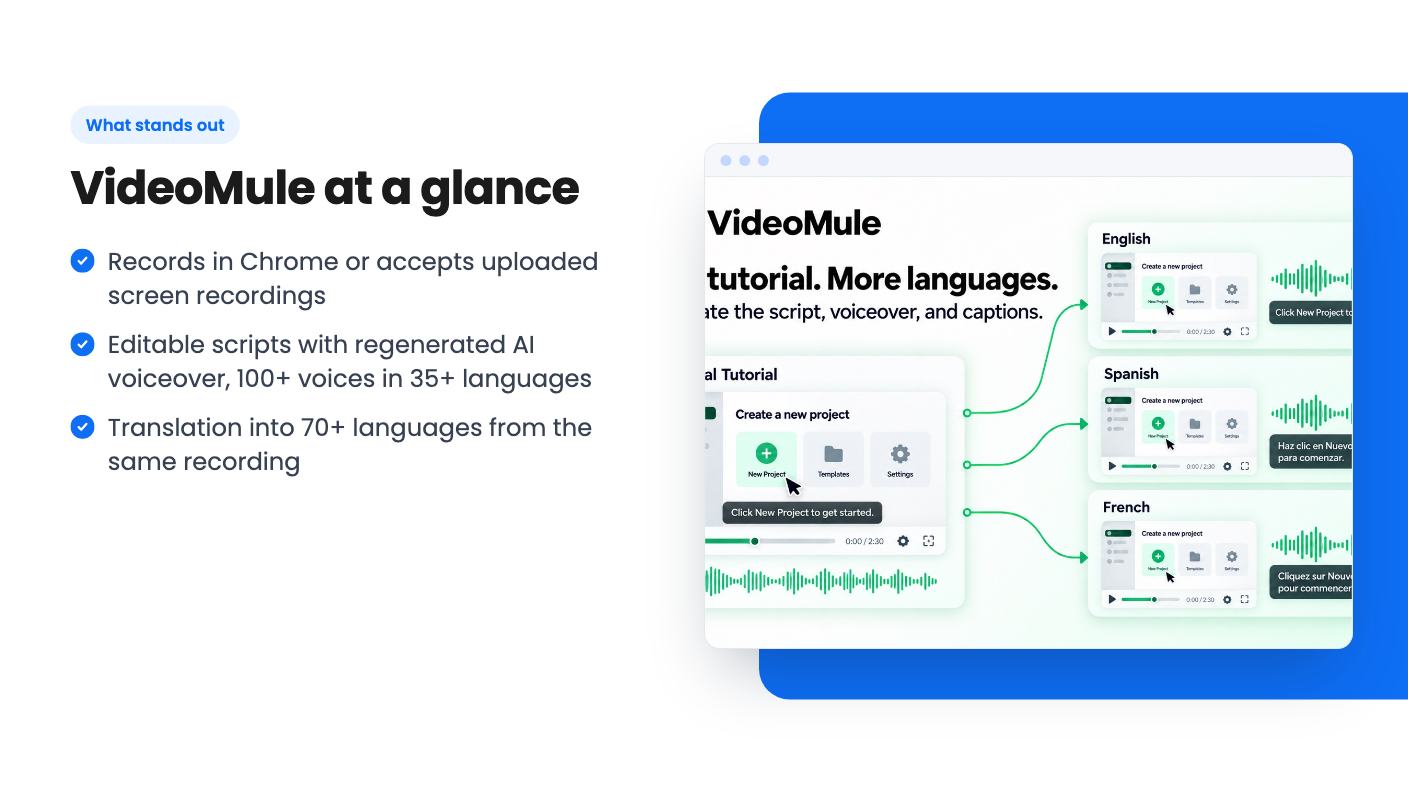
You either record with the Chrome extension or upload a recording you already have. VideoMule then analyzes the actions on screen, writes a script explaining them, and generates an AI voiceover synced to the video.
The listing promises unlimited AI scripts, and you can edit any script line and regenerate the voiceover after a change. That’s the part I like. Nobody gets a script right on the first pass, and being able to fix one sentence without re-recording is the whole point of a tool like this.
There are 100+ AI voices across 35+ languages. The listing doesn’t include audio samples, so you can’t judge how natural they sound from the page. Neither can we.
The script is generated from what happens on screen, so a messy recording will probably give you a messy script. Keep your clicks deliberate.
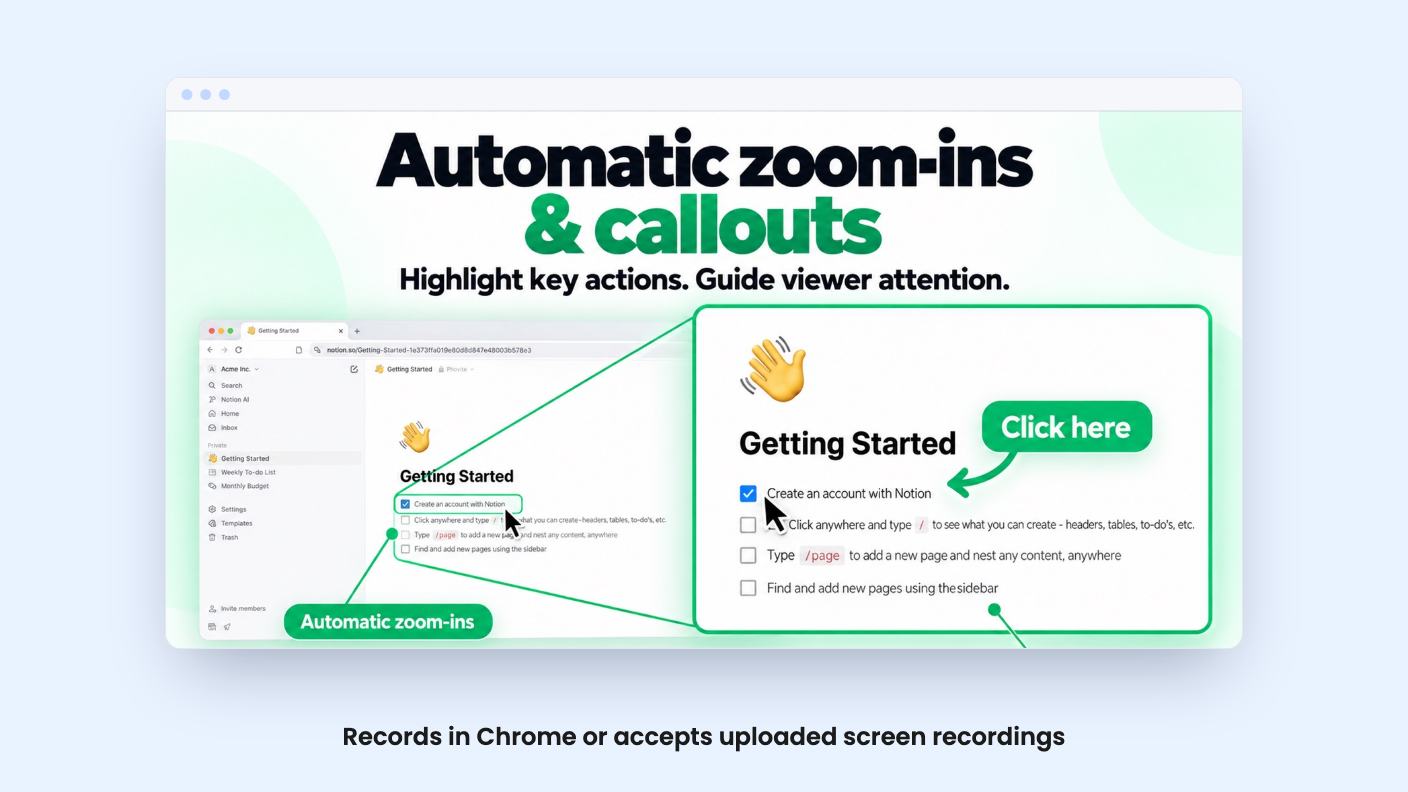
After the script, you finish in a multitrack timeline covering video, audio and captions. VideoMule adds automatic zoom-ins and on-screen callouts to draw the viewer’s eye to the action. You export in HD, rendered locally or in the cloud.
Local rendering matters here. Cloud renders are capped per month on every tier, so being able to render on your own machine takes some pressure off the smaller plans.
Then there are avatars. You can drop a stock AI presenter into an intro, a closing message or a transition, or train a photo avatar of yourself. A digital twin is available from Tier 2 up. I’d treat this as a garnish. Screen tutorials rarely need a talking head, and the avatar allowances are small, as you’ll see below.
This is the feature that could justify the deal for some buyers. VideoMule can produce a translated version of a tutorial in 70+ languages, with a new script, voiceover and captions. You reuse the same screen recording, so one capture can onboard customers or train staff in another language.
One credit covers one translation of one video. The tiers include between 5 and 100 translations, and they don’t renew.
You can also connect your own ElevenLabs key for premium voices, voice cloning and dubbing. The listing doesn’t say what that costs, but a key implies you’d need your own ElevenLabs account, so budget for that separately.
There are five lifetime tiers, and you can upgrade or downgrade between them. Every tier includes all future plan updates, and you must activate your license within 60 days of purchase.
The feature table in the listing is confusing. The columns aren’t labeled, and the numbers fall as the price rises, with seats at 10 / 5 / 3 / 1 / 1. That looks reversed. Digital twin training is listed as available from Tier 2, and the table’s last value for it is 0. That suggests the columns run from Tier 5 down to Tier 1. Two rows also carry stray extra values, such as video length and storage. Confirm the real numbers on the AppSumo page before you pay.
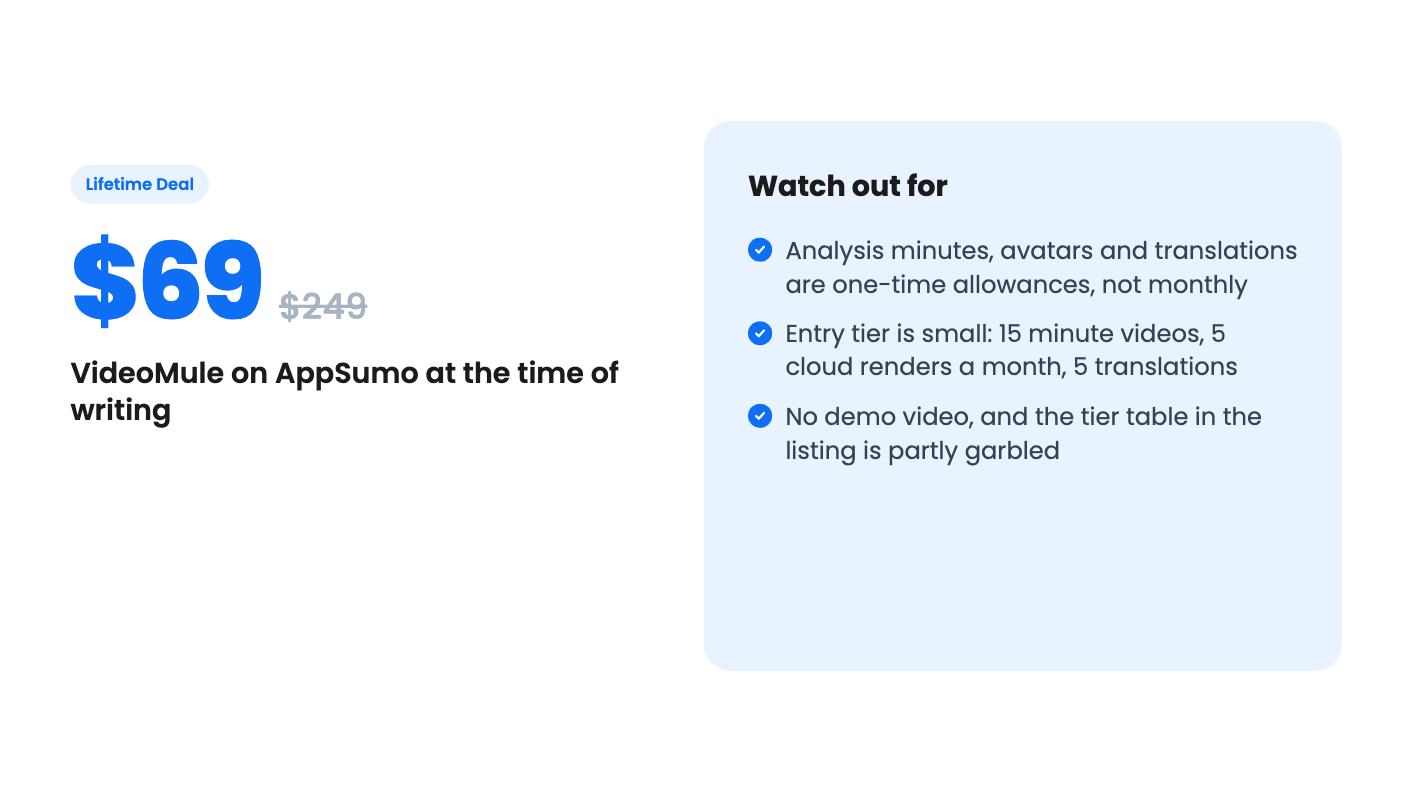
Assuming the reversed reading, Tier 1 gets one seat, 15 upload minutes a month, 30 one-time video-analysis minutes, 15 minute videos, 5 cloud renders a month, 5 GB of storage and 5 translations. Tier 5 gets 10 seats, 120 upload minutes, 400 analysis minutes, 25 minute videos, 40 cloud renders and 40 GB.
The usage rules are the part I’d read twice. Upload minutes and cloud renders renew monthly. Video-analysis minutes, avatar generation, avatar training and translations are one-time. Monthly upload minutes don’t top up your analysis allowance.
Which bucket you spend from depends on the analysis mode you choose. Audio only uses monthly upload minutes. Video only and Both use the one-time analysis minutes, and that includes silent recordings. Most screen tutorials will want video analysis, so the one-time pool is the one that matters.
On Tier 1, 30 analysis minutes is not a lot. Once it’s gone, you buy more. The listing offers a 150-minute pack for $59, which is nearly the price of the Tier 1 deal on its own.
Avatar output is metered by quality: one minute costs 1 credit at Normal, 3 at Standard and 4 at High. With 5 avatar credits on Tier 1, that’s five minutes at Normal quality, or barely a minute at High.
The listing text also cuts off mid-sentence in the avatar FAQ, partway through a point about credits available during the refund window. The tier figures it gives, 2 / 4 / 6 / 8 / 10, are lower than the totals in the table. We can’t tell from the listing exactly what that means, so ask before assuming you’ll get the full allowance on day one.
Finally, this looks like a young product. The listing shows four AppSumo reviews averaging 4.5, which is encouraging but thin. Treat the summary as marketing until you’ve watched real output.
The entry tier suits someone with a short list of tutorials to make, say a few feature walkthroughs for customers, who wants editable AI narration without a monthly subscription. If a couple of those also need translating, the translation credits are a fair bonus. Teams that need multiple seats should look at the higher tiers, though that’s where the price stops feeling like an impulse buy.
Skip it if you publish video every week, since the one-time analysis minutes will run out and the add-on packs cost real money. Skip it if your videos run longer than 15 minutes on the lower tiers. And skip it if you won’t buy without seeing sample output, because the listing offers no video and no voice samples.
The sensible move is to start at Tier 1, make two or three real tutorials inside the refund window, and judge the script and voice quality yourself. If the output holds up, upgrading later is allowed. If it doesn’t, you’ve risked $69 and not a subscription.
Only some of them. According to the listing, upload minutes and cloud renders renew monthly. Video-analysis minutes, avatar generation, avatar training and translations are one-time allocations. Extra video-analysis minutes are sold as a $59 pack of 150 minutes.
Yes. The listing says it can create a translated script, voiceover and captions for the same recording in 70+ languages. Each translation uses one credit, and the tiers include between 5 and 100 of them.
The listing says digital twin training starts at Tier 2. Tier 1 has no digital twin training, only a small number of photo avatar trainings.
How this review was made: researched from VideoMule's official listing, and written with help from AI. We have not tested VideoMule hands-on yet. Prices and deal terms change, so check AppSumo before you buy. See our affiliate disclosure.
Five AppSumo lifetime deals that cover parts of what Kapwing does, from clip cutting to captions and dubbing. Each has caps worth knowing before you pay.
Seven AppSumo lifetime deals named as Loom alternatives, grouped by job: narrated tutorials, plain recording, interactive demos and personalized outreach video.
Eight AppSumo lifetime deals named as Descript alternatives, grouped by the job you need done, with the caps and gaps each listing shows.

