
Design & MediaAlternatives
Kapwing Lifetime Deal Alternatives for Small Businesses
Five AppSumo lifetime deals that cover parts of what Kapwing does, from clip cutting to captions and dubbing. Each has caps worth knowing before you pay.
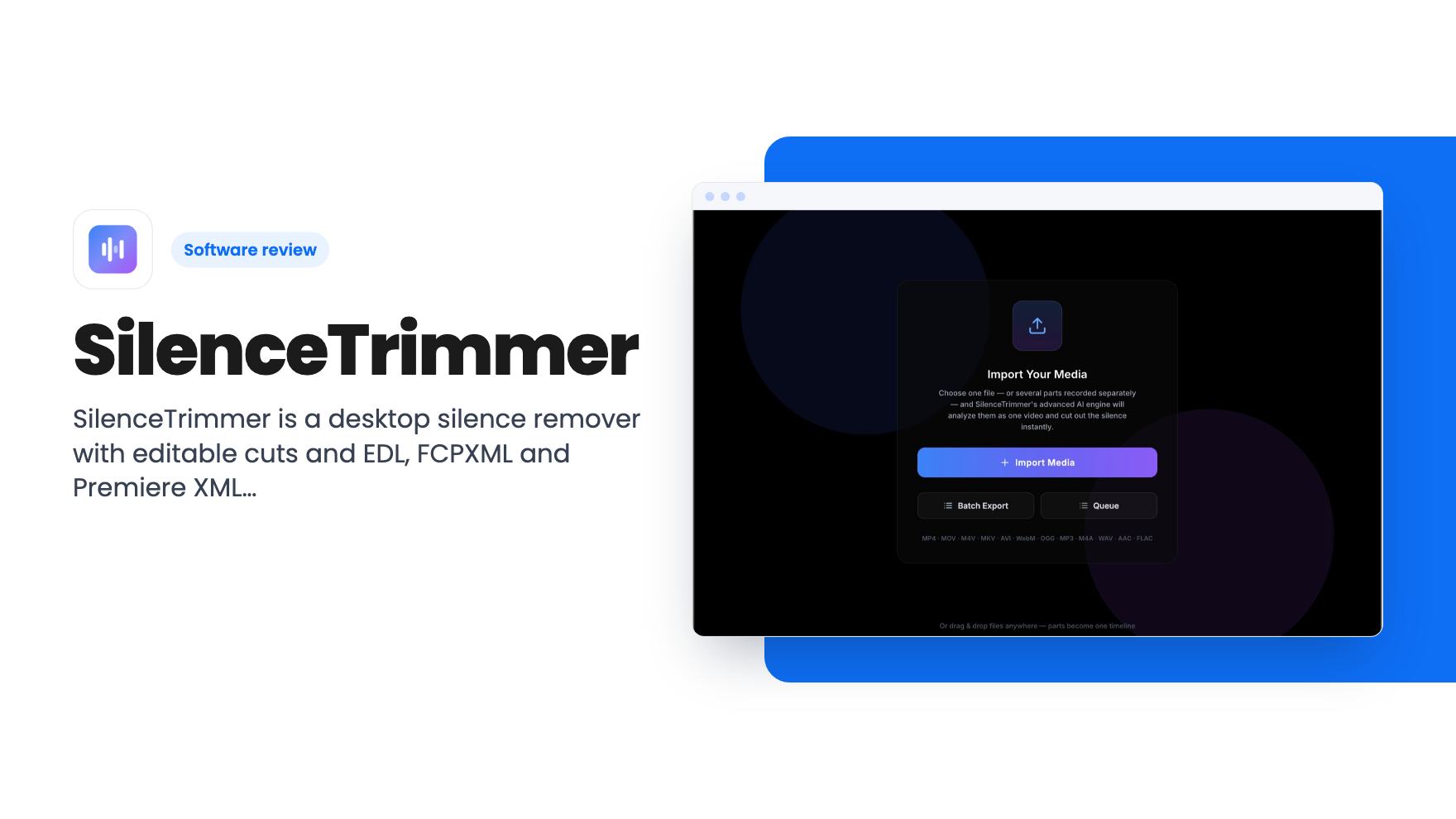
SilenceTrimmer is a desktop silence remover with editable cuts and EDL, FCPXML and Premiere XML export. Here's what the $89 AppSumo lifetime deal gets you.
Lifetime deal price
$89$14940% off
Lifetime Deal
Our take: Worth buying if you edit talking-head video or podcasts in Premiere, Final Cut or DaVinci Resolve and want uncapped, offline silence cutting. Skip it if you want transcript-based editing like Descript or need a full editor, since this does one job and the product looks young.
You’ve just recorded a 50-minute interview, or a screen walkthrough full of “let me just find that tab” pauses. Now comes the dull part: scrubbing through the timeline and razoring out every gap by hand. It’s the kind of job that eats an evening and teaches you nothing.
SilenceTrimmer is built for exactly that chore. It’s a desktop app for Mac and Windows that finds the quiet stretches in a recording and cuts them. It’s on AppSumo as a lifetime deal for $89, down from a $149 list price. We haven’t used it ourselves, so everything below comes from the listing, not from hands-on time.
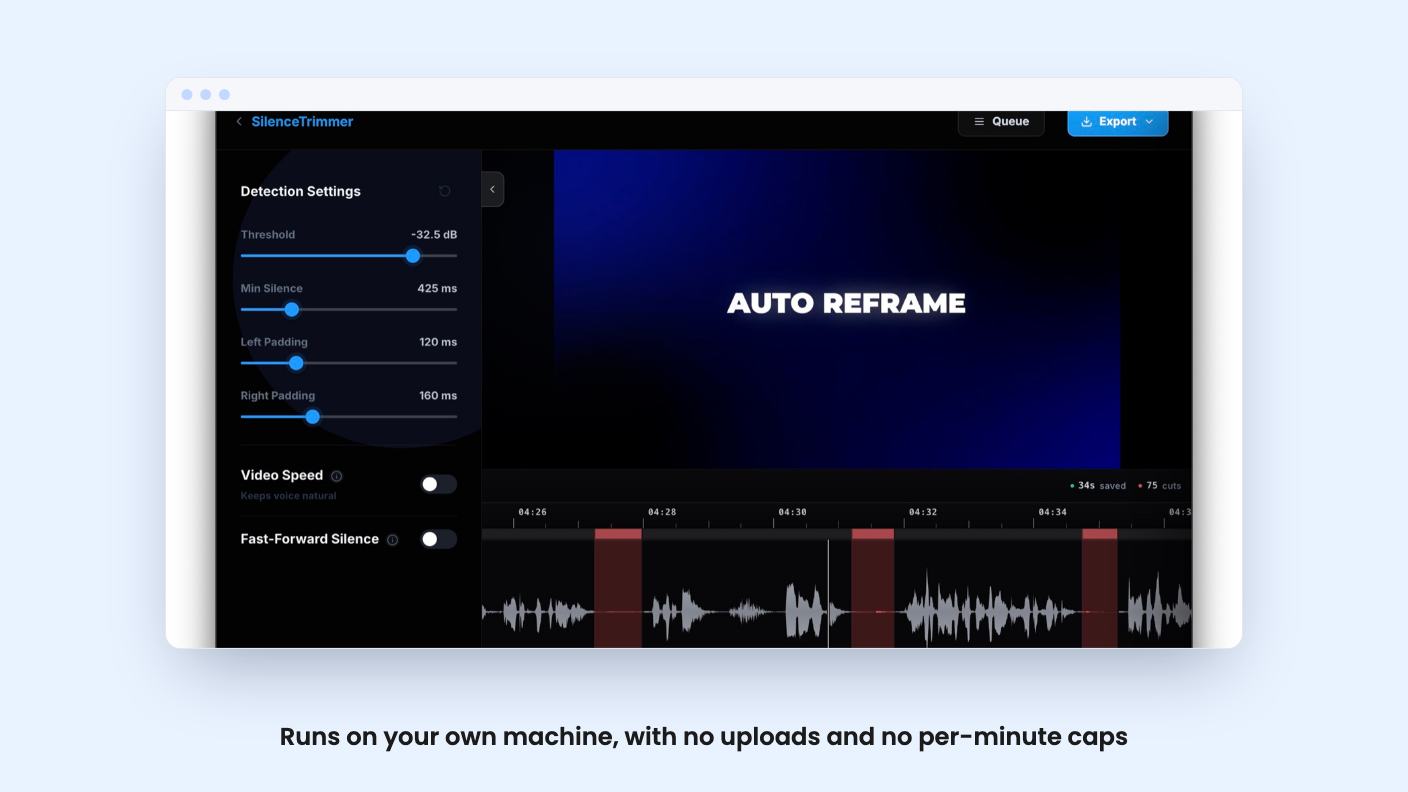
The core job is simple. You import a recording, the app detects silences, and it marks each cut on a waveform. Detection runs in one pass across the whole recording rather than clip by clip, which the listing says keeps timing right across every join.
You can drag any cut, keep it, or put it back before you commit. That matters more than it sounds. Automatic silence removal always gets a few things wrong, like a dramatic pause you wanted or a breath that got clipped. Being able to fix those on the waveform is the difference between a useful tool and one you have to redo by hand.
You also get sliders for threshold, minimum silence and padding. The threshold auto-tunes to each file as a starting point, so you shouldn’t be fiddling from zero every time.
There’s a preview that plays the edit with the silence already skipped, and keyboard controls for J/K/L shuttle, frame stepping, split, keep/cut and undo. If you’d rather not remove long pauses outright, you can fast-forward them at 1.5x to 8x instead.
Most silence cutters hand you a flattened video and wish you luck. SilenceTrimmer can do that, exporting a finished MP4, but it can also export EDL, FCPXML and Premiere XML. The cuts then open in Premiere Pro, Final Cut Pro or DaVinci Resolve as a real sequence you can keep editing.
That’s the feature I’d buy this for. If you already cut in one of those editors, you get the tedious first pass done and stay in your own workflow.
The listing says every event is computed in whole frames, so the timeline lines up instead of drifting. We can’t confirm that without trying it, but it’s the right thing to claim, because drift is the classic failure of tools like this.
It also keeps every audio track, and 10-bit and HDR sources stay 10-bit and HDR. The listing doesn’t say how the MP4 export handles codecs or quality settings, so check that before you rely on it for final delivery.
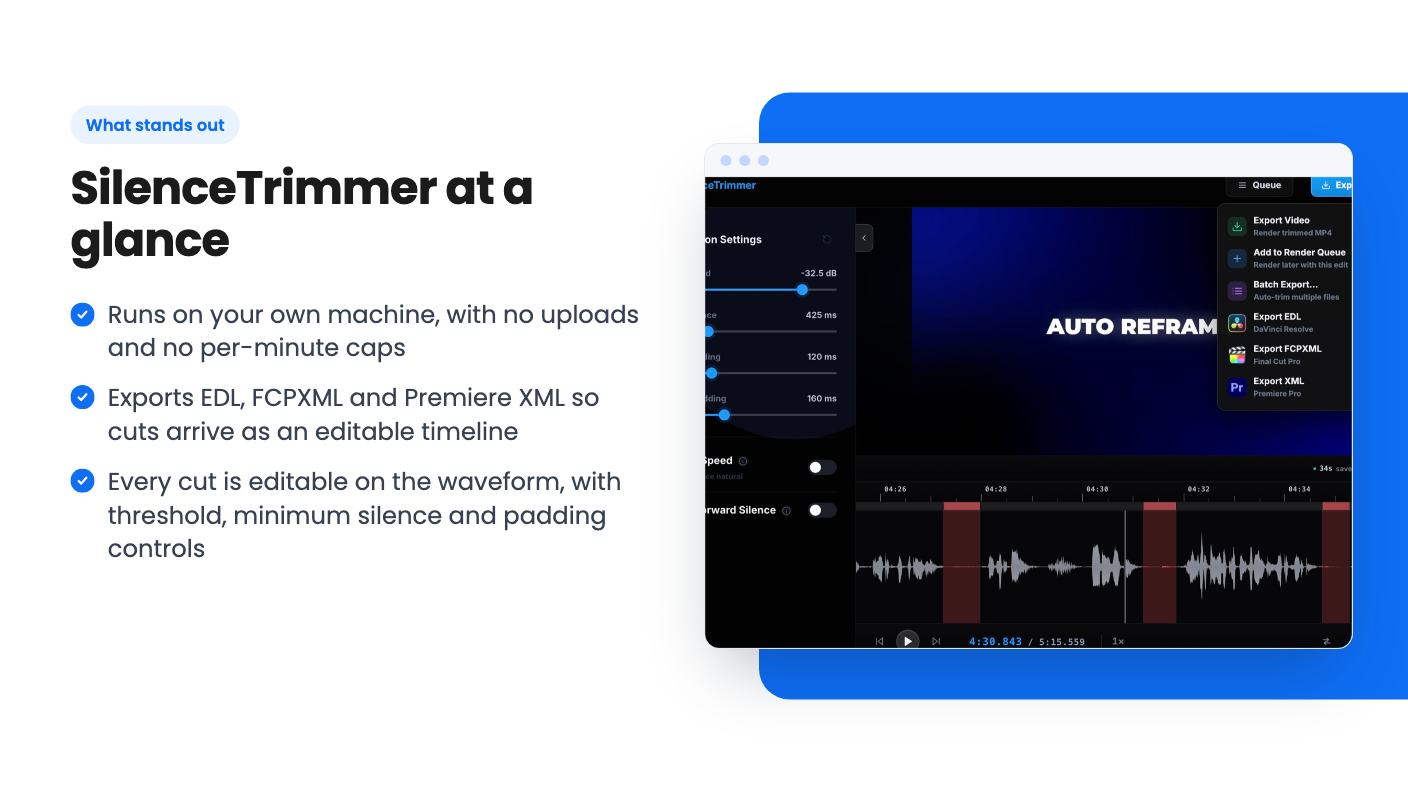
Batch Export queues a stack of recordings and trims them one after another while you do something else. Output lands next to each original file unless you point it elsewhere. If you record a session in several parts, you can import the files as one timeline and detection runs across the joins.
Phone and screen recordings get their own treatment. Those files are often variable frame rate, which causes sync trouble in editors. The app flags them on import and includes a converter that turns them into constant frame rate at a rate you pick, in batches. It’s a small feature, but anyone who has fought drifting phone footage will see why it’s there.
Supported imports are broad: MP4, MOV, M4V, MKV, AVI, WebM, OGG, MP3, M4A, WAV, AAC and FLAC. So podcasters working with audio only are covered too.
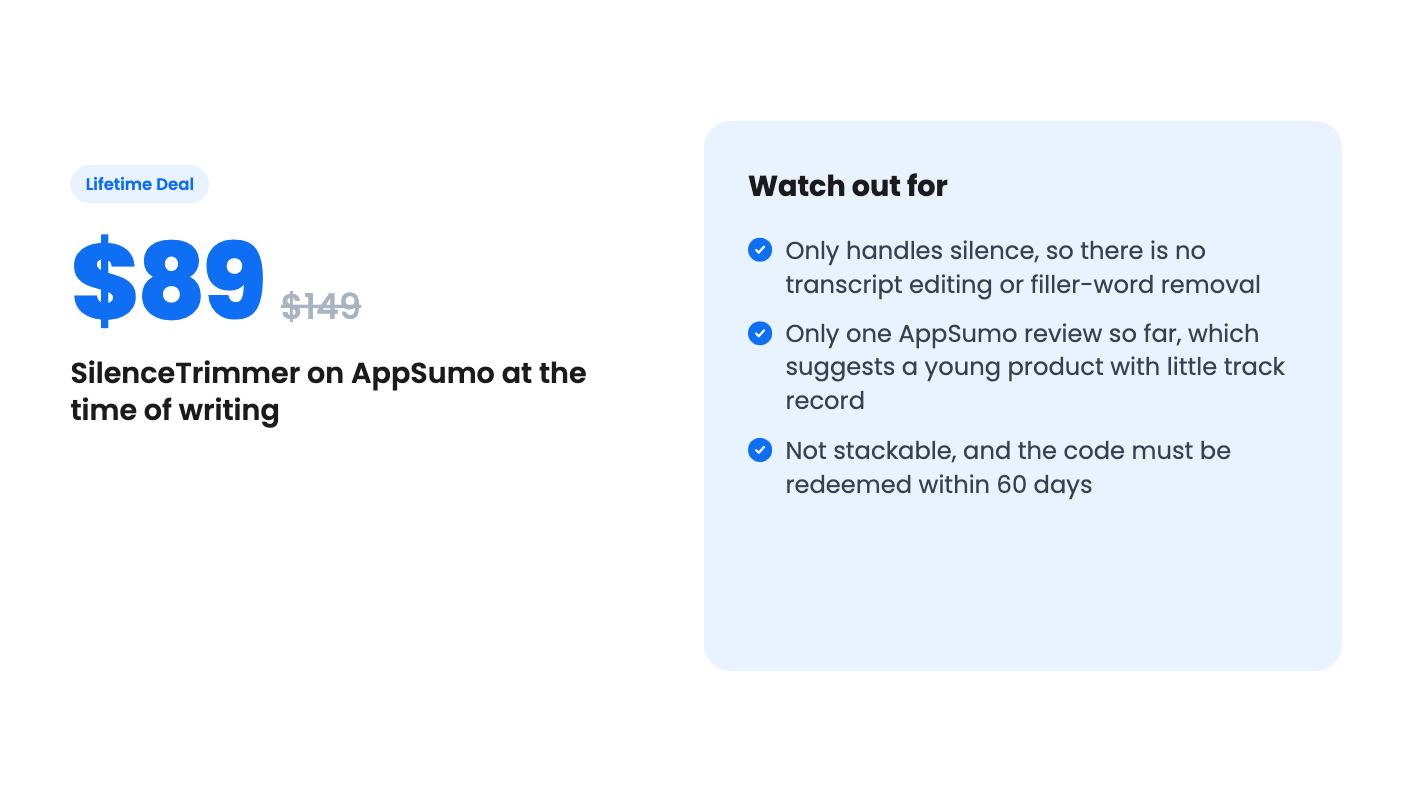
The lifetime tier is $89 for a single plan, and the deal is not stackable. You must redeem your code within 60 days of purchase. AppSumo’s 60-day refund window applies, so the risk is low.
What you get is generous on paper. Exports are unlimited, with no per-file, per-minute or per-month caps. One license activates two computers, in any mix of Mac and Windows, and you can release one and move it. The app runs entirely on your machine and your media is never uploaded. You need a connection once to activate, then licenses verify offline. Future updates are included.
The local, uncapped model is a real advantage over online silence cutters that upload your footage and meter your minutes. If you handle client footage or just hate watching a credits counter, that’s appealing.
Now the caution. AppSumo shows one review, a 5.00 average. One review tells you almost nothing. This looks like a young product, and the listing gives no roadmap, no team details and no history. “All future updates” is only as good as the developer sticking around. At $89 with a refund window, I’d call that an acceptable bet, not a safe one.
The listing names Descript as an alternative, but that comparison is generous. Descript is known for editing video by editing a transcript. Nothing in the listing mentions transcription, filler-word removal, captions or any text-based editing. SilenceTrimmer cuts silence. That’s the whole job.
Skip it if you want an all-in-one editor, if your recordings are already tight, or if you only edit now and then. A few hours saved once a year won’t justify the price.
Also skip it if you need a polished, proven product with a long track record. The listing doesn’t mention a free trial, so the refund window is your trial.
But if you cut talking-head video, podcasts or tutorials in Premiere, Final Cut or Resolve every week, the combination of editable cuts, timeline export and no usage caps is a sensible one for the money. Buy it, run a real project through it inside the 60 days, and check that the exported timeline lines up in your editor. If it does, you’ve bought back a lot of evenings.
Only for one job. AppSumo lists it as a Descript alternative, but the listing describes silence detection, trimming and export. It doesn't mention transcripts, text-based editing or filler-word removal, so don't expect those.
According to the listing, no. Detection and export run on your own machine, and there are no per-file, per-minute or per-month caps. You need an internet connection once to activate the license, then it verifies offline.
One license activates two computers, in any mix of Mac and Windows, and you can move it between machines. AppSumo's 60-day refund window applies with no reason needed.
How this review was made: researched from SilenceTrimmer's official listing, and written with help from AI. We have not tested SilenceTrimmer hands-on yet. Prices and deal terms change, so check AppSumo before you buy. See our affiliate disclosure.
Five AppSumo lifetime deals that cover parts of what Kapwing does, from clip cutting to captions and dubbing. Each has caps worth knowing before you pay.
Seven AppSumo lifetime deals named as Loom alternatives, grouped by job: narrated tutorials, plain recording, interactive demos and personalized outreach video.
Eight AppSumo lifetime deals named as Descript alternatives, grouped by the job you need done, with the caps and gaps each listing shows.

