Lead GenerationReview
KingSumo Review: Free Giveaway Tool With a $49 Pro Upgrade
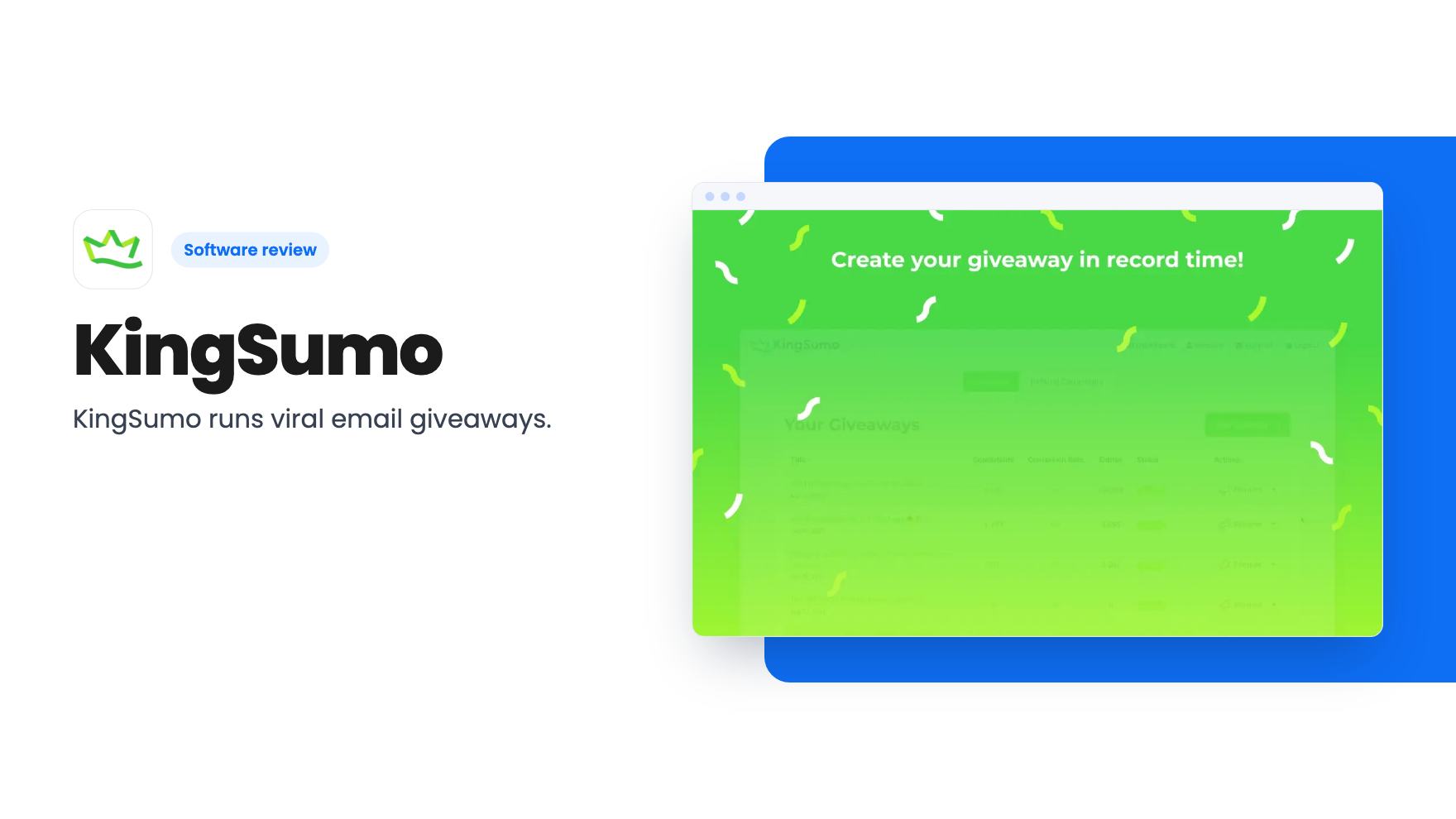
KingSumo runs viral email giveaways. Free tier has unlimited contests, and a one-time $49 Pro adds branding removal, tracking and Mailchimp, Kit and Klaviyo.
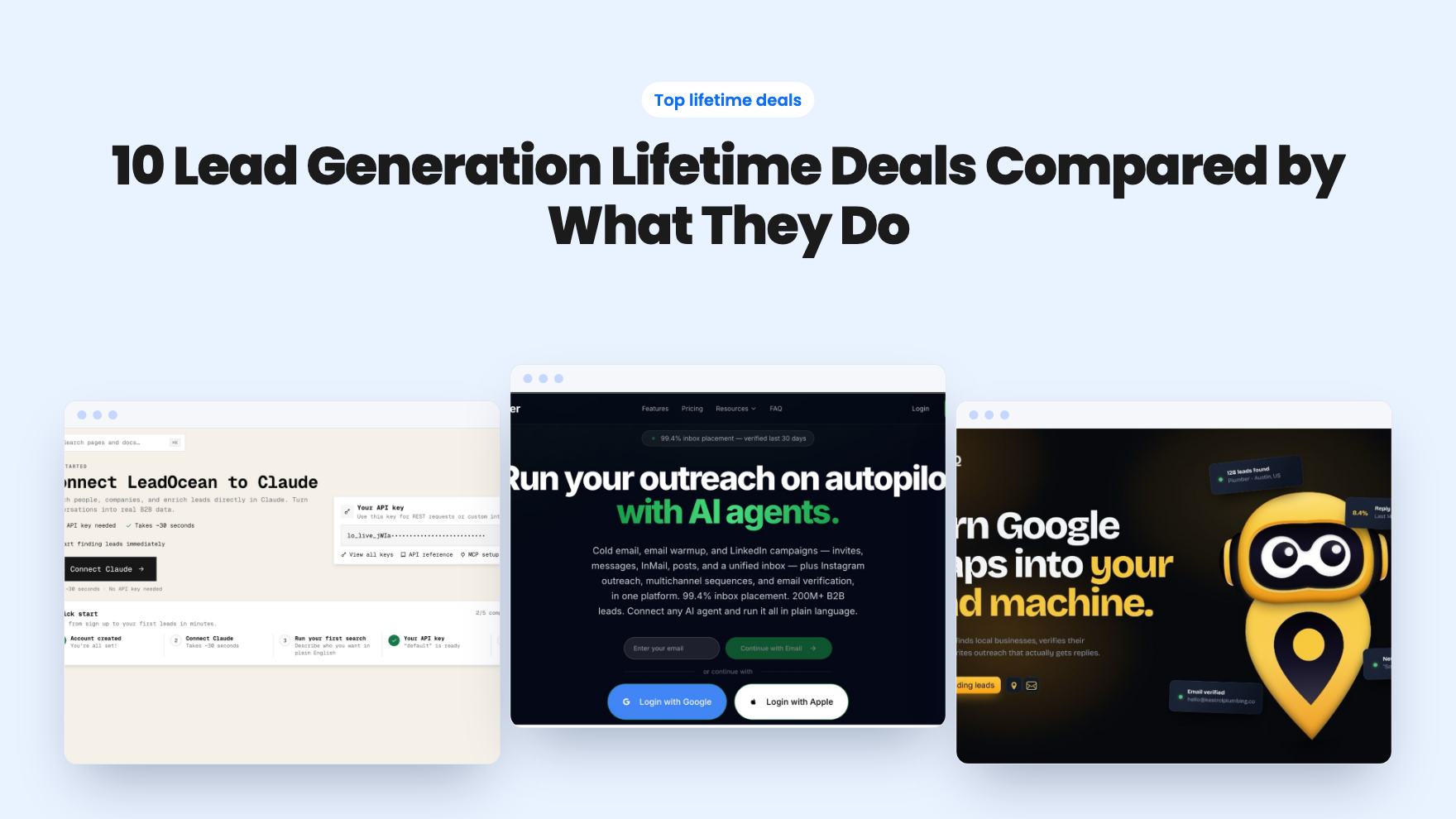
Ten AppSumo lead generation lifetime deals grouped by need: finding contacts, sending outreach, or qualifying inbound. Limits and gaps are called out.
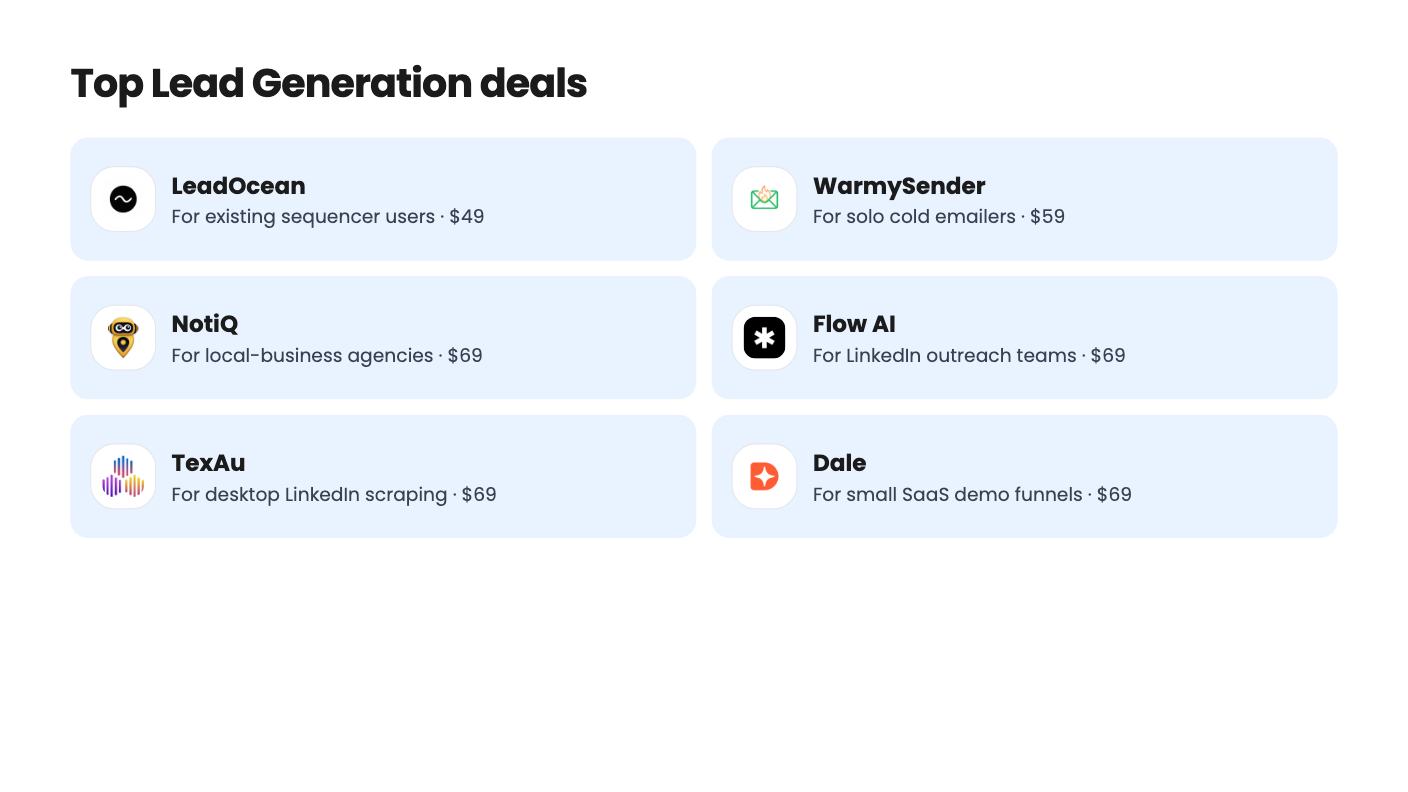
| Tool | Suits | Price |
|---|---|---|
| LeadOcean | For existing sequencer users | $49 |
| WarmySender | For solo cold emailers | $59 |
| NotiQ | For local-business agencies | $69 |
| Flow AI | For LinkedIn outreach teams | $69 |
| TexAu | For desktop LinkedIn scraping | $69 |
| Dale | For small SaaS demo funnels | $69 |
| Comment To DM | For LinkedIn comment-trigger posts | $49 |
| More Good Reviews | For local business review requests | $79 |
| Admaxxer | For ecommerce attribution, not leads | $49 |
Before you compare features, decide what’s actually missing in your pipeline. Some people have a good offer and no names to send it to. Others have a list and no reliable way to reach it. A third group already gets inquiries and loses them to slow follow-up. The ten lifetime deals below fall into those camps, so we’ve grouped them that way.
We haven’t tested any of these. Everything here comes from the AppSumo listings, and where a listing is vague, we say so. Most of them have confusing plan tables, which is worth keeping in mind before you pay.
LeadOcean is the plainest of the group. It’s a data-only B2B contact database, starting at $49, with no credits to buy. The listing cites 693M people, 63M companies and 366M records with email. That’s a big number, but the listing gives no accuracy or bounce figures, and AppSumo’s own summary mentions occasional data quality issues. On Tier 1 you can export 5K CSV rows a day and reveal 100 phone numbers a month. If you already have a sequencer and hate paying per lead, it’s a sensible cheap experiment.
NotiQ is narrower and more opinionated. It finds local businesses on Google Maps, verifies emails and runs AI cold outreach. That suits an agency selling to dentists, plumbers or restaurants. It doesn’t suit general B2B prospecting. Tier 1 starts at $69 but allows only 200 verified emails a month, and API/MCP access needs Tier 3 or higher. White-label needs Tier 4. The AI reply handling looks unproven on a young product.
TexAu takes the DIY route. It runs LinkedIn, Sales Navigator and Google Maps automations on your own computer, so scraped data stays with you. The catch is that it’s desktop-only, with no public API and no cloud runs. CSV is the only way out. Tier 1 gives you 50 runtime hours a month and one automation at a time. The listing also contradicts itself on whether there are 110+ or 150+ automations, which is a small thing that makes us wary of the rest.
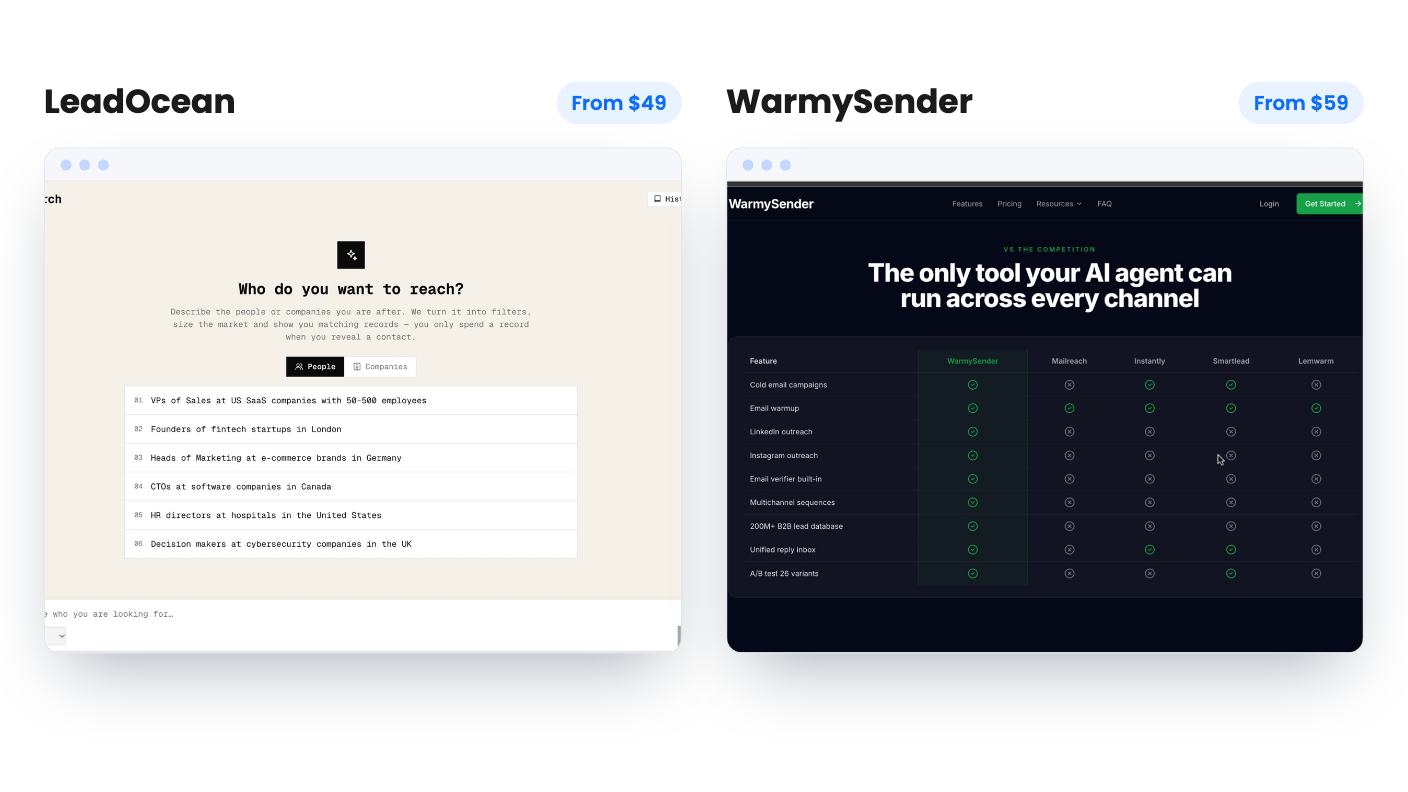
WarmySender packs the most into one bill: a sequencer, warmup, verification and a lead database. The visual builder has eight conditional branch types and A-Z testing up to 26 subject lines, and there’s a spam score checker before you send. Six lifetime tiers run from $59 to $999. The weak spot is evidence. Deliverability and database claims are self-reported with no method shown, and the tier table is unlabeled. Start low and test your own inbox placement during the refund window.
Flow AI is the LinkedIn-first option. For $69 you get lead search, outreach, a shared inbox, a light CRM, and an MCP link so Claude or ChatGPT can run campaigns. Its 4.92 average across 106 AppSumo reviews is a good sign. But there are no stated daily sending limits, search credits or lead caps, and the plan table clashes with the ‘unlimited accounts’ claim. Letting an AI assistant send messages overnight is also a risk you’d be taking on yourself.
Comment To DM does one thing. You paste a LinkedIn post link, set trigger keywords, and it DMs people who comment. It starts at $49. Tier 1 includes 10 parallel campaigns and attachments. Odd detail: Tier 3 costs the most yet lists fewer accounts, fewer campaigns and no attachments, so avoid it until the vendor explains. Sending is capped at 25 to 40 DMs a day, which means a popular post takes days to clear. There’s no analytics or CRM sync described.
Outvid is for people who’d rather send twenty great videos than two hundred forgettable emails. One 90-second recording becomes a researched video per prospect, with sequences across email, LinkedIn, WhatsApp and Instagram. Credits are small, from 50 at $99 to 300 at $469, and the listing never says how many credits a video uses. The $99 tier keeps Outvid branding and allows one clone. With only 4 reviews, treat it as an experiment.
Dale swaps the Book a Demo button for a self-serve interactive demo that adapts to the viewer’s role or industry, then scores engagement and pushes to HubSpot, Salesforce or Slack. It starts at $69. It makes sense for a small SaaS team drowning in unqualified demo calls. Some tiers lack core features like custom CTAs, and future AI models may cost extra, though the listing is vague on that. Nine reviews isn’t much.
More Good Reviews is the odd one in a lead generation roundup, but local businesses live on reviews. It sends email and SMS requests with reminders and routes unhappy customers to a private feedback step first. Every code includes all features, from $79 to $395 in total. Each code adds only 5,000 monthly requests and 20 locations, and only Google and Facebook are named as sources.
Admaxxer is analytics and ad attribution, not lead generation. We include it because it’s in the category on the listing. It offers blended MER, cohort LTV and UTM attribution for ecommerce teams. The $49 tier has only 8K tracked events and lacks MER, CAPI and LTV, so $119 looks like the real starting point. You also supply your own AI key. With 3 reviews, it’s the least proven here.
Pick one tool for the gap you actually have, buy the lowest tier, and use the refund window to run a real batch through it before you commit to a bigger one.
They carry risk, especially with young products. Several listings here have few reviews, and the vendor claims about deliverability or account safety aren't independently verified. The 60-day refund windows mentioned on most listings make a cheap trial sensible before you rely on any of them.
Often, yes. LeadOcean is data only, so you'd pair it with a sequencer. WarmySender, NotiQ and Flow AI bundle sourcing and sending, but their monthly caps are tighter than a dedicated database, so check the tier limits against your volume.
Flow AI, TexAu and Comment To DM all centre on LinkedIn. The listings don't promise your account will stay safe, so keep volumes modest and treat the vendors' safety claims as claims.
How this article was made: researched from each tool's official listing and our reviews of it, and written with help from AI. We have not tested these tools hands-on. Prices and deal terms change, so check AppSumo before you buy. See our affiliate disclosure.
KingSumo runs viral email giveaways. Free tier has unlimited contests, and a one-time $49 Pro adds branding removal, tracking and Mailchimp, Kit and Klaviyo.
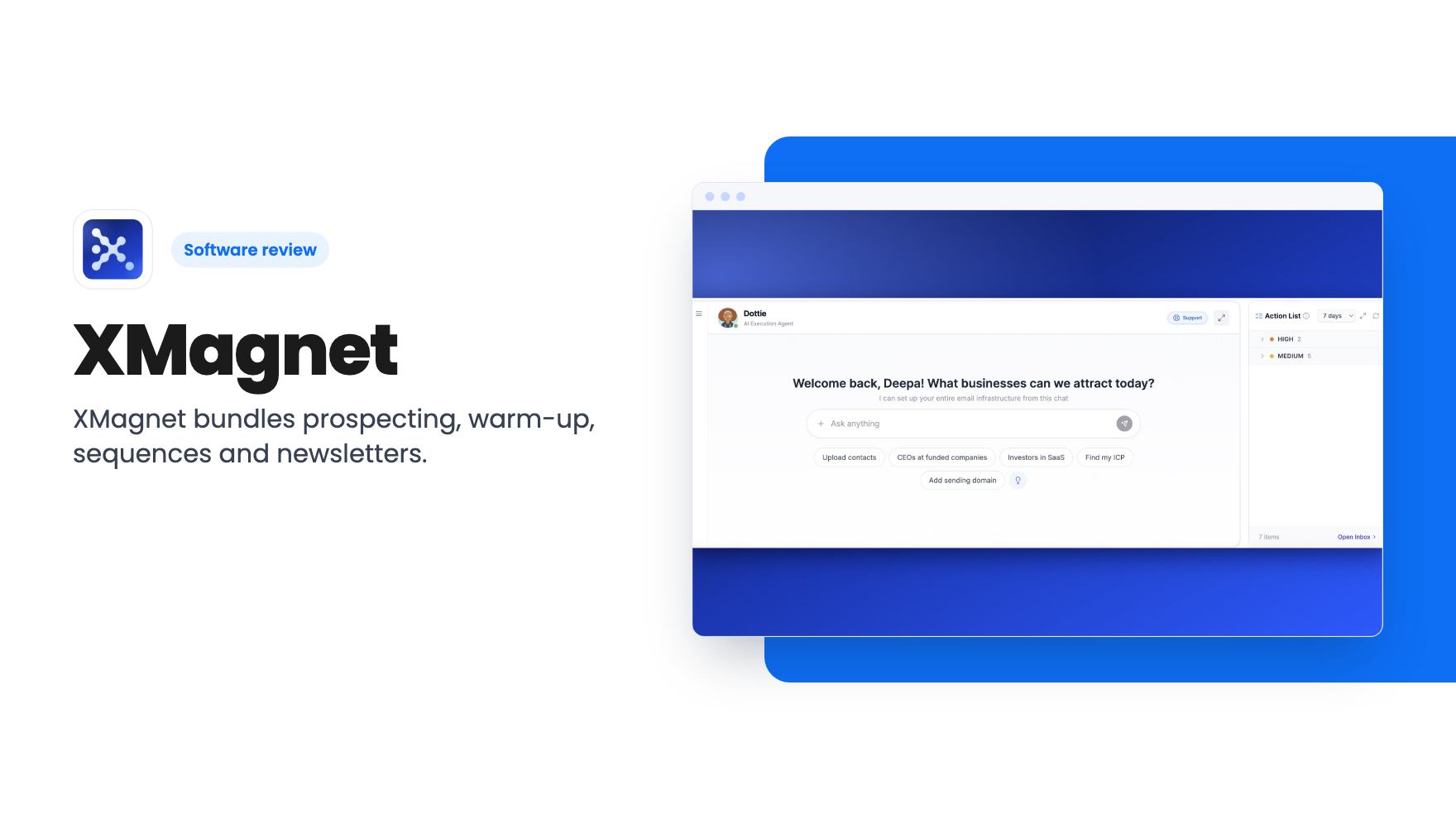
XMagnet bundles prospecting, warm-up, sequences and newsletters. The $59 to $539 AppSumo deal has one-time credits and mailbox caps worth checking first.
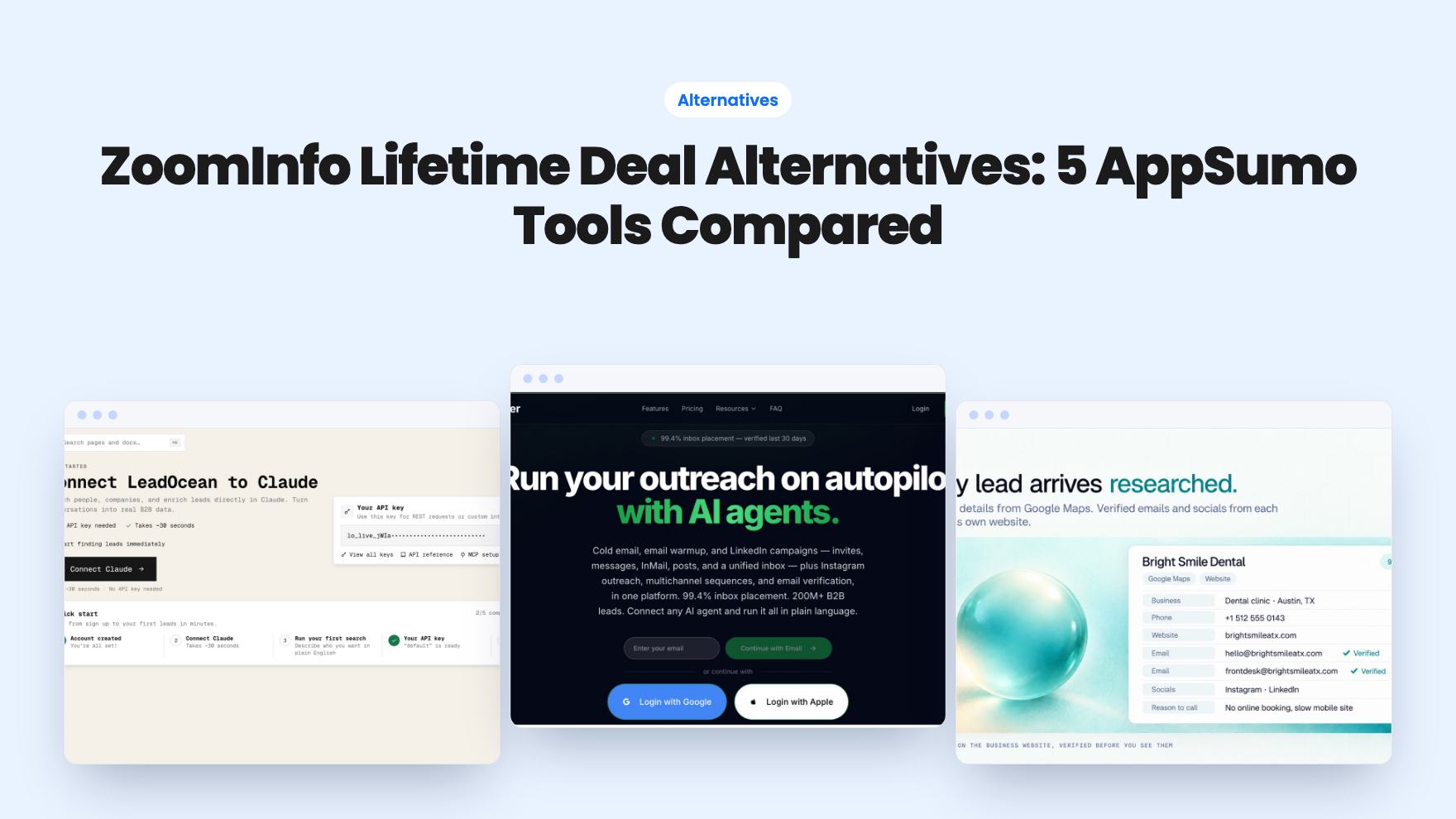
Five AppSumo lifetime deals that cover parts of what ZoomInfo does, from contact data to cold email and local prospecting, and who each suits.