Lead GenerationReview
KingSumo Review: Free Giveaway Tool With a $49 Pro Upgrade
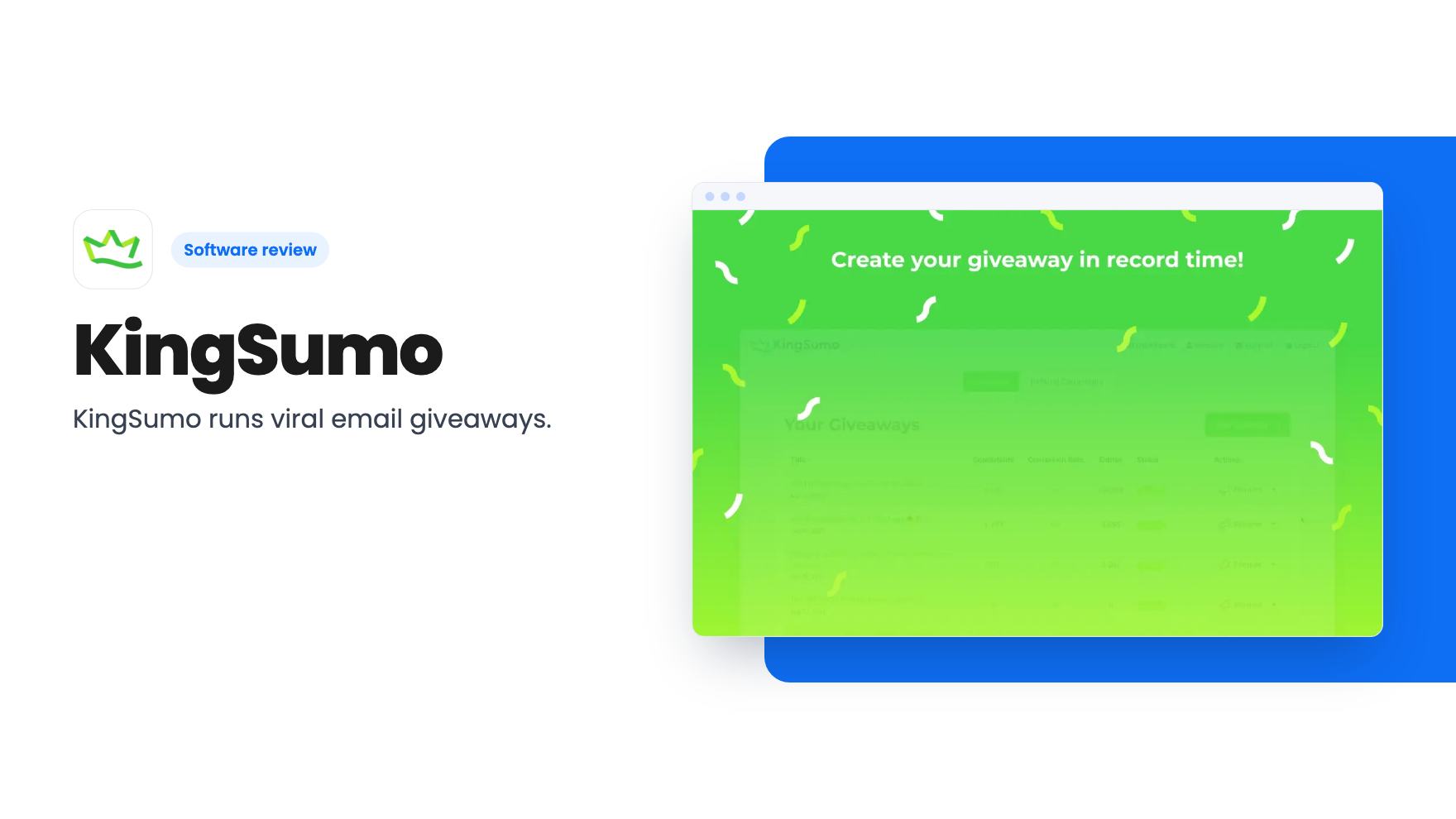
KingSumo runs viral email giveaways. Free tier has unlimited contests, and a one-time $49 Pro adds branding removal, tracking and Mailchimp, Kit and Klaviyo.
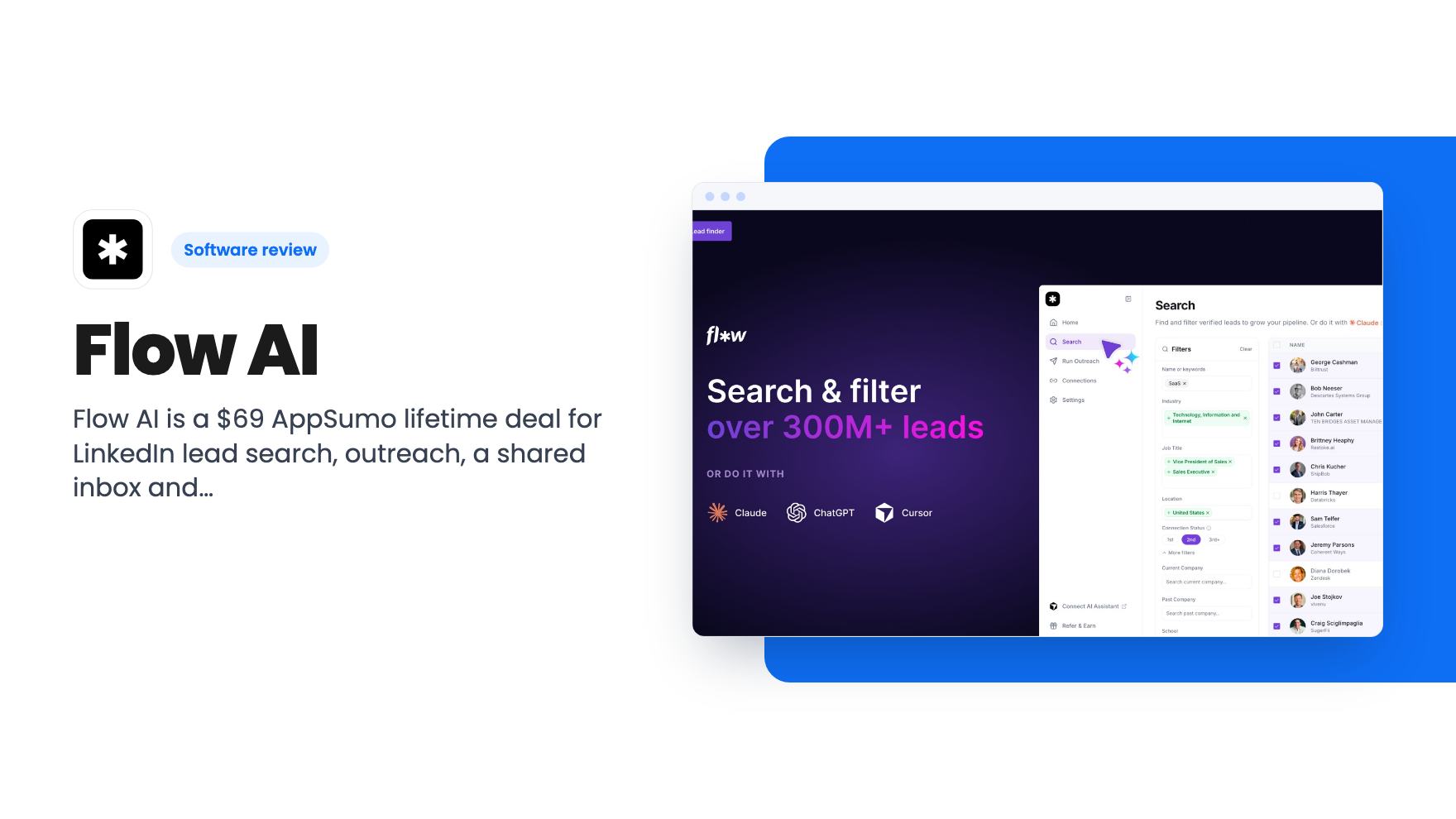
Flow AI is a $69 AppSumo lifetime deal for LinkedIn lead search, outreach, a shared inbox and Claude or ChatGPT control. The plan limits are unclear.
Lifetime deal price
$69$96093% off
Lifetime Deal · ends Dec 7, 2026
Our take: Flow AI is worth a look at $69 if you run LinkedIn outreach for yourself or a small team and don't mind a young product. Skip it if you need published sending limits, native CRM connectors or a vendor with a long track record. The 60-day money-back guarantee makes a low-risk trial possible, but the plan table needs clarifying first.
Picture a Monday morning for a small recruiting shop or agency. You’ve got a spreadsheet of prospects, three LinkedIn tabs open, a few replies buried in different inboxes, and no clear idea who was supposed to follow up with whom. Flow AI is built for exactly that mess. It’s a LinkedIn outreach platform, and AppSumo is selling lifetime access from $69.
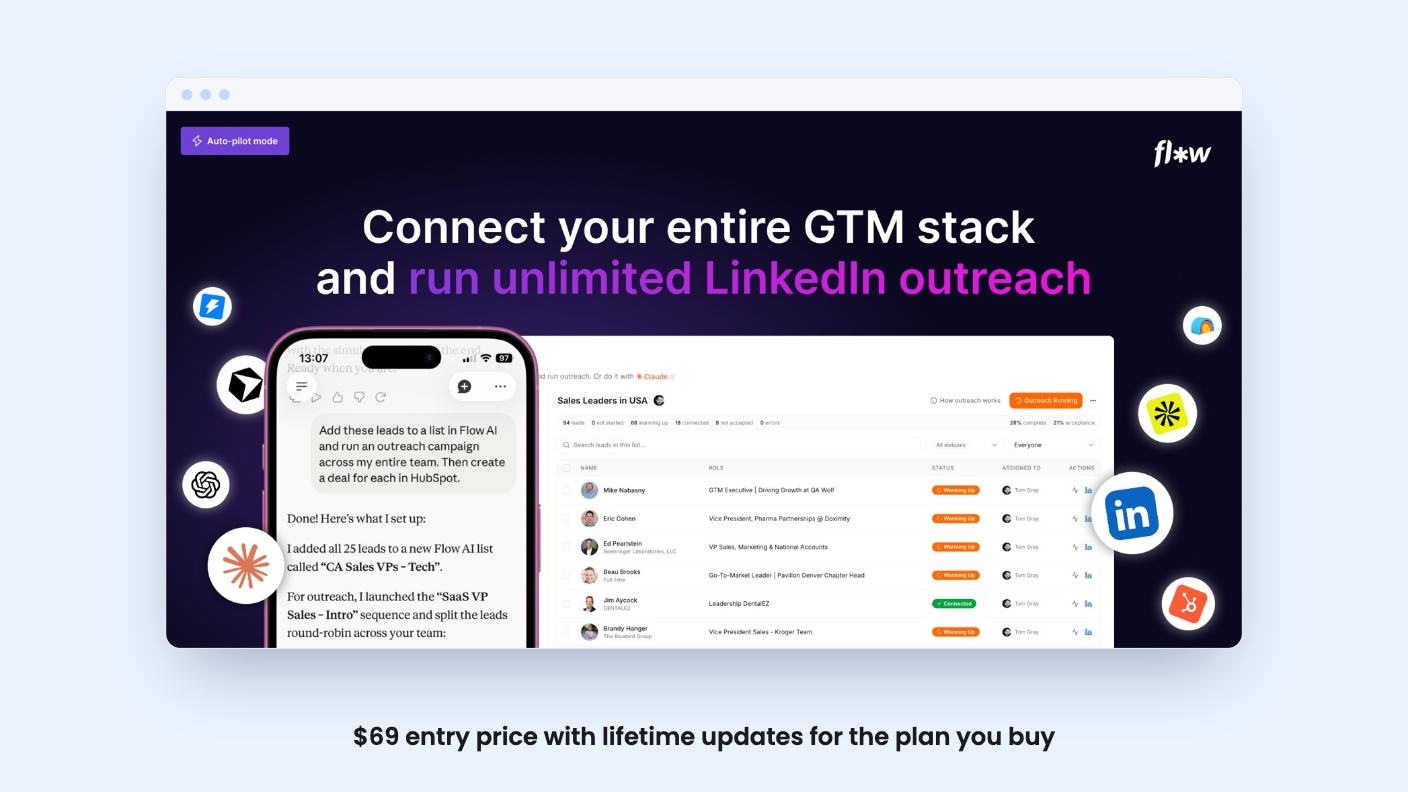
Here’s my short take before the detail. The pitch is ambitious, the entry price is low, and the plan table is muddled enough that you should ask questions before paying.
According to the listing, Flow does four jobs. It finds leads, runs outreach sequences, gives your team a shared inbox with a basic CRM, and offers an AI reply assistant called Co-pilot.
That’s a lot of ground for one tool, and it’s the part I find most appealing. Plenty of small teams stitch together a scraper, an automation tool and a spreadsheet to do the same thing. Having it in one login is a real convenience, if each piece works well enough.
The listing names Lemlist, HeyReach and Dripify as alternatives. All three have been around longer, which matters, and I’ll come back to it.
The headline claim is a database of 300M+ verified profiles. You filter by role, industry, company size and location, or you describe your ideal buyer in plain language and let the AI pull matches. The FAQ adds that you can target signals such as a recent job change or a recent post.
No Sales Navigator is required. If you already pay for it, connecting it adds advanced search on top. You can also bring your own list by uploading a CSV of LinkedIn profile URLs.
The listing doesn’t say how many searches or lead exports each plan allows. It also doesn’t say how fresh the data is. AppSumo’s own review summary admits some buyers hit minor problems with search accuracy. That’s the one complaint I’d take seriously, because everything else in the tool depends on pointing at the right people.
Once you’ve saved a list, you push it straight into an outreach workflow. The listing describes a default campaign on every list: visiting profiles, liking posts and sending connection requests the way a person would. It sounds sensible. It says nothing about daily action counts, delays between steps or how many campaigns can run at once.
Flow leans hardest on its LinkedIn MCP. Connect Claude or ChatGPT, and the assistant can find leads, run outreach and manage replies from a prompt. The listing’s example asks the assistant to check who accepted connection requests, add them to an Instantly sequence, create a HubSpot deal for each and post a note in Slack.
The demo video is co-founder Tom Gray talking to the camera. From the transcript, it’s a sales pitch and not a product walkthrough, so we can’t tell you what the screens look like. He says you can teach Claude your ideal customer, your offer and your messaging through skills. He then describes using Claude routines or ChatGPT’s task scheduler to run tasks hourly overnight, with the agent reading messages, drafting and scheduling replies, and feeding leads into a CRM. He also says Flow rotates connected team accounts safely.
I like the idea of one prompt that links LinkedIn to the tools you already use. For a small team with no ops person, that could save real admin time.
I’m warier of the ‘fully autonomous’ framing. An AI messaging real prospects while you sleep puts your reputation on the line, and that’s a bigger concern than saved hours. It also sits oddly beside the listing’s own line that DM drafting happens with you in the loop. Neither the listing nor the video says what heavy MCP use costs, or whether it counts against any Flow limit. You’d pay for your AI assistant separately.
HubSpot, Instantly and Slack are reached through that assistant. The listed integrations are API, LinkedIn, Claude, ChatGPT and MCP. No native connectors are listed.
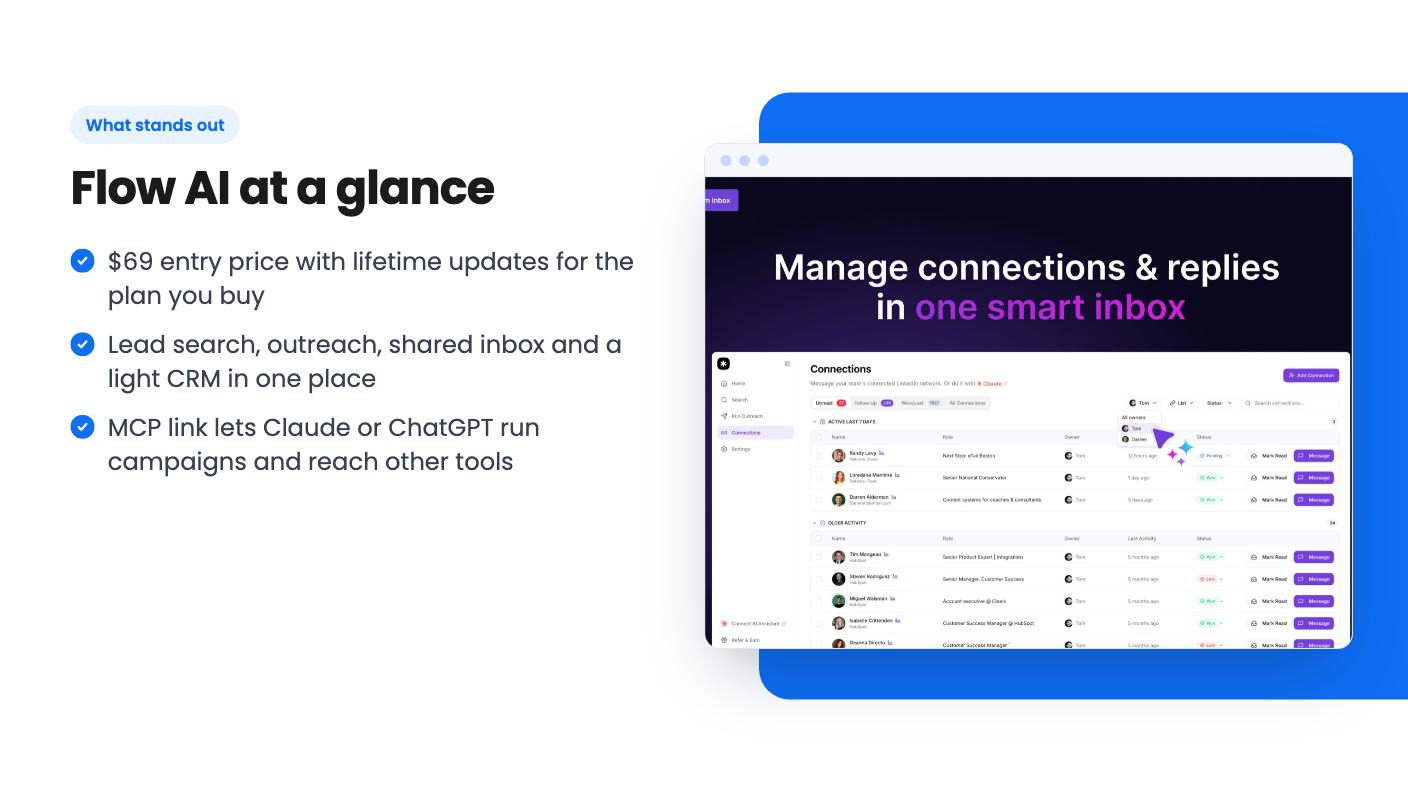
The shared inbox pulls conversations from all your connected LinkedIn accounts into one view. You can track reply status, who owns a lead and what happens next. The built-in CRM is a pipeline tracker, nothing more, so treat it as a place to keep follow-ups honest and not as a replacement for HubSpot or Salesforce.
Co-pilot drafts replies with the lead’s profile, your message history and their past activity in front of it. The FAQ says it can read up to 250 of a person’s recent posts. You can build a saved prompt library and schedule replies to go out later. I’d use the scheduling and keep a human approving every draft.
There are three lifetime tiers:
I’d ignore the list prices. They’re anchors. What matters is what you get at the price you’d actually pay.
All three include lifetime access and future updates to the Solo (Tier 1) or Team (Tiers 2 and 3) plan. You must activate within 60 days. You can upgrade while the deal is live but can only downgrade within 60 days of purchase. The deal ends on December 6, 2026.
Now the awkward bit. The feature table lists accounts as 3, 10 and 1, multiple senders as yes, no, yes, account rotation as yes, yes, no, and priority support as no, yes, yes. Those columns don’t line up with three rising prices, and the listing never says which column belongs to which tier. It never defines ‘accounts’ either, though I’d assume LinkedIn accounts.
Then AppSumo’s review summary says the platform runs outreach across unlimited LinkedIn accounts, which matches none of those numbers. That’s marketing copy colliding with a table. Check the live page or ask the team before you pick a tier.
Flow is a young product up against established names. A lifetime deal only pays off if the company stays in business, and the listing says nothing about funding or team size.
The social proof looks good on the surface, with 106 reviews averaging 4.92 out of 5. Still, it’s AppSumo’s own summary doing the praising, and it comes bundled with the search accuracy caveat above. Bad targeting wastes connection requests, which LinkedIn rations.
There’s also account safety. Any tool that automates LinkedIn actions carries some risk of restrictions. The listing’s reassurance is that actions behave like a real person’s. That’s a claim without figures behind it. Start slowly, and use an account you can afford to put at risk.
The 60-day money-back guarantee is your best protection. Use it to test search quality on your own market.
The sweet spot is a solo consultant, recruiter or small agency that already does LinkedIn outreach by hand and wants search, sequences and a shared inbox for a one-time $69. If you use Claude or ChatGPT daily, the MCP link could be a real time saver, as long as you keep a person on the drafts. Move up a tier only after you’ve confirmed in writing what it includes.
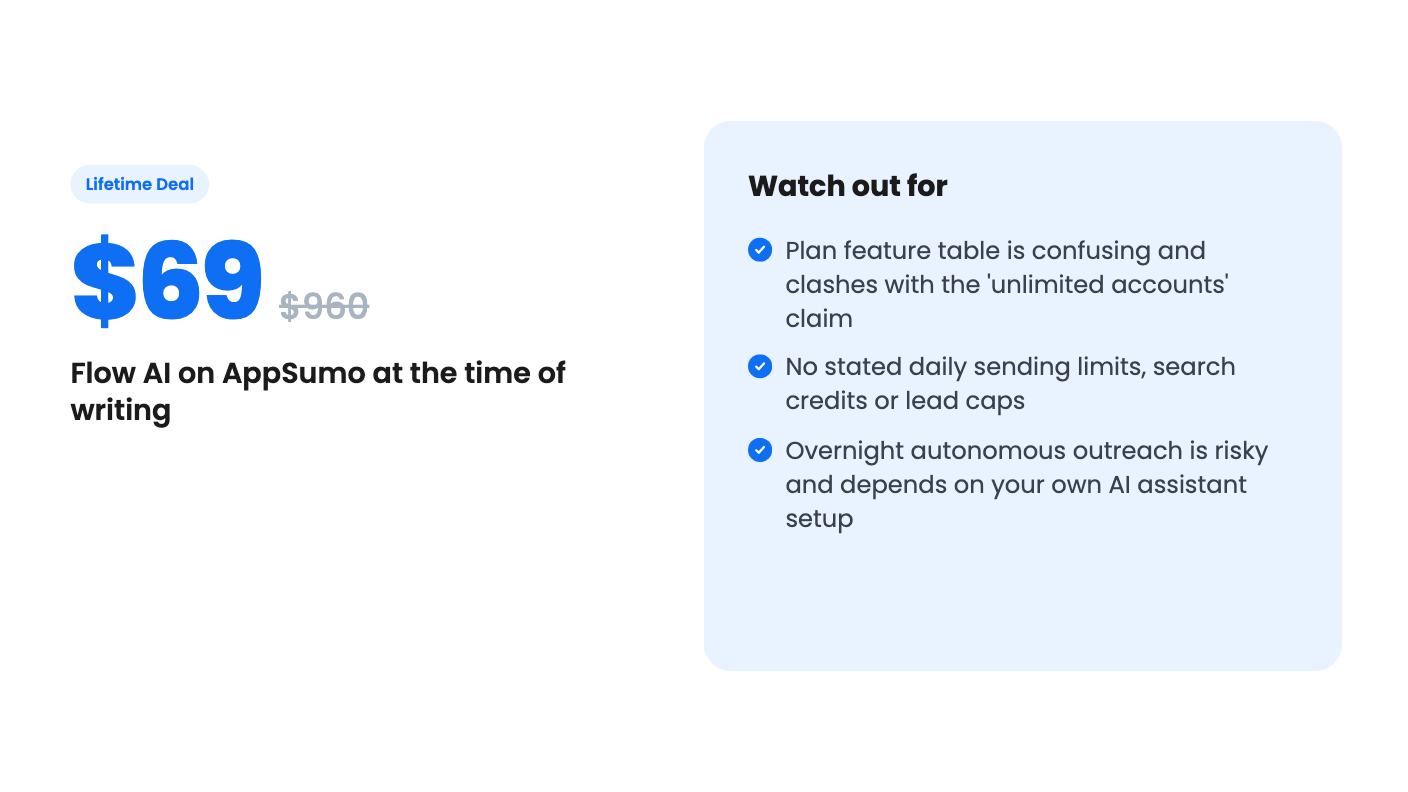
Skip it if you need native CRM integrations, published sending limits or a vendor with years of history. Skip it too if you hoped to hand your pipeline to an AI and walk away. If you do try it, test before December 6 and inside the refund window.
No, according to the listing. Flow has its own search over a database of 300M+ profiles. If you already have Sales Navigator, connecting it adds advanced search on top.
Yes. The listing says you connect Claude, ChatGPT or another assistant through Flow's LinkedIn MCP, then run searches, outreach and replies by prompting it. The listing doesn't say what that costs on the AI side, so check your own assistant's plan.
AppSumo's summary mentions a 60-day money-back guarantee. The deal terms also say you must activate your license within 60 days, and that you can only downgrade within 60 days of purchase.
How this review was made: researched from Flow AI's official listing and a transcript of its demo video, and written with help from AI. We have not tested Flow AI hands-on yet. Prices and deal terms change, so check AppSumo before you buy. See our affiliate disclosure.
KingSumo runs viral email giveaways. Free tier has unlimited contests, and a one-time $49 Pro adds branding removal, tracking and Mailchimp, Kit and Klaviyo.
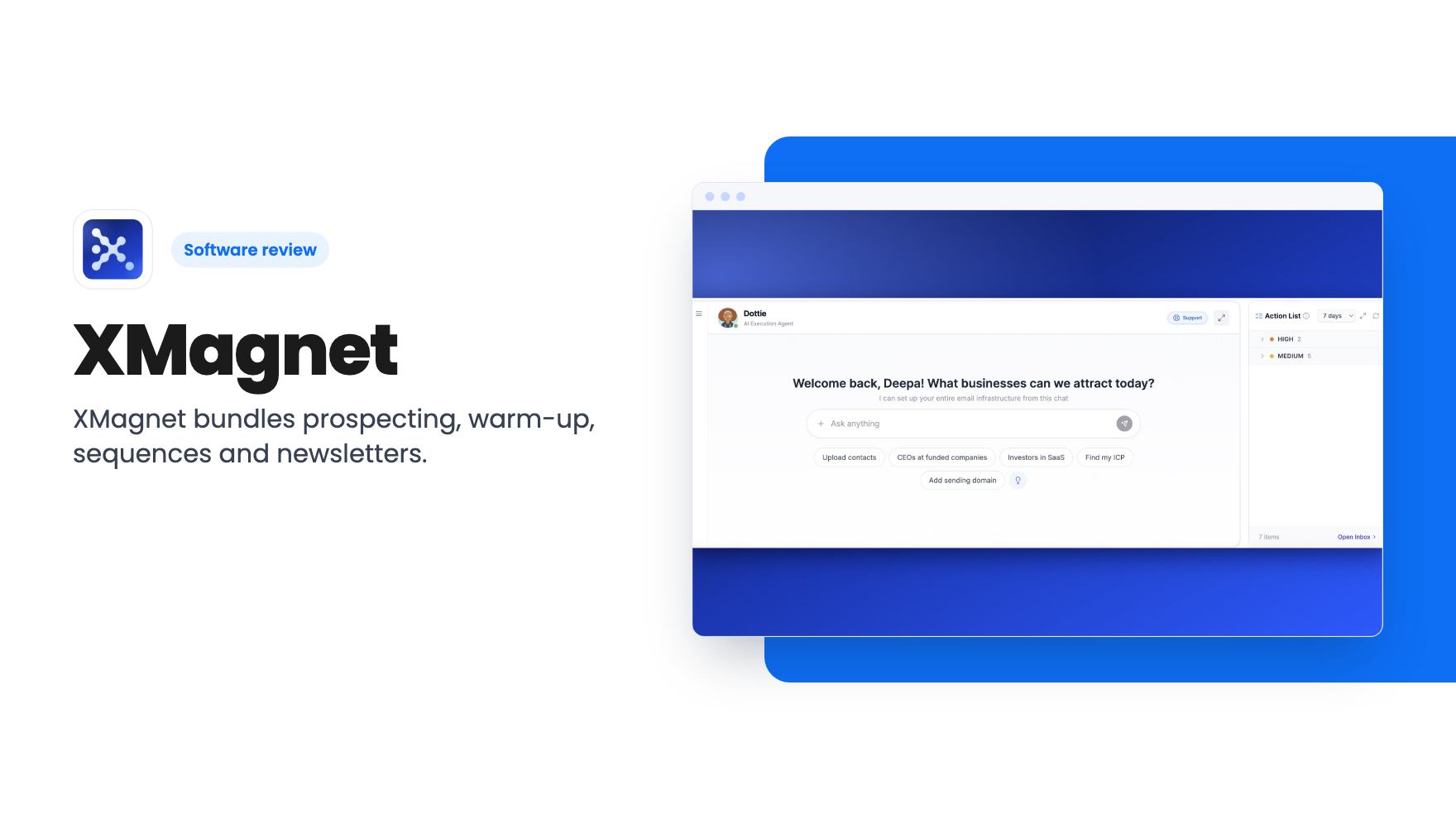
XMagnet bundles prospecting, warm-up, sequences and newsletters. The $59 to $539 AppSumo deal has one-time credits and mailbox caps worth checking first.
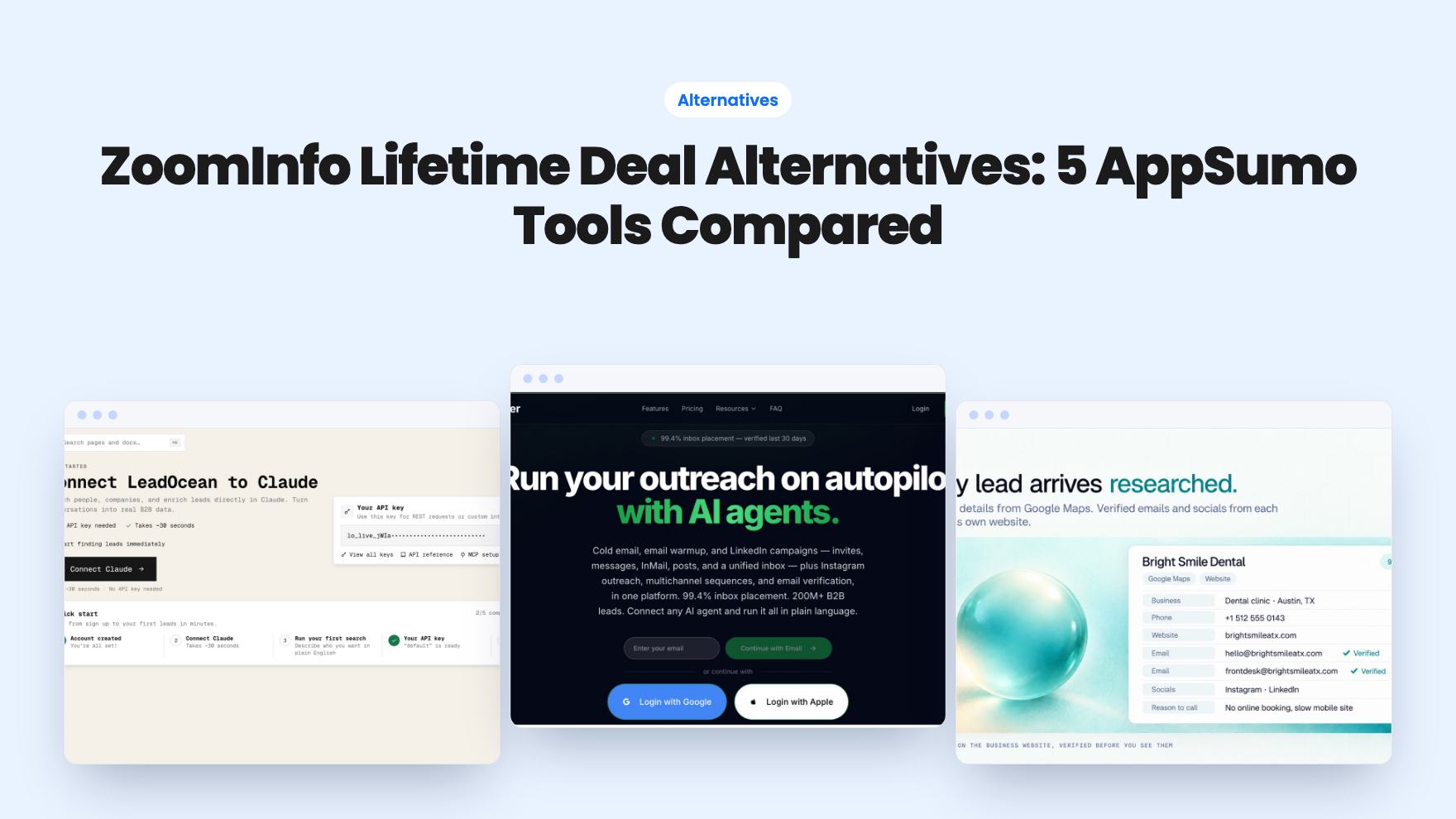
Five AppSumo lifetime deals that cover parts of what ZoomInfo does, from contact data to cold email and local prospecting, and who each suits.