Lead GenerationReview
KingSumo Review: Free Giveaway Tool With a $49 Pro Upgrade
KingSumo runs viral email giveaways. Free tier has unlimited contests, and a one-time $49 Pro adds branding removal, tracking and Mailchimp, Kit and Klaviyo.
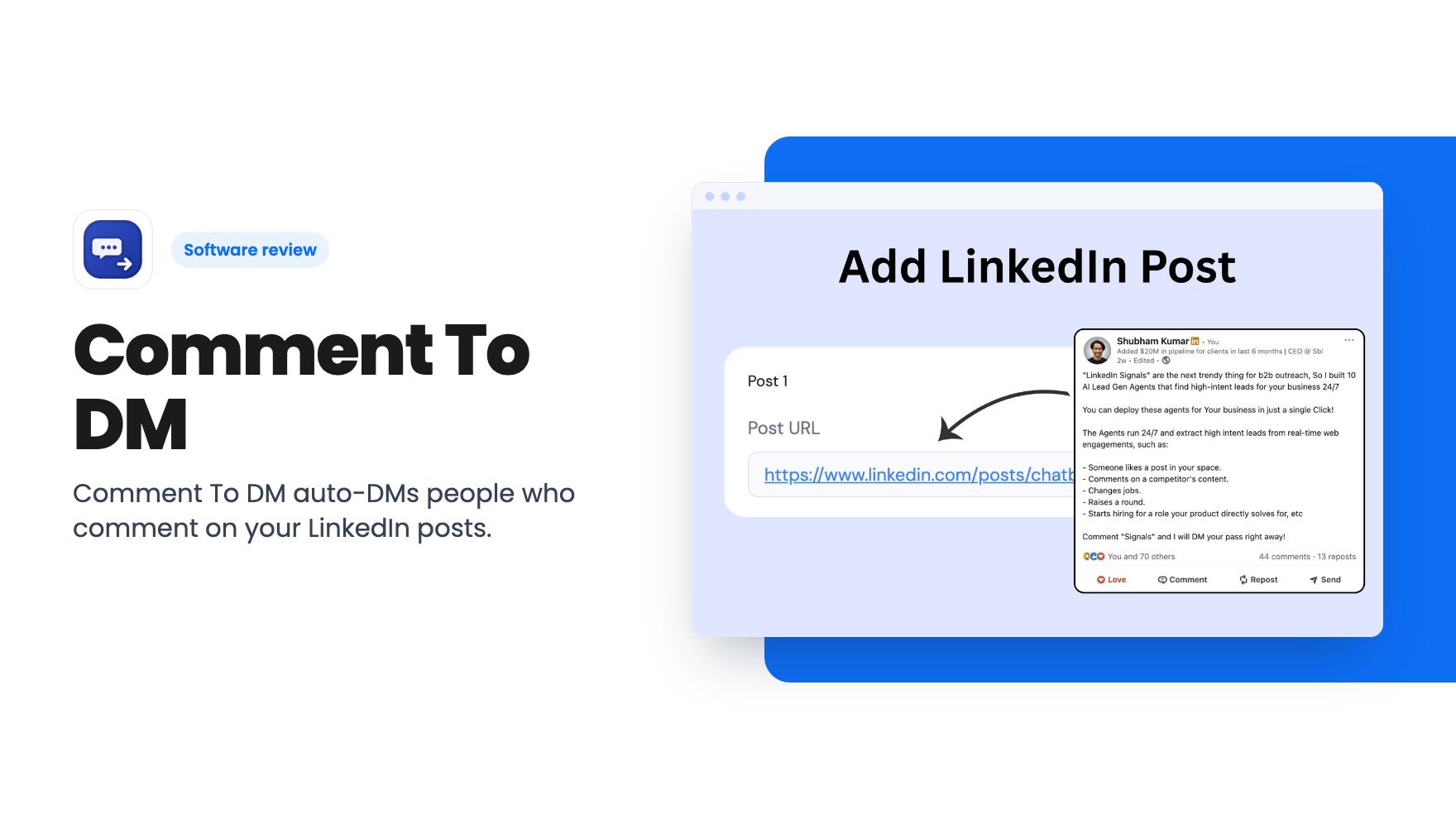
Comment To DM auto-DMs people who comment on your LinkedIn posts. Here's what the $49 to $119 AppSumo tiers include, the daily caps, and what's unclear.
Lifetime deal price
$49$34886% off
Lifetime Deal
Our take: Worth a look at $49 if you run 'comment this word and I'll send you the link' posts on LinkedIn and want the follow-up handled for you. Skip it if you need analytics, multi-channel outreach, or a firm guarantee that your LinkedIn account is safe. The tier layout is confusing, and tier 3 looks like the weakest of the three on the listing.
You publish a LinkedIn post that actually lands. Forty people comment ‘interested’ or ‘send me the link’, and now you’re pasting the same message into DMs between meetings. By day two, half of those people have moved on.
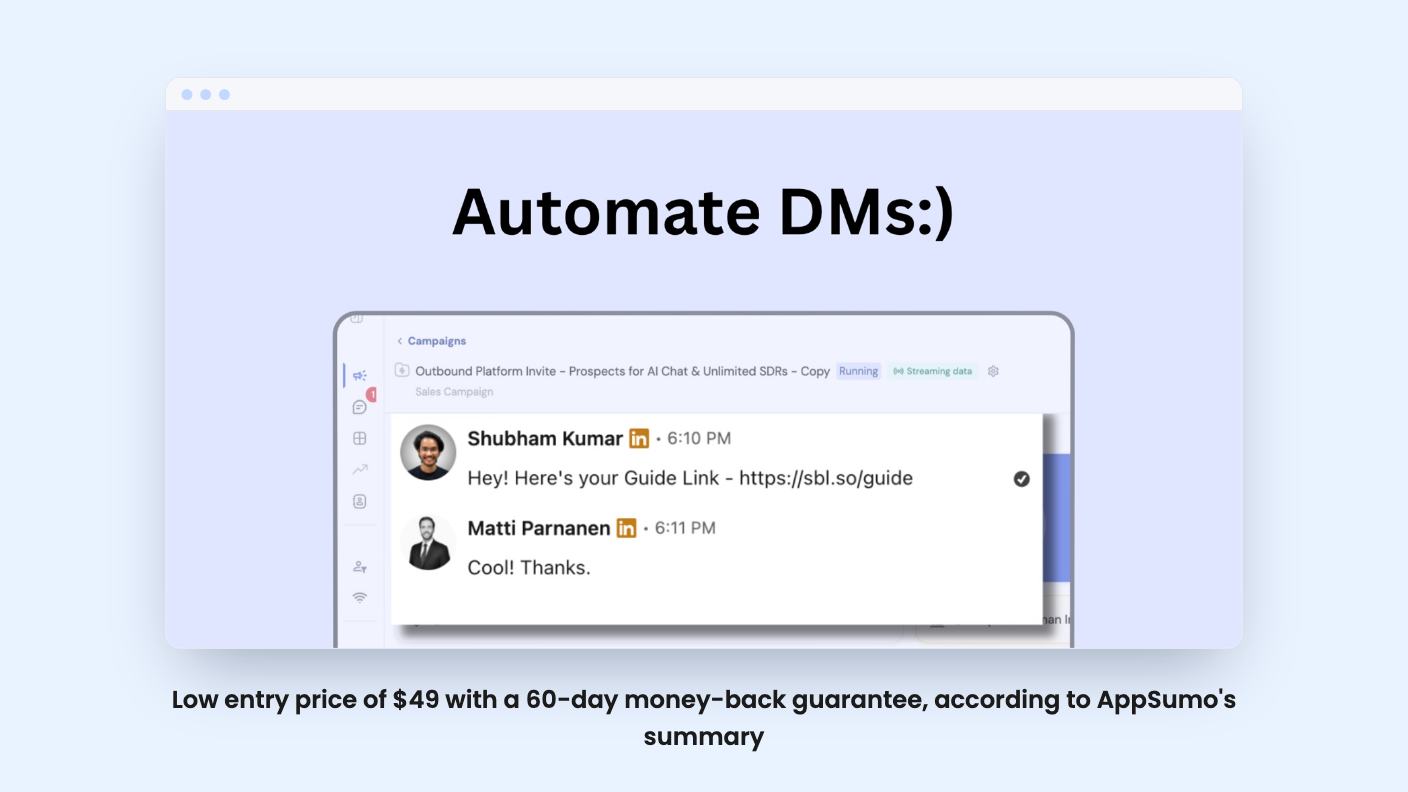
Comment To DM exists for that gap. It watches the comments on a LinkedIn post you choose, and when someone uses a keyword you’ve picked, it sends them a direct message. That’s the whole idea, and it’s a narrow one.
According to the listing, you paste in the link to any post, new or old, and the tool syncs to it. There are no API keys and no developer help, and the listing says you can be live in under two minutes. We haven’t used it, so read that as the vendor’s claim. AppSumo’s own review summary mentions some initial setup, which suggests it isn’t entirely instant.
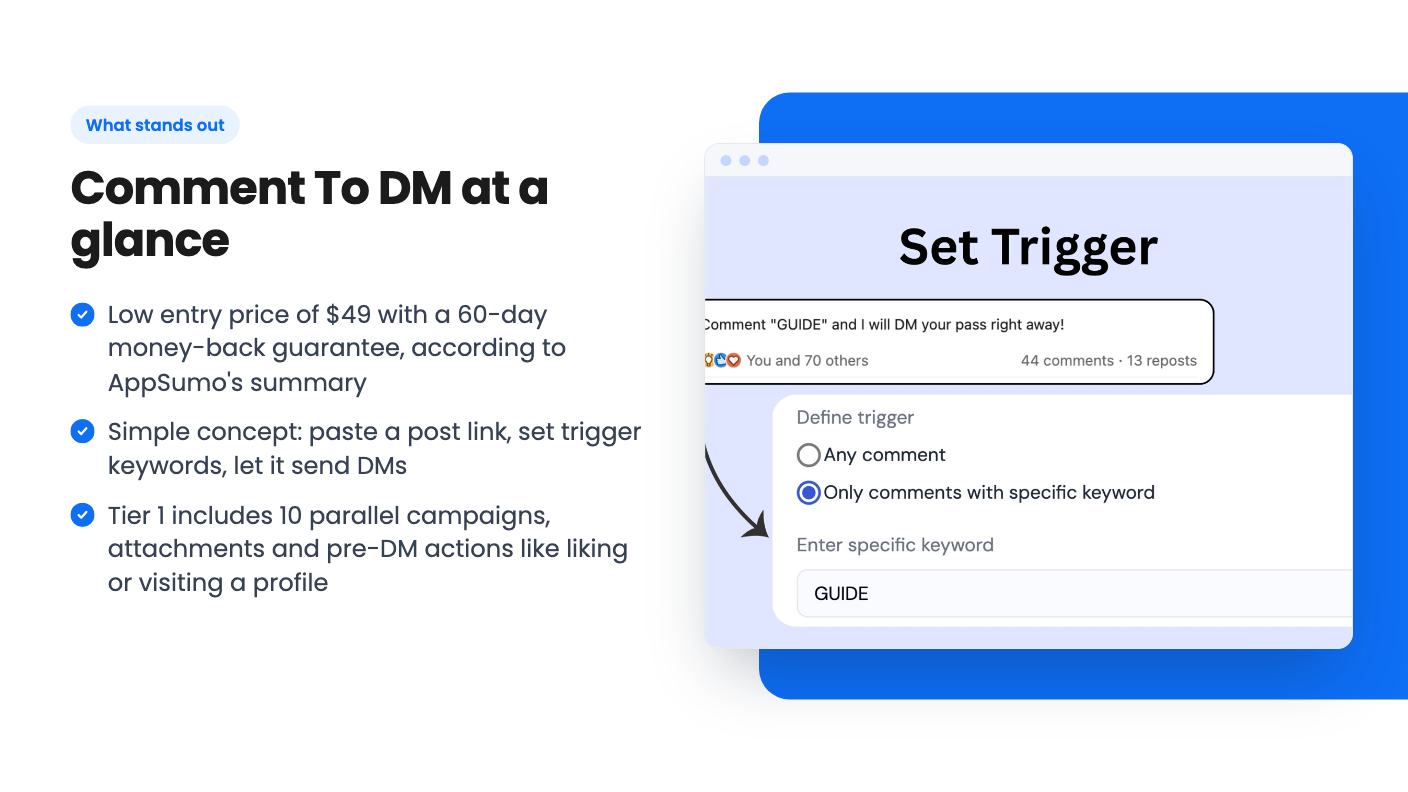
Next you set trigger words. ‘Send me’, ‘link’, ‘interested’, or anything else. Only commenters who use them get a message.
Or you can go broad and trigger on every comment. That reaches everyone who engages, which sounds appealing until you think about the person who commented ‘congrats!’ and then gets a pitch.
You can run campaigns on several posts at once, up to the parallel campaign cap for your tier. Messages go out while you’re doing something else.
Messages can use variables. Tier 1 gets {First Name} and {Last Name}. Tiers 2 and 3 add {Company Name} and {Industry}.
For most creator-style use, a first name is plenty. The company and industry fields matter more if you’re prospecting B2B, where ‘saw you work in logistics’ reads better than a generic hello.
Two more features are split by tier. Attachments in the DM are included on tiers 1 and 2 but not tier 3. And ‘pre sequence’ actions, such as liking the post, commenting or visiting the person’s profile before the DM, are only on tier 1.
The listing doesn’t explain how those pre-DM actions work or how many you can chain. It also says the tool doesn’t use fake activity, and it doesn’t say how that fits with automated likes and profile visits.
Normally a higher price means more. Here it often doesn’t. Here’s what the listing shows:
Tier 3 costs the most and gives you less than tier 2 on accounts, campaigns and attachments. Its only edge over tier 1 is the extra variables and a second account. Either it’s a quirk of how AppSumo displays the plan data, or it’s a strange way to price. Check the checkout page before you pay.
Our read: tier 1 suits one person running one profile, and it has the most campaigns and the pre-DM actions. Tier 2 makes sense for a small agency managing a few profiles. Tier 3 is the hard one to defend.
The list prices ($348, $588 and $1,188) are anchors, so don’t read much into the discount. The deal terms also say you must activate your license within 60 days of purchase, and that you can move between tiers. That flexibility matters given how odd the tiers are.
The vendor says there are built-in limits of 25 to 40 DMs a day, in line with LinkedIn’s guidelines. That protects you from blasting thousands of messages, but it also caps your throughput.
If a post pulls 200 triggering comments, the math says five to eight days to message everyone. The listing doesn’t say whether the cap is per account or per campaign, or whether a backlog queues up automatically. For a post that’s hot today, a week-long drip is a real limit on the ‘warm leads’ pitch.
On safety, the FAQ says the tool works within LinkedIn’s native messaging limits, doesn’t scrape data, doesn’t store your login details, and that thousands of users have run it without account issues. That’s the vendor talking. The AppSumo page shows 5 reviews, all five stars, which is a small sample next to ‘thousands of users’.
The listing doesn’t mention LinkedIn’s terms on automation at all. Your LinkedIn profile is probably worth more to your business than $49, so decide how much risk you’re comfortable with before connecting it.
There’s no product video, so we had only the written listing to go on. Several things are simply unstated:
AppSumo’s summary says buyers like how conversations flow naturally. It doesn’t say whether the tool handles replies, or whether you take over once someone answers. We’d assume the latter, but that’s an assumption.
The listing also names PhantomBuster as an alternative. That’s a stretch. PhantomBuster is a broad automation toolkit, and this does one thing.
The best fit is a creator, coach or solopreneur who already posts ‘comment X and I’ll send you the guide’ content and wants the delivery handled. Small agencies running up to three profiles could also use tier 2. If that’s you, $49 is a modest price to test the idea.
Skip it if you need a full outreach platform, email or multi-channel sequences, detailed analytics, or a firm guarantee about account safety. Skip it too if your posts rarely get more than a handful of comments, because then manual replies are fine.
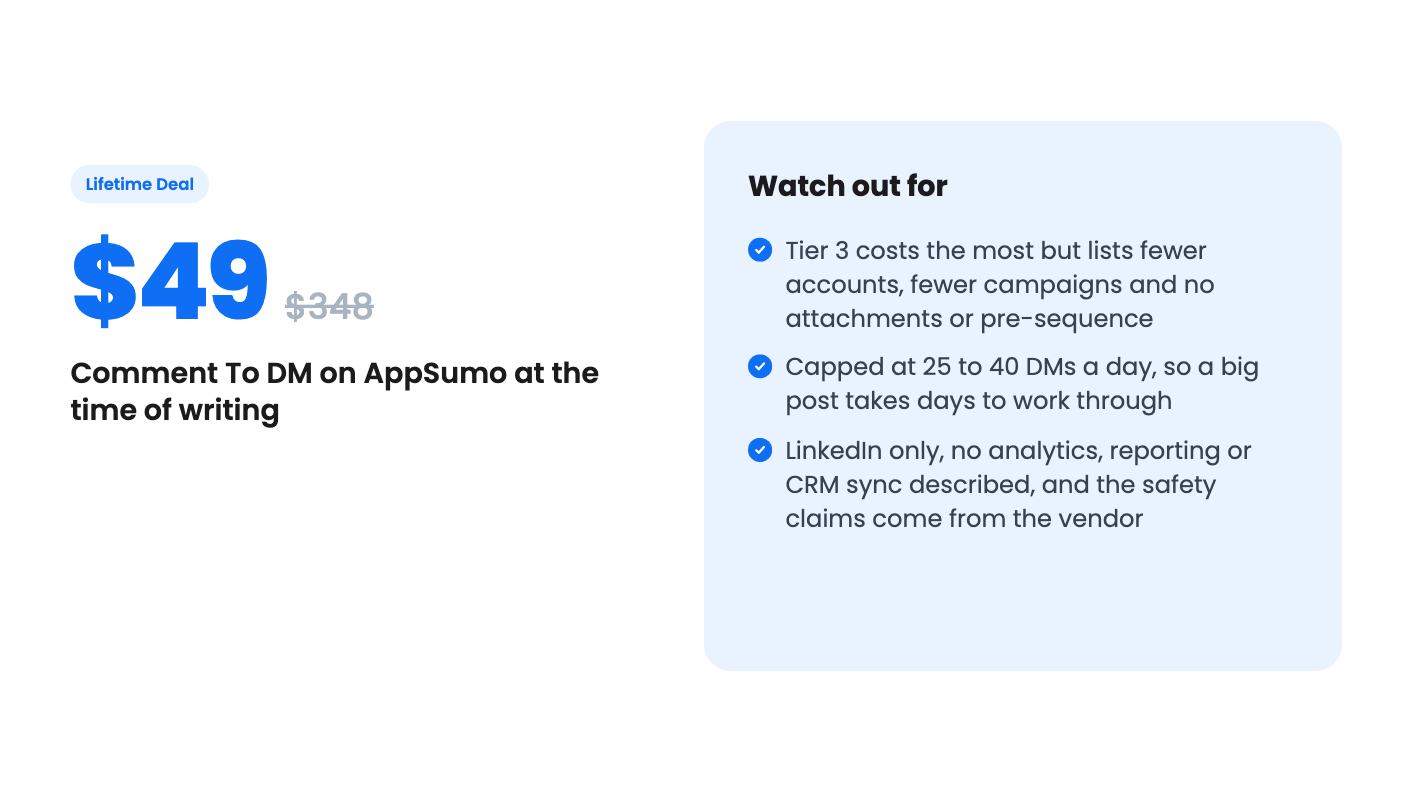
If you buy, start with tier 1 and try it on one post where the stakes are low. AppSumo’s summary mentions a 60-day money-back guarantee, so confirm the exact terms on the deal page and note the date. Read the first few messages it sends before you trust it with a real audience.
On the listing, tier 1 ($49) gives you 1 LinkedIn account, 10 parallel campaigns, attachments and pre-DM actions. Tier 2 ($79) gives you 3 accounts and extra variables like {Company Name} and {Industry}, but only 6 campaigns. Tier 3 ($119) lists 2 accounts, 3 campaigns and no attachments, so it's hard to justify. You can switch between tiers, so starting at tier 1 is the low-risk choice.
The vendor says it stays within LinkedIn's native messaging limits, doesn't scrape data and doesn't store your password. Those are the vendor's own claims and we haven't verified them. The listing doesn't discuss LinkedIn's rules on automation, so weigh the risk yourself before connecting an account that matters to your business.
The listing says built-in limits run from 25 to 40 DMs a day. It doesn't say whether the cap applies per account or per campaign, or whether extra comments queue up for the next day.
How this review was made: researched from Comment To DM's official listing, and written with help from AI. We have not tested Comment To DM hands-on yet. Prices and deal terms change, so check AppSumo before you buy. See our affiliate disclosure.
KingSumo runs viral email giveaways. Free tier has unlimited contests, and a one-time $49 Pro adds branding removal, tracking and Mailchimp, Kit and Klaviyo.
XMagnet bundles prospecting, warm-up, sequences and newsletters. The $59 to $539 AppSumo deal has one-time credits and mailbox caps worth checking first.
Five AppSumo lifetime deals that cover parts of what ZoomInfo does, from contact data to cold email and local prospecting, and who each suits.