Lead GenerationReview
KingSumo Review: Free Giveaway Tool With a $49 Pro Upgrade
KingSumo runs viral email giveaways. Free tier has unlimited contests, and a one-time $49 Pro adds branding removal, tracking and Mailchimp, Kit and Klaviyo.
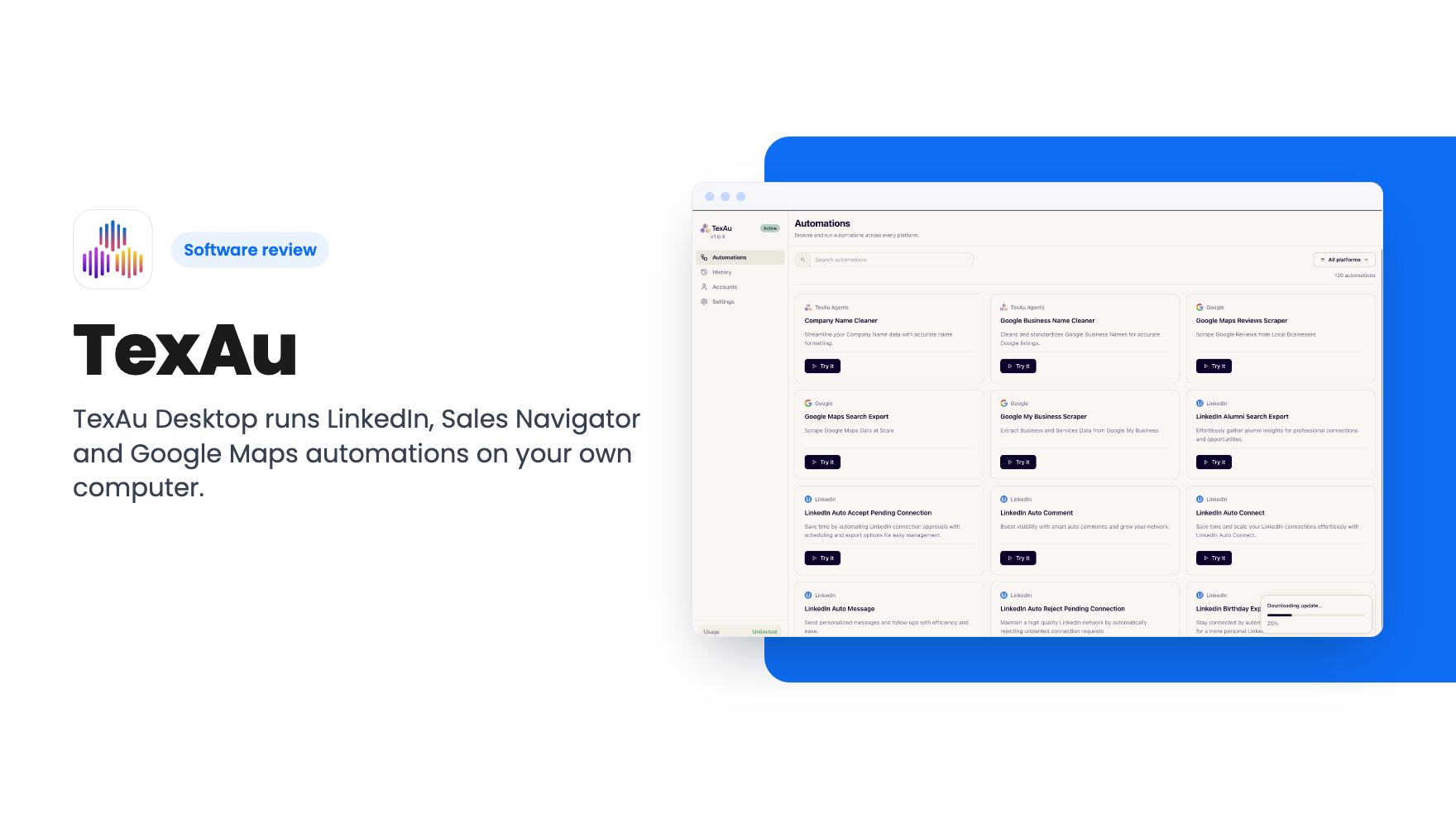
TexAu Desktop runs LinkedIn, Sales Navigator and Google Maps automations on your own computer. Our read on the $69 to $999 AppSumo tiers and their limits.
Lifetime deal price
$69$19965% off
Lifetime Deal
Our take: Buy the $69 or $138 tier if you're a solo operator or small agency who wants LinkedIn and Google Maps lead lists exported to CSV, and you're happy with a desktop-only tool. Skip it if you need an API, cloud runs, native CRM syncing or team workspaces. Tier 1's 50 hours a month of runtime is the limit to check first.
If you sell to local businesses or run outbound on LinkedIn, you’ve probably spent an afternoon copying names from a Google Maps results page into a spreadsheet. Or clicking “Connect” forty times in a row. It’s dull work, and it’s the kind TexAu Desktop is built to take over.
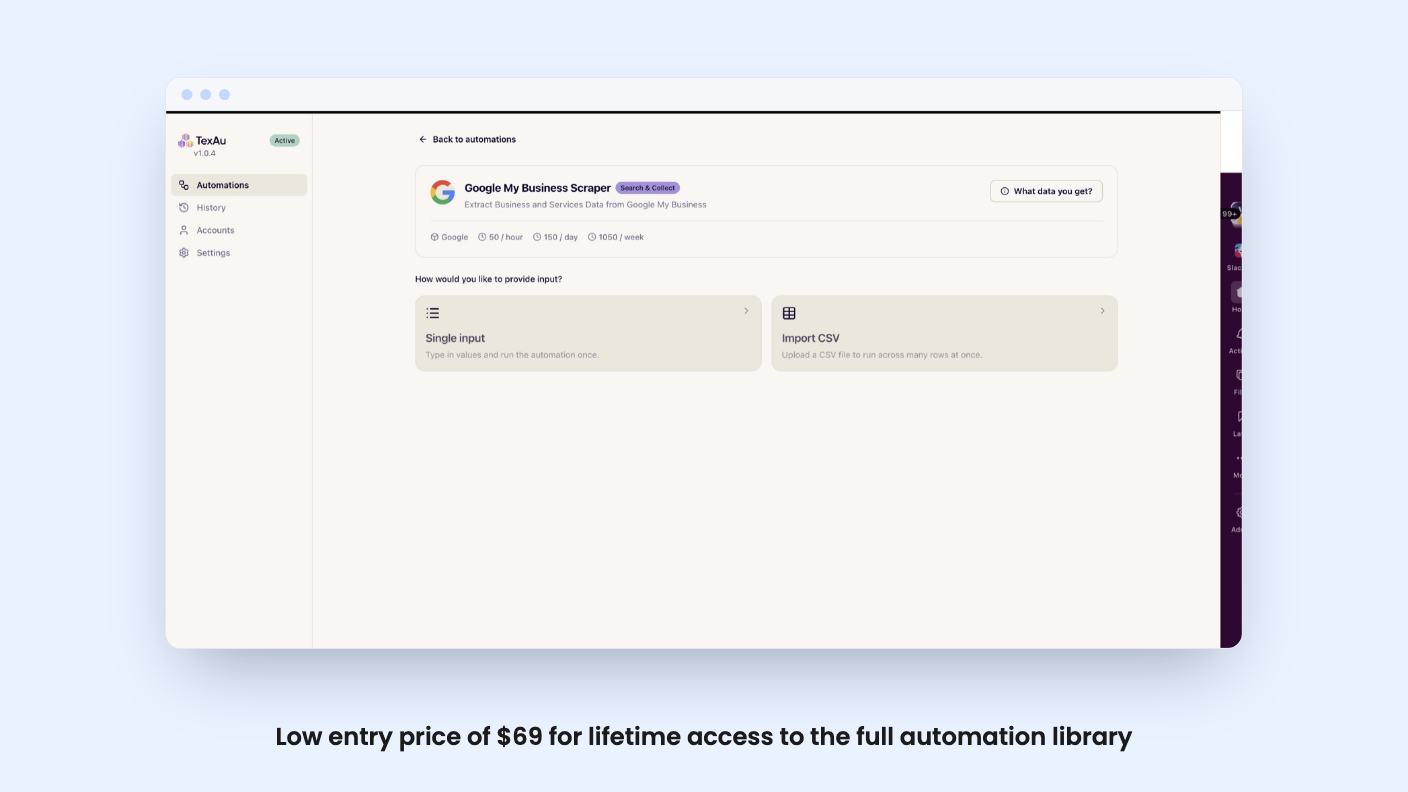
This is a desktop app for Windows and Mac. You install it, pair it with your browser through a Chrome extension, pick an automation, feed it a URL or a CSV, and it runs on your own machine. That’s the whole idea, and it’s a narrower product than the AppSumo page might suggest.
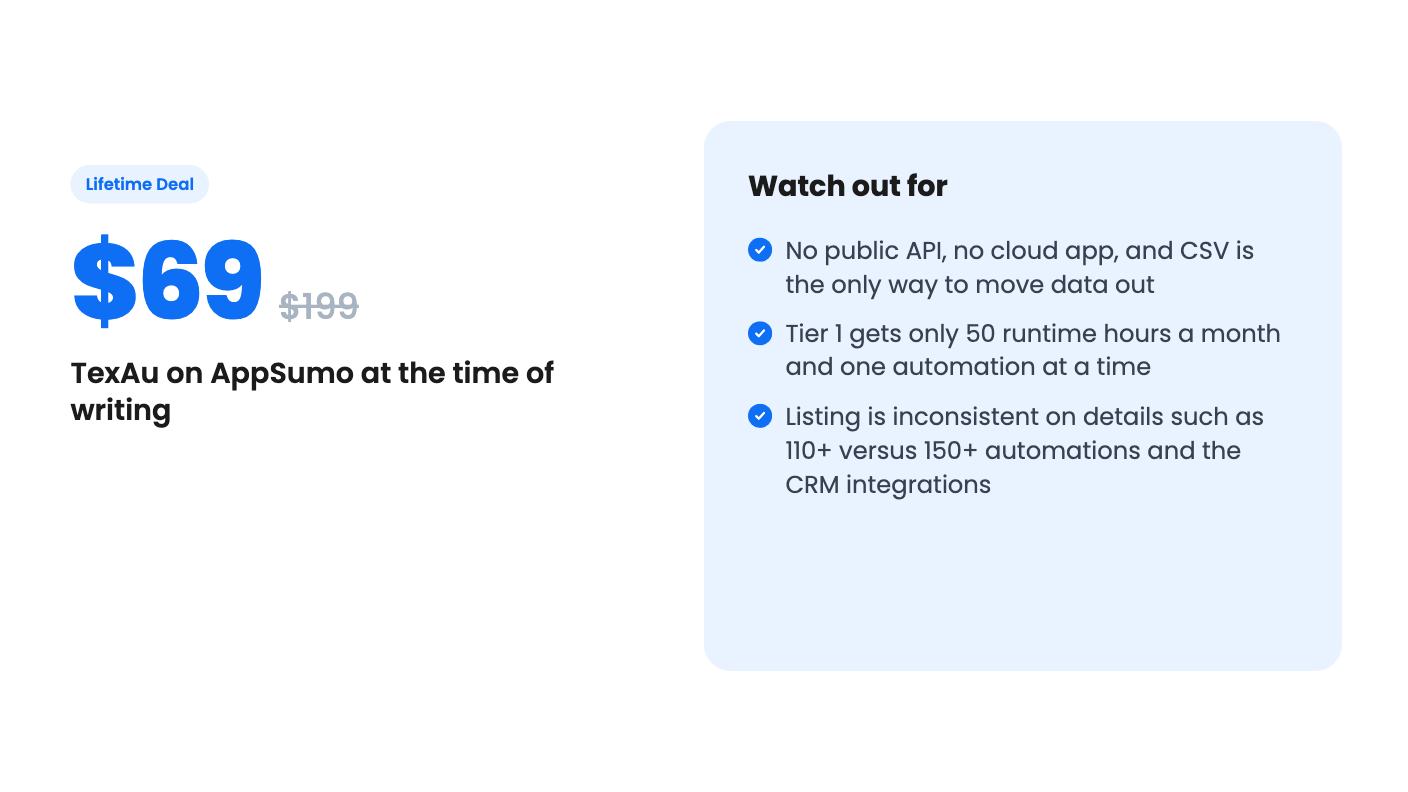
The listing describes a library of ready-made automations covering LinkedIn (including Sales Navigator), Google Maps, X, Reddit, Slack, YouTube and a few more. The headline count is inconsistent, though. The feature section says 110+, while the listing text says 150+. The FAQ names LinkedIn, Sales Navigator, Recruiter Lite, X, Slack, YouTube, Google and websites. I’d plan around the lower number until you see the library yourself.
The useful ones are easy to spot. You can pull employee data from a LinkedIn company page to build a contact list. You can scrape Google My Business listings by location or business type. You can automate LinkedIn connection requests, messages and comments. There are also data-cleaning automations that tidy messy company and business names, which is a small thing that saves real time before you import a list anywhere.
Every tier gets the full library. The tiers differ on limits, not on features.
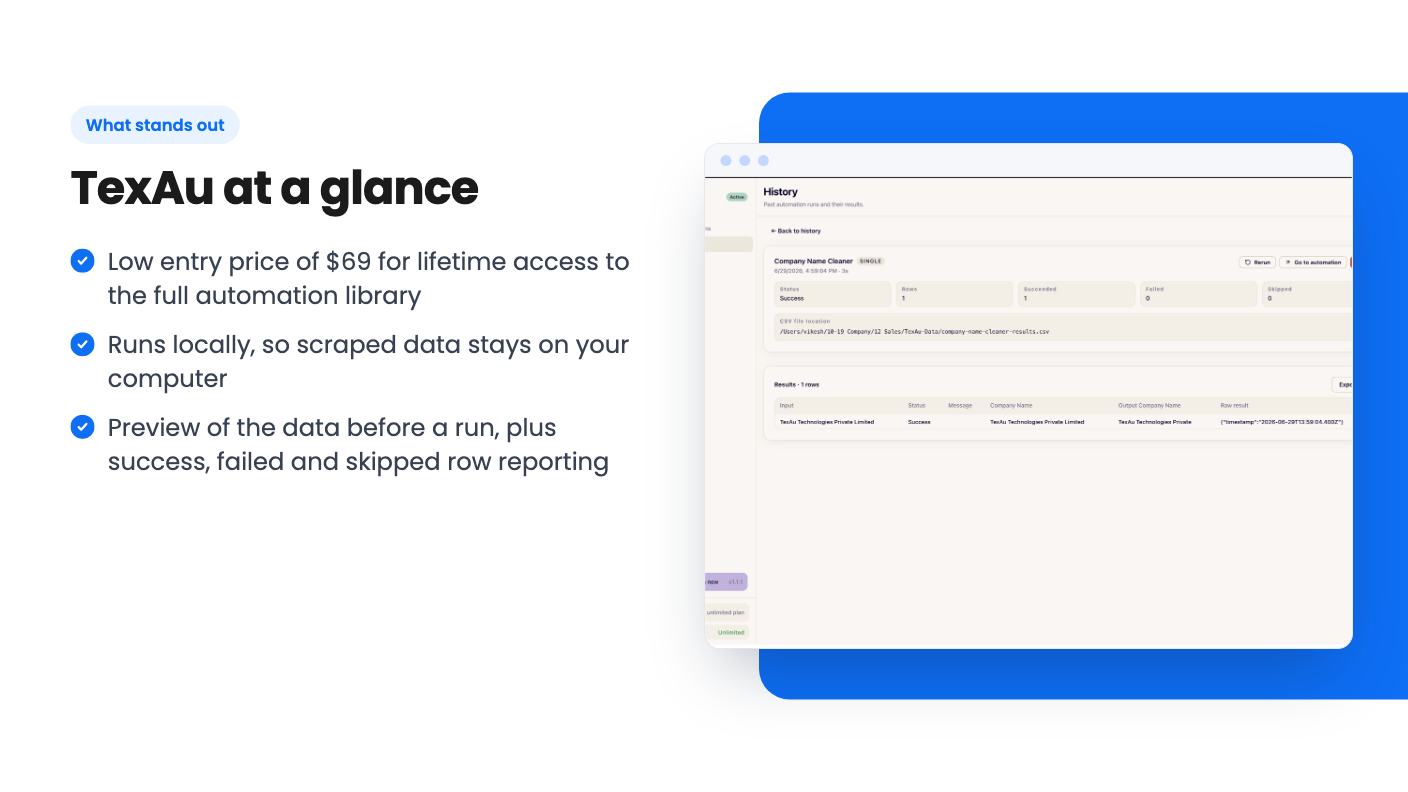
You paste a single input or import a CSV, and the automation works through the rows. The listing says you can preview the data you’ll get before you start a run. That’s a sensible touch, because a scraper that burns an hour and returns the wrong columns is a miserable thing.
After a run, you see which rows succeeded, failed or were skipped. You can rerun a past automation from your history and export the results as a CSV. Each run saves its CSV on your computer.
That last point is both the appeal and the catch. The listing says every automation runs 100% locally, so your data never leaves your machine. For an agency handling client prospect lists, that’s a plus. But it also means TexAu is a list-building tool, not a pipeline.
The AppSumo header lists HubSpot, Pipedrive and Zoho as integrations. The FAQ says something different: there’s no public API, and results are CSV files you import into Google Sheets, your CRM or anything else that takes a CSV. I’d trust the FAQ. Treat the CRM logos as “you can import a file into these”, not as live syncing.
That’s fine if you do a weekly batch of leads. It’s annoying if you wanted a lead to land in your CRM the moment it’s scraped.
There are five tiers, priced at $69, $138, $276, $552 and $999. The list prices are $199, $499, $799, $1,249 and $2,299, and I’d ignore them. Those are the numbers AppSumo always shows, and nothing in the listing says anyone paid them.
The plan table in the listing reads 10, 5, 3, 1, 1 machines, which looks backwards at first. Going by the feature notes (multiple automations at once from Tier 2, multiple machines from Tier 3), my reading is that the table is listed from Tier 5 down to Tier 1. On that reading:
Check that with the seller before you pay, because the listing doesn’t label it.
The number that matters most is Tier 1’s 50 hours a month. Scraping and sending connection requests at human-like pace can eat hours quickly, so a heavy user could hit that ceiling. Light users may never notice. Tier 2 at $138 is where one automation at a time stops being a constraint, so for most working users it’s the sensible starting point.
There’s no limit on connected accounts, and each account runs one automation at a time. That’s useful for agencies running outreach for several clients. Proxy support is included, and you can bring your own.
If you’d rather buy bandwidth from TexAu, it’s a one-time add-on of $49 per 10 GB, up to five units, and it’s non-refundable. Some automations, Google search in particular, work better through a proxy, so budget for this if that’s your use.
Team sharing is basic. Each person activates the app on their own computer with their own key. There are no sub-accounts or shared workspaces, so don’t expect a team dashboard.
Skip TexAu if you want a cloud tool that runs while your laptop is shut. This is local software, and the deal explicitly excludes the cloud app and V3. Skip it if you need an API or automatic CRM syncing. And skip it if your work depends on tools outside the list above.
One more thing to weigh. The listing says nothing about how LinkedIn treats automated activity, or what happens to an account that gets flagged. That’s a risk you carry, so read LinkedIn’s rules before pointing this at an account you can’t afford to lose.
The deal terms are strict too. It’s for brand-new TexAu users only, you must activate within 60 days, and you can only downgrade within 60 days of purchase. The listing also says future AI models may cost extra, or come at a discount. AppSumo shows four reviews averaging 5.00, which is too small a sample to tell us much.
For $69 to $138, a solo seller or small agency gets a decent library of scraping and outreach actions with no monthly fee. Just buy for the limits you’ll really hit, not the logos on the page.
No. According to the listing, the deal covers TexAu Desktop only. It excludes TexAu V3, the TexAu cloud app, an API and any other TexAu product. Results come out as CSV files.
Concurrent runs start at Tier 2, per the listing. Tier 1 runs one at a time. Multiple machines start at Tier 3, with three keys, one per computer.
You can bring your own proxies or buy bandwidth as a one-time add-on. One unit is 10 GB for $49, up to 5 units (50 GB), and it's non-refundable. The listing says some automations, like Google search, work better through a proxy.
How this review was made: researched from TexAu's official listing, and written with help from AI. We have not tested TexAu hands-on yet. Prices and deal terms change, so check AppSumo before you buy. See our affiliate disclosure.
KingSumo runs viral email giveaways. Free tier has unlimited contests, and a one-time $49 Pro adds branding removal, tracking and Mailchimp, Kit and Klaviyo.
XMagnet bundles prospecting, warm-up, sequences and newsletters. The $59 to $539 AppSumo deal has one-time credits and mailbox caps worth checking first.
Five AppSumo lifetime deals that cover parts of what ZoomInfo does, from contact data to cold email and local prospecting, and who each suits.