
Social MediaComparison
Creator Insights vs SocialBu: Idea Engine or Everyday Scheduler
Both are $49 social media lifetime deals on AppSumo. Creator Insights helps you research and repurpose. SocialBu schedules, reports and handles the inbox.
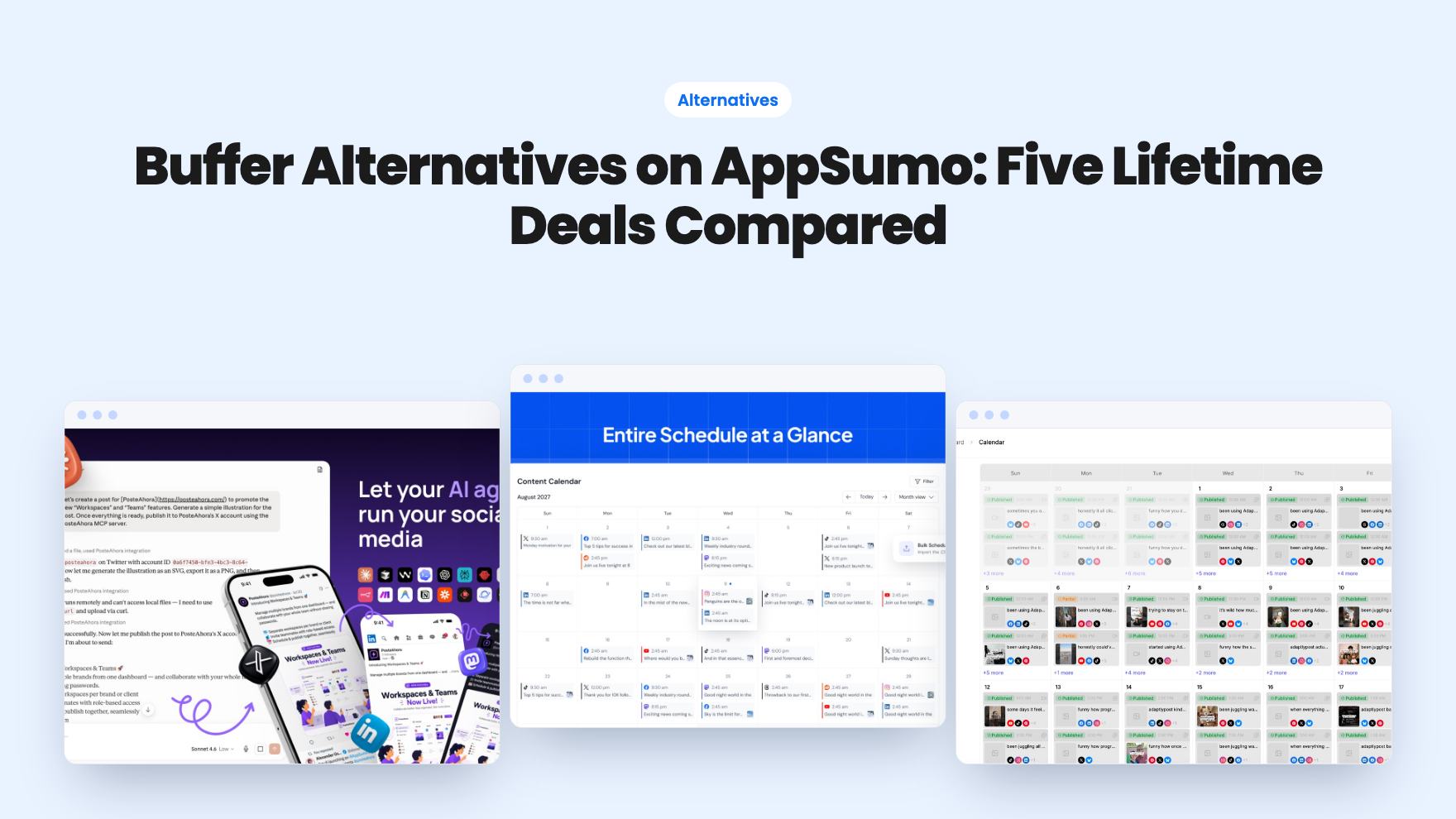
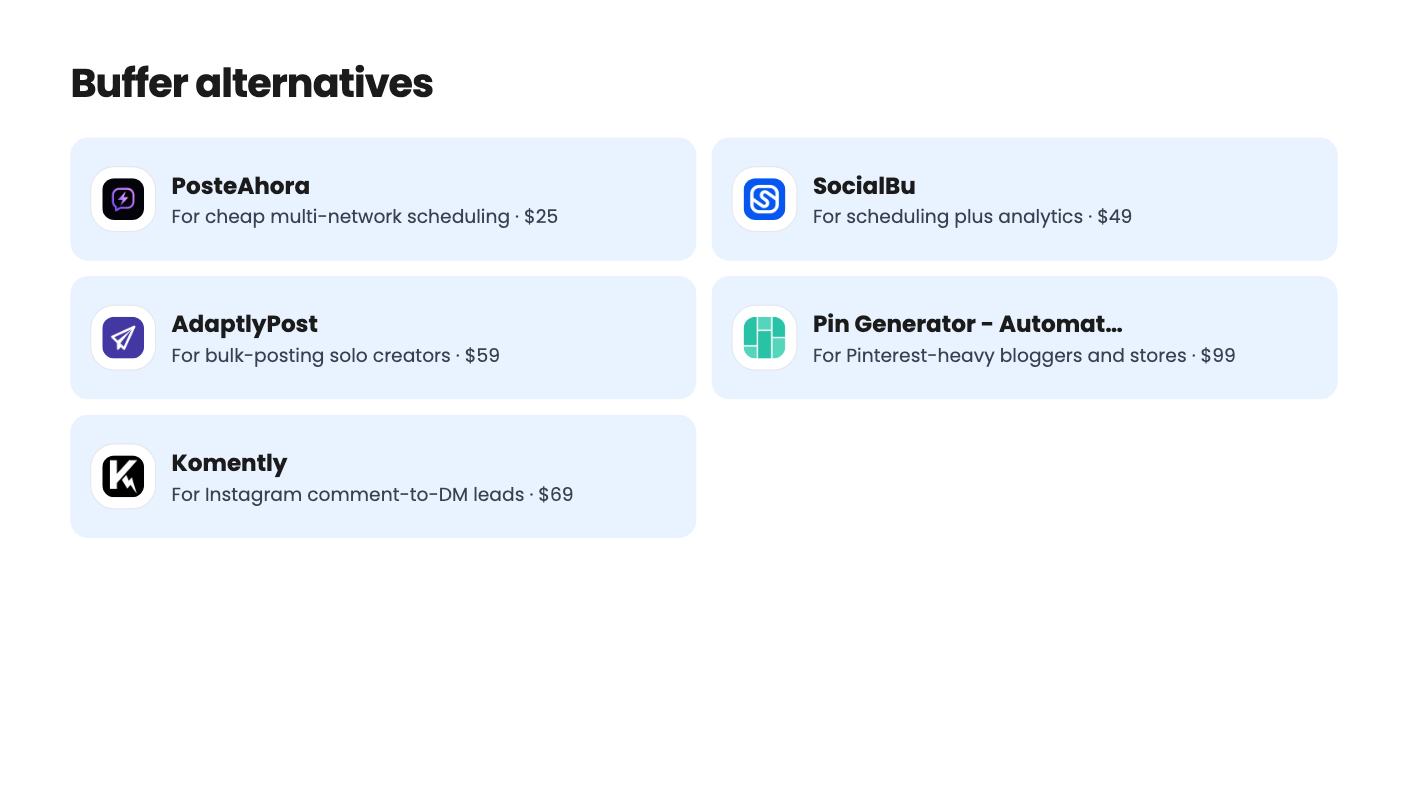
Five social tools sold as lifetime deals and named as Buffer alternatives on AppSumo, from $25 to $297. See who each suits and where the listings are unclear.
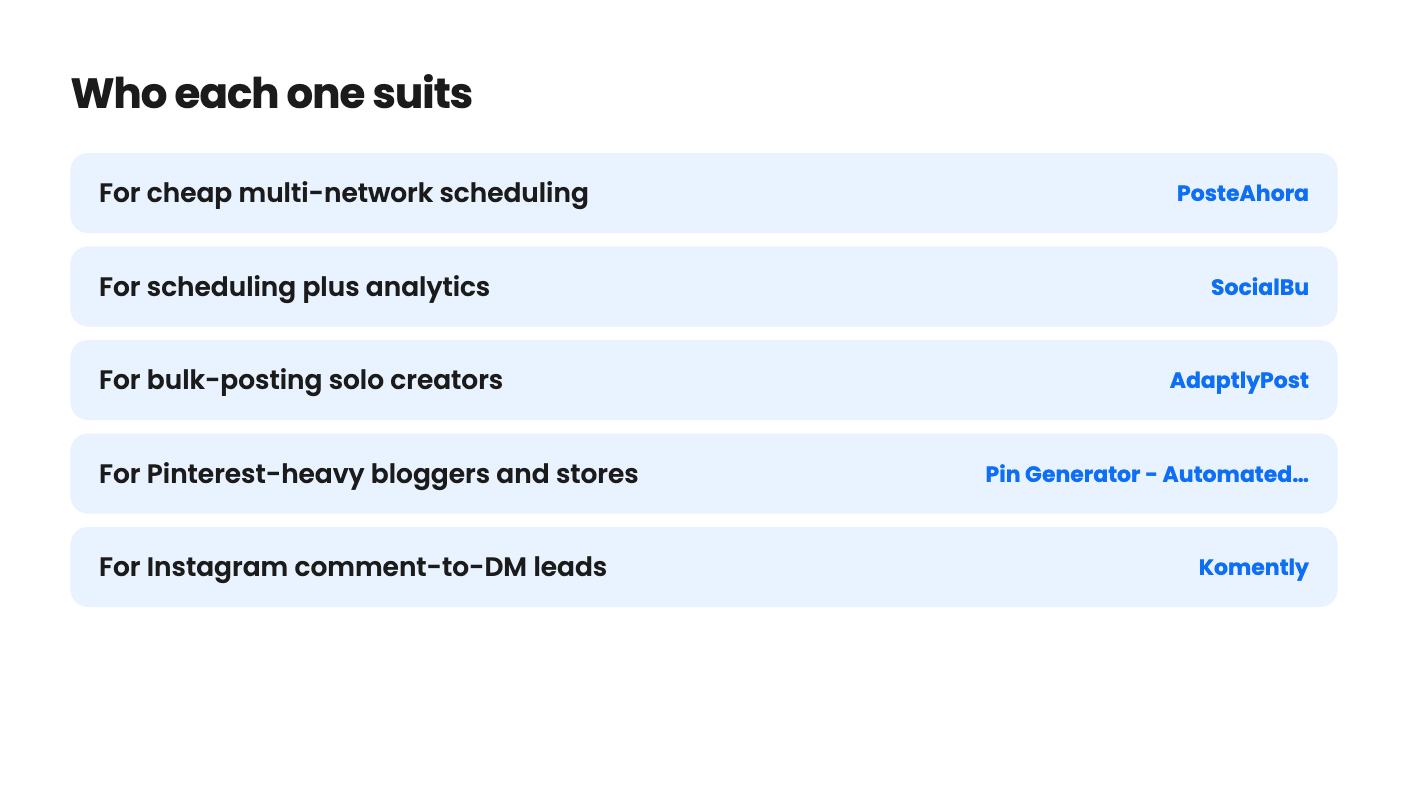
| Tool | Suits | Price |
|---|---|---|
| PosteAhora | For cheap multi-network scheduling | $25 |
| SocialBu | For scheduling plus analytics | $49 |
| AdaptlyPost | For bulk-posting solo creators | $59 |
| Pin Generator - Automated Pinterest Marketing | For Pinterest-heavy bloggers and stores | $99 |
| Komently | For Instagram comment-to-DM leads | $69 |
If you pay for Buffer every month, a lifetime deal looks tempting. One payment, no renewal, and the scheduling still happens. The catch is that these tools are not interchangeable. Some are general schedulers, some do one job on one network, and a couple of the listings are hard to read. So the decision is less about price and more about which job you need done.
Every tool here is named on AppSumo as a Buffer alternative. We haven’t tested any of them. What follows is what the listings show, including the parts they leave out.
Three of these are closest to what Buffer does. They put many networks in one calendar and let you queue posts ahead.
PosteAhora is the cheapest at $25. It covers 16 networks, including Bluesky, Mastodon, Google Business Profile and WordPress. API and MCP access come on all three tiers. The Starter tier is tight, though: 5 connected accounts, 10 GB of storage and no X accounts at all. X is capped at 100 posts per month per account on the higher tiers, and link posts don’t count toward that. The listing also contradicts itself on stacking codes, and it states no track record. That last gap matters with a cheap tool. It suits a small business with a handful of profiles that doesn’t need X.
SocialBu costs $49 and reaches 12+ networks from one composer. You get a drag-and-drop calendar, evergreen recycling through queues and CSV bulk import. The demo shows LinkedIn demographic reports, which is more analytics than most cheap schedulers mention. The $49 tier has no automations, MCP server, Listen or Content Curation, so it is a scheduler and nothing more. Reviewers mention limits on X link posts and unclear bulk upload templates. The plan table in the listing is unlabeled, which is annoying when there are five lifetime tiers to choose from.
AdaptlyPost starts at $59 and covers nine platforms, including Threads, Bluesky and Pinterest. Its strength is volume: you can bulk upload up to 100 videos or 30 image posts in one session. There are API tokens and AI agent support too. The listing never says what a credit buys or how quickly credits run out, and some higher tiers appear to show fewer credits or accounts than lower ones. Analytics aren’t described as a feature, and buyers reportedly flag problems there. The 60-day money-back guarantee takes much of the sting out of the unknowns.
If we had to sort these three, it would go like this. PosteAhora is for the tightest budget. SocialBu is for people who want to see how posts performed. AdaptlyPost is for people who batch a month of content in one sitting.

Pinterest rewards volume, and designing pins by hand is slow. Pin Generator builds several pin designs from a single URL or a store and schedules them in bulk. It works with WordPress, Shopify, Etsy, WooCommerce and Amazon. It also accepts your own templates, including ones made in Canva, and every tier allows unlimited linked Pinterest profiles.
Now the part to read twice. The listing is labeled a one-time purchase at $99, but that tier is one year of access. So is the $198 tier. Lifetime starts at $297. The credit figures also look inconsistent. Buyer reviews flag limited keyword visibility and weak AI title rewrites, so expect to edit titles yourself.
This is a specialist, not a Buffer replacement. If you post to Pinterest only now and then, skip it.
Some small businesses don’t really need a scheduler. They need to stop typing the same reply to every person who comments a keyword on a post.
Komently does that for Instagram and Facebook, and only those two. It costs $69. The listing says it uses Meta’s official API and OAuth, so you don’t share passwords. A 7-Day Rewind can message people who commented before you built the automation, which is useful if you already have a backlog. Lead capture and link tracking are included.
The weak spots are plain. The plan comparison table is hard to match to the three tiers. The product is young, with just 6 AppSumo reviews, and the FAQ text in the listing is cut off. It does not schedule posts, so you would still need something else for that.
PosteAhora is worth a second look here. It lists comment-to-DM, an inbox and auto-replies on every tier, so one cheap purchase might cover both jobs. Whether it does either job as well as a dedicated tool is not something the listing can tell us.
Three of these five listings have tier tables that look inconsistent or unlabeled. That is a reason to buy the entry tier first and upgrade later. SocialBu says upgrades are allowed while the deal runs, which makes that approach safe there. Check the same point on the others before you commit to a higher tier.
List your actual accounts and networks, then check them against the caps. A five-account limit or a missing X allowance will matter more than any feature list. If a tool has a refund window, use it properly: connect your real accounts and schedule a real week of posts before the window closes.
For basic scheduling, the general schedulers in this list can. Check the details that matter to you first: network coverage, account caps, analytics depth and how long the product has been around. None of these listings gives a long track record.
No. The listing shows the $99 and $198 tiers as one year of access. Only the $297 tier is lifetime, and the credit figures in the listing look inconsistent, so check them before buying.
Yes. Komently is built around it for Instagram and Facebook. PosteAhora also lists comment-to-DM, an inbox and auto-replies on every tier, alongside its scheduling.
How this article was made: researched from each tool's official listing and our reviews of it, and written with help from AI. We have not tested these tools hands-on. Prices and deal terms change, so check AppSumo before you buy. See our affiliate disclosure.
Both are $49 social media lifetime deals on AppSumo. Creator Insights helps you research and repurpose. SocialBu schedules, reports and handles the inbox.
Ten AppSumo lifetime deals for small businesses, from booking and forms to SEO and outreach, with the limits and tier quirks each listing shows.
Both are $49 AppSumo deals for social media. Creator Insights is built for research and scripting, PixaSocial Ai for cutting long video into shorts.

