
Social MediaComparison
Creator Insights vs SocialBu: Idea Engine or Everyday Scheduler
Both are $49 social media lifetime deals on AppSumo. Creator Insights helps you research and repurpose. SocialBu schedules, reports and handles the inbox.
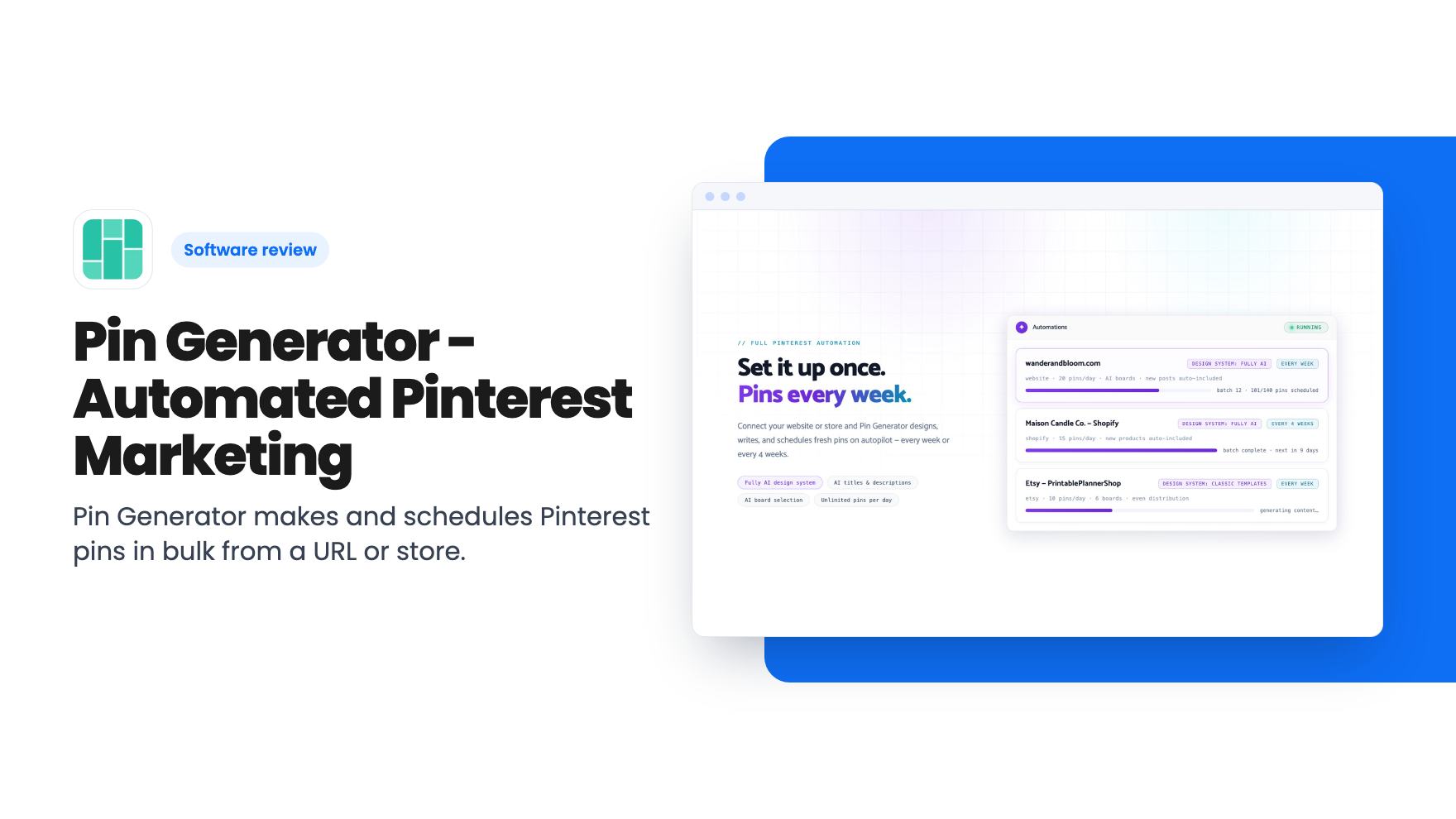
Pin Generator makes and schedules Pinterest pins in bulk from a URL or store. The $99 AppSumo tier is one year only, and lifetime access starts at $297.
Lifetime deal price
$99$20051% off
One Time Purchase
Our take: Pin Generator suits bloggers and store owners who already know Pinterest drives their traffic and are tired of designing pins by hand. Skip it if you post to Pinterest only occasionally, or if you assumed $99 buys lifetime access. It doesn't: only the $297 tier does.
If you run a blog or a small online shop, you probably know the Pinterest chore. You’ve got dozens of posts or products, each one needs several pins with different images and fresh titles, and the whole lot should be spread over weeks rather than dumped in one afternoon. Done by hand, it eats hours. Pin Generator is built to cut that work down, and it’s currently on AppSumo starting at $99.
We haven’t used it ourselves, and there’s no demo video attached to the listing. Everything below comes from the listing text and AppSumo’s buyer review summary, so treat it as a reading of the claims rather than a verdict from hands-on use.
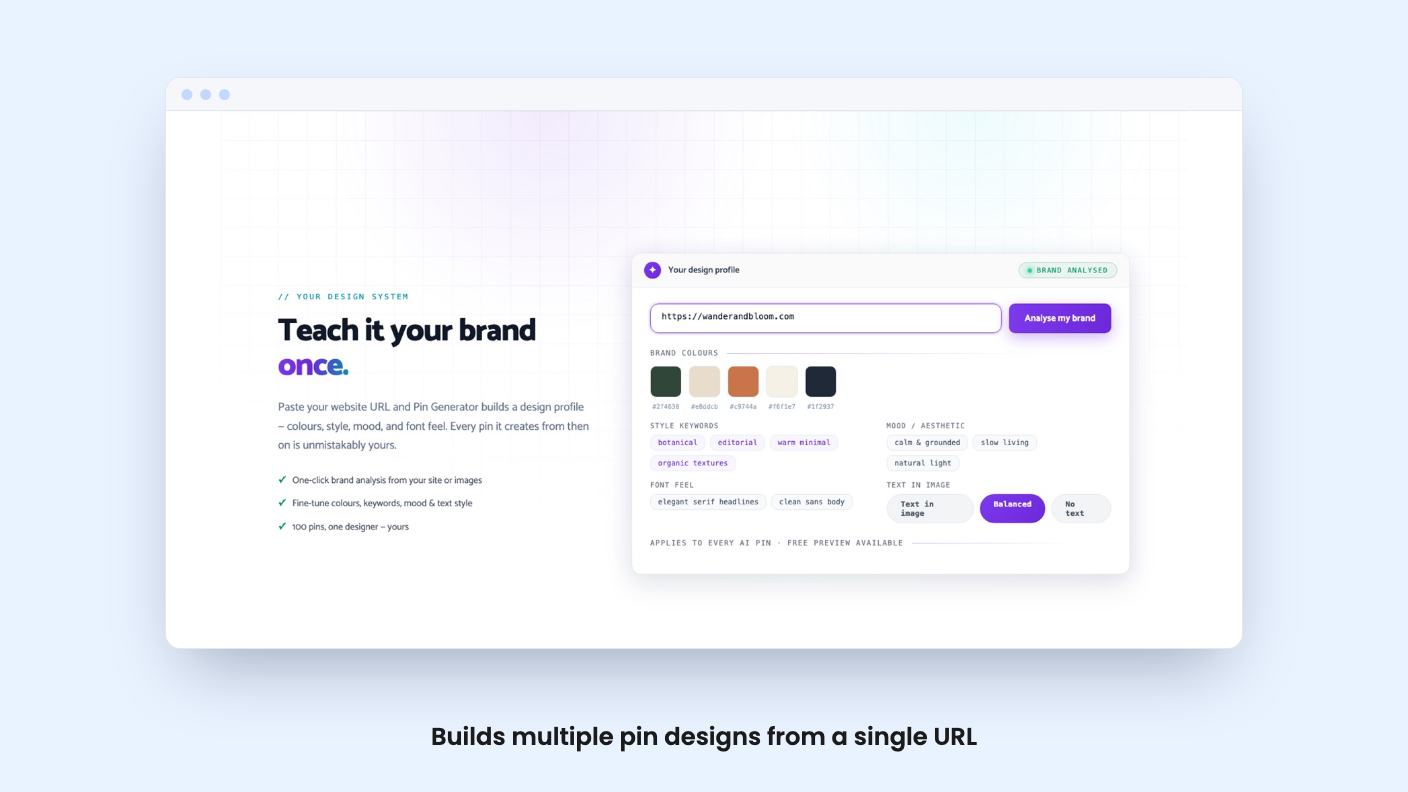
The pitch is simple. According to the listing, you enter your website URL and the tool pulls images and text from the page, then produces several pin designs in seconds. AI fills in the required fields, which means titles and descriptions you’d otherwise type yourself. You then bulk schedule the lot.
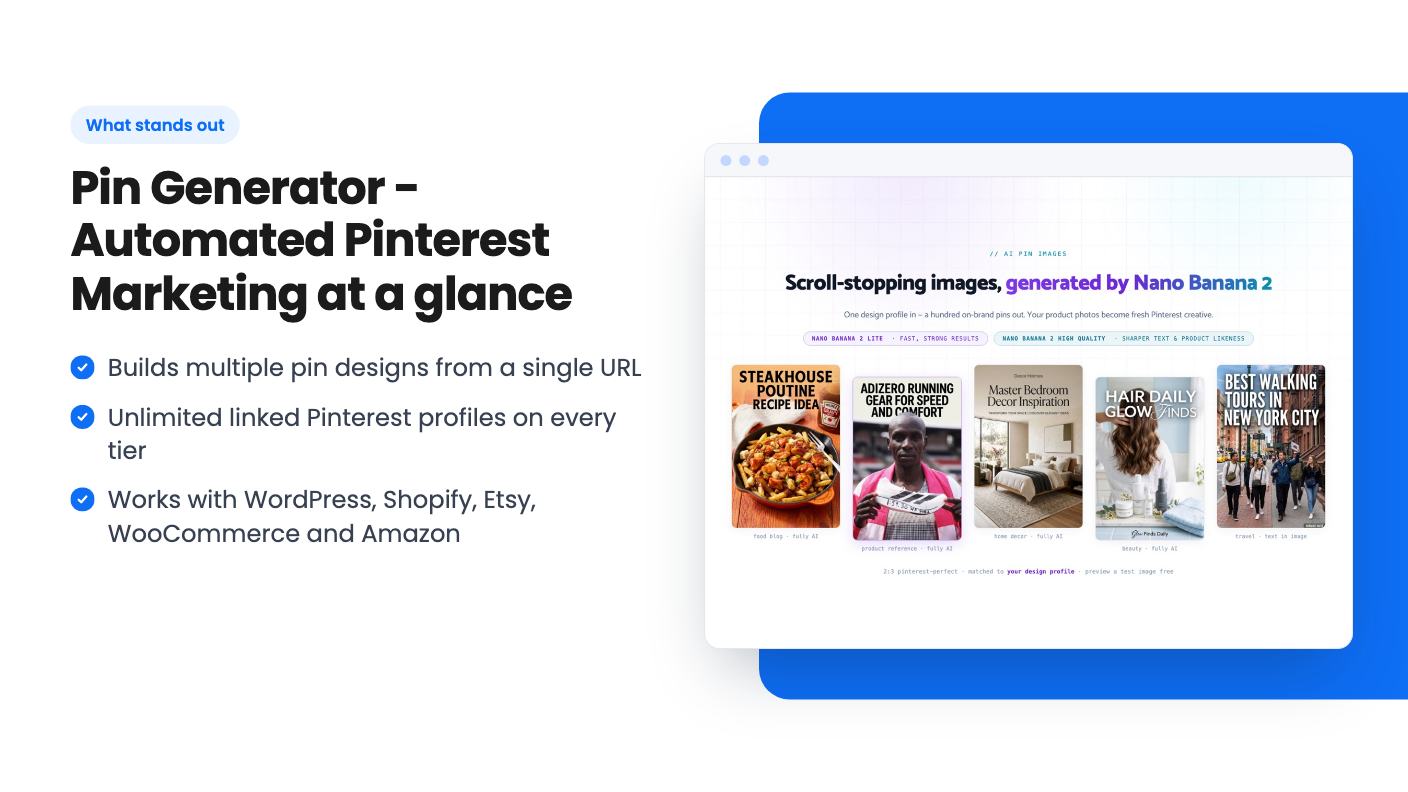
For a blogger, that turns an existing archive into a pin pipeline. For a shop owner, the Shopify, Etsy, WooCommerce and Amazon integrations suggest you can build pins straight from product listings. The listing text names Pinterest, Shopify, WooCommerce, WordPress and Etsy as integrations, while the plan table adds Amazon. That mismatch is small, but it’s worth confirming Amazon support before you count on it.
The listing also says you can import your own templates, including ones you’ve built in Canva. That matters if you care about brand consistency and don’t want every pin looking like the same stock layout.
There are two ways to get visuals. You can use an image templating system, or you can have AI generate images. The listing says the AI image model is Nano Banana 2 and that it can put text inside images, which has historically been a weak spot for AI image tools. Whether the text comes out clean in practice, we can’t say.
A brand analysis feature is meant to learn how your brand looks and keep AI pins consistent with it. The listing gives no detail on how it learns this or what it needs from you. A URL is probably the starting point, but that’s a guess.
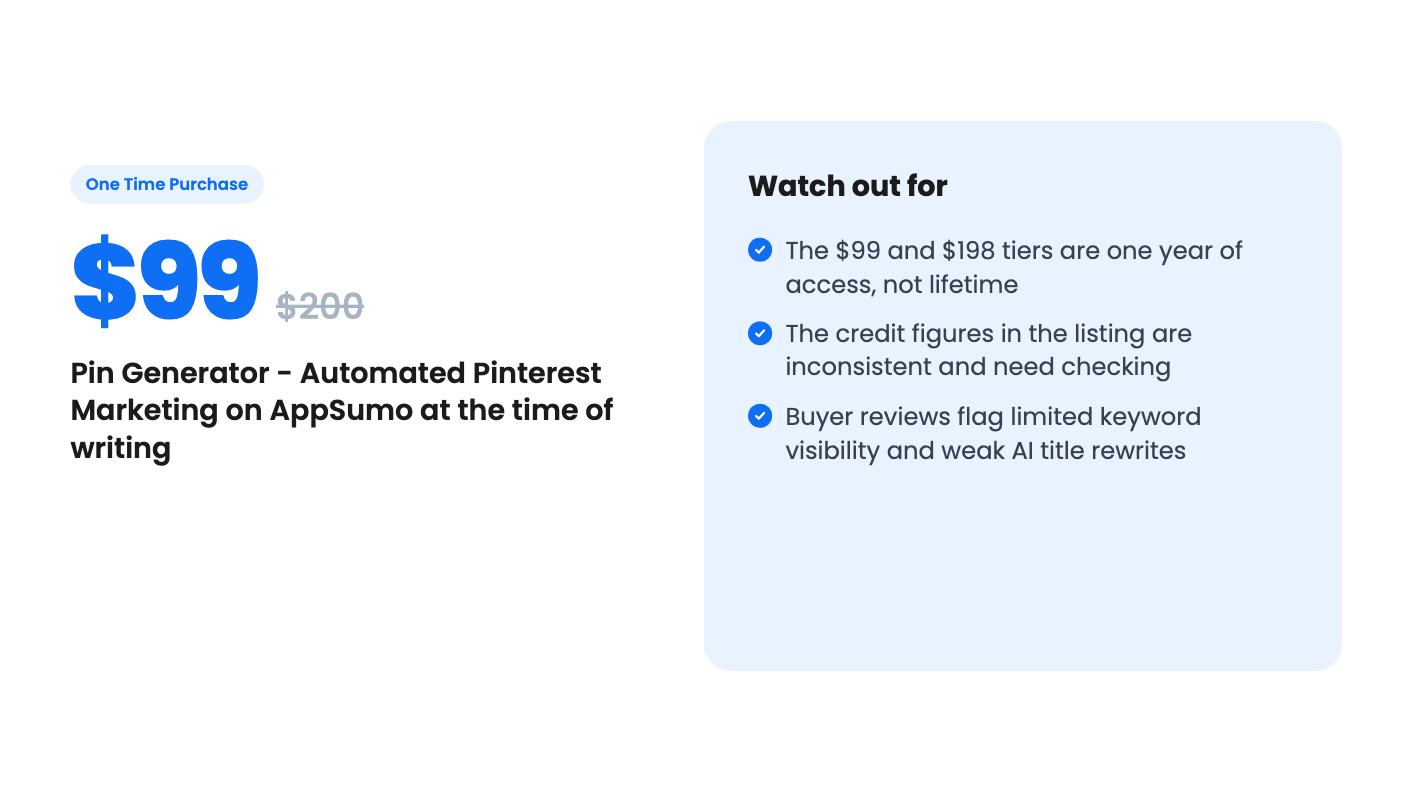
Then there’s keyword research. The listing says it checks real Pinterest keyword volumes, looks at trends in your niche, and picks the best keyword for each pin. That’s a useful idea, since pin titles built around search terms are what get pins found. But AppSumo’s own review summary flags limited keyword visibility as one of the grumbles. Read that as: you may not see much of the research behind the choice. If you like to check the data yourself, that’s a real limit.
The summary also calls out weak AI rewrites of titles. Expect to edit titles by hand, at least on pins that matter.
Bulk scheduling is the part that saves the most time. The listing quotes one user going from four hours a week to thirty minutes on pin scheduling. That’s a single reported figure inside marketing copy, so don’t plan your budget around it. Still, the direction is believable if the bulk tools work as described.
Every plan allows unlimited linked Pinterest profiles. That’s a generous line for agencies, freelancers and anyone with several niche sites. The review summary praises multi-account use too. Your real ceiling is the monthly pin credit allowance, not the number of accounts.
Here’s the part to read slowly. The listing has three tiers:
So the headline $99 price is a one-year subscription in disguise. If you want this as a true lifetime deal, you’re looking at $297. We think the framing is a little slippery, and you should know it before you click.
Pin credits are the other thing to check. The plan table lists 3,000 per month with lifetime access, 2,000 per month for one year, 3,000 per month for life, and a couple of other figures, including 600 per month for one year. The listing doesn’t say clearly which number belongs to which tier. The safest reading is that tier 3 gets 3,000 credits a month for life, but confirm the exact allowance for the tier you’re buying on the AppSumo page itself. It also doesn’t say what counts as one credit, or what happens when you run out.
Other terms: you can stack up to three codes, you must redeem within 60 days of purchase, and future updates to the Starter Plan are included. AppSumo’s summary mentions a 60-day money-back guarantee, which gives you room to test it on your own site.
Buy it if Pinterest already sends you traffic, or you have a large catalogue of posts or products and no time to design pins. It also makes sense for people managing several accounts, since profiles are unlimited.
Skip it if you pin occasionally. A free design tool and twenty minutes a week will do. Skip it too if you want deep, visible keyword data, or if you expect the AI to write finished titles without editing.
It’s also a fairly young kind of product, and the listing says nothing about long-term roadmap or how the company handles Pinterest policy changes. A lifetime deal is only worth what the tool does in three years. That’s the reason to try the cheaper tier first if you’re unsure, and to use the refund window properly.
Buyers on AppSumo rate it 4.37 out of 5 across 93 reviews, which is a solid sample. The reviews are positive, but they aren’t a substitute for loading your own site into it during the first couple of weeks and checking the pins before you commit to the bigger tier.
No. According to the listing, tiers 1 and 2 ($99 and $198) give one year of access. Only tier 3 at $297 gives lifetime access, with 3,000 pin credits per month.
Yes. The listing names Shopify, WordPress, WooCommerce, Etsy and Pinterest as integrations, and the plan table also ticks Amazon. You can feed it a URL or a product and it builds pin designs from the images and text it finds.
The listing FAQ says you can import your own templates, including ones made in Canva. It also describes an image templating system and AI-generated images as alternatives.
AppSumo's review summary mentions a 60-day money-back guarantee. You also have to redeem your code within 60 days of purchase, so keep an eye on both dates.
How this review was made: researched from Pin Generator - Automated Pinterest Marketing's official listing, and written with help from AI. We have not tested Pin Generator - Automated Pinterest Marketing hands-on yet. Prices and deal terms change, so check AppSumo before you buy. See our affiliate disclosure.
Both are $49 social media lifetime deals on AppSumo. Creator Insights helps you research and repurpose. SocialBu schedules, reports and handles the inbox.
Ten AppSumo lifetime deals for small businesses, from booking and forms to SEO and outreach, with the limits and tier quirks each listing shows.
Both are $49 AppSumo deals for social media. Creator Insights is built for research and scripting, PixaSocial Ai for cutting long video into shorts.

