


Lifetime deal price
$12
Lifetime Deal
4.6(45 AppSumo reviews)
Quick verdict
Our take: Buy Rhino Voice if you work on a Mac and want fast, private dictation in every app for the price of a lunch. It's perfect for writers, freelancers and developers who handle client data and don't want another subscription. Pick something else if you need Windows or phone apps, voice-driven rewriting, or heavy multi-language dictation.
Best for: Content creators, Freelancers, Solopreneurs
Alternative to: Otter.ai, Willow Voice, WisprFlow
What we like
- $12 once for unlimited dictation minutes and all future updates
- Transcription and cleanup run on your Mac, so it works with Wi-Fi off
- Types straight into Slack, Gmail, Notion, Xcode, the terminal and any other text field
- No account, no login and no telemetry
- Personal dictionary with unlimited entries for names and jargon
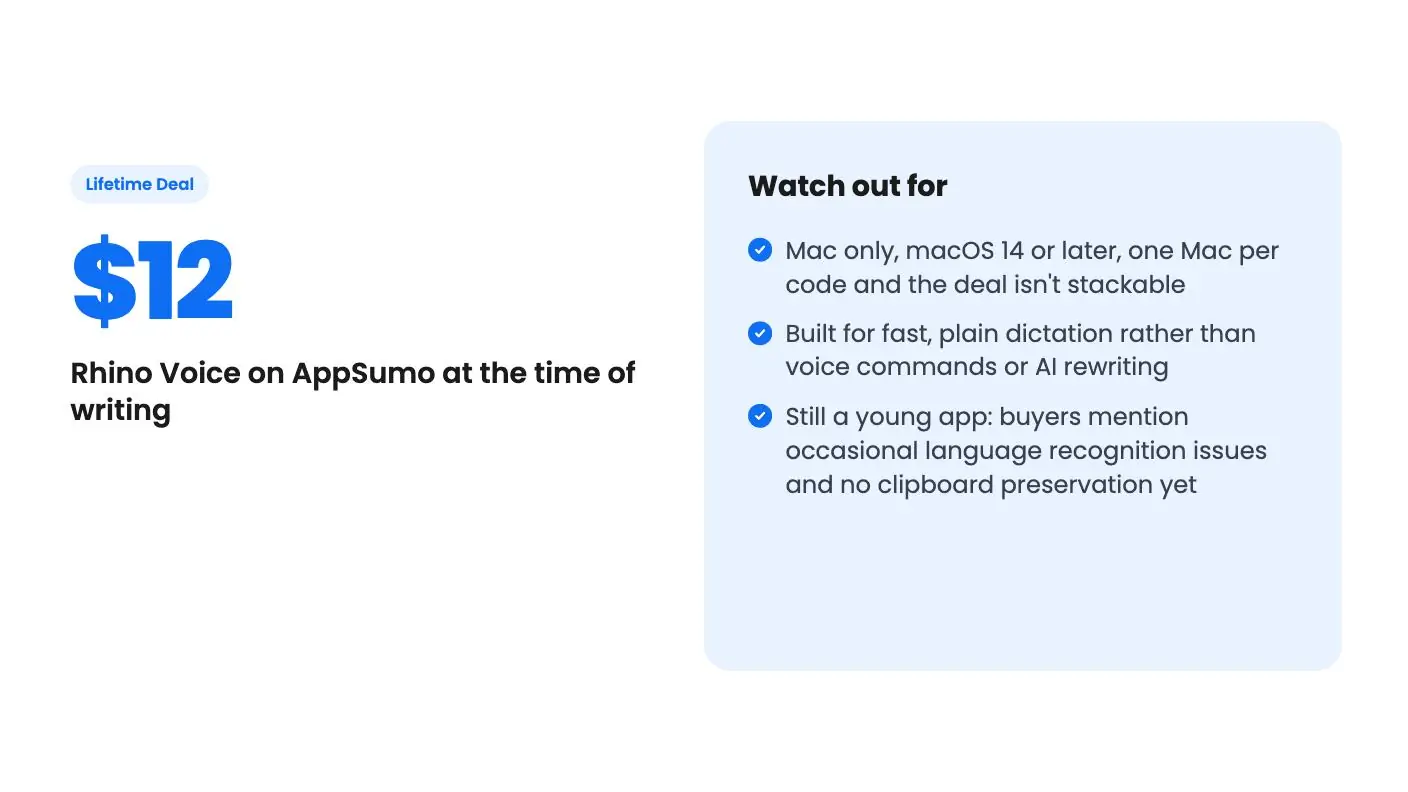
Watch out for
- Mac only, macOS 14 or later, one Mac per code and the deal isn't stackable
- Built for fast, plain dictation rather than voice commands or AI rewriting
- Still a young app: buyers mention occasional language recognition issues and no clipboard preservation yet
Talking is faster than typing for most people, and Rhino Voice is built around that idea. Hold a key, say what you mean, and the words appear in whatever Mac app you have open. This Rhino Voice review covers what you get for the one-time $12, how the on-device setup works, and who should buy it today.
Get Rhino Voice for $12 on AppSumo →
Short version: it’s one of the cheapest ways to add private, unlimited dictation to a Mac. See the deal on AppSumo.
What is Rhino Voice?
Rhino Voice is a Mac dictation app that turns your speech into text inside any app, with all the processing done on your own computer. It’s an AppSumo Original, so AppSumo builds and sells it directly.
That matters for a $12 product, and it’s a big reason this Rhino Voice review leans positive. A tiny lifetime deal from an unknown vendor always carries some risk that the app goes quiet. Here the seller and the maker are the same company, which also builds TidyCal and SendFox. You can see the whole family in our guide to the AppSumo Originals.
The app is new. According to the listing, the first version shipped on August 11, 2026, and updates land most weeks, with every change logged in a public changelog. AppSumo files it under Voice & Dictation and names Otter.ai, Willow Voice and WisprFlow as the tools it’s meant to replace.
How Rhino Voice works day to day
You hold Fn and speak in whatever app you already have focused, then release to drop the text in. There’s no separate window, no copy and paste, and no switching tabs.
For longer passages, double-press the shortcut to lock hands-free recording on, then press it again when you’re done. That’s handy for drafting an email while you pace the room or talking through a long Slack update.
The listing says it works anywhere text goes. The examples it names are Slack, Gmail, Xcode, Notion and the terminal. That last one is a nice touch for developers who want to talk a long prompt into a coding tool instead of typing it.
Behind the scenes, Rhino transcribes with Whisper or Parakeet, two speech models, both running locally. An embedded cleanup model then fixes filler words and dropped words before the text lands. So “um, so I think we should, uh, ship Friday” should come out as a clean sentence.
Is Rhino Voice private?
Yes. The listing says no audio or text ever leaves your machine, there’s no account or login, and Rhino sends zero telemetry. Your history stays on your Mac, and you can delete it whenever you like.
This is the headline feature for a lot of buyers, and the main point of this Rhino Voice review. Many dictation apps process your audio on a cloud service. That’s fine for a grocery list. It’s less fine when you’re dictating client notes, contract terms or anything under an NDA.
With Rhino you can turn Wi-Fi off on a plane and keep working. AppSumo’s reviews summary says buyers praise exactly this: accurate local processing and the privacy that comes with it. If you’ve ever hesitated before pasting client data into a browser tool, that’s the job Rhino was built for.
What do you get for $12?
You get lifetime access to Rhino on one Mac, unlimited dictation minutes, an unlimited personal dictionary and all future updates, for a single $12 payment. There’s only one tier.
Here are AppSumo’s plan terms and limits in one place.
| What the deal includes | Rhino Voice lifetime deal |
|---|---|
| Price | $12 once |
| Macs per code | 1 |
| Minutes of dictation | Unlimited |
| Personal dictionary | Unlimited entries |
| Future updates | All included |
| Redeem your code | Within 60 days of purchase |
| Stacking | Not stackable |
| System requirements | macOS 14 or later, on any Mac |
| Account needed | No |
Two terms are worth noting before you check out. You must redeem your code within 60 days of purchase. And the deal isn’t stackable, so one purchase covers one Mac. If you work on a desktop and a laptop, plan for that.
For this Rhino Voice review, the unlimited minutes are the real story. Several dictation lifetime deals on AppSumo cap monthly words or credits. Because Rhino runs on your own hardware, there’s no cloud bill behind each sentence, and so no meter. Talk all day if you want.
See the deal on AppSumo if that already sounds like what you need.
Teaching it your names and jargon
Every dictation tool stumbles on proper nouns. Client names, product names, acronyms and code terms come out wrong because the model has never heard them.
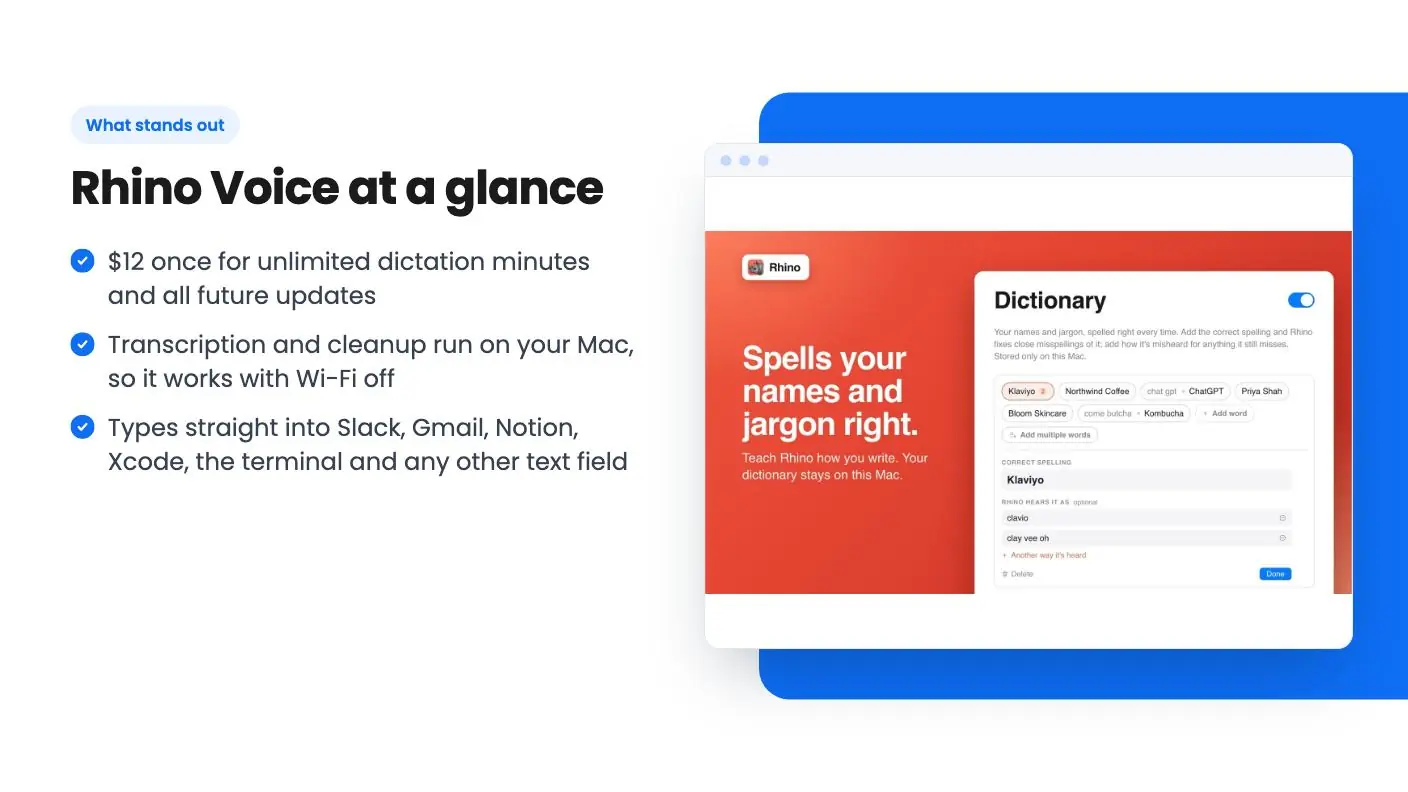
Rhino’s answer is a personal dictionary. Add a word once and, per the listing’s FAQ, Rhino gets it right from then on. That’s how most people handle names and jargon, and with unlimited entries you can load in your whole client list.
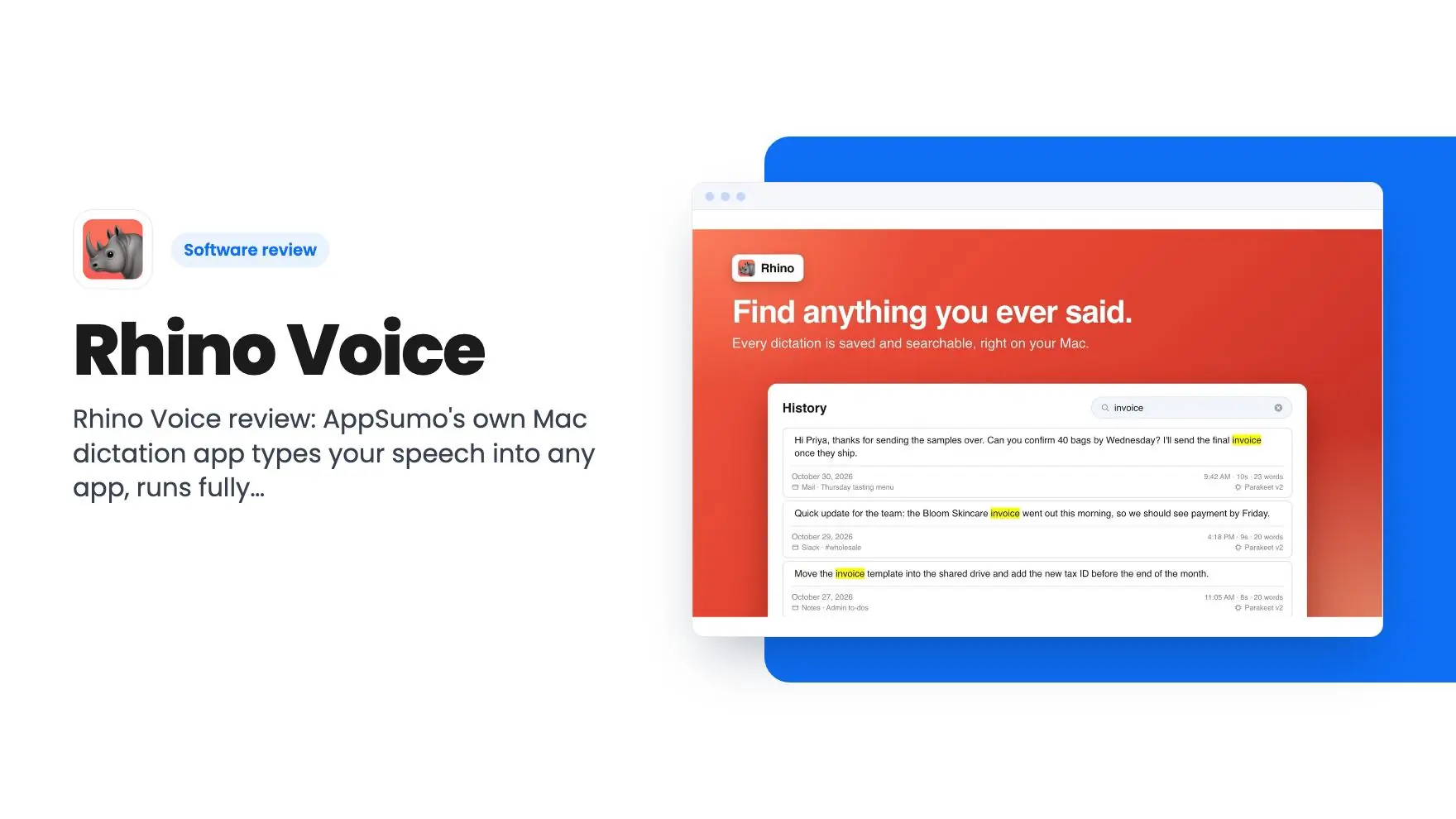
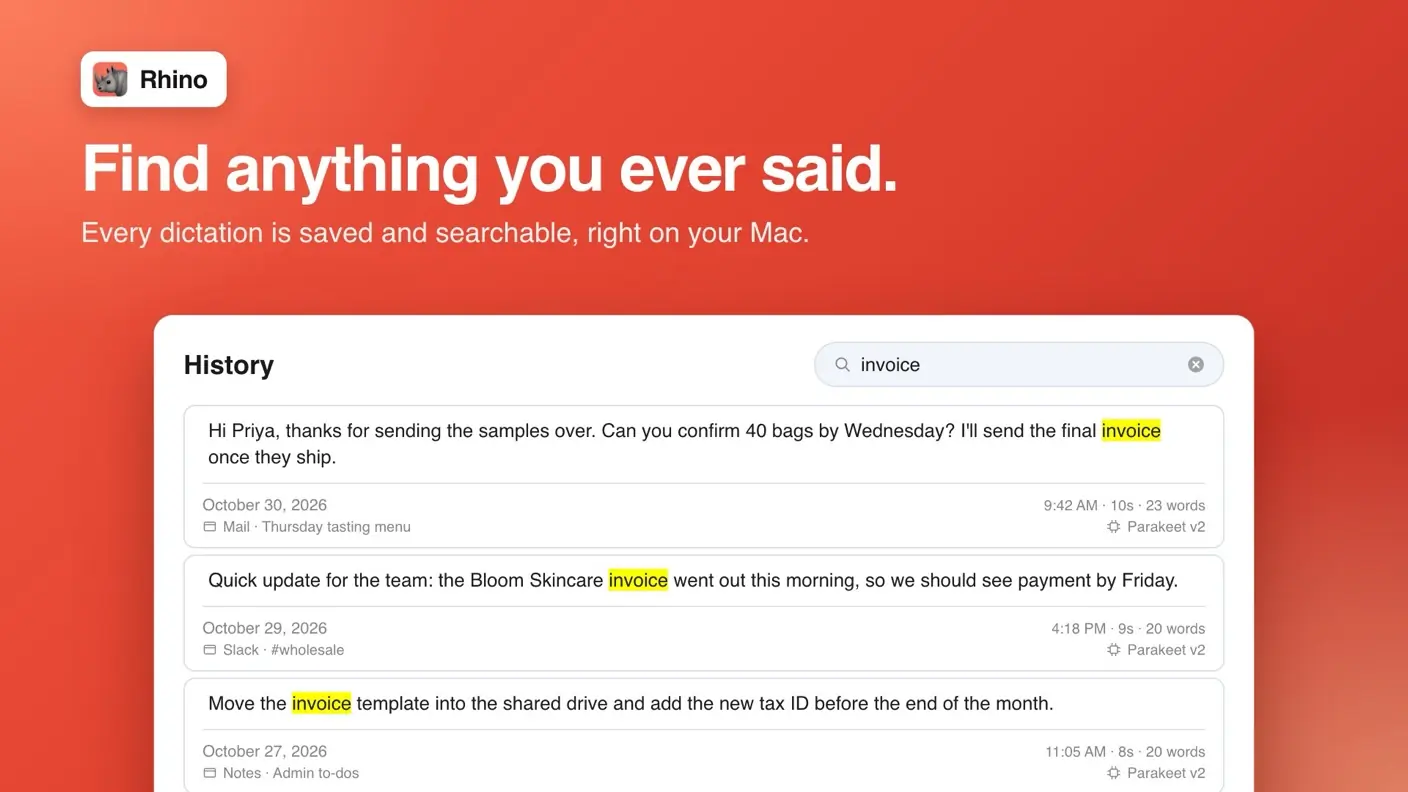
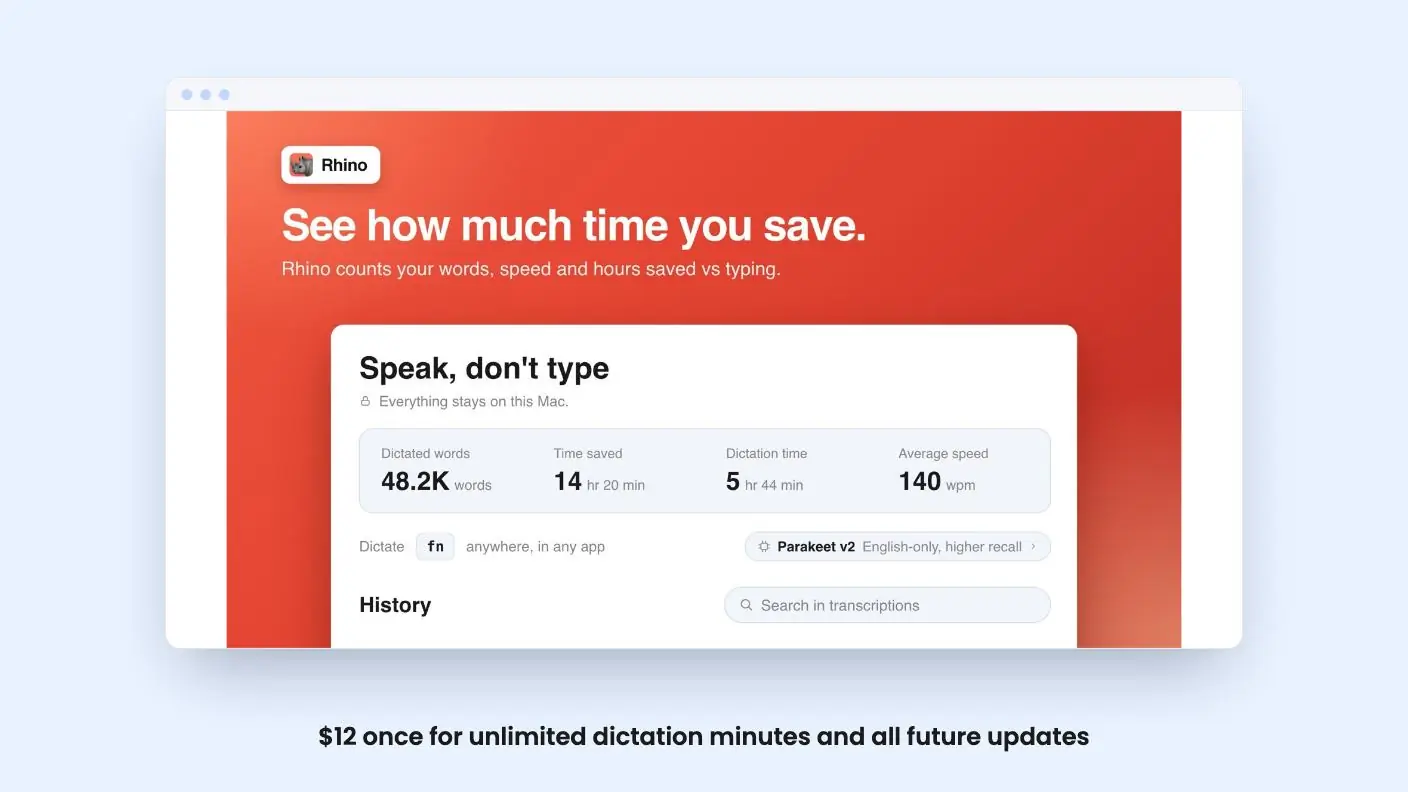
Two smaller features round things out. A local history lets you review past dictations, which helps when you need to recover something you said an hour ago. Writing stats show how much you dictate versus type, which is a fun way to see the habit stick.
Get Rhino Voice for $12 on AppSumo →
What do buyers say in reviews?
Buyers rate Rhino Voice 4.56 out of 5 across 45 AppSumo reviews. They praise its accuracy, its privacy and how easy it is to use.
AppSumo’s summary of those reviews highlights a few themes:
- Accurate local processing. People like that it runs entirely on the device.
- Easy to use. Hold a key and talk is about as simple as software gets.
- A responsive founder. Reviewers note that feedback gets addressed quickly, which fits the weekly update pace in the listing.
The same summary is clear that Rhino is a new product. It’s focused on fast, private dictation rather than every possible dictation need. Some users mention language recognition issues, and there’s no clipboard preservation feature yet. We cover what that means in the next section.
A 4.56 average from 45 reviews is a solid start for an app that’s only been out since August. Most of the praise lines up with what the listing promises, which is a good sign.
How do you get started with Rhino Voice?
Buy the $12 code on AppSumo, redeem it within 60 days, install the Mac app and hold Fn to start talking. There’s no account to create along the way.
The listing’s FAQ says the app runs on macOS 14 or later on any Mac, and that it’s signed and notarized by Apple. That means macOS will open it without the warnings you get from unsigned downloads.
A simple first week might look like this:
- Start with short messages. Reply to Slack threads and quick emails by voice so you get used to holding Fn while you speak.
- Fill the personal dictionary early. Add your own name, your company, your clients and any product names you say often.
- Try hands-free mode for long drafts. Double-press the shortcut, talk through a blog intro or a project update, then press again to stop.
- Check your writing stats. After a few days, see how much of your writing now comes from your voice.
Dictation is a habit more than a feature. Voice typing tends to stick when starting it takes no effort at all, and stalls when every dictation means opening a new window. The tools that stick are the ones with the least friction, and Rhino’s hold-a-key design keeps that friction close to zero.
How does Rhino Voice compare with other AppSumo dictation deals?
Rhino is the cheapest dictation lifetime deal in this group, and the only one with no usage meter. The others add more platforms or AI features in exchange for a higher price and monthly caps.
| AppSumo deal | Entry price | Platforms | Monthly usage on entry tier |
|---|---|---|---|
| Rhino Voice | $12 | Mac | Unlimited minutes |
| Zavi AI | $49 | Mac, Windows, iOS, Android | 200,000 cloud words |
| Genie 007 | $49 | Windows, Mac, Chrome | 600 credits |
| Acti | $59 | iOS and Android keyboard, Mac app | 1,000 to 30,000 AI credits, by tier |
Zavi AI is the pick if you need the same voice habit on every device. Genie 007 can write whole replies from what’s on screen. Acti is a mobile keyboard first. If you’re a Mac user who just wants to talk and see clean text, Rhino gives you the most dictation for the least money.
Who should pick something else?
Rhino Voice is a focused tool, and it’s honest about it. Here’s who will be happier elsewhere.
Windows and phone users. Rhino needs macOS 14 or later. If you want dictation on a Windows PC, an iPhone or an Android phone, look at Zavi AI, which covers all four, or Genie 007, which runs on Windows, Mac and Chrome.
People who want voice commands and rewriting. The reviews summary says Rhino isn’t designed for extensive customization or integration with other apps. If you want to select text and say “make this shorter,” or have AI write a reply from the email on screen, Zavi AI’s Magic Wand or Genie 007’s Genie mode are built for that.
Heavy multi-language speakers. Some buyers mention language recognition issues. If you switch languages mid-sentence all day, test Rhino early in your purchase window.
Clipboard-heavy workflows. Rhino doesn’t preserve your clipboard yet, according to the reviews summary. If you copy something, dictate, and then expect to paste the original item, check how that fits your routine.
Teams. Each code covers one Mac and the deal doesn’t stack. There’s no team dashboard or shared dictionary.
For a full comparison with the best-known paid option, read Rhino Voice vs Wispr Flow.
How does Rhino Voice compare with paid dictation apps?
Rhino costs $12 once, while popular cloud dictation apps charge a monthly fee. Wispr Flow Pro, for example, is $15 per user per month, or $12 a month billed annually, on its pricing page.
| Rhino Voice | Wispr Flow Pro | macOS Dictation | |
|---|---|---|---|
| Price | $12 once | $15/mo, or $12/mo billed annually | Free, built in |
| Platforms | Mac | Mac, Windows, iPhone, Android | Mac |
| Processing | On your Mac | Not stated on its pricing page | Depends on settings |
| Minutes | Unlimited | Unlimited on Pro | No timeout |
| Personal dictionary | Yes, unlimited | Yes | Not mentioned by Apple |
Wispr Flow does more. It covers four platforms, adds a meeting Notetaker and has team features such as a shared dictionary and admin tools. If you need those, it’s worth its monthly fee.
But many people only need one thing: talk on their Mac and get clean text. For that job, Rhino’s math is hard to beat. One month of Wispr Flow Pro on monthly billing costs more than Rhino does forever.
Apple’s built-in Dictation is free and worth trying first. Apple says it adds commas, periods and question marks automatically in supported languages and has no timeout. Apple’s help page doesn’t mention filler-word cleanup, a personal dictionary or a dictation history, which are the extras Rhino adds. Our roundup of dictation software for Mac covers these and more side by side.
If you liked Wispr Flow but want to pay once, also see our list of WisprFlow alternatives.
Is this Rhino Voice review a buy recommendation?
Yes, for most Mac users. At $12 with unlimited minutes, on-device privacy and weekly updates, it’s an easy deal to say yes to.
It’s perfect for:
- Writers and content creators who draft long text and want to talk instead of type.
- Freelancers and consultants who handle client data and want it to stay on their Mac.
- Developers who want to speak prompts into the terminal, Xcode or a coding assistant.
- Anyone tired of subscriptions who wants dictation they own.
The low price also means a small bet. If you’re curious about voice typing but haven’t wanted another monthly bill, Rhino is the cheapest serious way to build the habit.
To close this Rhino Voice review: the app does one job, fast, private dictation on a Mac, and does it for less than a single month of most rivals. Buyers back that up with a 4.56 rating. If you’re on a Mac, see the deal on AppSumo and redeem your code within 60 days.
All Rhino Voice features
Taken from Rhino Voice's AppSumo listing. We haven't tested these features hands-on.
Talk into any app without opening a separate window
- Hold Fn and speak in whatever app you already have focused, then release to drop the text in
- Double-press the shortcut to lock hands-free recording on, and press again when you are done
- Skip the copy and paste step because Rhino writes into the field your cursor already sits in
- Use it anywhere text goes, from Slack and Gmail to Xcode, Notion, and the terminal
Your voice never leaves your Mac
- Transcribe with Whisper or Parakeet running locally, so audio is never uploaded anywhere
- Clean up text with an embedded model that fixes filler words and dropped words on device
- Work with Wi-Fi off on a plane or anywhere you would not paste client data into a browser
- Send zero telemetry because there is no account, no login, and no analytics pipeline
Teach it the words you actually say
- Add names and jargon to a personal dictionary so client names and acronyms stop coming out wrong
- Review past dictations in a local history that stays on your machine
- Track writing stats to see how much you dictate versus type
Included in every plan
- Macs per code: 1
- Personal dictionary: Unlimited entries
- Minutes of dictation: Unlimited
- Future updates: All included
What the lifetime deal includes
- Lifetime access to Rhino
- You must redeem your code(s) within 60 days of purchase
- All future plan updates
- Please note: This deal is not stackable
At a glance
- Best for
- Content creators, Freelancers, Solopreneurs
- Alternative to
- Otter.ai, Willow Voice, WisprFlow
- Category
- Operations › Productivity & Automation › Voice & Dictation
- Website
- rhinovoice.app
Decided Rhino Voice fits? The lifetime deal starts at $12. Check the tier limits on AppSumo before you pick one.
Get Rhino Voice on AppSumoKeep reading about Rhino Voice
Rhino Voice FAQ
Is Rhino Voice worth $12?
For most Mac users who type a lot, yes. The $12 lifetime deal includes unlimited dictation minutes, an unlimited personal dictionary and all future updates, and it carries a 4.56 average across 45 AppSumo reviews.
Does Rhino Voice work offline?
Yes. The listing says transcription and AI cleanup both run on your Mac, so Rhino works with Wi-Fi turned off and no audio or text leaves your machine.
Does Rhino Voice work on Windows or iPhone?
No. Rhino is a Mac app that needs macOS 14 or later. If you need dictation on Windows or your phone, look at Zavi AI, Genie 007 or Wispr Flow instead.
How many Macs can I use one Rhino Voice code on?
One. AppSumo's plan terms list one Mac per code, and this deal is not stackable, so you can't add codes for more machines.
Which apps does Rhino Voice work in?
Any app that accepts typed text. The listing names Slack, Gmail, Notion, Xcode and the terminal. You hold Fn, speak, and release to drop the text where your cursor is.
Do I need an account to use Rhino Voice?
No. There's no login, no account and no telemetry. Your dictation history is saved locally and you can delete it at any time.
Is Rhino Voice an AppSumo Original?
Yes. Rhino Voice is one of the AppSumo Originals, the products AppSumo builds itself, alongside TidyCal, SendFox, KingSumo, FormRobin and BreezeDoc.