You’re answering a client from your phone. You need the reply in Spanish, a link to your pricing page, and maybe a quick check on something you half remember. That’s three apps and a lot of copying and pasting for one message. Acti is built to shrink that detour, and it does it from the keyboard itself.
I haven’t used it. What follows comes from the AppSumo listing and the founder’s demo video, so treat it as a buyer’s read of the claims, not a verdict from daily use.
A keyboard that tries to do things
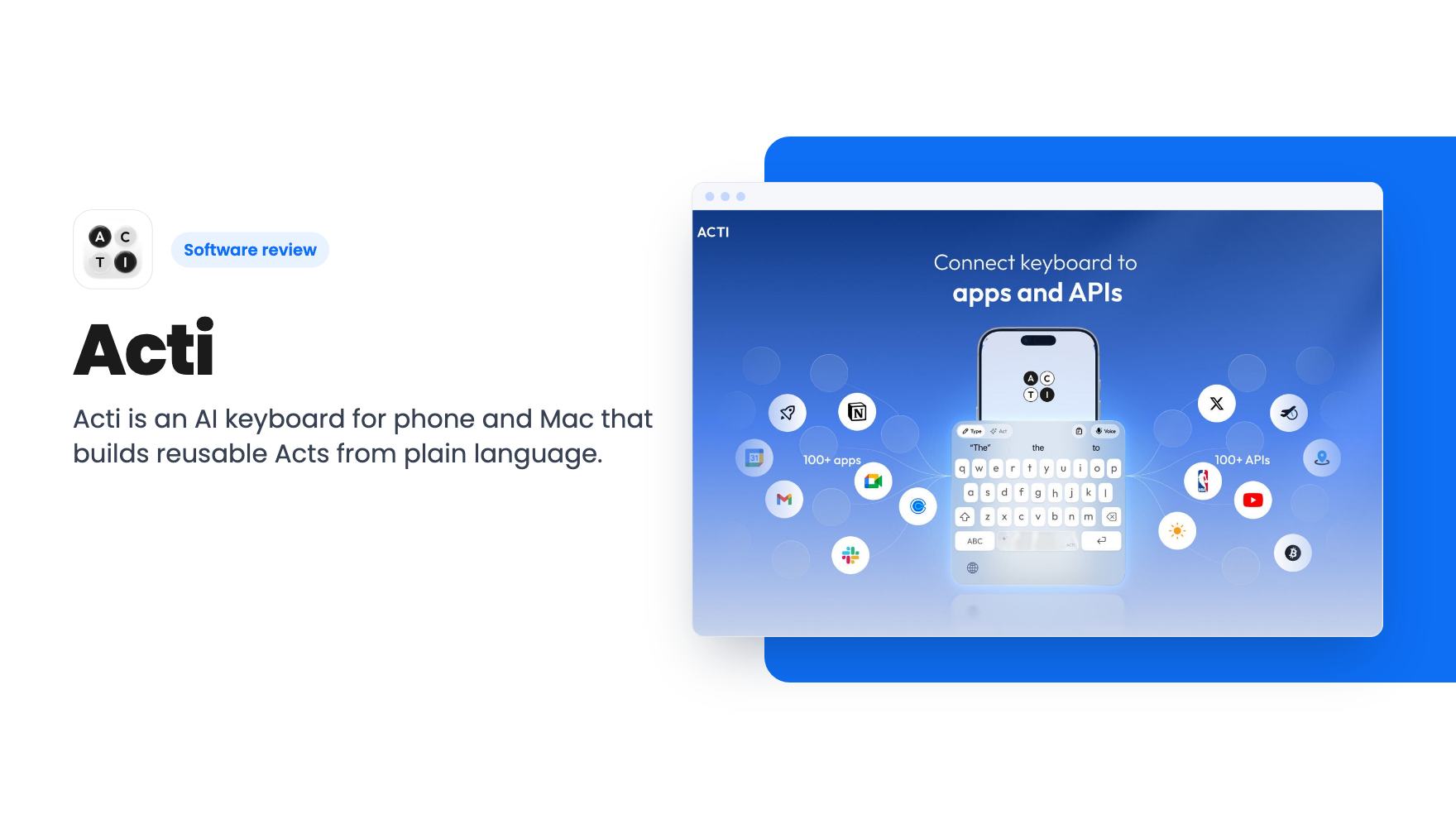
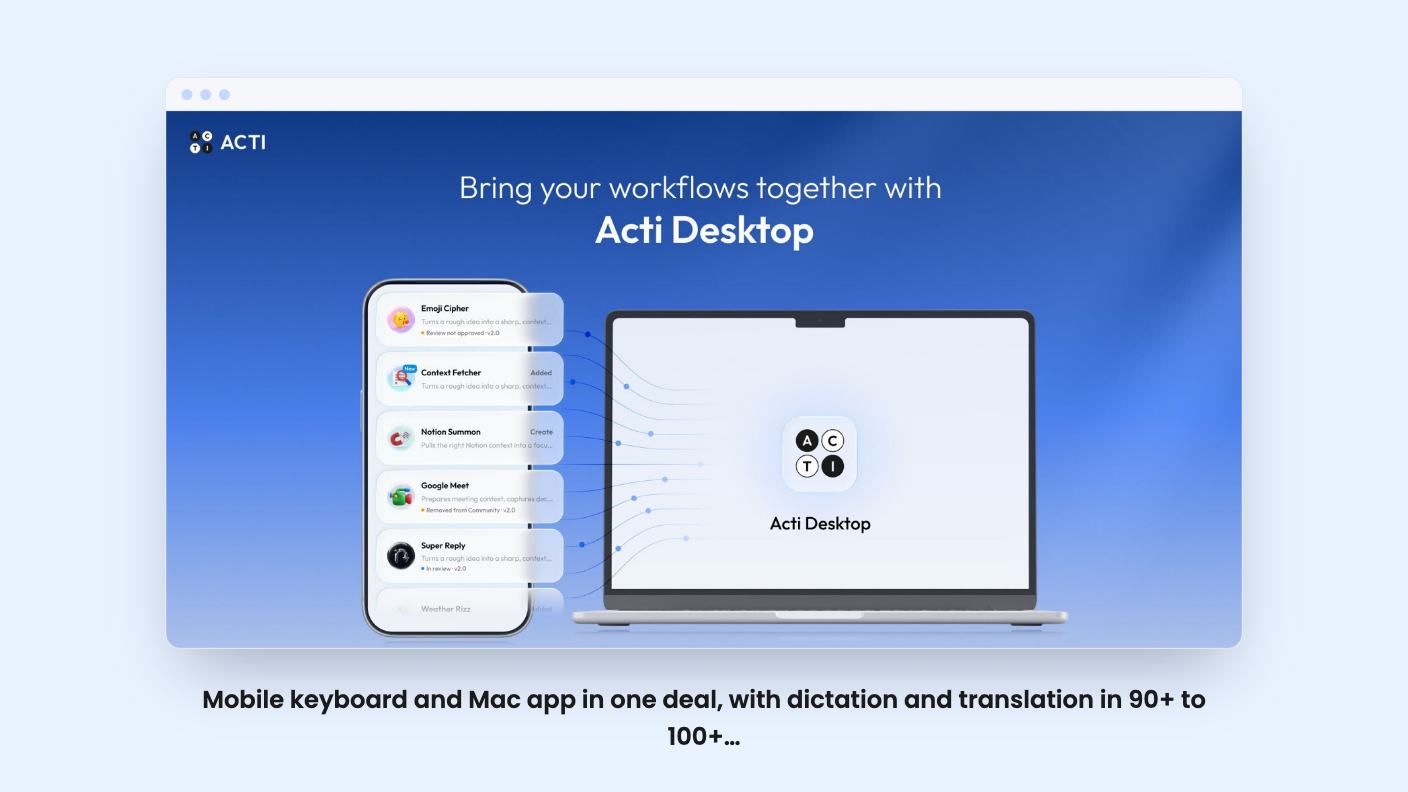
Acti calls itself an agentic keyboard. On iOS and Android it replaces your normal keyboard and adds AI that looks at what you’re typing and surfaces information, links and supported actions. It also types in more than 90 languages, which is a useful baseline on its own.
The desktop side is a Mac app. You highlight text and ask Acti to translate, rewrite or explain it, or you ask a question without leaving the window you’re in. The listing is plain that features differ between platforms because of operating system limits, so don’t assume the phone and the Mac do identical things.
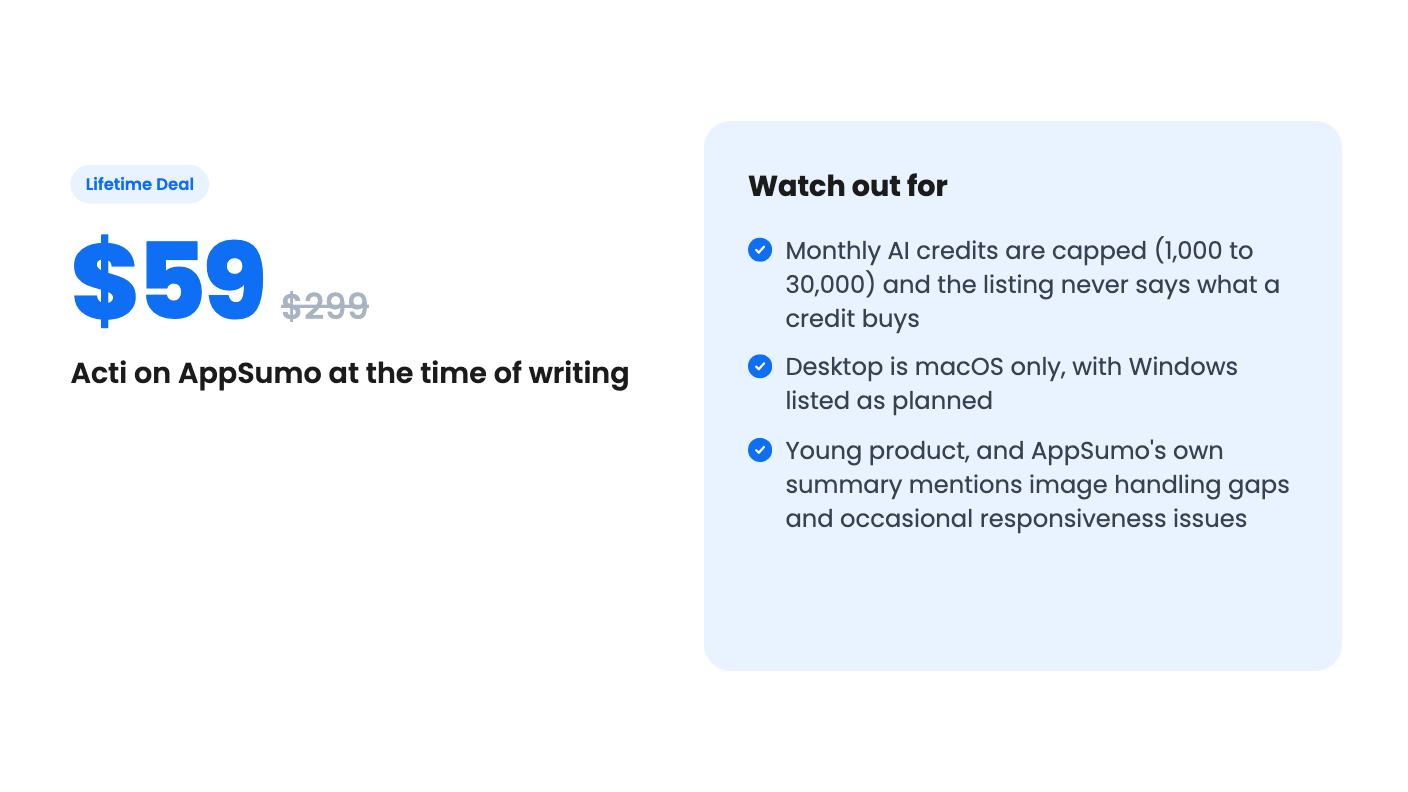
Windows is described as planned. If your office runs on Windows PCs, half of this product isn’t for you yet.
Acts are the interesting part
The feature that separates Acti from a fancy dictation tool is the Act. You describe what you want in plain language, and the Act Builder Agent turns it into a reusable workflow. You can refine it by chatting back and forth until it behaves.
Acts can connect to Gmail, Slack and Notion, plus simpler utilities like translation and grammar fixes. The integration list on the listing also names Calendly and a custom API option. That’s a short list next to what Zapier connects to, and the listing doesn’t tell us how deep each connection goes. Can an Act read your inbox, or only draft into it? It doesn’t say.
There’s also a community library. The founder says in the video that users have already made 500 Acts, and you can browse, personalize and share them. For a small business owner, that’s the more realistic route: borrow a working Act and tweak it instead of designing one from nothing.
Dictation, translation and the small stuff
The voice features are practical. Dictation cleans up grammar and style as you speak, voice commands can rewrite or transform text, and Voice Translate lets you speak in one language and send text in another across 100+ languages.
There’s a Mac trick worth noticing too. You can dictate from your phone straight to your Mac, which the listing pitches for prompting AI assistants and coding tools. If you talk to chatbots all day, that could save real typing.
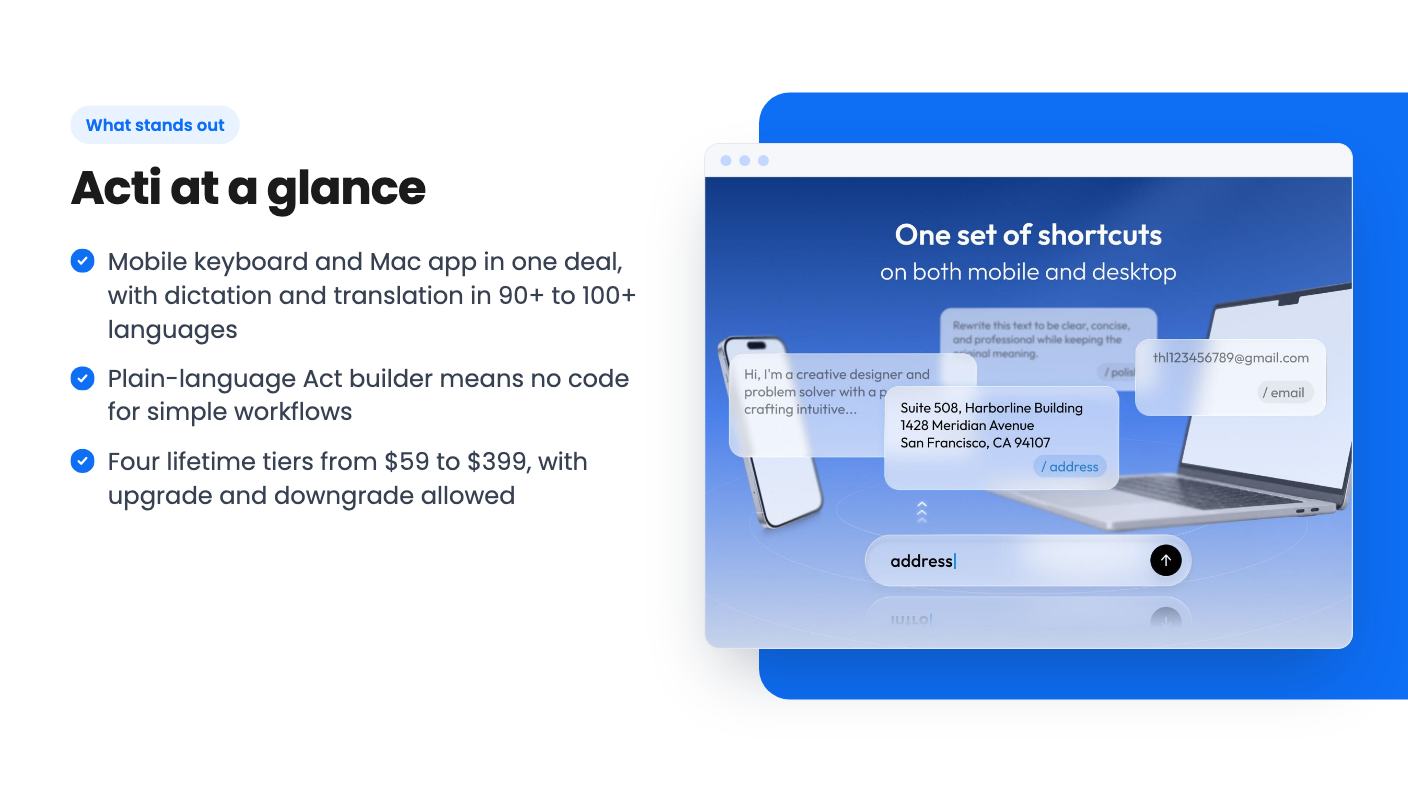
Two plainer tools sit alongside. Text shortcuts expand into things like email addresses and professional intros, which is TextExpander territory. Clips is a clipboard manager that syncs between mobile and desktop. Neither is exciting. Both are the kind of thing you’d actually use ten times a day.
What the demo video shows
The video is short and fronted by the founder, Yang. The transcript is rough, but the gist is that holding the spacebar opens a menu of Acts. You pick one, release, and it runs. The examples are making a link, checking a price, and translating a message, with the result appearing right where you typed.
It then shows building an Act with natural language, attaching a shortcut to that menu, and the community library. After that comes voice translation and a voice command asking for Nvidia’s latest stock price, with the answer appearing in place. The Mac app gets a brief mention at the end.
It’s a highlight reel, not a tutorial. We don’t see an Act fail, a long multi-step workflow, or any Gmail or Notion action actually completing. The video also repeats the funding story: $5.3 million raised, a TechCrunch feature, and a number one spot on Product Hunt. That tells you the company has runway. It doesn’t tell you the product handles your workflow.
The deal, and the part that’s missing
All four tiers get lifetime access and all future plan updates. What changes is the monthly AI credit allowance and the price:
- Tier 1: $59 (listed at $299)
- Tier 2: $109 (listed at $599)
- Tier 3: $199 (listed at $999)
- Tier 4: $399 (listed at $1,999)
The credit amounts are 30,000, 10,000, 3,000 and 1,000 per month. The listing doesn’t label which number goes with which tier, but it’s reasonable to assume the $399 tier gets 30,000 and the $59 tier gets 1,000.
Here’s my problem. The listing never explains what a credit is worth. Does a dictation burn one? A hundred? Does running an Act cost more than a translation? Without that, 1,000 credits a month could be plenty or gone in a week. The listing also doesn’t say what happens when you run out.
The crossed-out list prices are standard AppSumo framing, so ignore them. What matters is the structure: you activate within 60 days, you can move between tiers, and there’s a 60-day money-back guarantee. That combination makes the $59 tier a low-risk way to find out how fast credits drain.
Buyer sentiment is strong, with 47 reviews averaging 4.94 out of 5. AppSumo’s own summary of those reviews mentions a need for better image handling and occasional responsiveness issues. That’s marketing copy softening real complaints. On a product this new, expect some rough edges.
Who should skip it
Skip it if your team lives on Windows, since desktop is Mac only for now. Skip it if you need serious multi-step automation across dozens of apps, because Acti’s integration list is short and Zapier’s is not. And skip the higher tiers until you know your credit burn, because paying $399 on faith is a bad habit.
It’s a better fit for a solopreneur or creator who writes constantly on a phone, works across languages, and wants small repeatable helpers without building them by hand. Buy the $59 tier, use it hard for a few weeks, and watch how quickly the credits move. If it holds up, upgrading later is allowed. If it doesn’t, the refund window is long enough to get your money back.
How this review was made: researched from Acti's official listing and a transcript of its demo video, and written with help from AI. We have not tested Acti hands-on yet. Prices and deal terms change, so check AppSumo before you buy. See our affiliate disclosure.