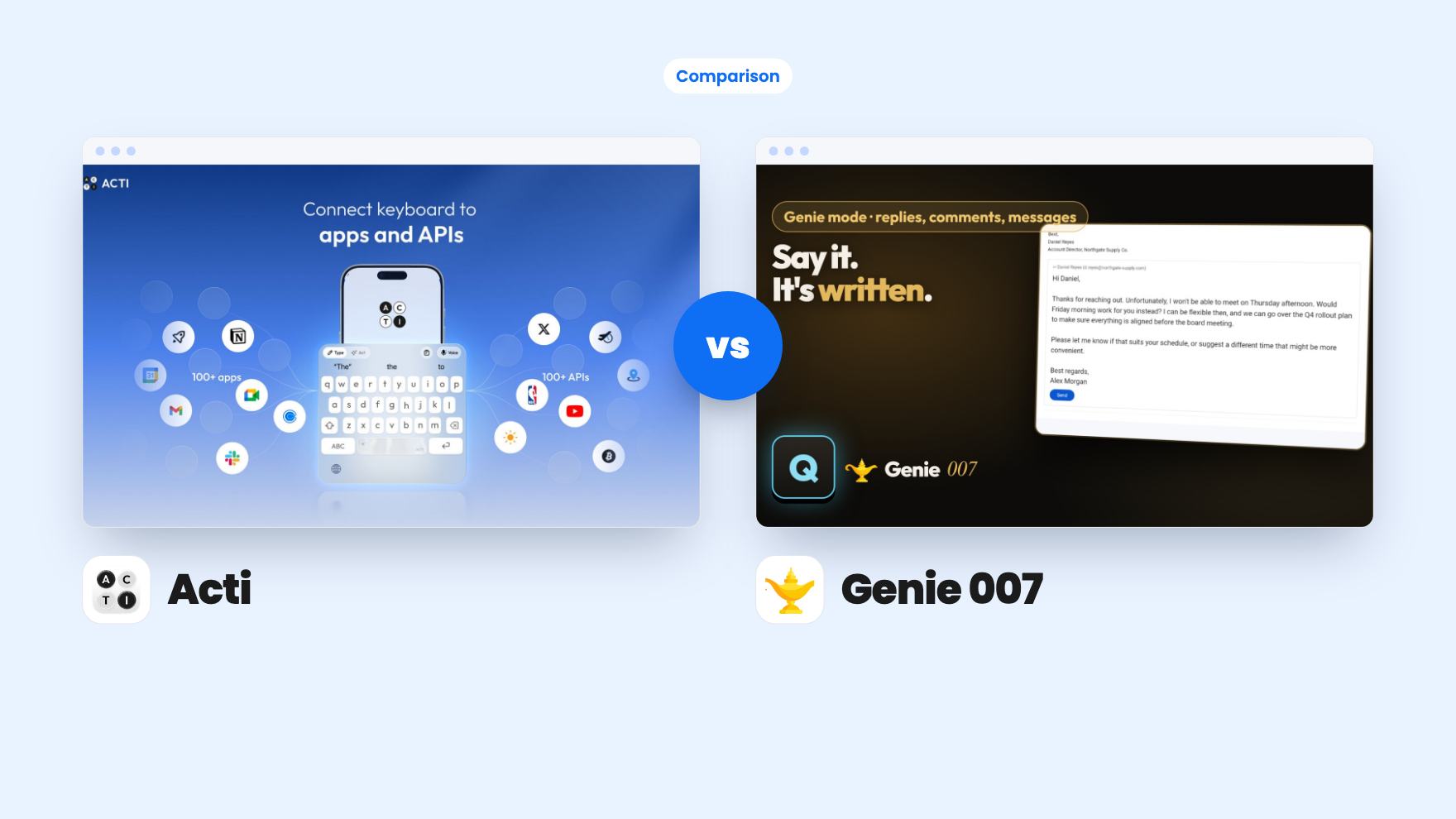
You’re answering a client between meetings. The message needs to be in another language, it needs a link, and you’d rather not type it on glass. Or you’re at your desk with forty emails and LinkedIn messages that all need a reply before lunch. Those are two different problems, and they’re the two jobs Acti and Genie 007 are aimed at.
We haven’t used either tool. Everything here comes from the AppSumo listings, the Acti demo video, and what each page claims. Treat it as a buyer’s read of the paperwork.
The device you work on decides most of this
Acti starts on the phone. It replaces your keyboard on iOS and Android, then adds a Mac app for highlighting text and asking for a translation, rewrite or explanation. Windows is described as planned, which means half of an office on Windows PCs is out.
Genie 007 is the mirror image. It runs on Windows, Mac and a Chrome extension, with one account across all of them. Mobile apps are not part of this deal, and the listing says so plainly. The Windows and Mac apps are downloaded from a beta page, which tells you how young the product is.
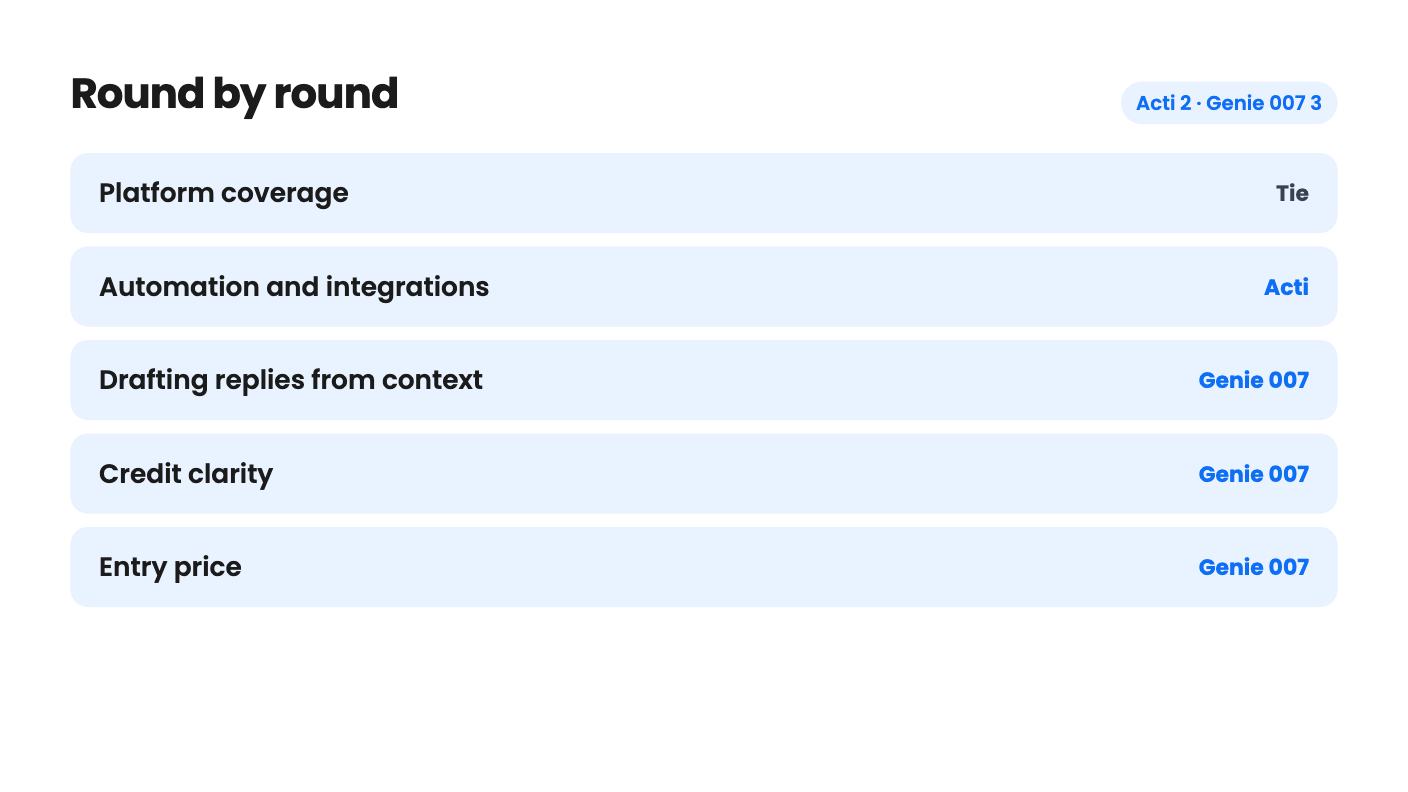
So if you live on your phone, Genie is a non-starter. If you live on a Windows laptop, Acti is. Check that before you compare anything else.
Automation versus writing the reply for you
This is the real difference in what you’re buying.
Acti’s headline feature is the Act. You describe a task in plain language, the Act Builder Agent turns it into a reusable workflow, and you refine it by chatting. Acts can connect to Gmail, Slack and Notion, plus utilities like translation and grammar fixes. The listing also names Calendly and a custom API option. There’s a community library too, and the founder says in the demo video that users have made 500 Acts. For a small business owner, borrowing and tweaking one is the realistic route.
The gaps are worth stating. The integration list is short, and the listing doesn’t say how deep each connection goes. Can an Act read your inbox or only draft into it? It doesn’t say. The video is a highlight reel, and we never see an Act fail or a Gmail or Notion action finish.
Genie 007 does less in the workflow sense and more in the writing sense. Its Genie mode takes an instruction like “reply and tell them yes” and writes the full answer from the thread on screen. It claims to write in each app’s shape, so a LinkedIn comment reads like a comment and an email like an email. It covers Gmail, Outlook, Apple Mail, LinkedIn, X, Reddit, WhatsApp, Teams, Slack, Word, Google Docs and Notion.
There’s no demo video on the Genie listing, so the claim that replies come out in your own tone is untested by anything we can see. Read a few drafts before sending anything important.
Both do dictation that cleans up grammar, and both do spoken translation. The numbers differ a little. Acti types in 90+ languages and offers Voice Translate across 100+. Genie lists 140+ languages with automatic detection and says you can switch mid-sentence.
Genie caps each recording at 5 minutes. That rules it out for meeting or podcast transcripts. Acti’s listing doesn’t mention a recording limit, but it doesn’t mention long-form transcription either, so don’t assume it.
On the small tools, Acti has text shortcuts and Clips, a clipboard manager that syncs between phone and Mac. It can also send dictation from your phone straight to your Mac, which is handy if you talk to chatbots all day. Genie has a personal dictionary for client and product names, and voice snippets that paste a saved block when you say a trigger phrase. Snippets cost no credits.
Both deals limit you with monthly credits, and this is where I’d slow down.
Genie 007 spells it out. A voice-typing recording is one credit, whatever its length up to 5 minutes. A Genie command is two. Credits refresh on the 1st and unused ones don’t roll over. So 600 credits is 600 dictations or 300 Genie commands. Short dictations waste credits, because a five-second note costs the same as a five-minute one. The listing doesn’t say what happens when you run out mid-month, so ask support if that matters.
Acti gives you monthly allowances of 30,000, 10,000, 3,000 and 1,000, but the listing never says what a credit buys. Does dictation burn one? A hundred? Does running an Act cost more than a translation? It also doesn’t say what happens at zero. The listing doesn’t label which number goes with which tier either, though it’s reasonable to guess the $399 tier gets 30,000.
You can’t compare 30,000 Acti credits with 3,000 Genie credits, because the units aren’t the same. Genie’s math is checkable before you pay. Acti’s isn’t.
Price and tier limits
Here’s how the two deals line up.
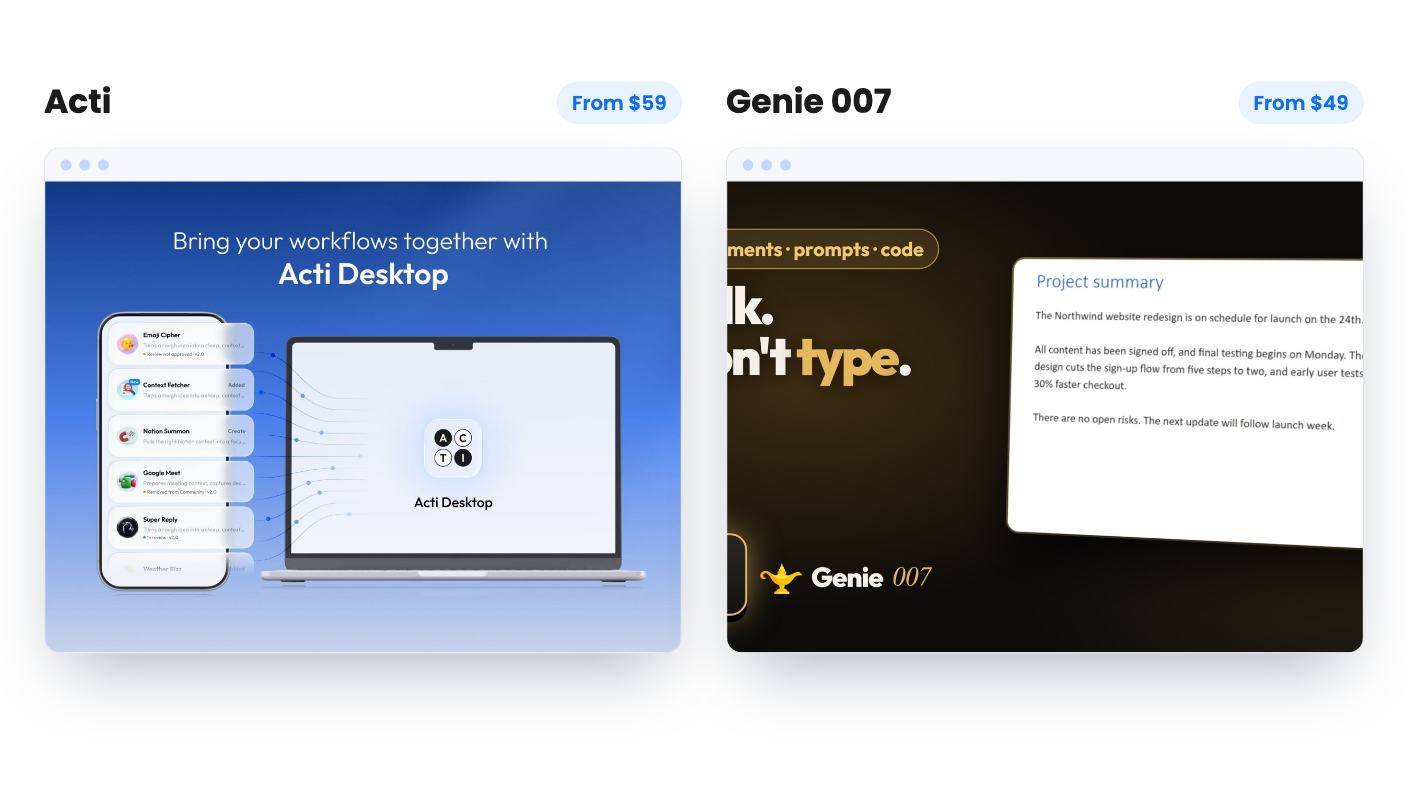
- Acti: $59, $109, $199 and $399, with 1,000, 3,000, 10,000 and 30,000 monthly credits on the likely mapping. All tiers get lifetime access and future plan updates. You must activate within 60 days, you can move between tiers, and there’s a 60-day money-back guarantee.
- Genie 007: $49, $98 and $147, with 600, 1,500 and 3,000 credits. You stack up to 3 codes, and you must redeem within 60 days. The listing text we have doesn’t mention a refund, so check the page before buying.
Genie’s stacking is decent value. Three codes cost $147 for 3,000 credits, which is five times the credits of one code for three times the price. If you know you’ll use it heavily, the top tier gives the better rate per credit.
Acti’s list prices are crossed out at $299 to $1,999, and Genie’s at $160 to $480. Ignore both. They’re standard AppSumo framing.
On proof, Acti has 47 reviews averaging 4.94 out of 5. AppSumo’s own summary of them mentions image handling and occasional responsiveness issues, which is marketing copy softening real complaints. Genie has one review at 5.00, which tells you nothing yet. Acti also lists $5.3 million in seed funding, which suggests runway. Genie is a founder-answered support inbox, so “lifetime” means as long as it exists.
Who should pick which
Pick Acti if your day is mostly on a phone, you write across languages, and you like the idea of small reusable helpers that you can borrow from a community library. Buy the $59 tier first, run it hard for a few weeks, and watch how fast credits drain. The 60-day refund window makes that a low-risk test. Skip the higher tiers until you know your burn.
Pick Genie 007 if you sit at a Windows or Mac machine and spend your mornings answering email, LinkedIn and Slack. The idea of saying “tell her I’m running late” and finding the message already written is the most useful claim on either page. It’s also the one we can least verify. Redeem early, try it on your real inbox, and ask about refunds first.
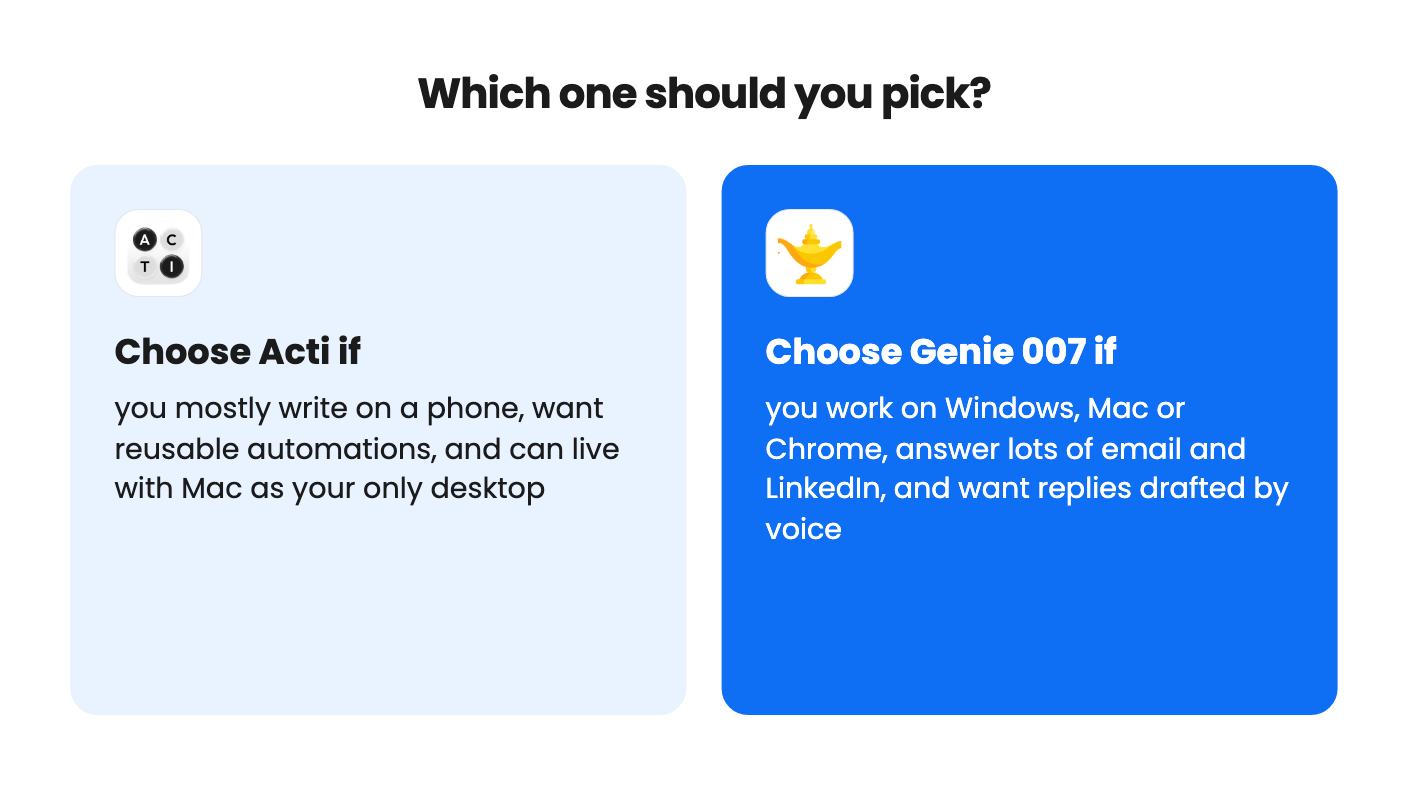
If you want both a phone keyboard and a desktop reply writer, you’d need two purchases, and Genie still won’t cover your phone. For a first LTD, I’d choose by where you actually type. Acti if it’s a phone, Genie if it’s a desktop. The overlap in features is smaller than the listings make it look.
How this comparison was made: researched from both tools' official listings and demo videos, and written with help from AI. We have not tested Acti or Genie 007 hands-on yet. Prices and deal terms change, so check AppSumo before you buy. See our affiliate disclosure.