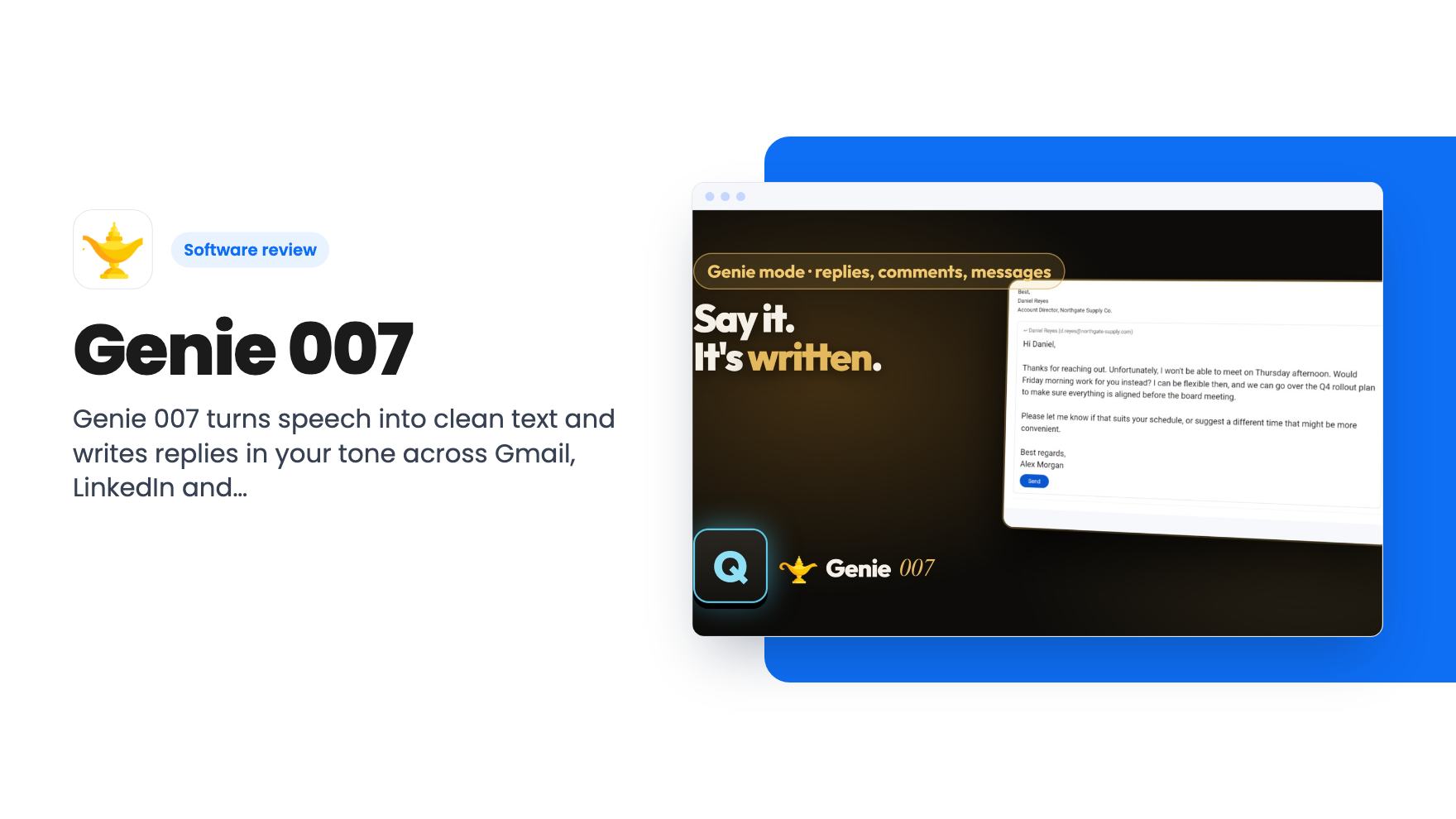
Picture a Tuesday where your inbox, your LinkedIn messages and a Slack channel all want an answer before lunch. None of the replies are hard. They just take time, and you’re typing every one of them with the same tired thumbs. Genie 007 is built for that exact slog, and it’s currently a lifetime deal on AppSumo from $49.
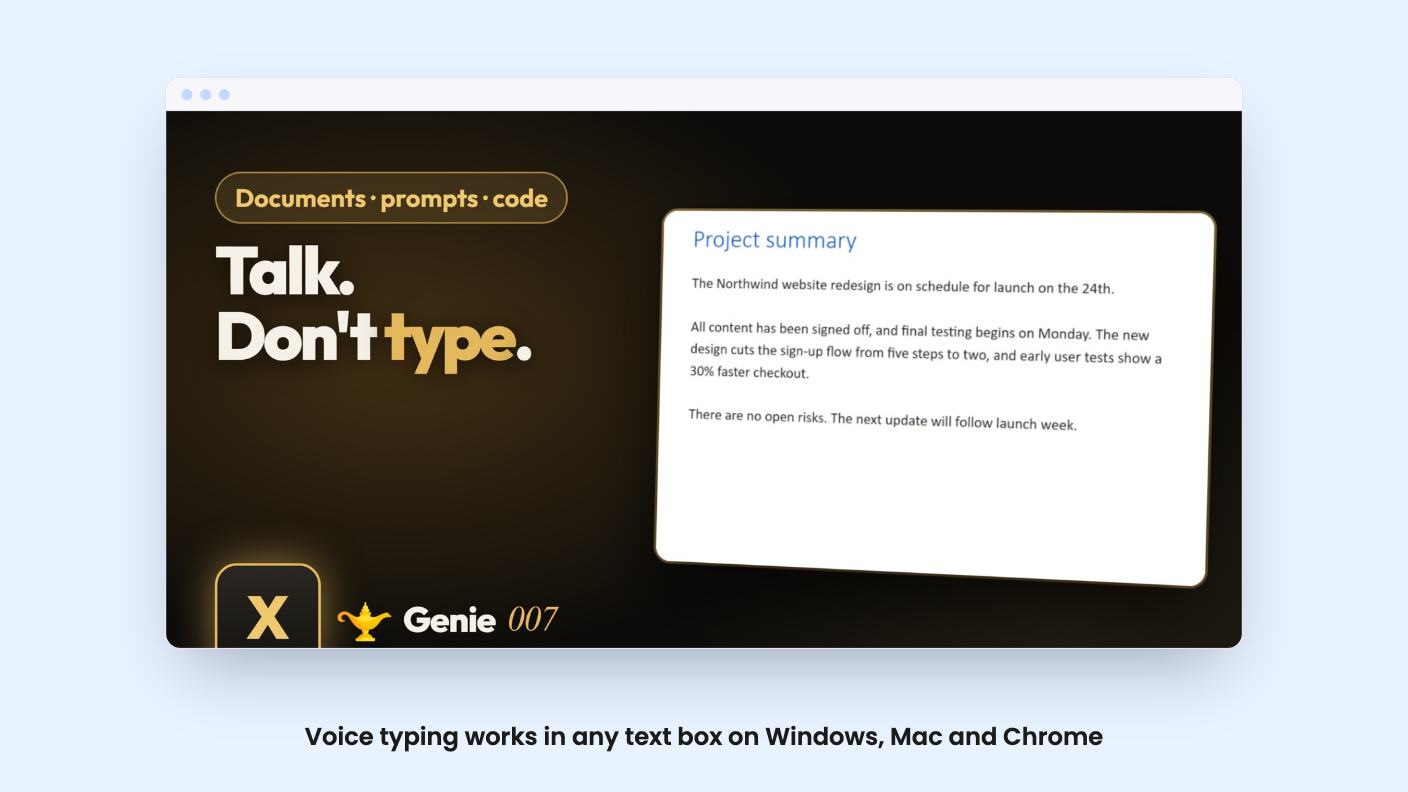
The idea is simple. You press a key, talk, and text lands where your cursor is. A second mode goes further and writes the whole reply for you. We haven’t used it, and there’s no demo video on the listing, so everything below comes from what the listing claims.
Two modes that do different jobs
Genie has voice typing and Genie mode, and it’s worth keeping them apart because they cost different amounts.
Voice typing is dictation. You press a key and talk, and clean text appears in any app and any text box, with punctuation and grammar handled. Each recording can run up to 5 minutes. The listing says it runs on speech models trained on more than a million hours of speech, which is a nice number but not something we can check.
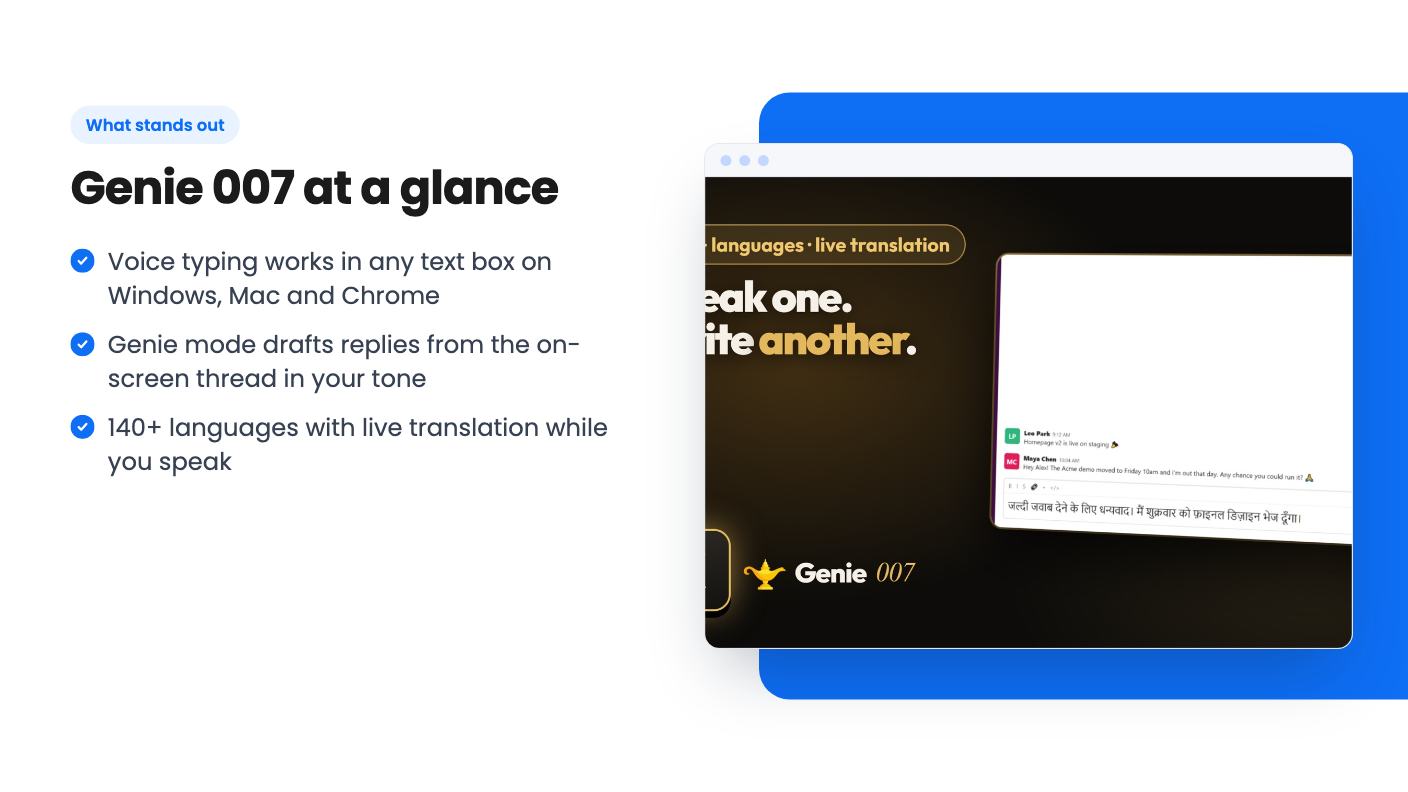
Genie mode takes an instruction instead of dictation. Say “reply and tell them yes” while a Gmail thread is open, and it’s supposed to write the full answer from the thread in front of you. Say “tell her I’m running late” and a WhatsApp, Teams or Slack message is written and waiting in the box.
That second mode is the real pitch. Dictation tools are common. A tool that reads the thread and drafts the reply is the part that could save you real time.
Where it writes, and in what shape
The listing names a lot of places. Gmail, Outlook and Apple Mail for email. LinkedIn for comments, replies, messages, posts and full articles. X posts and replies, Reddit comments, and cover letters or blog posts in Word, Google Docs or Notion.
The claim is that it writes in each app’s shape, so a comment comes out as a comment and an email as a proper email. That matters more than it sounds. Most of us have pasted a chatbot answer into LinkedIn and watched it read like a memo.
It also says you set your tone and what you do once, and replies come out the way you’d write them on a good day. How well that holds up across a hundred replies isn’t something the listing shows. Voice cloning of writing style is where tools tend to drift toward generic, so check a few drafts before you hit send on anything that matters.
To be clear about the integrations, the AppSumo list shows Gmail, LinkedIn, Microsoft Teams, Outlook and Slack. The FAQ adds more apps. Test the ones you actually use during the refund window.
Languages, names and snippets
Language support is generous on paper. There are 140+ languages with automatic detection, and you can switch mid-sentence. Live translation lets you speak Spanish, Hindi or Polish and get English text, or the other way round.
For anyone replying to customers abroad, that’s a practical feature. You speak in your language, choose theirs, and the reply goes out in it. The listing doesn’t say how translation quality compares to a dedicated tool, so for contracts or anything legal, have a native speaker look it over.
Two smaller features are quietly useful. There’s a personal dictionary for client names, product names and jargon, which is where dictation usually trips. And there are voice snippets, where a saved block pastes when you say a trigger phrase. Snippets cost no credits, so if you send the same payment reminder or booking link weekly, that’s free.
The credit math you should do before buying
This is where I’d slow down. Credits refresh on the 1st of each month, and unused ones don’t roll over.
Here’s how the tiers stack up:
- Tier 1, $49: 600 credits a month
- Tier 2, $98: 1,500 credits a month
- Tier 3, $147: 3,000 credits a month
A voice-typing recording is one credit. A Genie command is two. So 600 credits is 600 dictations, or 300 Genie commands, or a mix. If you dictate in short bursts all day, you could burn through that faster than you’d guess, because a recording is one credit whether it’s five seconds or five minutes. Long dictations are the efficient use of the plan. Short ones are not.
The listing doesn’t say what happens when you run out mid-month. It doesn’t mention overage packs or a slowdown. I’d assume you simply wait until the 1st, and I’d ask support before buying if that matters to you.
The stacking looks good value-wise. Three codes cost $147 and give 3,000 credits, which is more than three times a single code’s 600. If you know you’ll use it heavily, tier 3 is the better rate per credit. If you don’t know yet, start with one.
What the deal includes, and what it leaves out
You get the plan you bought for as long as Genie 007 exists, plus every future update to that plan. You have to redeem within 60 days. Devices are unlimited on one account, across the Windows app, Mac app and Chrome extension, and you can sign in with Google, Microsoft or email.
The missing pieces are worth stating plainly. There are no mobile apps in this deal. Recordings top out at 5 minutes. The Windows and Mac apps are downloaded from a beta page, which tells you the product is young. And the AppSumo page has one review, a 5.00 average, which is too little to lean on.
On privacy, the listing says recordings are processed and then gone, and that nothing is stored. The context features, the ones that read your screen, are switches you turn on yourself. That’s the right design, but it’s a claim, and screen-reading tools deserve a careful look at the privacy policy before you point them at client email.
Support goes to a founder-run inbox at support@genie007.com, and the listing says the founder answers it himself. That’s good for a small product. It’s also a reminder of how small the team is, and “lifetime” here means as long as Genie 007 exists.
Who should skip it
If you mostly work on your phone, skip it. No mobile apps means the whole idea falls apart on the go.
If you already pay for a dictation tool you like and rarely write emails from scratch, the Genie mode may not be worth the switch. And if you need transcripts of long meetings or podcasts, the 5-minute recording cap rules it out.
Heavy users should also pause. If you expect several hundred messages a week, even tier 3 has a ceiling, and nothing carries over. Check your own volume honestly first.
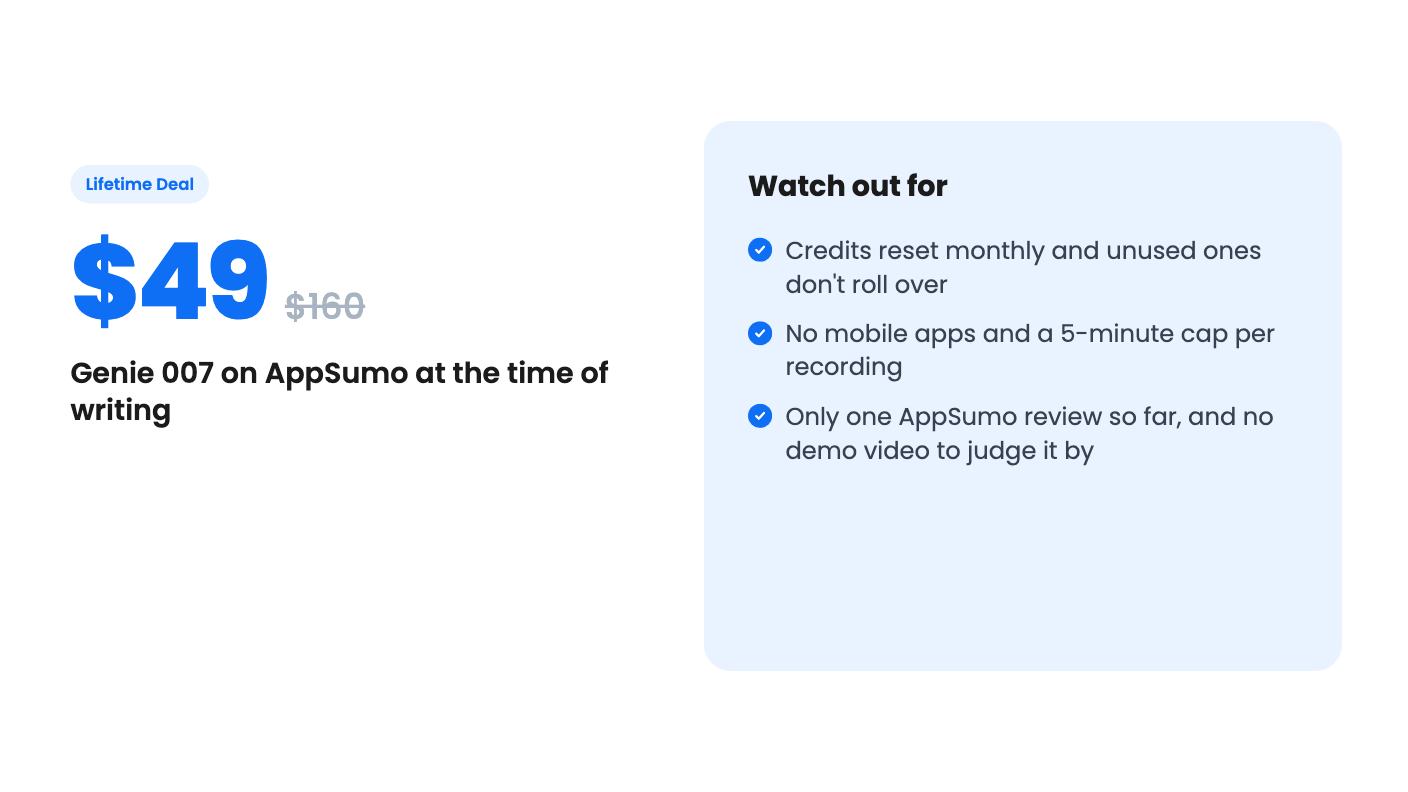
For a freelancer or founder who answers a lot of similar messages and has a clear sense of the volume, $49 is a small risk to take on something that might save an hour a week. Redeem the code early, try it on your real inbox, and decide inside the refund window rather than the 60-day redemption deadline.
How this review was made: researched from Genie 007's official listing, and written with help from AI. We have not tested Genie 007 hands-on yet. Prices and deal terms change, so check AppSumo before you buy. See our affiliate disclosure.