AI Writing & VideoTop deals
AppSumo Deals Ending Before Black Friday 2026: Buy or Wait?
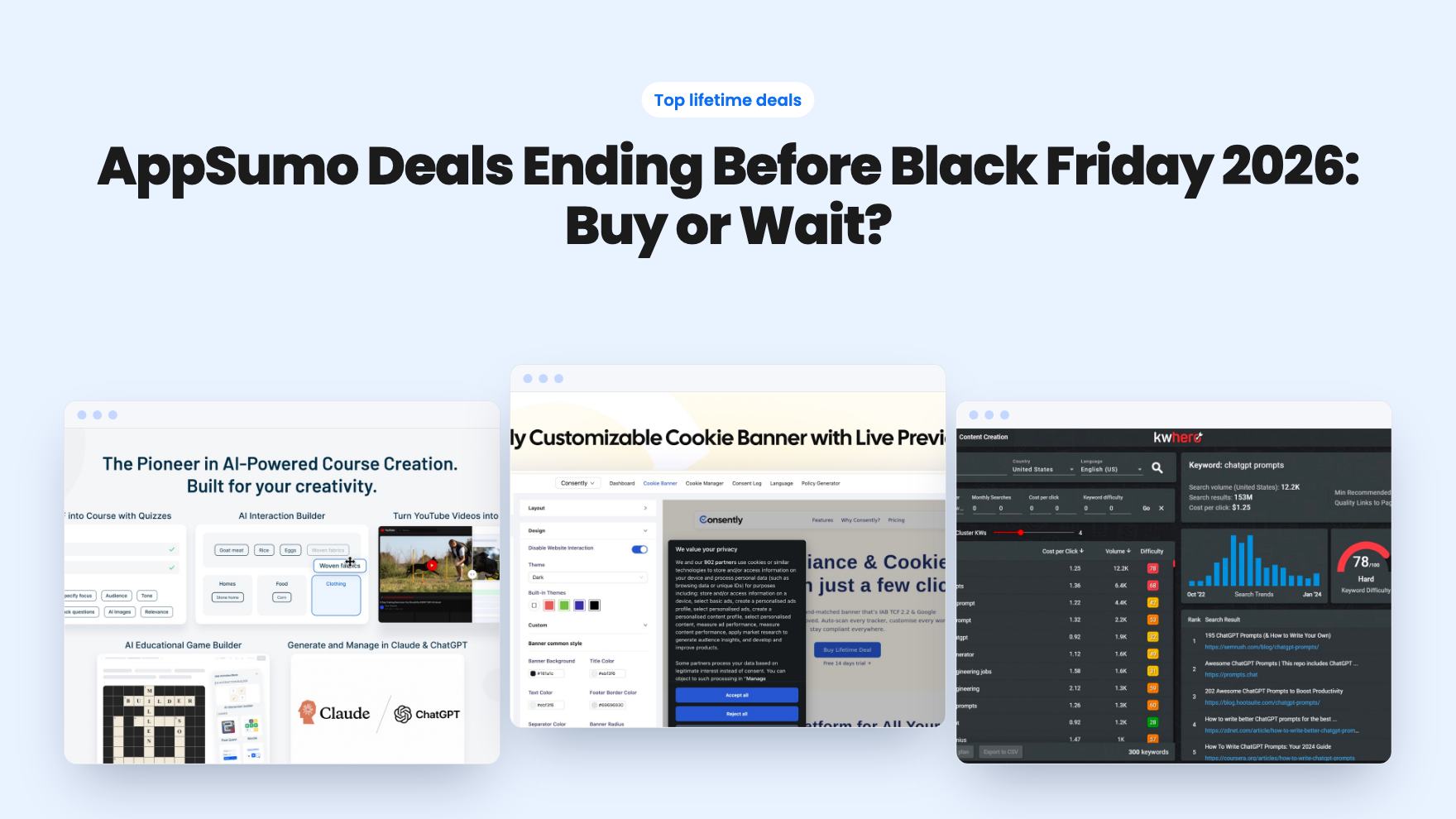
Fourteen AppSumo lifetime deals end before Black Friday on November 27, 2026. Here are the seven worth a look now, and who should skip them.
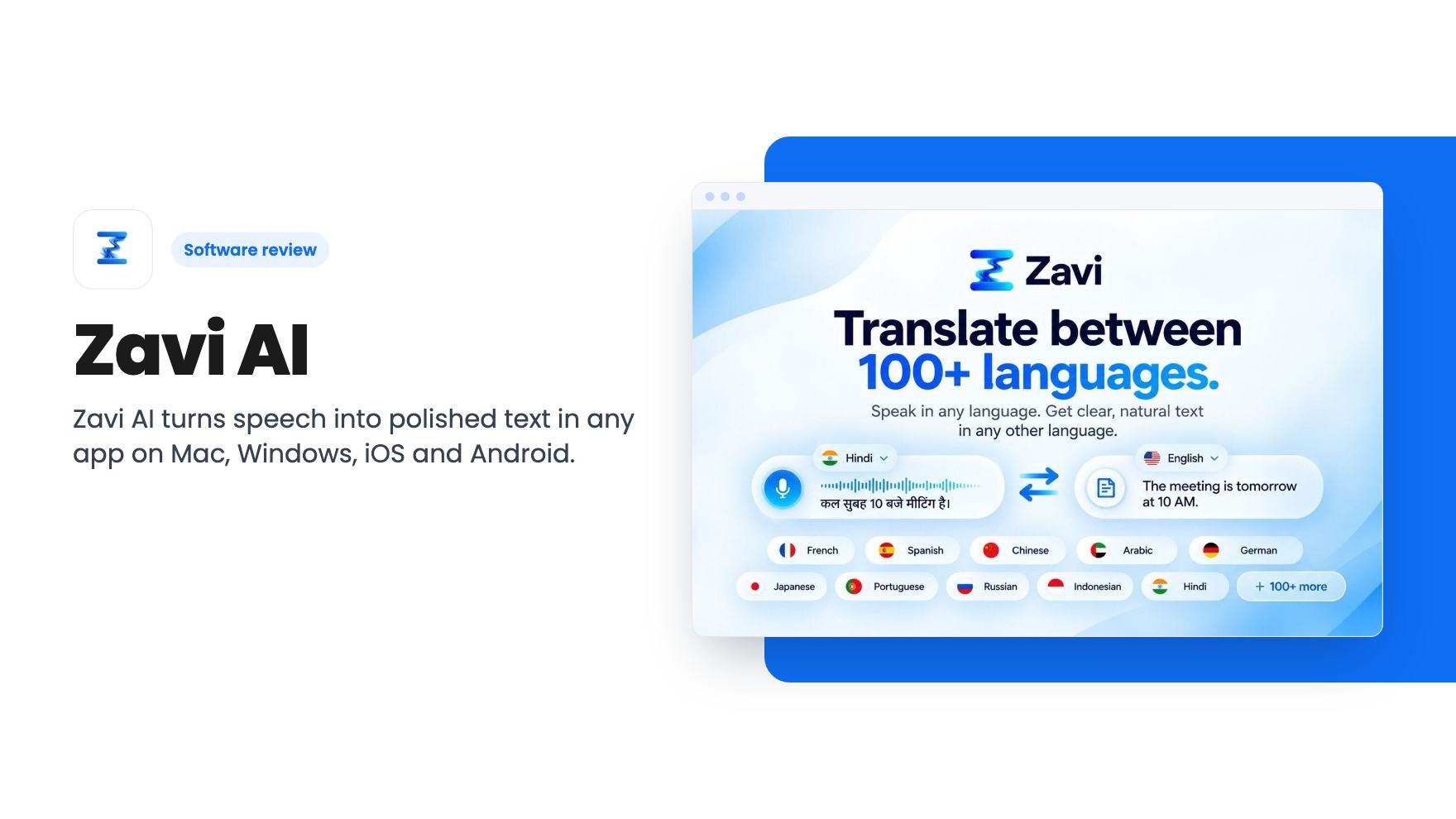
Zavi AI turns speech into polished text in any app on Mac, Windows, iOS and Android. Our review of the $49 AppSumo lifetime deal, its word caps and limits.
Lifetime deal price
$49$94895% off
Lifetime Deal
Our take: Zavi AI is worth a look for solo professionals who write a lot of email, chat and docs and want cross-device dictation without a subscription. Skip it if you dictate heavily beyond the 200,000-word cap on the $49 tier, or if you need BYOK, which only comes with the $239 and $439 tiers.
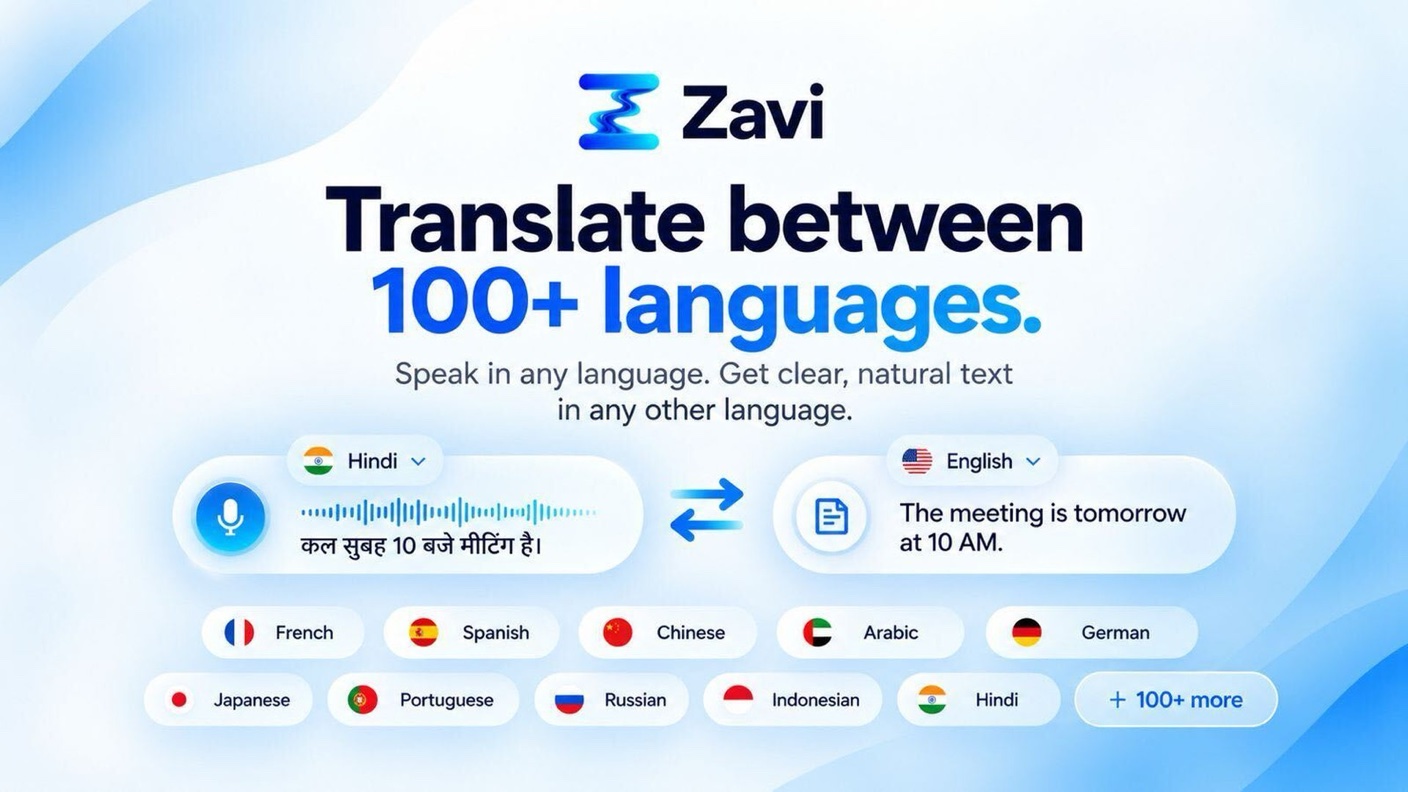
Zavi AI is a voice dictation tool. You speak, and it types polished text wherever your cursor is. According to the listing, that includes Gmail, Slack, Notion, WhatsApp, Google Docs, ChatGPT, LinkedIn and other text fields.
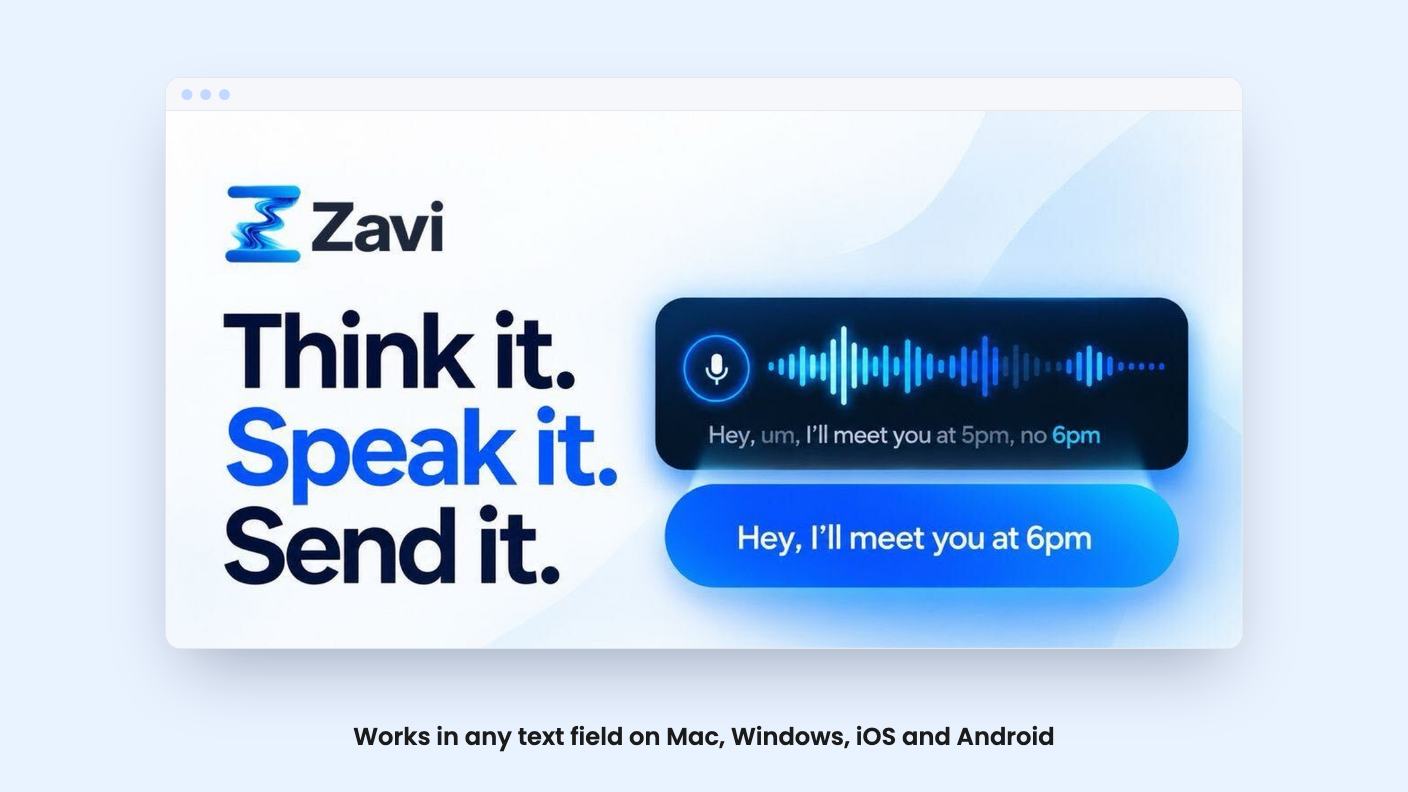
The pitch is that you don’t just get a raw transcript. Zavi removes filler words, fixes grammar and adds punctuation automatically. The aim is to let you speak a message and send it without cleaning it up.
Zavi runs on Mac, Windows, iOS and Android. Note that the product is sold through AppSumo, and we don’t have a demo video for this review. Everything here comes from the AppSumo listing.
The listing highlights these capabilities, all of which it says are included on every tier unless noted:
You install the native app on your computer or phone, then dictate into any text field. Zavi turns the speech into cleaned-up text at the cursor.
Two processing modes matter for your budget. On-device processing is available on all tiers. Cloud processing is the AI-polished path, and every word it writes counts toward a monthly allowance that resets each month. The listing doesn’t spell out exactly which features use cloud words, or how on-device output compares in quality, so it’s worth testing both during the refund window.
Magic Wand works on text you’ve already written. You select it, say what you want changed, and the edit happens in place.
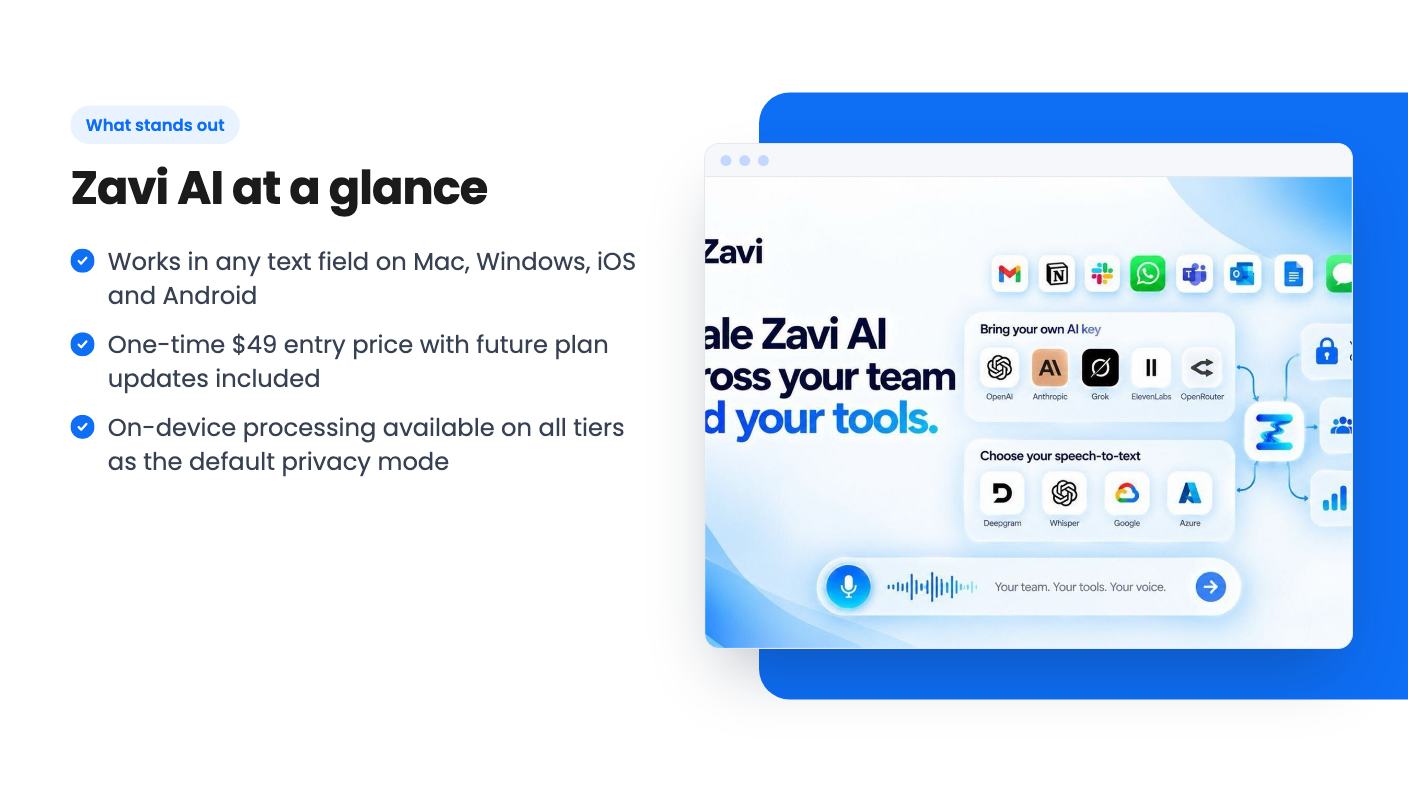
The AppSumo deal is a lifetime license with four tiers. All tiers include lifetime access, all future plan updates, and the ability to upgrade or downgrade between tiers. There are no codes and no stacking.
| Tier | Price (list) | Cloud words/month | Team members |
|---|---|---|---|
| 1 | $49 ($948) | 200,000 | 1 |
| 2 | $119 ($2,148) | 600,000 | 3 |
| 3 | $239 ($5,988) | 1,400,000 | 7 |
| 4 | $439 ($10,788) | 3,000,000 | 15 |
A few conditions to know:
The main limit is the monthly cloud word cap. The 200,000-word allowance on Tier 1 is a real ceiling for anyone who dictates for hours each day. Lifetime access also means the allowance is fixed to your tier, so choose by your expected volume rather than hoping to upgrade cheaply later. Upgrading is allowed, but the listing doesn’t say what it costs.
BYOK is reserved for Tiers 3 and 4. Those are the tiers with 7 and 15 seats, so a solo user who wants their own API keys has to buy a team-sized plan.
Good fit:
Think twice:
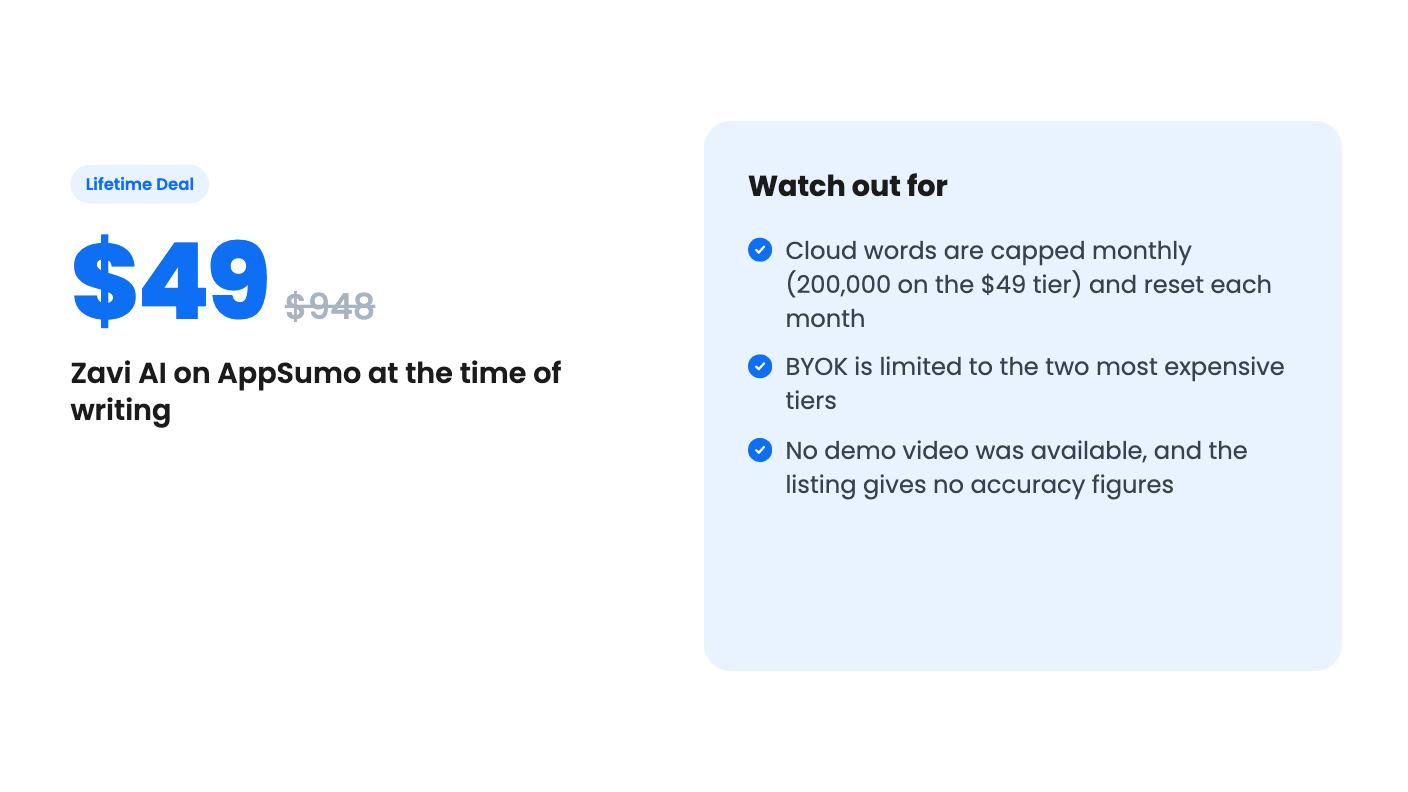
If you’re curious, the $49 tier is a low-risk way to try Zavi, since the 60-day refund window gives you time to check dictation quality in your own apps. Use that time to see how quickly you approach the monthly word cap.
The listing says every word Zavi transcribes and polishes counts toward your monthly cloud word allowance, and that the allowance resets each month. It does not explain what happens at the limit, so check with the vendor before relying on heavy daily use. Tier 1 includes 200,000 cloud words a month.
Yes. According to the listing, it runs natively on macOS 12+ and Windows 10+, and as a mobile app on iOS 16+ and Android 8+. Desktop apps are included on all tiers.
BYOK is available only on Tier 3 ($239, 7 seats) and Tier 4 ($439, 15 seats). It lets you connect your own keys from providers such as OpenAI, Anthropic, Grok, ElevenLabs, or OpenRouter.
How this review was made: researched from Zavi AI's official listing, and written with help from AI. We have not tested Zavi AI hands-on yet. Prices and deal terms change, so check AppSumo before you buy. See our affiliate disclosure.
Fourteen AppSumo lifetime deals end before Black Friday on November 27, 2026. Here are the seven worth a look now, and who should skip them.
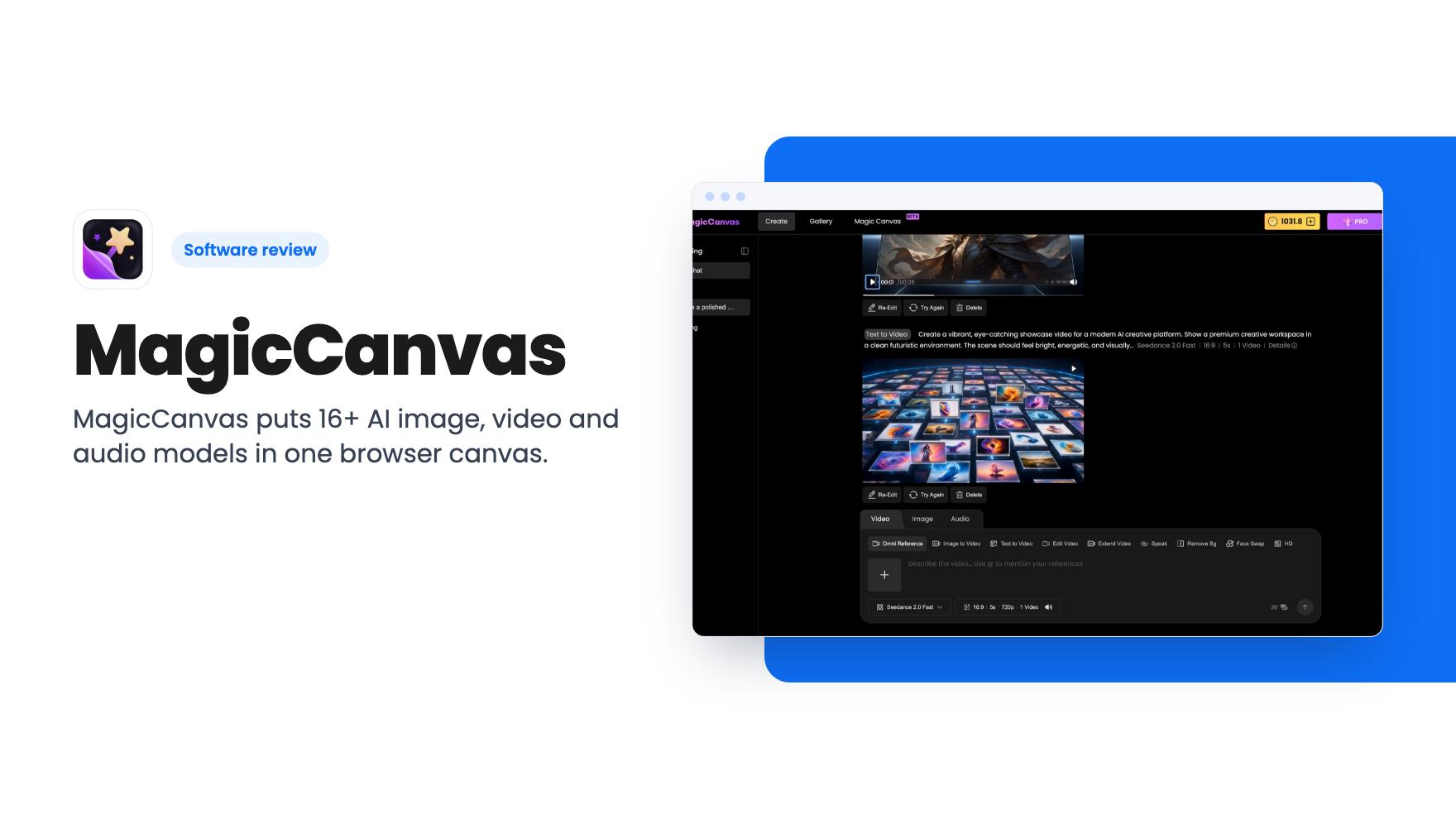
MagicCanvas puts 16+ AI image, video and audio models in one browser canvas. The $59 lifetime deal looks cheap, but the monthly credit caps matter most.
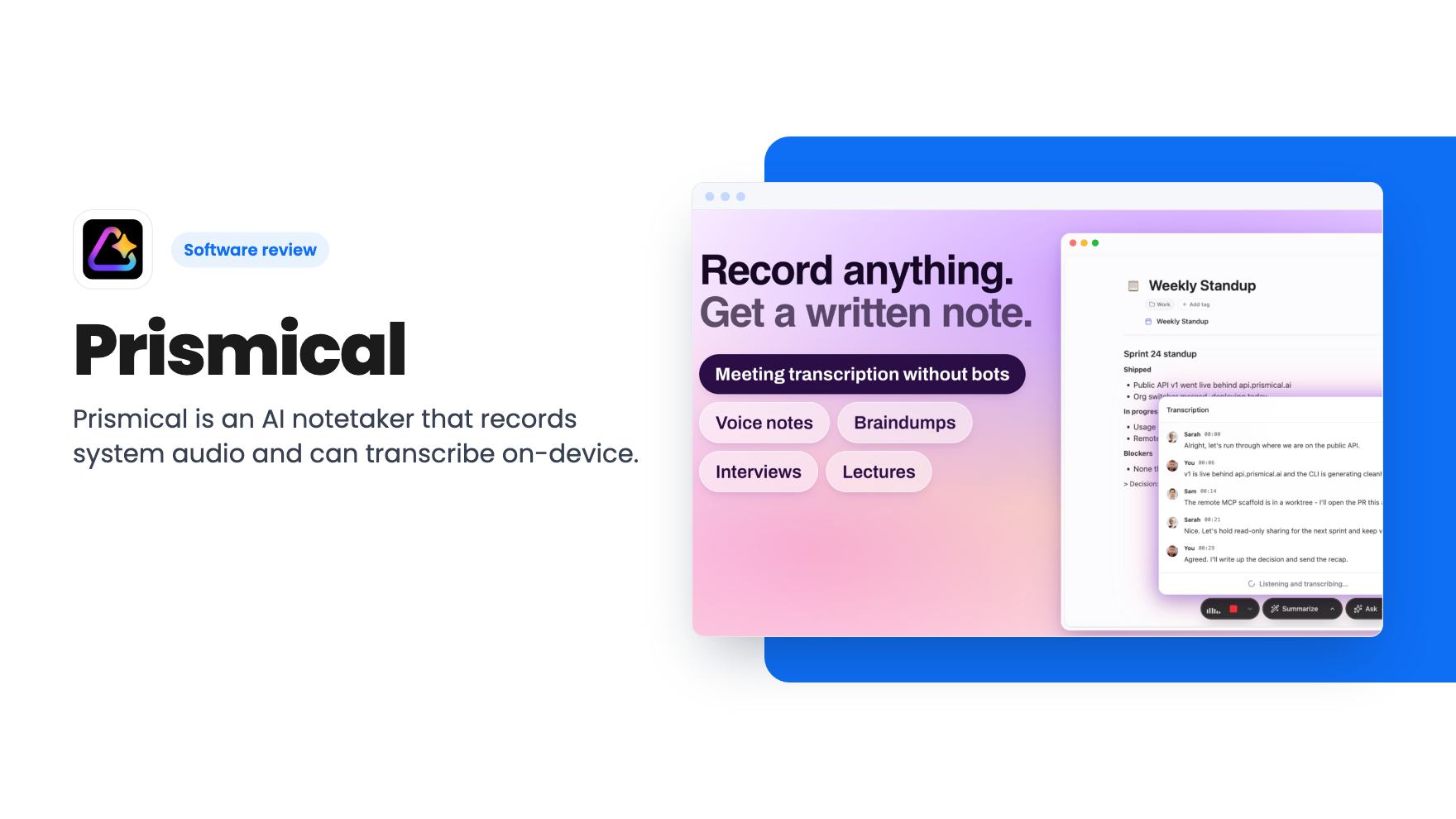
Prismical is an AI notetaker that records system audio and can transcribe on-device. The AppSumo lifetime deal runs $59 to $749, and the tier limits matter.